The best computer for most students is a MacBook Air, not a tablet pretending to be one
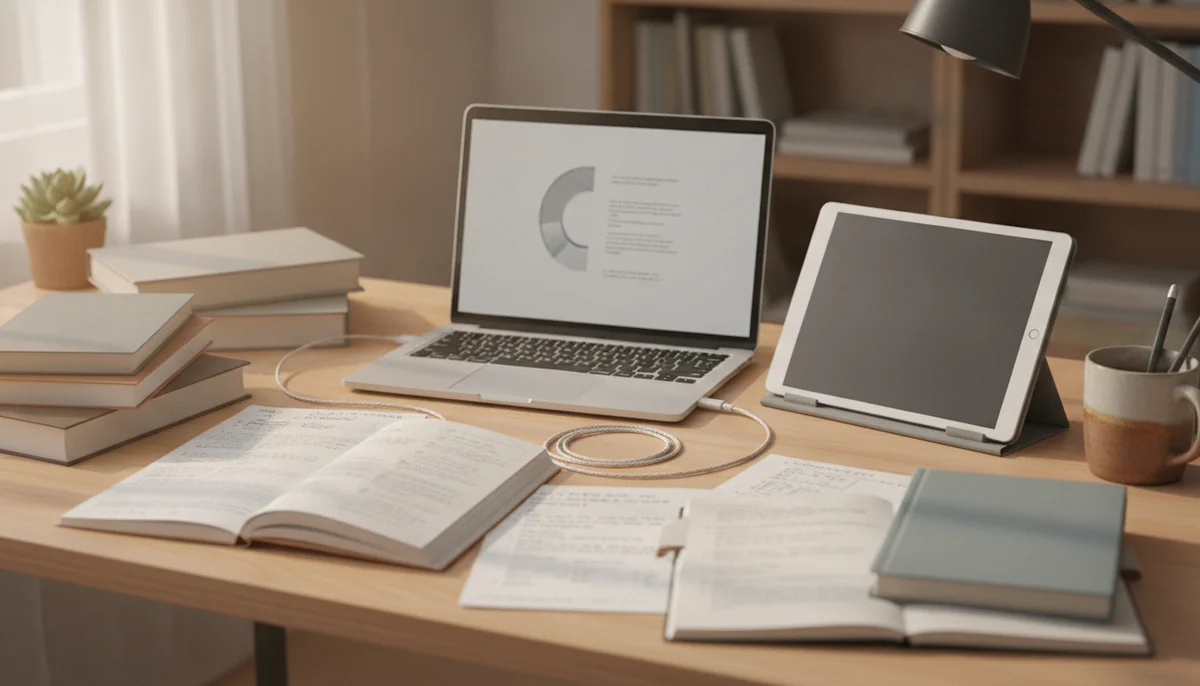
A student device has one unforgiving job: it must open the software the course requires, survive a crowded week of tabs and documents, and remain portable enough to attend class rather than becoming an expensive dorm-room ornament. That makes a proper laptop the default. Tablets are excellent readers, notebooks and media screens, but a keyboard case does not grant them unrestricted desktop applications, conventional file handling or every specialist tool hidden in a syllabus.
The 13-inch MacBook Air M5 is the strongest all-round choice here. Its 16GB of memory and 512GB SSD form a credible long-term baseline, the fanless body remains silent in lectures, and its low weight makes daily carrying unusually painless. The 60Hz display is dated for a premium computer, both Thunderbolt ports sit on the left, and long renders eventually meet the limits of passive cooling, but those faults affect fewer students than the weak memory, poor screens or software restrictions elsewhere in this field.
That recommendation has a large qualification: macOS must fit the course. Engineering packages, examination software, specialist business tools, games and institution-managed applications can still require Windows. Check departmental guidance before choosing a platform, not after orientation. If Windows is mandatory and the budget is tight, a healthy renewed Dell Latitude 5420 offers far more useful hardware than the new 4GB HP machines, though its battery and refurbishment must be treated as unknown until inspected.
Buy the MacBook Air: when you need one portable computer for research, writing, coding, calls and moderate creative work.
Buy the A16 iPad: when the main jobs are reading, handwriting, PDF annotation, media and ordinary tablet apps.
Buy the renewed Dell: only when Windows compatibility matters and you can test the individual unit during a useful return period.
Buy neither tablet nor laptop blindly: when the department publishes hardware or software requirements that decide the choice for you.
Start with the course, then choose the machine
The wrong operating system is a more serious problem than a slower benchmark. Ask whether the course requires Windows-only software, full desktop Adobe applications, CAD, statistical packages, local programming tools, secure examination clients or institution-managed browser extensions. A Chromebook is suitable only when the workload genuinely lives in a browser and Google Workspace; our guide to what a Chromebook can and cannot do explains that boundary before a low purchase cost becomes an expensive mistake.
| Student workload | Best direction | Minimum sensible priorities | Common mistake |
|---|---|---|---|
| Essays, research and online classes | MacBook Air or capable Windows laptop | 16GB memory, comfortable keyboard, dependable battery and enough local storage | Buying a 4GB machine because light work sounds undemanding |
| Programming and technical courses | Laptop approved by the department | Desktop development tools, 16GB or more memory and adequate SSD capacity | Assuming a tablet app or browser IDE will reproduce the required environment |
| Handwritten notes and PDFs | iPad, pen-equipped Galaxy tablet or focused E Ink notebook | Active stylus support, readable display, practical document workflow and a secure pen case | Paying for processor power while ignoring pen compatibility and accessory cost |
| Design, art and media production | MacBook Pro, suitable laptop or iPad with complete app support | Color-appropriate display, sufficient memory, storage and the exact required applications | Confusing a fast chip with a complete professional workflow |
| Reading, streaming and light study | Affordable tablet | Good app access, adequate storage, comfortable size and long battery life | Expecting a media tablet to become a primary computer after adding a keyboard |
Memory is not where a four-year degree should begin economizing
Sixteen gigabytes is the sensible laptop baseline in this group. It leaves room for a browser, video call, office applications and course software to coexist without making every busy session a memory-management exercise. Four gigabytes can still run a narrow ChromeOS or Windows workload, but it offers little protection against heavier web applications, background services or the ordinary habit of keeping research open while writing.
Storage needs depend on the platform and course, but 128GB is a practical tablet starting point and a restrictive Windows-laptop capacity. Operating systems, updates and applications consume part of the advertised total before the first assignment arrives. Media, games, virtual machines, local datasets and creative projects can make 256GB feel small, while cloud services are not a substitute for offline access during travel, poor campus Wi-Fi or service trouble. The site’s guides to tablet storage, iPad storage and MacBook memory handle those choices in greater detail.
A tablet is a companion unless the entire workflow proves otherwise
Tablets are often better than laptops for handwritten notes, long reading sessions, touch-first diagrams, field reference and media. Laptops remain better for sustained typing, several visible windows, desktop software, conventional file management and peripherals. Students determined to use one device should audit every required application, plugin, examination system and external accessory before reading our laptop versus tablet comparison or the narrower iPad versus MacBook guide.
The student laptops and tablets worth considering
The ranking favors dependable coursework over spectacle. A product can be excellent and still sit low because its cost, screen size or specialized purpose makes it the wrong default for a student buying one machine.
The laptops
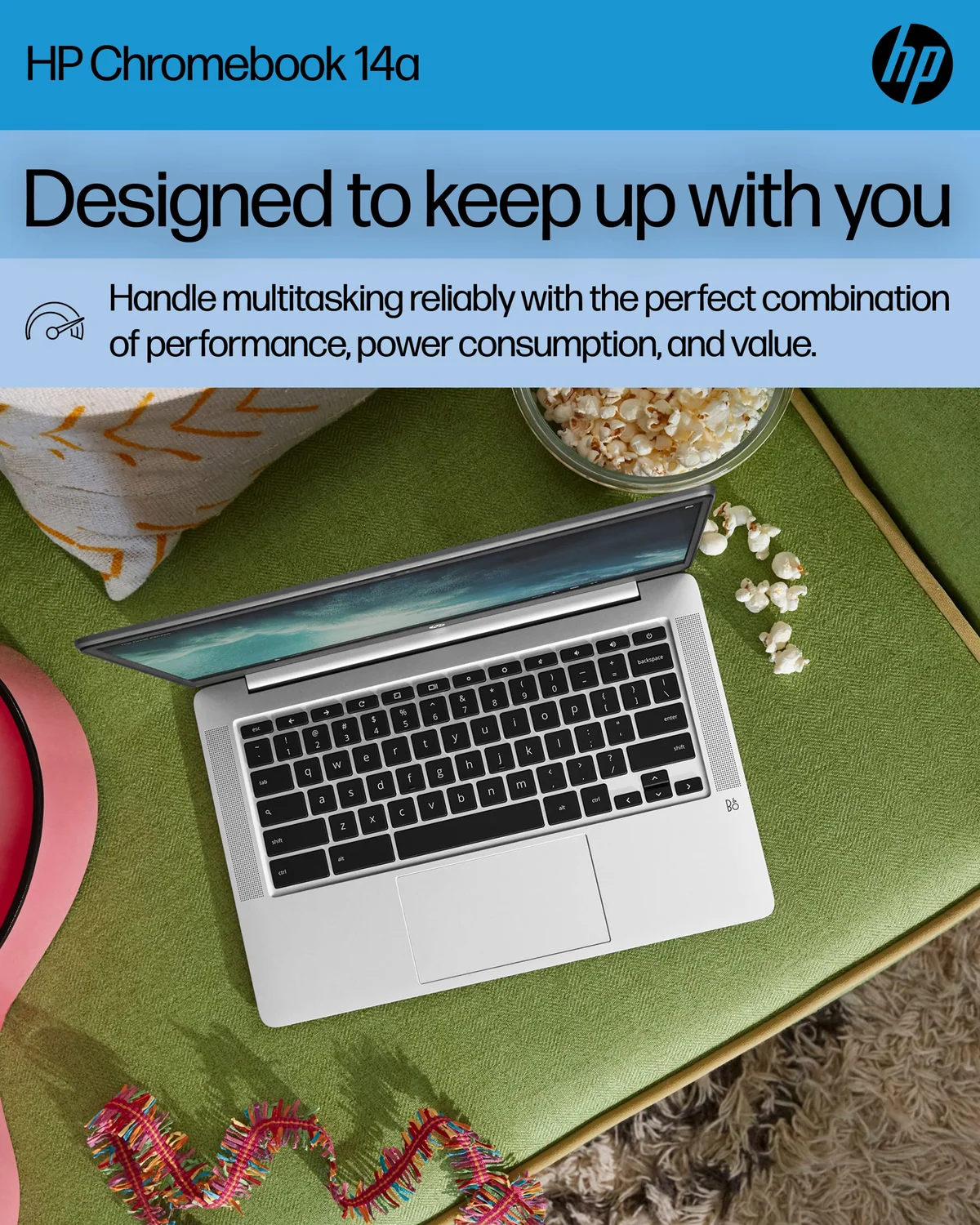
Choose the HP Chromebook 14 only for tightly limited browser-based schoolwork.
It is a simple Google Workspace machine for Classroom, Docs, email and streamed lessons when the exact model is deeply discounted and its remaining update support has been checked.
The 1366 × 768 screen, 4GB of memory, 64GB eMMC storage and ChromeOS software limits make it a poor general student laptop.
Consider the HP Pavilion N150 only for light Windows study with disciplined storage use.
Its 16GB of memory gives ordinary documents, browsing and video calls more breathing room than the 4GB HP alternatives.
The 128GB storage can become too cramped for Windows updates, and the data-only USB-C port cannot charge the laptop or drive monitors through a dock.
Skip the 4GB HP 14 unless one simple Windows task defines the entire purchase.
The Intel N150, 128GB storage and familiar Windows environment can cover basic documents, browsing and online classes.
Four gigabytes of memory is too restrictive for comfortable student multitasking, while retained reviews raise concerns about warranty eligibility, charging and display faults across a confused listing record.
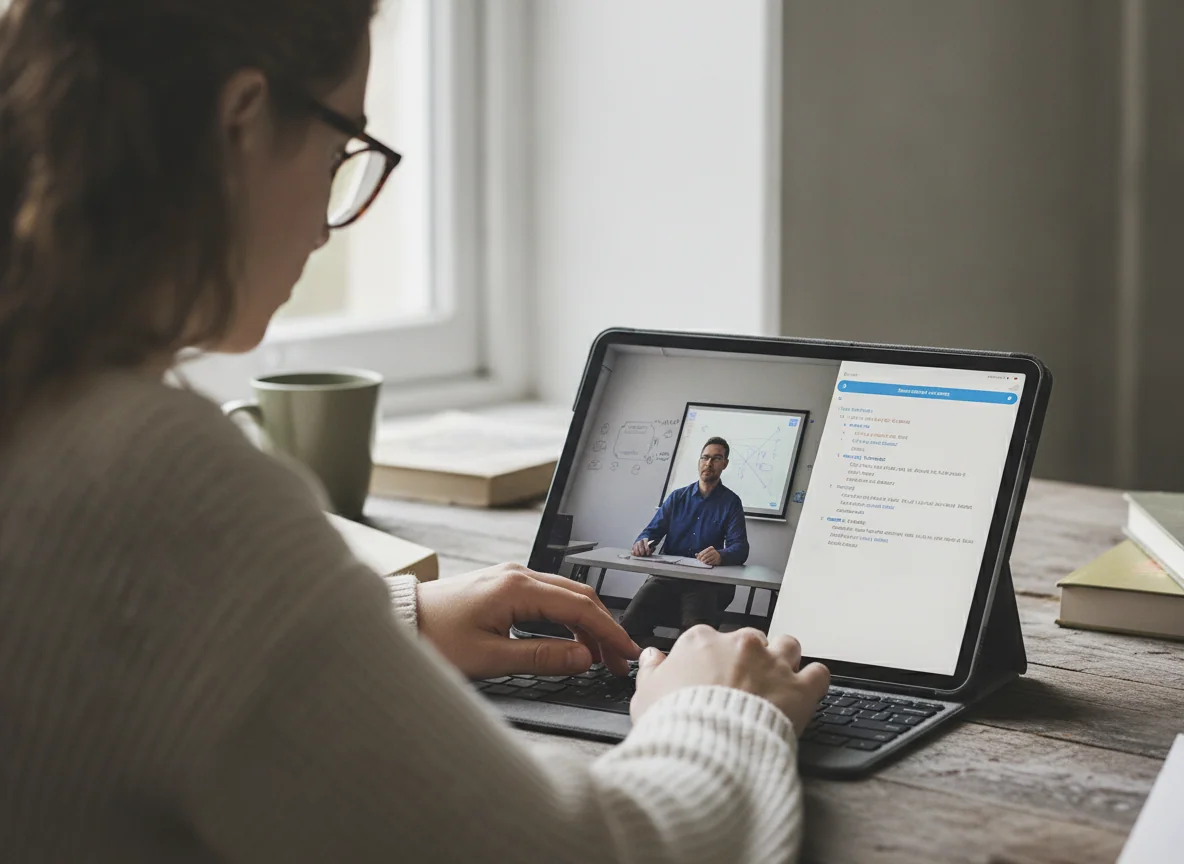
Choose the renewed Dell Latitude 5420 when Windows value matters more than cosmetic certainty.
Its Core i5-1145G7, 16GB of replaceable memory, Full HD display, SSD and excellent port selection make a healthy unit capable of serious study, office work and mainstream programming.
Renewed units vary sharply in battery health, charger correctness, cooling, Windows setup and reliability, so the return period is part of the product.
Buy the 13-inch MacBook Air M5 as the best all-round student computer.
It combines 16GB of memory, a 512GB SSD, excellent everyday performance, silent operation, strong battery life and a 2.7-pound body that is easy to carry through a full day.
The 60Hz SDR display looks conservative at this tier, the ports are sparse and macOS remains wrong for courses built around incompatible Windows software.
Choose the 15-inch MacBook Air M5 when the laptop screen will be your main workspace.
Its larger canvas makes spreadsheets, research beside writing, timelines and code easier to manage without requiring the weight and cooling hardware of a Pro.
The broad body is awkward on lecture-hall desks and travel trays, while the 60Hz IPS screen and two left-side Thunderbolt ports remain disappointing.
Choose the 14-inch MacBook Pro M5 only when your course uses its display, ports and cooling.
The 120Hz mini-LED XDR display, 1TB SSD, HDMI, SDXC slot and active cooling suit photography, design, music, development and moderate professional media work.
The fixed 16GB memory creates an awkward ceiling for heavy professional workloads, while ordinary students can obtain the same basic coursework experience from a lighter Air.
Affordable and general-purpose tablets
Choose the Fire HD 10 for inexpensive entertainment and supported Amazon-centered study apps.
Its 10.1-inch Full HD screen, long battery life, family profiles, headphone jack and microSD expansion make it a useful secondary device for video, reading and light browsing.
Fire OS lacks official Google Play access and can exclude an essential school, library, communication or streaming app.
Choose the Lenovo Tab One when a small Android tablet will actually leave the house.
The compact 8.7-inch body, conventional Google Play access, microSD slot, headphone jack, long battery life and included folio make it a practical reader and travel screen.
The coarse 1340 × 800 display, slow eMMC storage, 4GB memory and short support runway make patience part of every ambitious task.
Buy the 11-inch A16 iPad as the best student tablet for most people.
Its responsive performance, mature app library, practical 128GB starting capacity, long battery life and USB-C Pencil support cover reading, class notes, PDFs, calls and ordinary creative work.
The reflective non-laminated 60Hz screen compromises bright-room use and precise art, while Apple Intelligence and Pencil Pro are unavailable.
Choose the Galaxy Tab A11+ for affordable Android study and unusually long software support.
Its responsive everyday performance, 6GB of memory, 128GB storage, microSD slot, headphone jack and seven-year support promise form a strong family and school package.
The washed-out TFT screen has narrow viewing angles, and the tablet lacks active S Pen support and wired monitor output.
Choose the Galaxy Tab S10 FE+ for full-page notes, PDFs and split-screen study.
The enormous laminated 13.1-inch display, included S Pen, exceptional battery endurance, microSD expansion, IP68 protection and long support make it a persuasive digital desk.
The midrange processor, bulky 664g body, LCD black levels and USB 2.0 port make it unsuitable for demanding games or serious docked laptop replacement.
Specialist iPads and a focused notebook
Choose the iPad mini A17 Pro only when compactness solves a repeated student problem.
Its 8.3-inch body, strong performance, 128GB storage and Pencil Pro support make an excellent pocketable reference, reader, field notebook and handheld game screen.
The cramped workspace, unchanged 60Hz LCD and awkward landscape video-call camera make it a risky only tablet.
Choose the 11-inch iPad Air M4 for demanding Pencil work in a genuinely portable tablet.
The M4 chip, 12GB of memory, laminated display, Pencil Pro support and fast USB-C connection provide substantial headroom for art, notes, editing and supported professional apps.
The 60Hz LCD, roughly 90GB of free space on the 128GB model, one port and expensive accessories weaken its value for ordinary tablet use.
Choose the 13-inch iPad Air M4 when the tablet will live on a desk, stand or keyboard.
The page-sized canvas gives music, PDFs, handwritten notes, illustration and several iPadOS windows room that the smaller Air cannot provide.
The large body is tiring to hold, the 60Hz LCD remains visibly below Pro hardware and 128GB can become cramped once creative projects accumulate.
Choose the 11-inch iPad Pro M5 when OLED, 120Hz motion and Pencil work matter every day.
The tandem-OLED display, compact 444g body, M5 performance, 12GB memory, Face ID and four speakers make it the finest portable tablet in this group.
Most coursework cannot justify the Pro premium, and iPadOS still cannot run missing Mac applications, unrestricted installations or every professional plugin.
Choose the 13-inch iPad Pro M5 only for an established iPad-first professional workflow.
Its large tandem-OLED canvas, ProMotion, Pencil Pro support, 12GB memory, Thunderbolt connection and immense performance suit serious art, design, document and multi-window work.
The glossy 256GB model is cumbersome to hold, excludes nano-texture glass and becomes laptop-priced once its keyboard, Pencil and protection are added.
Choose the reMarkable Paper Pro only when handwriting and PDF annotation already structure your studies.
The large color E Ink display, convincing pen feel, front light and Marker Plus create a focused digital notebook with no browser or social apps competing for attention.
It is expensive, fragile enough to demand protection, limited to narrow document workflows and unable to replace a laptop, conventional tablet or protected-ebook reader.
The short version
Buy the 13-inch MacBook Air M5 if one portable computer must carry the degree and the course supports macOS. Buy the A16 iPad if the purchase is primarily a tablet, or pair it with a laptop when handwritten notes and reading deserve their own device. Choose the renewed Dell only after accepting the inspection work. Every more expensive iPad, larger tablet and Pro laptop here should answer a specific requirement rather than a general desire for the best specification sheet.
Frequently Asked Questions
Should a student buy a laptop or a tablet first?
Most students should buy a laptop first because desktop software, sustained typing, file management and examination systems create fewer compatibility risks than a tablet workflow.
Is the 13-inch MacBook Air M5 the best choice for every major?
No, it is the best all-round choice only when the department supports macOS and does not require incompatible Windows applications or hardware.
Is 16GB of laptop memory enough for college?
Sixteen gigabytes is enough for most research, office, coding and moderate creative workloads, while virtual machines, large media projects, engineering software and local AI can justify more.
Can the A16 iPad replace a student laptop?
It can cover notes, PDFs, web research, calls and light documents, but desktop-only applications, complex file workflows and sustained keyboard work still favor a laptop.
Is a Chromebook suitable for school?
A Chromebook is suitable when the complete workload lives in supported web and Android applications, but it is a poor choice for courses requiring conventional Windows or macOS software.
Should students buy a renewed business laptop?
A renewed business laptop can offer excellent performance and repairability for the money, but only when the battery, charger, display, storage, ports, Windows activation and return protection are checked immediately.
Is 128GB enough for a student tablet?
It is enough for notes, documents, apps and moderate downloads, while large games, offline video and creative projects make greater internal or expandable storage safer.
Which tablet is best for handwritten class notes?
The Galaxy Tab S10 FE+ offers the most complete large-screen note package here, while the iPad Air is stronger for demanding creative apps and the reMarkable is best for distraction-free handwriting.
Does a keyboard case turn an iPad into a MacBook?
No, a keyboard improves typing but does not add macOS applications, unrestricted installation, conventional laptop stability or every desktop file and peripheral workflow.
Should a student pay extra for an iPad Pro?
Only students who will repeatedly use its OLED display, 120Hz refresh, Pencil workflow, Face ID or demanding supported applications should pay the Pro premium.
Our Top Recommendation
Based on our research, the HP Chromebook 14 N4120 is our top pick — students.