The iPad Pro 13-inch M5 is magnificent overkill
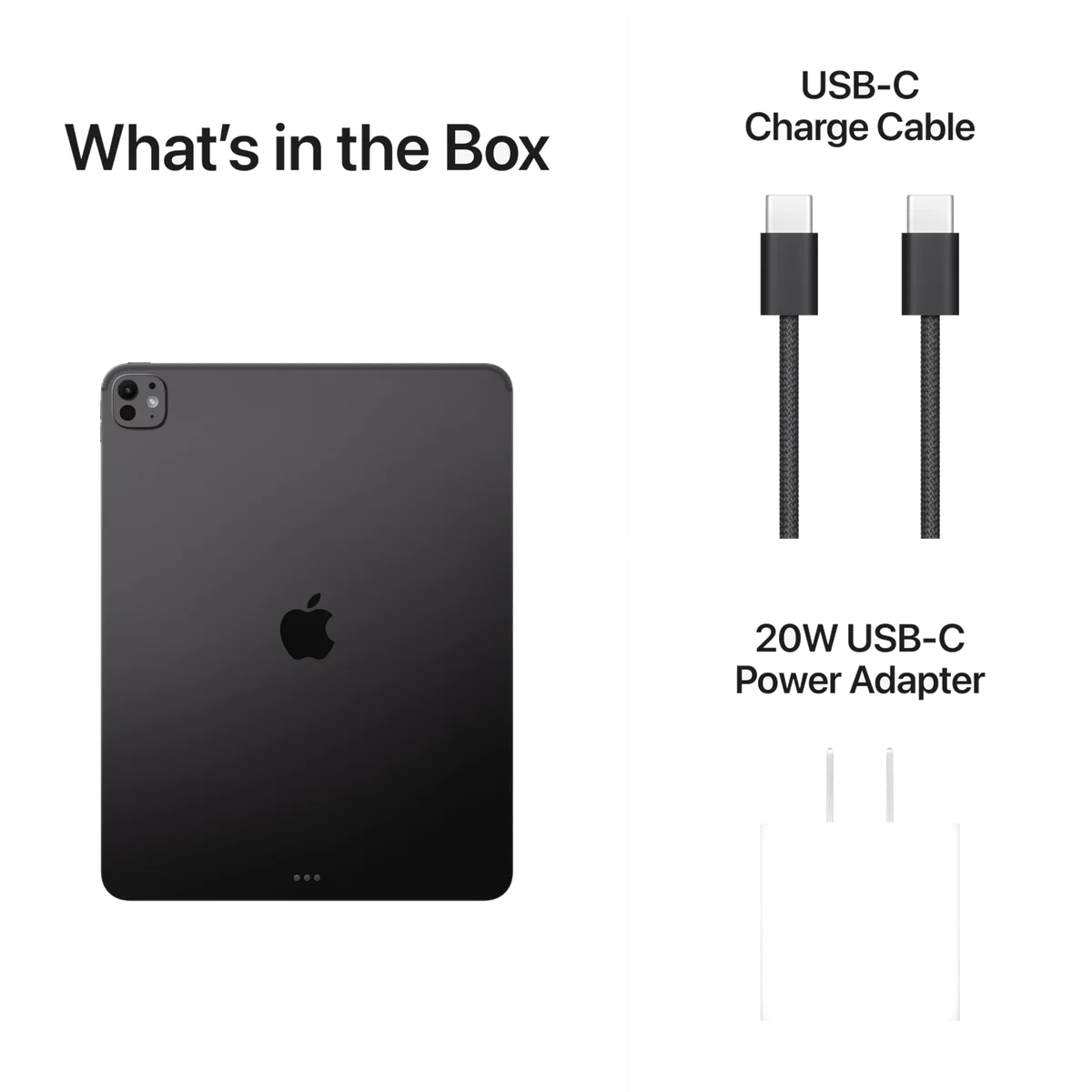
Most people should buy a less extravagant iPad, but artists, designers and committed iPad-first workers can justify the 13-inch M5 when its display, canvas and app support directly fit their work.
Based on published owner reports, 1 owner discussion and 3 other sources. We have not tested this machine ourselves.
We earn a commission if you buy through our links, which does not affect what we say.
Read how this site works →
Final verdict
The iPad Pro 13-inch M5 is a superb tablet and a deliberately difficult recommendation. Its display, thin construction, Pencil support and sheer performance are remarkable, but excellence does not automatically create value. Most buyers will be served by an iPad Air, an 11-inch model or a laptop with fewer software boundaries.
Buy it when the 13-inch canvas is central to the job, the job has a strong iPad application and touch or Pencil input changes how that job gets done. Skip it when the plan is vague, the required desktop software has no proper iPad equivalent or the tablet will spend most of its life unsupported on a couch. M5 supplies more than enough power; the buyer must supply a reason to use it.
Apple has built a startlingly thin computer around one of the finest tablet displays available, then given it more processing power than most buyers will expose. That imbalance is the entire review. The iPad Pro 13-inch M5 can be an extraordinary creative workstation, a focused writing machine or a highly capable laptop substitute, but only after a buyer proves that iPadOS supports the exact work in question.
The model reviewed here is the Space Black, Wi-Fi-only configuration with 256GB of storage. It has 12GB of unified memory, a nine-core CPU and a ten-core GPU. It does not have cellular service or nano-texture glass, and the marketing language about as much as 16GB of memory and 2TB of storage describes the wider range rather than this specific unit.
That distinction matters because the base model is not merely a smaller-storage version of every other M5 iPad Pro. Moving to 1TB or 2TB also brings 16GB of memory, a ten-core CPU and eligibility for nano-texture glass. The 256GB model retains the same tandem-OLED panel, ProMotion, Face ID, four-speaker system, Thunderbolt connection and Apple Pencil Pro support, which makes it the most defensible configuration for buyers who do not need enormous local storage.
Buy it if your work already belongs on an iPad
The convincing cases are concrete: drawing on a large canvas, designing parts in Shapr3D, editing photographs with a Pencil, reviewing full pages, managing several document windows or typing for long stretches with the Magic Keyboard. One retained owner reported completing about 90% of a formerly desktop-based parts-design workflow on the iPad while keeping the desktop for the remaining work. That is a credible definition of laptop replacement because it names both the success and the boundary.
Walk away if “Pro” only means browsing faster
Streaming, email, web browsing, casual games and handwritten shopping lists will all look excellent here, but those jobs do not require this processor or this tier of hardware. The 13-inch iPad Air review covers the more rational large-screen option, while the 11-inch M5 iPad Pro review is the better place to start if portability still matters as much as performance.
Key Specifications
The display earns the admiration, with two catches
The 13-inch Ultra Retina XDR panel uses tandem OLED technology at 2752 by 2064 pixels. It combines deep OLED blacks with ProMotion refresh rates as high as 120Hz, strong full-screen brightness and HDR peaks measured close to 1,600 nits. Independent measurements also put its minimum near one nit, which makes late-night reading less punishing than a display that refuses to become properly dim.
This is not merely benchmark beauty. Owners repeatedly identify the screen as the upgrade they notice, particularly when moving from an iPad Air or an older non-OLED Pro. Contrast, smooth scrolling and the absence of obvious mini-LED blooming make photographs, illustrations, dark television scenes and HDR material look unusually convincing. ProMotion can also make the whole device feel quicker, so not every impression of added speed should be credited to the M5 processor.
The first catch is reflection. This exact 256GB model uses standard glossy glass, and bright windows or overhead lights will be visible in it. Nano-texture glass is not an option at this storage level. Glossy glass preserves the OLED panel’s richest blacks and crispness, but buyers who regularly work outdoors or under difficult lighting must either accept glare, add a clarity-altering matte protector or move to a substantially higher configuration.
The second catch is geometry. The display’s roughly 4:3 shape is excellent for documents, tool palettes, drawing and windowed work, yet widescreen films leave thick bars above and below the picture. A 13-inch diagonal therefore does not translate into a proportionally larger movie image. Samsung’s wider flagship tablets use more of their screens for cinematic video, while the iPad makes better use of its area when a page or several work windows are involved.
Thirteen inches changes how the tablet wants to be used
At 582g and 5.1mm thick, the bare iPad is impressively light for a 13-inch professional device. It is still not a small tablet. Much of the chassis extends away from the hand, increasing leverage on the wrist, so unsupported one-handed reading becomes tiring more quickly than the weight figure suggests.
Put it on a desk, easel or lap-supported keyboard and the same size becomes the advantage. Full documents are easier to inspect, larger text is kinder to tired eyes, toolbars consume a smaller share of the canvas and multiple windows have room to breathe. Writers, CAD users and artists can benefit every hour; commuters pulling a tablet from a small bag or readers holding it in bed may resent it every hour.
The practical choice is therefore not simply between more and less screen. Choose 13 inches if the iPad will spend most of its working life supported on a surface. Choose 11 inches if it will be held, carried through tight spaces, used on trains or opened on aircraft trays. Our 11-inch versus 13-inch iPad Pro comparison takes that ergonomic decision further, and the guide to choosing a tablet size covers the same trade beyond Apple’s range.
Excellent supporting hardware, not a complete studio
Four speakers produce clear, spacious sound at impressive volume for such a thin chassis, although deeper bass is less authoritative than on older, thicker iPad Pros or some good laptops. The landscape front camera is sensibly placed for calls while the tablet is docked, and Face ID makes waking and signing into the device feel immediate. The rear 12MP camera is adequate for documents and reference shots, while LiDAR remains a specialist tool for scanning, measurement and augmented-reality work rather than an everyday reason to buy.
Connectivity includes Wi-Fi 7, Bluetooth 6 and Thread through Apple’s N1 chip. The tablet has one Thunderbolt 4 and USB4-capable USB-C port. A compatible Magic Keyboard adds another USB-C socket, but that socket carries charging only, so data drives, hubs and displays must still connect to the tablet’s exposed side port.
Strengths & Limitations
Strengths
- The tandem-OLED display combines deep blacks, strong HDR brightness, a near-one-nit minimum and fluid 120Hz ProMotion.
- The 13-inch canvas gives documents, drawing tools and multiple windows genuinely useful room.
- M5 performance, 12GB of base memory and faster storage provide exceptional headroom for demanding iPad applications.
- The bare tablet is remarkably thin and light for a professional 13-inch device.
- Face ID, four speakers, Wi-Fi 7 and Thunderbolt make the supporting hardware feel properly premium.
Limitations
- The 13-inch body becomes tiring for unsupported one-handed use and awkward in tight travel spaces.
- iPadOS still cannot replace macOS or Windows when a workflow needs desktop plugins, terminals, system utilities or full desktop apps.
- The exact 256GB configuration has glossy reflective glass, no cellular connection and no nano-texture option.
- The Magic Keyboard and Pencil are separate purchases, and the keyboard turns the light tablet into a laptop-like package.
- Heavy work, gaming or keyboard use can reduce battery endurance enough to require daily charging.
M5 speed is real, but usefulness still belongs to the software
PhoneArena recorded Geekbench 6 results of 4,130 for single-core and 15,402 for multi-core performance, ahead of both the M4 iPad Pro and Samsung Galaxy Tab S11 Ultra in that test. The base M5 configuration also increases unified memory from 8GB to 12GB compared with the base M4, lifts memory bandwidth to 153GB/s and brings faster storage. Heavy games, local AI models, 3D work and large multitasking sessions have genuine hardware headroom.
Peak performance is not the same as unlimited sustained performance. In PhoneArena’s 3DMark stress test, the M5 reached a much higher peak than the tested M4 but finished with a slightly lower sustained score. A 5.1mm fanless enclosure can dissipate only so much heat, so “faster in every test” would be inaccurate even though the overall processor upgrade is substantial.
Most people will never encounter that thermal wrinkle because they will never approach the chip’s limits. An owner upgrading from an M1 model described the new device as only a little faster and lighter, despite noticing quicker Safari loading and smarter window behavior. A six-month review reached a similar conclusion: recent tandem-OLED iPad Pro owners have little reason to upgrade unless a specific M5 capability changes their work.
iPadOS 26 is more capable without becoming macOS
Flexible windows, tiling, remembered placement, app Exposé, menu bars and better background-task behavior make the 13-inch screen considerably more productive than older versions of iPadOS allowed. The changes suit a keyboard and trackpad, and they finally let multiple document windows make convincing use of the available space.
Added flexibility also removes some of the old iPad’s simplicity. Windows accumulate, controls behave differently across apps and software designed primarily for touch can still feel awkward under a cursor. Desktop plugins, native Xcode, a conventional terminal, full system utilities and some professional export workflows remain unavailable or compromised. M5 does not repair an absent app.
Before buying, list every application, plugin, peripheral and file operation required for paid work. Confirm that each one has a sufficiently capable iPad version, not merely an app carrying the same brand. If any indispensable step still needs a Mac or PC, this may be an excellent companion, but it is not a complete replacement. The broader iPad versus MacBook comparison helps separate touch-first work from jobs that still need a desktop operating system.
Value depends on what it replaces
The iPad Pro makes its strongest value argument when touch, Pencil input, the OLED display and a mature iPad application replace another machine or enable work that was previously awkward. A CAD user walking between a workshop and a desk is buying a different capability from someone watching television in bed. The former may recover the premium through a better workflow; the latter is paying chiefly for luxury.
Count the accessories before deciding. The tablet alone is not the computer shown in a keyboard-based workflow, and the keyboard-based system can enter MacBook territory while retaining iPadOS limitations. A less expensive iPad and a conventional laptop may provide broader platform coverage for a similar total commitment, though that combination cannot duplicate direct Pencil work on a tandem-OLED display.
The 13-inch iPad Air versus iPad Pro comparison is the crucial alternative for most buyers. The Air gives up tandem OLED, 120Hz ProMotion, Face ID, Thunderbolt, four-speaker audio and the Pro’s thinner body, but it covers ordinary study, office and entertainment work without charging for performance that may remain idle.
Existing M4 iPad Pro owners should usually keep what they have. The basic chassis, tandem-OLED display, landscape camera arrangement and current accessory generation began with the M4. M5 adds worthwhile memory, storage, connectivity and processor improvements, yet routine use does not become a new experience. Our M5 versus M4 iPad Pro comparison isolates the few workloads where upgrading may make sense.
Owners of an M1 or older Pro have a more credible path because they gain the newer display generation, a much thinner chassis, landscape camera placement, current accessories and modern windowing alongside the faster chip. Buyers moving from a standard iPad or Air will notice OLED and ProMotion before they notice benchmark leadership.
At this point the buying rule is simple: choose this 256GB Wi-Fi model only if 256GB is sufficient, cellular is unnecessary, glossy glass suits the room and the required iPad apps have already passed inspection.
The accessories decide what kind of computer this becomes
Magic Keyboard
The current 13-inch Magic Keyboard, introduced with the M4-generation chassis, works with the M5 model. Its near-full-size backlit keyboard, function row, aluminum palm rest and haptic trackpad turn the iPad into a credible writing and office machine. Face ID completes the illusion: press a key and the system is ready without reaching for a fingerprint sensor.
The keyboard also changes the physical and financial proposition. It adds about 1.47lb, roughly doubles the package’s thickness and makes the total feel like a thin laptop rather than a floating sheet of glass. Its charging port cannot transfer data, the exterior collects marks, and the tablet must be detached for comfortable drawing or some handheld use. Buyers should judge the complete working setup, not admire the bare tablet and mentally ignore everything required to use it.
Apple Pencil Pro
Apple Pencil Pro attaches and charges magnetically, supports pressure sensitivity and adds squeeze controls, barrel roll, haptic feedback and Find My support. It is sold separately. The less expensive USB-C Apple Pencil also works, but it lacks pressure sensitivity and several of the Pro model’s interaction features.
The large display gives drawing tools and reference material room to coexist, which is where the 13-inch model becomes more than an enlarged media tablet. Standard glass remains slippery, however, and adding a matte protector trades some visual clarity for texture. The Pencil can also be knocked from its magnetic edge in a bag, so artists should consider a case with a retaining flap or sleeve. Our guide to iPads for drawing explains when the larger canvas and Pencil Pro features are worth carrying.
Battery life depends on which version of the iPad you create
Controlled results varied sharply by workload. PhoneArena recorded 15 hours and 19 minutes in browsing, 9 hours and 18 minutes in video playback and 7 hours and 59 minutes in gaming, while completing a full charge in 1 hour and 55 minutes under its conditions. Owners describe two or three calendar days of light intermittent use, but laptop-like work with the Magic Keyboard can mean charging every day.
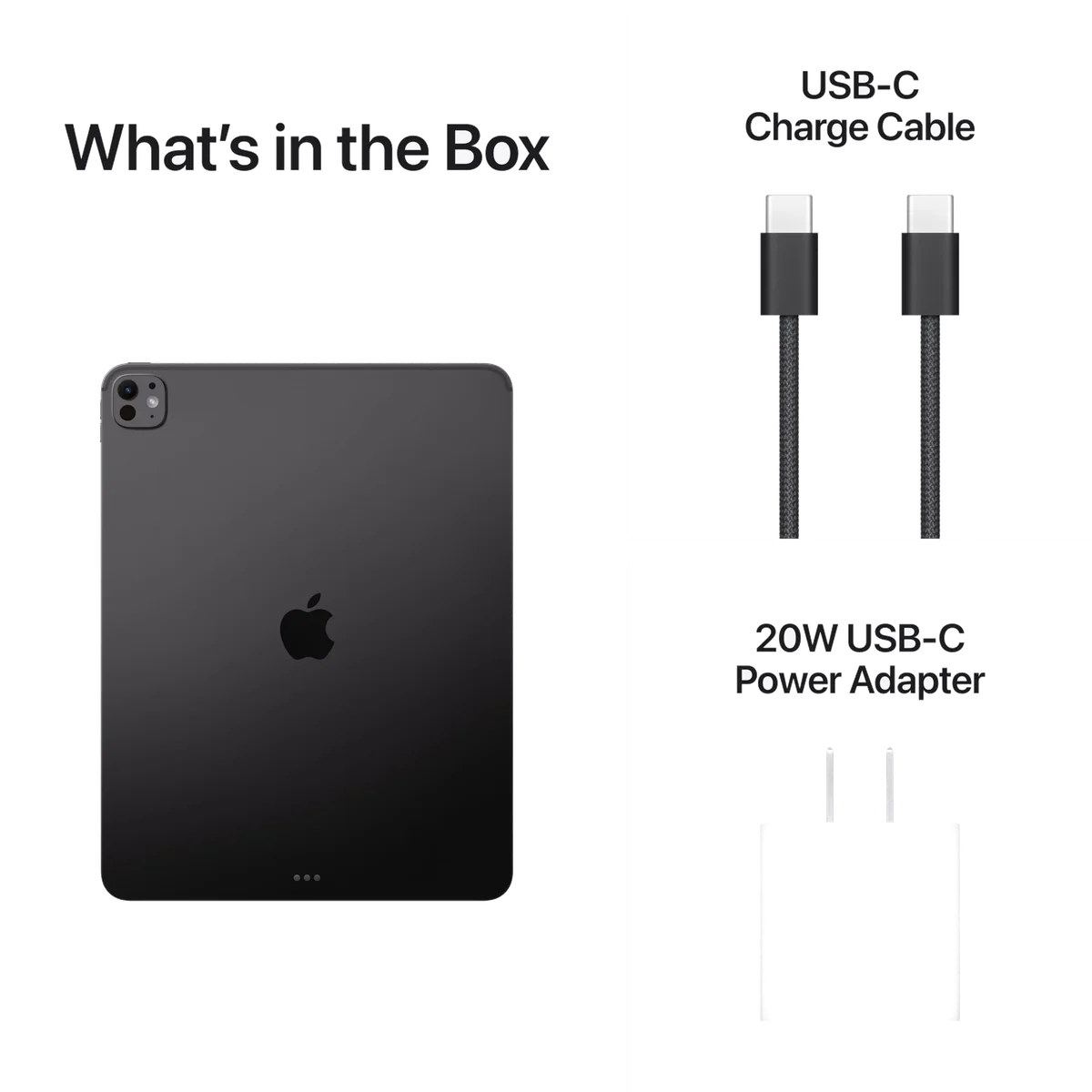
The defensible promise is a normal mixed-use day, not an unconditional full professional workday. High brightness, sustained rendering, games and keyboard use consume that margin quickly. Fast charging requires a sufficiently powerful compatible adapter, and the strongest charging performance may not come from the basic adapter a buyer happens to have nearby.
Occasional users should also watch standby drain. A device left unused for days can be unexpectedly depleted, while the optional 80% charge limit protects long-term battery health by surrendering one fifth of the immediately available capacity. Neither behavior is disqualifying, but both complicate the effortless “all-day” story.
Protection erodes the thinness advantage
A case is sensible for a large pane of glass with exposed dark anodized edges, and working artists may also need a stand that supports portrait and landscape orientations. Every layer adds mass. A rugged case, Pencil and keyboard can turn the lightest possible reading of this product into a much bulkier bag, so compare configurations in the posture and luggage you will actually use.
Frequently Asked Questions
Is the 13-inch iPad Pro M5 too large for everyday use?
It is well suited to desk-based typing, drawing and multi-window work, but it is cumbersome for prolonged one-handed reading, public transport, small bags and tight aircraft trays.
Does the 256GB iPad Pro M5 have 16GB of memory?
No, this configuration has 12GB of unified memory and a nine-core CPU, while the 1TB and 2TB configurations receive 16GB and a ten-core CPU.
Can the 256GB model be ordered with nano-texture glass?
No, nano-texture glass is limited to the 1TB and 2TB configurations, so this exact model uses standard glossy glass.
Does this iPad include cellular service?
No, B0FWD1MS82 is a Wi-Fi-only model and requires Wi-Fi or a separate hotspot away from a network.
Will the M4-generation 13-inch Magic Keyboard work with the M5 model?
Yes, the Magic Keyboard made for the redesigned M4-generation 13-inch iPad Pro is compatible with the M5 model, although older pre-M4 12.9-inch accessories are not.
Is 256GB enough for this iPad Pro?
It can be enough for streaming, cloud-backed documents and moderate creative work, but large local video, game or design libraries should be planned with the site’s iPad storage guide .
Should an M4 iPad Pro owner upgrade to the M5?
Usually not, because the display and chassis experience remains similar unless the owner can name a workload that benefits from the additional memory, storage speed, connectivity or processing power.
Can the iPad Pro M5 replace a laptop?
It can replace a laptop for workflows served by capable iPad apps, but it remains unsuitable when native desktop applications, plugins, terminal access, Xcode or specialized peripherals are essential.
Sources (5)
- Amazon listings and customer reviews — Apple Ipad Pro 13
- Owner reports across r/iPadPro threads
- Owner and reviewer video, 3 channels
- Phonearena — Article — www.phonearena.com
- Thurrott — Article — www.thurrott.com