The iPad Pro 13-inch M5 wins a comparison that most M4 owners should ignore
Buy the M5 if you are choosing a 13-inch iPad Pro from scratch and its extra memory or processing headroom serves a named workload; keep the M4 if you already own one because the screen, body, cameras and accessory experience barely change.
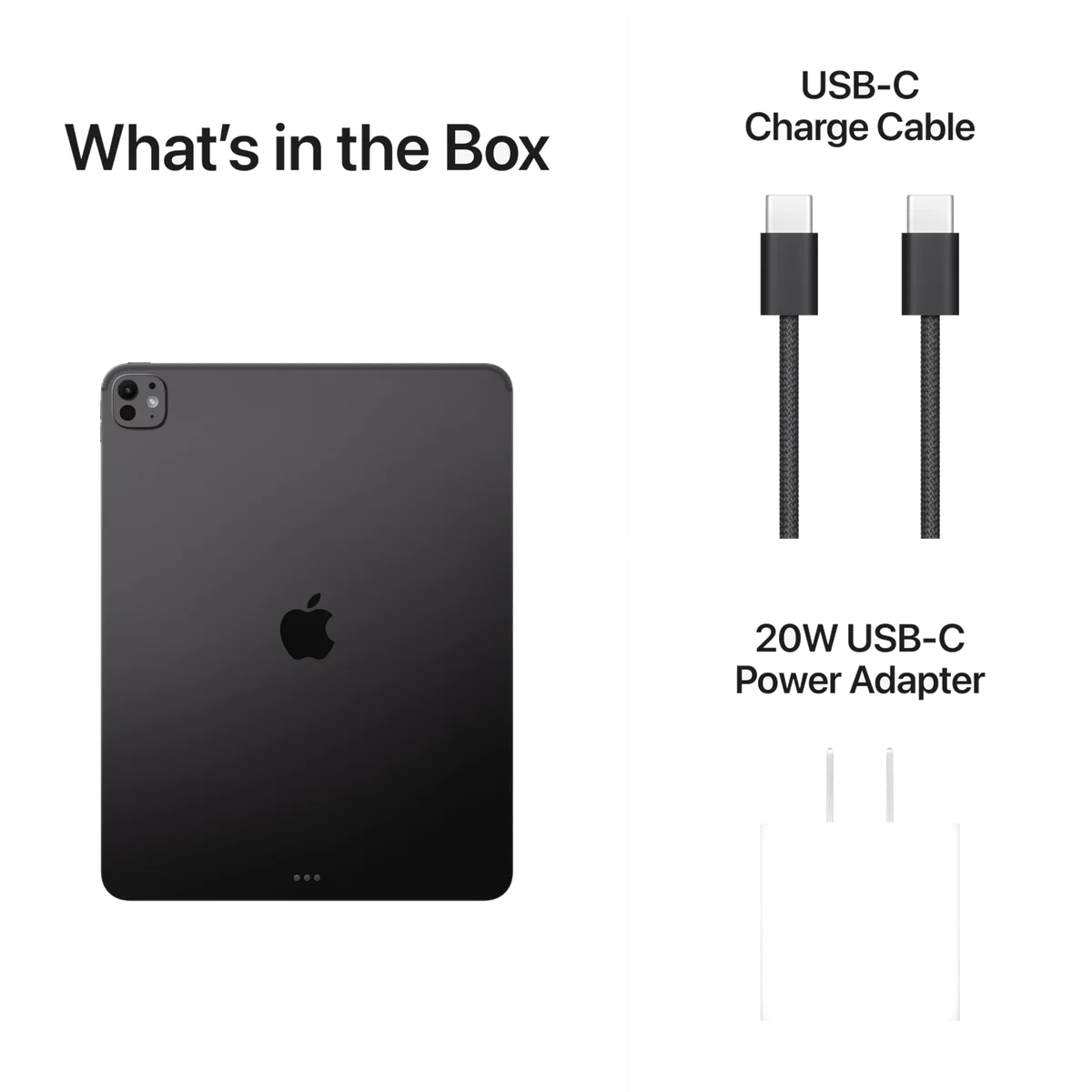
Apple iPad Pro 13-inch M5
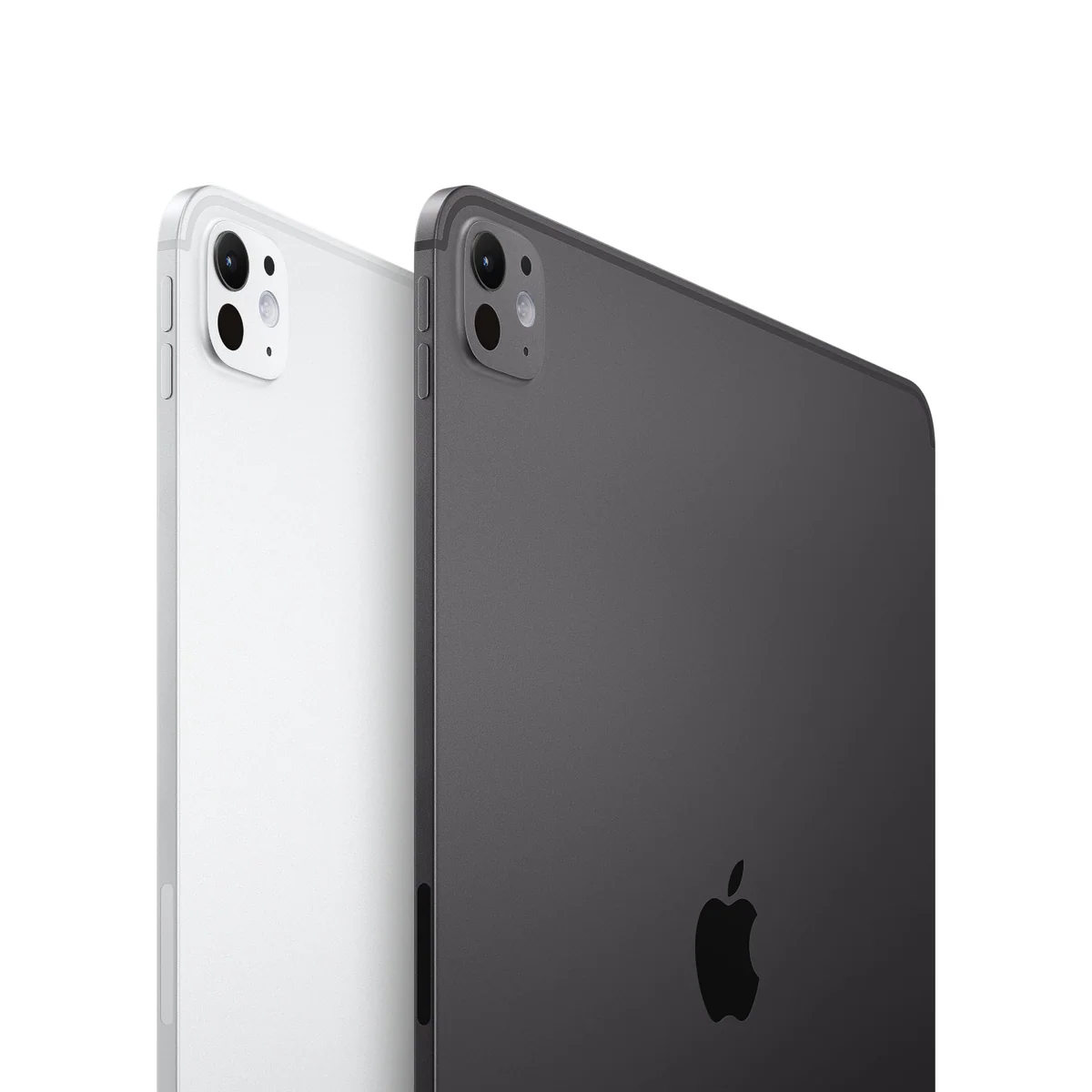
Apple iPad Pro 13-Inch (M4)
This is not the usual choice between an old compromise and a new solution. Apple established the defining 13-inch iPad Pro experience with the M4: tandem OLED, 120Hz ProMotion, a 5.1mm body, a landscape front camera and the current Magic Keyboard and Pencil Pro ecosystem. The M5 strengthens the computer inside that design without transforming the tablet around it.
That makes the decision depend on where the buyer is standing. Someone buying a professional iPad for the first time should prefer the M5 when its greater base memory, faster processor and newer wireless hardware will be used. Someone already looking at the M4’s exceptional OLED panel has little reason to replace it merely to make Safari, streaming or ordinary documents fractionally faster.
The exact configurations compared here complicate the generation labels in a useful way. The M5 product has 256GB of storage, 12GB of unified memory and a nine-core CPU. The M4 product doubles the storage to 512GB but has 8GB of memory and its own nine-core CPU. This is therefore a choice between greater working memory and newer silicon on one side, and more local capacity on the other.
Choose the M5 for demanding work
Large design files, 3D applications, local AI workloads, heavy multitasking and long ownership horizons give the M5’s 12GB memory allocation and faster chip a reason to exist. Its advantage is preparedness for difficult iPad software, not a dramatic change to browsing or video.
Choose the M4 for storage, not nostalgia
The 512GB M4 is the more useful configuration when projects, downloaded media and large applications genuinely need twice the local space. It remains an extremely fast professional tablet, so choosing it can be rational when its total cost is sufficiently lower at the moment of purchase.
If neither memory pressure nor 512GB of local storage describes a real need, neither Pro is the sensible default. The 13-inch iPad Air comparison explains what most large-screen buyers can give up without damaging ordinary study, office or entertainment work.
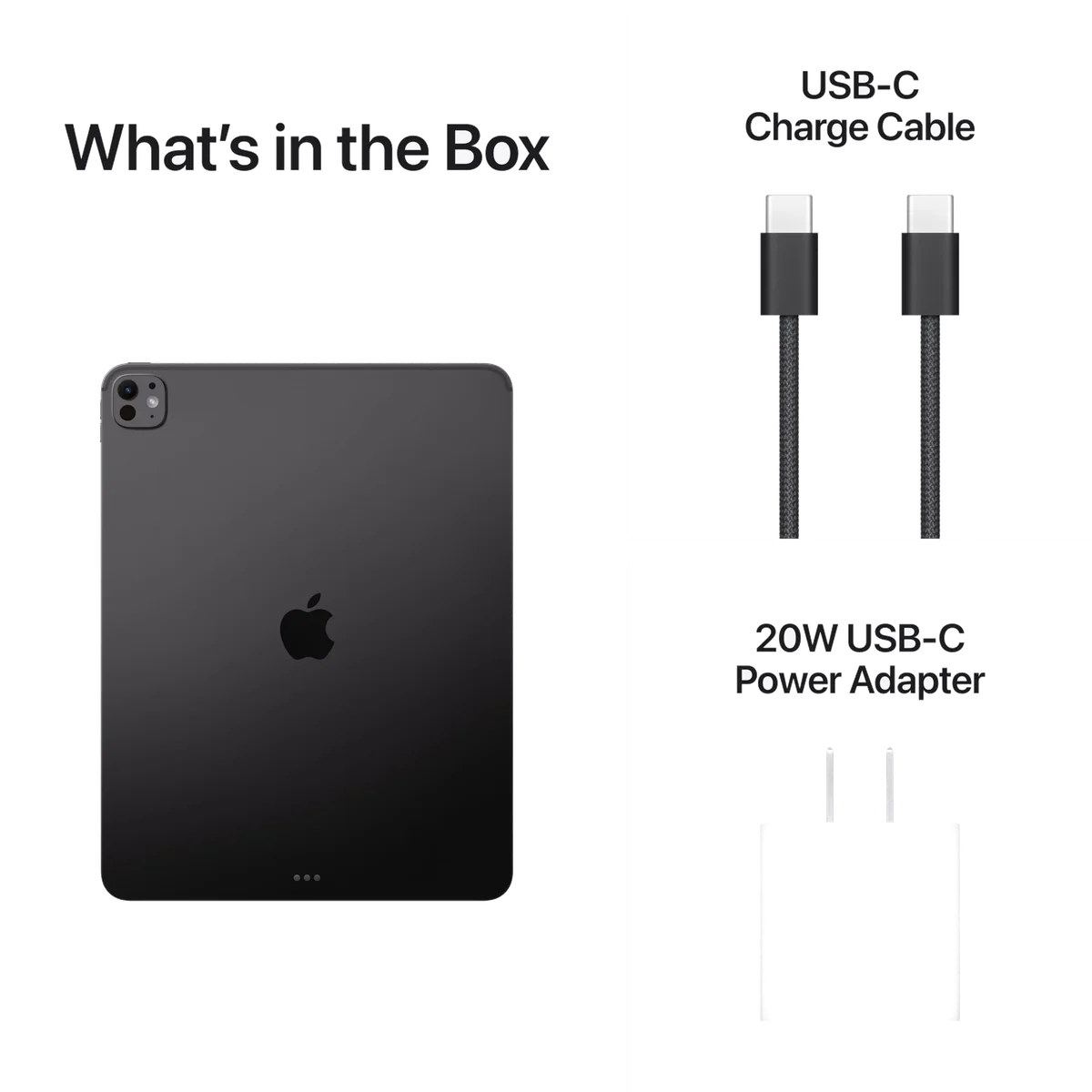
Apple iPad Pro 13-inch M5
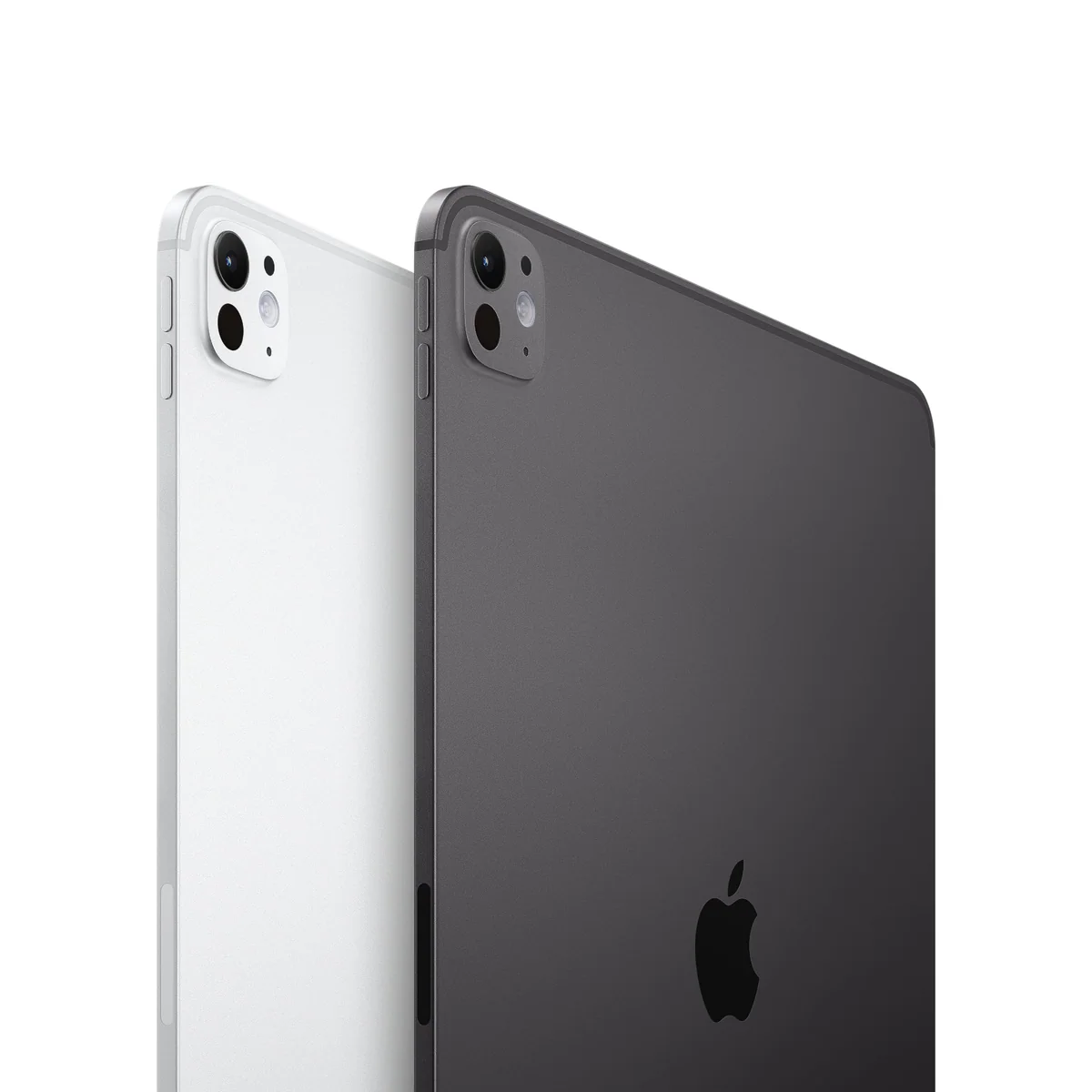
Apple iPad Pro 13-Inch (M4)
At a Glance
| Feature | Editor's Pick Apple iPad Pro 13-inch M5 | Apple iPad Pro 13-Inch (M4) |
|---|---|---|
| Price Range | — | $1,000–$1,500 |
| Finish | Space Black | — |
| Screen size | 13" | 13" |
| Check Price on Amazon | Check Price on Amazon |
The display stays magnificent while the specification sheet moves on
Both models use a 13-inch Ultra Retina XDR tandem-OLED panel with a 2752 by 2064 resolution, wide color, True Tone and ProMotion refresh rates reaching 120Hz. Both deliver deep blacks, strong HDR highlights and fluid motion. Neither gives the newer model a visible generational advantage in the feature that buyers are most likely to notice every day.
That shared display is the strongest argument against an M4-to-M5 upgrade. A buyer moving from an older LCD iPad may be startled by OLED contrast and ProMotion smoothness, but an M4 owner already has them. The M5 cannot make the same panel become new again.
Both exact products also use standard glossy glass. Nano-texture glass is unavailable at 256GB on the M5 and at 512GB on the M4 because Apple restricts it to 1TB and 2TB configurations. Bright windows and overhead lights can therefore produce reflections on either model, and paying for a newer chip does not remove that drawback.
The roughly 4:3 display shape remains better for pages, drawing tools, spreadsheets and adjacent windows than for very wide films. Cinematic video can leave substantial black bars above and below the image. Buyers seeking a portable cinema should not assume that the 13-inch diagonal translates into a correspondingly enormous movie picture.
The physical experience is effectively a draw
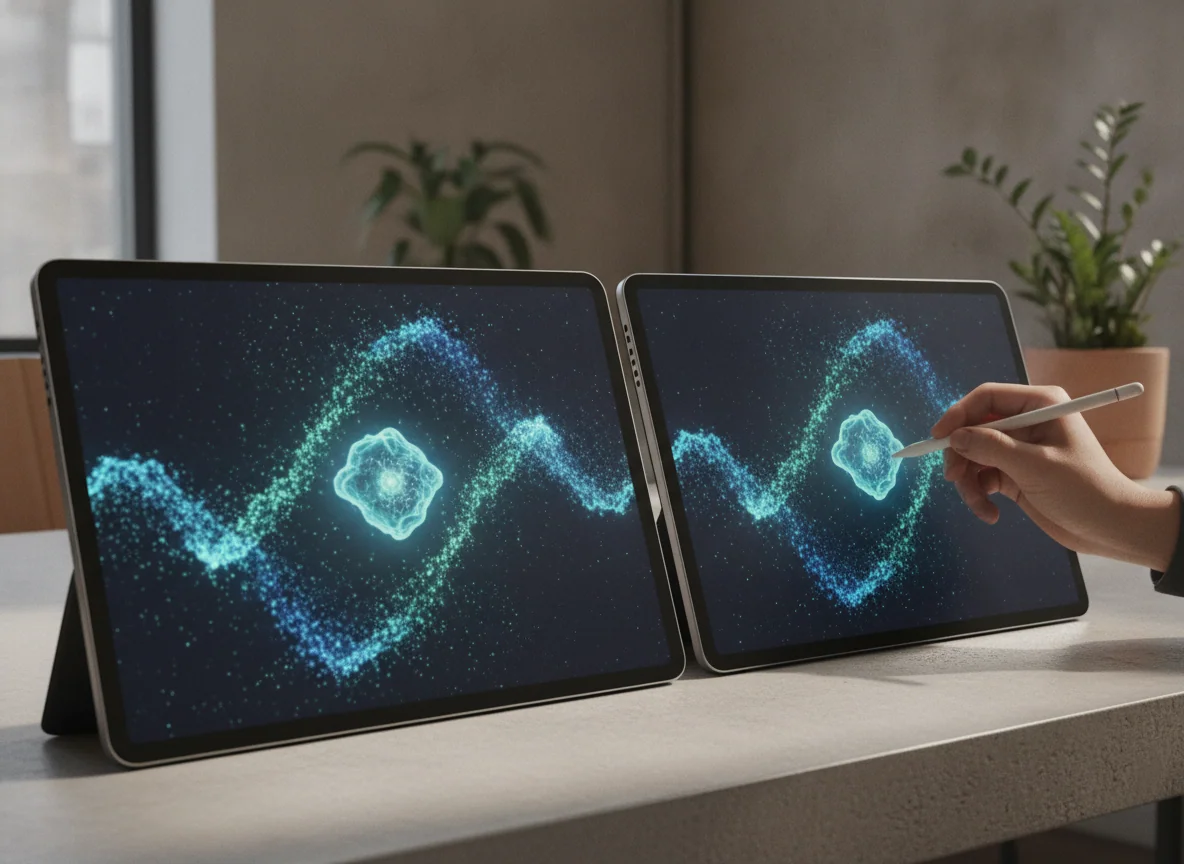
The M4 and M5 bodies are both 5.1mm thick, and the measured weight difference is only a few grams. The bare tablets are remarkably thin for such large computers, but the width still creates leverage against the wrist. Neither model is comfortable enough to become an effortless one-handed reader simply because Apple made it thin.
Put either iPad on a desk, easel or keyboard and the size starts earning its keep. Full documents fit more naturally, tool palettes consume less of a drawing surface and multitasking windows have room to remain useful. Hold either one unsupported in bed, on public transport or through a long reading session and the same dimensions become the problem.
Buyers debating size rather than processor generation should use the site’s 11-inch and 13-inch iPad Pro comparison. Choosing the right posture matters more than choosing between M4 and M5, because a faster tablet that is too cumbersome to use is still the wrong tablet.
| Decision point | 13-inch M5, 256GB | 13-inch M4, 512GB | What it means |
|---|---|---|---|
| Processor | M5 with nine-core CPU | M4 with nine-core CPU | The M5 has the higher performance ceiling, but routine tablet work rarely exposes it. |
| Unified memory | 12GB | 8GB | The M5 is better prepared for memory-heavy creative apps, local AI and larger multitasking sessions. |
| Local storage | 256GB | 512GB | The M4 holds twice as much local media and project data without relying on external or cloud storage. |
| Display | 13-inch tandem OLED with ProMotion | 13-inch tandem OLED with ProMotion | Image quality is not a persuasive reason to replace the M4. |
| Display glass | Standard glossy glass | Standard glossy glass | Both can show distracting reflections, and neither exact configuration offers nano-texture glass. |
| Wireless networking | Wi-Fi 7 with Apple N1 | Wi-Fi 6E | The M5 has the newer standard, although the network and router must support it before that matters. |
| Cellular connection | Not included | Not included | Both require Wi-Fi or a separate hotspot away from a network. |
| Keyboard and Pencil | Current Magic Keyboard and Apple Pencil Pro supported | Current Magic Keyboard and Apple Pencil Pro supported | Existing M4-generation accessories do not need replacing for an M5 upgrade. |
M5 performance is substantial, but the useful gap is narrower
Independent benchmark results place the M5 comfortably ahead. PhoneArena recorded Geekbench 6 scores of 4,130 in single-core performance and 15,402 in multi-core performance for the M5, compared with 3,696 and 13,157 for the M4 unit in its table. Those gains are real, particularly for work that can keep the processor occupied.
The base-memory change may matter more over a long ownership period. This 256GB M5 has 12GB of unified memory, while the 512GB M4 has 8GB. More memory gives complex applications and busy multitasking sessions additional room, but it does not guarantee that every app will run proportionally faster or acquire desktop capabilities that its developer never built.
Peak performance also has a thermal boundary. In a sustained graphics stress test, the M5 reached a much higher peak than the M4 but finished with a slightly lower sustained result under PhoneArena’s conditions. Both chips live in a 5.1mm fanless enclosure, so the newer processor does not win every prolonged workload by default.
Everyday accounts reinforce the distinction between measurable speed and changed experience. Owners commonly praise the M5’s responsiveness, yet an upgrade from an M1 was described as only a little faster and lighter, while the display and ProMotion often dominate the sensation of speed. An M4 owner begins even closer to the finish line.
iPadOS remains the ceiling for both chips
Modern iPadOS windowing makes better use of the large screen through flexible resizing, tiling and remembered placement. That helps both generations equally. The software improvement does not belong exclusively to the M5, and it does not turn the M4 into obsolete hardware.
Desktop plugins, native Xcode, conventional terminal workflows, some system utilities and specialist peripherals can still prevent either iPad from replacing a Mac or Windows computer. A processor upgrade cannot repair an absent application. Before buying, list every required app, export format, plugin, drive and peripheral, then verify the complete workflow rather than the app’s name.
If the decision is really between touch-first computing and a desktop operating system, the iPad and MacBook comparison addresses the larger divide. The M5 is the better iPad, but it does not automatically become the better computer for every job.
The accessories and battery make this the same kind of machine
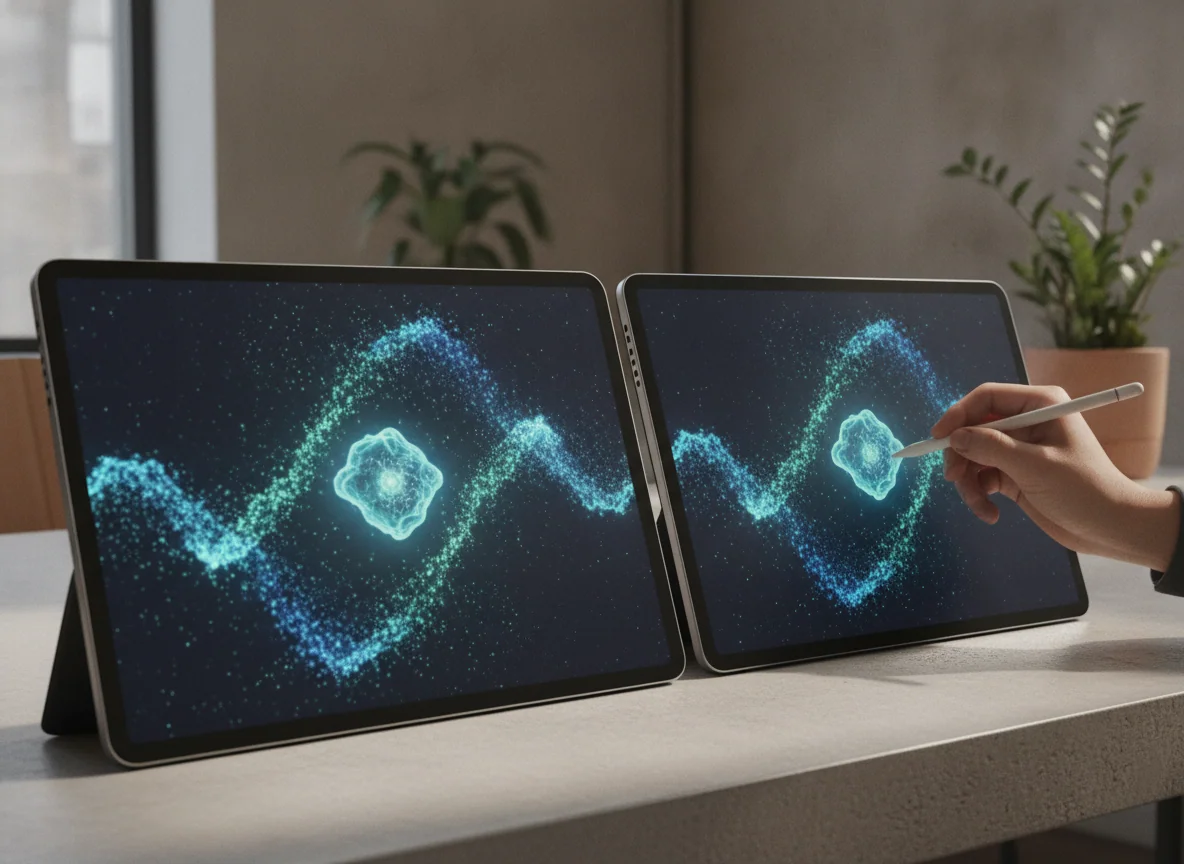
Both generations support Apple Pencil Pro and the redesigned 13-inch Magic Keyboard introduced with the M4 chassis. Pencil Pro adds pressure sensitivity, squeeze controls, barrel roll, haptic feedback and magnetic charging. The keyboard supplies a function row, trackpad, aluminum palm rest and pass-through charging.
Neither accessory is included. The keyboard also turns the thin tablet into a much heavier laptop-like package, while its extra USB-C port handles charging rather than data. Drives, displays and hubs must still use the tablet’s single Thunderbolt-capable data connection.
This compatibility is good news for an M4 owner because the current keyboard and Pencil can move to the M5. It is also another reason not to upgrade: the physical working arrangement stays the same. The screen angle, typing experience, drawing surface and bag weight do not receive a generational reinvention.
Battery results vary too much by workload to turn either model into a universal winner. The M5 has produced strong browsing results and shorter charging times in controlled testing, while the M4 can still cover a moderate day but may fall much sooner during keyboard-heavy work, gaming or sustained creative use. Buyers should expect daily charging when treating either tablet as a laptop, rather than treating “all day” as a fixed measurement.
Buy for the bottleneck you can name
The M5 is the better new purchase when a demanding iPad-native workflow benefits from more memory, faster processing or Wi-Fi 7. CAD, 3D design, large illustration files, intensive games, local AI and heavy multitasking can make that hardware relevant. The site’s full 13-inch M5 iPad Pro review examines that demanding-use case in more detail.
The M4 is the sharper configuration choice when 512GB of local storage matters more than 12GB of memory. A video library, large game collection or substantial project archive can consume 256GB quickly. Cloud-first buyers should not pay for unused capacity, while local-first buyers should not accept cramped storage merely to own the newer chip; the iPad storage guide helps estimate the practical requirement.
Existing M4 owners should keep their tablet unless they can identify a current task that hits a memory, processing, storage-speed or wireless limit. The same display, dimensions, camera arrangement and accessory system mean that an upgrade will not alter the fundamental experience. Wanting the newest processor is understandable, but it is not the same as needing a better tool.
Owners of older LCD iPads, or of pre-M4 12.9-inch Pros, have a more credible reason to move. They can gain tandem OLED, the thinner chassis, the landscape camera position and the current accessory generation alongside the newer processor. In that case the M5 bundles several visible and practical changes instead of selling speed alone.
The iPad Pro 13-inch M5 is the stronger foundation for demanding iPad-first work.
Choose it when 12GB of base memory, M5 processing and Wi-Fi 7 will support creative applications, complex multitasking or a long professional ownership cycle.
The 256GB configuration has reflective glossy glass, no cellular connection and less local storage than the M4 product compared here.
The iPad Pro 13-inch M4 is the storage-first choice with very little experiential sacrifice.
Choose it when 512GB of local capacity is more valuable than the M5 model’s additional memory and processor headroom.
The 8GB memory allocation, older wireless standard and slower chip give it less headroom for the hardest future iPad workloads.
The final call
The M5 wins for a new professional purchase because its 12GB base memory and faster silicon improve the part of this machine that can still move forward. It is a narrow win, not a revolution. The M4 already owns the extraordinary OLED display, impossibly thin body and current accessory design that define how the tablet feels.
Buy the M5 for a demanding workflow that belongs on an iPad. Buy the 512GB M4 when local storage is the binding constraint and the older model’s total cost is meaningfully lower when checked. Keep an existing M4 unless a present workload, rather than a benchmark chart, is asking for relief.
Frequently Asked Questions
Is the M5 model noticeably faster than the M4 in everyday use?
It is faster in benchmarks and demanding applications, but browsing, streaming, note-taking and ordinary documents are unlikely to feel transformed because the M4 was already extremely quick.
Does the M5 model have a better display than the M4 model?
No, both exact products use the same class of 13-inch tandem-OLED Ultra Retina XDR display with ProMotion, and both have standard glossy glass.
Which configuration is better for large creative projects?
The M5 is preferable when processing and memory are the bottlenecks, while the 512GB M4 is preferable when the projects chiefly require more local storage.
Should an owner of the 13-inch M4 upgrade to the M5?
Usually not, because the display, dimensions, cameras and accessories remain substantially the same unless a specific workload needs the M5’s extra memory or performance.
Can the M4 Magic Keyboard and Apple Pencil Pro be used with the M5 iPad Pro?
Yes, the current 13-inch Magic Keyboard and Apple Pencil Pro introduced for the M4-generation design are compatible with the M5 model.
Do either of these exact iPads include cellular connectivity?
No, both products compared here are Wi-Fi configurations and require a wireless network or separate hotspot for internet access away from Wi-Fi.
Is 256GB enough for the M5 iPad Pro?
It is sufficient for cloud-backed documents, streaming and moderate creative work, but large local video, game, illustration or 3D libraries can make the M4 product’s 512GB more useful.
Can either model replace a laptop?
Either can replace a laptop when every required application and peripheral has a capable iPad workflow, but neither solves missing desktop apps, plugins, terminal tools or specialist system utilities.
Ready to Choose?
Sources (3)
- Amazon listings and customer reviews — Apple Ipad Pro 13 and Apple Ipad Pro 13
- Owner and reviewer video, 2 channels
- Phonearena — Article — www.phonearena.com