Fire HD 10 or Fire HD 10 Kids: buy the bundle only when the protection matters
Buy the regular Fire HD 10 for adults, older children and careful family sharing, but choose the Fire HD 10 Kids for a drop-prone child aged three to seven because its protective bundle is the only substantial reason to pay for the children’s edition.
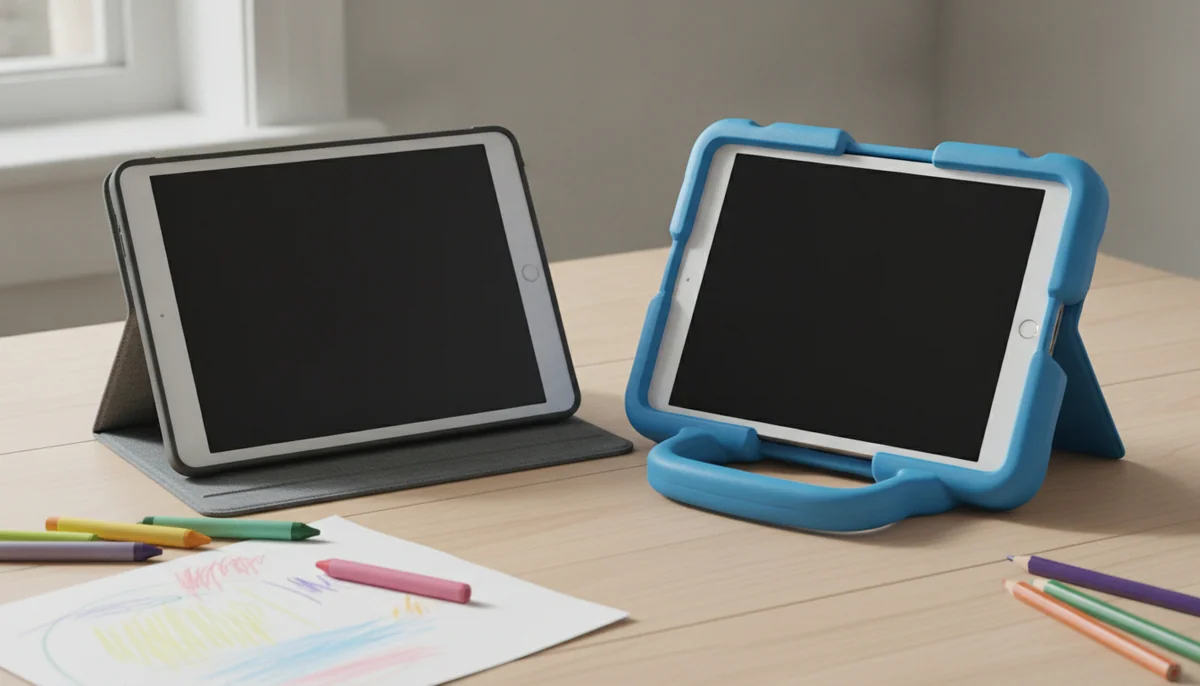
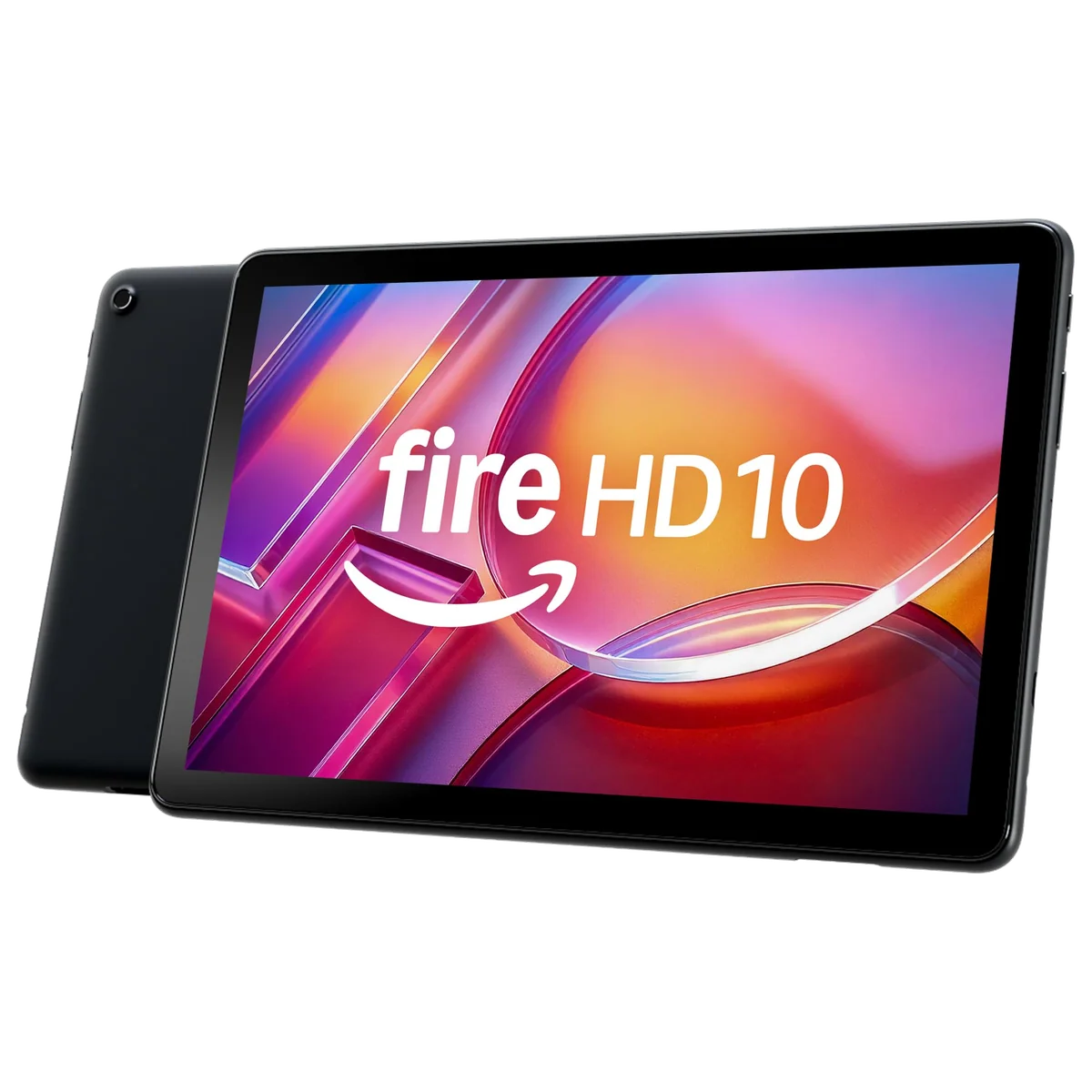
Amazon Fire HD 10 2023
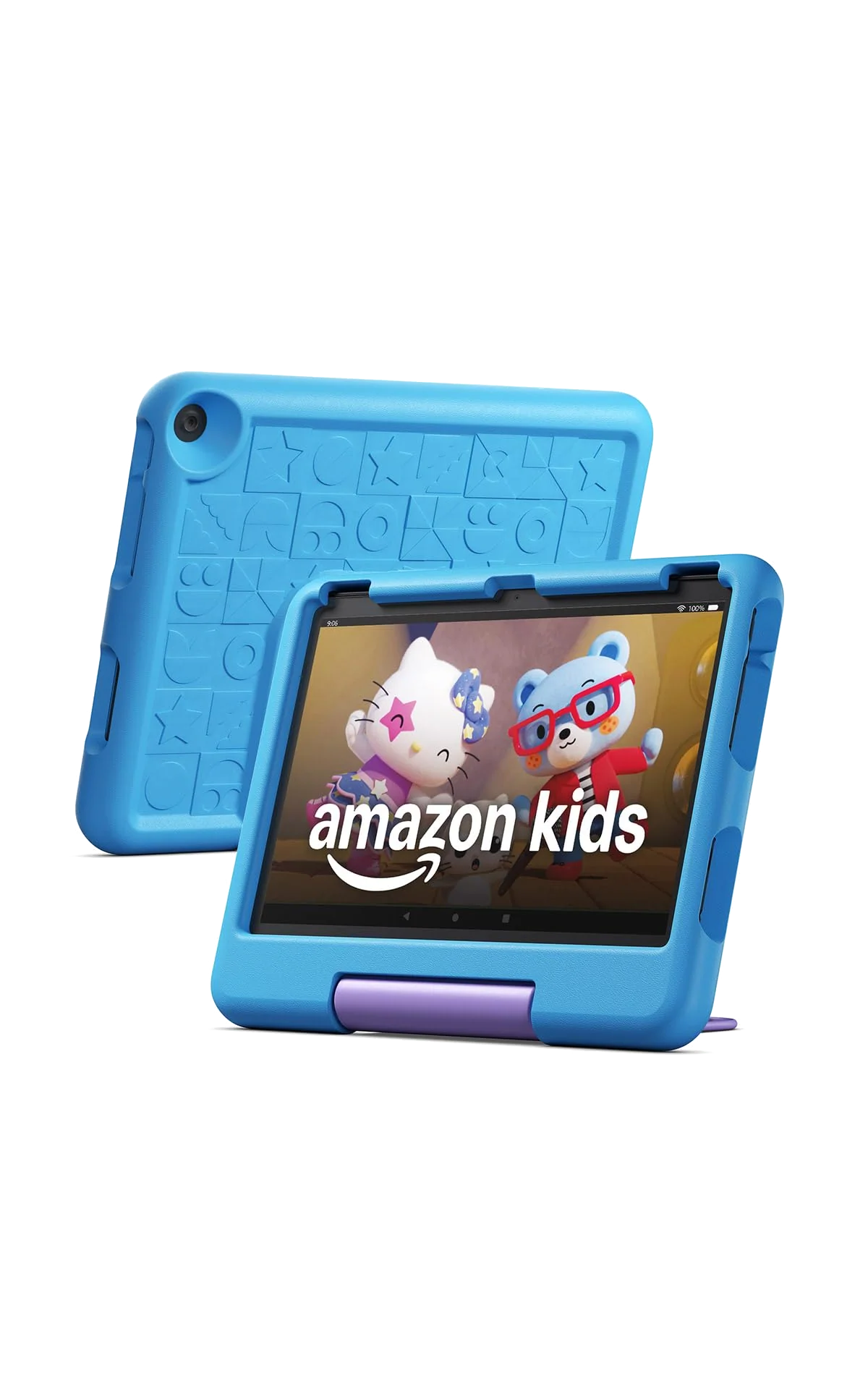
Amazon Fire HD 10 Kids 2023
This comparison is less about two tablets than one tablet sold with two different assumptions about its owner. Both models provide a 10.1-inch, 1,920 × 1,200 display, an eight-core processor, expandable storage and Amazon’s Fire OS. The standard Fire HD 10 arrives ready for the sofa; the Kids edition arrives expecting to meet the floor.
That distinction makes the decision unusually clean. The regular model is the better default because its listed configuration has 4GB of RAM rather than the Kids model’s 3GB, it is easier to carry without a thick shell, and it can still run child profiles with Amazon’s parental controls. The Kids edition earns its place only when its included case, one year of Amazon Kids+, ad-free lock screen and two-year worry-free replacement guarantee solve problems your family genuinely expects to have.
Choose the regular tablet
Pick the Fire HD 10 when an adult will use it, when a child is old enough to handle an ordinary case, or when you would rather select apps and media yourself than build the experience around Kids+.
Choose the protected bundle
Pick the Fire HD 10 Kids when the intended user is three to seven, drops are likely, and the replacement guarantee is worth more to you than a slimmer body and an extra gigabyte of memory.
Neither version is a conventional Android tablet. Fire OS uses the Amazon Appstore rather than providing official Google Play access, so Google apps, particular games, school services and regional streaming apps may be missing or may require an unofficial workaround. Check every essential app before buying either model; a foam case does not repair an incompatible software ecosystem.
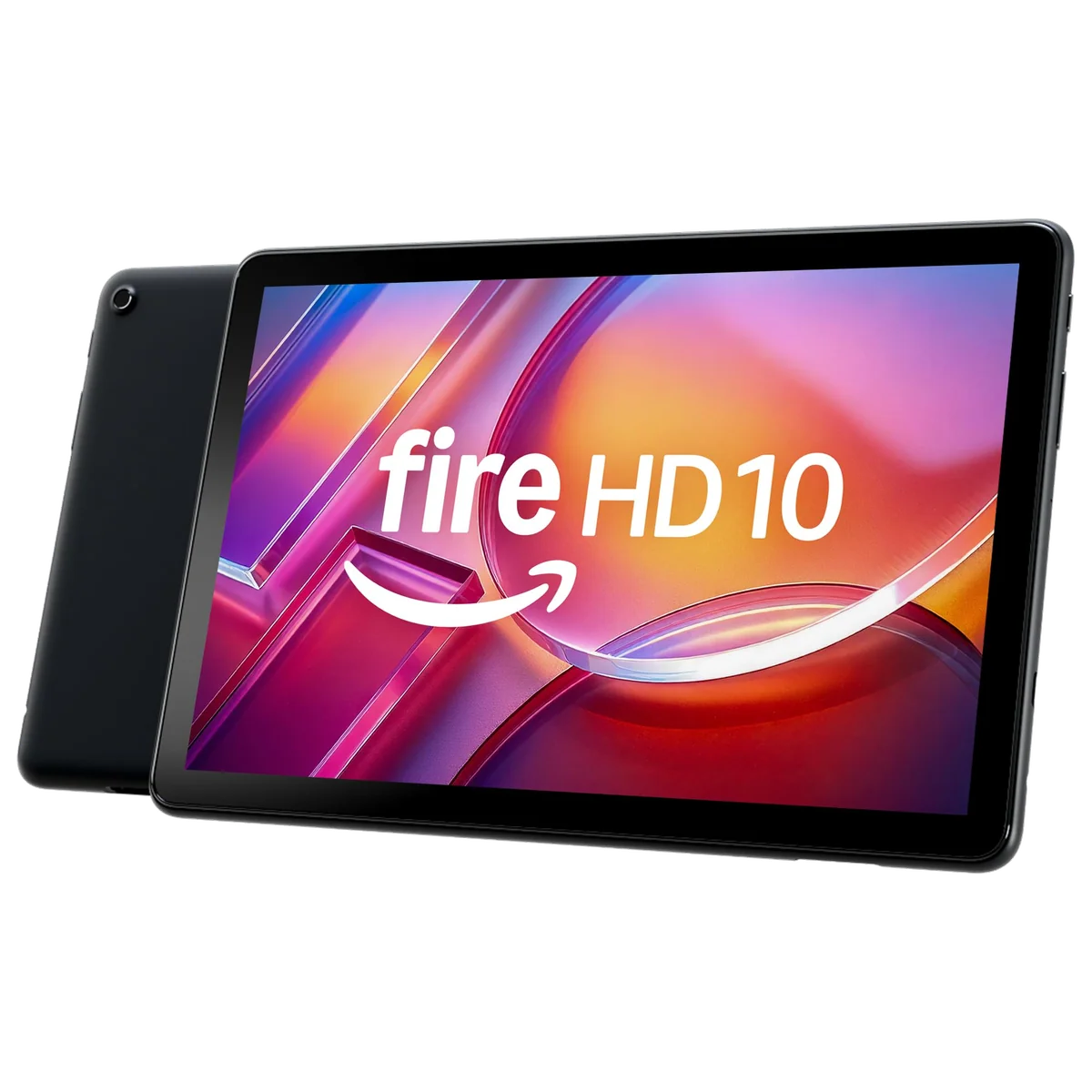
Amazon Fire HD 10 2023
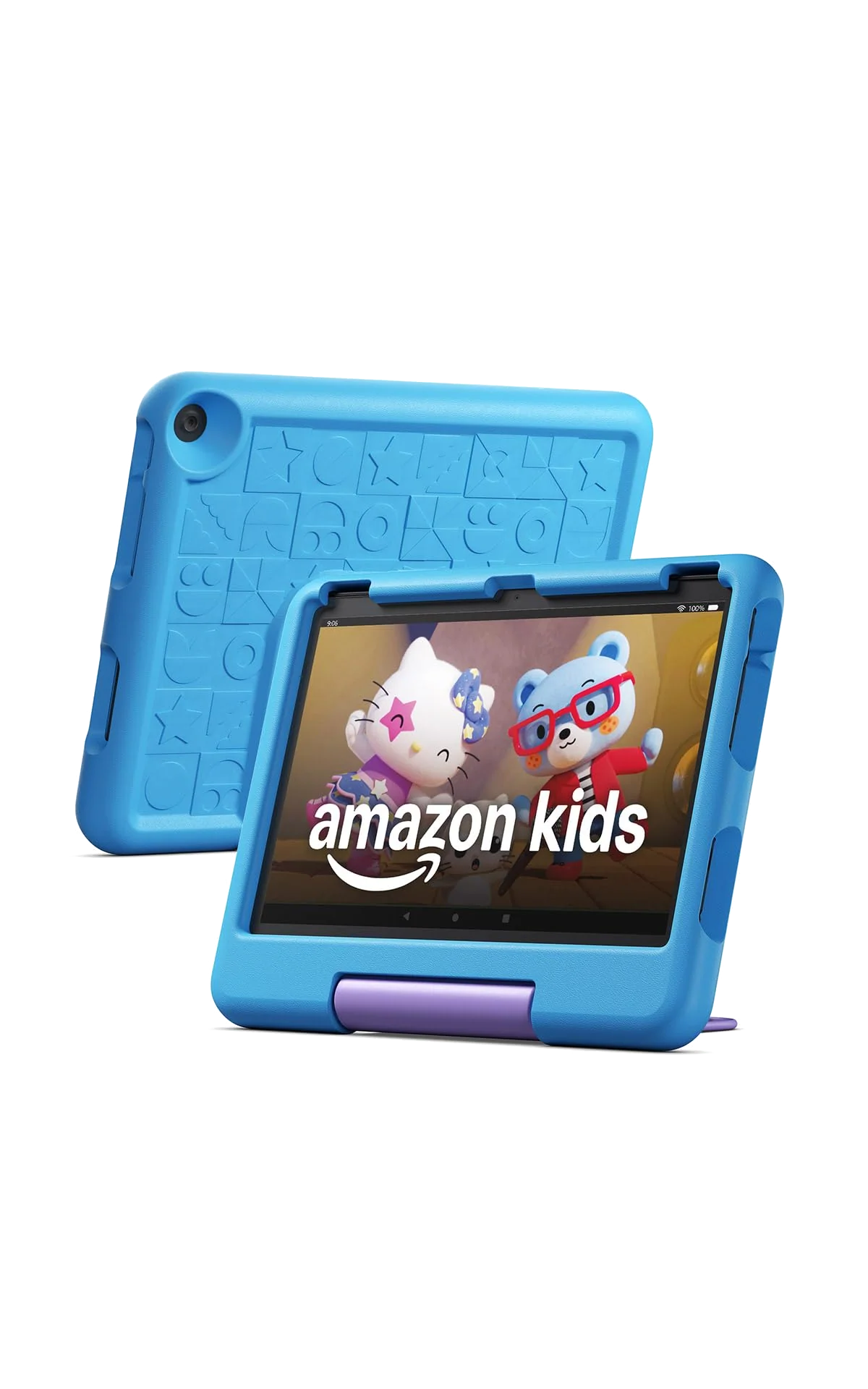
Amazon Fire HD 10 Kids 2023
At a Glance
| Feature | Amazon Fire HD 10 2023 | Amazon Fire HD 10 Kids 2023 |
|---|---|---|
| Price Range | — | — |
| Finish | Lilac | Blue |
| Screen size | 10.1" | 10.1" |
| Check Price on Amazon | Check Price on Amazon |
The Kids model changes the package, not the purpose
Strip away the blue case and the Fire HD 10 Kids is fundamentally a Fire HD 10. Both are budget entertainment tablets built around a wide Full HD screen, stereo speakers, a headphone jack, USB-C charging and a microSD slot that accepts cards up to 1TB. Both suit films, picture books, comics, web browsing, video calls and modest games much better than demanding work.
The shared display is the strongest part of either proposition. Ten inches gives films room to breathe, makes picture books easier to share and provides generous touch targets for younger users. It also makes both tablets less convenient to hold than an eight-inch model, especially during long reading sessions or when a small child wants to carry one in a single hand. Families that value portability over the larger picture should compare the smaller and larger Fire Kids models before committing to the ten-inch chassis.
| Decision point | Fire HD 10 | Fire HD 10 Kids |
|---|---|---|
| Listed memory | 4GB in the Black 32GB configuration covered here | 3GB |
| Included protection | No child case is included in the compared listing | Thick protective case with a handle and stand |
| Replacement cover | No equivalent worry-free guarantee is stated in the compared listing | Two-year worry-free replacement guarantee |
| Children’s content | Child profiles work without an included Kids+ year | One year of Amazon Kids+ is included |
| Lock screen | Some configurations may include special offers | No lock-screen advertising |
| Best fit | Adults, older children and shared household use | Young children who need impact protection and close supervision |
The regular Fire HD 10 is the more adaptable machine
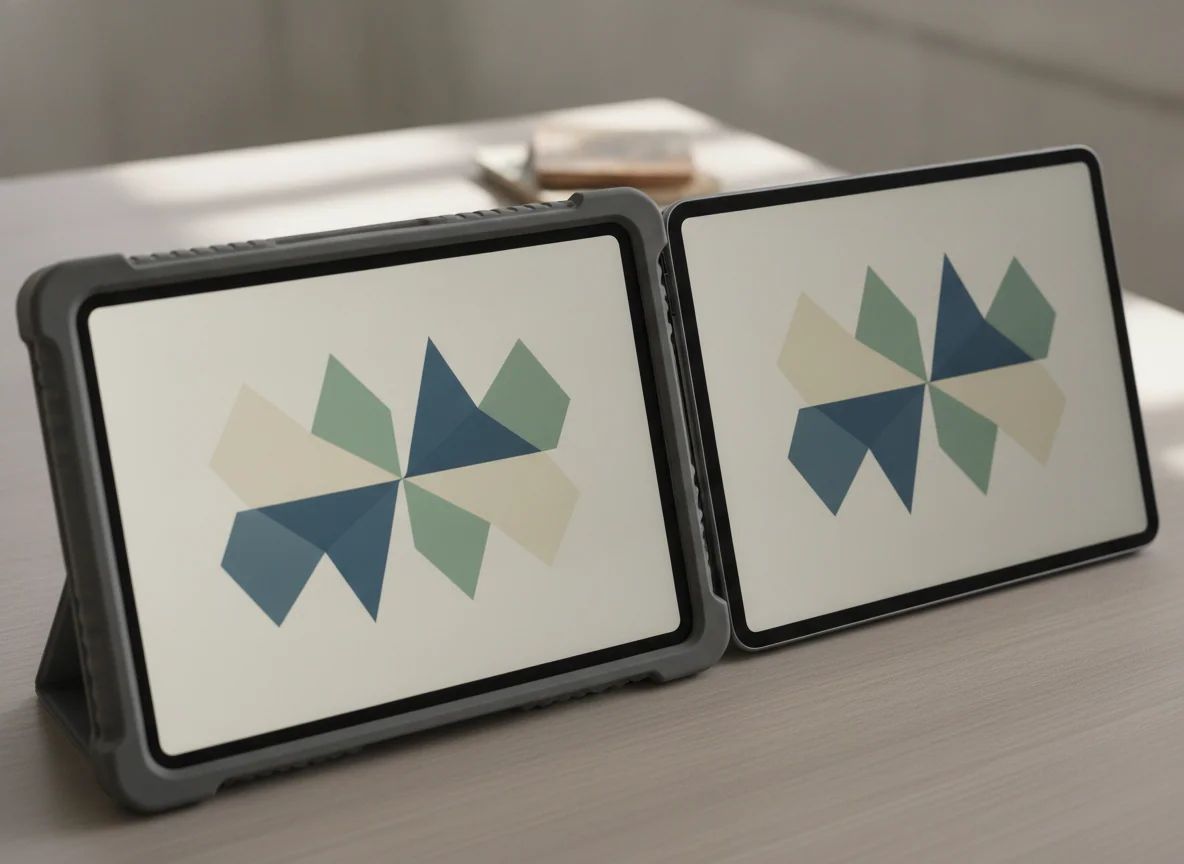
The standard tablet’s advantage is not a better screen or a more capable operating system. It is the absence of assumptions. An adult can use it for Kindle books, Prime Video, supported streaming services, browsing and Alexa, then create a separate child profile with age filters, schedules, approved content and purchase controls. A family can add whichever case it wants instead of keeping the large foam shell attached.
Its listed 4GB of RAM should give everyday use more breathing room than the Kids edition’s 3GB, although the supplied evidence contains no direct benchmark between these exact configurations. Do not turn that extra memory into a gaming promise. Fire HD 10 performance remains appropriate for entertainment, simple split-screen use and casual games, not sophisticated 3D titles, heavy multitasking or serious creative work.
The standard model’s most consequential flaw is Fire OS. Owners describe the limited app selection as the compromise that defines the product, and some report installing alternative stores or Google services to work around it. Those methods are unofficial, can require maintenance and should not be treated as part of ordinary setup. Our guide to Google Play and missing apps on Fire tablets explains what buyers give up before they enter Amazon’s ecosystem.
The regular Fire HD 10 is the sensible choice for adults, older children and mixed household use.
Its roomy Full HD screen, 4GB listing and flexible profiles make it the stronger all-purpose version when a bundled child case and replacement guarantee would be wasted.
Fire OS restricts app choice, and the modest processor, Amazon-heavy interface and slow charging prevent this inexpensive entertainment tablet from becoming a convincing work machine.
The Kids edition earns its premium around the edges
The thick case covers the corners and back, raises the screen away from a flat surface and turns its stand into a carrying handle. It is credible protection against ordinary drops, but it is bulky, can be awkward to remove and offers no waterproofing. The ten-inch tablet also becomes a substantial object for the youngest children in Amazon’s stated age range, particularly when they carry it rather than prop it on a table.
The two-year worry-free guarantee is harder to reproduce with a third-party case. A retained owner account describes a straightforward replacement after a broken screen, which is exactly the kind of event that can justify the whole package. That protection covers hardware, not necessarily the child’s digital life: the same account reported that purchased items transferred while game progress did not.
Amazon Kids+ fills the child profile with books, videos, games and learning activities for the included year. Parents can apply age filters, schedules, activity limits and approval rules through the Parent Dashboard. The catalog can be useful immediately, but its tile-heavy interface can also feel crowded, and the subscription renews after the included period unless canceled. The tablet continues to work without Kids+, so the important question is whether the catalog will replace another service or merely become another renewal to remember.
The Kids version is not faster, sharper or more expandable than the standard tablet. In fact, this listing has less RAM. Its superiority is practical rather than technical: it reduces the effort needed to protect the hardware, establish a managed profile and recover from a broken device. Parents who want a broader choice of platforms should consult our guide to the best tablets for children instead of assuming every child-friendly tablet must run Fire OS.
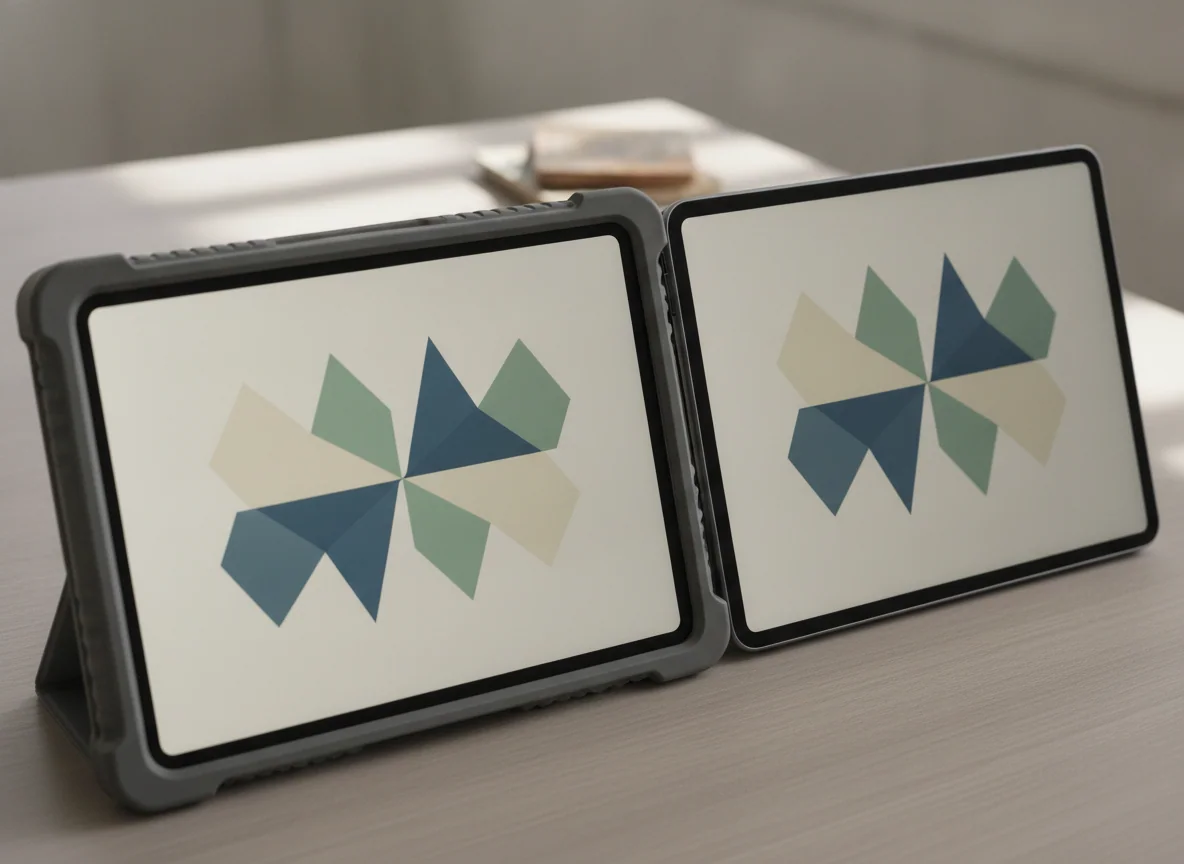
The Fire HD 10 Kids is the better first tablet for a young child who is likely to drop it.
The protective case, deep parental controls, included Kids+ year and two-year replacement guarantee form a coherent family bundle that the standard tablet does not fully duplicate.
The bulky case, 3GB of RAM, crowded child interface, restricted app store and eventual Kids+ renewal make it a poor choice for older children or families dependent on Google services.
The common hardware sets the same limits
Amazon advertises up to 13 hours of battery life for both products. Evidence from the underlying 2023 generation supports good endurance for reading and video, but brightness, gaming and background activity can pull real use below the headline figure. Charging is the more consistent frustration: filling the battery can take roughly three to four hours, so either model belongs on a charger before a journey rather than during the final scramble out the door.
The 32GB configurations need similar storage discipline. A microSD card is valuable for films, books and other compatible media, but it does not add memory, improve the processor or guarantee that every app can move off internal storage. Families preparing for travel should download everything early, disconnect Wi-Fi and open each essential item before leaving. Our guide to tablet storage and microSD capacity can help size an offline library.
Cameras and speakers are equally pragmatic. Stereo sound and the headphone jack are useful for children’s programs, films and calls, while the 5MP cameras are adequate for family video chats and simple snapshots in good light. Neither tablet should be bought for photography, content creation or premium sound.

Amazon Fire HD 10 2023
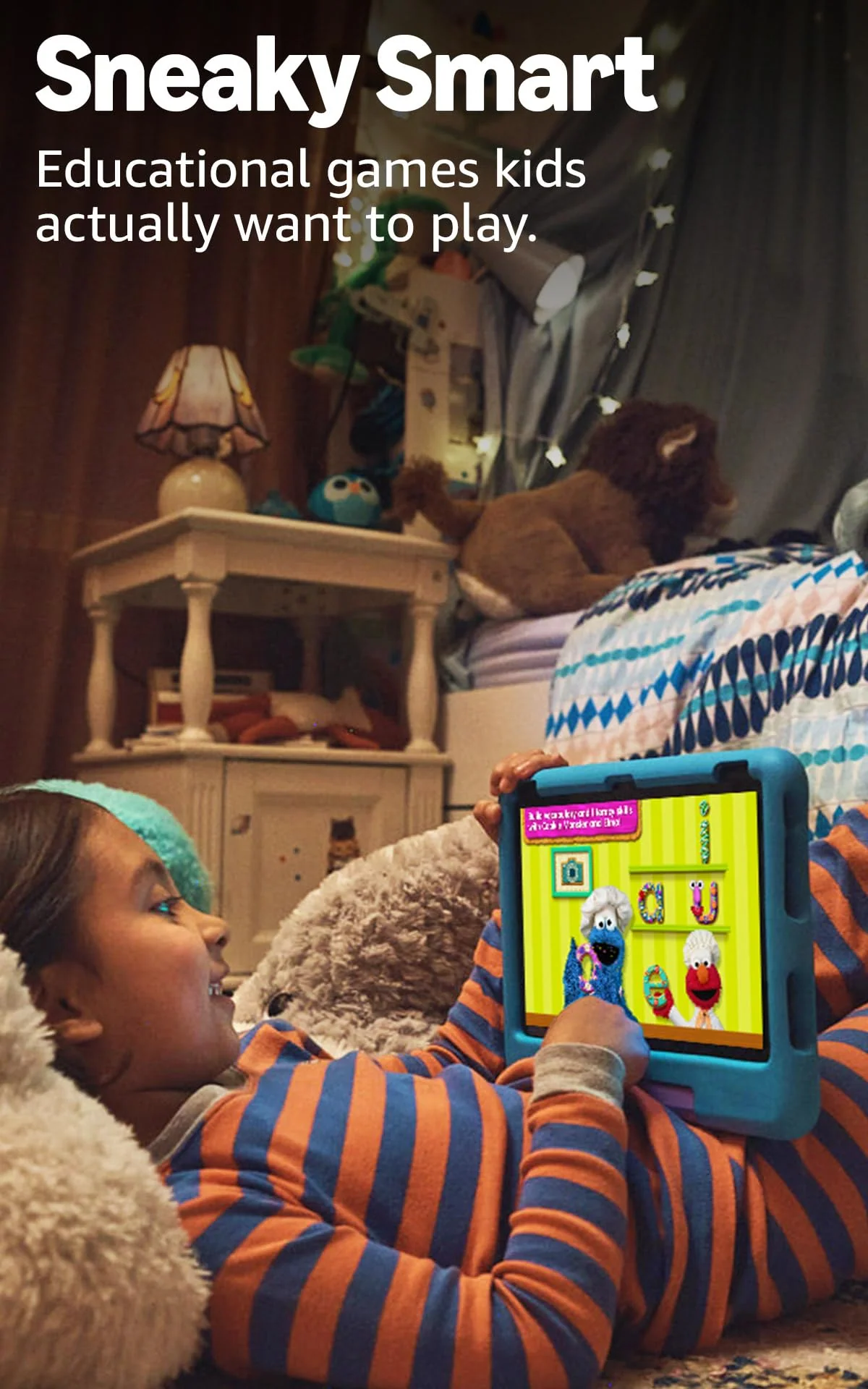
Amazon Fire HD 10 Kids 2023
Buy for the household you have, not the label on the box
An adult who wants inexpensive entertainment
Choose the regular Fire HD 10. It delivers the same display and Amazon-centered media experience without forcing you to store a large child case or account for a Kids+ renewal.
A careful older child
Choose the regular model with an appropriate case and a configured child profile. The Kids edition’s younger styling, 3GB of RAM and crowded catalog are more likely to be outgrown.
A preschooler who drops everything
Choose the Fire HD 10 Kids. Its case and replacement guarantee address a predictable risk, while the stand makes shared viewing and tabletop activities easier.
A family that relies on Google apps
Choose neither model. Unofficial sideloading is not an adequate foundation for schoolwork, communication or any other task that must function reliably.
A child focused on demanding games
Choose neither model. These tablets can handle lighter games, but inconsistent performance in more ambitious titles makes them a poor gaming-first purchase.
A frequent traveler with a young child
Choose the Kids bundle if its bulk is acceptable, then add suitable offline storage and test downloads before departure. If every ounce and inch matters, consider the site’s tablet recommendations for travel instead.
The regular Fire HD 10 wins this comparison for most buyers because it preserves the useful screen, battery and family profiles while avoiding a bundle many households do not need. The Fire HD 10 Kids is the right exception, not the universal upgrade: buy it when a young child, an expected drop and the value of replacement cover are all part of the same decision.
Frequently Asked Questions
Is the Fire HD 10 Kids a different tablet inside?
No, it uses the same basic 2023 Fire HD 10 platform, while the meaningful differences are its 3GB configuration, protective case, Kids+ inclusion, ad-free lock screen and replacement guarantee.
Can the regular Fire HD 10 use parental controls?
Yes, the standard tablet supports child profiles and parental controls, so the Kids edition is not required merely to manage screen time or approved content.
Does either model include Google Play?
No, both use Fire OS and the Amazon Appstore, while unofficial installation methods should not be treated as guaranteed or maintenance-free.
Does the Fire HD 10 Kids work after Kids+ is canceled?
Yes, the tablet and child profile continue to work with parent-selected content, but access to the subscription catalog ends.
Is the Kids case waterproof?
No, it provides impact protection but has no waterproof rating and should not be trusted near a bath, pool or spilled drink.
Which version is better for an older child?
The regular Fire HD 10 is generally better for an older child because it is less juvenile, less bulky and listed here with 4GB rather than 3GB of RAM.
Can either tablet replace a laptop?
No, keyboards and split-screen features enable light tasks but cannot overcome Fire OS app restrictions, modest performance and the limitations of budget tablet accessories.
Is 32GB enough for downloaded films and games?
It is enough for a modest rotation, but families building a large offline library should add a compatible microSD card and confirm that each item works without Wi-Fi.