The best tablet is Apple’s basic iPad, not its most impressive one
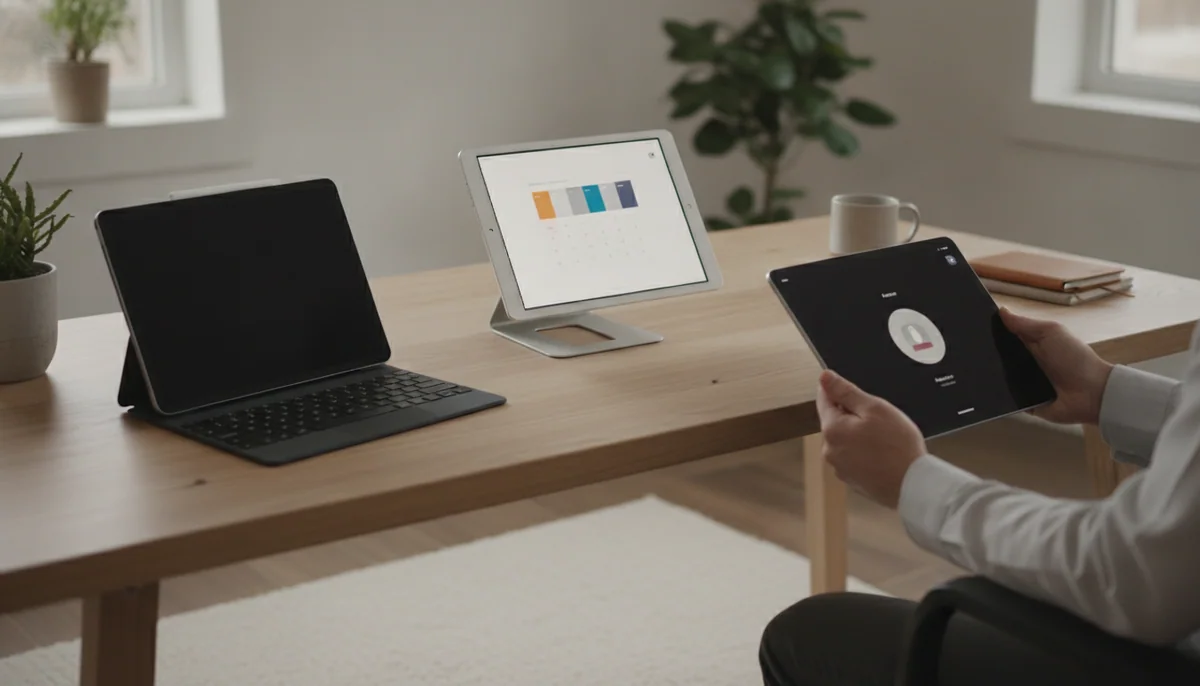
The tablet market encourages an expensive mistake: comparing processors, screen diagonals and memory totals before deciding what the device must actually do. A tablet held for reading needs different virtues from one docked beside a keyboard, and a preschooler’s first screen has almost nothing in common with a designer’s portable canvas. The best tablet is therefore not the model with the largest number in every column. It is the least compromised machine for the work most people perform.
That machine is Apple’s 11-inch iPad with the A16 chip. It is fast enough for mainstream games, schoolwork, video, calls, browsing, notes and light editing; 128GB is a practical starting capacity; and the mature iPad application library gives it more useful range than most inexpensive Android or Fire tablets. Its reflective, non-laminated 60Hz display is the honest drawback, while the absence of Apple Intelligence and Pencil Pro support makes the Air a better purchase for committed artists and heavier creative users.
Do not automatically move from “best” to “Pro.” Apple’s 11-inch M5 iPad Pro has the finest screen in this lineup and extraordinary performance, but browsing, streaming and handwritten shopping lists do not become proportionally better because an M5 chip is waiting behind them. Samsung’s Galaxy Tab A11+ makes a stronger budget Android argument through Google Play, microSD expansion and long software support, although its washed-out TFT display prevents it from taking the overall crown.
Start with the A16 iPad
Choose it when you want one dependable household tablet and cannot name a specialist feature worth paying more to obtain.
Depart from it for a reason
Move to an Air for Pencil and creative work, a Pro for OLED and demanding iPad applications, Samsung for conventional Android, Fire for tightly bounded entertainment, or a small tablet because portability changes how often you will use it.
If cost is the governing constraint, the shortlist in our guide to inexpensive tablets is more useful than treating every low-priced slate as an equivalent bargain. If the intended device will spend most of its life attached to a keyboard, begin with the laptop versus tablet comparison instead. A tablet can be a computer, but that does not mean it is the right kind of computer for every job.



Quick Picks at a Glance
| Feature | Editor's Pick IPad 11-inch a16 | Apple iPad Air 11-inch M4 | Samsung Galaxy Tab A11 Plus | Amazon Fire HD 10 2023 | IPad mini A17 Pro | Amazon Fire HD 10 Kids 2023 | IPad Pro 11-inch M5 | Apple iPad Air 13-inch M4 | Amazon Fire HD 8 Kids 2024) | Apple iPad Pro 13-inch M5 | ReMarkable Paper Pro marker Plus | Amazon Fire HD 8 Plus 2022 | Amazon Fire HD 8 2024) | Samsung Galaxy Tab S10 FE Plus | Lenovo Tab one |
|---|---|---|---|---|---|---|---|---|---|---|---|---|---|---|---|
| Price Range | — | — | — | — | — | — | — | — | — | — | — | — | — | — | — |
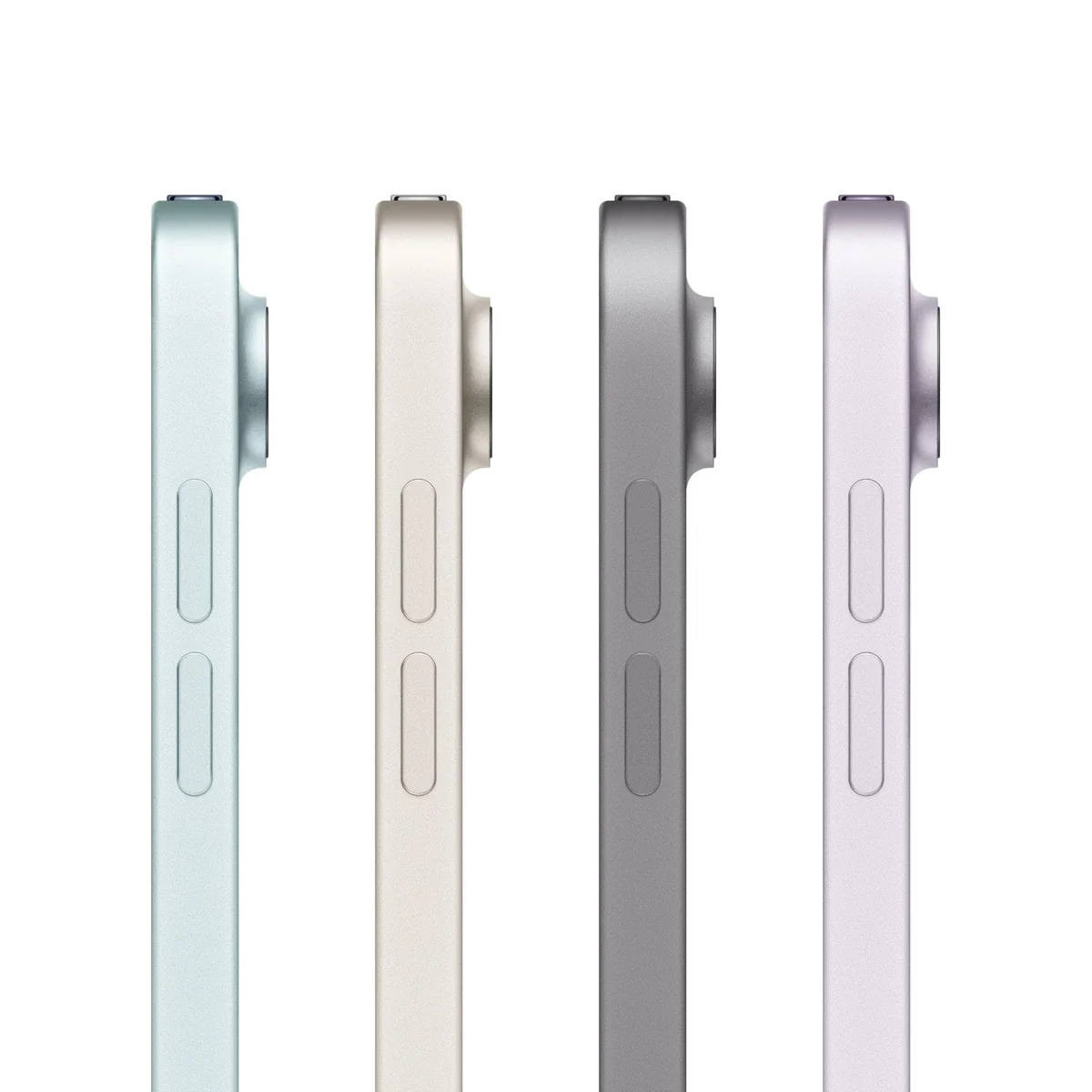
| Finish | Blue | Space Gray | Gray | Lilac | Space Gray | Blue | Space Black | Space Gray | Blue | Space Black | Gray | Gray | Black | — | Gray |
| Screen size | 11" | 11" | 11" | 10.1" | — | 10.1" | 11" | 13" | — | 13" | 11.8" | — | — | — | 33" |
| Check Price on Amazon | Check Price on Amazon | Check Price on Amazon | Check Price on Amazon | Check Price on Amazon | Check Price on Amazon | Check Price on Amazon | Check Price on Amazon | Check Price on Amazon | Check Price on Amazon | Check Price on Amazon | Check Price on Amazon | Check Price on Amazon | Check Price on Amazon | Check Price on Amazon |
The tablets worth considering, from broadest recommendation to narrowest escape hatch
The 11-inch A16 iPad is the best tablet for most people.
Its responsive everyday performance, 128GB starting capacity, strong application library and manageable one-pound body cover family, school, media, note and casual-game duties without charging for professional power.
The reflective non-laminated 60Hz screen, slow charging and lack of Apple Intelligence or Pencil Pro support make it the wrong iPad for exacting artists and buyers planning heavy creative work.
The 11-inch M4 iPad Air is the best step up for serious Pencil and creative work.
The laminated display, Pencil Pro support, M4 chip, 12GB of memory and portable chassis make it a capable notebook, illustration tool and editing companion with ample performance headroom.
Its 60Hz LCD, 128GB starting capacity, slow charging and separately purchased accessories make little sense for buyers who mainly browse and stream.
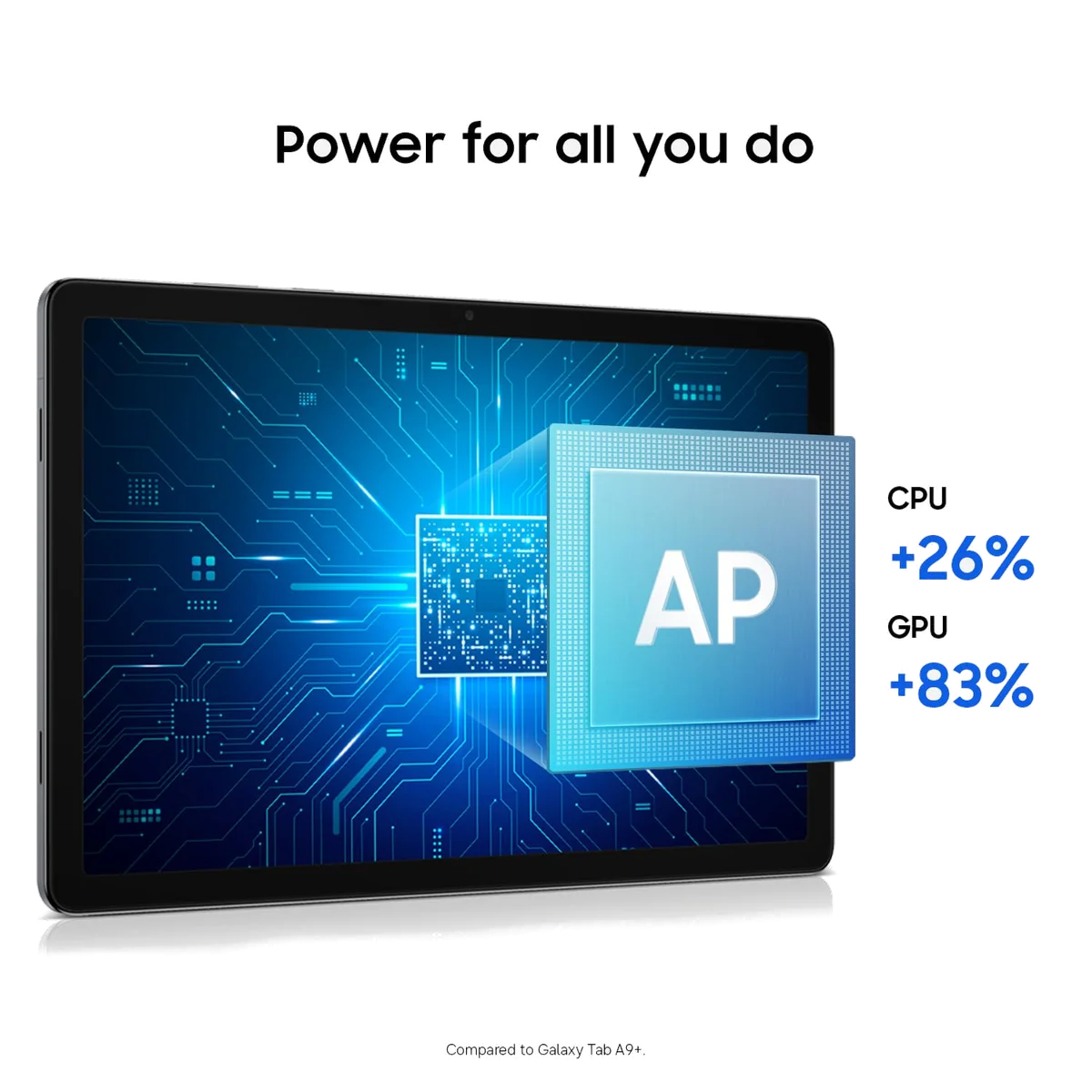
The Galaxy Tab A11+ is the best affordable conventional Android tablet here.
Responsive daily performance, Google Play, 128GB of storage, microSD expansion, a headphone jack and a long support promise create a sensible family and entertainment package.
The washed-out TFT screen has narrow viewing angles, and the absence of active S Pen support or wired monitor output rules out serious notes and desk use.
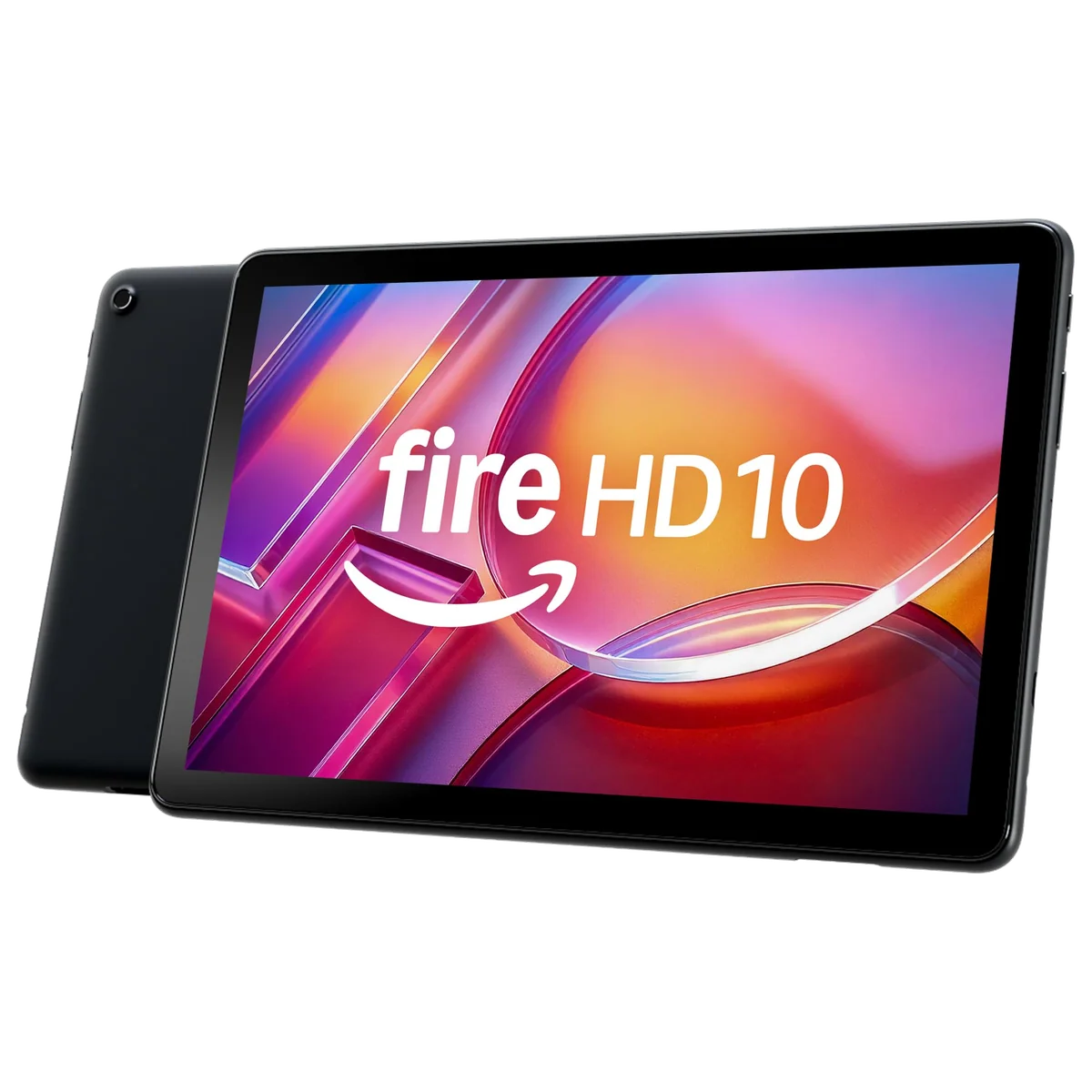
The Fire HD 10 is the best large tablet for uncomplicated Amazon entertainment.
Its 10.1-inch Full HD screen, long active-use battery life, family profiles, headphone jack and microSD expansion suit supported streaming, Kindle reading and casual household use.
Fire OS lacks official Google Play access, promotes Amazon throughout the interface and turns missing applications into a deal-breaker for work or a Google-centered household.
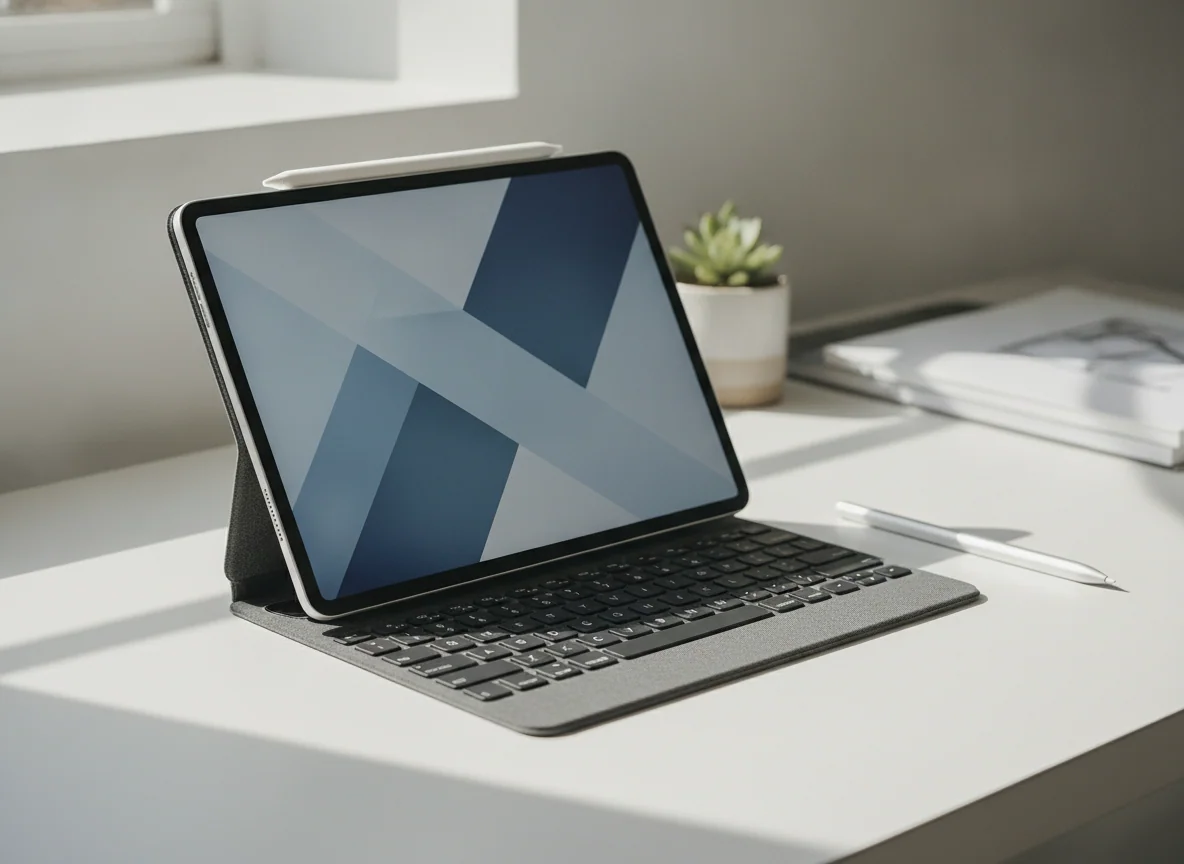
The A17 Pro iPad mini is the best premium tablet when small size is the point.
Its 8.3-inch body, strong chip, 128GB capacity, Pencil Pro support and fast connectivity make it an unusually capable reader, travel notebook, field reference and handheld game screen.
The cramped workspace, unchanged 60Hz LCD and replacement cost for an incompatible older Pencil make it a poor only tablet when portability is merely appealing rather than necessary.
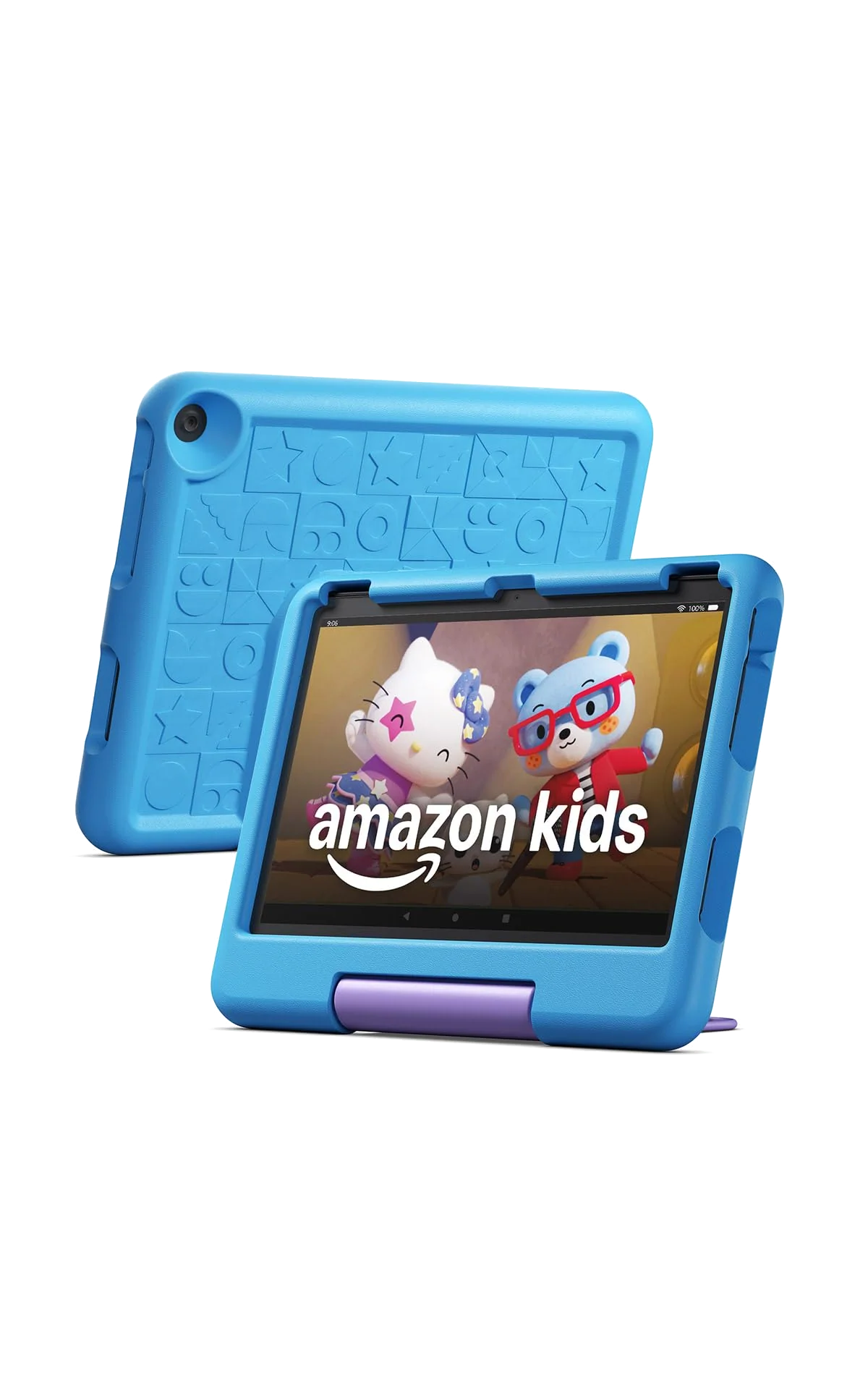
The Fire HD 10 Kids is the best large protected tablet for children aged three to seven.
The roomy Full HD display, thick case, granular parental controls, included Kids+ period and two-year replacement guarantee form a coherent first-tablet bundle.
The case is bulky, demanding games can struggle, Google Play is absent and the Kids+ catalog becomes a recurring subscription decision after the included period.
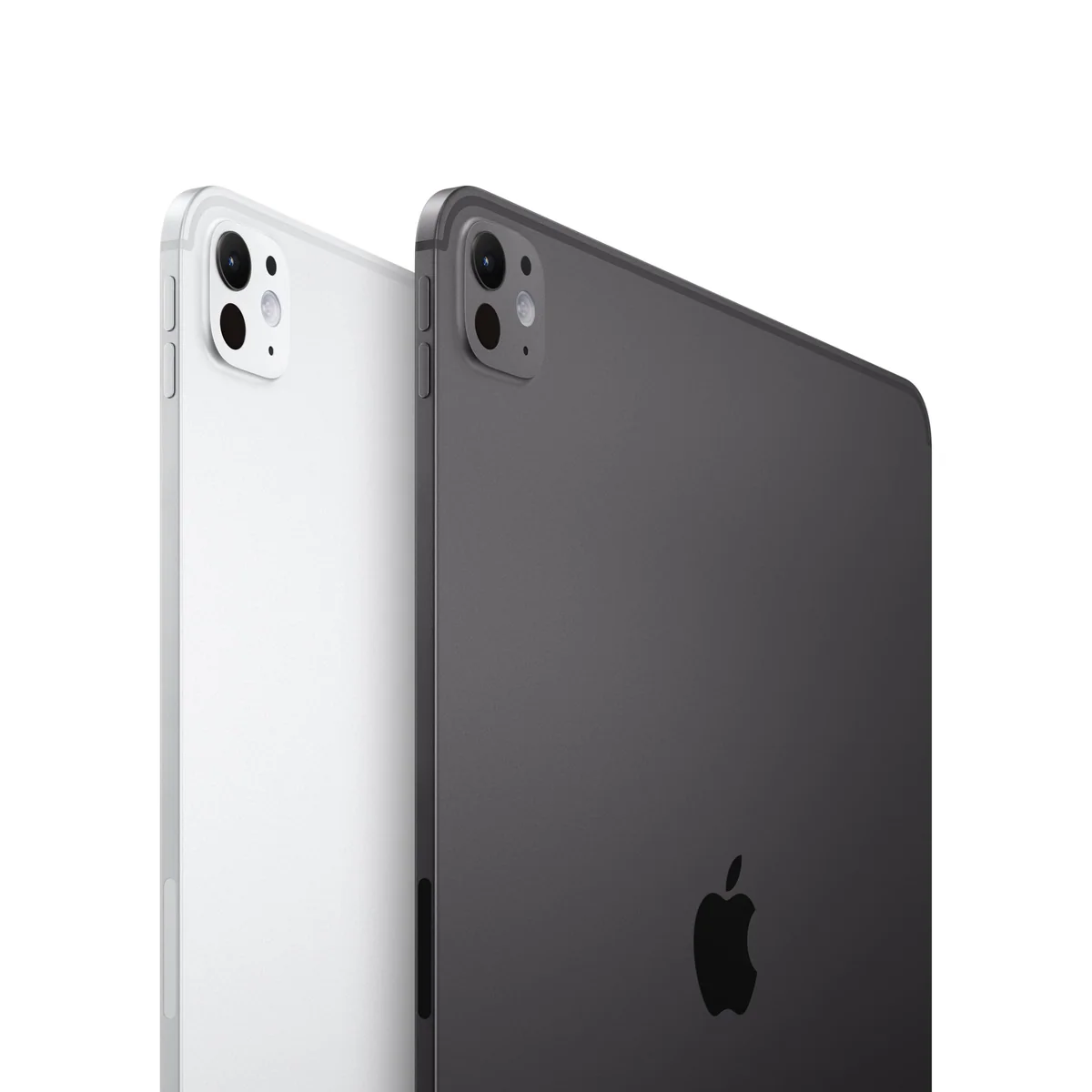
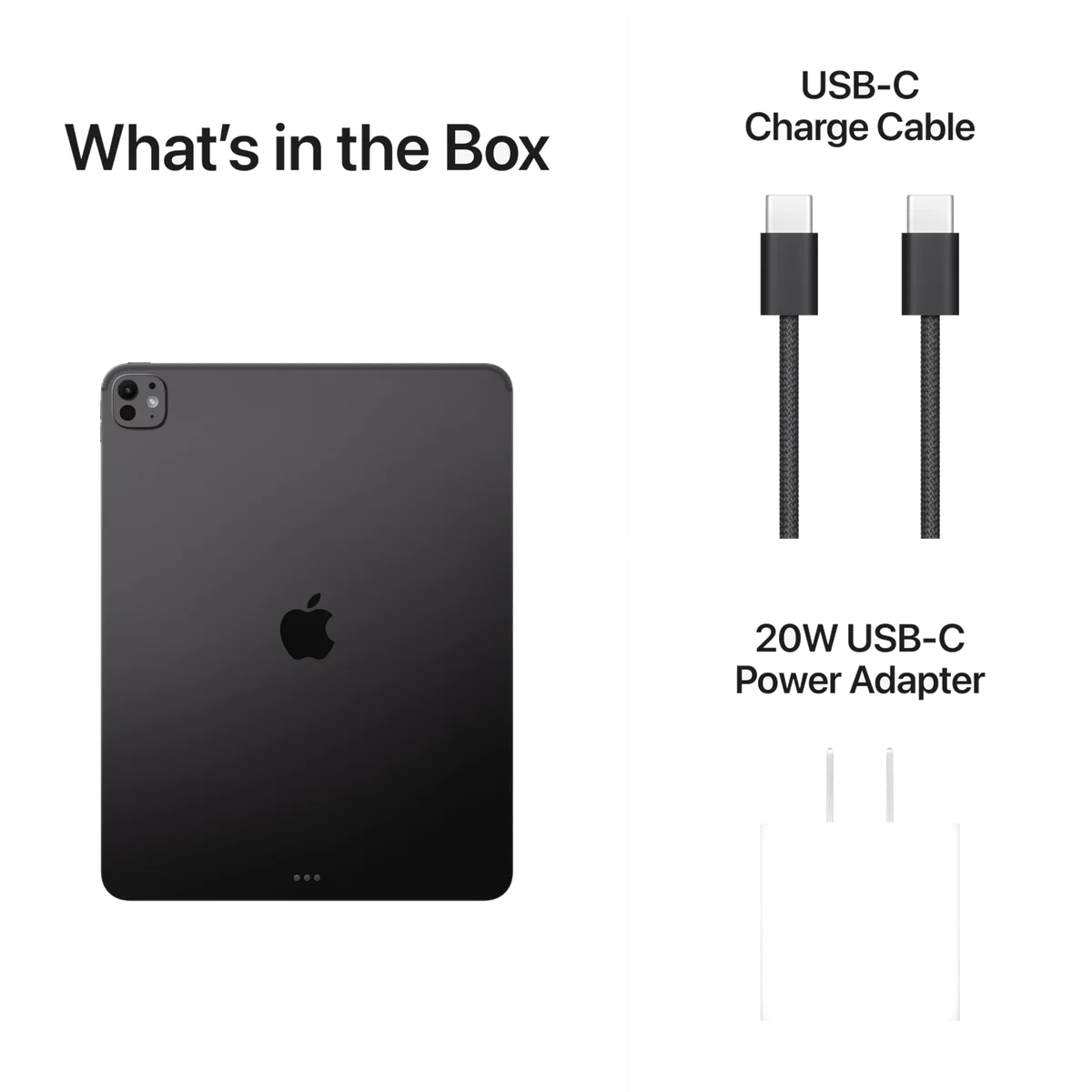
The 11-inch M5 iPad Pro is the best compact tablet for an uncompromised screen.
The tandem-OLED ProMotion display, Face ID, four speakers, Pencil Pro support and immense M5 headroom create the finest handheld tablet experience in this group.
Most everyday work cannot justify its cost, and iPadOS still cannot run missing Mac applications, professional plugins or unrestricted desktop tools.
The 13-inch M4 iPad Air is the best large Apple canvas below the Pro tier.
Its page-sized laminated display gives handwritten notes, sheet music, PDFs, illustration controls and split-screen applications enough room to become meaningfully easier.
The 60Hz LCD, limited starting storage and awkward unsupported weight make it a desk tablet rather than an effortless couch companion.
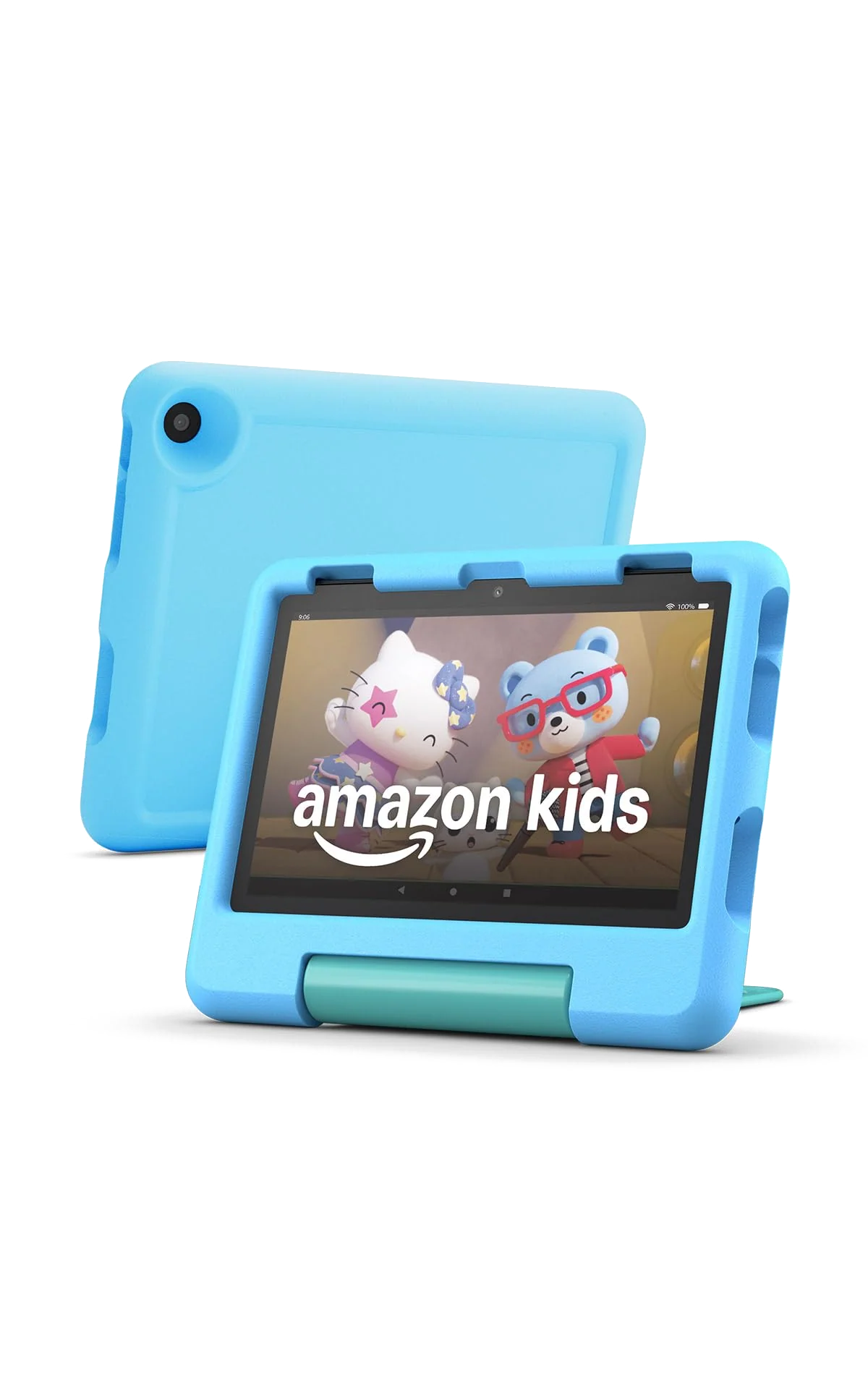
The Fire HD 8 Kids is the best protected children’s tablet for travel and small hands.
The compact body, substantial case, carrying handle, child profiles, parental controls and replacement guarantee suit books, shows and simple games away from home.
The coarse reflective screen, modest processor, missing Google services and extremely slow bundled charger expose its budget hardware quickly.
The 13-inch M5 iPad Pro is the best tablet for a proven iPad-first professional workflow.
Its vast tandem-OLED canvas, 120Hz motion, Pencil Pro support, Thunderbolt connection and enormous performance headroom suit drawing, design, editing and multi-window work that already belongs on iPadOS.
The large body wants a supporting surface, the glossy 256GB model lacks nano-texture glass and a keyboard-based setup can cost and weigh like a laptop without gaining desktop software.
The COLORROOM C30 is an inexpensive children’s Android option that needs cautious expectations.
Google Kids Space, parental controls, microSD expansion and a protective handled case offer more conventional Android freedom than a Fire tablet.
Retained owners reported poor battery endurance and an unexplained screen failure, while the listing’s 10GB figure includes virtual rather than wholly physical memory.
The Frameflow 11-inch tablet is a couch screen rather than a trustworthy field tool.
Its full Google Play access, 128GB storage, microSD expansion and 90Hz display specification make it plausible for inexpensive browsing, video and large-type reading at home.
Owner reports describe tinny speakers, failed offline location, inconsistent battery life and one cracked screen, so its specification sheet outruns the evidence.
The Like-New Fire HD 10 is worthwhile only when refurbishment creates a clear advantage.
It retains the standard model’s Full HD display, expandable storage and entertainment-focused Fire OS while Amazon says the unit is tested and covered by the same limited warranty as a new device.
Refurbished condition adds unit-level uncertainty, and the underlying 3GB tablet still has a restricted app store, modest performance and slow charging.
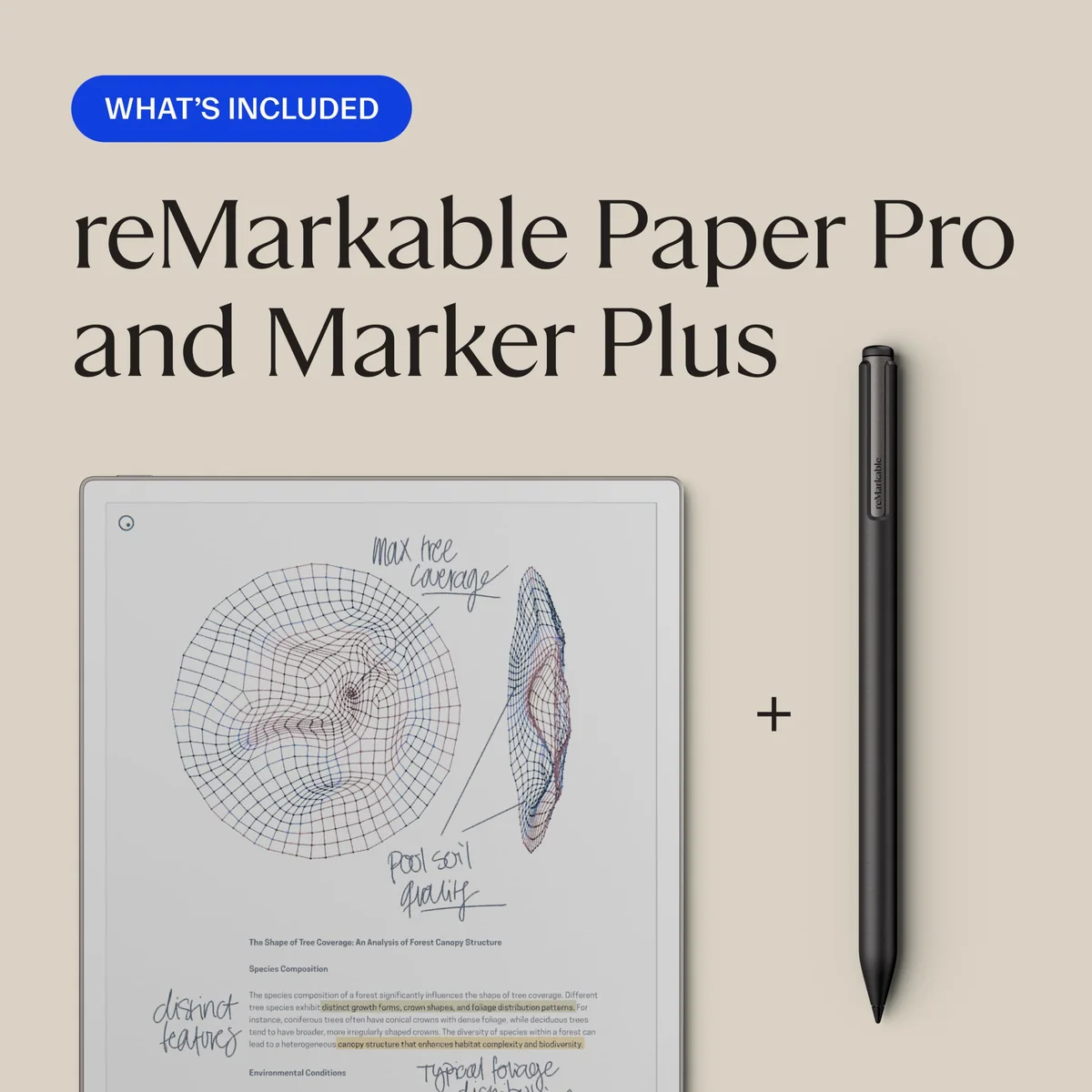
The reMarkable Paper Pro is the best tablet for distraction-free handwritten work.
Its large color E Ink display, excellent Marker Plus experience, front light and focused notebook system can replace piles of notes and annotated PDFs without introducing another app-filled screen.
It is expensive, omits ordinary tablet applications and protected Kindle books, gates useful cloud features behind Connect and has enough display-failure reports to make return rights important.
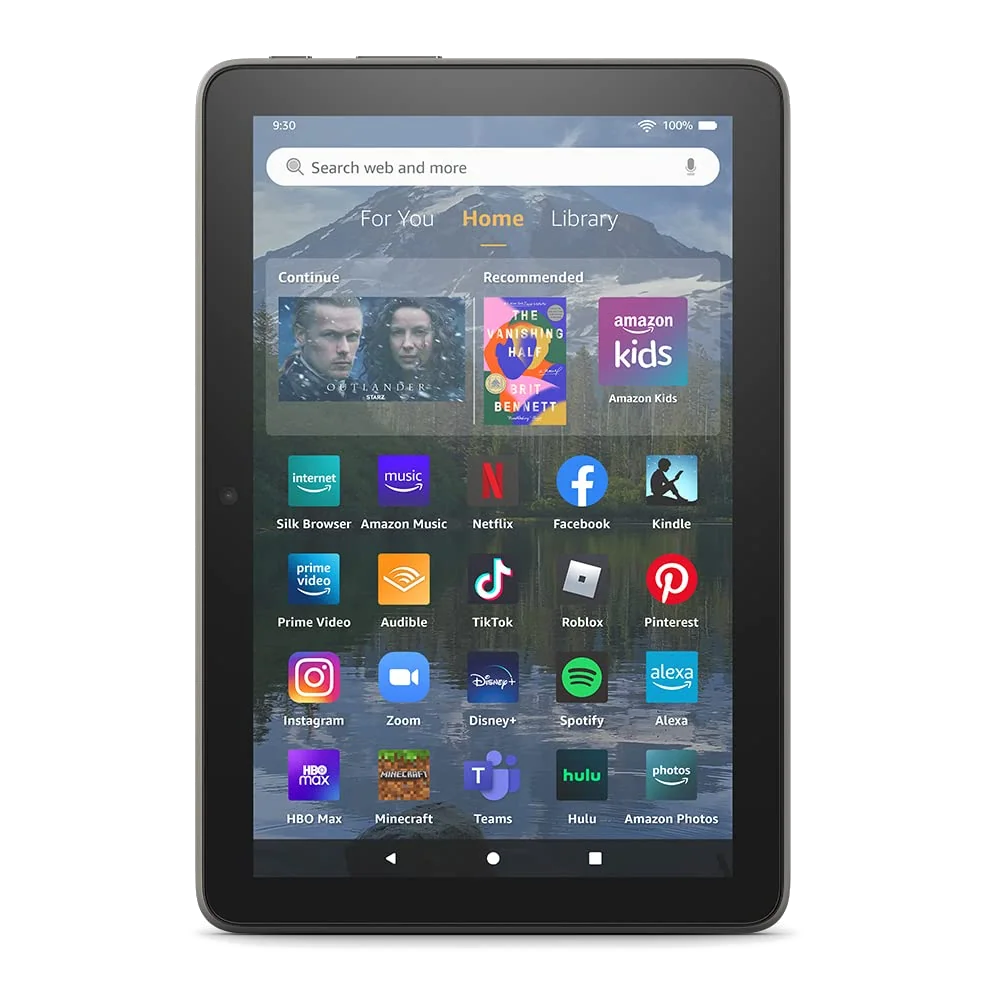
The 2022 Fire HD 8 Plus is a dated compact tablet with one useful trick.
Wireless charging lets it live on a stand in Show Mode before following its owner to the sofa for Kindle books, video and other undemanding Amazon services.
Its 1280 × 800 display, weak cameras, modest processor and unsupported Google Play workarounds make a current conventional Android tablet the safer purchase.
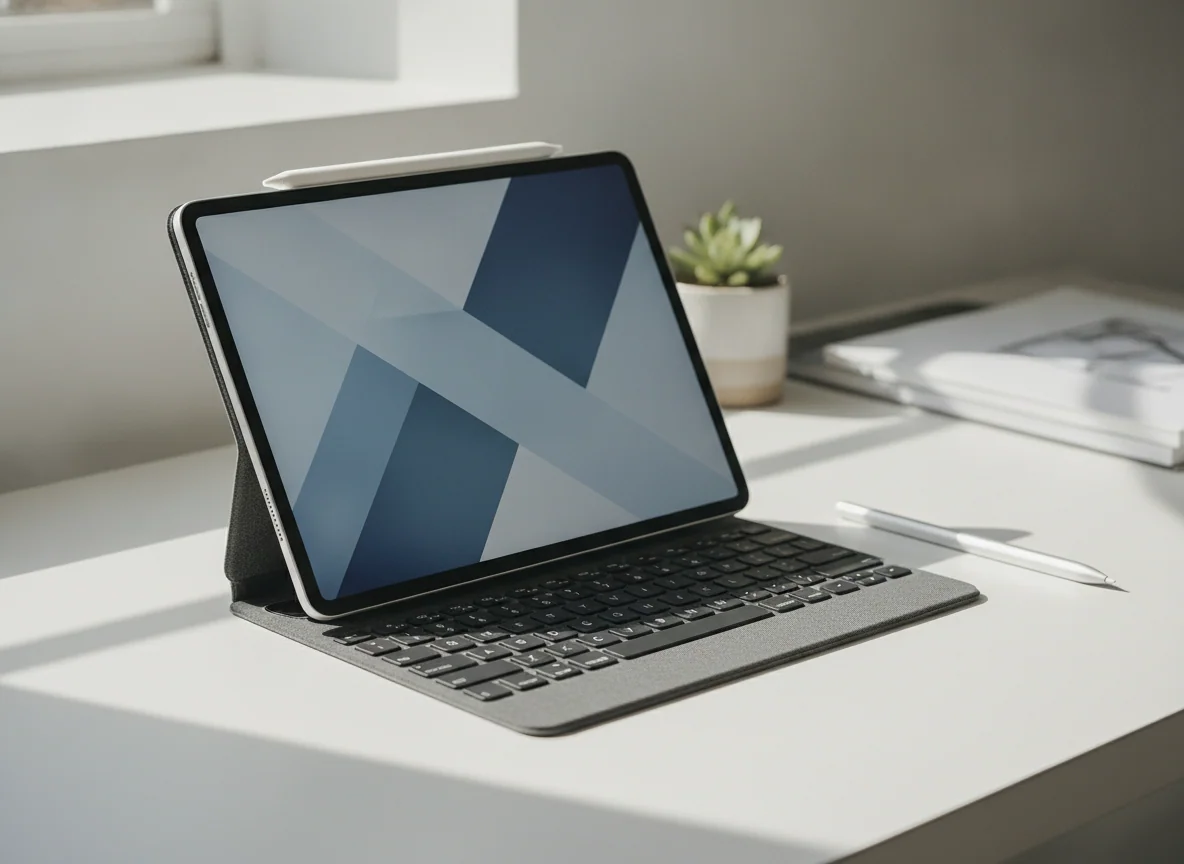
The CUPEISI bundle is tempting only when every included accessory is genuinely needed.
A keyboard, mouse, stylus, case, 128GB storage and microSD expansion create an unusually complete package for basic email, school portals and light media.
Owners reported short battery life, crashes and units running Android 15 despite Android 16 advertising, while the claimed 20GB includes 16GB of virtual memory.
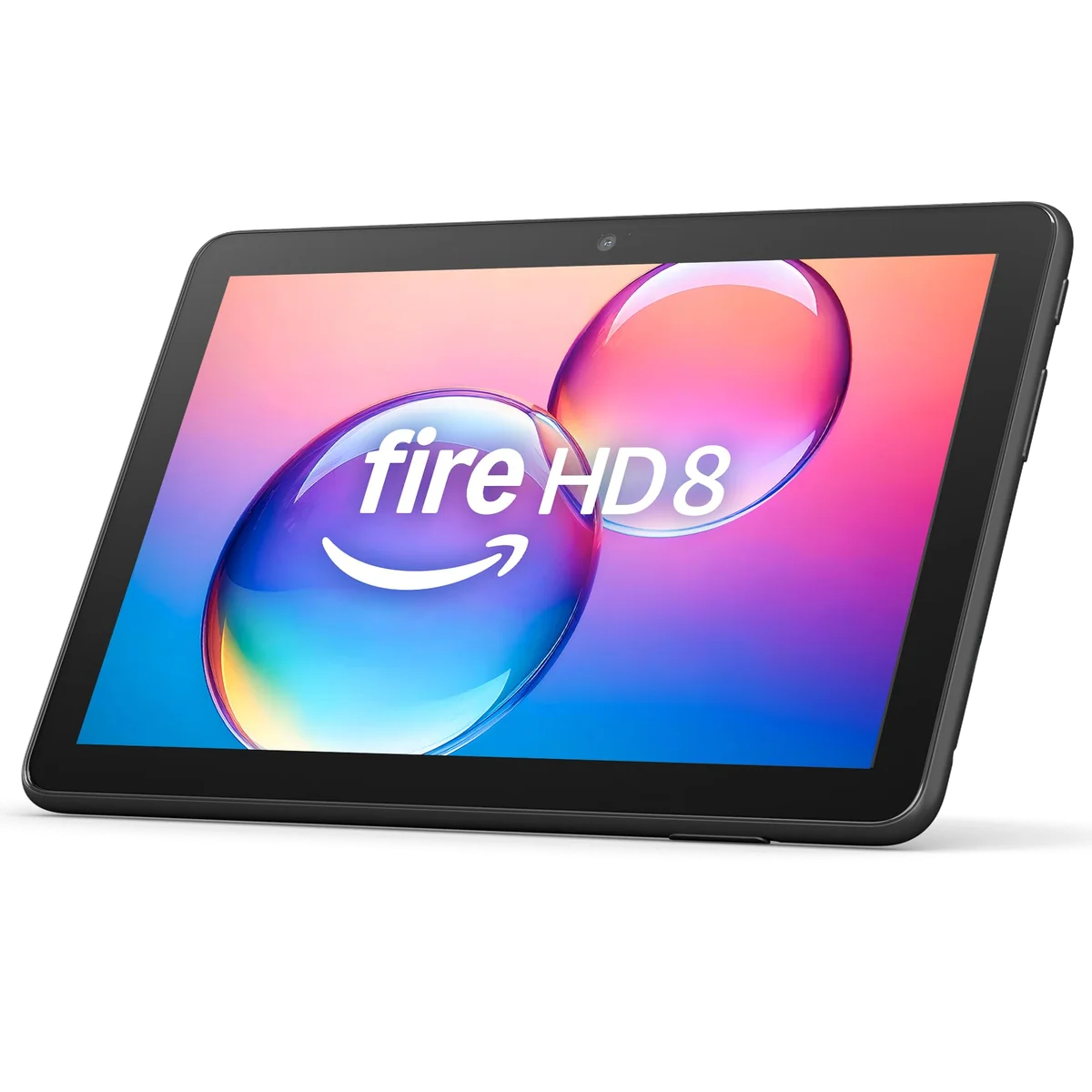
The 2024 Fire HD 8 is the better compact Fire tablet for uncomplicated travel.
The 4GB and 64GB configuration is light, easy to pack and adequately equipped for Kindle, Libby, downloaded video, simple games and other Amazon-friendly entertainment.
The soft reflective screen, slow processor, poor speakers and cameras, missing Google Play and five-hour bundled charge can make thrift feel punitive.
The COOPERS CP10 is too risky to recommend beyond a disposable single-purpose screen.
Its large display and Google Play access may cover a basic camera monitor, ebook reader or occasional video screen when nothing more demanding is expected.
Retained reports include overheating, a melted charging port, severe battery drain, slow operation, a fragile screen and repeated problems across a replacement unit.
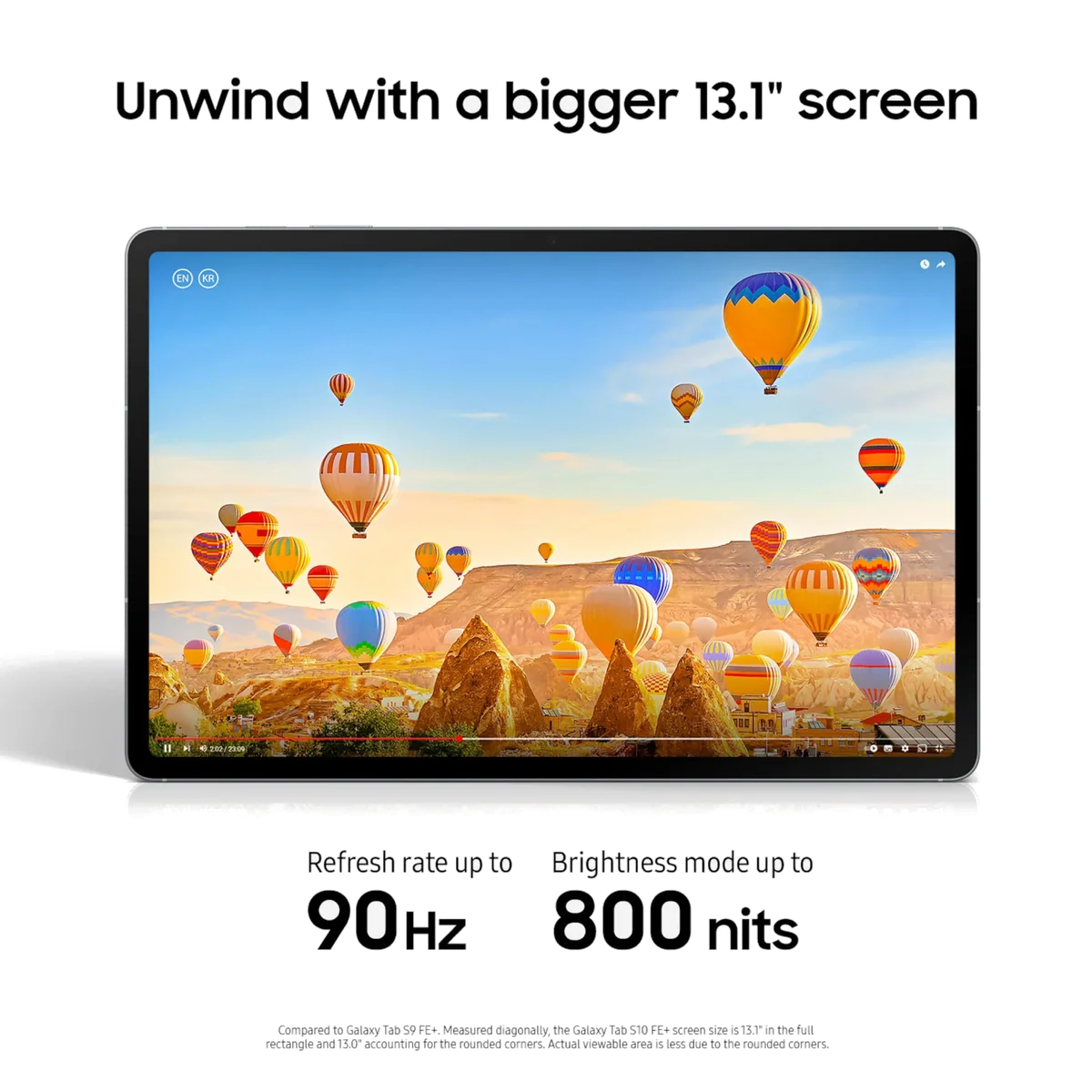
The Galaxy Tab S10 FE+ is the best large Android tablet for notes and full pages.
Its enormous sharp display, included battery-free S Pen, excellent endurance, microSD slot, IP68 protection and long support policy create a superb document and study canvas.
The midrange processor, LCD black levels, considerable bulk and USB 2.0 port with no wired display output prevent it from becoming a flagship or universal laptop replacement.
The ZZB ZB10 should be avoided despite its low barrier to entry.
Google Play, a 10.1-inch screen and microSD expansion can support basic reading and video when a functioning unit meets very modest expectations.
Four retained purchases reportedly developed swollen batteries, while other owners described weak brightness, slow response and incompatible applications.
The WXUNJA C5 can work as a low-cost reader, but its identity is inconsistent.
An 11-inch display, headphone jack, Google Play, microSD expansion and a supplied case make it usable for books, local media and occasional streaming.
The exact processor and physical memory varied from the listing, owners found intrusive pop-ups and camera or Bluetooth faults, and the advertised 28GB relies heavily on virtual memory.
The Lenovo Tab One is the best inexpensive small Android tablet for patient users.
Its 8.7-inch shape, long battery life, Google Play access, headphone jack, microSD slot and included folio make a persuasive one-app-at-a-time reader and travel screen.
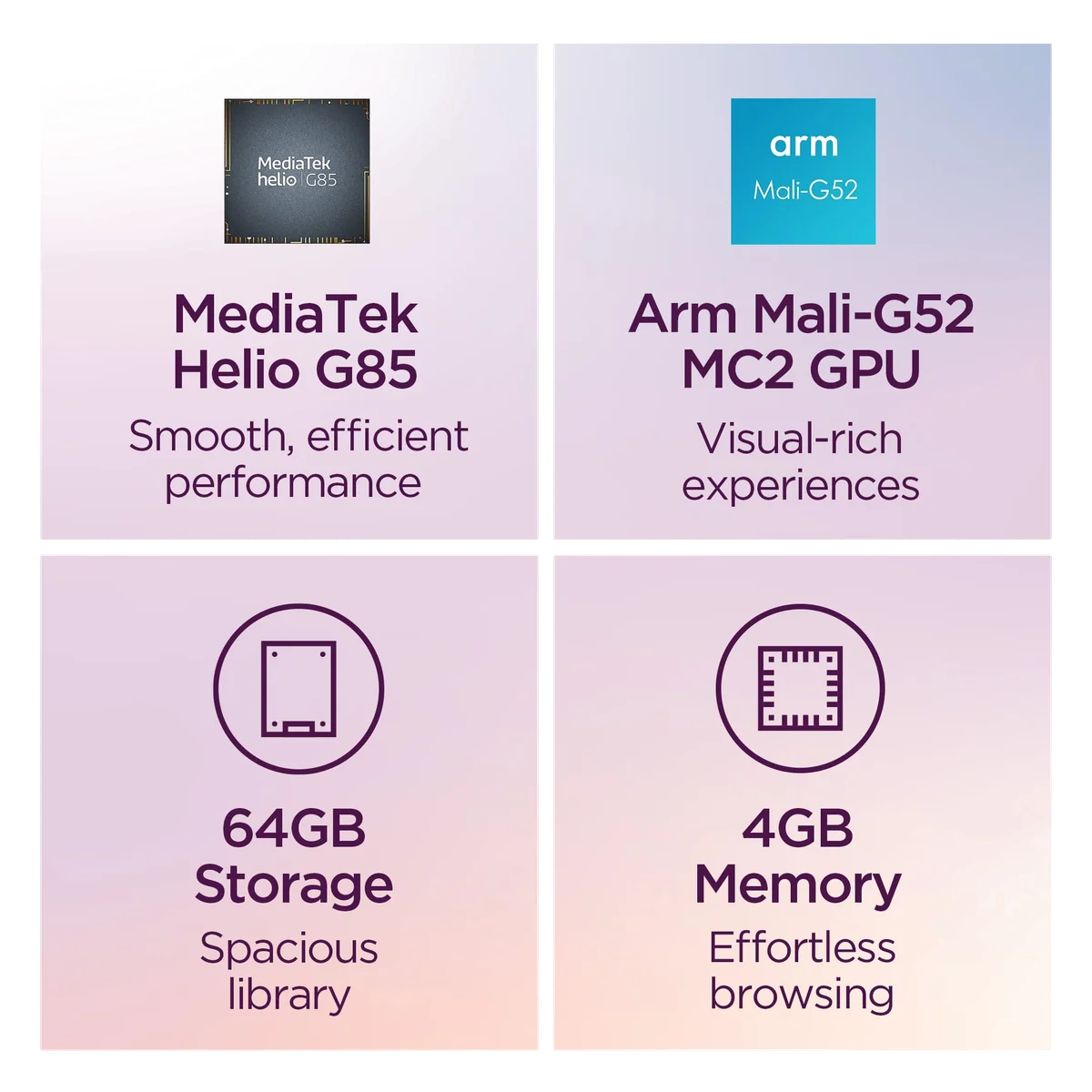
The coarse display, Helio G85 processor, slow eMMC storage, weak cameras and short confirmed support period rule out ambitious work and long-term confidence.
The COLORROOM C5 is an unproven large Android tablet with an inflated memory headline.
The listing promises conventional Android, 128GB storage, microSD expansion, an 8000mAh battery and 18W charging for basic home media use.
No embedded customer-review record was supplied for this exact listing, the 1280 × 800 panel is coarse at eleven inches and only 4GB of the advertised 32GB is physical memory.
We ranked complete experiences, not specification trophies
Specs & Screens did not handle or benchmark these tablets for this roundup. The rankings reconcile the site’s full product reviews, independent measurements, manufacturer listings and retained owner reports. We gave priority to the exact configuration sold here, separated Wi-Fi models from cellular versions, and did not transfer measurements from a sibling merely because the bodies or names looked similar.
The overall winner had to perform ordinary tablet work well without requiring a specialist justification. After that, products could earn a place by solving a narrower problem unusually well: portable reading, Pencil work, a large document canvas, children’s protection, inexpensive entertainment, expandable storage or distraction-free handwriting. A product lost ground when its central weakness affected every use, as with a poor display, a restrictive app store or unreliable low-cost hardware.
| Question | What counted | What did not |
|---|---|---|
| Can it do the intended work? | Application access, useful multitasking, pen support, storage behavior and accessory compatibility | A fast processor stranded behind missing software or ports |
| Is the screen suited to the job? | Sharpness, refresh rate, reflection, contrast, size and handheld comfort | A large diagonal that makes the device miserable to hold |
| Will the configuration remain practical? | Usable storage, expansion, support policy, charging and complete accessory needs | Virtual memory presented as if it were physical RAM |
| Does the compromise buy something worthwhile? | A real saving, portability advantage, protected bundle or specialist workflow | A low captured price used to excuse severe reliability warnings |
Battery figures were treated as descriptions of workloads rather than universal promises. Captured prices helped explain each product’s market position but are not presented as current offers. Owner reviews informed recurring uses and failure warnings, not defect rates, because retailer samples are selective and often too small for that conclusion.
Choose the constraint before choosing the tablet
Screen size changes posture before it changes productivity. Eight to nine inches works for one-handed reading, cramped bags and travel; eleven inches is the general-purpose center; thirteen inches rewards a stand, desk or keyboard. The larger screen is not automatically the better film screen either, because aspect ratio determines how much of the panel widescreen video actually uses. Our guide to choosing a tablet size handles that decision before brand preference interferes.
Storage labels also need translation. The operating system consumes part of the advertised capacity, virtual RAM may reserve additional storage, and microSD cards are best for media and documents rather than assuming every application can move there. Most general buyers should treat 128GB as a comfortable starting point; large games, offline video and creative projects justify more. The detailed tablet storage guide separates internal capacity from expandable file storage.
Apple, Android and Fire are different commitments
Apple offers the broadest high-quality tablet application ecosystem in this field and the strongest route from ordinary iPad to serious creative hardware. The trade is closed storage, expensive accessories and limited user separation. Android offers Google Play, more varied hardware, microSD expansion on several models and flexible windowing, but software support and tablet application quality vary sharply by manufacturer.
Fire OS is a separate decision, not a cheaper synonym for Android. It centers Amazon’s store and services, lacks official Google Play access and can omit an application a household considers routine. Verify every essential service before purchase rather than planning to repair the platform with unsupported sideloading; the site’s guide to Google Play and missing Fire tablet apps explains why that workaround should not anchor a buying decision.
Accessories can reverse the apparent value. Pencil, keyboard, case, memory card, charging adapter, protective coverage and subscriptions belong in the same calculation as the tablet. If a keyboard is essential rather than occasional, compare the complete setup with the choices in our tablet replacement guide and the site’s iPad versus MacBook comparison.
The overall recommendation remains deliberately unglamorous: buy the A16 iPad unless another tablet’s defining advantage solves a problem you can name, because paying less for a restriction or paying more for idle capability are two versions of the same bad purchase.
Frequently Asked Questions
Which tablet is best for most people?
The 11-inch A16 iPad is the best general choice because it combines strong everyday performance, 128GB of storage, mature applications and manageable portability without charging for professional hardware.
Is an iPad Air worth buying instead of the basic iPad?
The iPad Air is worth the step up for a laminated screen, Pencil Pro, Apple Intelligence, faster transfers and demanding creative work, but not for ordinary streaming and browsing.
Should I buy an eleven-inch or thirteen-inch tablet?
Choose eleven inches for handheld and travel use, or thirteen inches when the tablet will usually rest on a desk, stand or keyboard and full pages matter.
Which tablet is best for a child?
The Fire HD 8 Kids is easier for small hands and travel, while the Fire HD 10 Kids provides a larger, sharper screen for video, books and shared viewing.
Which tablet is best for handwritten notes?
The iPad Air is the strongest versatile choice, the Galaxy Tab S10 FE+ offers a large canvas with an included S Pen, and the reMarkable Paper Pro is best for distraction-free handwriting rather than general applications.
Can a tablet replace a laptop?
A tablet can replace a laptop only when every required application, file operation, plugin, peripheral and external-display workflow works properly on its operating system.
Is 128GB enough storage?
128GB is enough for most streaming, browsing, note, school and moderate app libraries, while large games, offline media and local creative projects make 256GB or expandable storage safer.
Do Amazon Fire tablets have Google Play?
No, Fire tablets use Amazon’s Appstore and unofficial Google Play installation should not be treated as supported, permanent or maintenance-free.
Is a cheap unrecognized Android tablet worth the risk?
It can suit a disposable single-purpose screen, but inconsistent specifications, virtual-memory marketing, weak update promises and recurring battery or durability complaints make established alternatives safer.
Our Top Pick
The IPad 11-inch a16 is our #1 recommendation — to replace a laptop.
Check Price on Amazon: IPad 11-inch a16Sources (8)
- Amazon listings and customer reviews
- Laptopmag — Article — www.laptopmag.com
- Consumerreports — Article — www.consumerreports.org
- Notebookcheck — Article — www.notebookcheck.net
- Techradar — Article — www.techradar.com
- Wired — Article — www.wired.com
- Pcmag — Article — www.pcmag.com
- Phonearena — Article — www.phonearena.com