Amazon Fire HD 10 Kids review: buy the bundle for the protection, not the tablet alone
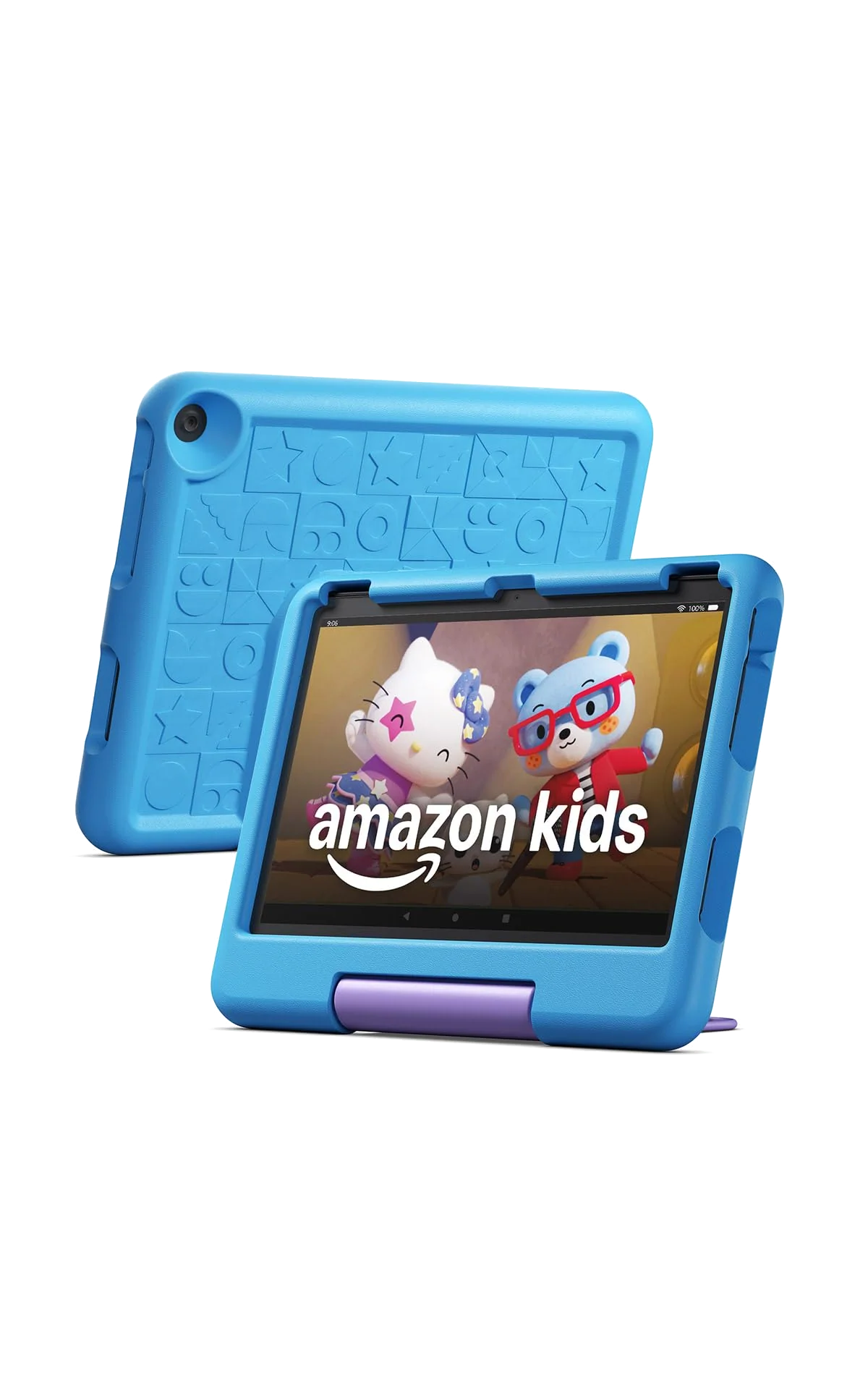
Buy the Fire HD 10 Kids for a drop-prone child aged three to seven who will benefit from its large screen and managed content, but choose something else if Google apps, demanding games or a small and light tablet matter.
Based on published owner reports and 4 other sources. We have not tested this machine ourselves.
We earn a commission if you buy through our links, which does not affect what we say.
Read how this site works →
The final call
The Fire HD 10 Kids deserves to be bought as a protected first tablet, not admired as exceptional computing hardware. Its sharp, roomy screen, granular controls, substantial case and two-year replacement guarantee address the needs of families with young children unusually well. The ordinary processor, restricted app store, heavy shell and subscription renewal are the price of that focused design.
Buy it for a three-to-seven-year-old whose routine is built around books, shows, learning activities, video calls and lighter games. Walk away if the child already expects official Google services, demanding games, a clean minimalist interface or the freedom of a mainstream Android tablet or iPad.
Best for: Kids
The short version: this is a good children’s bundle wrapped around an ordinary budget tablet, and the bundle is exactly why it earns a recommendation.
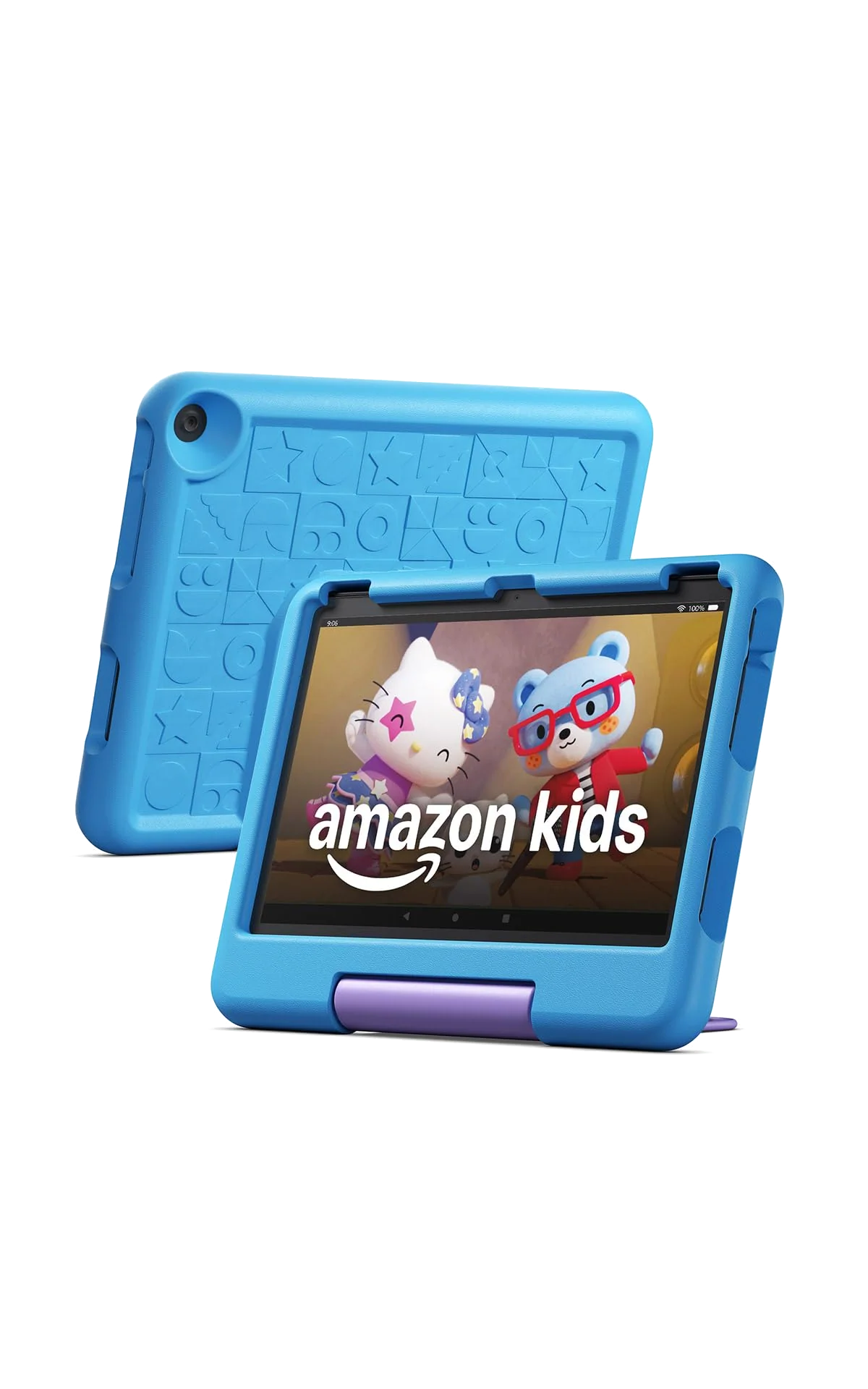
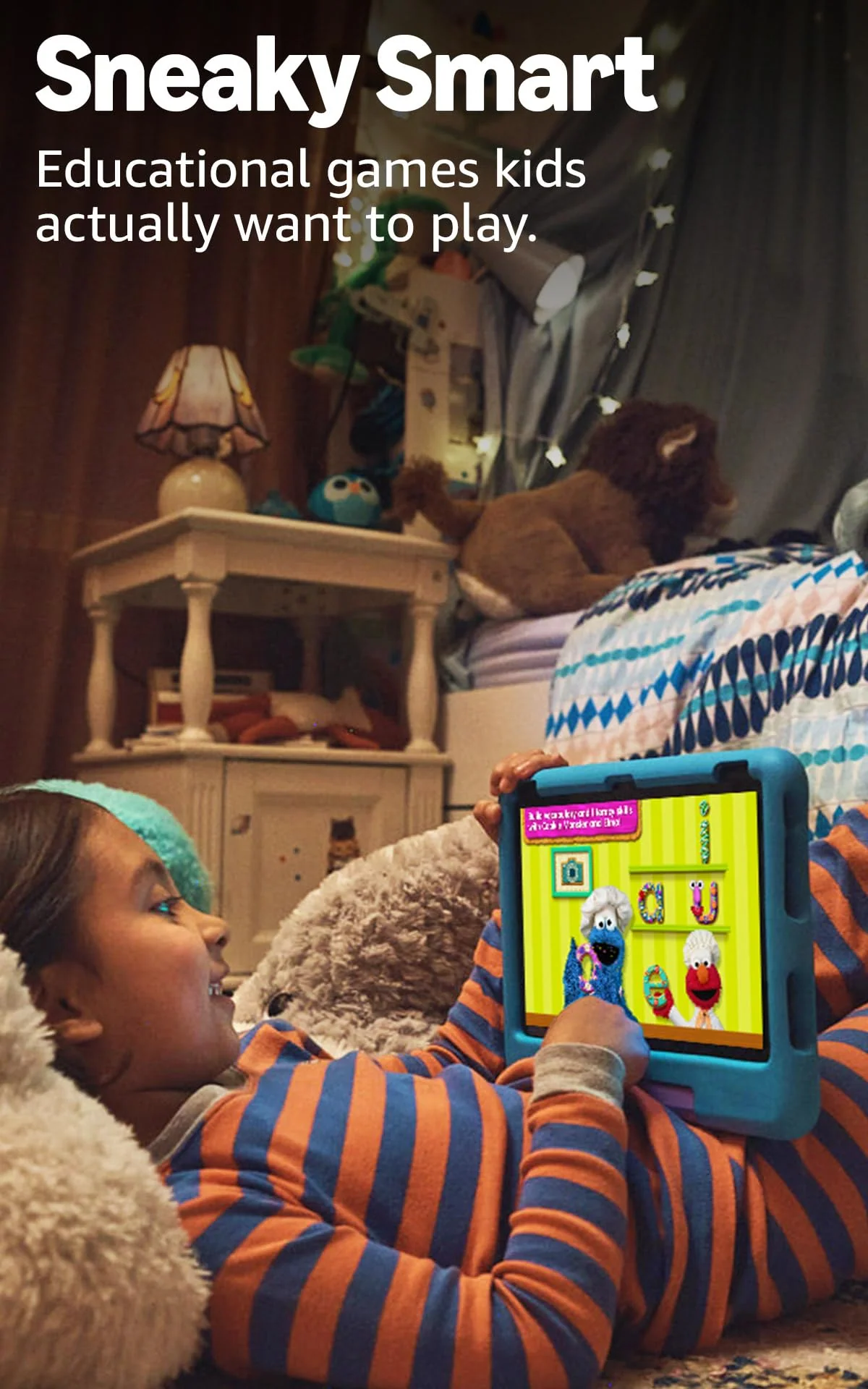
Underneath the thick blue case sits essentially the same hardware as the regular 2023 Fire HD 10. The Kids edition earns its name through the parts around that hardware: a substantial case with a stand and handle, one year of Amazon Kids+, a two-year worry-free replacement guarantee, no lock-screen advertising and a setup process built around child profiles. Those additions solve real parental problems rather than merely turning the shell blue and adding “Kids” to the box.
The honest drawback is just as important. Fire OS does not include Google Play or the official suite of Google apps, and Amazon’s smaller app store cannot match an iPad or a mainstream Android tablet. The 3GB of memory also sets a firm ceiling on ambitious games. This is a controlled video, reading and light-game machine for a young child, not a cheap route to an unrestricted general-purpose tablet.
Buy it if
Your child is genuinely in the three-to-seven age range, drops are predictable rather than hypothetical, and you want schedules, content approval and activity limits without assembling the package yourself.
Skip it if
Your child needs Google Classroom, Docs, Gmail, official YouTube apps, sophisticated games or a device small enough to hold comfortably in one hand.
If the bundle sounds right but ten inches sounds unwieldy, the Fire HD 8 Kids review covers the more portable sibling, while our Fire HD 8 Kids versus Fire HD 10 Kids comparison deals directly with the size tradeoff.
Key Specifications
The case and controls are the real product
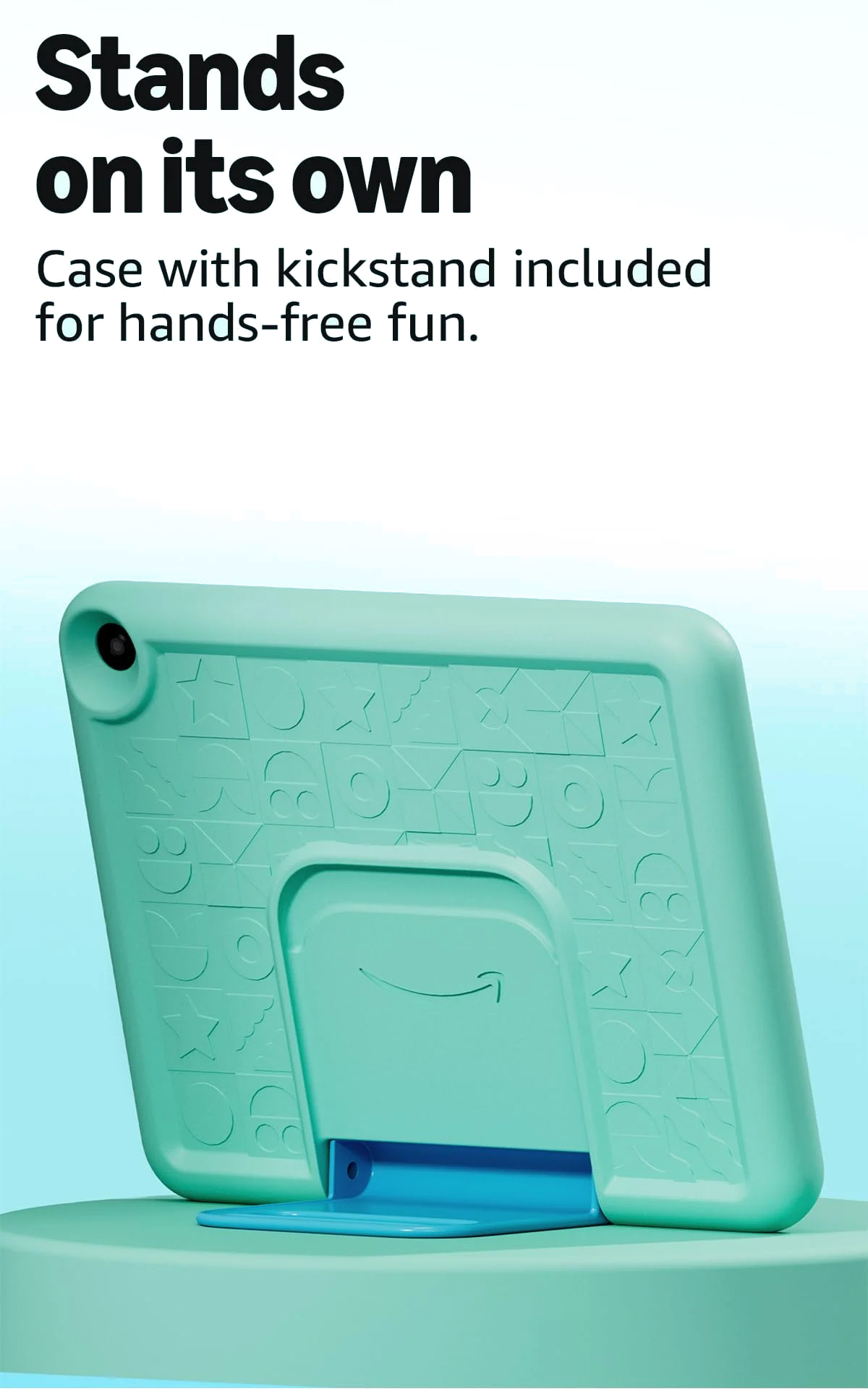
Amazon calls the case kid-proof, which is a grander promise than any piece of foam should make. It is nevertheless convincing impact protection. The thick surround covers the back, edges and corners, while the raised lip gives the screen some separation from the floor. Independent reviewers describe a grippy surface and a rigid landscape stand, and retained owners report the case protecting the tablet through repeated drops.
The stand doubles as a carrying handle and makes the tablet useful on a table, airplane tray or car-seat organizer. It is also stiff. Younger children may need help opening or repositioning it, and the long handle can hang low enough for a short child to drag. Removing the case is awkward, which matters because the microSD slot is beneath it. None of this cancels the protection, but it stops “designed for little hands” from becoming an unqualified compliment.
Protection against impact must not be confused with protection against water. There is no IP rating, the case is not waterproof and the tablet does not float. A bath, pool or spilled drink remains a genuine threat.
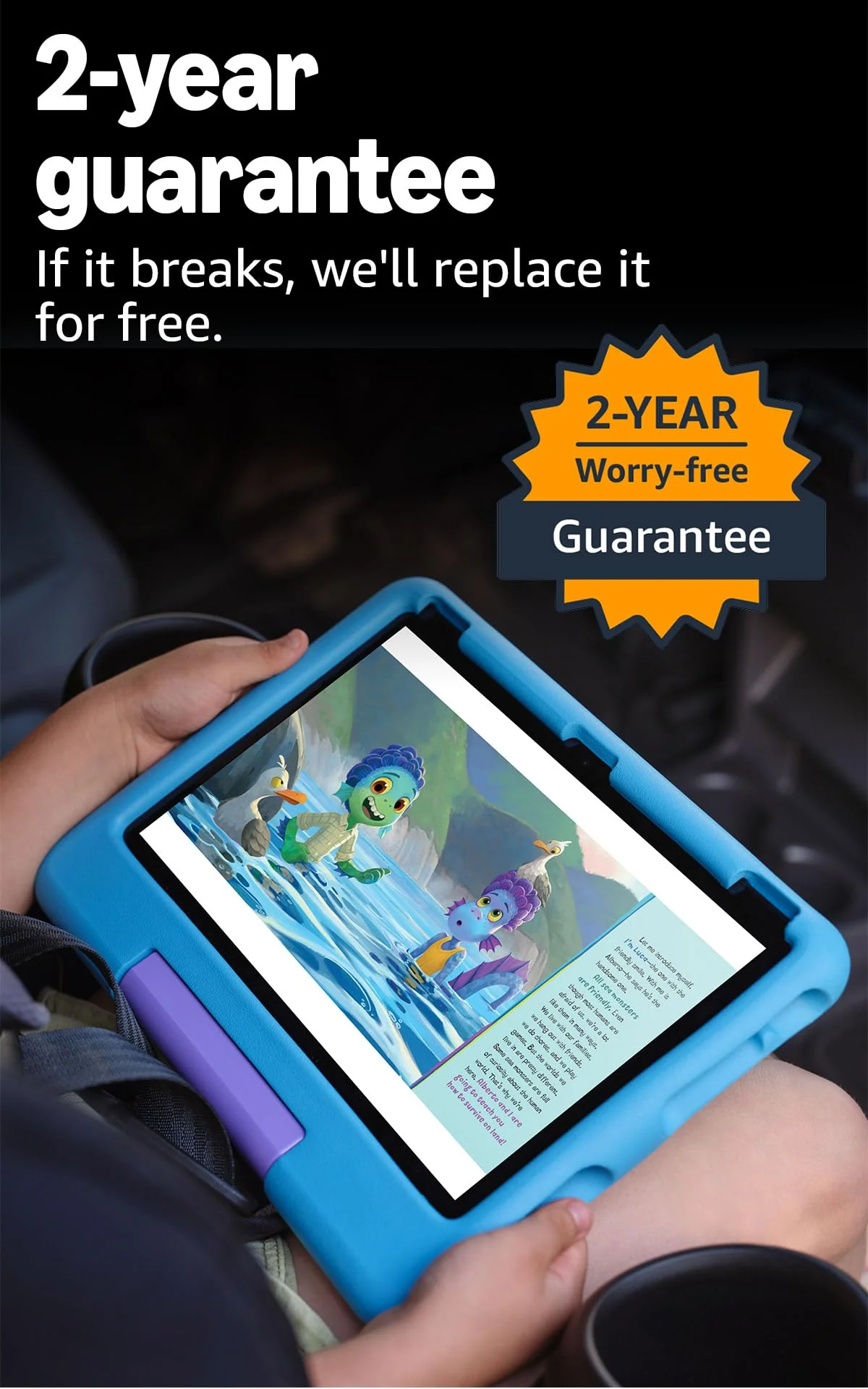
The two-year worry-free guarantee is the backstop that makes the physical package unusually persuasive. Amazon says it will replace a broken unit during the covered period, and one owner of this exact listing reported a quick, simple replacement after a cracked screen. There is a catch that deserves more attention than it usually receives: the same owner’s paid items transferred, but game progress did not. Restoration depends on the developer and the way the child is signed in, so a replacement device may not reproduce the old one perfectly.
Parental control with actual depth
Parents can create age-filtered profiles, impose daily windows, set different limits for types of activity, pause the tablet remotely, approve app requests and review what a child has accessed. The system can hold entertainment until a reading target is met, restrict browsing to approved or filtered sites, cap volume and lock the device to one app. Those controls can be managed through the Parent Dashboard rather than by wrestling the tablet away from its owner.
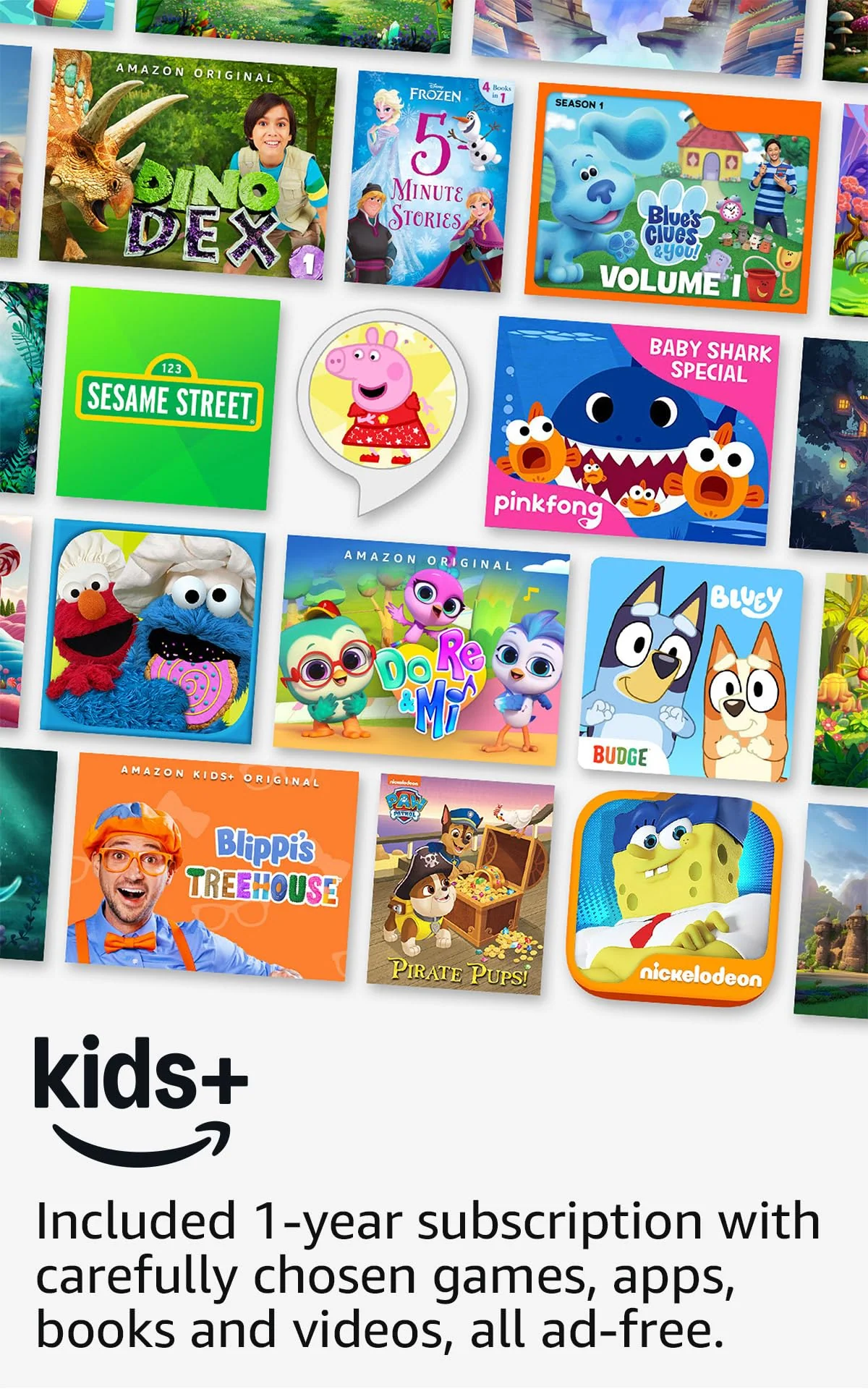
That depth does not guarantee instant comprehension. The Kids+ home screen can present a wall of colorful recommendations, and both professional testing and an owner account describe the volume of content as initially overwhelming. Children who enjoy browsing image tiles may adapt quickly; children who become distracted by visual clutter may do better with a deliberately small collection of downloaded favorites.
Parental controls are available on ordinary Fire tablets too. The Kids package is valuable because it makes them central and combines them with the case, subscription, ad-free lock screen and replacement cover. If you already have content and are happy to configure a child profile yourself, our regular Fire HD 10 versus Fire HD 10 Kids comparison explains what the extra bundle does and does not buy.
Strengths & Limitations
Strengths
- The large Full HD screen suits video, picture books, comics and shared viewing.
- The thick case provides credible protection against the drops young children routinely cause.
- The two-year replacement guarantee gives the bundle value that a third-party case cannot fully copy.
- Parental controls cover schedules, activity limits, content approval, browsing and remote pauses.
- One year of Kids+ supplies an extensive child-friendly catalog without lock-screen ads.
- MicroSD expansion, a headphone jack and multiple profiles make the hardware unusually practical.
Limitations
- Fire OS lacks Google Play and the official Google apps many families expect.
- The case-on tablet is bulky and heavy for the smallest hands in its stated age range.
- Demanding games can stutter or crash on the modest processor and 3GB of RAM.
- The Kids+ interface can feel crowded, noisy and difficult to curate at first.
- The included charger can take roughly three to four hours to fill the battery.
- The case protects against impacts but offers no waterproofing.
- Kids+ becomes a paid renewal after the included year unless it is canceled.
A lovely screen attached to modest hardware
The 10.1-inch display has a resolution of 1,920 by 1,200 pixels, a 16:10 aspect ratio and a density of 224 pixels per inch. It is large enough for shared video, comics, picture books and generous touch targets, and it is markedly sharper than the 1,280 by 800 screen on the smaller Fire HD 8 Kids. Bright colors and crisp indoor viewing are the attraction.
The compromises appear outdoors and away from a straight viewing angle. The glossy panel reflects light, direct sun weakens the image, and colors can wash out off-center. Independent accounts disagree about how distracting the angle shift is, but the safe conclusion is simple: it looks best head-on and indoors.
The eight-core processor and 3GB of RAM are responsive enough for the child interface, streaming, books, web pages, video calls and lighter games. This is the level at which Amazon’s promise of smoother performance holds up. It stops holding up when a game asks for more. Roblox stuttered and crashed in one exact-model review, while another found Roblox and Minecraft laggy but playable. Variability between games and sessions makes a smooth experience impossible to promise.
For a preschooler watching downloaded shows or working through spelling activities, that ceiling may never matter. For a child already invested in complex 3D games, it is the reason to walk away. The tablets we recommend for gaming are a better place to look when performance is part of the brief rather than an occasional bonus.
| Hardware | What works well | Where it runs out of room |
|---|---|---|
| 10.1-inch, 1,920 × 1,200 display | Video, picture books, comics and large touch targets | Reflective outdoors and less convincing off-center |
| Eight-core processor and 3GB RAM | Streaming, reading, calls and light children’s games | Demanding 3D games and heavy multitasking |
| 32GB storage | A moderate rotation of apps, books and downloaded video | Large offline libraries without a microSD card |
| Stereo speakers and headphone jack | Clear speech, children’s shows and wired travel headphones | Music detail and rich sound |
| 5MP front and rear cameras | Family calls and playful snapshots in good light | Detail, color accuracy and low-light photography |
The speakers are loud enough for dialogue in a small room, although they are not especially detailed. A 3.5mm headphone socket and Bluetooth support are practical victories for travel. The cameras are merely functional: useful for calls, QR codes and a child’s experiments with photography, but grainy and soft beside a modern phone.
Is the Kids bundle worth buying?
Yes, when the case and replacement guarantee solve problems you actually expect to have. A young child’s tablet is unusually exposed to drops, sticky hands and being left on the floor. Buying the protective shell, managed catalog and replacement cover together is more coherent than comparing the Fire HD 10 Kids with a naked adult tablet and declaring the latter cheaper.
The calculation weakens if you already own suitable content, dislike subscriptions or do not value the guarantee. A regular Fire HD 10 with a third-party child case can perform the same core tasks for less, and it exposes similar child-profile controls. What it does not reproduce automatically is the full combination of the worry-free replacement cover, included Kids+ year, kid-first setup and ad-free lock screen.
Amazon Kids+ supplies a large catalog of ad-free books, games, videos and learning activities for the first year. After that it renews as a paid subscription unless canceled. The captured listing states a monthly renewal figure, but published prices differ by date, market and membership, so check the terms shown in your account rather than relying on an old review. The key decision is not the historical price; it is whether your child will keep using the catalog after the included period.
The tablet still works if Kids+ is canceled, and parents can share selected content they own with a child profile. What disappears is the ready-made library that makes the home screen feel full from the first day. Families already paying for several children’s services should decide whether Kids+ will replace one of them or quietly become another renewal.
For a broader view beyond Amazon’s ecosystem, our guide to the best tablets for children weighs protection, software breadth and age suitability across the available choices.
Battery life is good; charging is not
Amazon advertises up to 13 hours, but that number depends heavily on brightness and workload. Exact-model tests at maximum brightness recorded 9 hours 26 minutes and 10 hours 18 minutes, while a lighter video test at roughly half brightness projected around 12 to 13 hours. In practical terms, the Fire HD 10 Kids can cover most travel days if it starts charged, but gaming and bright-screen streaming will shorten the result.
The included 9W charger needs roughly three to four hours for a full charge in the available tests. A supported 15W charger can reduce the wait, but it does not transform this into a fast-charging tablet. Charge it the night before a journey rather than relying on a hurried top-up beside the front door.
Storage needs an offline plan
The listing says 32GB, but about 24GB is available to the user. That is enough for ordinary streaming, books, light games and a few downloaded movies. It is not generous for a large offline library. A microSD card of up to 1TB is supported and is the sensible addition for families who travel without reliable Wi-Fi; the card is sold separately.
Download content before leaving, then switch off Wi-Fi and confirm that each essential book, game or movie opens. Much of the downloaded Kids+ catalog works offline, but web-linked material and some services still need a connection. Our guide to choosing tablet storage and microSD capacity helps translate a family’s download habits into a sensible amount.
It can age with a child, but not indefinitely
Age filters, expandable storage, multiple profiles and a PIN-protected adult mode extend the tablet’s useful life. An adult can remove the case and use the underlying Fire HD 10 for browsing, reading and streaming. That is genuine flexibility, but the adult profile remains Fire OS with Amazon’s restricted app selection.
The limiting factor for an older child is not the case color. It is the combination of modest gaming performance, a heavily managed interface and missing mainstream apps. Amazon’s Kids Pro label mostly changes the case and older-child software positioning within the same generation; it does not mean a faster processor or a better screen. A child approaching the upper end of primary school may be better served by a broader tablet ecosystem.
Frequently Asked Questions
Does the Fire HD 10 Kids include advertising?
It has no lock-screen ads and Kids+ content is advertised as ad-free, although the interface still gives Amazon’s services and recommendations prominent placement.
Does it have Google Play or YouTube Kids?
It does not include Google Play or an official YouTube Kids app by default, so families that depend on Google’s apps should choose another platform rather than treat sideloading as routine setup.
Can Netflix and Disney+ be installed?
Supported services such as Netflix and Disney+ can be requested or added through the Amazon Appstore with parental approval.
Will it work without an Amazon Kids+ subscription?
The tablet continues to work after Kids+ is canceled and can use parent-selected content, but the large ready-made subscription catalog is removed.
Is 32GB enough for a child?
It is enough for moderate use and a small offline selection, but only about 24GB is user-accessible and a separately purchased microSD card is wise for many downloaded movies or games.
Is the Fire HD 10 Kids waterproof?
No, the protective case helps with impacts but neither the case nor tablet has a waterproof rating.
Can an adult use the tablet?
Yes, a PIN-protected adult profile exposes the regular Fire tablet experience, although it retains Fire OS and its limited app store.
How long does the battery last?
Exact-model tests suggest roughly nine and a half to ten and a quarter hours during punishing maximum-brightness video, with approximately twelve to thirteen hours possible at moderate brightness.
Does the two-year guarantee preserve game progress?
The guarantee can replace broken hardware, but game progress may fail to transfer because restoration depends on each developer and the child’s sign-in method.
Is it a good choice for an older child?
Its profiles can be aged up, but an older child who wants mainstream apps, stronger gaming or a less juvenile experience will probably outgrow it before the hardware stops working.