The iPad mini is the best small tablet, but the Lenovo is the smarter cheap buy.

Small tablets survive because phones are still too cramped for a book, comic or film, while 11-inch tablets are often too awkward to hold and too large to carry casually. The useful ones occupy that disappearing middle ground without pretending that a smaller screen automatically excuses slow hardware, coarse text or restrictive software.
The iPad mini A17 Pro is the clear winner here. Its processor, app library, 128GB of storage, sharp display and Apple Pencil Pro support put it several classes above the inexpensive competition. Its weakness is not performance but proportion: 8.3 inches can feel wonderfully portable during reading, gaming and field work, then needlessly cramped when a keyboard, spreadsheet or two-app workspace enters the picture.
The Lenovo Tab One is the less glamorous recommendation and, for many buyers, the more rational one. It provides Google Play, expandable storage, a headphone jack and an included folio in a genuinely narrow body. It is also visibly slow, its 1340 × 800 display renders small type coarsely, and its short software horizon makes it a poor device to buy for ambitious work or a long upgrade cycle.
Amazon fills the rest of the list with variations on one bargain: accept Fire OS and its smaller app store in exchange for compact hardware built around reading, video and Amazon services. That can be sensible, especially for a preschooler or a household already committed to Kindle, Prime Video and Alexa. It stops being sensible as soon as Google Play, Chrome, Gmail, demanding games or a neutral home screen become requirements.
Choose the iPad mini A17 Pro for premium handheld reading, games, notes and a broad app library.
Choose the Lenovo Tab One when Google Play and compactness matter more than speed or display sharpness.
Choose the Fire HD 8 Kids when the protective case, parental controls and replacement guarantee matter more than app freedom.
Choose the 4GB and 64GB Fire HD 8 only for reading, streaming and light travel use inside Amazon’s ecosystem.
If none of those descriptions sounds quite right, size may be the wrong starting point. An inexpensive 10-inch model can be easier for video and webpages, while an 11-inch iPad is usually the better only tablet. Our guide to choosing a tablet size explains when portability is worth surrendering workspace.
Quick Picks at a Glance
| Feature | Editor's Pick Amazon Fire HD 8 Plus 2022 | Amazon Fire HD 8 Kids 2024) | Amazon Fire HD 8 2024) | Lenovo Tab one | IPad mini A17 Pro |
|---|---|---|---|---|---|
| Price Range | — | — | — | — | — |
| Finish | Gray | Blue | Black | Gray | Space Gray |
| Check Price on Amazon | Check Price on Amazon | Check Price on Amazon | Check Price on Amazon | Check Price on Amazon |
Five compact tablets, five very different bargains
Three of these products share an eight-inch Fire shape, but they are not interchangeable: one is an aging dockable model, one is a protected children’s bundle, and one is the current standard configuration worth considering for personal entertainment.
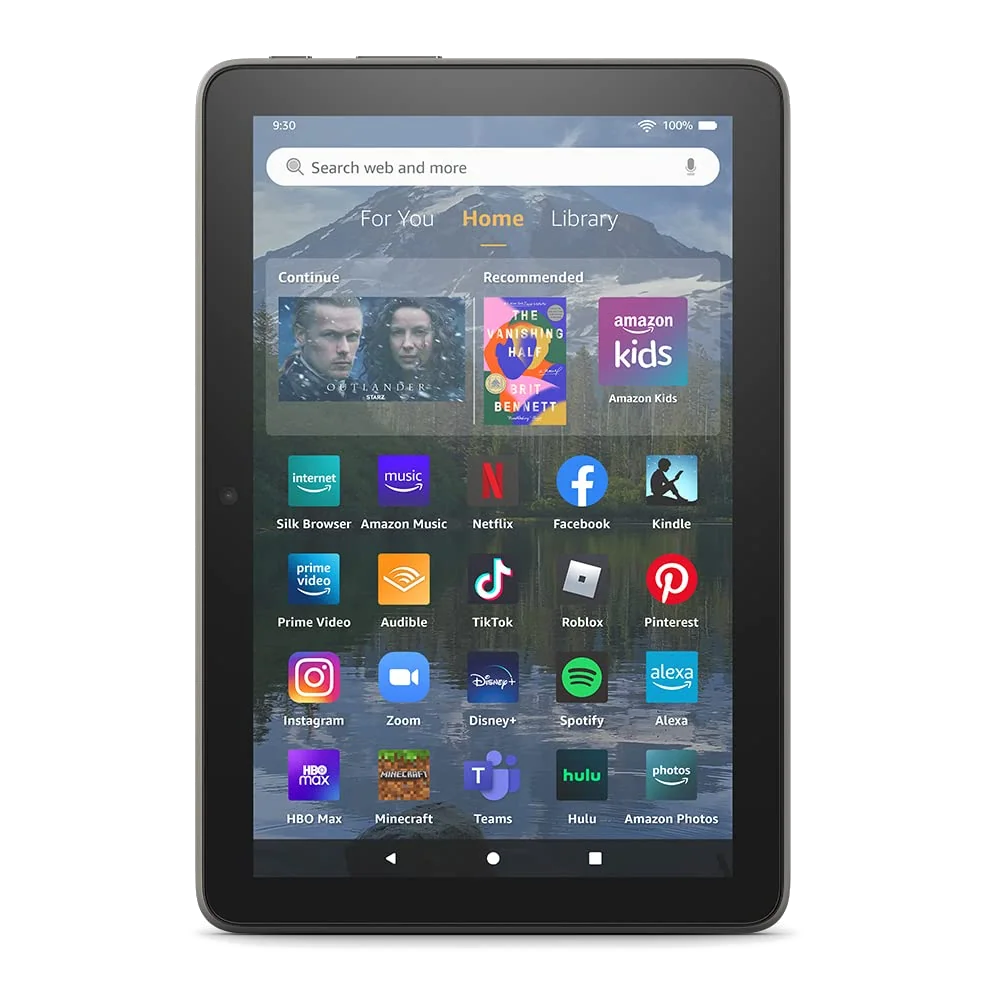
The Fire HD 8 Plus is the wireless-charging specialist for an Amazon household.
Its 3GB of memory, compact body, Qi charging and Show Mode make sense when the tablet will alternate between a charging stand and light reading or video.
The 2022 hardware is dated, Google Play is unsupported, the 1280 × 800 screen is coarse and Amazon’s promotions remain part of the experience.
The Plus name sounds like a blanket upgrade, but its enduring advantage is narrower than that. Wireless charging lets the tablet live on a compatible stand, remain topped up and serve as an Alexa display between handheld sessions. The charging dock is not included, and the rear-camera upgrade does little to rescue weak photography.
Owners found the extra memory helpful for switching among simple apps, yet their experiences with games and sideloaded Google software varied. That uncertainty is the point. Google Play can sometimes be installed through unsupported workarounds, but a workaround that survives today is not a supported ecosystem or a dependable purchasing plan.
Read the direct Fire HD 8 Plus and Fire HD 8 comparison before choosing the older model merely because “Plus” appears in its name.

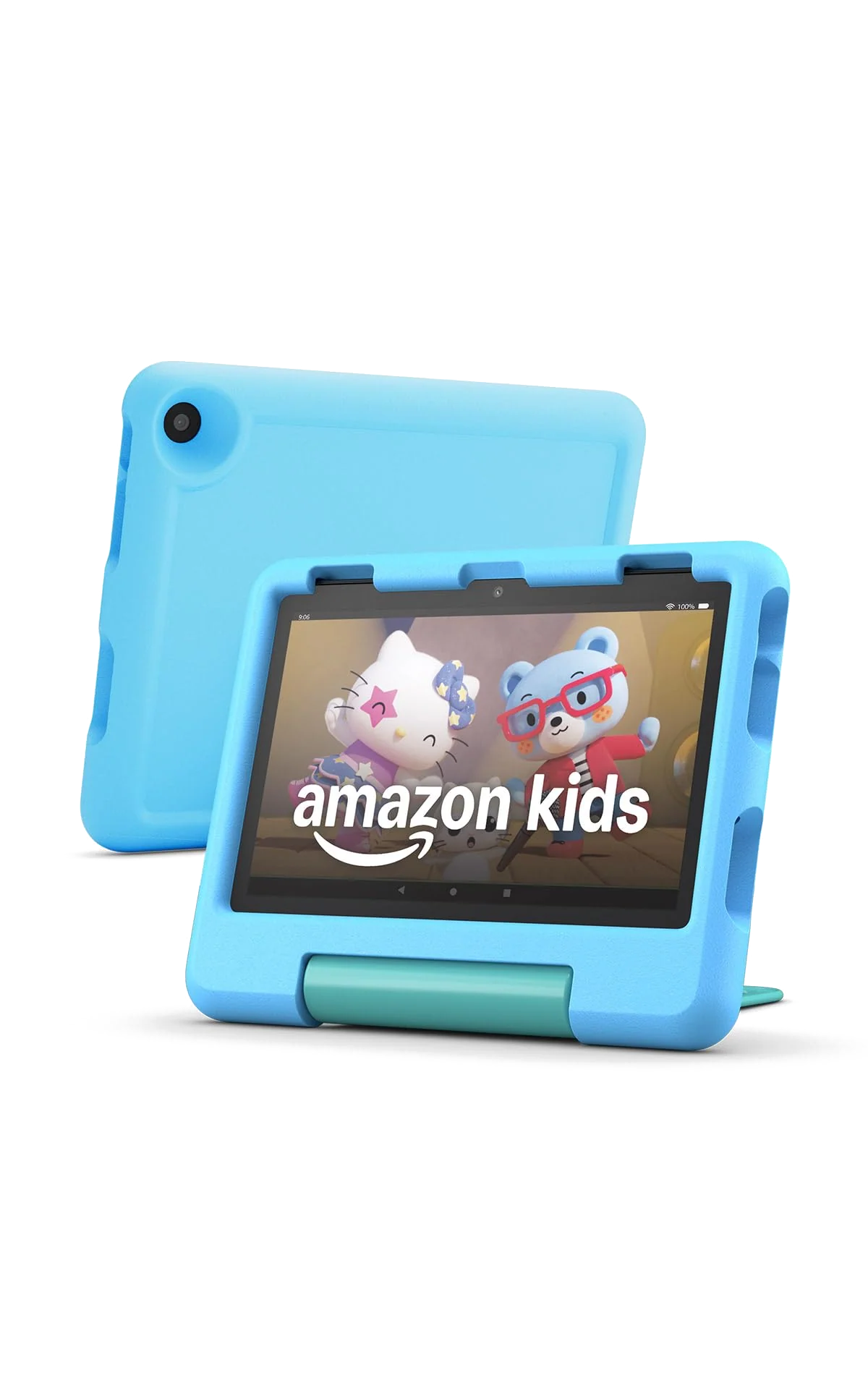
The Fire HD 8 Kids is a contained first tablet for children aged three to seven.
Its thick case, carrying handle, parental controls, bundled Kids+ term and two-year replacement promise form a more useful package than the modest hardware could provide alone.
It is slow, reflective, unsupported by Google Play and dependent on an adult managing both content and the Kids+ renewal decision.
This is the one Fire model whose restrictions can become part of the recommendation. A preschooler does not need a miniature productivity computer; a parent may reasonably prefer a smaller catalog, separate child profiles and explicit time limits. The foam case and hinged handle also solve problems that a sleek metal tablet leaves to accessories.
The limitations still need checking before a child sees the box. There is no native Google Play Store or YouTube Kids app, the display struggles in bright outdoor light, demanding games are a poor fit and the supplied charger can make refilling tedious. Amazon’s listing includes a year of Kids+ for this configuration and says the subscription renews unless cancelled, so the bundle creates a future decision rather than permanent access.
Parents comparing screen sizes should use the Fire HD 8 Kids and Fire HD 10 Kids guide, while the wider children’s-tablet roundup covers families that need more apps or performance.
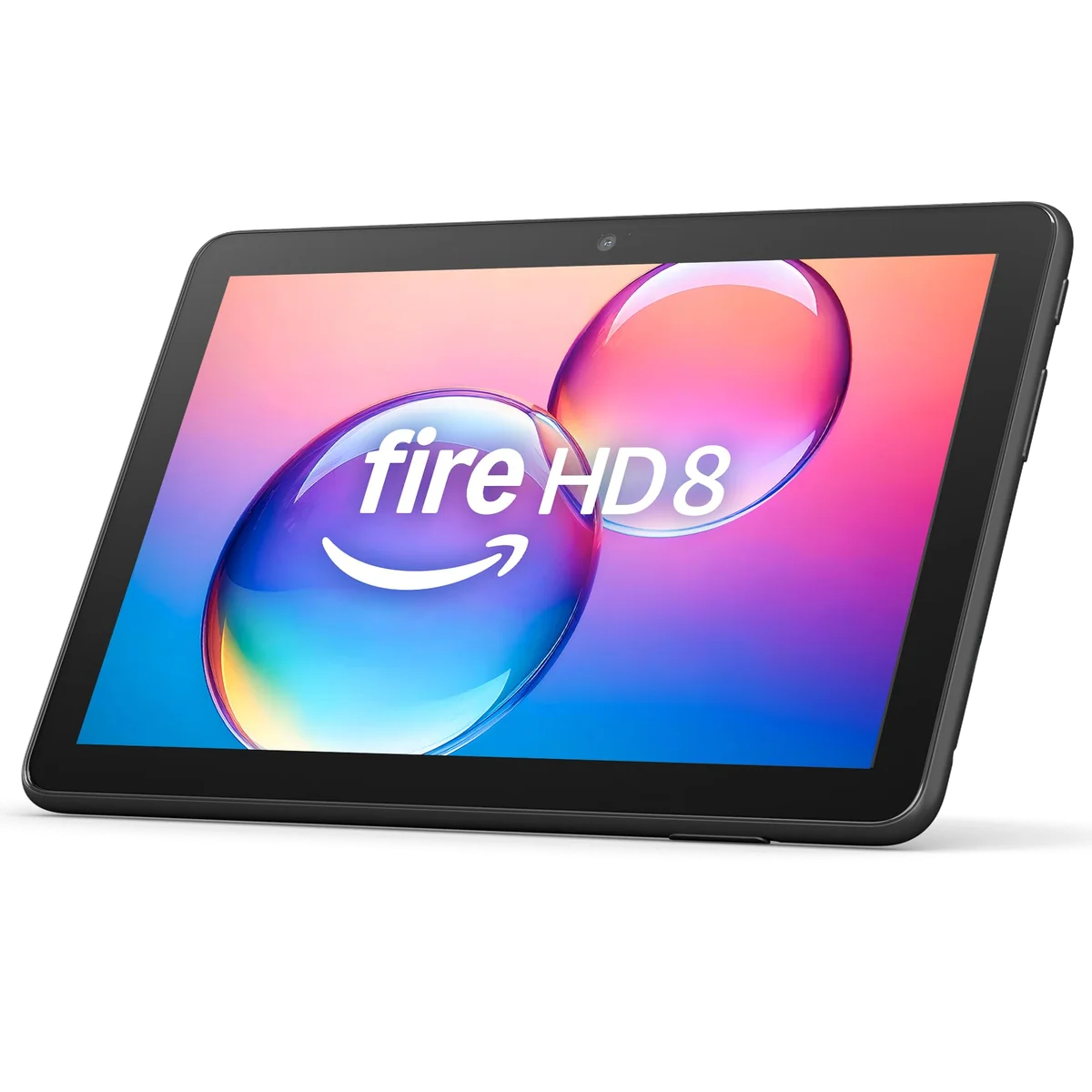
The 4GB and 64GB Fire HD 8 is the sensible Fire for personal entertainment.
Its light body, useful storage configuration, microSD slot, headphone jack and day-long endurance suit Kindle books, Libby, downloaded shows and undemanding travel use.
Fire OS omits official Google Play access, the low-resolution screen looks soft, the processor hesitates and the bundled 5W charger can take hours to refill it.
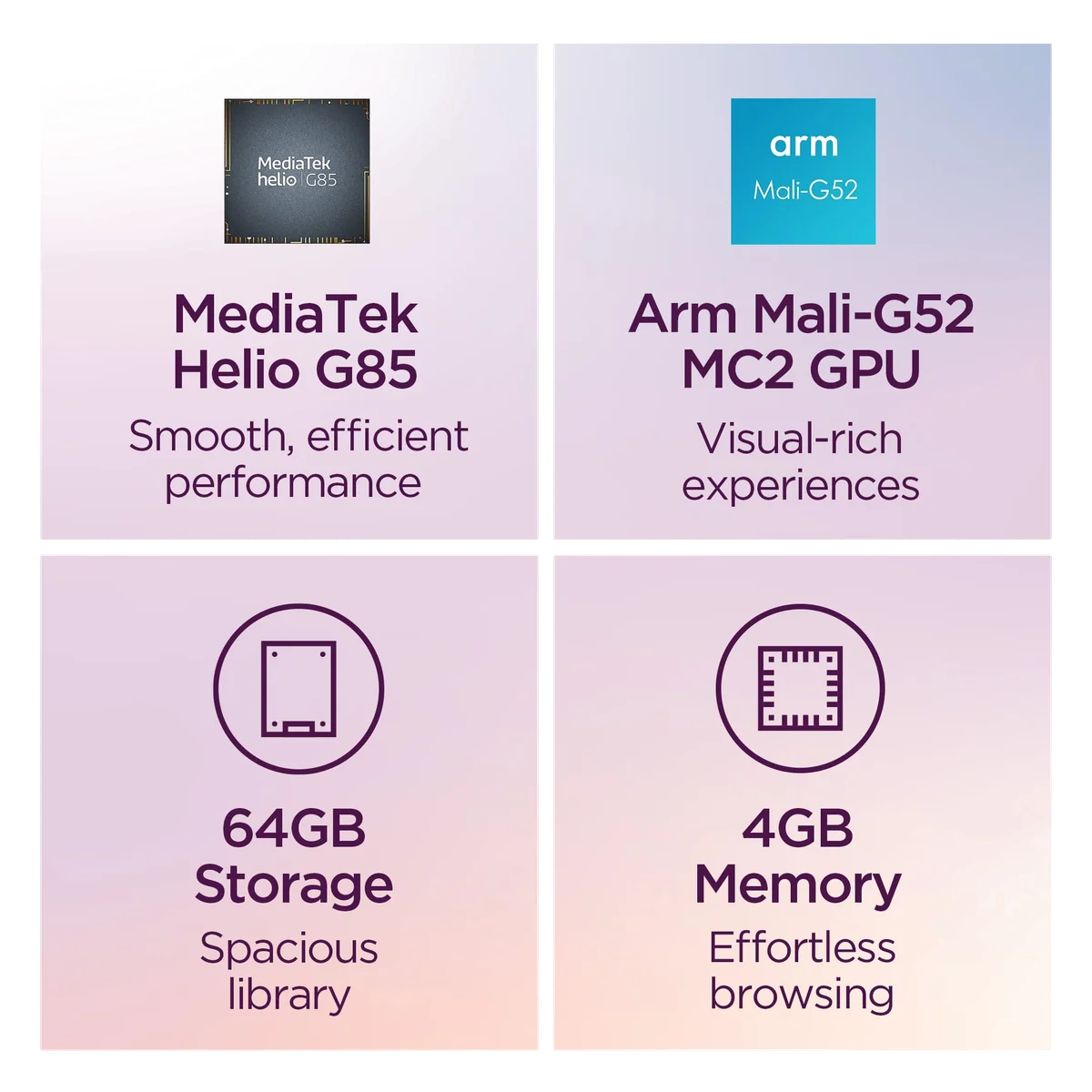
Configuration matters more than the generic product name. This is the 2024 model with 4GB of memory and 64GB of storage, not the 3GB and 32GB version. The additional memory gives ordinary apps more breathing room, while the extra internal storage reduces immediate dependence on a microSD card.
It remains a deliberately limited device. Reading, streaming, email, basic browsing and simple games are realistic; heavy websites, frequent multitasking, serious work and demanding games are not. The speakers and cameras are weak, outdoor visibility is poor, and removing lock-screen advertising does not turn Fire OS into neutral Android.
Choose it over the Fire HD 10 when one-handed holding and bag space matter most, or read the eight-inch and ten-inch Fire comparison if video comfort is pulling you toward the larger screen.
The Lenovo Tab One is the practical compact Android tablet for patient buyers.
Google Play, microSD expansion, a headphone jack, useful battery life and an included folio make it the best inexpensive choice for reading, streaming and one uncomplicated app at a time.
The Helio G85 processor, 4GB of memory, eMMC storage and coarse 1340 × 800 panel make pauses and soft text impossible to ignore.
The Lenovo’s strongest measurement is its 4.91-inch width. It is narrow enough for bags and pockets that exclude most modern tablets, and the 320-gram bare weight makes prolonged holding realistic. Its conventional Android environment also means Google Play, Google services and YouTube Kids are standard features rather than sideloading projects.
Speed is the bill that arrives later. Setup, updates and background installations can make a poor first impression, app transitions can pause, complex pages can stutter and rapid switching may force applications to reload. Light games are plausible, but ambitious 3D titles and serious emulation ask too much of the processor.
The direct Lenovo Tab One and Fire HD 8 comparison is the useful next step when the choice has narrowed to normal Android freedom versus Amazon integration.

The iPad mini A17 Pro is the best small tablet for buyers who truly need a small iPad.
Its fast chip, sharp 8.3-inch display, 128GB base storage, broad app library and Pencil Pro support make it the only option here that feels premium rather than merely portable.
The 60Hz LCD, cramped multitasking, fixed storage and accessory costs are difficult to forgive when an 11-inch iPad would fit the same routine.
Apple wins by refusing to make smallness synonymous with low-end performance. The A17 Pro has ample headroom for current games, notes, research tools and fast app switching, while the App Store avoids the compromises surrounding Fire OS. The tablet can be a premium reader, a compact gaming screen, a field reference or a portable notebook without feeling like a secondary device internally.
The exterior tells a less flattering story. Apple retained a 60Hz IPS display, Touch ID and a portrait-edge front camera, while the small iPadOS interface can make split-screen panes, on-screen typing and precise controls unnecessarily tight. Apple Pencil Pro is an excellent match, but owners of Apple Pencil 2 cannot reuse that stylus with this model.
Buyers deciding whether the size is a feature or a liability should compare the iPad mini with the regular 11-inch iPad or the iPad mini with the 11-inch iPad Air before paying for portability they may not use.
Small enough to carry is only the first test
Specs & Screens did not conduct hands-on testing of these tablets. We reconciled the exact Amazon listings with the site’s existing product reviews, independent testing and retained owner reports, while keeping configurations separate when memory, storage, accessories or release year changed the result.
Portability received unusual weight because it is the reason this category exists. A tablet that fits a purse, coat pocket or crowded travel bag can earn regular use even when a larger model has better specifications. That advantage did not excuse software restrictions, delayed taps, reflective displays or charging systems that turn a routine refill into an overnight appointment.
We also separated two questions that budget marketing likes to merge: whether a device can perform a task and whether it performs that task pleasantly. All five can open a book and play video. They differ sharply in how quickly apps launch, how crisp text appears, which software is officially available and how long the device remains useful once the buyer asks for more.
| Priority | Strongest choice | What you still give up |
|---|---|---|
| Premium handheld tablet | iPad mini A17 Pro | A larger workspace, high-refresh display and low entry cost |
| Compact conventional Android | Lenovo Tab One | Speed, crisp text and a long software runway |
| Young child’s first screen | Fire HD 8 Kids | Google Play, native YouTube Kids and fast gaming |
| Amazon reading and video | Fire HD 8 with 4GB and 64GB | Normal Android freedom, quick charging and display detail |
| Wireless charging and Show Mode | Fire HD 8 Plus from 2022 | Current hardware, supported Google services and broad usefulness |
Choose the job before you choose the badge

For books, comics and magazines
The iPad mini is the strongest color reader because its screen is sharper, its apps are faster and its software can move smoothly between a book, notes and the web. The Lenovo is adequate for novels and casual web reading but less satisfying with fine type, while both Fire models work best when Kindle and Libby already cover the intended library.
None of these LCD tablets matches an e-ink reader for sunlight, distraction-free prose or long intervals between charges. Readers balancing those priorities can use our guide to tablets for books, comics, PDFs and magazines.
For travel and one-handed use
Dimensions matter more than diagonal screen labels. The 8.7-inch Lenovo is wider than the 8.3-inch iPad mini, yet its narrow body and low weight still make it a convincing travel companion. The standard Fire HD 8 is easy to replace emotionally and financially, which has value on a trip, but only if its official app catalog includes every streaming and reading service you intend to use.
Download entertainment before departure, open each item once, switch off the connection and verify that it still plays. A microSD slot provides cheap media capacity on the Lenovo and Fire tablets, while the iPad mini’s internal storage cannot be expanded.
For notes, drawing and schoolwork
The iPad mini is the only product here with a serious active-stylus story, and Apple Pencil Pro makes quick handwritten notes or compact sketches unusually convenient. The canvas remains small, so students working with detailed PDFs, long equations or side-by-side sources should consider the broader note-taking tablet guide or the iPad recommendations for studying and notes.
The Lenovo accepts an ordinary capacitive stylus that behaves like a fingertip, not a pressure-sensitive pen. The Fire models are similarly poor foundations for serious handwriting. Buyers unsure whether that distinction matters should read our explanation of active stylus support.
For games
The iPad mini wins decisively because its processor and app ecosystem can support demanding native games as well as streamed play. Its compact dimensions also pair naturally with handheld controllers, although the 60Hz screen and finite storage prevent it from becoming a perfect portable console.
The inexpensive tablets belong to puzzles, card games, simpler children’s titles and restrained settings. The Lenovo can run some ambitious games poorly; the Fire models add the separate risk that the desired game is absent from Amazon’s store. A gaming-first buyer should skip this compromise class and use the gaming-tablet shortlist.
For replacing a laptop
None of these is the sensible answer. The iPad mini has enough processing power, but its screen and keyboard arrangements make sustained writing, spreadsheets and dense multitasking uncomfortable. The inexpensive models add performance and software limitations to the same shortage of space.
Start with the tablets that can credibly replace a laptop or the broader laptop and tablet comparison instead of buying a small screen and hoping discipline will create desk space.
Five checks before ordering
- Name the repeated task: compactness should improve something you do every week, not merely make the product look charming.
- Verify essential apps: check Amazon’s Appstore before buying a Fire tablet and do not count unsupported sideloading as guaranteed compatibility.
- Choose storage for offline use: 32GB fills quickly, 64GB is workable with microSD, and 128GB is a comfortable iPad starting point for moderate use.
- Budget for the complete device: cases, faster chargers, memory cards, styluses and subscription renewals can change the apparent value.
- Accept the screen honestly: a portable display that makes every document feel cramped is not a bargain if the tablet rarely leaves a desk.
Frequently Asked Questions
Which compact tablet is best overall?
The iPad mini A17 Pro is the best overall because it combines genuine portability with fast hardware, a sharp display, strong apps and serious stylus support.
Which small tablet offers the best inexpensive Android experience?
The Lenovo Tab One is the best inexpensive conventional Android option, provided you can tolerate its slow performance, coarse display and limited software runway.
Is the Fire HD 8 or Lenovo Tab One the better buy?
The Lenovo is better for Google Play and general Android flexibility, while the Fire HD 8 is better suited to an Amazon-centered routine built around reading and streaming.
Is the iPad mini too small to be an only tablet?
It can be an only tablet for handheld reading, notes and games, but an 11-inch iPad is usually more comfortable for typing, drawing, PDFs and multitasking.
Which compact tablet is best for a young child?
The Fire HD 8 Kids is the strongest preschool bundle because it combines a protective case, parental controls, curated content and a two-year replacement promise.
Do Amazon Fire tablets include Google Play?
No, Google Play is not officially supported on these Fire tablets, and unsupported sideloading should not be treated as equivalent to buying a Google-certified Android device.
Is 32GB enough for a small tablet?
Thirty-two gigabytes can cover streaming, books and a light app collection, but offline video, games and comics make 64GB, 128GB or microSD expansion much safer.
Can a compact tablet replace a laptop?
Not comfortably, because even the powerful iPad mini provides too little screen and keyboard space for sustained desktop-style work.
Our Top Pick
The Amazon Fire HD 8 Plus 2022 is our #1 recommendation — reading.
Check Price on Amazon: Amazon Fire HD 8 Plus 2022