The 11-inch iPad is the better buy, but the iPad mini is the better tool
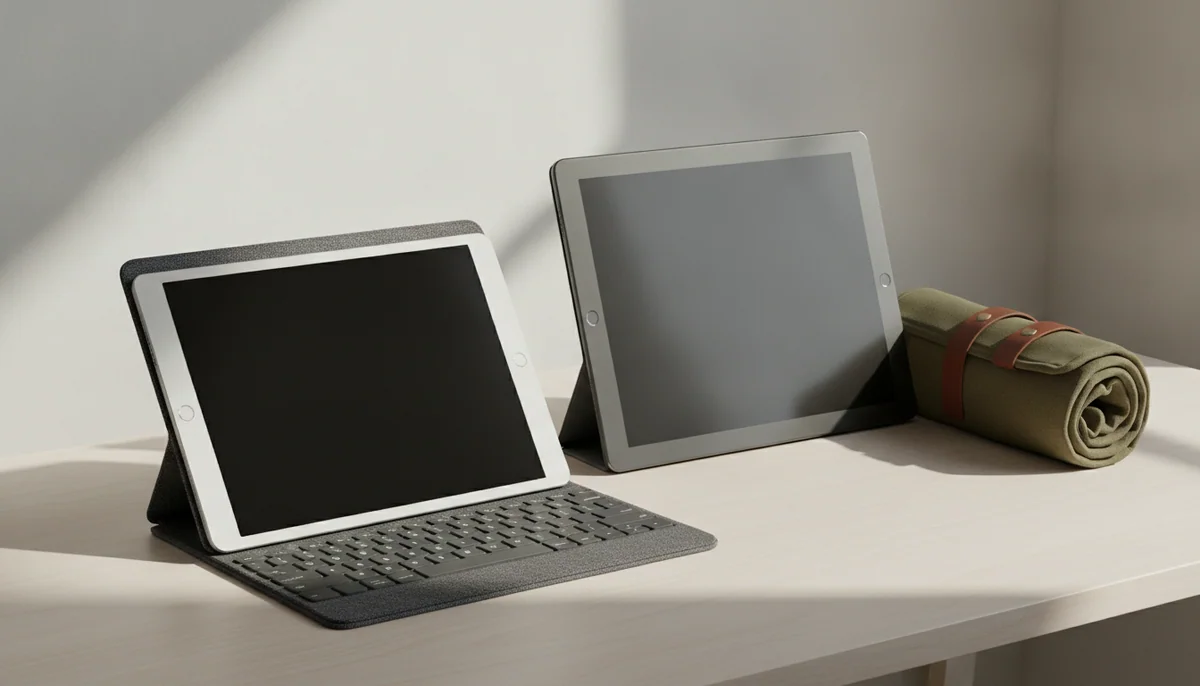
Buy the 11-inch A16 iPad if this will be your main or only tablet, and buy the iPad mini A17 Pro only when its genuinely portable 8.3-inch body solves a recurring problem that more screen would make worse.

IPad mini A17 Pro
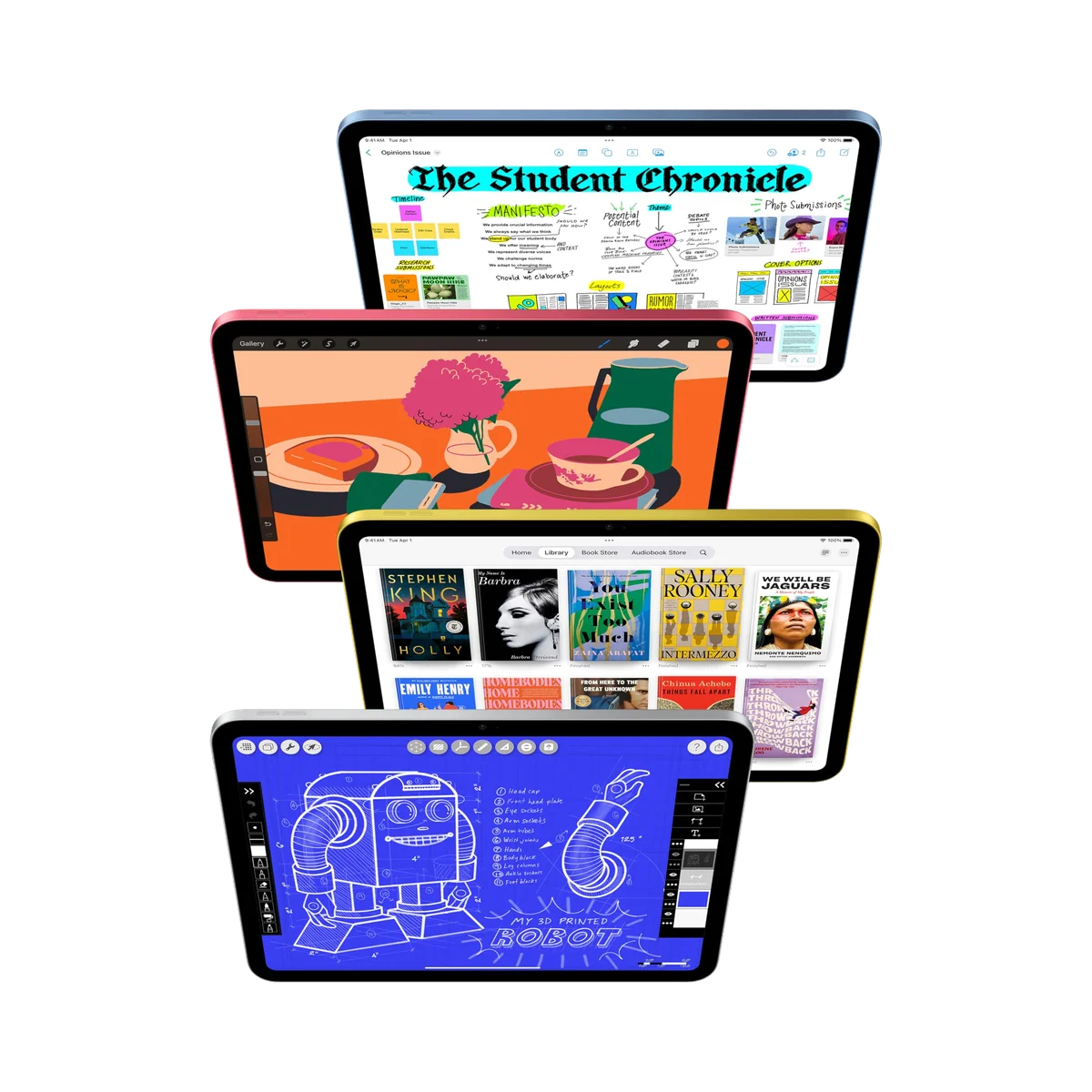
IPad 11-inch a16
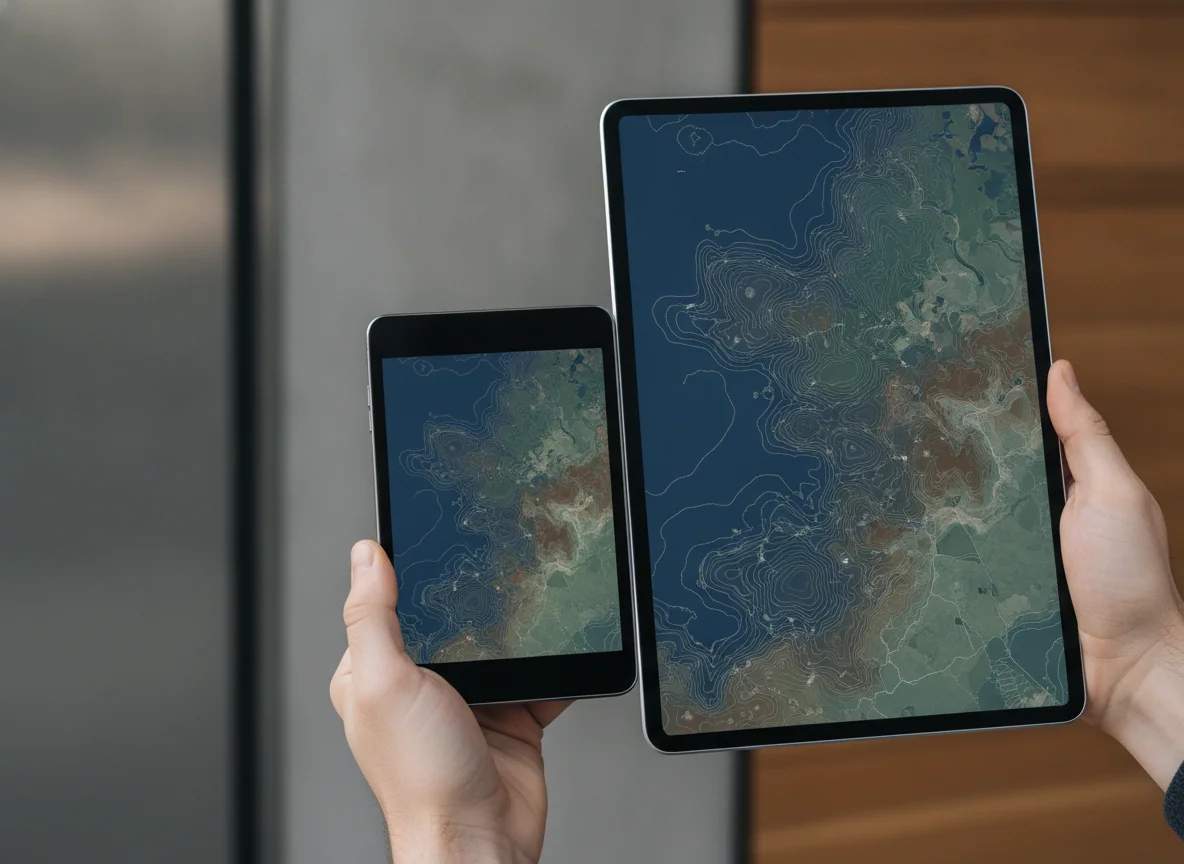
These are not two sizes of the same iPad. The 11-inch model is the practical screen for films, homework, documents, calls, games and family use. The mini is a specialized handheld device for coat pockets, cramped bags, field work, one-handed reading and controller grips. One gives ordinary iPadOS room to breathe; the other makes an iPad easy to carry in situations where a full-size tablet tends to stay behind.
That makes the larger A16 model the recommendation for most buyers, despite the mini’s newer A17 Pro chip, Wi-Fi 6E connection and Apple Intelligence compatibility. Processor hierarchy does not settle a size comparison. Everyday tablet work is already comfortable on the A16, while an extra 2.7 inches of diagonal display changes reading, typing, drawing and split-screen work every time the device is used.
It is the safer all-purpose choice for a first iPad, a shared household tablet, schoolwork, streaming, video calls and longer sessions at a desk.
It earns its place when you need a premium color reader, pocketable notebook, compact game screen, cockpit companion or field reference that can be held for extended periods.
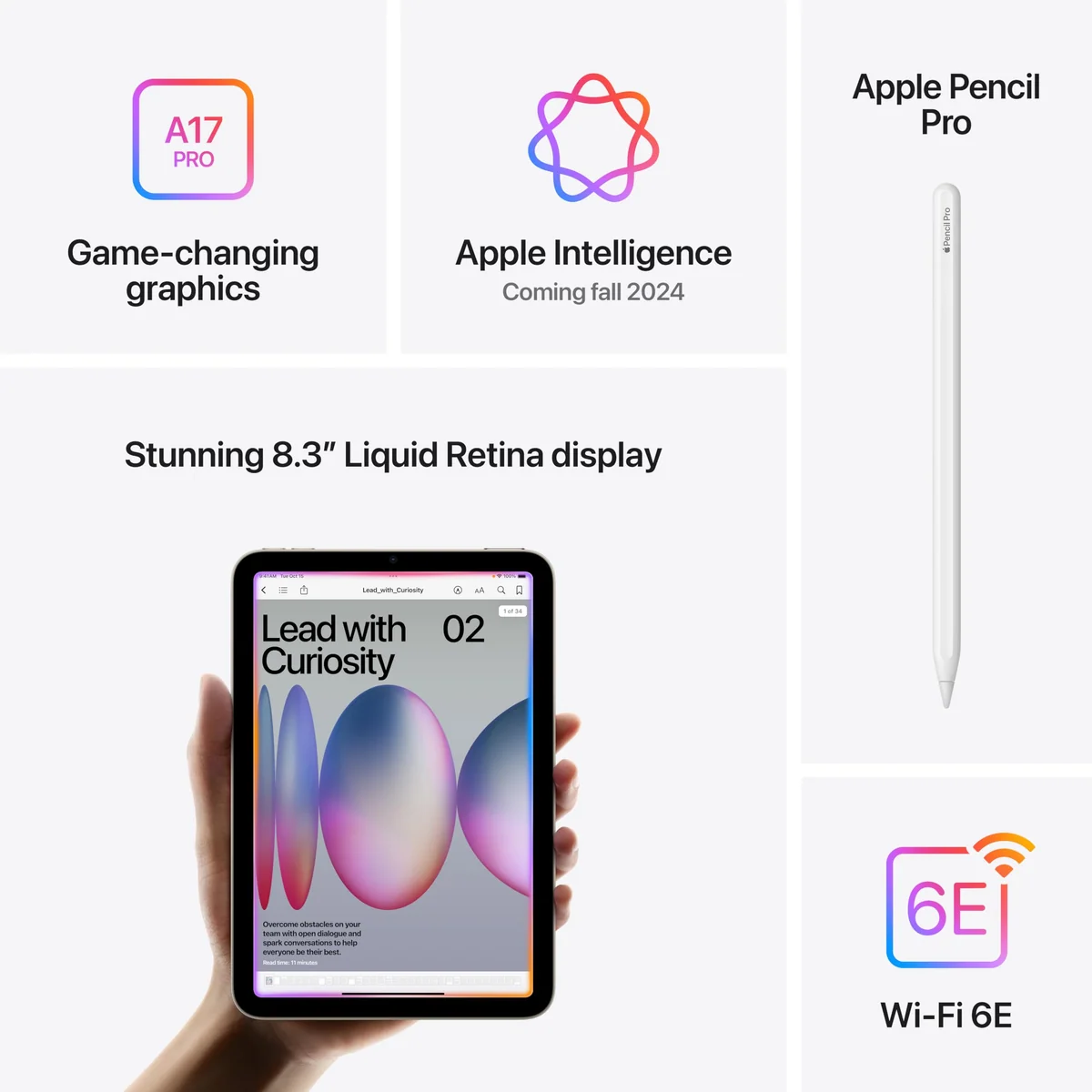
Neither display is a premium panel. Both refresh at 60Hz, and neither provides the motion clarity of an iPad Pro. The mini has a laminated, anti-reflective display that places Pencil marks closer to the tip and handles reflections better, but it is still a modest 500-nit-class IPS LCD. The 11-inch iPad gives you substantially more canvas, yet its non-laminated glass is reflective and exposes a visible gap during precise Pencil work. The choice is better screen construction in a cramped space versus more useful space behind less sophisticated glass.
Specs & Screens did not handle or benchmark these units. This comparison reconciles the two site reviews with the captured product listings, controlled results reported by professional reviewers and retained owner accounts. Battery anecdotes remain workload examples rather than measurements, and no captured price is treated as a current offer.

IPad mini A17 Pro
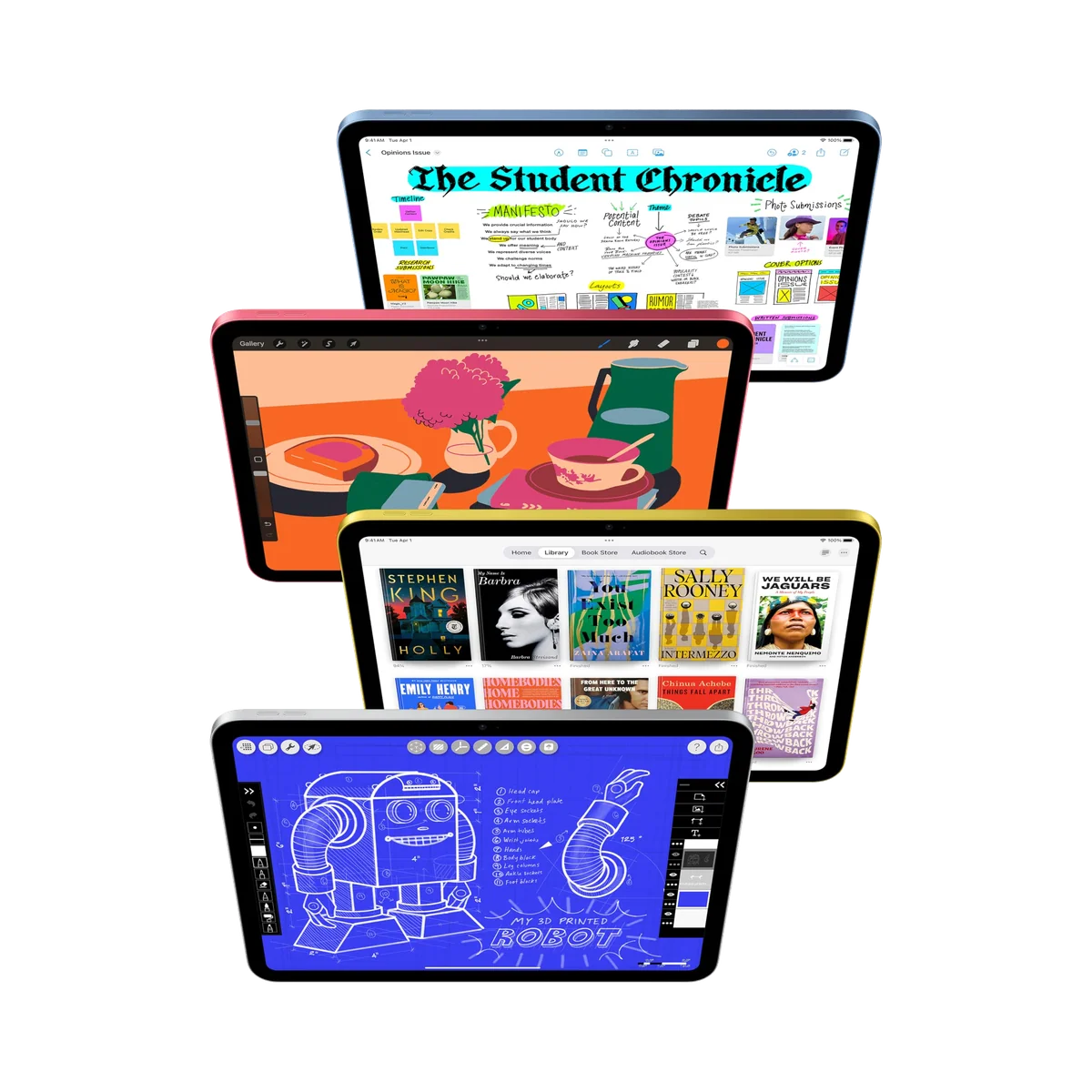
IPad 11-inch a16
At a Glance
| Feature | IPad mini A17 Pro | IPad 11-inch a16 |
|---|---|---|
| Price Range | — | — |
| Finish | Space Gray | Blue |
| Screen size | — | 11" |
| Check Price on Amazon | Check Price on Amazon |
The larger screen beats the faster chip more often than not
The iPad mini’s A17 Pro is the more ambitious processor, and its 8GB of memory gives it additional headroom for current games, rapid app switching and Apple Intelligence. The A16 iPad uses a reduced chip configuration with 6GB of memory and cannot run Apple Intelligence. If Apple’s developing AI features are part of the purchase, that exclusion is permanent and the regular iPad should leave the shortlist.
For Safari, Books, streaming apps, email, handwritten notes, video calls, school documents and mainstream games, the A16 is not meaningfully short of speed. A controlled review reported responsive browser performance, a 21-second Premiere Rush export and a graphics result above 60 frames per second in its chosen test. Those numbers do not turn the entry iPad into a workstation, but they show why ordinary buyers should not accept a smaller workspace merely to obtain a newer chip.
| Decision point | iPad mini A17 Pro | iPad 11-inch A16 |
|---|---|---|
| Display | 8.3-inch laminated Liquid Retina LCD with anti-reflective treatment | 11-inch non-laminated Liquid Retina LCD without anti-reflective treatment |
| Best physical role | Handheld companion for reading, travel, games, notes and field reference | General tablet for media, study, calls, documents and shared use |
| Chip and memory | A17 Pro with 8GB of memory | Reduced A16 configuration with 6GB of memory |
| Apple Intelligence | Supported | Not supported |
| Starting storage | 128GB without microSD expansion | 128GB without microSD expansion |
| Pencil support | Apple Pencil Pro and Apple Pencil USB-C | Apple Pencil USB-C and first-generation Apple Pencil with an adapter |
| Keyboard story | No Apple keyboard made to turn it into a miniature laptop | Compatible with the Magic Keyboard Folio |
| Front-camera position | Portrait edge, creating an off-center gaze in landscape calls | Landscape edge, better aligned for calls and keyboard use |
| Wireless connection | Wi-Fi 6E | Wi-Fi 6 |
| Biometric unlock | Touch ID in the top button | Touch ID in the top button |
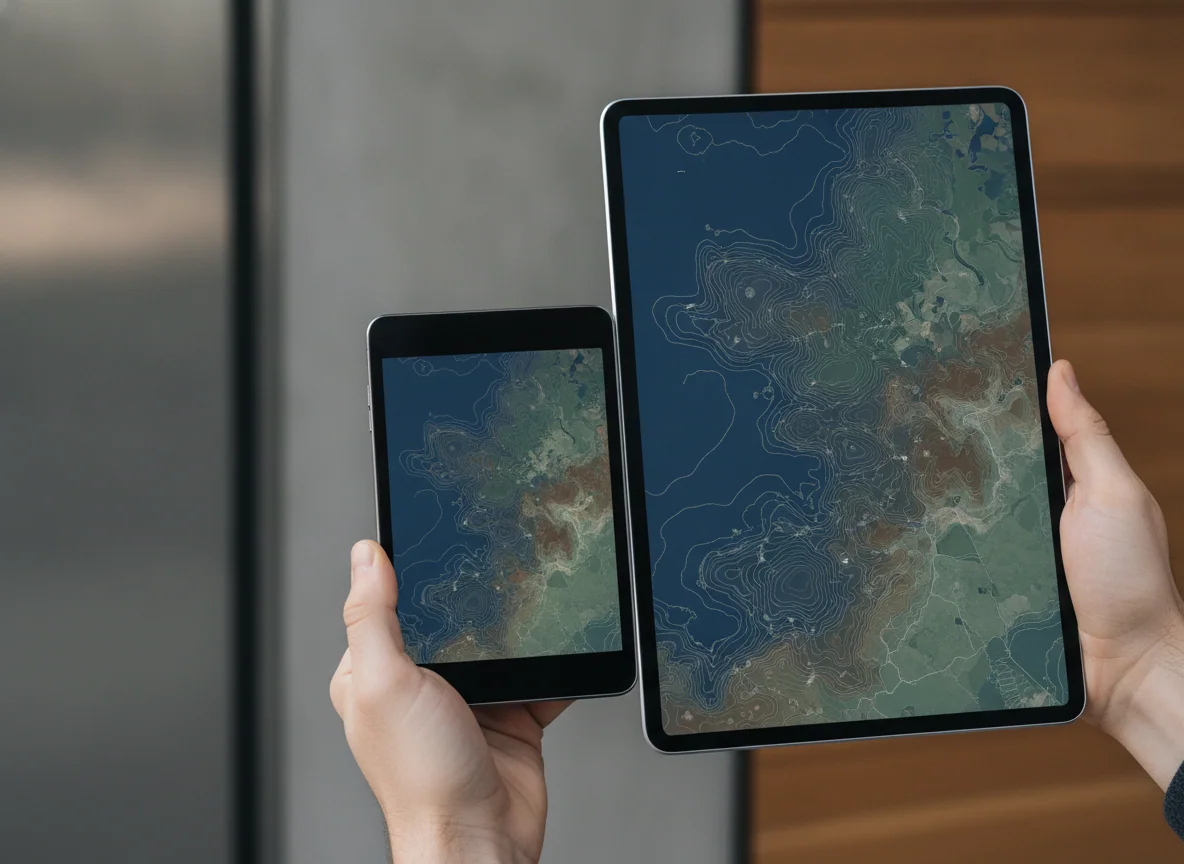
Portability is the mini’s decisive advantage, not a decorative bonus
An 8.3-inch tablet can fit in a white-coat pocket, sit beneath a vehicle display, ride in a small purse or pair with a telescoping game controller without becoming unwieldy. Retained owners repeatedly describe those concrete jobs rather than abstract admiration for small electronics. One medical student used the mini for rapid movement among clinical reference, study and note apps; another buyer mounted it as a compact video screen. That is the case for the mini at its strongest: its dimensions enable use rather than merely reduce weight.
The same design becomes a liability when the session grows. Split View produces narrow, phone-like columns, the landscape software keyboard consumes a large share of the screen, and detailed PDFs require more zooming and panning. A fast processor cannot create space for a document and keyboard, nor can it make tiny interface targets pleasant during a long work session. The mini is unusually easy to pick up and unusually difficult to stretch into a desktop.
The 11-inch model is less elegant for Pencil work and more useful for almost everything else
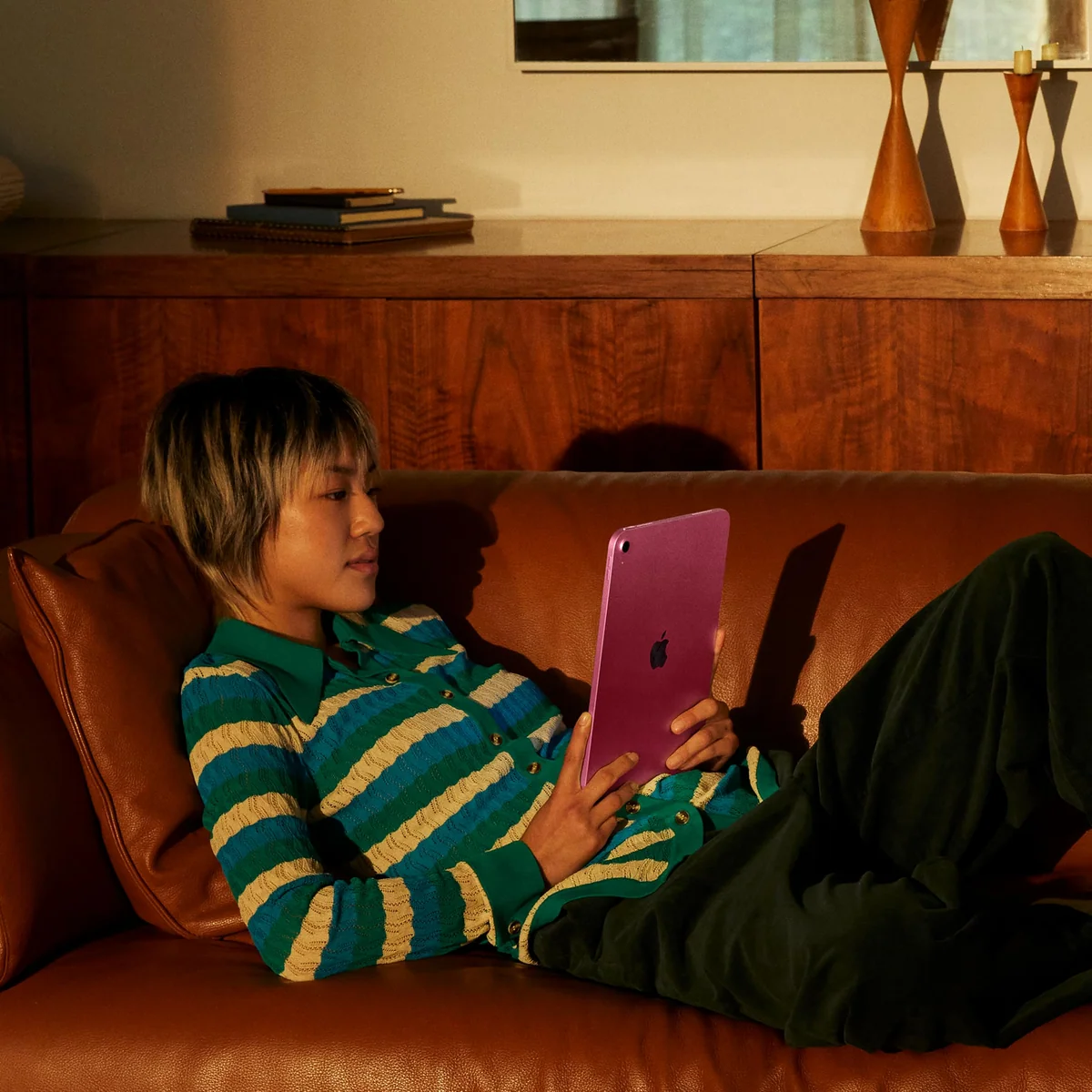
The regular iPad’s larger canvas makes two-app work, comics, sheet music, school worksheets, video and casual drawing easier to see. Its landscape camera also places the caller closer to the center of the frame when the tablet is propped up. Owners describe it as light enough for school and family use while still giving games, assignments and films a comfortably large presentation.
Its honest drawback is the display assembly. Reflections can overpower content beside a bright window, and the non-laminated gap matters when a Pencil tip must meet a precise line. The USB-C Pencil is suitable for handwriting and PDF annotation, but the iPad cannot use Pencil Pro or the second-generation Pencil, and no supported stylus charges magnetically along its edge. Serious artists should not pretend that more area cancels those limitations.
Apple Pencil buyers face two different compromises
The mini is the better portable notebook. Apple Pencil Pro attaches and charges magnetically, while squeeze, hover and barrel-roll features improve tool changes and expressive drawing. Its laminated panel also makes the digital mark feel closer to the Pencil tip. The limitation is room: tool palettes, reference material and the hand itself occupy a larger proportion of an 8.3-inch canvas.
The 11-inch iPad reverses that equation. It supplies a larger page but weaker Pencil hardware support, so it is convincing for lectures, signatures, homework and document markup rather than exacting illustration. Anyone unsure whether either accessory is justified should first decide whether an active stylus solves a real task. Artists comparing the complete Apple range should use the site’s guide to the best iPads for drawing rather than buying around a screen-size preference alone.
Both start at a sensible 128GB, and neither lets you add more later
The shared 128GB starting capacity is enough for ordinary apps, notes, books, documents, moderate downloads and a restrained game library. Large offline video collections, heavyweight games and years of local creative files can still make it tight. Storage is soldered into the decision, so buyers with unusually large libraries should estimate them before ordering rather than planning around a nonexistent microSD slot; our iPad storage guide shows which workloads genuinely need the next capacity.
Battery life is credible on both, but their best workloads differ
The 11-inch iPad produced 11 hours and 25 minutes in one controlled rundown, which supports its role as a school-day or workday tablet. Charging is less impressive: its 20W ceiling makes a forgotten overnight charge difficult to repair quickly. The mini can also cover a day of mixed light use, but sustained gaming consumes power rapidly and its versatility prevents it from matching the multiweek endurance of a dedicated e-reader.
A mini owner who read for one or two hours daily reported four to five days between charges when reading alone and two to three days when video joined the routine. That makes it a compelling color reader for manga, maps and books that lead into notes or web research, not an e-ink substitute for buyers who prize eye comfort and long charging intervals above apps. The broader tablet reading guide covers that trade more directly.
Buy the shape that serves the work
At this point the decision should be physical rather than aspirational. The mini has the stronger internals and accessory support, but its premium only makes sense when compactness changes where the tablet can go. The A16 model has the less refined display, yet its larger workspace makes it the more useful single iPad.
The compact iPad for a job that must travel
The iPad mini A17 Pro earns its place through true handheld portability, Apple Pencil Pro support and ample performance for reading, gaming, notes and field reference.
Its cramped workspace, 60Hz LCD and awkward landscape-call camera make it a poor only tablet for long typing, large documents or sustained multitasking.
The full-size iPad most people should choose
The 11-inch A16 iPad combines enough everyday speed, a practical 128GB starting capacity and a broadly useful canvas without demanding that ordinary buyers pay for professional performance.
Its reflective non-laminated screen, restricted Pencil compatibility and permanent lack of Apple Intelligence are the compromises that matter.
IPad mini A17 Pro
IPad 11-inch a16
Who should accept which compromise
Buy the iPad mini if portability changes the job
Do not buy the iPad mini merely because it looks convenient
Buy the 11-inch iPad if this is the household’s general tablet
Do not buy the 11-inch iPad to imitate an Air
If the mini is too cramped but the regular iPad’s display and Pencil limitations are unacceptable, the honest next comparison is the iPad mini against the 11-inch iPad Air. Buyers who still have not settled the physical format should start with the guide to choosing a tablet size.
The final rule is deliberately unfashionable: buy more screen unless less screen is the feature. The A16 iPad is the stronger default because it gives familiar tablet work enough room without charging ordinary users for performance they may never exploit. The iPad mini is the more distinctive machine, but distinction becomes value only when 8.3 inches unlocks a place, posture or workflow that 11 inches cannot serve.
Frequently Asked Questions
Is the iPad mini more powerful than the 11-inch iPad?
Yes, the mini’s A17 Pro and 8GB of memory provide more headroom than the regular iPad’s reduced A16 configuration and 6GB of memory.
Which one is better for most people?
The 11-inch iPad is better for most buyers because its larger screen improves everyday media, schoolwork, typing, calls and multitasking more often than the mini’s faster chip improves them.
Which one is better for reading?
The mini is easier to hold and carry for books and manga, while the 11-inch model is better for large PDFs, magazines, textbooks and pages that benefit from less zooming.
Which one is better for handwritten notes?
The mini offers better Pencil hardware and portability for short notes, while the 11-inch iPad provides more writing room for lectures, worksheets and side-by-side reference material.
Can either iPad replace a laptop?
The 11-inch model can cover light web, email and document work more comfortably, but neither is an ideal universal laptop replacement because accessory ergonomics and iPadOS multitasking remain limiting.
Does the regular A16 iPad support Apple Intelligence?
No, Apple Intelligence is unavailable on the A16 iPad and its absence is a hardware limitation rather than a feature awaiting an update.
Is 128GB enough for either model?
Yes for most apps, books, notes, school files and moderate downloads, but large games, extensive offline video and local creative libraries can justify additional storage.
Which Apple Pencil works with each iPad?
The mini supports Apple Pencil Pro and Apple Pencil USB-C, while the 11-inch A16 iPad supports Apple Pencil USB-C and the first-generation Pencil through an adapter.
Should an owner of the previous regular iPad upgrade to the A16 model?
Usually not unless the older model’s 64GB capacity or performance has become a genuine constraint, because the enclosure and display experience remain fundamentally familiar.