The iPad Air 11-inch is the drawing iPad to buy
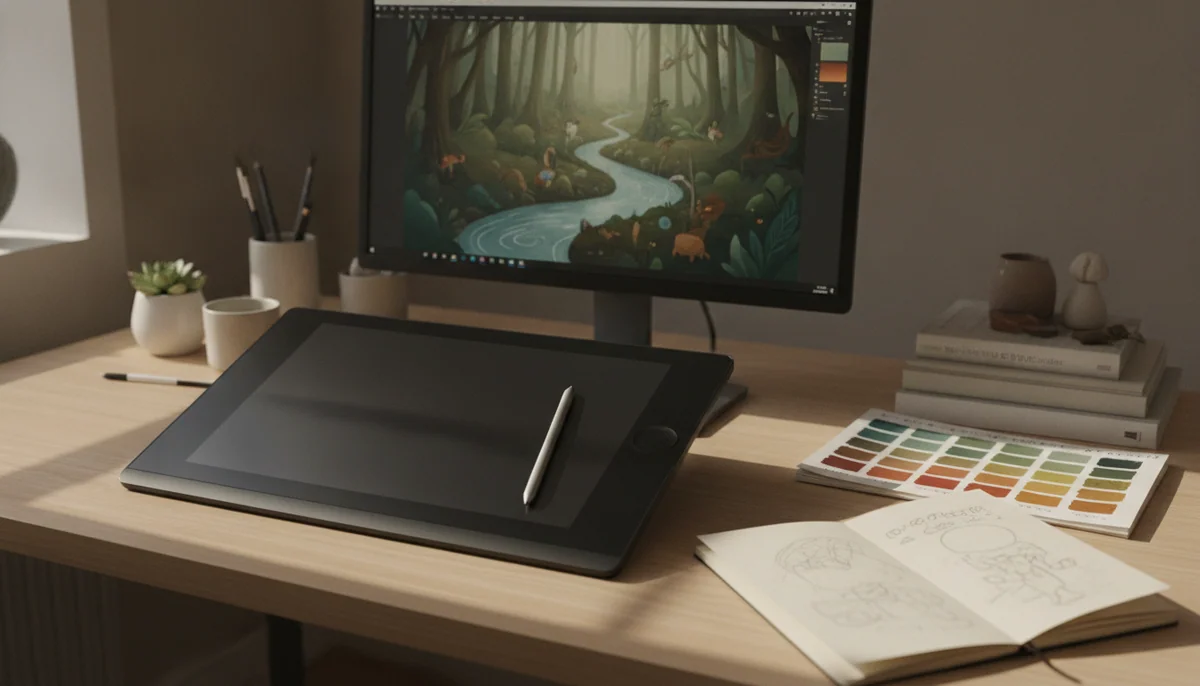
The best drawing iPad is not the one with the fastest chip. It is the one that puts the Pencil tip close to the image, supports the right stylus, gives the app enough room and storage, and remains comfortable wherever the artist actually works. The 11-inch M4 iPad Air gets that balance right. Its laminated display avoids the visible gap that weakens the basic iPad, Apple Pencil Pro adds pressure-sensitive control and useful tool gestures, and the compact body remains practical away from a desk.
There is a real drawback: the Air still uses a 60Hz LCD. Fast strokes and canvas movement do not look as immediate as they do on a 120Hz iPad Pro, and artists accustomed to high-refresh displays may notice the difference every session. The screen is also less dramatic for deep blacks and HDR work than the Pro’s tandem OLED. Those compromises are plain, but neither prevents accurate, serious illustration.
The Pro models are better drawing machines in absolute terms. Their OLED panels, ProMotion refresh, Face ID and four-speaker systems make the hardware feel exceptional. They are not the default recommendation because drawing quality does not rise in proportion to the specification sheet, while Pencil, protection, storage and software still have to fit within the complete budget.
At the other end, the A16 iPad is a capable notebook and casual sketchpad, not the model Specs & Screens would choose for precision art. Its non-laminated display leaves a small physical separation between the tip and the pixels, it cannot use Pencil Pro, and its glossy surface is easily challenged by reflections. That is too much friction to accept when drawing is the reason for the purchase.
Buy the Air
Choose the 11-inch Air for the strongest balance of drawing hardware, portability and restraint, or move to the 13-inch Air when large canvases, reference panes and persistent layer controls justify a tablet that usually rests on a surface.
Pay for the Pro deliberately
Choose an iPad Pro when smoother Pencil motion, OLED contrast, HDR presentation or a particular professional workflow will improve finished work, not merely because M5 is the largest number in the range.
The drawing experience is decided above the chip
A modern iPad does not need extreme processor performance to make a blank canvas responsive. The harder questions concern the physical connection between hand and image: whether the panel is laminated, which Pencil it supports, how fluid motion appears, how much room remains after palettes and layers open, and whether the complete setup is comfortable enough to use for hours.
Lamination is the first dividing line
A laminated display bonds the cover glass to the panel beneath it, reducing the apparent distance between the Pencil tip and the mark. The difference can fade into the background during video or reading, but fine line placement makes it easier to see. This is why the Air is the sensible starting point for committed art even though the basic iPad can run many of the same applications.
Pencil Pro is useful, but it is not included
The iPad mini, both Airs and both Pros here support Apple Pencil Pro. It pairs and charges magnetically, responds to pressure, and adds controls such as squeeze, barrel roll, hover and haptic feedback. Those features can keep color, brush and tool changes near the drawing hand instead of sending it across the interface.
Apple Pencil Pro is a separate purchase, and compatibility is less forgiving than the similar metal edges suggest. The second-generation Apple Pencil does not work with these current Air and mini models. The less expensive USB-C Pencil is compatible, but its missing pressure sensitivity makes it the wrong economy for an illustrator whose marks depend on variable weight or opacity.
Eleven and thirteen inches reward different postures
The 11-inch canvas requires more zooming and panning once a drawing app fills the edges with layers, brushes, colors and references. In return, it is easy to rotate, carry, hold in portrait or use away from a conventional workstation. It is the model most likely to remain a tablet rather than becoming a screen permanently attached to furniture.
A 13-inch iPad gives the artwork and its controls room to coexist. It suits large illustrations, full-page layouts, split references and artists who draw with the device flat, propped on a stand or attached to a desk arm. Its width also creates leverage against the wrist, so unsupported drawing and reading become tiring sooner. The practical rule is simple: choose thirteen inches for a supported studio canvas and eleven inches for a canvas that travels in your hands.
| Model family | Display and Pencil | Best artistic role | Compromise to accept |
|---|---|---|---|
| iPad 11-inch A16 | Non-laminated 60Hz LCD with USB-C Pencil support | Casual sketches, diagrams, signatures and early experimentation | Visible tip-to-image separation, reflections and no Pencil Pro |
| iPad mini A17 Pro | Laminated 60Hz LCD with Pencil Pro support | Pocketable sketchbook, field notes and quick studies | A cramped canvas once palettes and layers appear |
| iPad Air M4 | Laminated 60Hz LCD with Pencil Pro support | Serious illustration, study and portable creative work | Motion and contrast remain below the Pro display |
| iPad Pro M5 | Tandem OLED with 120Hz ProMotion and Pencil Pro support | Display-critical art and demanding iPad-first production | A substantial premium and the same iPadOS boundaries |
Storage is part of the studio
The Air models start here with 128GB, which can suit cloud-backed documents, a focused app library and moderate projects. Large layered files, time-lapse recordings, local reference libraries and years of finished work make 256GB the safer long-term choice. Storage cannot be expanded with a microSD card, and an external drive does not give every app more working space.
The Pro models begin here at 256GB, a more comfortable floor for creative work, while their highest memory and nano-texture options belong to substantially larger storage configurations. Before changing tiers, audit current project sizes and decide what must stay local; the site’s iPad storage guide separates realistic capacity needs from reflexive upgrading.
Paper texture is a preference with a visual cost
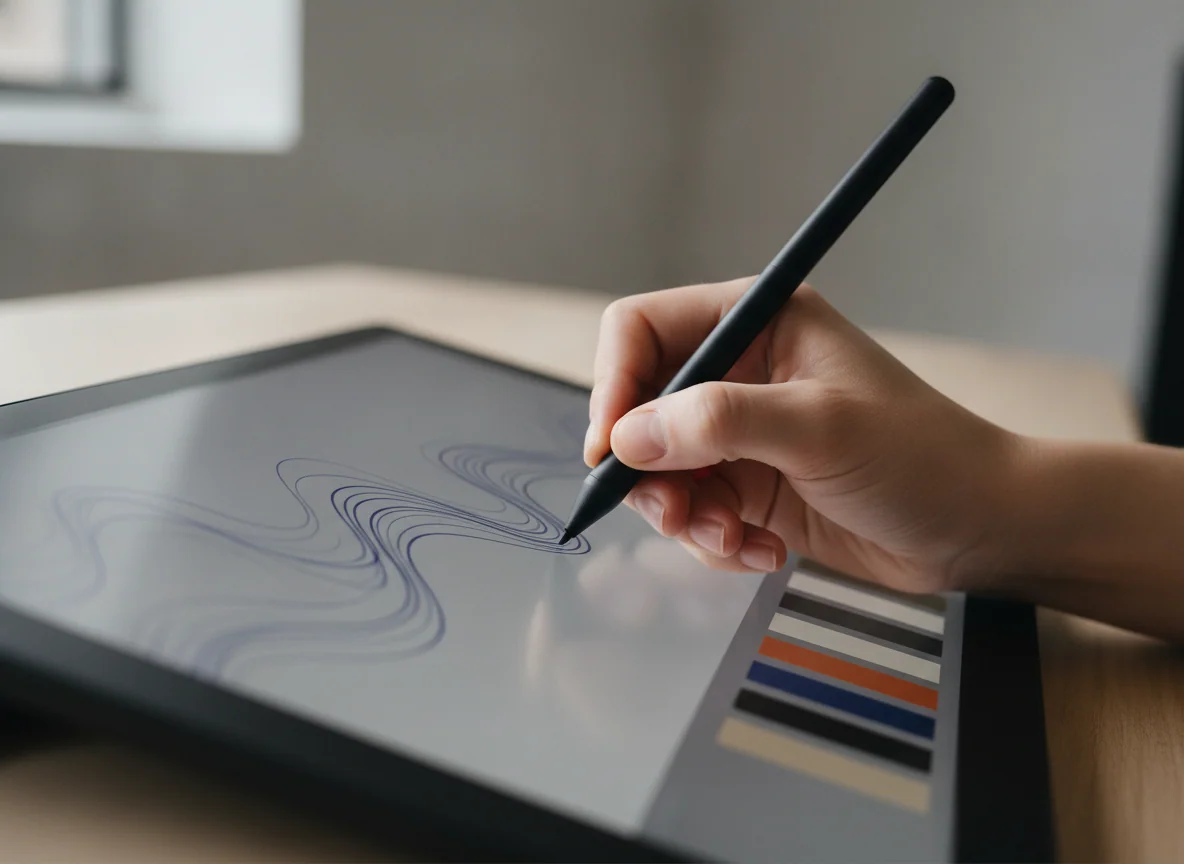
Every model still asks the Pencil to move over glass. A textured protector can add resistance and make long strokes feel more controlled, but it can also soften the image or alter touch behavior. Artists who bought a Pro for its exceptional display should be especially cautious about covering that display before deciding whether the bare surface is genuinely a problem.
Six drawing iPads, ranked by the job
These rankings treat art as the primary use rather than a decorative capability on an otherwise general tablet. Each recommendation includes the reason to buy and the limitation that should stop the wrong buyer.
The basic iPad is the affordable choice for casual sketching and beginners still discovering whether digital art will stick.
Its A16 chip, 128GB starting capacity and broad drawing-app support are enough for simple canvases, diagrams, coloring and low-stakes practice.
The non-laminated reflective screen separates the Pencil tip from the image, and the tablet cannot use Apple Pencil Pro or magnetically charge a supported Pencil.
The iPad mini is the pocketable sketchbook for field studies, visual notes and artists who value immediate access over canvas area.
Apple Pencil Pro support, a laminated display and ample A17 Pro performance give quick drawings better tools than the mini’s size suggests.
The 8.3-inch workspace becomes cramped as soon as layers, references and brush controls compete with the artwork.
The 11-inch M4 iPad Air is the best drawing iPad for most artists.
Its laminated color-accurate display, Pencil Pro support, M4 headroom and portable body cover serious illustration without making Pro hardware the admission fee.
The 60Hz LCD makes rapid Pencil movement and canvas navigation look less fluid than they do on either iPad Pro.
The 13-inch M4 iPad Air is the best large canvas for artists who do not need a Pro display.
Its expansive laminated panel leaves more room for the drawing, reference material, layers and tools while retaining Pencil Pro support and abundant M4 performance.
The broad body is tiring to hold and works best on a desk, stand or easel rather than as an effortless handheld sketchbook.
The 11-inch M5 iPad Pro is the best portable drawing iPad for artists who care about display quality every day.
Its 120Hz tandem-OLED panel, Pencil Pro support, deep contrast, 256GB capacity and light chassis deliver the finest handheld drawing experience in this group.
The Pro premium is difficult to defend when the same artwork and applications already run comfortably on the 11-inch Air.
The 13-inch M5 iPad Pro is the uncompromised studio canvas for demanding iPad-first artists.
Its large 120Hz tandem-OLED display gives detailed work, references and tool panels exceptional room while M5 performance supplies vast headroom for supported creative apps.
The glossy 256GB model is reflective, cumbersome without support and expensive before Pencil, stand, case or keyboard enters the setup.
Where the ranking can reverse
An artist sensitive to 60Hz motion should move the 11-inch Pro above the Air without apology. ProMotion changes every stroke, pan and zoom, while OLED contrast remains visible throughout the interface. The full 11-inch M5 iPad Pro review explains why that superb experience is still excessive for ordinary tablet work.
A muralist planning compositions at a desk, a comic artist keeping references beside the canvas or a designer using dense tool panels may prefer thirteen inches even at 60Hz. In that case the 13-inch Air is the value choice and the 13-inch Pro is the display choice. Our 13-inch Air and Pro comparison focuses on whether OLED, ProMotion and Face ID justify moving beyond the Air.
The mini can also win when access matters more than scale. A sketchbook carried everywhere records ideas that a better screen left at home cannot capture. Its Pencil Pro compatibility makes it far more credible than a novelty canvas, but detailed finishing still benefits from an 11-inch or 13-inch workspace.
The base iPad should win only when budget discipline is more important than drawing refinement. It can introduce a beginner to layers, brushes and pressure-free USB-C Pencil input, but buying cases, keyboards and accessories around it does not repair the screen construction. If art becomes a durable habit, the Air is the meaningful step up.
Frequently Asked Questions
Which iPad should most artists buy?
Most artists should buy the 11-inch M4 iPad Air because its laminated display, Pencil Pro support and portable size cover serious drawing without requiring the iPad Pro premium.
Is an iPad Pro necessary for professional drawing?
No, the Air can support professional illustration, while the Pro earns its place when 120Hz motion, OLED contrast, HDR presentation or a demanding iPad-first workflow materially improves the work.
Is the 13-inch iPad better for drawing than the 11-inch model?
The 13-inch size is better for large supported canvases and visible tool panels, while the 11-inch size is better for holding, rotating, carrying and drawing away from a desk.
Can the basic A16 iPad be used for digital art?
Yes, it can handle casual drawing and beginner practice, but its non-laminated screen, reflections and lack of Pencil Pro make an Air the better long-term art purchase.
Is the iPad mini too small for drawing?
It is excellent for quick sketches and portable visual notes, but its 8.3-inch canvas becomes restrictive for detailed work with layers, palettes and references.
Do artists need Apple Pencil Pro?
Artists benefit from its pressure sensitivity, magnetic charging and tool gestures, while viewers, typists and people making occasional diagrams can choose a less capable stylus.
Is 128GB enough for drawing?
128GB can support moderate cloud-backed art projects, but large layered files, time-lapse recordings and extensive local references make 256GB a safer long-term choice.
Does a paper-texture screen protector make drawing better?
It can add useful resistance for artists who dislike smooth glass, but it may reduce visual clarity or change touch response.
Should drawing alone decide the iPad size?
No, the right size also depends on whether the iPad will be held or supported, how often it travels and how much interface space the artist’s applications consume.
Our Top Recommendation

Based on our research, the IPad 11-inch a16 is our top pick — to replace a laptop.
Sources (4)
- Amazon listings and customer reviews
- Owner and reviewer video, 2 channels
- Notebookcheck — Article — www.notebookcheck.net
- Laptopmag — Article — www.laptopmag.com