An E Ink writing tablet is better for focused notes, and worse at almost everything else
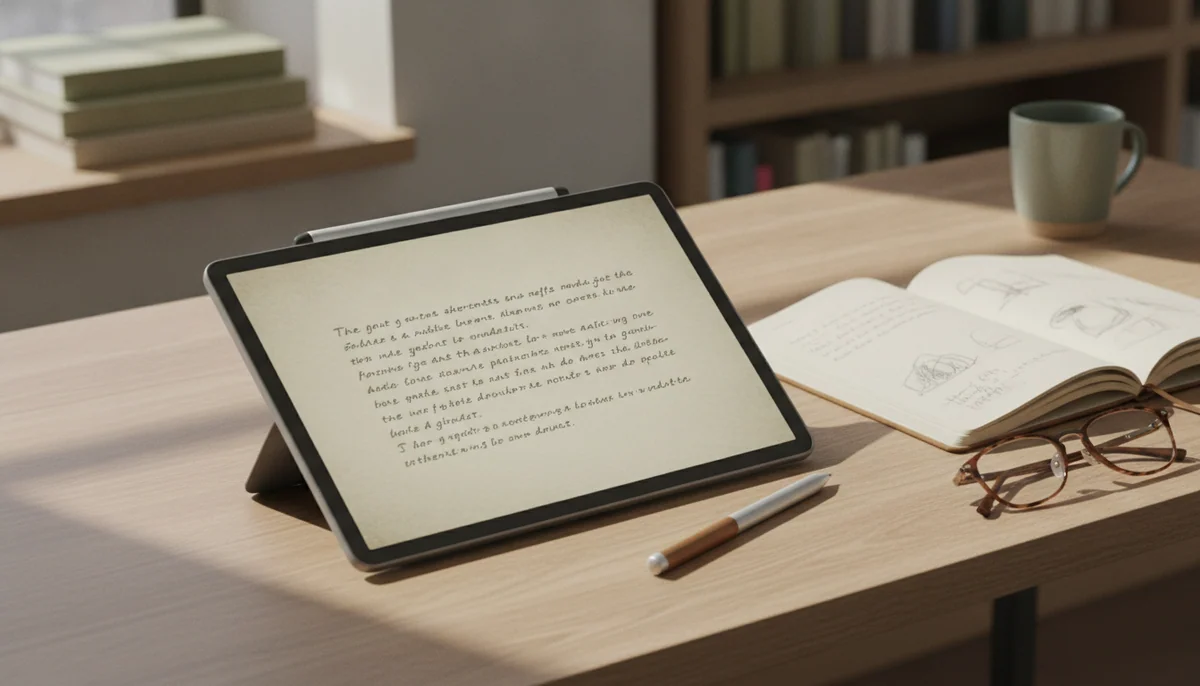
An E Ink writing tablet is a digital notebook built around a reflective display and an active pen. Instead of illuminating fast-changing pixels like an LCD tablet, its screen rearranges physical particles to form the page. That process produces a restrained, paper-like image and also explains the brief flashes, muted colors, and slower refreshes that surprise new owners.
The category is easy to misunderstand because the hardware still looks like a tablet. A device such as the reMarkable Paper Pro stores notebooks, organizes pages, accepts PDFs, and converts handwriting, yet deliberately omits the browser, app store, email, entertainment apps, and conventional office suite expected from a multipurpose tablet. The missing features are not an unfinished part of the product. They are the product’s attempt to protect the writing session.
That makes the comparison less about whether E Ink is technically superior and more about where a note begins and ends. If a note begins with a pen and later moves to a computer, the specialized device can be unusually coherent. If the same session requires opening a lecture portal, searching the web, joining a call, consulting an app, or formatting the final document, a regular tablet keeps the whole job in one place.
Choose E Ink for a notebook that stays a notebook
It suits established handwritten routines, long reading sessions, meeting notes, and PDF markup when a browser would mostly create an escape route.
Choose a regular tablet for notes inside a wider workflow
It suits research, typed work, collaboration, rich drawing, video lessons, communication, and anyone unwilling to carry a second computer for ordinary tasks.
The screen changes the rhythm of writing
E Ink does not behave like paper in a literal sense. You still write with a stylus on a manufactured surface, and the exact amount of friction varies between devices. Its practical distinction is that the page remains visible by reflecting ambient light rather than presenting the bright, continuously refreshed image associated with a conventional LCD. A front light can make some models usable in dim rooms without turning the screen into the same luminous panel found on an ordinary tablet.
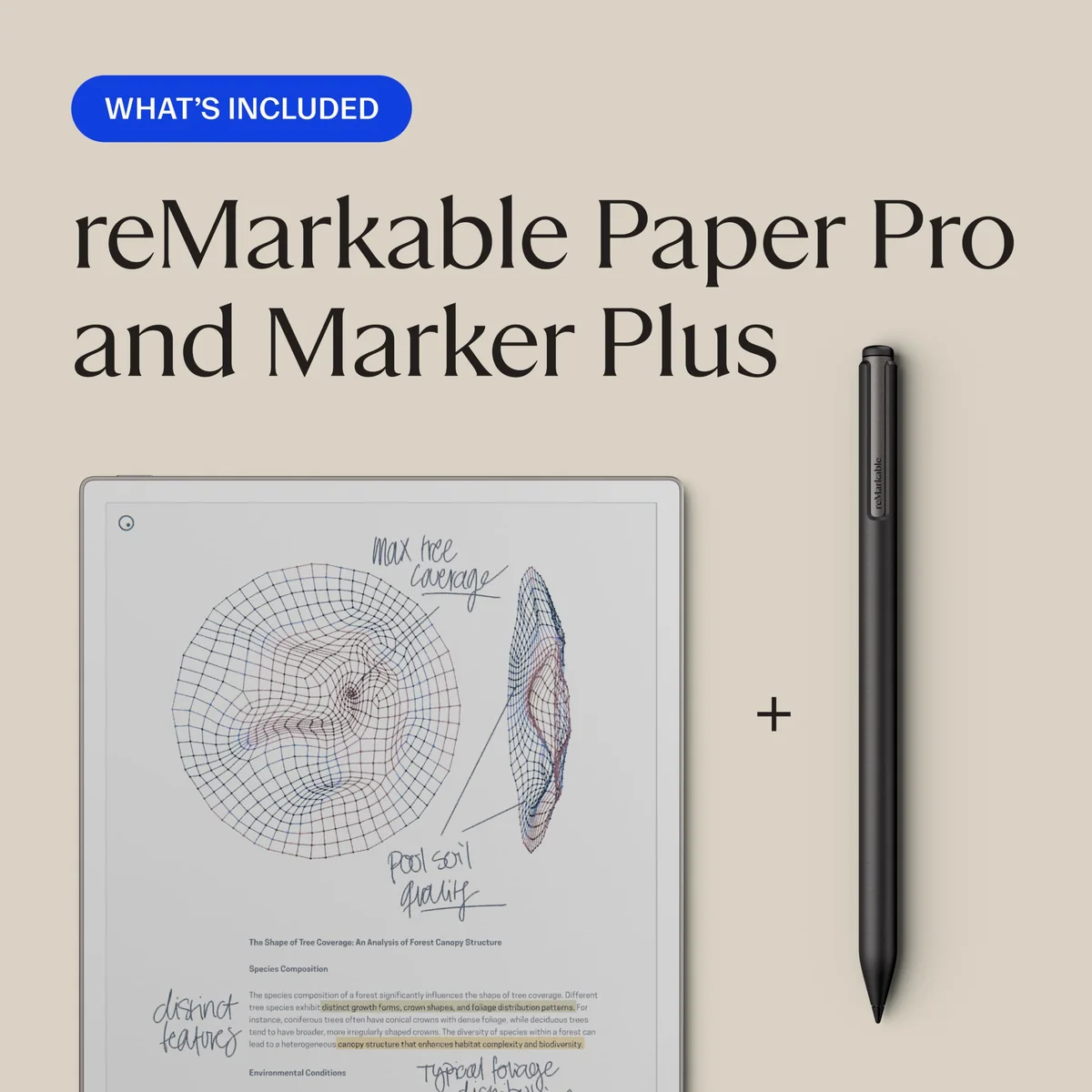
The reMarkable Paper Pro shows both the strength and the compromise clearly. Its 11.8-inch color E Ink display offers enough room for full pages and margin notes, while Marker Plus supplies a built-in eraser and six replacement tips. Its color resembles highlighter or colored pencil more than an LCD, and the display may flash or briefly change a mark while colored particles settle.
A regular tablet prioritizes immediacy instead. The Fire HD 10 uses a 10.1-inch Full HD display intended for video, games, browsing, and reading, and it supports a separately sold pressure-sensitive stylus. That screen is more convincing for films, photographs, colorful applications, and animated interfaces, but it does not provide the same subdued page or specialized writing surface.
| Decision point | E Ink writing tablet | Regular tablet |
|---|---|---|
| Primary role | Handwritten notebooks, document reading, and annotation | Apps, media, communication, browsing, and notes |
| Display character | Reflective, subdued, and relatively static | Bright, colorful, and designed for motion |
| Pen experience | Usually central to the hardware and software | Often one input method among touch, keyboard, and voice |
| Color and refresh | Muted color, visible refresh behavior, and possible temporary ghosting | Vivid color and fluid interface movement |
| Distraction control | Strong when browsers and entertainment apps are absent | Depends on settings and the user’s habits |
| Research and collaboration | Limited, commonly requiring another device | Usually handled on the same device through apps and the web |
| Best fit | An existing paper workflow that needs organization | A mixed digital workflow that happens to include handwriting |
E Ink wins when attention is the scarce resource
A general tablet can take excellent notes, but it can also deliver a message, open a shopping tab, start a video, and turn a quick reference check into twenty minutes elsewhere. An E Ink notebook can remove those choices rather than asking its owner to resist them. For someone whose concentration regularly leaks through multipurpose screens, the absence of apps may be more valuable than another processor upgrade.
The benefit is strongest when handwriting already produces useful work. People who fill paper notebooks, carry lists between rooms, or annotate documents can gain folders, tags, movable handwriting, reusable templates, and a single archive without abandoning the act of writing. Retained Paper Pro owners repeatedly valued having notes together instead of scattered across pads, desks, bags, and meeting rooms.
Buying the device in hope that it will create a new habit is much less convincing. A specialized notebook cannot make handwriting useful to somebody who prefers typing, rarely revisits notes, or needs every idea inside a collaborative app. It can organize an existing method; it cannot supply the method.
The same distinction applies to battery expectations. A reflective page can remain useful without driving a conventional luminous display, but a writing tablet is still an electronic device with synchronization, processing, wireless radios, and sometimes a front light. Runtime changes with brightness and workload, so the romantic idea of endless ebook-reader endurance should not become a purchase assumption.
A regular tablet wins when the note is only the first step
Notes rarely remain isolated. A student may need a course portal beside the page. A professional may need a calendar, shared document, browser, call, and messaging app. An artist may require layers, vivid color, brushes, and immediate visual response. A regular tablet can connect those stages, while a narrow E Ink device usually hands the work to another computer once research, communication, or presentation begins.
This is the decisive advantage of the ordinary tablet, not merely a longer feature list. Copying information between devices introduces friction. So does exporting a notebook into a flattened document, discovering that a protected ebook will not open, or losing editable pen strokes when work leaves a proprietary system. Specialization feels calm while the task remains inside its boundaries and awkward the moment it crosses them.
E Ink color also deserves blunt expectations. It can separate revisions, distinguish highlights, clarify a chart, and add structure to study material. It is not a substitute for the vivid preview and fluid painting response of an LCD or OLED art tablet. Buyers choosing primarily for drawing should use the site’s guide to iPads for drawing and digital art rather than treating subdued E Ink color as a creative upgrade.
Readers who want handwriting but have not yet settled on a device type can compare broader options in the Specs & Screens guide to note-taking tablets. The more useful preliminary question is covered separately in our explanation of when an active stylus is actually necessary.
Two products reveal the boundary better than two specification sheets
reMarkable Paper Pro: excellent when limitation protects the work
The reMarkable Paper Pro with Marker Plus is the clearest example of an E Ink writing tablet that knows its job. The large color surface gives documents room, the active pen is integrated into the experience, and folders, tags, templates, PDF annotation, and handwriting conversion support a substantial paper-based workflow. It is particularly persuasive for people who mark long documents or want one searchable home for handwritten material.
Its honest drawback is severe: it is an expensive companion device that intentionally cannot perform ordinary tablet work. There is no browser or app store, protected Kindle and Kobo books are unsupported, richer cloud features can depend on Connect, the bundle does not include a protective folio, and owner reports include defective units and serious display failures without establishing how common those failures are.
That combination makes Paper Pro a defensible purchase only when the buyer can name the notebooks, PDFs, and handwritten lists it will replace immediately. The full Specs & Screens reMarkable Paper Pro review examines its writing system, color behavior, service boundaries, and long-term concerns, while the Paper Pro versus Kindle Scribe comparison is more useful for readers whose priority is books.
Amazon Fire HD 10: broader utility with a narrower app world
The Amazon Fire HD 10 demonstrates why a regular tablet is often the more practical answer even when it is not the more satisfying digital notebook. Its Full HD screen supports video, reading, browsing, games, family profiles, and split-screen use, while the target listing’s optional USI 2.0 stylus support adds handwriting without making handwriting the entire device.
Its honest drawback is Fire OS. The tablet uses Amazon’s app store rather than offering official Google Play access, so familiar applications may be unavailable, regionally inconsistent, or reachable only through the web. Owners describe unofficial workarounds, but those add compatibility and maintenance problems that should not be smuggled into an out-of-box recommendation.
The Fire HD 10 therefore makes sense as a flexible entertainment and reading tablet that can also handle occasional handwriting, not as the best pen-first tool or a fully open Android slate. Check every essential app before choosing it, then read the site’s Fire HD 10 review for the wider hardware verdict and its guide to Google Play and missing Fire tablet apps for the software caveat.
Use the notebook test, not the gadget test
Ignore the imagined version of your routine and inspect the last month. Count the paper notebooks you actually opened, the PDFs you genuinely marked, and the handwritten pages you needed to retrieve later. Then note how often the same work required a browser, a specialist app, messaging, video, or polished formatting.
- Choose E Ink if handwriting already generates a large share of your useful work and another computer is already available for everything that follows.
- Choose a regular tablet if notes are inseparable from research, collaboration, entertainment, creative apps, or finished production.
- Choose neither yet if the purchase depends on becoming a different kind of note-taker after the box arrives.
Also decide whether carrying two devices is acceptable. The cleanest E Ink workflow often assumes a second machine for email, research, meetings, and document finishing. That separation can be restorative at a desk and tedious during travel or a tightly scheduled school day.
E Ink is better for notes only when “better” means calmer handwriting, reflective reading, and fewer exits from the page; when “better” means completing the whole task on one screen, the regular tablet wins.
Frequently Asked Questions
Can an E Ink writing tablet replace a regular tablet?
Usually not, because browsers, broad app support, media, communication, rich creative tools, and finished document production commonly require a regular tablet or computer.
Does an E Ink screen feel exactly like paper?
No, surface friction and pen response can approach a paper-like sensation, but the stylus still moves across an electronic display rather than putting ink into paper fibers.
Is E Ink color as vivid as an LCD tablet?
No, color E Ink is muted and slower to settle, which suits highlights and document structure better than painting, photography, video, or vivid illustration.
Is screen flashing or ghosting normal on E Ink?
Brief flashes and faint remnants that clear during a refresh are normal, but persistent shadows, dead pixels, dark areas, or marks that obstruct reading should be treated as faults.
Is an E Ink tablet better for students?
It can be better for students who handwrite heavily and lose focus on multipurpose screens, while a regular tablet is better when lessons depend on web portals, video, collaboration, or specific apps.
Can a regular tablet provide distraction-free notes?
Yes, focus modes, notification controls, and disciplined app use can reduce interruptions, but they do not remove the available distractions as completely as a purpose-built writing device.