Kindle Scribe Colorsoft beats reMarkable Paper Pro for readers, but serious note-takers should choose reMarkable
Choose the reMarkable Paper Pro for a writing-first workflow and the Kindle Scribe Colorsoft only when a substantial Kindle library matters at least as much as your notes.
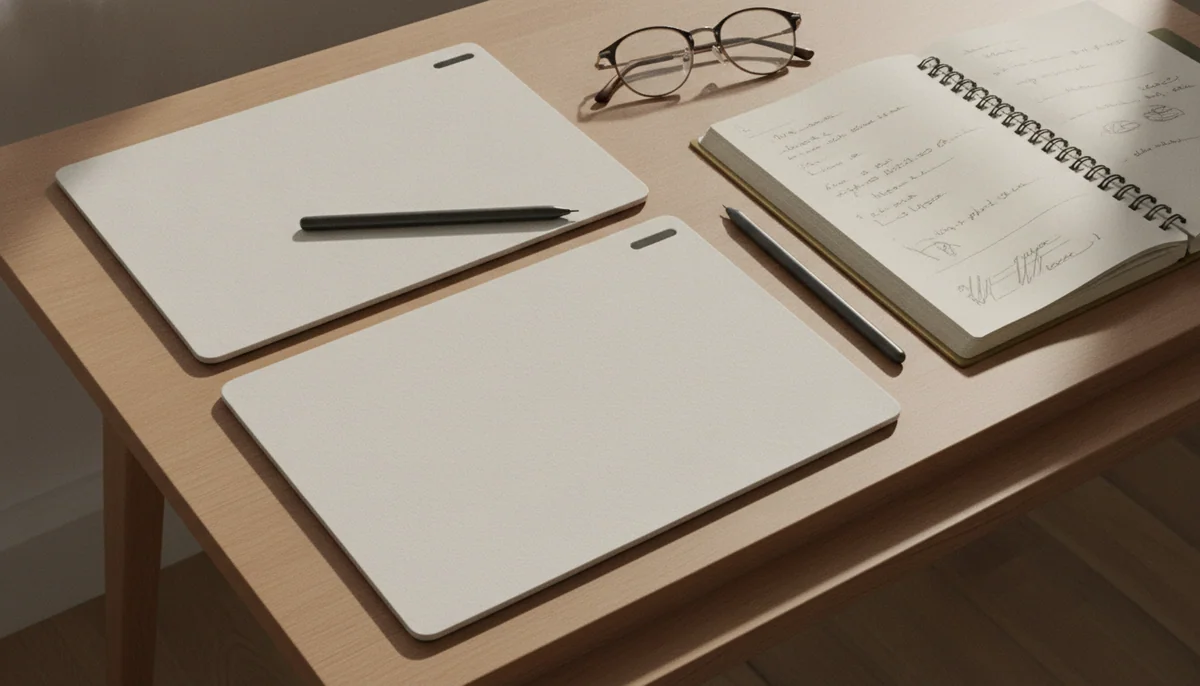
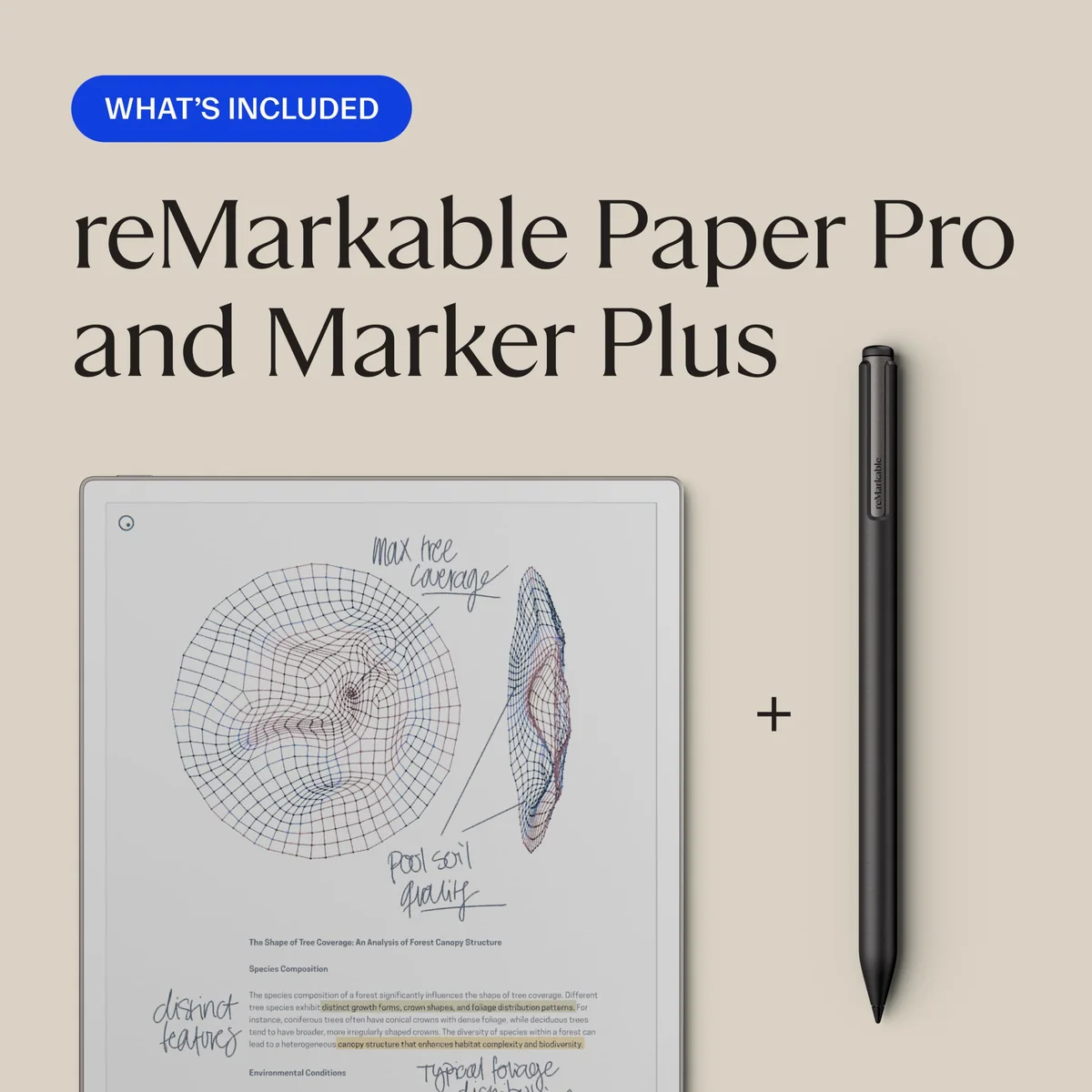
ReMarkable Paper Pro marker Plus
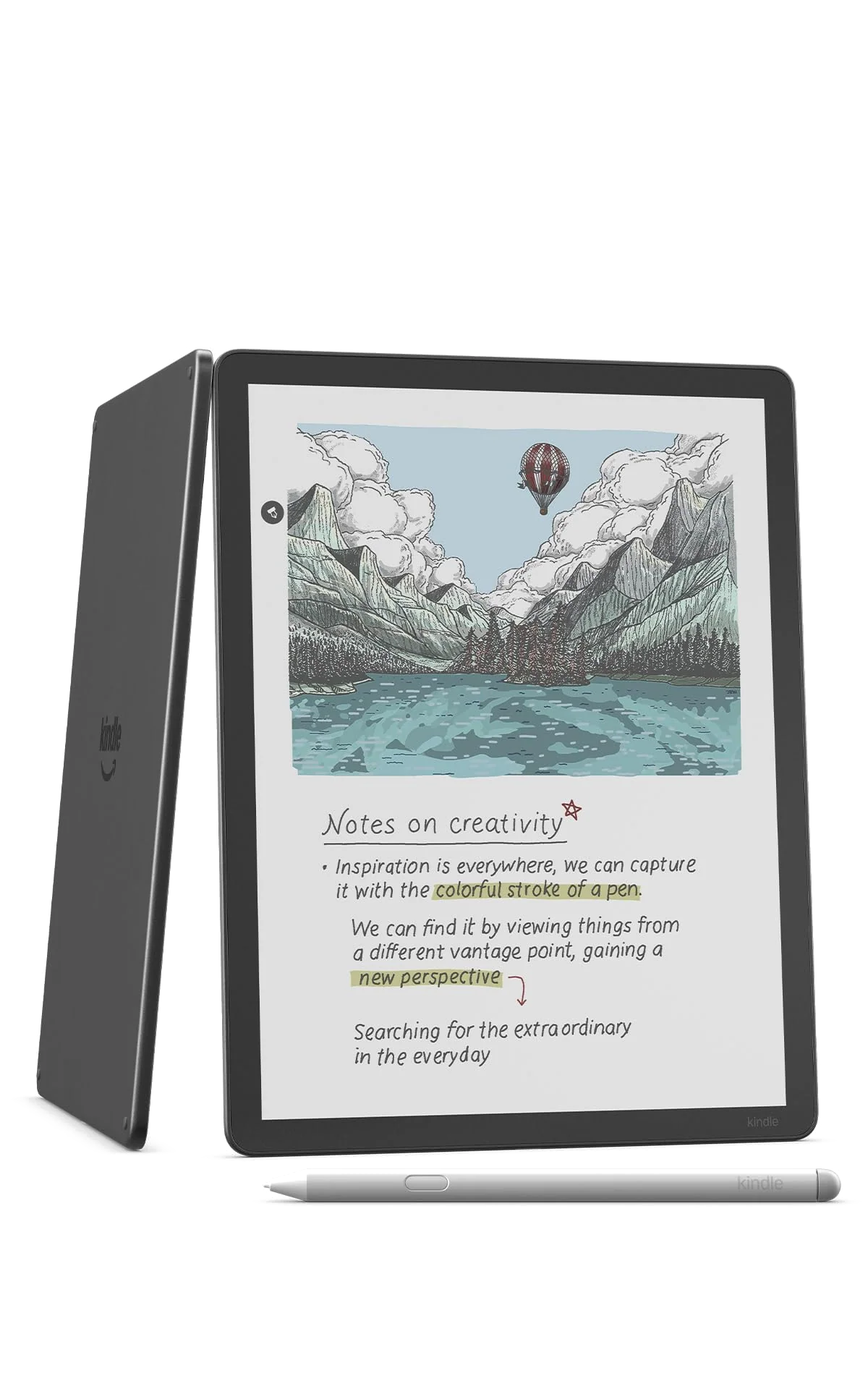
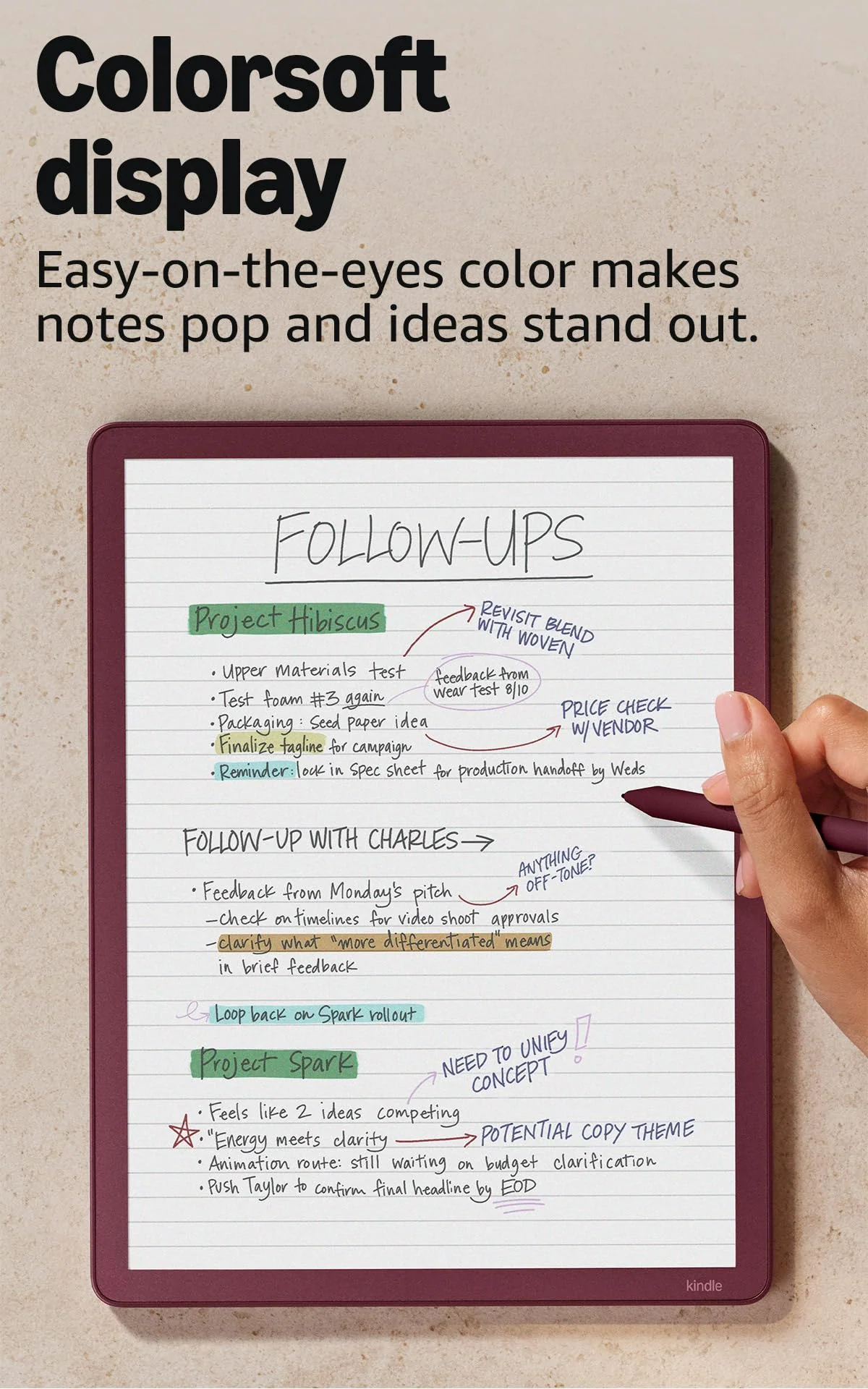
Amazon Kindle Scribe Colorsoft 64GB
These are expensive, large-screen color E Ink devices that appear to compete for the same desk. They do not. The reMarkable Paper Pro is a focused digital notebook that tolerates reading, while the Kindle Scribe Colorsoft is an excellent Kindle with a capable but constrained notebook attached.
That distinction settles the comparison more cleanly than counting pen colors or arguing over fractions of an inch. Paper Pro gives handwritten work the stronger software, broader page controls, better document organization, and more useful companion-device workflow. Scribe Colorsoft gives readers the Kindle Store, Kindle Unlimited, Comixology, familiar reading tools, and direct access to protected Kindle purchases that reMarkable cannot open.
Neither is the sensible choice for everyone. Both deliberately omit the app ecosystem and general computing ability of an iPad or Android tablet, and both render color as soft reflective pigment rather than luminous pixels. If you want vivid illustration, unrestricted apps, live document editing, or one device to replace a laptop, stop here and consult our guide to the best tablets for handwritten notes instead.
Pick reMarkable Paper Pro
Choose it when meetings, lectures, journals, diagrams, and marked-up PDFs form the main workload, especially if folders, tags, layers, reusable notebook pages, and cross-device access matter more than an ebook store.
Pick Kindle Scribe Colorsoft
Choose it when you already read heavily through Kindle and want one large E Ink screen for books, uncomplicated notebooks, color highlights, and occasional document review.
Pick neither
Walk away if you mainly read prose, rarely write by hand, expect saturated comic art, or need apps and editable office documents, because a cheaper reader or a conventional tablet will serve you better.
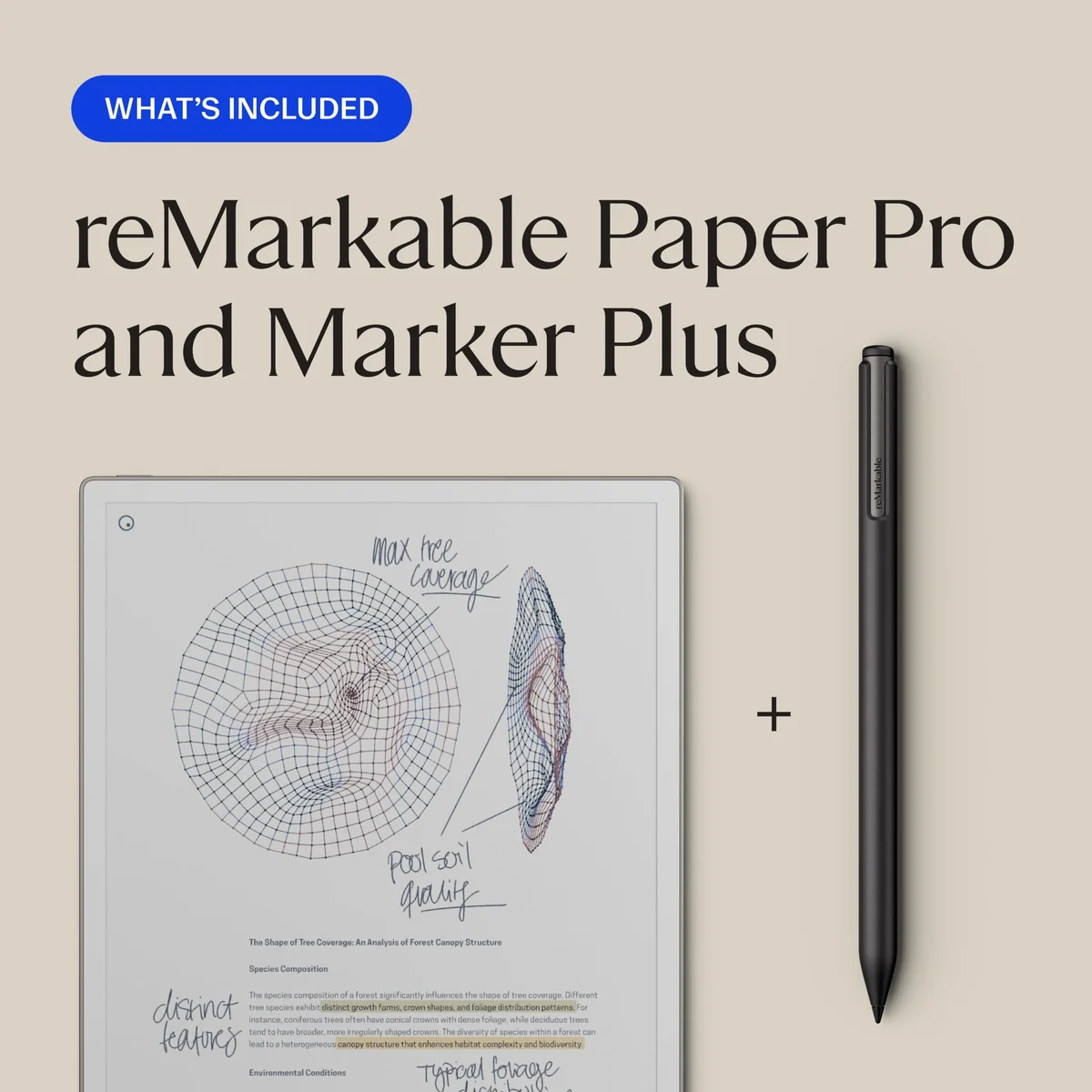
ReMarkable Paper Pro marker Plus
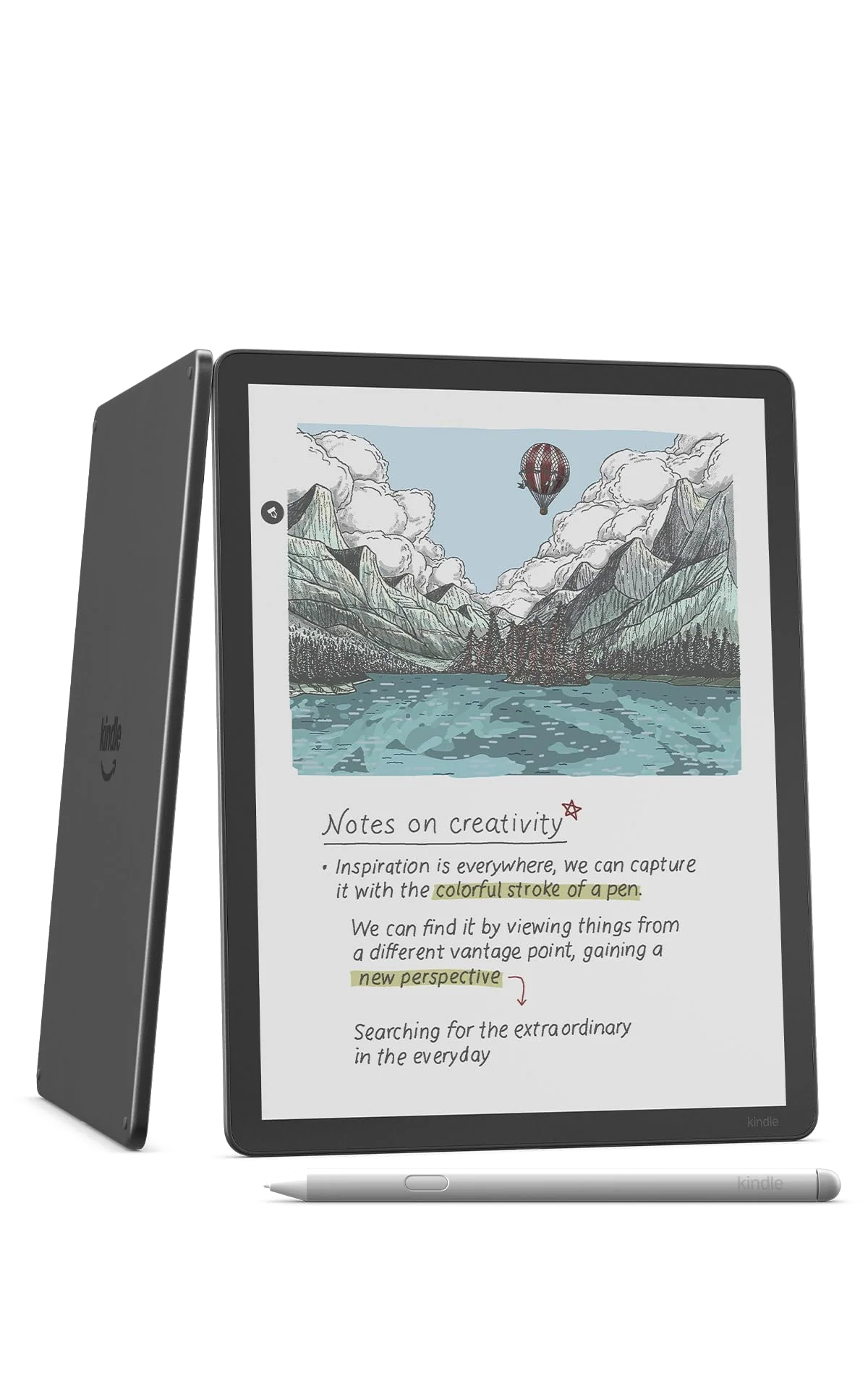
Amazon Kindle Scribe Colorsoft 64GB
At a Glance
| Feature | Editor's Pick ReMarkable Paper Pro marker Plus | Amazon Kindle Scribe Colorsoft 64GB |
|---|---|---|
| Price Range | — | $500–$1,000 |
| Finish | Gray | — |
| Screen size | 11.8" | 11" |
| Check Price on Amazon | Check Price on Amazon |
The contest turns on what happens after the pen touches the page
Both devices provide a textured 11-inch-class canvas, a front light, soft color, palm rejection, and an included pen with an eraser. Both are responsive enough for ordinary handwriting. The hardware overlap is real, but it can distract from the more consequential question: what can you do with the page once it contains useful work?
Paper Pro treats a notebook as a working object. Its system includes folders, tags, templates, layers, selection tools, movable handwriting, vertically extending pages, and granular page management. Google Drive, Dropbox, and OneDrive act as import and export routes rather than live collaborative editors, but reMarkable’s mobile and desktop software makes its native material easier to view and continue away from the tablet. The result is still restricted, yet it is organized around an actual handwritten workflow.
Scribe Colorsoft’s native Workspace is sufficient for journals, lists, meeting notes, lesson notes, planners, and uncomplicated diagrams. It supplies folders, notebooks, several pen styles, color choices, lasso selection, clipboard actions, handwriting conversion, and AI-assisted retrieval. Its weaknesses emerge as the system grows: there are no layers or infinite canvas, page dimensions are fixed, reusable custom templates are awkward, and notebook work cannot be edited freely through a full desktop companion application.
Amazon’s AI tools can search, summarize, clean up, and convert handwriting, but they should not decide the comparison. Recognition can omit or misread material, and imported documents do not receive every native-notebook capability. Search may help locate the right page; the handwriting on that page remains the record.
Document markup favors reMarkable, but neither provides a live round trip
Paper Pro is the stronger place to read and annotate full-page PDFs. Its slightly larger 11.8-inch display gives margins and diagrams more room, while its layers, page handling, and writing tools make sustained review less cumbersome. Color is particularly useful for separating revisions, labeling charts, and distinguishing one category of mark from another.
The warning is important: a PDF imported from cloud storage becomes a copy, and exporting a native reMarkable notebook to PDF flattens its editable strokes and layers. There is no split-screen mode for keeping one document open beside a notebook. Paper Pro is much better at focused annotation than collaborative document production, but “much better” does not mean frictionless.
The Scribe can import files from Google Drive or OneDrive, accept handwritten markup, export a PDF, and send notebooks to OneNote. It cannot maintain a live, editable relationship with the source document. File renaming, batch organization, folder preservation, and repeated revision cycles are weaker than the polished hardware suggests. It works for commenting on a handout or reviewing a manuscript without printing it; it becomes laborious when the same file repeatedly moves between people and programs.
| Decision point | reMarkable Paper Pro | Kindle Scribe Colorsoft | Advantage |
|---|---|---|---|
| Handwritten workflow | Layers, tags, flexible page handling, stronger organization, and better companion software | Good core notebooks with narrower page, template, and cross-device controls | reMarkable |
| Ebook access | DRM-free EPUB and PDF files only | Integrated Kindle Store, Kindle Unlimited, Comixology, and protected Kindle books | Kindle |
| Writing feel | More textured, with greater pencil-like resistance | Smoother glide that can feel closer to a ballpoint or felt-tip pen | Preference |
| Color | Useful for structured notes, diagrams, and PDF markup | Useful across books, notebooks, maps, covers, and illustrated material | Kindle for reading |
| Pen | Marker Plus charges from the tablet and includes a flip-over eraser | Premium Pen never needs charging and includes an eraser and shortcut button | Kindle |
| Portability | About 525 g before adding protection | About 400 g before adding protection | Kindle |
| Distraction control | No conventional browser, app store, entertainment apps, or Kindle app | No general app ecosystem or social notifications, but the Kindle store remains available | reMarkable for stricter focus |
| General tablet work | Poor fit | Poor fit | Neither |
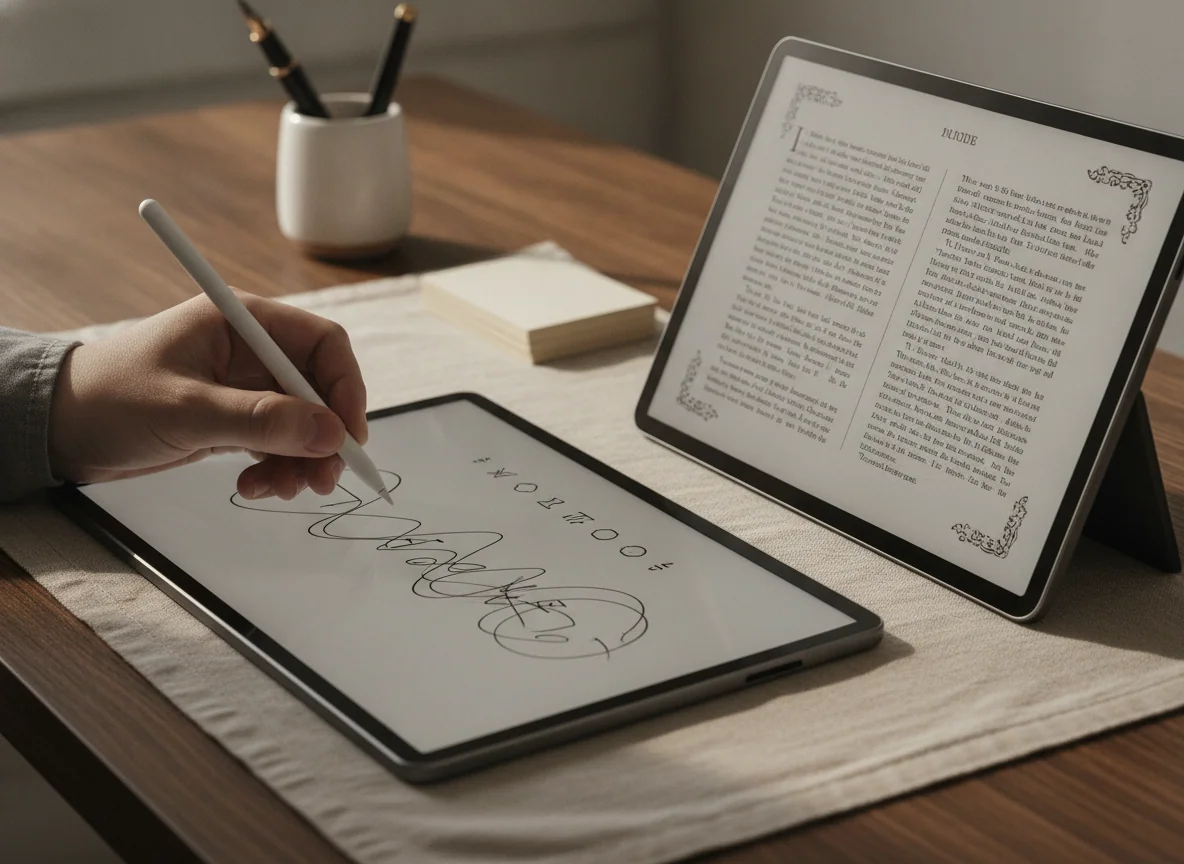
Kindle wins reading by more than a little
Paper Pro can display DRM-free EPUB and PDF files, but it has no Kindle app and cannot open protected Kindle or Kobo purchases. Its ebook navigation and typography controls are also less mature than those on a dedicated reader. Anyone with a sizeable Kindle library would have to abandon the library, remove protection where legally permitted, or keep carrying another Kindle, which defeats much of the appeal of buying one large device.
Scribe Colorsoft is built around that library. Dictionary lookup, X-Ray, search, bookmarks, vocabulary tools, typography controls, Kindle Unlimited, and the Kindle Store are part of the normal experience. The large page works especially well for reference books, illustrated nonfiction, children’s books, recipes, maps, charts, and technical material whose layout suffers on a compact reader.
Writing in books needs a footnote. The Scribe can create Active Canvas areas that move ebook text aside and can place handwriting in expandable margins, but it does not universally let you circle a sentence or write freely over ordinary reflowable pages. Handwritten marks also do not travel through every Kindle app and smaller Kindle as completely as conventional highlights and typed notes. It supports anchored commentary, not unrestricted ink over every book.
Color does not rescue ordinary fiction. Most novels are still black text, and the Colorsoft layer gives the unlit page a greyer background than a monochrome Kindle. Buyers who mainly read prose should choose a smaller Kindle or a monochrome Scribe rather than paying for an 11-inch color notebook they will barely use. Our guide to reading tablets covers devices better suited to books, comics, PDFs, and magazines without assuming that one screen excels at all four.
Comics are an attractive but unreliable justification
The Kindle’s large color page can make older comics, illustrated books, and subdued artwork look charming. It can also make modern saturated art appear flat, soften fine detail through its 150 ppi color layer, and expose weaknesses in panel view. Personal libraries introduce additional friction because CBZ is not officially supported and some color documents depend on conversion and Send to Kindle rather than a straightforward USB transfer.
Owner experience is sharply divided. Some readers praise the generous page and gentle palette, while others report weak contrast that obscures people or background details in particular manga and graphic novels. That disagreement is not a reason to pretend the problem disappears. If comics are the primary workload, inspect the titles you actually read during the return period and remember that an iPad produces much sharper, brighter color.
Both screens trade spectacle for calm
Paper Pro renders black-and-white and color content on its 11.8-inch Gallery 3 panel at 2,160 by 1,620 pixels and 229 ppi. Scribe Colorsoft renders monochrome material at 300 ppi and color at 150 ppi. Those figures do not produce one universal winner: Kindle text can look crisper, Paper Pro color has more recorded pixel density, and the content, refresh behavior, lighting, and viewer’s expectations remain decisive.
Both palettes resemble colored pencil, watercolor, highlighter, or ink absorbed by newsprint. Neither resembles LCD or OLED. Similar hues may be hard to distinguish, color can settle after the initial stroke, and E Ink refreshes can leave transient remnants. These limitations are acceptable when color organizes information; they are frustrating when color fidelity is the work.
Paper Pro’s adjustable light makes nighttime writing possible, but it has no warm-to-cool control and has drawn conflicting reports about brightness, edge halo, and coolness. Scribe Colorsoft offers brightness and warmth controls, and its stronger illumination helps compensate for the darker color layer. The Kindle has the more adaptable light, although automatic brightness has not pleased every user.
Specs & Screens gives the physical-writing edge to neither device as an absolute. Paper Pro supplies more resistance and a sharper pencil-like sensation; Scribe offers a smoother glide that some hands will find less tiring. Paper Pro’s Marker Plus must charge from the tablet, while the Scribe’s passive EMR pen needs no charging. Both pens can attach magnetically, and both are safer in a case than exposed in a bag.
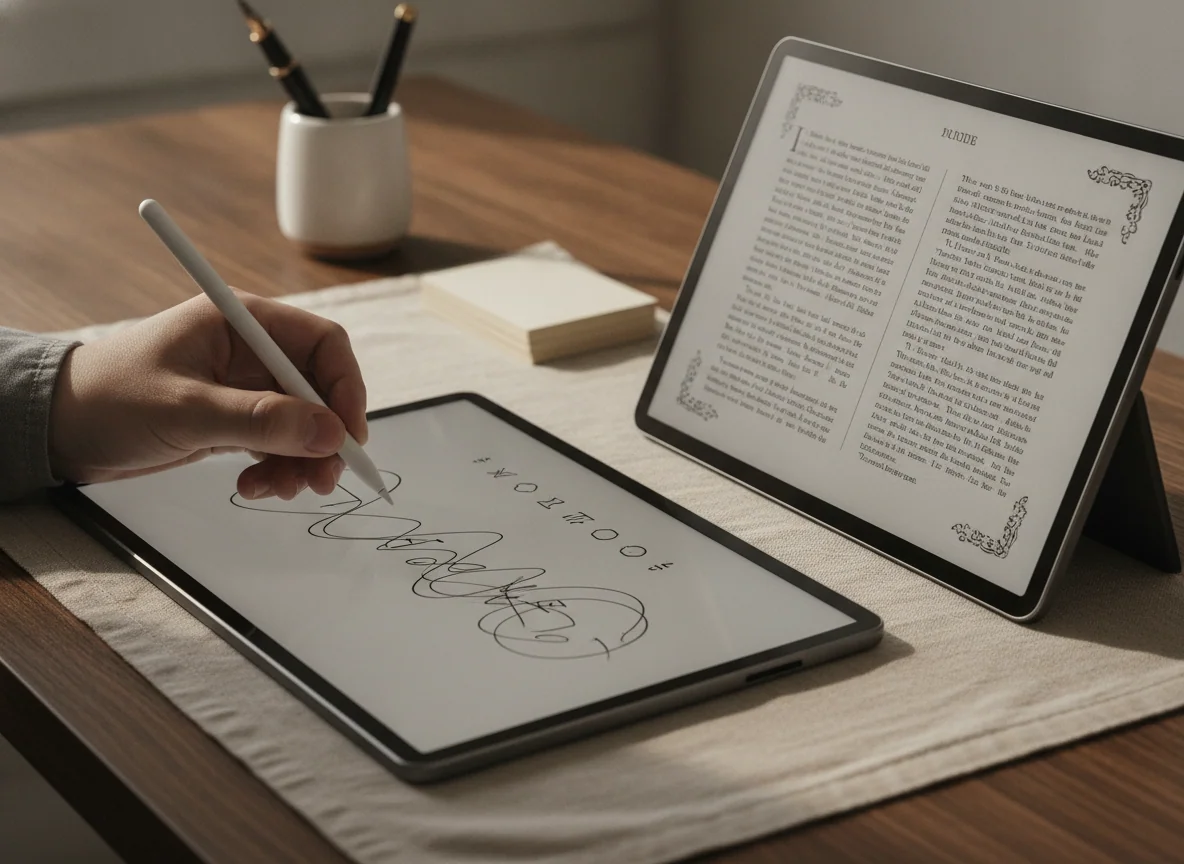
The Kindle is easier to carry, not pocketable
Scribe Colorsoft weighs about 400 g and measures 5.4 mm thick. Paper Pro is about 525 g and 5.1 mm thick. Amazon’s device is the more comfortable of the two to move between rooms or hold for shorter reading sessions, but an 11-inch slab remains cumbersome in bed, on a crowded train, or in one hand.
Paper Pro’s bare weight understates its real carrying burden because its large glass-fronted display needs protection. A leather Book Folio can take the package to roughly 825 g, while the Type Folio can push it to about 1,040 g. The Scribe also benefits from a folio because it is slippery, lacks waterproofing, and leaves its side-mounted pen vulnerable to being knocked loose.
The drawbacks that should stop the wrong buyer
Paper Pro is not merely missing a few tablet conveniences. It has no app store, browser, conventional office suite, protected Kindle support, OneNote access, split screen, audio hardware, or rich typed-text editing. Its Connect service places the most complete cloud storage, current handwriting search, companion-app editing, and additional conversion tools behind an ongoing subscription. Without Connect, local work remains possible, but the low-friction archive is less complete.
Its long-term risk is harder to dismiss. Retained owner accounts include dead pixels, persistent ghosting, darkened screens, freezes, and disputed damage decisions. Those reports do not reveal a defect rate, but they show why a buyer should test the display, pen, eraser, front light, and refresh behavior promptly rather than normalizing obstructive shadows as an E Ink quirk.
Scribe Colorsoft’s main fault is that its notebook ambition outruns its software. It cannot match reMarkable’s layers, file organization, page flexibility, reusable-template workflow, or editable companion experience. Palm rejection can also trigger accidental page changes for some right-handed writers, and there is no sensitivity control to correct it. Add the absence of waterproofing, and this premium Kindle demands more caution than a reading device should.
Battery life is strong on both, but calendar claims conceal the workload. Front-light intensity, wireless activity, handwriting, and full-color pages can shorten the interval dramatically. Kindle generally has the stronger endurance story, while Paper Pro can approach its advertised ceiling only under a restrained routine. Neither should be purchased on the assumption that “weeks” describes continuous, brightly lit work.
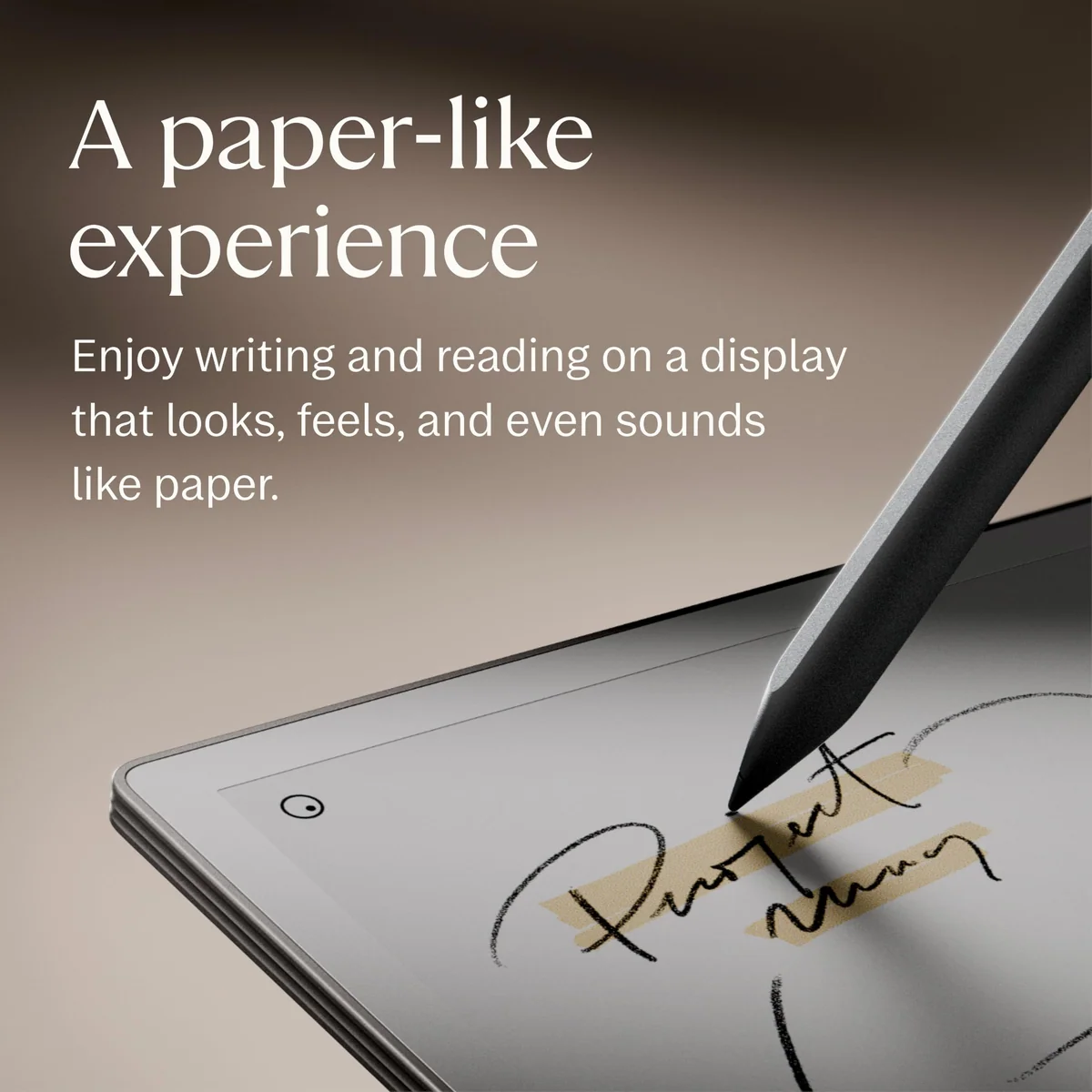
ReMarkable Paper Pro marker Plus
Amazon Kindle Scribe Colorsoft 64GB
Buy for the center of your workflow, not the longest feature list
reMarkable Paper Pro is the stronger choice for people who think, study, review, or plan by hand.
Its better notebook structure, page controls, PDF workflow, and companion software make it the more coherent professional writing tool.
It remains an expensive specialist with no protected Kindle access, weak typing, subscription boundaries, and a concerning record of display complaints.
Buy Paper Pro only if an existing paper habit gives it work on the first day. Count the notebooks, printed documents, meeting pages, lecture notes, and loose lists you used during the last month. If that pile is real, the device can consolidate it into a calmer, searchable system. If the pile exists only in an imagined more-organized future, the hardware is likely to become an elegant scratch pad.
Color-rich PDFs provide its clearest advantage over simpler monochrome writing tablets. Academic papers, scripts, manuals, diagrams, and revision-heavy documents benefit from the larger page and categorical color. Buyers who need only black handwritten notes should also read our comparison of Paper Pro with reMarkable 2, because the older monochrome model may cover the real job without charging for color.
Kindle Scribe Colorsoft is the better choice for avid Kindle readers who also keep straightforward handwritten notebooks.
It combines the mature Kindle ecosystem, a crisp large reading page, useful soft color, a no-charge pen, and long endurance more successfully than any writing-first rival.
Its limited notebook software, awkward document round trips, uneven comic performance, and lack of waterproofing make its premium ambitions difficult to forgive.
The 64GB configuration makes sense only when image-heavy books, illustrated PDFs, comics, audiobooks, or a large offline archive will consume the storage. Prose books and ordinary notebooks are small, and extra capacity cannot repair weak file management or turn the Kindle into an open document repository. Our guide to choosing tablet storage explains why workload matters more than an impressive capacity number.
A Scribe buyer should be able to name four recurring needs: Kindle books, an 11-inch page, handwriting, and color. Remove Kindle books and Paper Pro becomes the stronger focused notebook. Remove handwriting and a conventional Kindle becomes easier to hold. Remove color and the monochrome Scribe offers a cleaner reading surface. Remove the desire for E Ink and a conventional tablet supplies dramatically better apps, documents, and illustration.
The final call
The reMarkable Paper Pro wins this comparison for anyone asking which device is better for notes, study, meetings, planning, or sustained PDF annotation. The Kindle Scribe Colorsoft wins for anyone asking which device can combine a substantial Kindle life with lighter handwritten work. Most prose readers and casual note-takers should buy neither.
Frequently Asked Questions
Is reMarkable Paper Pro better than Kindle Scribe Colorsoft for note-taking?
Yes, Paper Pro is the better note-taking system because it provides stronger organization, layers, page handling, PDF markup, and companion-device workflows.
Which device is better for reading Kindle books?
Kindle Scribe Colorsoft is decisively better because it directly supports the Kindle Store and protected Kindle purchases that Paper Pro cannot open.
Which one has the better writing feel?
Paper Pro feels more textured and pencil-like, while Scribe Colorsoft glides more smoothly, so the better surface depends on personal writing preference.
Can either device replace an iPad or laptop?
No, both are focused E Ink devices without the broad apps, rich document editing, media tools, and general computing flexibility of an iPad or laptop.
Which device is better for PDF annotation?
Paper Pro is better for sustained PDF annotation because its larger canvas and writing-first software provide more capable organization and page tools.
Is the Kindle Scribe Colorsoft better for comics?
It is better positioned for Kindle comics, but its muted 150 ppi color, inconsistent contrast, and limited personal-file workflow make an iPad safer for vivid or detail-heavy art.
Do the included pens need charging?
Paper Pro’s Marker Plus charges from the tablet, while the Scribe’s passive EMR Premium Pen requires no charging or pairing.
Does reMarkable Paper Pro require a subscription?
No, it works locally without Connect, but current handwriting search, unlimited reMarkable cloud storage, companion-app editing, and other service features depend on the subscription.
Which device is easier to carry?
Kindle Scribe Colorsoft is easier to carry because its roughly 400 g body is substantially lighter than Paper Pro’s roughly 525 g body before either receives a case.
Which one should a fiction reader buy?
A fiction-first reader should usually buy neither because a smaller monochrome Kindle is lighter, easier to hold, and better suited to pages that contain no meaningful color.
Ready to Choose?
Sources (7)
- Amazon listings and customer reviews — Remarkable Paper Pro Marker and Amazon Kindle Scribe Colorsoft
- 6monthslater — Article — 6monthslater.net
- Wired — Article — www.wired.com
- reMarkable — Article — remarkable.com
- Pcmag — Article — www.pcmag.com
- Techradar — Article — www.techradar.com
- Engadget — Article — www.engadget.com