Choose the Galaxy Tab A7 Lite over the Fire HD 8 Plus only for Google Play
The Galaxy Tab A7 Lite is the less restrictive choice, but Specs & Screens recommends skipping both unless you need a cheap small tablet for one patient, tightly defined task.
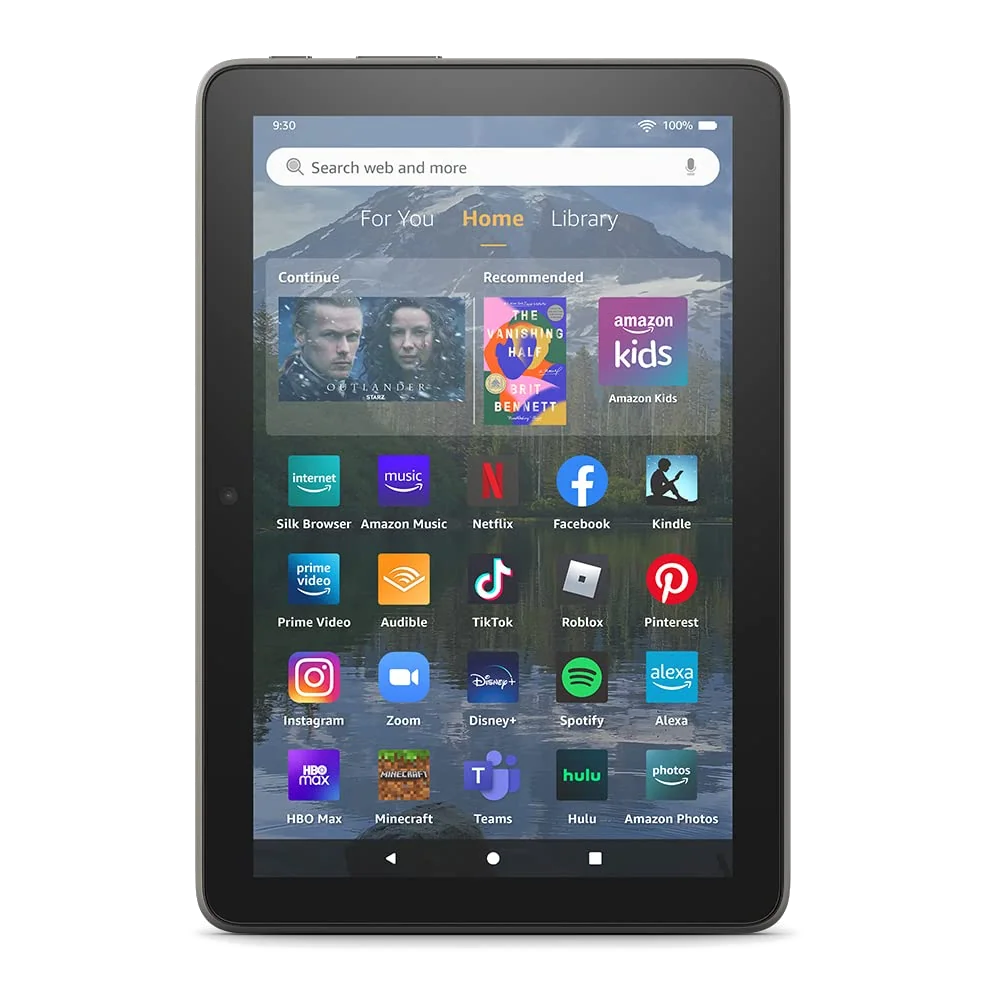
Amazon Fire HD 8 Plus 2022
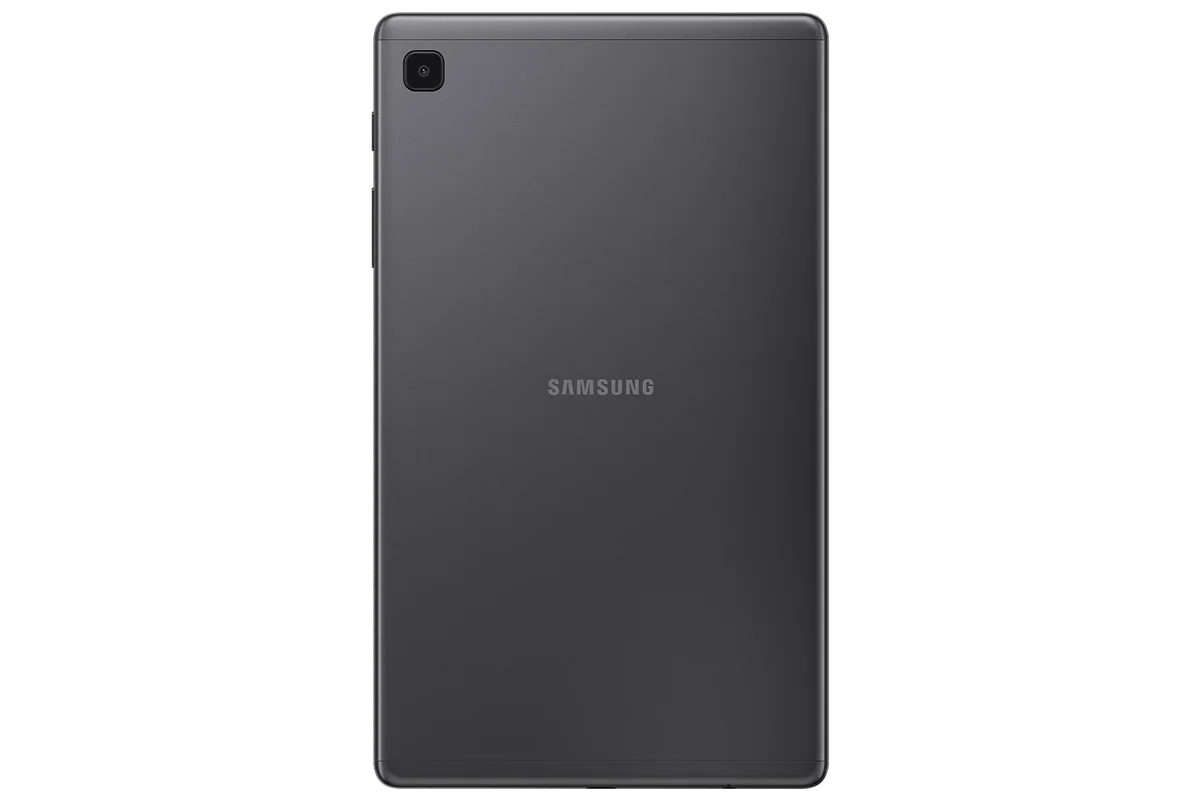
Samsung Galaxy Tab A7 Lite
This is not a contest between two miniature all-purpose tablets. It is a choice between two old compromises. The 2022 Fire HD 8 Plus is the more coherent entertainment appliance, with better memory management, wireless charging and close integration with Amazon services. The 2021 Galaxy Tab A7 Lite provides the full Google Play Store and a more neutral Android experience, but its processor turns routine navigation into a waiting exercise.
Samsung wins because software freedom matters every day, while the Fire’s cleverest advantage matters only when it is sitting on a separately purchased wireless charger. That is a narrow victory, not a recommendation to buy the A7 Lite without reservations. Its sluggish performance, crowded 32GB drive and old software foundation make a newer compact tablet the smarter purchase for nearly everyone.
Kindle, Prime Video, Audible, Alexa and other Amazon-centered entertainment, especially if wireless charging will make the tablet useful as a docked display.
Google Play, familiar Android apps, supervised children’s use or a small reading and offline-video device that will rarely switch between tasks.
Fast web browsing, demanding games, handwriting, serious schoolwork, important video calls or anything intended to replace a laptop.
Generation labels matter here. The Fire in this comparison is model R2SP9T, the 2022 Plus version with 3GB of RAM, a hexa-core processor and Qi charging. The Samsung is the gray US Wi-Fi model with 3GB of RAM and 32GB of storage, not an LTE version or the better-equipped 64GB configuration. Advice about another generation or capacity can describe a noticeably different experience.
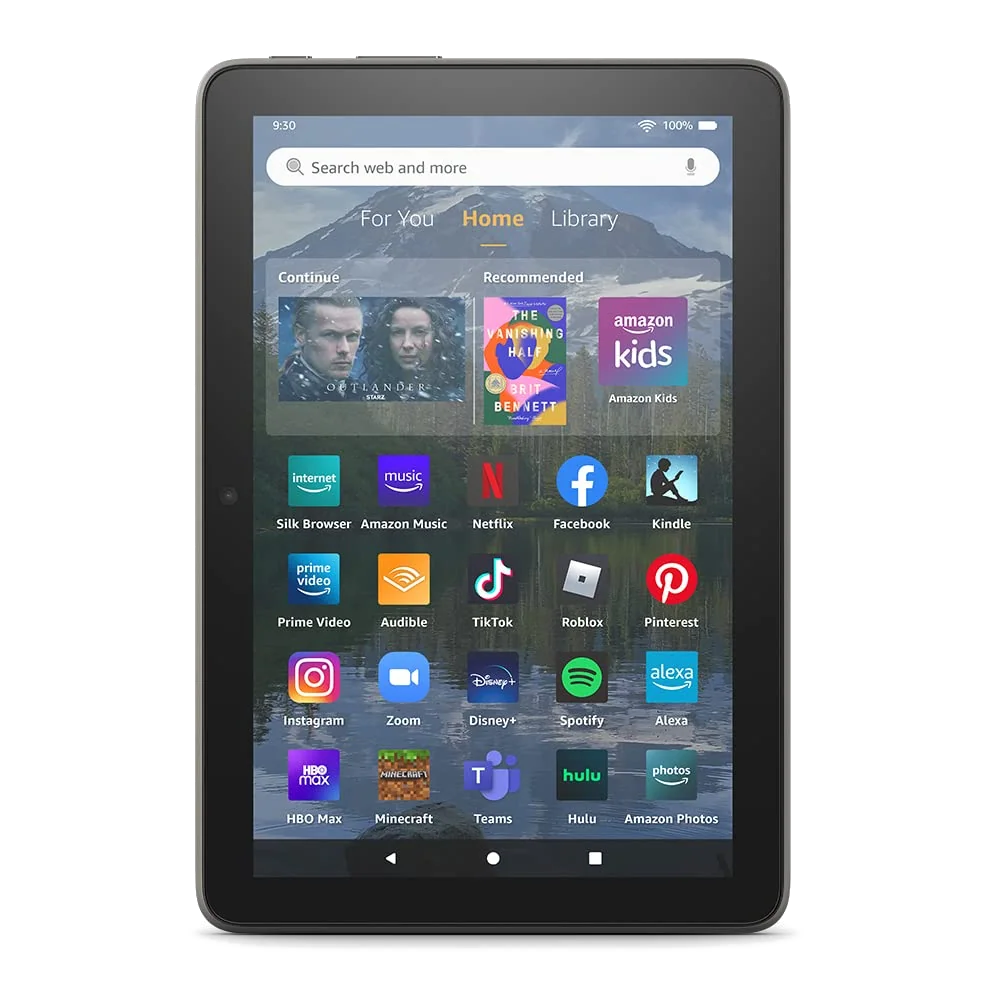
Amazon Fire HD 8 Plus 2022
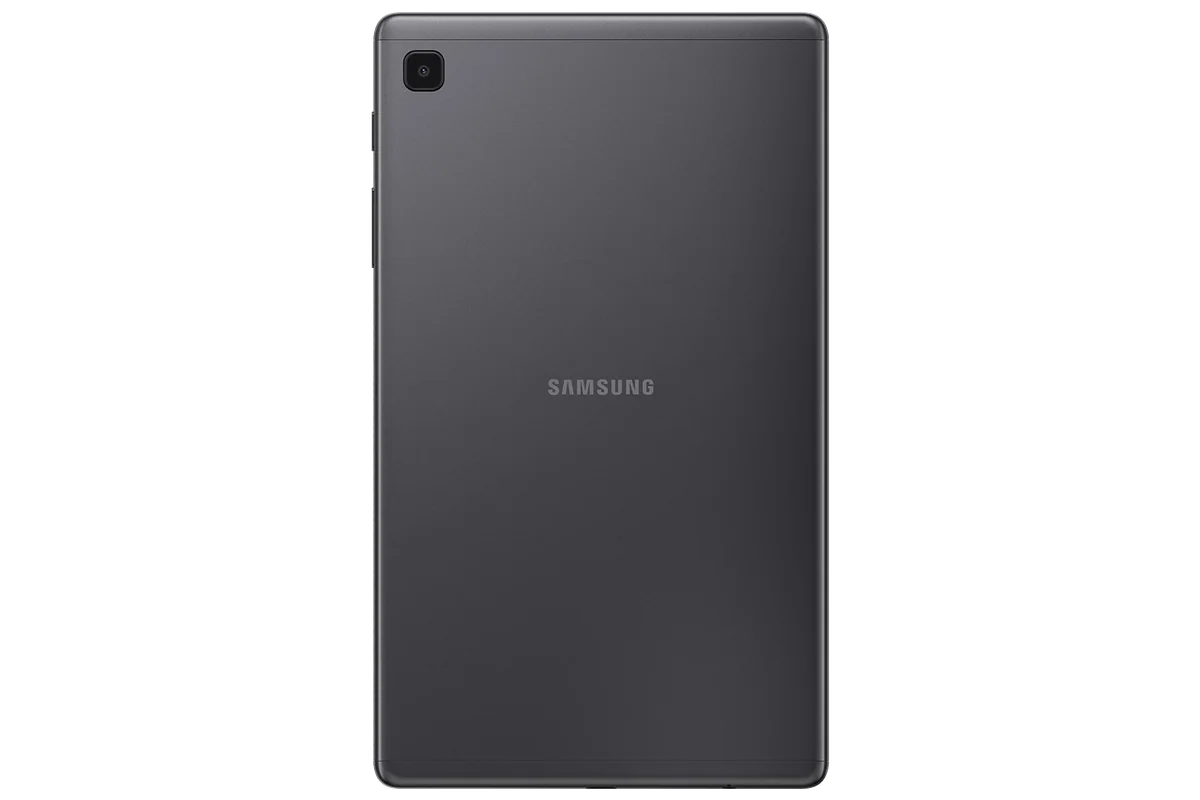
Samsung Galaxy Tab A7 Lite
At a Glance
| Feature | Amazon Fire HD 8 Plus 2022 | Samsung Galaxy Tab A7 Lite |
|---|---|---|
| Price Range | — | Under $200 |
| Finish | Gray | — |
| Check Price on Amazon | Check Price on Amazon |
Samsung wins the app argument, while Amazon wins the appliance argument
Fire OS is built from Android, but the Fire HD 8 Plus does not provide supported Google Play access out of the box. Amazon’s Appstore covers major streaming services and naturally handles Kindle, Audible, Prime Video and Alexa well. The problem appears when an ordinary routine depends on Gmail, Google Drive, Maps, Meet, the official Google version of YouTube or another app absent from Amazon’s catalogue.
Google Play can often be sideloaded onto a Fire tablet, and retained owner reports include successful installations of Google apps, Microsoft software, banking tools and games. The same reports describe apps that would not install normally, Google Calendar failures and incomplete picture-in-picture behavior. That makes sideloading an unsupported rescue project rather than a feature worth buying around. Our guide to Google Play and missing Fire tablet apps explains why an installation workaround does not turn Fire OS into certified Android.
The Galaxy Tab A7 Lite avoids that entire argument. It supplies Google Play, standard Android app behavior and Samsung’s own software, including Samsung Kids. Its home screen can be organized without fighting an Amazon storefront, and Google services do not require downloading installation files from outside the device’s official store.
That freedom comes attached to weak hardware. The A7 Lite can feel acceptable after an ebook, film or simple game has opened, yet app launches, keyboard appearances, notification gestures and task switching can visibly lag. The processor is the bottleneck, so clearing storage or adding a microSD card cannot make the interface genuinely responsive. Independent retesting found common apps especially slow when several tabs or quick switches were involved.
The Fire is less frustrating to operate, but only inside its smaller world
Neither tablet is fast, although the Fire HD 8 Plus has the better claim to tolerable everyday movement. Its 3GB of RAM gives simple background apps more breathing room, and the 2022 hexa-core processor was a meaningful improvement over older Fire models. Email, short browsing sessions, streaming and occasional app switching are reasonable expectations. Sustained multitasking and demanding games are not.
The Fire’s performance advantage does not overcome the limits of its app store. A faster route to the wrong app catalogue is still the wrong route. Conversely, Samsung’s broader catalogue loses much of its value if every transition tests the buyer’s patience. The choice turns on which irritation is easier to tolerate: Amazon deciding what belongs on the device, or Samsung’s old processor taking its time with what the buyer chooses.
| Decision point | Fire HD 8 Plus | Galaxy Tab A7 Lite | Advantage |
|---|---|---|---|
| Official app access | Amazon Appstore without supported Google Play | Google Play and conventional Android apps | Samsung |
| Routine responsiveness | Modest but generally more tolerable for light use | Noticeable delays under browsing and task switching | Amazon |
| Display | 8-inch, 1280 × 800 IPS LCD | 8.7-inch, 1340 × 800 TFT LCD | Neither |
| Portable reading | Lighter body and strong Kindle integration | Slightly larger page with broader reading-app choice | Depends on library |
| Charging distinction | USB-C plus Qi wireless charging | USB-C charging without wireless charging | Amazon |
| Construction | Grippy, practical plastic body | Metal frame and aluminum rear sections | Samsung |
| Storage expansion | microSD support up to 1TB | microSD support up to 1TB | Tie |
| Long-term case | Old hardware inside a restricted ecosystem | Even older hardware at the end of its useful software runway | Neither |
Both displays are adequate indoors and disappointing in sunlight
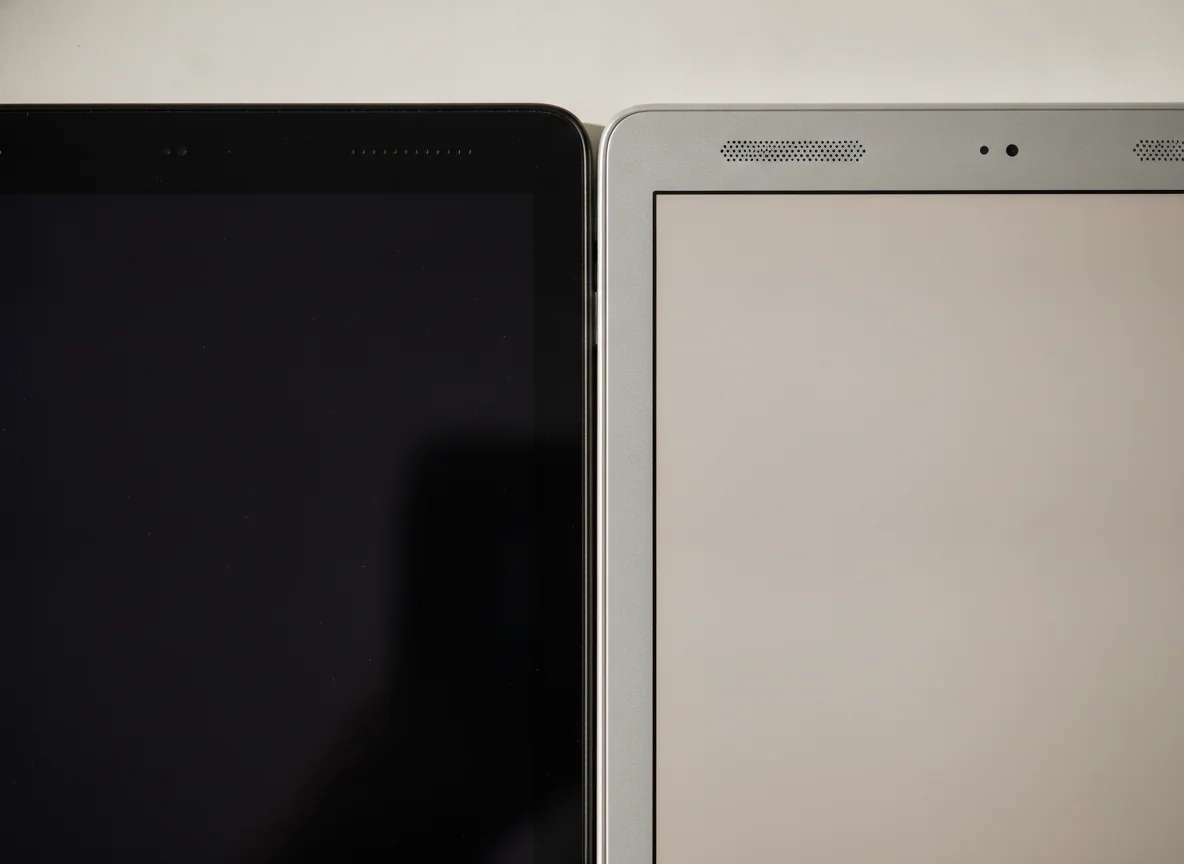
The Samsung offers an extra 0.7 inch of diagonal space, but its slightly higher pixel count is spread across that larger panel. The result is roughly 179 pixels per inch, compared with about 189 pixels per inch on the smaller Fire. Neither screen makes fine text or detailed artwork look especially crisp beside a current phone or tablet.
The size difference is more useful than the resolution difference. Samsung’s 8.7-inch canvas gives comics, PDFs and video a little more room, while the Fire’s narrower body and lower weight are easier to hold for a long book or carry in a small bag. Readers unsure whether eight inches is too cramped should settle that question through our tablet-size guide before comparing minor hardware differences.
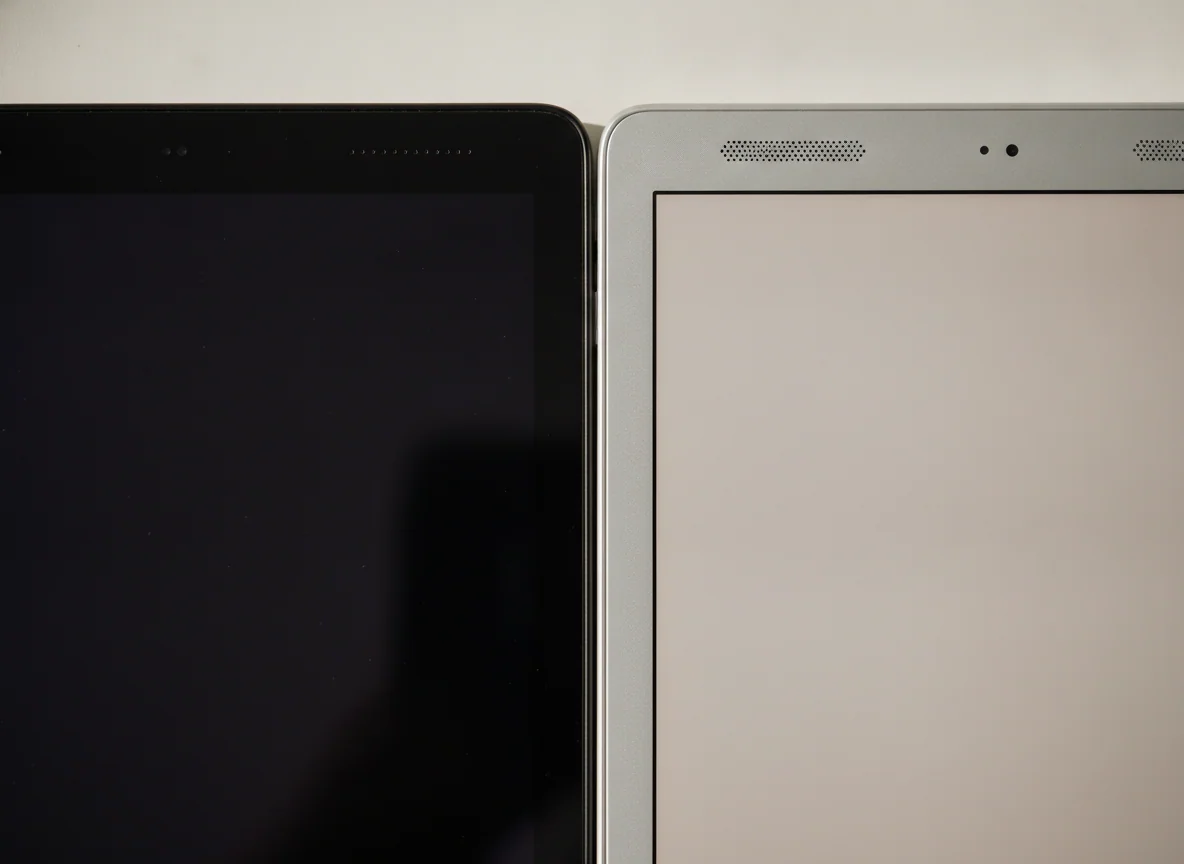
Glare and modest brightness keep both tablets indoors. The A7 Lite also loses brightness when viewed off-axis, which matters when it lies on a table, and later testing found that Netflix could be limited to standard-definition playback. The Fire’s glossy 1280 × 800 panel is similarly coarse and reflective. These are personal screens for a sofa, bed or airplane seat, not convincing outdoor readers or miniature cinemas.
Storage expansion helps media, not the operating system
Both listings provide 32GB of internal storage and support microSD cards up to 1TB. That sounds generous until the distinction between internal and removable storage matters. Books, films, music, photos and other files can live comfortably on a card, but the operating system, updates and many apps still compete for the built-in drive.
Samsung is especially cramped because Android and One UI occupy a substantial portion of the original capacity. The Fire also reserves space for its operating system and preinstalled software. Neither 32GB model suits a large collection of games and social apps, even with a huge memory card inserted. Buyers who plan to download more than a restrained travel library should read our guide to tablet storage and microSD limitations.
The hardware extras cannot rescue either tablet
Wireless charging is the Fire HD 8 Plus’s one genuinely distinctive feature. A compatible Qi stand can keep it charged while Show Mode presents Alexa information, recipes, weather or other glanceable content. The charging dock is not included, so the feature has no practical value unless a compatible pad or stand is already waiting.
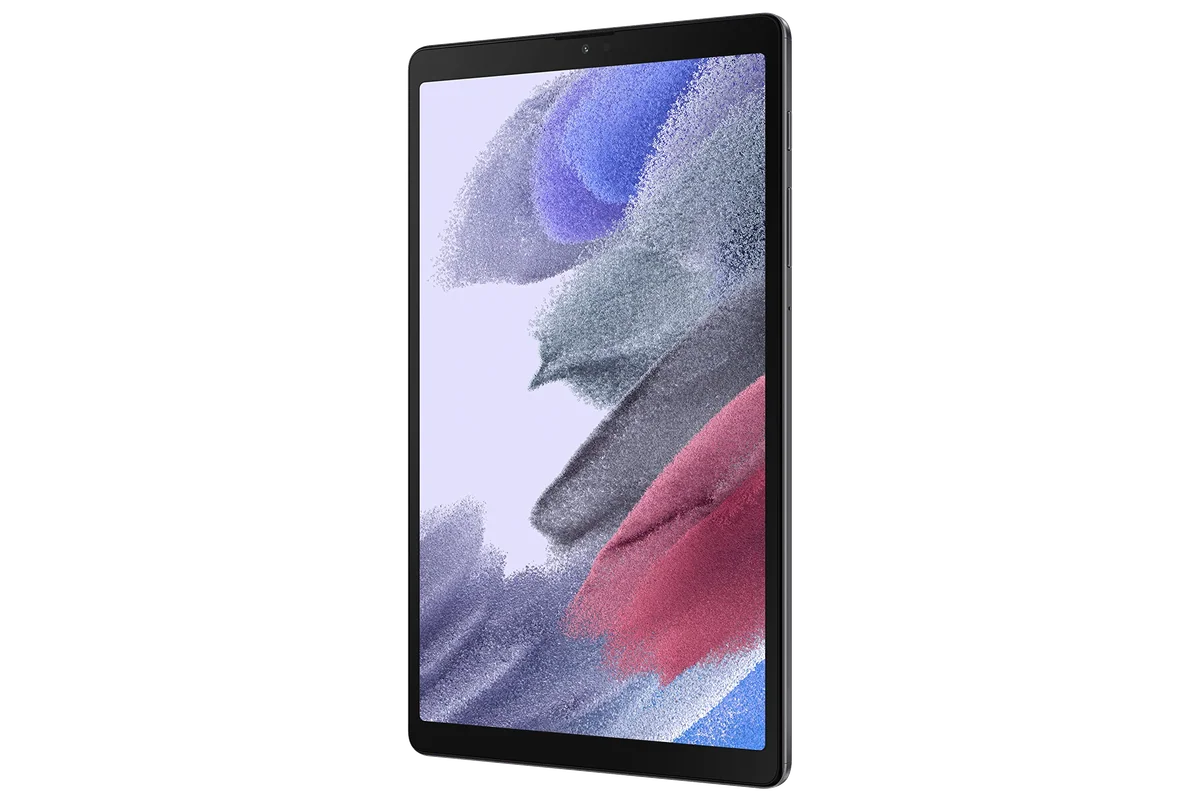
Samsung answers with the more premium-feeling shell, a slightly larger display and Samsung Kids. Its metal construction feels substantial, but the regular A7 Lite has no water-resistance rating or formal drop protection. Parents still need a protective case, and neither standard listing includes the bundle protections associated with a purpose-built children’s model.
Each tablet includes stereo speakers, a headphone jack and expandable storage, all useful for downloaded entertainment. Each also has cameras that should be treated as emergency tools. The Fire’s 2MP front camera and Samsung’s 2MP front camera can cover a casual call in good light, but neither belongs in an important class, interview or family video conversation.
The product cards, with the compromises left attached
The Fire HD 8 Plus is for an Amazon household that wants a small media screen to live on a wireless charger.
It is the smoother and more focused entertainment device here, with useful Qi charging, 3GB of RAM and strong Kindle, Audible, Prime Video and Alexa integration.
Fire OS lacks supported Google Play access, promotes Amazon services throughout the experience and runs on a coarse display with only modest performance.
The Galaxy Tab A7 Lite is for a patient reader who needs Google Play more than speed.
It wins this comparison by providing ordinary Android app access, a solid compact body, Samsung Kids and useful microSD expansion.
Its sluggish processor, crowded 32GB storage and exhausted software runway make routine browsing and task switching frustrating.

Amazon Fire HD 8 Plus 2022
Samsung Galaxy Tab A7 Lite
Match the tablet to one job, or buy neither
For Kindle books and Amazon media
Choose the Fire HD 8 Plus if Kindle, Audible and Prime Video already form the center of the intended experience. Its lighter body is pleasant for handheld reading, and its software limitations matter less when the required services are Amazon’s own. An e-ink reader remains better for long text sessions and daylight, while our reading-tablet guide covers devices better suited to mixed books, comics and PDFs.
For Google apps and a neutral home screen
Choose the Galaxy Tab A7 Lite if official Google Play access is non-negotiable and the workload can remain inside one light app at a time. It is the safer choice for Gmail, Drive, the standard YouTube app and Android reading services, but only a buyer who accepts visible delays should mistake that compatibility for versatility.
For a child
Samsung Kids makes the A7 Lite the cleaner software choice for supervised use, while Amazon’s parental controls are coherent for families already committed to its services. Neither standard product includes the rugged case and bundled benefits of a dedicated children’s tablet, so parents should compare the models in our guide to tablets for kids before relying on marketing claims about durability.
For travel
Both can carry a microSD card full of films, books and music without taking much bag space. The Fire is lighter and offers longer claimed battery endurance, while Samsung offers broader app choice and a slightly larger picture. Our travel-tablet recommendations include newer options for buyers who need dependable navigation, calls or work as well as offline entertainment.
For gaming, handwriting or schoolwork
Buy neither. Casual games can run, but frame rates and input response vary, and neither tablet has the processor for demanding play. The A7 Lite lacks an S Pen digitizer, the Fire has no equivalent active-pen system, and both displays are too cramped for comfortable multitasking. Start instead with our guides to gaming tablets, note-taking tablets or student tablets.
For anyone simply seeking a small tablet
Move to a newer model rather than choosing which old compromise hurts less. The Lenovo Tab One review covers a current compact Android alternative, while our small-tablet guide separates genuinely portable devices from aging listings that survive mainly because few manufacturers still make this size.
Frequently Asked Questions
Which tablet is faster?
The Fire HD 8 Plus is generally the less frustrating tablet for light navigation and app switching, although neither model is fast enough for demanding work or games.
Which tablet has Google Play?
The Galaxy Tab A7 Lite officially includes Google Play, while installing it on the Fire HD 8 Plus requires an unsupported sideloading process that may not make every app or feature work.
Which tablet is better for reading?
The Fire is lighter and better integrated with Kindle, while the Samsung provides a slightly larger page and access to a broader selection of Android reading apps.
Can either tablet use a microSD card?
Both support microSD expansion up to 1TB, but a card is most useful for media because it cannot replace internal storage for every app or update.
Which tablet is better for children?
The Samsung has the advantage for Google Play and Samsung Kids, while the Fire suits Amazon-centered families, but either standard model needs a protective case and careful app checks.
Does the Fire HD 8 Plus include a wireless charging dock?
No, the Fire supports Qi charging but requires a separately obtained compatible charging pad or stand.
Can the Galaxy Tab A7 Lite use an S Pen?
No, it lacks the active digitizer required for proper S Pen support, so a basic capacitive stylus behaves only like a fingertip.
Can either tablet replace a laptop?
No, their slow processors, small low-resolution displays, limited storage and weak multitasking make them secondary entertainment devices rather than laptop replacements.