The best travel tablet is the iPad mini, unless your trip needs a bigger screen
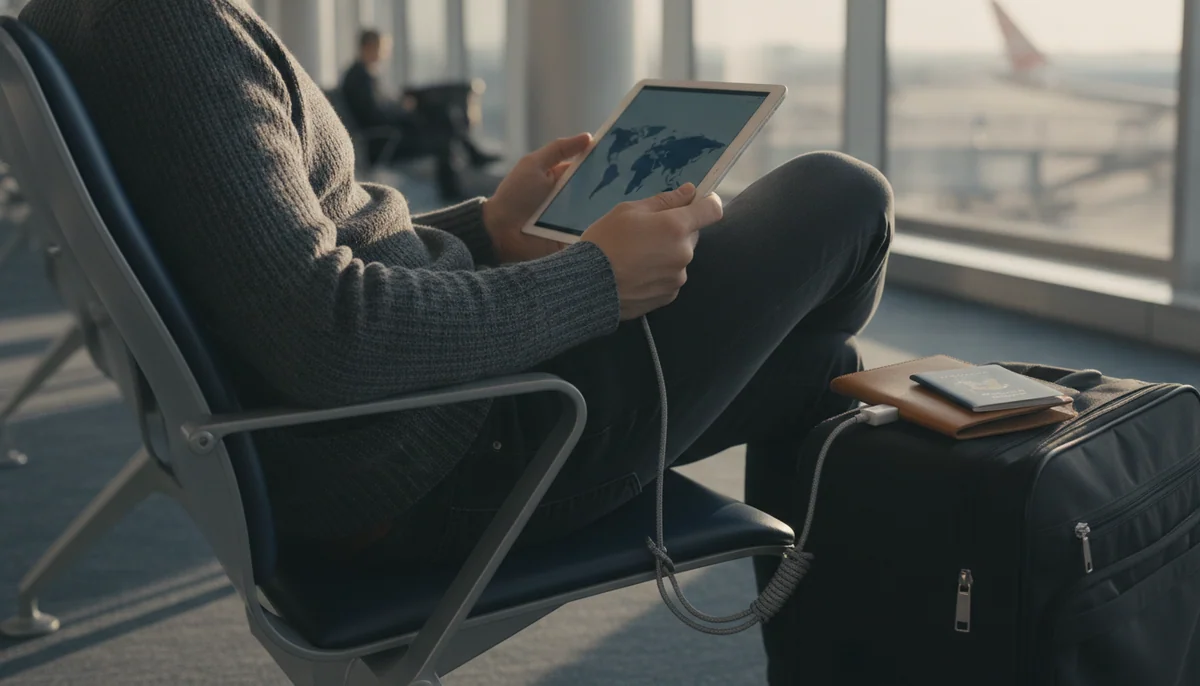
Travel punishes vague buying decisions. At home, a heavy tablet can stay on the sofa, a slow charger can remain plugged in and a missing app can be replaced by another screen. Away from home, every compromise follows you through security, onto the tray table and into a hotel room with one usable socket. The best travel tablet is therefore not the tablet with the longest specification sheet; it is the smallest device that can complete the trip’s actual jobs without demanding rescue from a laptop.
For most people, that device is the iPad mini A17 Pro. Its 8.3-inch body is meaningfully easier to hold and pack than an 11-inch slate, yet it retains the mature iPad app library, strong performance, 128GB of storage and support for Apple Pencil Pro. It is equally credible as a reader, offline entertainment screen, compact notebook, game device and field reference. The drawback is not hidden: its 60Hz LCD is ordinary for an expensive tablet, and the small workspace becomes frustrating when a trip includes long documents, frequent typing or sustained split-screen work.
Travelers who want to spend less should look first at the Lenovo Tab One, not an Amazon Fire tablet. Lenovo’s 8.7-inch model is slow and visibly budget-grade, but it is light, includes a folio in this bundle and provides the conventional Google Play environment that Fire OS withholds. The Fire HD 8 remains useful for Kindle books and downloaded entertainment inside Amazon’s ecosystem, while the Fire HD 10 offers a larger Full HD screen. Both become poor travel bargains when a missing app forces unsupported sideloading or a browser workaround.
Pack small when the tablet is a companion
Choose an 8-inch-class tablet for reading, films, maps, games and light notes when a phone remains available for cameras and communication. The smaller slate is easier to hold in a queue, fit on an airplane tray and tuck into a personal item, which means it is more likely to leave the hotel room with you.
Pack eleven inches when the tablet is the computer
Choose an 11-inch iPad when the trip includes reports, spreadsheets, detailed PDFs, illustration or extended keyboard work. The larger screen costs bag space and handheld comfort, but it gives two apps, an on-screen keyboard and complex documents enough room to stop feeling like emergency measures.
Families have a different calculation. A child’s tablet needs a case, reliable controls, enough offline storage and a plan for the subscription after the included period ends. Amazon’s Kids bundles address impacts and supervision unusually well, but their app restrictions remain in force even when the foam case and colorful interface make the device look self-contained. The smaller Fire HD 8 Kids is the better travel package for most preschoolers; the Fire HD 10 Kids earns its extra bulk only when shared viewing and a sharper screen are worth carrying.
A travel tablet has to work before the Wi-Fi does
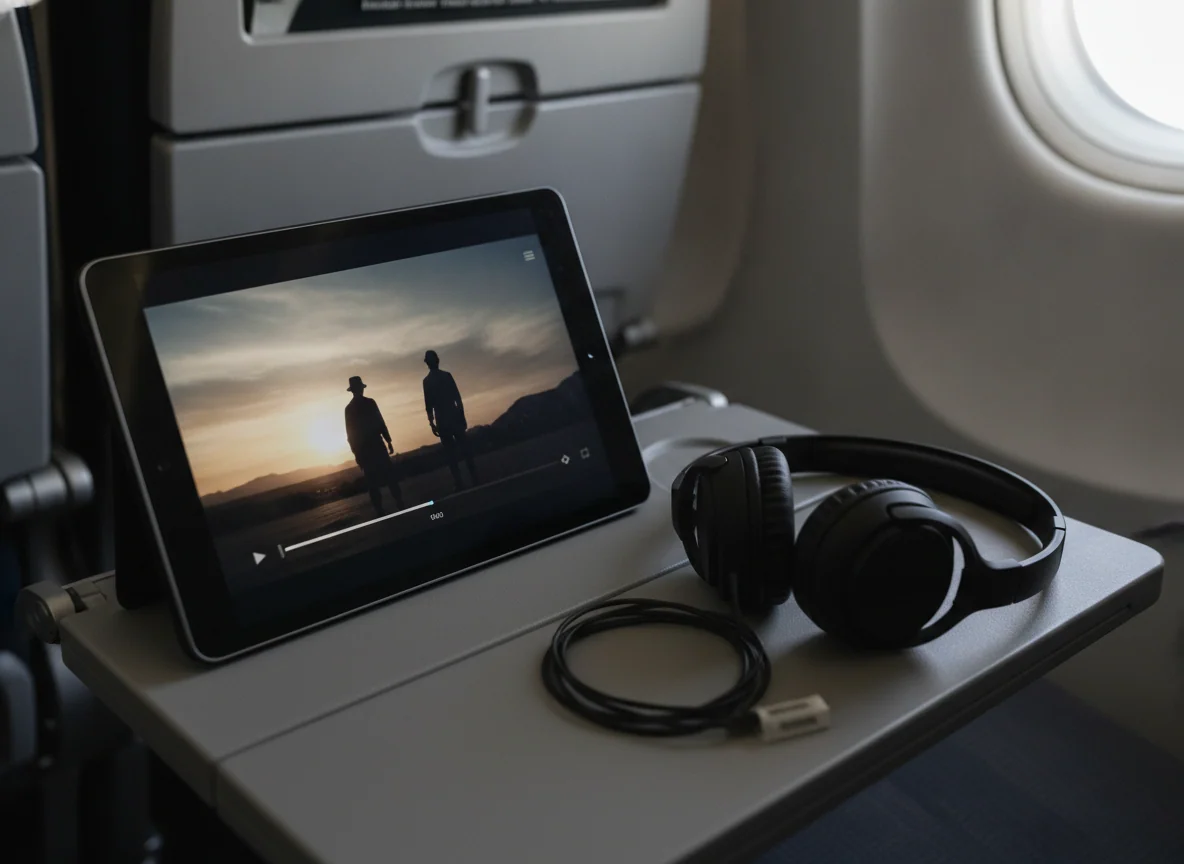
Airport and hotel Wi-Fi should be treated as a bonus rather than infrastructure. Download films, books, maps, tickets and essential documents while still at home, then disconnect the tablet from Wi-Fi and open every important item. A download icon proves that a transfer occurred; it does not prove that an app will accept its license, locate the file or function after the account leaves a familiar network.
Storage therefore matters differently on a trip. The Fire and Lenovo tablets can use microSD cards for large media libraries, although a card does not guarantee that every app or every piece of app data can move off internal storage. The iPads provide faster and broader software but no memory-card slot, so their internal capacity must accommodate the apps and files that need to remain local. Readers planning a large offline library can use the site’s tablet storage guide, while iPad buyers should consult the more specific iPad capacity guide.
| Travel job | Best direction | Reason | Failure to plan for |
|---|---|---|---|
| One-bag holidays | iPad mini or Lenovo Tab One | Both create useful separation from a phone without consuming full-size tablet space. | A compact screen is poor for long typing and dense documents. |
| Flights and downloaded video | iPad mini, Fire HD 10 or Fire HD 8 | The iPad supplies the broadest apps, the Fire HD 10 the larger picture and the Fire HD 8 the smaller package. | Streaming apps apply different download limits, expiry rules and account checks. |
| Work conferences | A16 iPad or iPad Air | Eleven inches gives documents, calls, notes and keyboard work room to coexist. | The keyboard, Pencil, case and adapters add weight that the bare-tablet figure conceals. |
| Handwritten meetings and PDFs | reMarkable Paper Pro or iPad Air | Paper Pro protects focus, while the Air supports a much broader application workflow. | Paper Pro still requires another device for research, communication and protected ebooks. |
| Travel with a preschooler | Fire HD 8 Kids | The smaller protected bundle is easier to carry and hold than the 10-inch version. | Google services are missing and the Kids+ catalog requires an eventual renewal decision. |
| Professional visual work | iPad Pro 11-inch | The OLED panel and 120Hz Pencil presentation can justify their premium when image quality is part of the deliverable. | Desktop-only software can break the workflow even when the hardware is fast enough. |
Battery claims need a workload attached
“All-day” and “up to 13 hours” are ceilings, not travel guarantees. Video at high brightness, 3D games, weak wireless signals and background downloads consume more power than intermittent reading. The Fire HD 8 Kids lasted under ten hours in an exact-model continuous streaming test, while the Lenovo Tab One has produced results ranging from a full travel day of video to much shorter endurance under maximum load. The useful conclusion is not that either manufacturer lied; it is that a traveler should leave with a full battery and reserve some capacity for delays.
Charging speed can matter more than maximum runtime during a connection. Amazon’s smaller Fire tablets are particularly awkward with their bundled low-power adapters, while a compatible faster USB-C charger can reduce the wait substantially. Consolidate around one reputable multi-port charger that can satisfy the tablet’s supported input as well as the phone and headphones, then carry the cables required by the actual devices rather than trusting whatever a hotel drawer might contain.
Screen size decides whether the tablet leaves the room
An 8-inch-class tablet is not merely an 11-inch tablet with less picture. It changes when the device is comfortable to use. The iPad mini and Lenovo Tab One can be held during boarding, read in bed or placed on a cramped tray without turning every movement into furniture rearrangement. The larger iPads repay their bulk when a keyboard appears, two documents need to remain visible or an illustration needs room around the hand.
If the distinction still feels abstract, the site’s guide to choosing a tablet size explains the ergonomic trade, and the direct iPad mini versus 11-inch iPad comparison isolates the two strongest choices here. Do not buy eleven inches for a hypothetical work emergency if every real trip is built around novels and television; do not buy a mini because it looks charming if the tablet must edit a report at the gate.
The app store is part of the luggage
Fire OS is acceptable when Kindle, Prime Video, Audible and verified Amazon Appstore titles cover the trip. It is not conventional Android with an eccentric home screen. Google Play is unsupported, familiar services can be absent and sideloading creates a maintenance problem at exactly the moment a travel device should reduce them. Check every essential airline, library, streaming, authentication, school and communication app before choosing a Fire tablet, then read the site’s guide to Google Play and missing Fire apps if any part of that list is uncertain.
Lenovo avoids that specific restriction with Google Play, but its processor and storage remain slow. Apple’s App Store is broader and the iPads are much faster, although some professional desktop tools still do not exist in complete iPad form. Software freedom is not a single ladder from cheap to expensive; it is a match between the applications a trip requires and the operating system permitted to run them.
The final packing decision
Specs & Screens recommends the iPad mini A17 Pro for the broadest range of travelers because it makes the fewest sacrifices to become genuinely small. It can replace a larger iPad for entertainment, reading, games, navigation and light notes without becoming another compromised budget appliance. Its 60Hz screen and cramped workspace are real faults, but neither defeats the reason to buy it: this is the capable tablet that is easiest to bring.
Buy the A16 iPad instead when the trip has deliverables rather than diversions. Buy the Lenovo Tab One when low cost, small size and Google Play matter more than speed or screen sharpness. Choose a Fire tablet only after its app list has passed inspection, and choose the reMarkable or iPad Pro only when their specialist advantages already belong to your working routine. The right tablet should make the journey lighter; if it needs a laptop beside it to repair an avoidable compromise, it has failed before boarding.
Eleven tablets, ranked by the trip they can survive
This ranking rewards portability, credible unplugged use, offline practicality and software that works without improvised repairs. It does not assume every traveler wants the same machine. A compact entertainment tablet, a child-proof screen and a portable creative workstation solve different problems, so each recommendation names the trip that justifies it and the compromise that could ruin it.
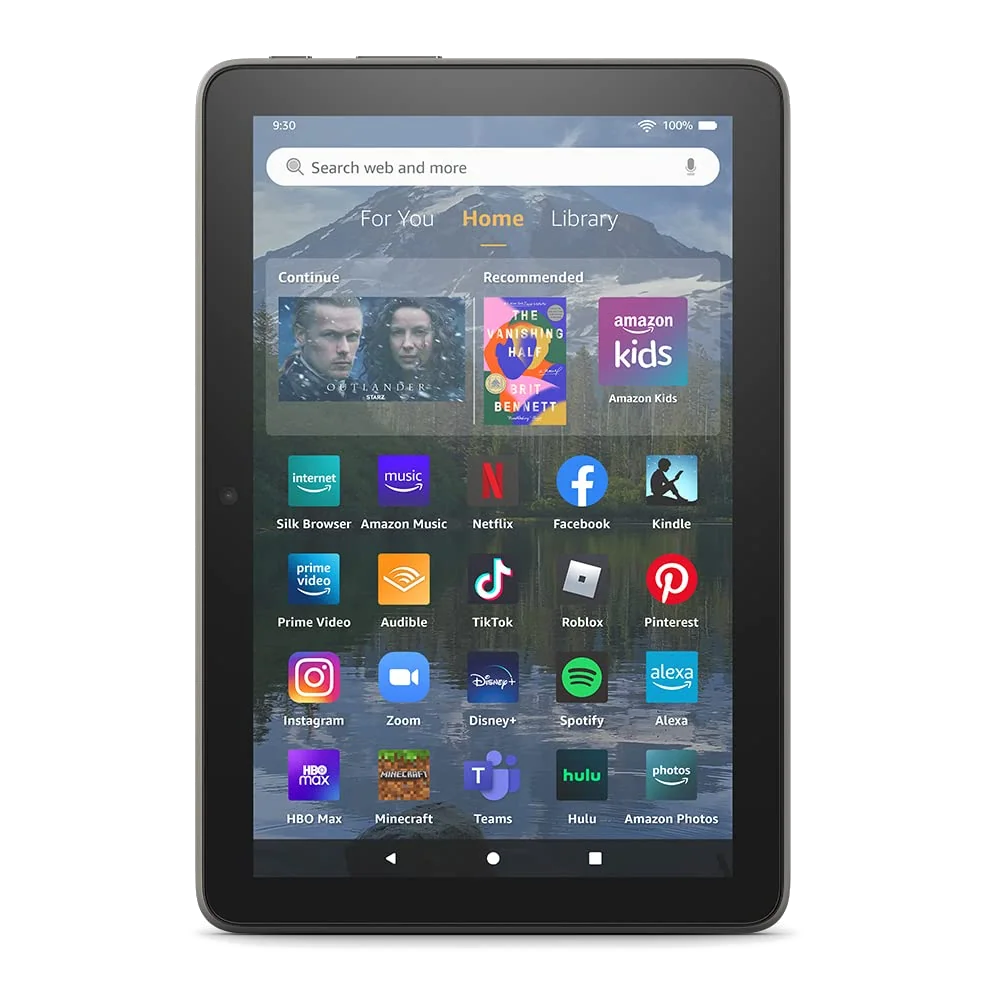
Choose the 2022 Fire HD 8 Plus only for dock-friendly Amazon entertainment.
Its compact body, microSD expansion, headphone jack and Qi charging suit Kindle books, downloaded video and a hotel-room stand.
Fire OS lacks supported Google Play access, while the coarse reflective display and dated performance make this older Plus model difficult to recommend over current alternatives.
Choose the Fire HD 10 for inexpensive films on a larger screen.
The 10.1-inch Full HD panel, long tested endurance, microSD expansion and headphone jack form a sensible package for supported streaming and downloaded media.
Its restricted app store, slow charging and larger body make it a poor choice for Google-dependent travelers or anyone who expects productive Android freedom.
Choose the Fire HD 10 Kids when shared viewing matters more than light luggage.
The roomy Full HD screen, substantial case, detailed parental controls and two-year replacement promise make it a strong protected tablet for a young child on long journeys.
The case-on package is bulky for small hands, demanding games can struggle and the included Kids+ period becomes a renewal decision.
Choose the Fire HD 8 Kids as the best travel tablet for preschoolers.
Its compact case, carrying handle, child profiles, microSD support and replacement promise address the drops, downloads and supervision that family travel actually produces.
The reflective 1280 × 800 screen, slow bundled charger and absence of Google Play or native YouTube Kids can frustrate both child and parent.
Choose the Fire HD 8 when Amazon media and low travel risk are the whole brief.
The 4GB and 64GB configuration is light, expandable and capable enough for Kindle, Libby, audiobooks, basic browsing and downloaded shows.
The soft screen, weak processor, painfully slow supplied charger and Amazon-controlled software keep it from being a dependable general-purpose travel tablet.
Choose the reMarkable Paper Pro for document-heavy travel without digital distraction.
Its large color E Ink canvas, front light and Marker Plus make handwritten notes and full-page PDF annotation unusually satisfying on flights, at conferences and in client meetings.
It is expensive, heavy once protected and deliberately lacks the browser, apps, protected Kindle books and entertainment most travelers expect from a tablet.
Choose the Lenovo Tab One as the best inexpensive travel tablet.
The narrow 8.7-inch body, credible battery life, Google Play access, headphone jack, microSD slot and included folio deliver uncommon practicality in a small Android tablet.
The Helio G85 processor, 4GB of memory, slow eMMC storage and coarse 1340 × 800 display demand patience and rule out ambitious games or serious multitasking.
Choose the iPad mini A17 Pro as the best travel tablet overall.
It combines a genuinely portable 8.3-inch body with fast performance, 128GB of storage, excellent app support and enough versatility for reading, games, notes, navigation and offline media.
The 60Hz LCD looks dated for a premium device, and the small iPadOS workspace becomes cramped during long typing sessions, detailed art or persistent split-screen work.
Choose the A16 iPad as the best travel tablet for most work.
The 11-inch screen, fast everyday performance, practical 128GB capacity and broad app library make it the sensible step up when a trip includes schoolwork, documents, calls or a keyboard.
Its reflective non-laminated display, slow charging, basic Pencil compatibility and lack of Apple Intelligence prevent it from becoming a premium creative tool.
Choose the 11-inch M4 iPad Air for portable creative work.
The M4 chip, 12GB of memory, laminated display, Pencil Pro support and light chassis give artists, editors and demanding note-takers considerable power without a 13-inch burden.
The 60Hz screen, limited 128GB base capacity, slow charging and separately sold accessories make it needless excess for ordinary travel entertainment.
Choose the 11-inch M5 iPad Pro when the display is part of the work.
The tandem-OLED panel, 120Hz ProMotion, Pencil Pro support, four speakers and laptop-class performance create the finest compact tablet here for professional visual workflows.
Its cost is difficult to defend for routine travel, and iPadOS can still block desktop applications, plugins and file workflows that the M5 chip is powerful enough to run.
The shortlist is simpler than the eleven cards make it appear. Buy the iPad mini when carrying and holding the tablet matter, the A16 iPad when work needs more room, or the Lenovo Tab One when the budget is tight and ordinary Android apps are non-negotiable. Parents should select between the two Fire Kids sizes by the child’s hands and viewing habits, not by assuming the larger number is the better gift.
Frequently Asked Questions
Which tablet is best for most travelers?
The iPad mini A17 Pro is the best overall choice because it combines genuinely compact dimensions with strong performance, broad app support and practical 128GB storage.
Is an 8-inch or 11-inch tablet better for flying?
An 8-inch tablet is easier to hold and fit on a tray, while an 11-inch model is better for documents, keyboard work and shared viewing.
Is the Lenovo Tab One better for travel than the Fire HD 8?
The Lenovo is the better choice when Google Play and conventional Android apps matter, while the Fire HD 8 is more coherent for an Amazon-centered media library.
How much storage should a travel tablet have?
128GB is a comfortable starting point for most iPad travelers, while 64GB plus microSD expansion can work well for a budget tablet built around downloaded media.
Can a travel tablet replace a laptop?
An 11-inch iPad can replace a laptop for selected web, document, note and creative workflows, but desktop-only software, extensive typing and complex file handling still favor a laptop.
Which tablet is best for a young child on a trip?
The Fire HD 8 Kids is the strongest preschool travel package because its compact case, handle, parental controls and replacement promise suit small hands and predictable accidents.
Should downloaded films be tested before leaving home?
Yes, every essential film, book, map and document should be opened in airplane mode because download limits and offline licenses differ between applications.
Is the reMarkable Paper Pro a good travel tablet?
It is excellent for distraction-free notes and PDF annotation but poor as an only travel tablet because it lacks ordinary apps, protected Kindle books, browsing and entertainment.
Our Top Recommendation
Based on our research, the Amazon Fire HD 8 Plus 2022 is our top pick — reading.