The best tablet for students is the basic iPad, not the most powerful one
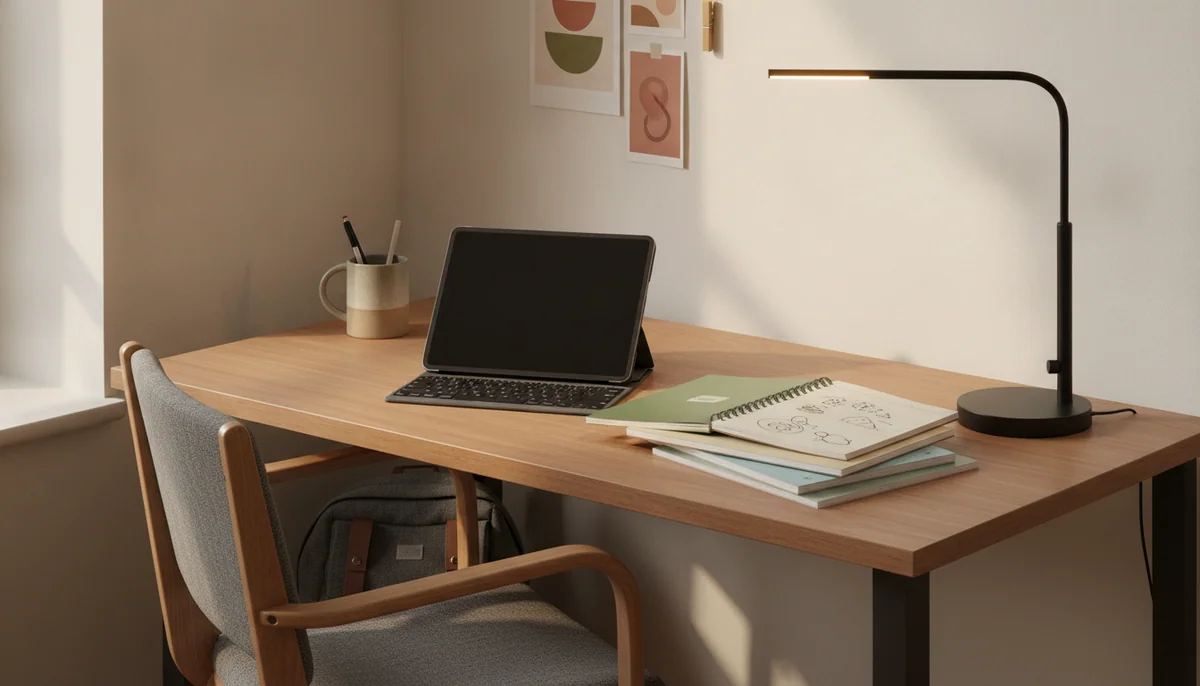
A student tablet should make ordinary academic work easier without becoming a costly attempt to imitate a laptop. That means opening the course portal without drama, keeping notes beside a reading, surviving a day away from a socket, fitting into a crowded bag and running the applications a course actually requires. Processor prestige matters far less than those unglamorous victories.
The 11-inch iPad with the A16 chip wins because it clears that bar with the fewest expensive complications. Its starting 128GB is practical, everyday performance is comfortably quick, the tablet app library is mature and the one-pound body is large enough for coursework without becoming awkward to carry. It is not Apple’s best drawing tablet, fastest creative machine or finest display, but most students do not need to buy all three claims at once.
The important exception is handwriting. Samsung’s Galaxy Tab S10 FE+ includes a responsive S Pen and spreads lecture slides, textbooks and split-screen notes across a huge 13.1-inch laminated display. It is the better academic tool for a student who intends to write directly on every PDF, provided that its substantial size and merely midrange performance are acceptable.
Neither recommendation erases the laptop question. Coding environments, engineering packages, proctored exam software, specialist plugins, unrestricted file workflows and institution-managed desktop applications may not exist in complete tablet form. If any required course tool needs macOS, Windows or ChromeOS, a tablet can be a superb companion but a reckless only computer; our laptop versus tablet guide explains that boundary before accessories turn a tablet into the more expensive compromise.
Buy the A16 iPad if you are unsure
It is the safest general recommendation for reading, research, calls, presentations, handwritten notes, mainstream games and ordinary school applications. Add the USB-C Apple Pencil only if handwriting will be frequent, and do not assume that a keyboard automatically makes it a complete laptop replacement.
Buy the Tab S10 FE+ if the pen is central
Its included S Pen, expansive canvas, microSD slot and long support commitment make it unusually well suited to lecture notes and document annotation. Accept that it is bulky in the hand, slower than the iPad and unable to drive a conventional wired monitor through USB-C.
Buy neither if the course says laptop
A required desktop application is not a minor compatibility problem to solve after enrollment. Students whose work begins with a physical keyboard, many browser windows or specialist software should compare the best computers and tablets for students instead of forcing a tablet-first answer.
Start with the course, then choose the screen
The right buying order is software, input method, size, storage and only then processor. Ask the department which applications, browser extensions, exam systems and file formats appear during the course. Check the exact tablet versions rather than assuming that a familiar service name means feature parity with its desktop edition.
Next decide how information enters the device. Students who mainly type should protect their budget for a good keyboard or, more honestly, buy a laptop. Students who annotate lecture slides and solve equations by hand need an active stylus with palm rejection, not a cheap capacitive stick that merely imitates a finger. Our guide to active stylus support separates real pen input from accessory-page optimism.
Screen size decides posture as much as visibility. An 8-inch tablet is easy to carry and hold but cramped for two applications, while an 11-inch model is the sensible middle ground for most backpacks and desks. A 13-inch tablet makes full pages and split-screen study far more comfortable, yet it expects a stand, table or keyboard and can weigh as much as the laptop it was meant to avoid once protected.
| Student routine | Best size direction | Trade-off to accept |
|---|---|---|
| Reading on transport and carrying the smallest possible bag | 8 to 9 inches | Small PDFs, split-screen work and on-screen typing become cramped. |
| Mixed notes, research, video calls and everyday applications | About 11 inches | It is portable rather than pocketable and still needs a case or stand. |
| Full-page PDFs, sheet music, detailed notes and two-app study | About 13 inches | The device is awkward to hold and works best on furniture. |
| Long essays, coding, spreadsheets and desktop-only software | Laptop first | Direct pen input and casual tablet handling become secondary or require another device. |
Storage needs the same realism. A 32GB tablet is acceptable only for a narrow streaming or cloud-first role, while 64GB requires active housekeeping once games and offline media arrive. For most students, 128GB is the comfortable starting point. A microSD slot is valuable for videos, books and documents, but it does not increase memory, speed up the processor or guarantee that every application can move to the card; the tablet storage guide provides a workload-based calculation.
Budget for the device you will actually carry
A tablet listing rarely includes the complete academic setup. Add the compatible pen, protective case, keyboard, wall charger, storage upgrade and accidental-damage coverage before comparing options. If those additions bring the total close to a good laptop, the tablet must repay the difference through touch, handwriting, portability or a specific app workflow rather than through vague promises of flexibility.
Charging speed also matters less than reliable endurance until the day a student forgets to plug in overnight. Several devices here can cover a conventional day under light or mixed use, but gaming, high brightness, video editing and constant pen input can reduce that margin sharply. Carrying the correct USB-C charger is more useful than treating any “all-day” label as a guarantee.
Finally, distinguish distraction control from capability. A reMarkable Paper Pro removes browsers, entertainment and ordinary apps on purpose, while a Fire tablet restricts software because it centers Amazon’s ecosystem. Those can look similar from a distance, but one is an intentional writing instrument and the other is an inexpensive media tablet. Neither is a general substitute for an unrestricted student computer.
Eleven tablets, ranked by the student job they can honestly do
This ranking favors dependable academic usefulness over raw specifications. The first four choices cover the most defensible student needs: a balanced general tablet, affordable conventional Android, a large handwriting canvas and compact travel. The remaining models become progressively more specialized, expensive or compromised.
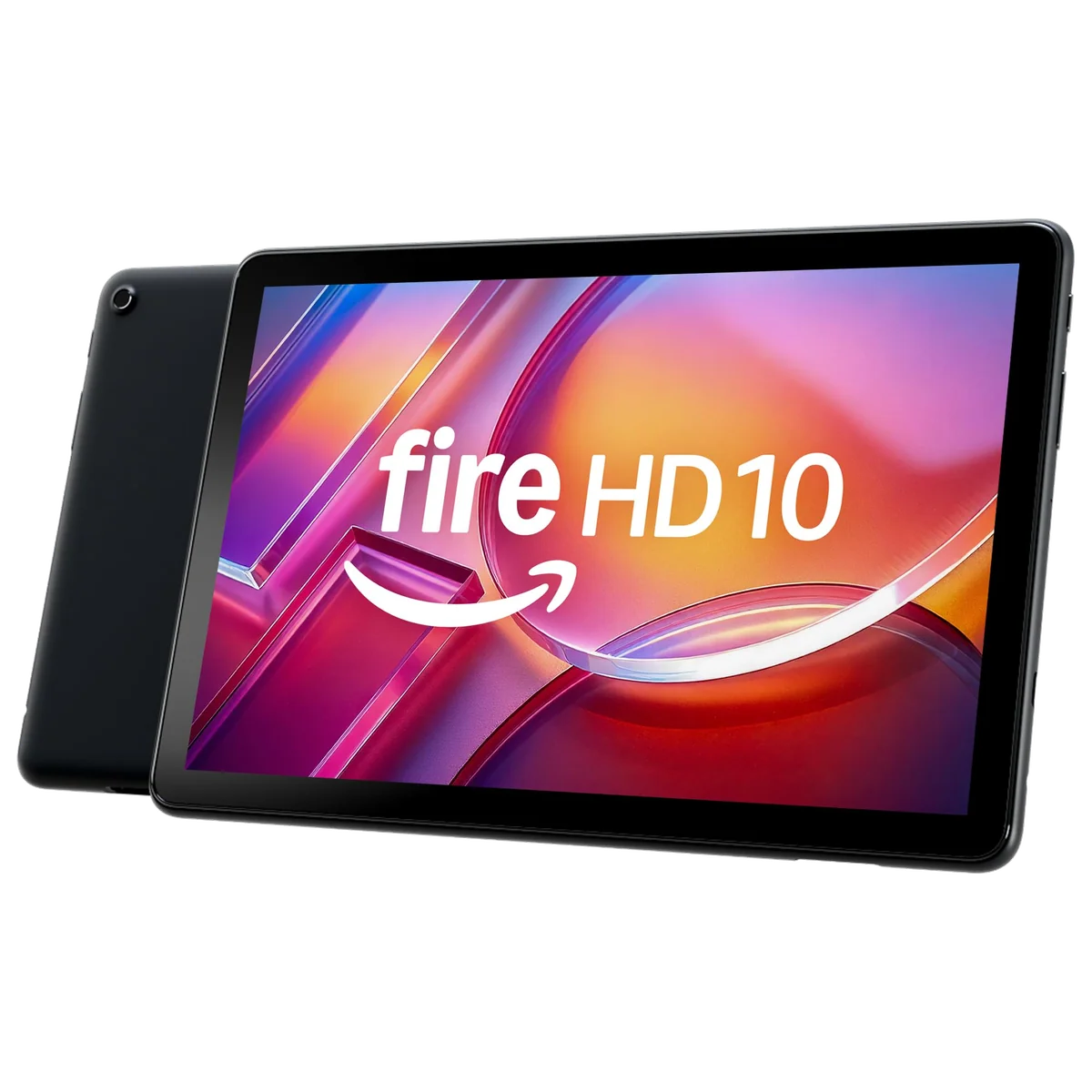
The Amazon Fire HD 10 is the low-cost screen for reading and supported media.
Its 10.1-inch Full HD display, long active-use battery life and microSD expansion make it useful for ebooks, recorded lectures and simple web study inside Amazon’s ecosystem.
Fire OS lacks official Google Play access, so a missing school, library or communication app can turn the bargain into the wrong device.
Treat the Fire HD 10 as a secondary screen, not a default student computer. Its hardware is suitable for consumption, but software availability has to be checked app by app before ordering. Unofficial Google Play workarounds add maintenance and uncertainty to a device whose strongest argument is simplicity; our guide to Fire tablets, Google Play and missing apps explains what is and is not available out of the box.
The Lenovo Tab One is the best inexpensive choice for a light backpack and ordinary Android apps.
Its compact 8.7-inch body, Google Play access, microSD slot, strong video endurance and included folio suit commuters who read, stream and work in one modest app at a time.
The coarse 1340 × 800 display, slow eMMC storage, 4GB memory ceiling and short confirmed support window make it a poor primary academic machine.
The Lenovo earns its place through size rather than hidden power. It is easier to carry than a full-size tablet and less restrictive than a Fire tablet, but small type and dense PDF pages reveal the low-resolution screen. Students interested in this form should compare it with the broader small-tablet shortlist rather than assuming every compact model makes the same compromises.
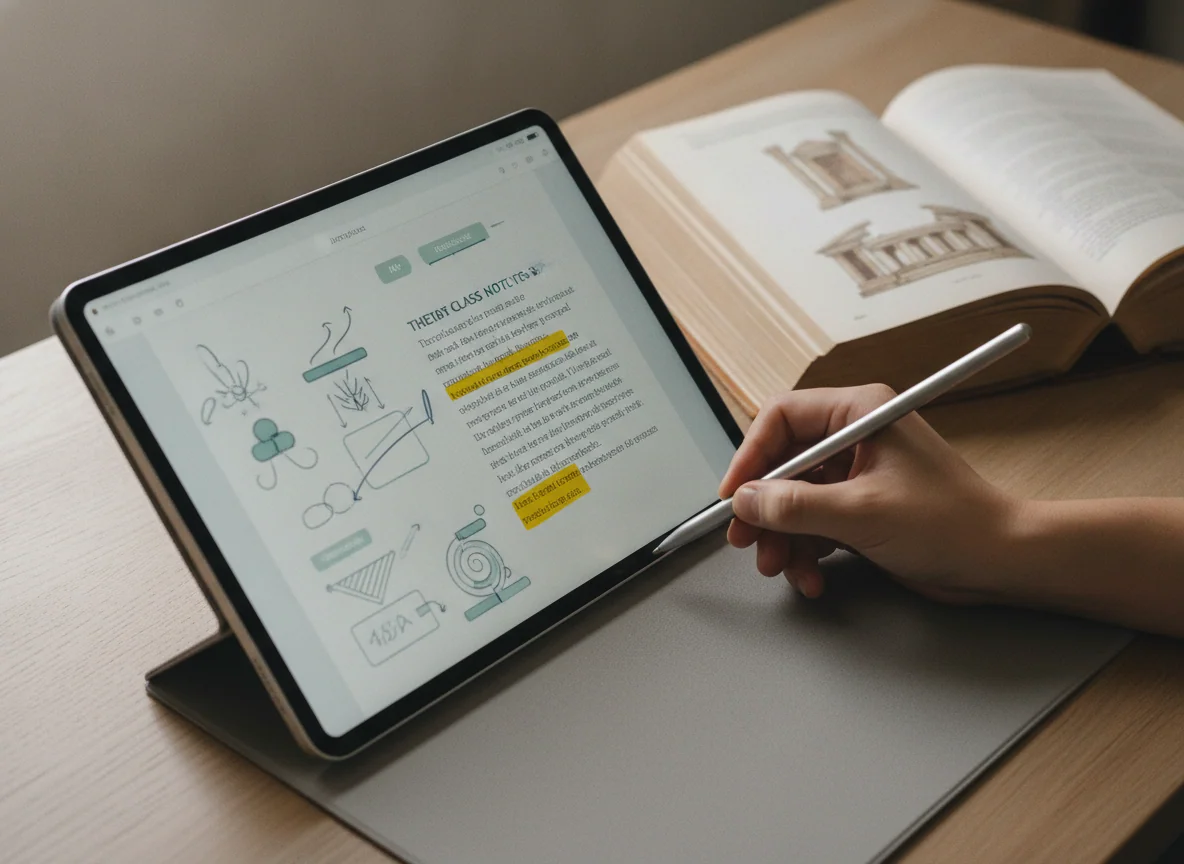
The 11-inch A16 iPad is the best tablet for most students.
Fast everyday performance, a practical 128GB starting capacity, mature tablet applications, a landscape call camera and reliable battery life cover schoolwork without charging for professional hardware.
The reflective non-laminated 60Hz screen limits fine Pencil art, and the tablet cannot use Apple Intelligence, Apple Pencil Pro or the second-generation Apple Pencil.
This is the recommendation to beat because it does not require a specialist justification. It handles documents, research, calls, presentations, mainstream games, USB-C Pencil notes and PDF annotation while remaining easy to carry. The USB-C Apple Pencil is the sensible pen, although students planning detailed illustration should consider an Air with its laminated display and Pencil Pro support.
The Galaxy Tab A11+ is the best budget Android option for longevity and expandable storage.
Its responsive everyday performance, 6GB of memory, 128GB storage, microSD slot, Google Play access and seven-year support promise form an unusually durable low-cost study package.
The washed-out TFT screen has narrow viewing angles, and the tablet supports neither an active S Pen nor wired monitor output.
Samsung’s cheaper full-size tablet makes sense when conventional Android software, family controls and offline storage matter more than display quality. It is substantially more useful than a Fire tablet for ordinary applications, but students should not buy it for handwritten lecture notes merely because generic styluses appear in accessory listings. The absence of active pen input is a hardware limit.
The Galaxy Tab S10 FE+ is the best large tablet for handwritten study.
Its included battery-free S Pen, laminated 13.1-inch canvas, excellent endurance, IP68 protection, microSD expansion and long software support suit notes, PDFs and split-screen research exceptionally well.
The bulky body, midrange processor, LCD black levels and USB 2.0 port make it weak for demanding games, heavy creative work and wired-monitor setups.
This is the strongest alternative to the winning iPad when handwriting is not occasional but central. A textbook and notebook can remain visible together, full-page PDFs require less zooming and the pen is already included. The size is wonderful on a desk and tiresome in one hand, so the smaller model is the wiser direction for students who mainly read while standing or commuting.
The iPad mini A17 Pro is the premium pocket notebook for fieldwork and crowded commutes.
Its 8.3-inch body, strong processor, 128GB storage, fast USB-C connection and Apple Pencil Pro support create an unusually capable reader and note tool for work done on the move.
The small workspace, 60Hz LCD, portrait-edge call camera and lack of a purpose-built keyboard make it a risky only tablet for school.
Choose the mini because full-size tablets are physically inconvenient for your routine, not because the small shape looks appealing. Clinical references, field notes, transit reading and quick annotations are credible reasons. Long essays, large lecture slides and persistent split-screen study are not; the iPad mini and 11-inch iPad comparison makes the workspace trade explicit.
The 11-inch M4 iPad Air is the best portable upgrade for serious Pencil and creative work.
Its M4 chip, 12GB of memory, laminated display, Pencil Pro support and fast USB-C connection provide ample headroom for illustration, editing and demanding academic applications.
The 60Hz LCD, limited 128GB base storage, slow charging and separate accessory costs make it wasteful for routine notes, browsing and video.
The Air becomes rational when a student can name the work that exceeds the base iPad: layered art, substantial video editing, large creative documents or demanding multitasking. It is not a status upgrade for someone whose day consists of a browser, streaming service and note app. Students comparing several Apple models can use the best iPads guide to separate display, Pencil and software needs from processor envy.
The 13-inch M4 iPad Air is the large Apple canvas for students who work at a desk.
Its expansive laminated display, M4 performance, Pencil Pro support and roomy window layouts are excellent for sheet music, illustration, full-page documents and side-by-side study.
The wide body is tiring to hold, the screen remains at 60Hz and a keyboard, Pencil, case or storage upgrade can push the complete setup into laptop territory.
Buy the larger Air only when the extra area will be occupied by real work. It is particularly convincing for music, design and document-heavy courses, but casual video does not use its squarer screen efficiently and handheld reading loses much of the comfort associated with a tablet. The direct 11-inch versus 13-inch iPad Air comparison reduces the choice to its most useful rule: held or propped.
The 11-inch M5 iPad Pro is the best premium tablet for mobile art and display-sensitive work.
Its tandem-OLED 120Hz display, Pencil Pro support, Face ID, four speakers, 256GB storage and immense performance combine professional polish with genuinely portable dimensions.
Most student work cannot justify the Pro premium, and iPadOS still cannot run a required Mac application, desktop plugin or unrestricted development environment merely because the hardware is powerful.
The screen is the defensible reason to spend more. OLED contrast and 120Hz motion improve every interaction, while the M5 processor matters mainly in demanding supported applications. Students who only need a quicker route to web pages and notes should buy the base iPad; artists who will use the display and Pencil every day can make a coherent case for the Pro.
The 13-inch M5 iPad Pro is the no-compromise canvas for a proven iPad-first workflow.
Its enormous tandem-OLED display, 120Hz ProMotion, 12GB of base memory, Thunderbolt connection, Face ID and Pencil Pro support can anchor demanding design, illustration and document work.
The 13-inch body is cumbersome away from a surface, the 256GB model has reflective glossy glass and the necessary keyboard, Pencil and protection create an exceptionally costly student setup.
This is not the premium version of the recommendation; it is a different class of tool. A design student whose complete application chain works on iPadOS may benefit from its canvas and direct pen input every day. Anyone whose course depends on desktop development tools, specialist plugins or a conventional file system should buy the computer those requirements demand rather than the most powerful tablet in the room.
The reMarkable Paper Pro is the focused digital notebook for students who already live on paper.
Its large color E Ink screen, convincing Marker Plus writing feel, front light and distraction-free organization can replace piles of handwritten notes and marked-up PDFs.
It has no browser, app store, ordinary office suite, protected Kindle support or broad live cloud editing, so every research and production task still needs another device.
The reMarkable is not an alternative to the A16 iPad in the usual sense. It is an alternative to paper for students whose existing study method already depends on handwriting and who actively benefit from removing general-purpose apps. It is an extravagant experiment for anyone hoping the device will create that habit after purchase; the guide to E Ink writing tablets explains the category before its purposeful omissions are mistaken for missing specifications.
The final shortlist
Buy the A16 iPad when you want one balanced student tablet and have confirmed that your required applications run on iPadOS. Choose the Galaxy Tab S10 FE+ when extensive handwriting and PDF work justify a larger device, the Galaxy Tab A11+ when conventional Android and long support matter on a tighter budget, or the Lenovo Tab One when portability is more valuable than screen sharpness and speed.
Move into the Air or Pro range only when a specific creative workload, display requirement or Pencil workflow earns the expense. Choose reMarkable only when focus and handwritten organization are the product, and choose a laptop whenever the syllabus names desktop software that a tablet cannot honestly supply.
Frequently Asked Questions
Can a tablet replace a laptop for college?
A tablet can replace a laptop only when every required application, exam system, file workflow and peripheral works properly on its operating system.
Is 128GB enough for a student tablet?
128GB is sufficient for most notes, documents, applications and moderate downloads, while large games, offline video and creative projects can justify more storage.
Which tablet is best for handwritten class notes?
The Galaxy Tab S10 FE+ is the strongest value for extensive handwriting because its large laminated screen and battery-free S Pen are included in the academic package.
Is the basic iPad good enough for university?
Yes, the A16 iPad is comfortably capable of research, documents, presentations, calls, notes and mainstream academic apps when the course does not require desktop-only software.
Should a student buy an iPad Air instead of the basic iPad?
Choose an iPad Air only when its laminated display, Pencil Pro support, faster USB connection, M4 performance or additional memory improves a defined workload.
Is a small tablet suitable for textbooks and PDFs?
A small tablet works for reading prose and quick reference, but dense textbooks, lecture slides and side-by-side notes are much more comfortable on an 11-inch or larger screen.
Do students need an active stylus?
Students need an active stylus for frequent handwriting, equations, diagrams and PDF annotation, while occasional taps and signatures do not justify the expense.
Is the reMarkable Paper Pro better than an iPad for studying?
The reMarkable is better for distraction-free handwriting and PDF annotation, while an iPad is better for research, applications, communication, media and general coursework.
Is the Amazon Fire HD 10 suitable for schoolwork?
It is suitable for reading, video and simple supported apps, but its restricted software catalog makes it unsafe as a primary school device without checking every essential app first.
Should a student choose an 11-inch or 13-inch tablet?
Choose about 11 inches for carrying and handheld use or about 13 inches for a tablet that will usually rest on a desk, stand or keyboard.
Our Top Recommendation
Based on our research, the Amazon Fire HD 10 2023 is our top pick — note taking.