Buy a laptop unless a tablet’s strengths match your work
Most people choosing one primary computer should buy a laptop, while a tablet is the better choice only when touch, pen input, reading or lightweight entertainment matters more than desktop software and a permanently useful keyboard.
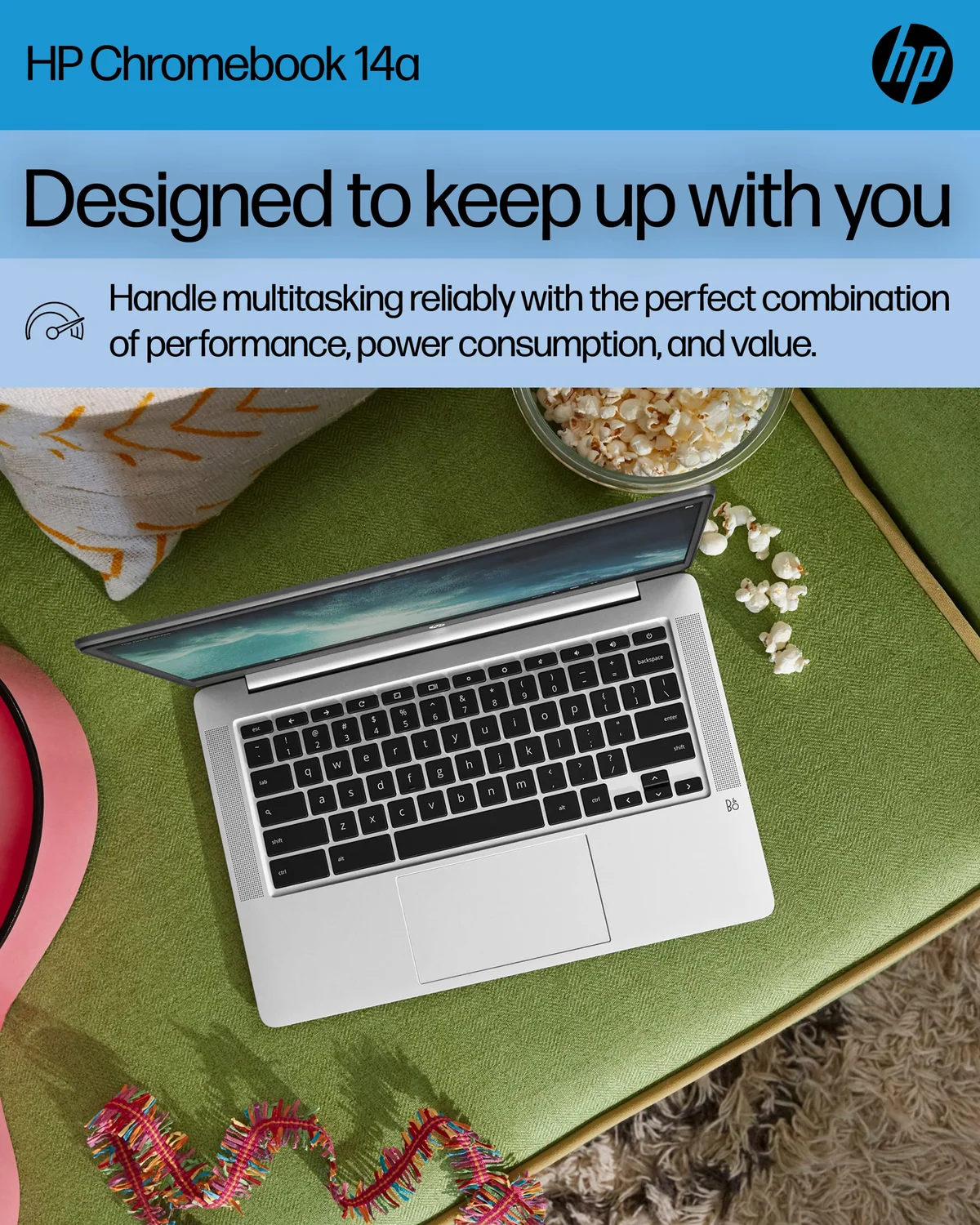
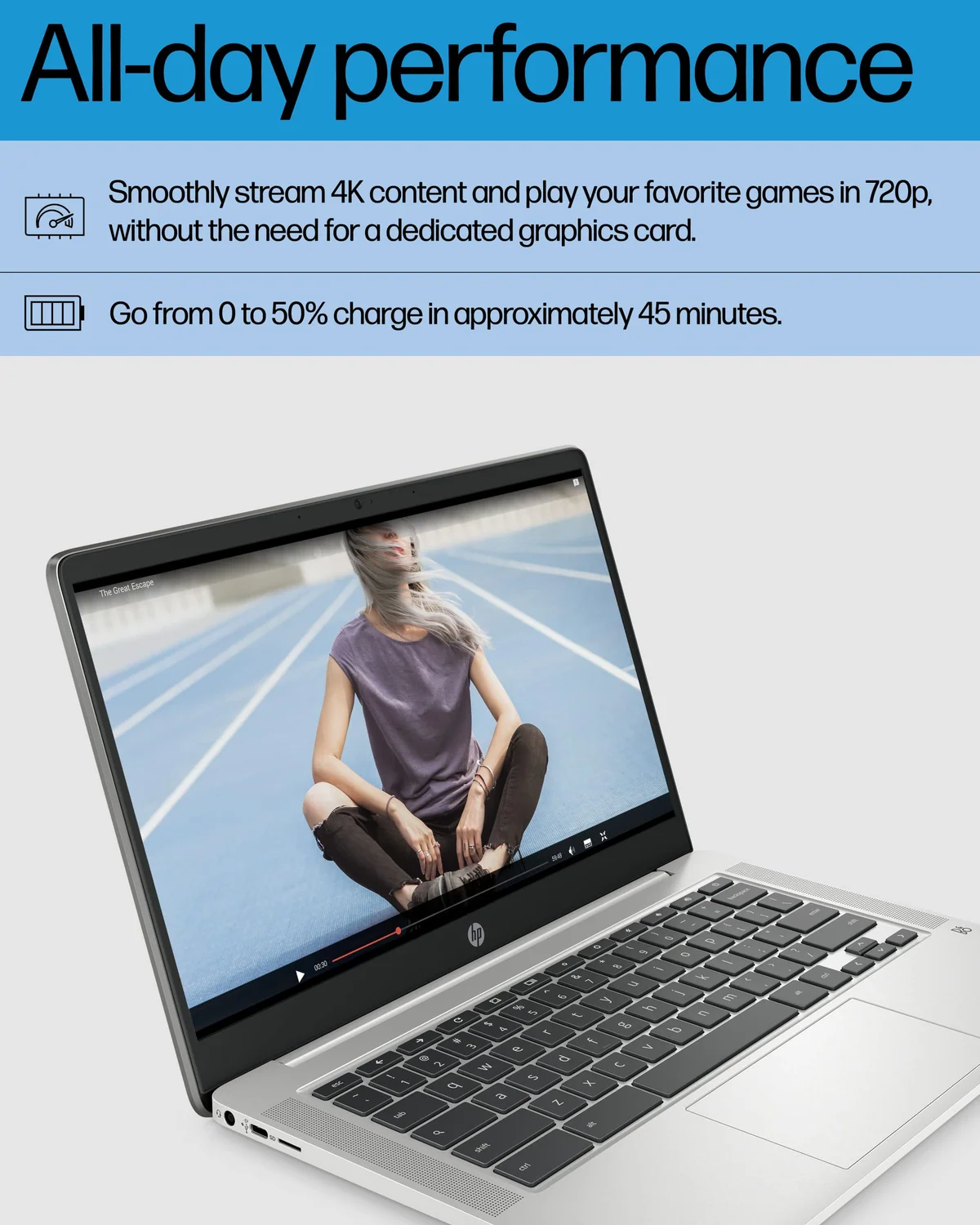
HP Chromebook 14 N4120
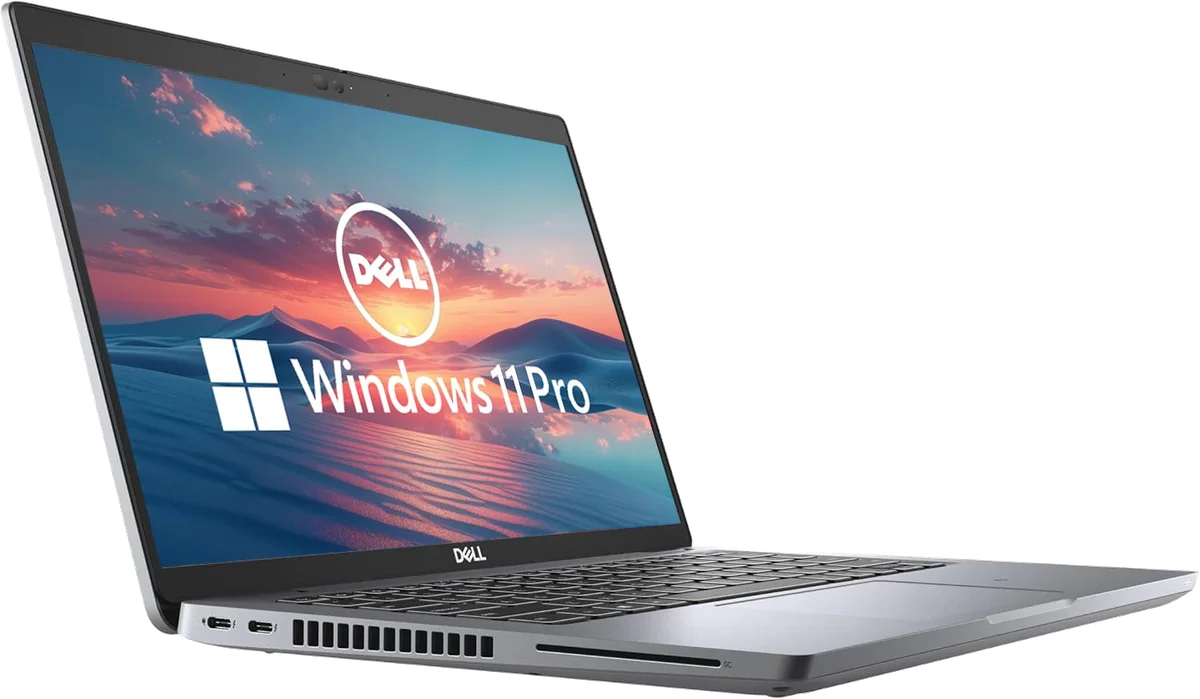
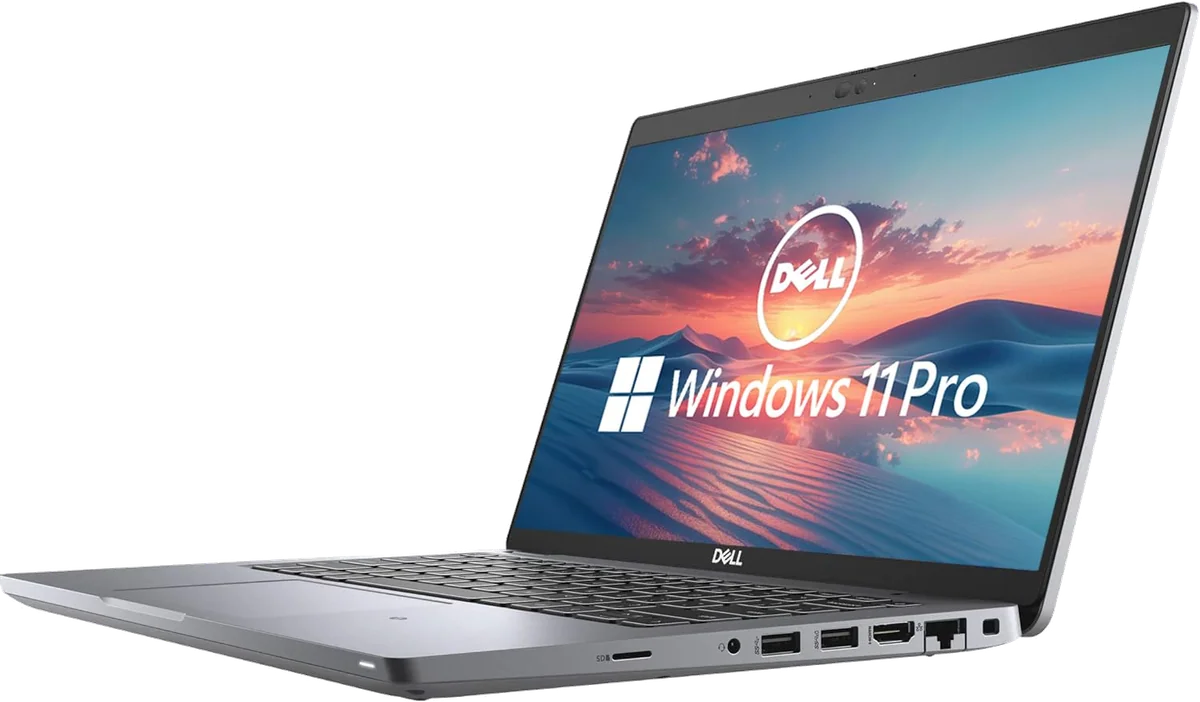
Dell Latitude 5420 renewed
Buy a laptop if: this will be your only computer, you type for hours, you work across several windows, or a course, employer or hobby requires conventional desktop software.
Buy a tablet if: you already have another computer, spend more time reading and watching than producing, write by hand, draw directly on the screen, or value easy carrying more than workstation flexibility.
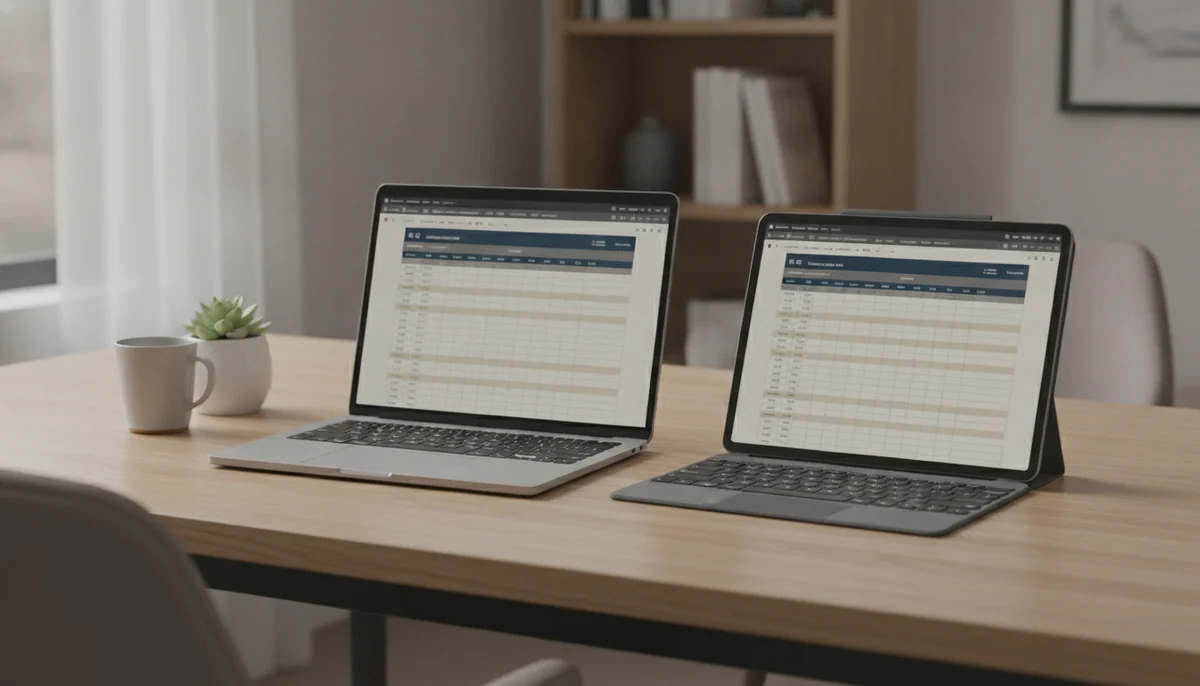
The laptop wins this comparison before processors, brands and prices enter it. A hinged screen, physical keyboard, precise pointer and desktop operating system make ordinary work predictable. You can write a long report on your lap, attach a drive, manage a large folder tree, join a call and keep reference material visible without first building an accessory kit around a slab of glass.
A tablet is not merely a weak laptop with its keyboard removed. Touch makes it better for reading on a sofa, following a recipe, passing a screen around, marking a PDF and watching a film in a cramped seat. An active pen can turn it into a notebook or drawing surface in a way a traditional laptop cannot imitate comfortably. The mistake is buying those strengths and assuming desktop capability comes along for free.
The distinction is about input and software rather than whether a tablet counts as a computer. Tablets certainly are computers, but the useful question is what their operating systems, applications and shapes permit you to do without friction. Our explanation of what tablets can do differently from laptops and desktops deals with the definition; this page deals with the purchase.
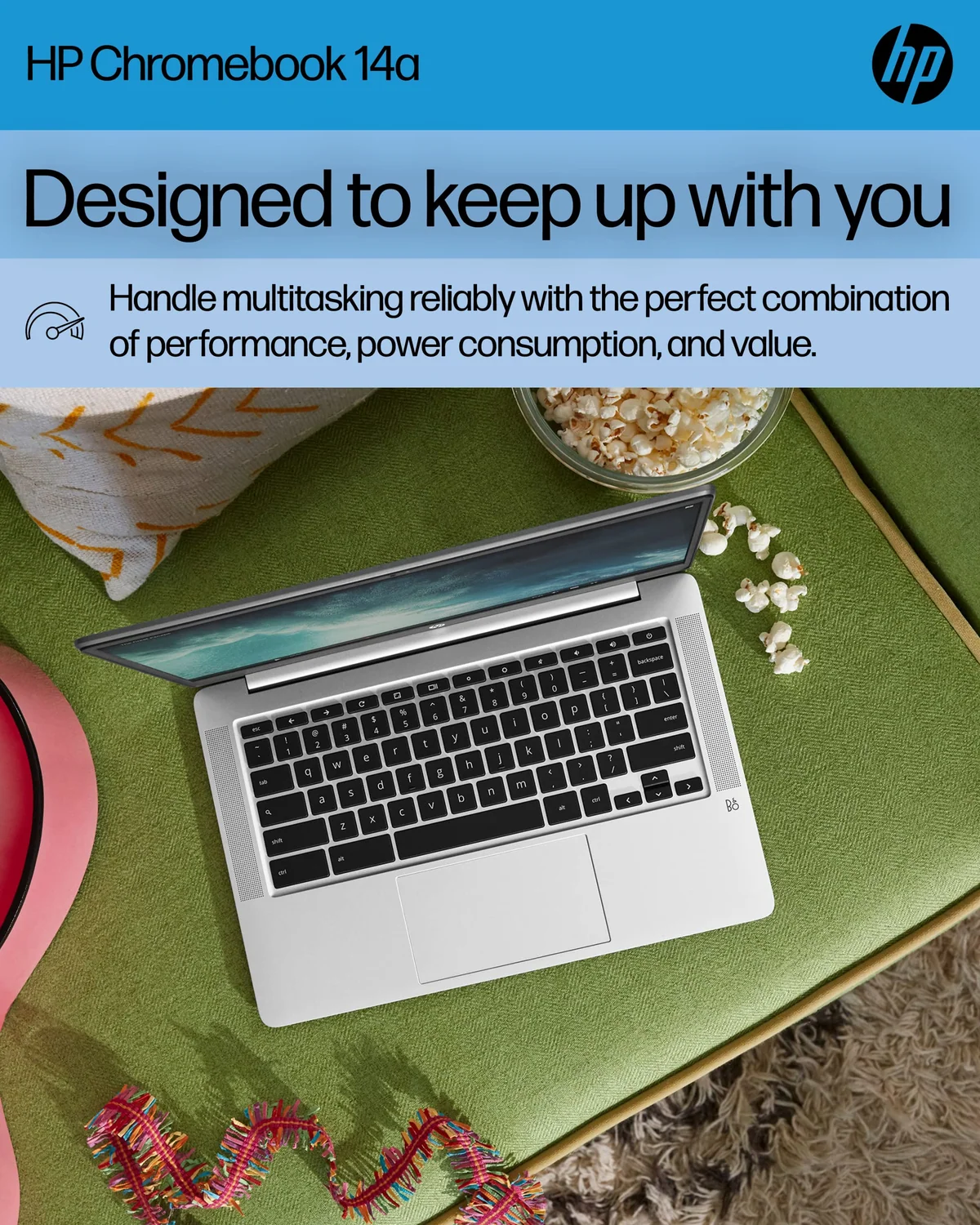
HP Chromebook 14 N4120
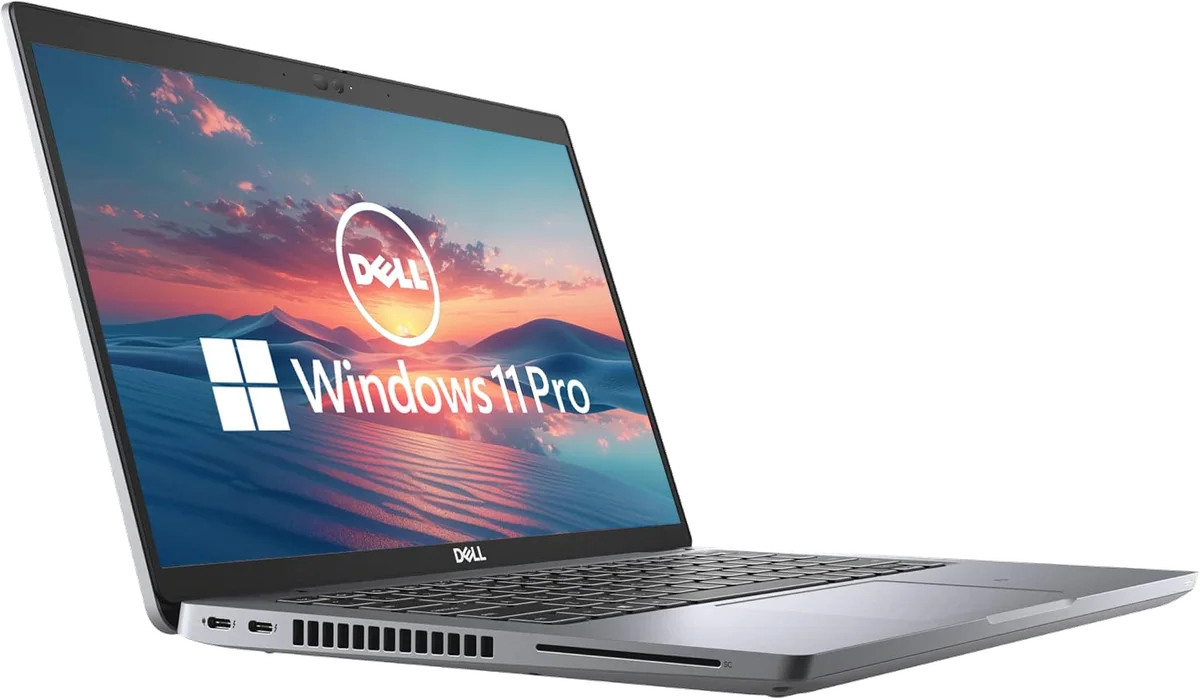
Dell Latitude 5420 renewed
At a Glance
| Feature | Editor's Pick HP Chromebook 14 N4120 | Dell Latitude 5420 renewed |
|---|---|---|
| Price Range | — | — |
| Finish | Mineral Silver | Gray |
| Screen size | 14" | 14" |
| Check Price on Amazon | Check Price on Amazon |
The keyboard test settles most purchases
Imagine the longest task you perform in a normal week. If it involves two hours of writing, a complicated spreadsheet, code, file management, many browser tabs or a specialized application, choose a laptop. A proper keyboard is ready whenever the lid opens, the screen supports itself on a lap, and the pointer can select small controls without demanding that you reach across the display.
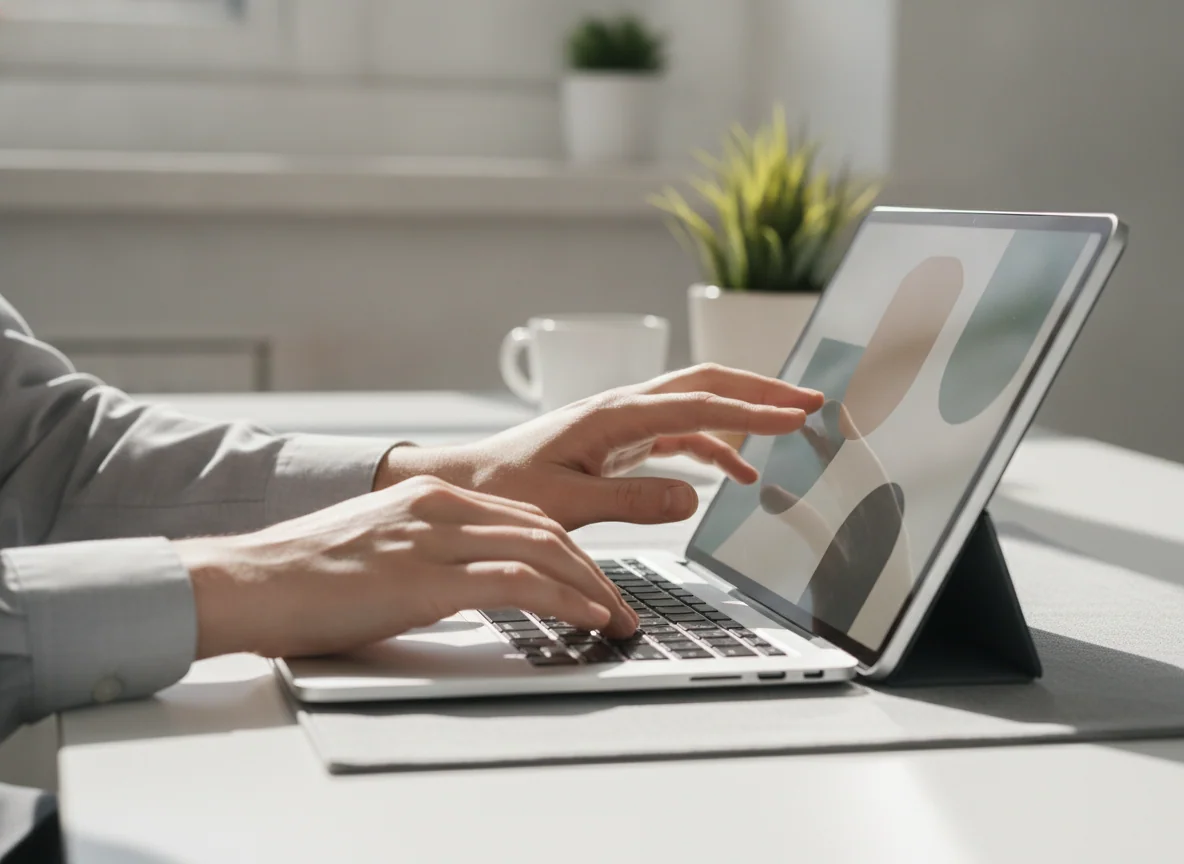
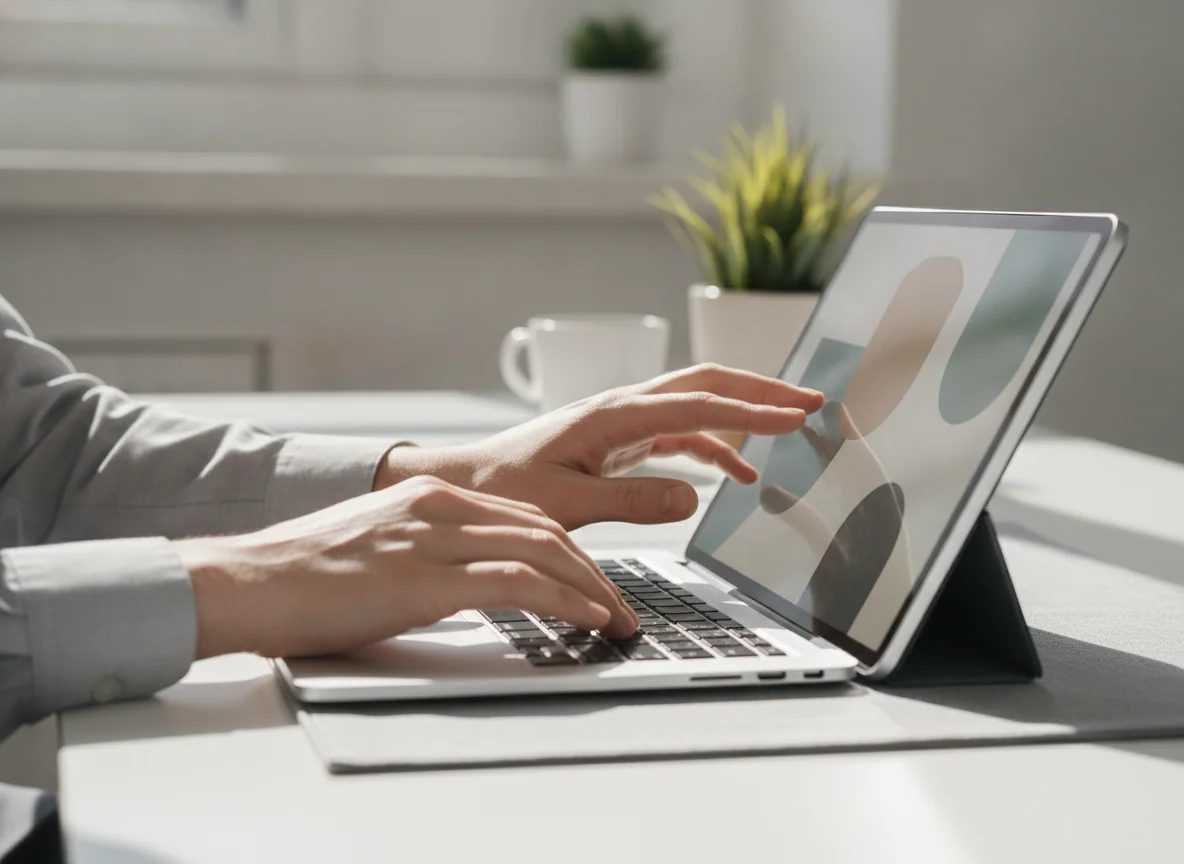
Tablet keyboards can be excellent, but they alter the proposition. They add cost and weight, consume desk depth, may leave the edges exposed and often balance poorly on an uneven lap. An 11-inch keyboard also compresses the typing area. Once a case, stand, keyboard, trackpad, pen and charger join the order, the device may no longer be especially light or inexpensive.
None of that matters if typing is occasional. A tablet is delightful for tapping out a message, making a short edit or responding to email, then removing the keyboard and becoming a book or video screen again. It becomes frustrating when “occasional” quietly expands into the daily production of essays, invoices, presentations or reports.
| Job | Better default | Why |
|---|---|---|
| Long documents and spreadsheets | Laptop | A built-in keyboard, trackpad and self-supporting hinge suit sustained desk and lap work. |
| Programming and technical courses | Laptop | Desktop development tools, terminals, local services and unrestricted file access remain decisive. |
| Handwritten notes and PDF markup | Tablet | A supported active pen lets the display become the page instead of sitting beyond the keyboard. |
| Digital illustration | Tablet | Direct pen input is more natural, provided the display and stylus support the required precision. |
| Reading, streaming and travel | Tablet | The removable keyboard and touch-first shape reduce carrying and handling friction. |
| Desktop-only professional software | Laptop | Processor speed cannot compensate for an application, plugin or peripheral that the tablet cannot run. |
| One shared family screen | Tablet | Touch, simple profiles and easy handoffs suit games, video, reading and supervised browsing. |
| One device for uncertain future needs | Laptop | The broader software and peripheral range leaves fewer ways for a new requirement to strand the purchase. |
A tablet replaces only the laptop your apps permit it to replace
Modern tablets can be astonishingly fast. The 11-inch M5 iPad Pro has laptop-class processing power, excellent windowing tools and support for demanding creative applications. It still cannot run a Mac application merely because its chip could process the workload. An absent plugin, unsupported peripheral or restricted installation route can stop a professional workflow more completely than a slower benchmark ever will.
Android tablets face the same test from a different direction. Samsung DeX provides windows, a taskbar and convenient keyboard-and-mouse control, but individual Android applications may omit desktop features. Hardware varies too. The Galaxy Tab S10 FE+ has a vast screen and capable DeX interface, yet its USB 2.0 connection cannot provide a conventional wired monitor output. The less expensive Galaxy Tab A11+ also lacks wired display output.
Before calling any tablet a laptop replacement, write down every required application, browser extension, plugin, file type, external display, storage device, printer and institutional portal. Check the tablet version of each one rather than the existence of an app with the same logo. Our guide to the tablets most capable of taking over laptop duties begins after that compatibility check, not before it.
ChromeOS sits between the two categories. A Chromebook has a laptop body and browser-first operating system, so typing and web work feel conventional while Windows and Mac software remain unavailable. The HP Chromebook 14 in this comparison is especially narrow because 4GB of memory, 64GB of eMMC storage and a 1366 × 768 display constrain it beyond ChromeOS itself.
Portability has more than one meaning
A small tablet is easier to hold, but a laptop can be easier to use once you arrive. The Fire HD 8 slips into a small bag and suits one-handed reading. The 13.1-inch Galaxy Tab S10 FE+ offers an enormous document canvas, yet its size moves it closer to a desk device. A thin specification does not reveal whether the screen supports itself, protects its face or remains comfortable after a case and keyboard are attached.
Battery life creates a similar trap. Many tablets can cover a full day of light reading, video and browsing, but charging speed differs sharply. The Fire HD 8 can last through a travel day and then take about five hours to refill with its bundled 5W charger. A laptop may carry a larger charger, yet its power system can be better suited to an urgent top-up and sustained work.
The right comparison is the complete travel kit. Count the keyboard, stand, protective cover, pen, power adapter, cable and any hub. Then ask whether the device works comfortably on an airplane tray, a lecture-hall armrest and your actual lap. A tablet wins when it can leave most of that equipment behind; a laptop wins when the accessories are required every time.
Storage and ports expose different priorities
Laptop storage usually serves applications, active projects and a conventional local file system. The renewed Dell Latitude 5420 includes only a 256GB SSD, but the drive is replaceable and the machine also offers accessible memory, Thunderbolt, USB-A, HDMI, Ethernet and microSD. Its much larger problem is renewed-unit uncertainty: battery health, thermal servicing, charger correctness and Windows setup vary from machine to machine.
Tablet storage is often less flexible. Apple’s 128GB basic iPad is a practical starting point, but it has no microSD slot. Samsung and Amazon tablets in this comparison accept microSD cards, which can provide inexpensive room for films, books and documents. A card does not increase memory, accelerate the processor or guarantee that every application can move its data there. Buyers unsure about capacity should use the guide to choosing tablet storage without paying for empty space.
Ports matter only when they connect the equipment you own. A laptop is usually safer for displays, drives, wired networks, specialist controllers and old peripherals. A tablet can be wonderfully clean when cloud storage, wireless audio and one USB-C cable cover the whole routine. It becomes awkward when a hub is permanently attached to reproduce connections the laptop included from the start.
The buying shortlist, with the drawbacks left in
The products below cover very different answers rather than nine steps on one ladder. The first two are keyboard-first computers. The Fire models are focused entertainment tablets. The reMarkable is a digital notebook. Apple and Samsung provide the broader general-purpose tablet choices.
The HP Chromebook 14 is a secondary browser machine for deliberately small jobs.
Its simple ChromeOS setup, physical keyboard and 14-inch format can cover homework, email, Google Docs and a few browser tabs for a disciplined user.
The 1366 × 768 display, 4GB of memory, limited local storage and uncertain remaining update window make it a poor primary laptop for most buyers.
The renewed Dell Latitude 5420 is the strongest conventional work computer here if the individual unit is healthy.
Its Core i5 processor, 16GB of replaceable memory, Full HD format, Windows 11 Pro and broad port selection suit office work, study and mainstream programming.
The battery, cooling, charger, cosmetic condition and long-term reliability depend on refurbishment quality, so weak return protection turns capable specifications into a gamble.
The Fire HD 10 is the inexpensive large-screen choice for supported entertainment and family profiles.
Its 10.1-inch Full HD display, long endurance, microSD expansion and close integration with Kindle and Prime services make it an effective sofa and travel tablet.
Fire OS lacks official Google Play access, and its restricted applications, Amazon-heavy interface and modest performance prevent a credible work-first recommendation.
The Fire HD 8 is the compact reading and travel companion for an Amazon-friendly household.
The 4GB and 64GB configuration is easy to carry and has enough storage, battery life and app support for Kindle, Libby, downloaded video and simple games.
The soft 1280 × 800 screen, slow processor, restricted app store and painfully weak bundled charger make it frustrating outside that narrow role.
The reMarkable Paper Pro is for people replacing an established paper workflow rather than a laptop.
Its large color E Ink display, convincing Marker Plus input, front light and focused notebook tools make handwriting and PDF annotation unusually coherent.
It is expensive, omits ordinary apps and protected Kindle books, places useful cloud features behind service boundaries and still requires another computer for research and finished work.
The A16 iPad is the general tablet most buyers should choose.
It combines responsive everyday performance, 128GB of starting storage, mature applications, good battery life and useful Pencil support without charging for professional power most people will not use.
The reflective non-laminated display, slow charging, limited Pencil compatibility and permanent lack of Apple Intelligence matter to artists and buyers planning around Apple’s newer features.
The Galaxy Tab S10 FE+ is a huge digital desk for notes, PDFs and split-screen study.
Its 13.1-inch laminated display, included S Pen, excellent endurance, microSD expansion, IP68 protection and long support policy form a persuasive study and reading package.
The midrange processor, LCD contrast, bulky body and USB 2.0 port with no wired monitor output make demanding gaming and ambitious laptop replacement poor fits.
The Galaxy Tab A11+ is the practical budget Android tablet for families and casual use.
Its 6GB of memory, 128GB of storage, full Google Play access, microSD slot, responsive everyday performance and long software policy make it more flexible than a Fire tablet.
The washed-out TFT display, narrow viewing angles, missing active-pen support and absent wired video output are substantial sacrifices on a device built around its screen.
The 11-inch M5 iPad Pro is the premium choice for supported creative work and exceptional display quality.
Its tandem OLED panel, 120Hz ProMotion, Pencil Pro support, compact body and enormous performance headroom make it the finest touch-first computer in this group.
Most people will not use enough of its power to justify the premium, while iPadOS still cannot run Mac applications or repair a workflow built around missing desktop tools.
Do not let the processor choose the operating system
Performance comparisons are useful only after compatibility is settled. A fast tablet that cannot run a required program is less capable than a modest laptop that can. Conversely, buying a powerful laptop for reading, Netflix and handwritten notes gives you theoretical range at the expense of the form you would enjoy using.
Students should be particularly skeptical of generic advice. A history course built around reading, handwritten annotation and browser submissions may fit an iPad or Galaxy Tab beautifully. Engineering, computer science, architecture and media courses can require desktop development tools, CAD, specialist plugins or controlled exam software. The Specs & Screens student computer and tablet guide separates those workloads instead of treating “school” as one application.
Creative work also divides cleanly. Direct pen input makes a good tablet the natural sketchbook, and the best iPads offer excellent illustration software. Long-form video production, elaborate file management, large external drives and plugin-heavy applications still favor a laptop unless the complete project has already been proven on a tablet. Buying for the imagined possibility of creativity is less useful than buying for the tools you currently use.
Gaming usually favors neither category in the abstract. Tablets are excellent for touch games, controllers, streaming and many mobile titles. A conventional laptop becomes the safer choice for PC libraries, demanding releases, mods and peripherals, but only if its graphics hardware is suitable. The low-end Chromebook and integrated-graphics renewed Dell here should not be mistaken for gaming laptops merely because they have keyboards.
HP Chromebook 14 N4120
Dell Latitude 5420 renewed
Who should buy which kind of device
Buy a laptop as your only computer
A laptop is the safer default when future requirements are uncertain. It accommodates long typing sessions, broad desktop software, external displays, storage devices and complex multitasking without making accessory compatibility part of every decision. The renewed Latitude is the most capable laptop listed here, but its condition risk means the seller and return policy matter as much as the processor.
Buy a tablet as a companion computer
A tablet becomes easiest to recommend when another computer already handles the difficult work. The tablet can then specialize in reading, media, handwritten notes, drawing, travel and casual browsing without being judged for the desktop tasks it was never meant to perform. The A16 iPad is the balanced general choice, while Samsung offers more flexible storage and Android integration.
Buy a tablet for handwriting and drawing
Choose only models with real active-pen support. The Galaxy Tab S10 FE+ includes its S Pen, the A16 iPad supports more basic Pencil options, and the iPad Pro provides the most advanced Apple drawing setup. The reMarkable Paper Pro is better when handwritten notes and PDF annotation are the entire point, but it is not an art tablet or general computer. Our note-taking tablet recommendations cover that specialist decision.
Buy a small tablet for travel and reading
The Fire HD 8 wins on compactness rather than display quality or app freedom. It makes sense when Kindle, Libby, supported streaming and downloaded media are the whole assignment. Readers wanting a broader field should compare the best compact tablets rather than assuming every eight-inch device shares the Fire’s restrictions.
Buy a large tablet for documents and media
The Fire HD 10 is the economical entertainment answer, while the Galaxy Tab S10 FE+ earns its size with full-page PDFs, split-screen study and pen input. The larger Samsung is much more capable, but it also asks the buyer to tolerate weight, midrange performance and limited wired connectivity.
Keep both when the work genuinely divides
A modest laptop plus a sensible tablet can be more capable than one premium tablet covered in accessories. The laptop owns production, file management and desktop software; the tablet owns reading, handwriting, media and travel. Two devices are wasteful when one sits unused, but rational when each removes friction from a different daily job.
The final call
If you are still undecided after listing your applications and longest weekly task, buy the laptop. Its advantages cover more unknowns, while a tablet’s advantages are strongest when the buyer can name a specific touch-first job. Choose the tablet only when you want its shape on purpose, not when you hope a keyboard case will make the distinction disappear.
Frequently Asked Questions
Can a tablet completely replace a laptop?
A tablet can replace a laptop only when every required application, file operation, peripheral and typing setup works comfortably on its operating system.
Is a laptop better than a tablet for students?
A laptop is safer for students with desktop software or long writing assignments, while a pen-capable tablet can be better for reading, handwritten notes and PDF annotation.
Which device is easier to travel with?
A tablet is usually easier to carry and hold, but a laptop can be easier to use away from a desk because its keyboard, pointer and stand are already attached.
Is a tablet with a keyboard the same as a laptop?
No, a keyboard improves typing but does not change the tablet’s applications, file system, ports, peripheral support or lap stability.
Which is better for watching films and reading?
A tablet is generally better for films and reading because it can shed the keyboard, sit closer to the user and adapt more naturally to portrait or landscape use.
Which is better for handwritten notes?
A tablet with a supported active pen is better for handwritten notes, while a laptop remains better for long typed documents and research across many windows.
Should I buy an expensive tablet instead of a cheap laptop?
Buy the expensive tablet only when its display, pen experience or touch-first software improves work you already do, because raw performance does not guarantee desktop compatibility.
Is a Chromebook a good middle ground?
A Chromebook combines laptop ergonomics with a simple browser-first system, but it remains unsuitable when Windows or Mac applications are required.
Do tablets last longer on battery than laptops?
Tablets often deliver excellent light-use endurance, but actual runtime and charging speed depend on screen brightness, workload, battery condition and the supplied charger.
Should I buy both a laptop and a tablet?
Buying both makes sense when a laptop handles production and a tablet is used regularly for reading, handwriting, media or travel, but not when one device would remain idle.