Amazon’s Fire HD 8 Kids is a good first tablet because it is limited, not despite it.
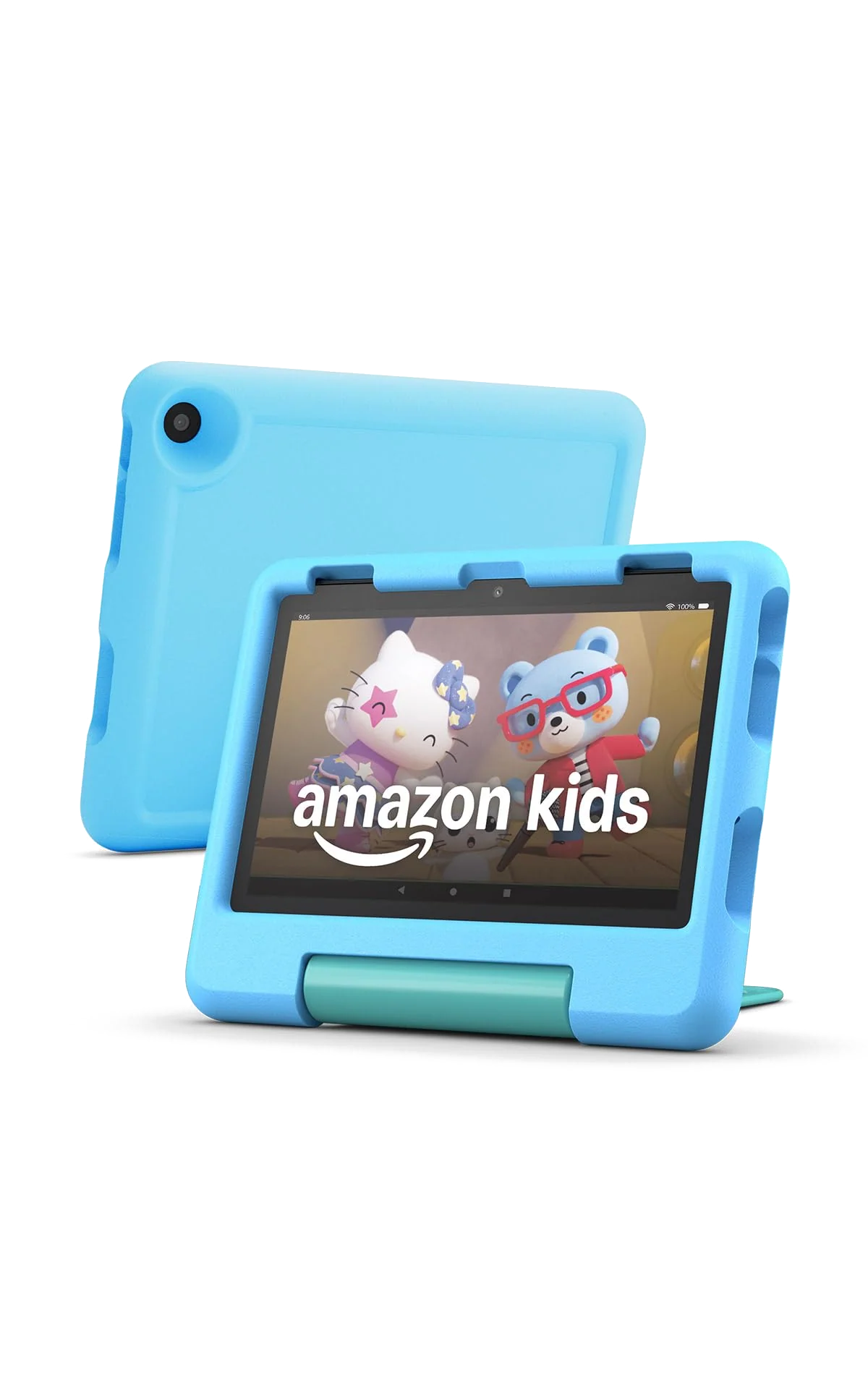
Buy the 2024 Fire HD 8 Kids for a child aged three to seven who mainly watches, reads and plays simple games, but skip it if your family needs Google’s apps, a sharp outdoor screen or an iPad-like level of speed.
Based on published owner reports and 2 other sources. We have not tested this machine ourselves.
We earn a commission if you buy through our links, which does not affect what we say.
Read how this site works →
A good first tablet with a very specific job
The 2024 Fire HD 8 Kids earns its recommendation by making a young child’s tablet narrower, tougher and easier for an adult to govern. Its 8-inch size is comfortable for travel, the case and guarantee address real household risks, and the child profiles are better suited to sibling sharing than the single-user structure of an iPad.
The compromises are not small. It is slow beside mainstream tablets, the display is coarse and reflective, charging with the included adapter is tedious, and Amazon’s app ecosystem can reject a family’s most important software before the tablet leaves the box. Kids+ also demands a decision once the included period ends.
Buy it when those restrictions sound helpful. A preschooler who needs shows, books, basic games and firm boundaries is the right owner; a child who already knows the exact Google Play game or YouTube Kids routine they want is not.
The Fire HD 8 Kids makes more sense once you stop judging it as a small general-purpose tablet. Its processor is ordinary, its screen is merely adequate and its app selection is restrictive. What Amazon actually sells is a controlled first screen wrapped in thick foam, backed by a two-year replacement promise and supplied with a year of curated children’s content on this particular listing.
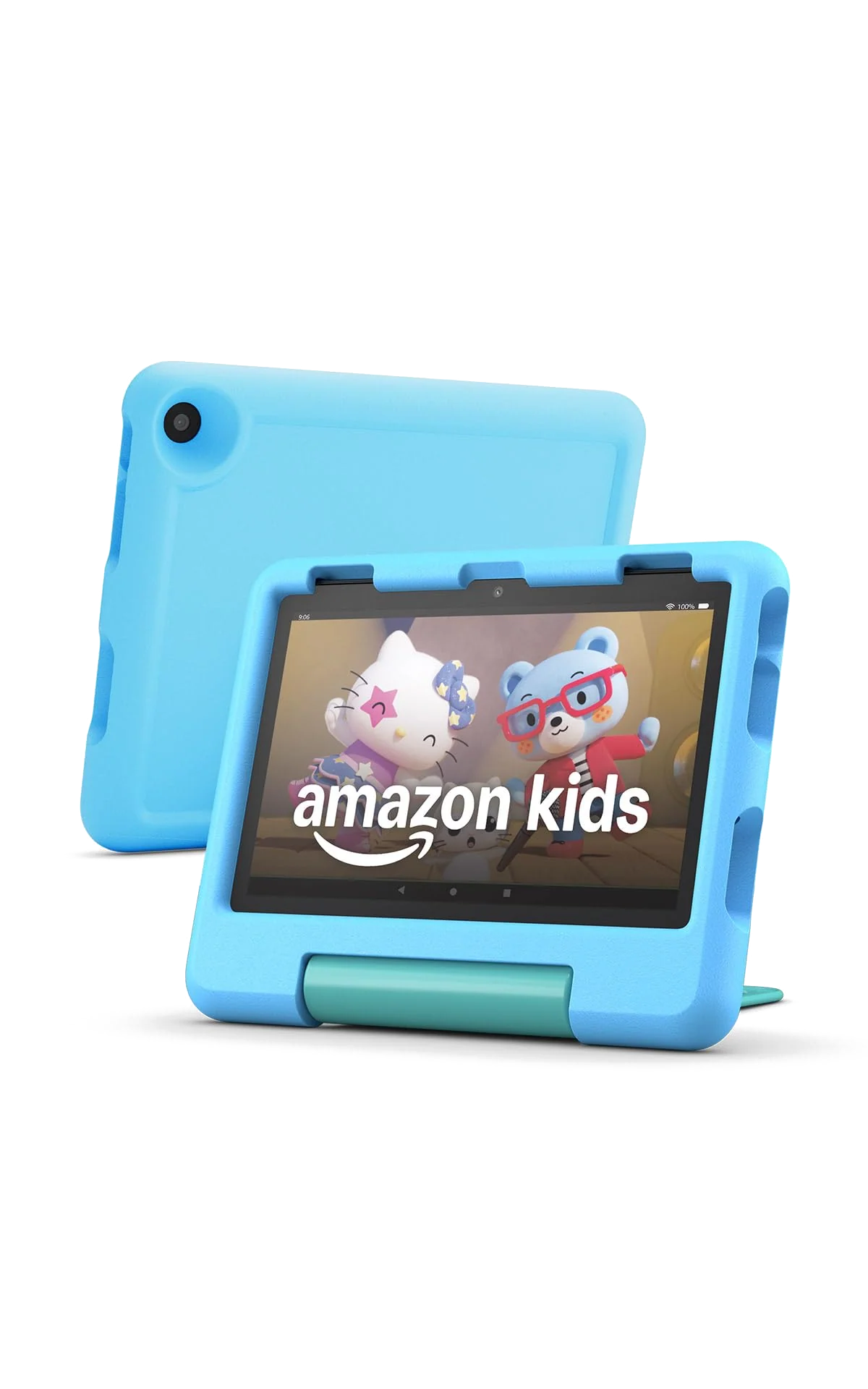
That bundle is the argument for buying it. The blue Kid-Proof Case surrounds the tablet, while a hinged piece serves as both a carrying handle and an adjustable stand. Amazon also includes a USB-C cable, power adapter and one year of Amazon Kids+, with the subscription set to renew unless it is cancelled. The 2024 32GB configuration has 3GB of RAM, an 8-inch 1280 × 800 display and microSD expansion up to 1TB.
The central limitation is just as clear: this is a Fire OS device, not a conventional Google-certified Android tablet. There is no Google Play Store, Google services or native YouTube Kids app. Amazon’s smaller Appstore and Kids+ library work well when they contain what your child needs, but a missing must-have app can turn an attractive bundle into the wrong tablet.
Buy it for a contained first screen
It suits a younger child whose tablet time consists of picture books, downloaded shows, simple learning activities, video calls with approved contacts and undemanding games. It also suits parents who would rather approve a smaller selection than manage the full breadth of an iPad or Android tablet.
Walk away if the app list comes first
Check every essential service before buying. Families built around native YouTube Kids, Google apps or games distributed only through Google Play should not treat browser access or unsupported sideloading as an equivalent solution. For a broader view of that problem, our guide to the apps missing from Amazon Fire tablets explains what Fire OS does and does not provide.
Key Specifications
The case and controls do more work than the specifications
With its case fitted, the Fire HD 8 Kids measures 8.7 × 7.1 × 1.1 inches and weighs 18.3 ounces. Remove the case and the tablet is much slimmer and about 6.4 ounces lighter, which shows how much protection Amazon has built around the hardware. The result is portable rather than elegant. Small hands get a substantial grip and a useful handle, but nobody will mistake it for a sleek mini tablet.
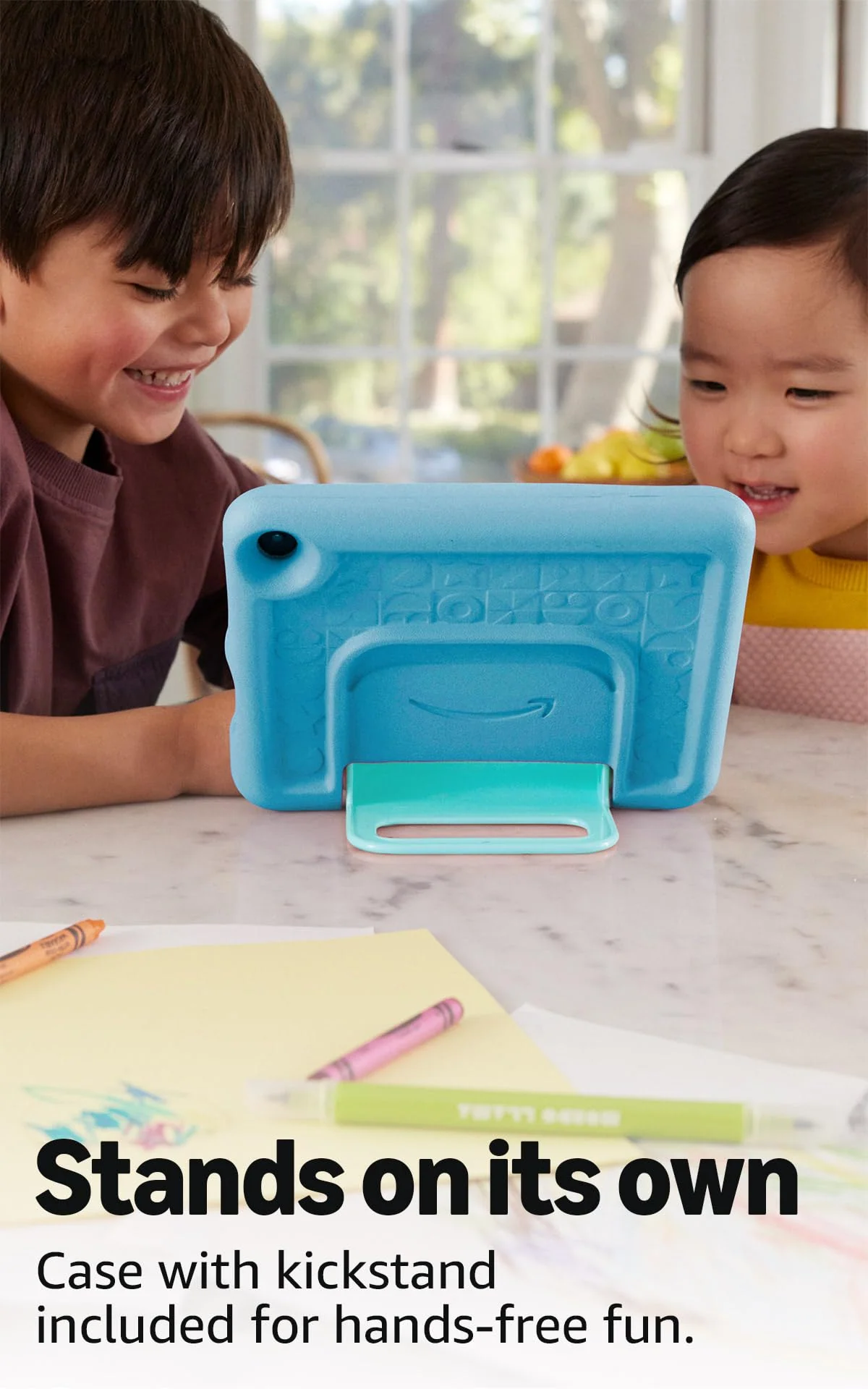
The hinge doubles as a viewing stand and holds the screen at several angles. It can require enough force that a young child may need help repositioning it, yet that resistance also keeps the tablet from collapsing every time a finger lands heavily on the display. Openings preserve access to USB-C, the volume and power controls, the cameras, a microSD slot and the increasingly useful 3.5mm headphone jack.
Exact-model owners repeatedly praise the handle, easy carrying and the case’s ability to survive ordinary drops. Those reports support the case’s value, but they do not make the tablet indestructible. There is no water-resistance rating, the glass remains exposed and foam cannot save electronics from every spill or concentrated strike. One owner sensibly added a screen protector.
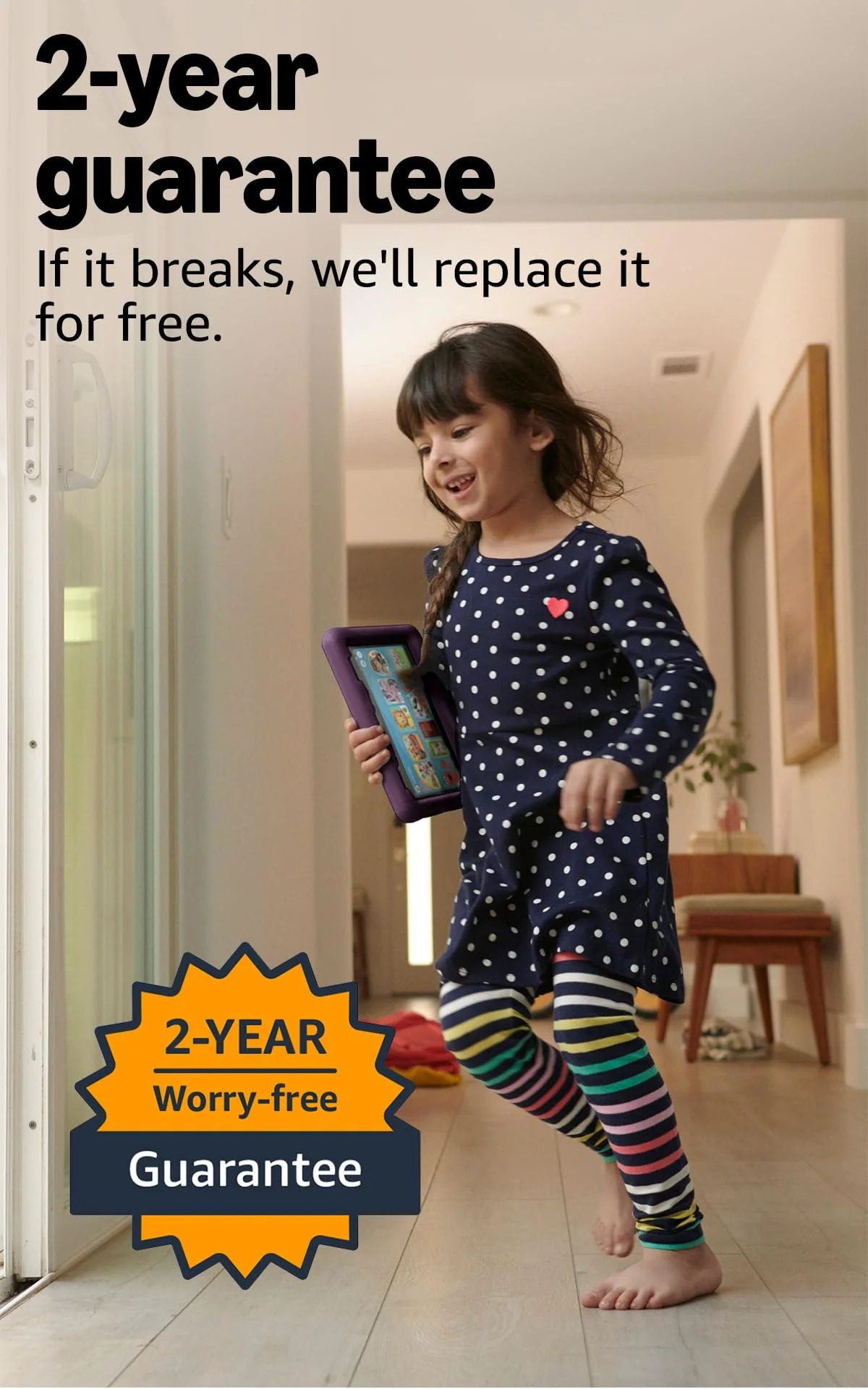
The two-year Worry-Free Guarantee matters because it addresses the damage the case cannot prevent. Amazon says it will replace the tablet for free if it breaks during that period. The case lowers the chance of a mishap becoming fatal; the guarantee lowers the financial consequence when prevention fails.
Parental controls are the strongest part of the software
An adult performs the initial setup, signs in with an Amazon account and creates the child profile. Up to four child profiles can live on the device, each with its own age filter, content permissions, time allowance and theme. Parents can pause access remotely, approve contact requests, review activity and require educational use before entertainment. A PIN protects the route back to the adult profile.
Basic limits are approachable; elaborate rules take more thought. A parent who only wants a bedtime and a daily allowance can get there quickly, while families building different weekday schedules, educational goals and content permissions for several children should expect some menu work. Siblings can share the hardware, although separate passwords are worth setting so one child cannot wander into another child’s profile.
The controls reduce exposure rather than abolish risk. Browser filtering is less reassuring than a carefully approved set of apps, so parents who do not need web access should turn it off instead of assuming the child interface makes the open web harmless.
Strengths & Limitations
Strengths
- The thick case, handle and stand are genuinely useful for small hands.
- The two-year replacement promise reduces the cost of an ordinary childhood accident.
- Parental controls support separate profiles, schedules, activity review and content approval.
- The compact size and tested battery life suit long journeys.
- MicroSD expansion prevents the 32GB configuration from becoming an immediate dead end.
Limitations
- Google Play and a native YouTube Kids app are absent.
- The processor stutters and is a poor fit for demanding games.
- The reflective 1280 × 800 screen looks basic and struggles outdoors.
- The included 5W charger can take about five hours to refill the battery.
- Kids+ turns the strongest part of the bundle into a recurring subscription decision.
- The case protects against impacts but adds bulk and provides no water resistance.
Fast enough for a preschooler is not the same as fast
The six-core 2.0GHz processor and 3GB of RAM cope with the intended routine: browse Kids+, open a book, stream a show, play a simple game and switch between ordinary child apps. Occasional stutters and a delay of a few seconds while waking are part of the experience. This is not the machine for ambitious 3D games, rapid multitasking or an impatient older child.
That distinction explains the gap between owner enthusiasm and harsher editorial comparisons. Owners describe smooth movie playback and speed that is excellent for a toddler, while comparisons with an iPad expose much slower profile changes, app loading and game response. Both can be true. The Fire’s performance is acceptable inside its narrow job, not impressive in the wider tablet market.
The display is fine in a bedroom and frustrating in sunlight
The 8-inch panel has a resolution of 1280 × 800 at 189 pixels per inch. Cartoons, illustrated books and large interface elements look clear enough indoors, but “HD” should not be confused with Full HD, unusually rich color or iPad-level sharpness. Small text and fine artwork show the limits more readily than children’s video does.
Glare is the greater problem. The screen becomes difficult to see outdoors or under direct bright light, so this is a better back-seat, sofa and bedroom tablet than a poolside one. Moving into shade helps the image but does nothing about the tablet’s lack of water resistance.
Expect a long outing, not thirteen hours of continuous video
Amazon advertises up to 13 hours of books, shows and music. In an exact-model continuous HD streaming test over Wi-Fi, the tablet lasted 9 hours and 41 minutes. That is more useful than the headline claim when planning a journey: it should cover a substantial travel day with breaks, but thirteen uninterrupted hours of video is not the sensible expectation.
Charging is the needless irritation. The supplied 5W adapter takes about five hours to refill the battery, whereas the same tablet reached full charge in 2 hours and 1 minute with a compatible 15W charger in PCMag’s test. Charge overnight with the bundled brick or budget for a suitable faster adapter already in the house.
Long-term battery evidence is limited rather than alarming. Most retained owners describe battery life positively, but one owner said the tablet began losing charge very quickly several months into ownership. A single report cannot establish a common defect, though it is a fair reason to monitor runtime while the two-year guarantee remains in force.
Amazon Kids+ is both the value and the catch
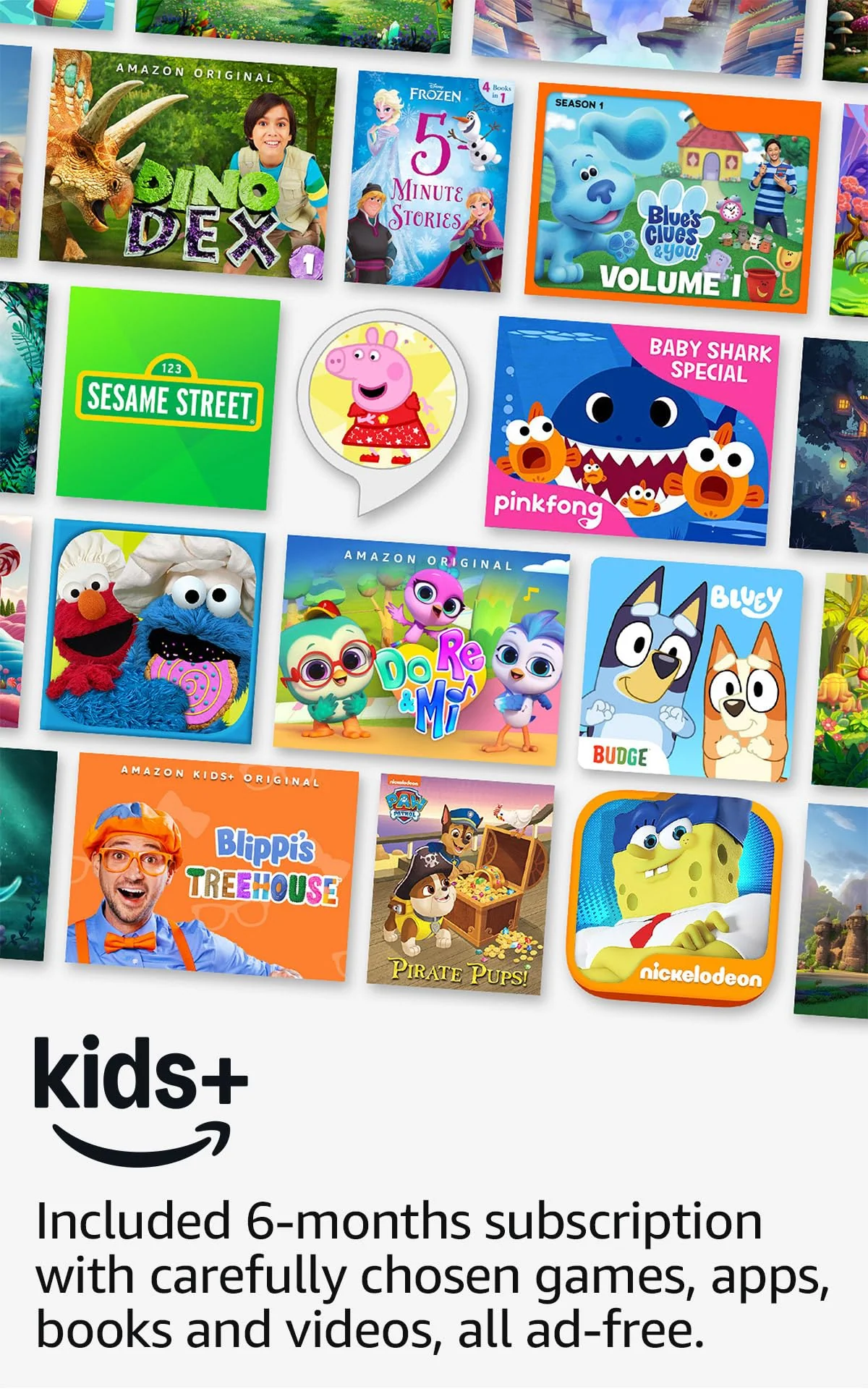
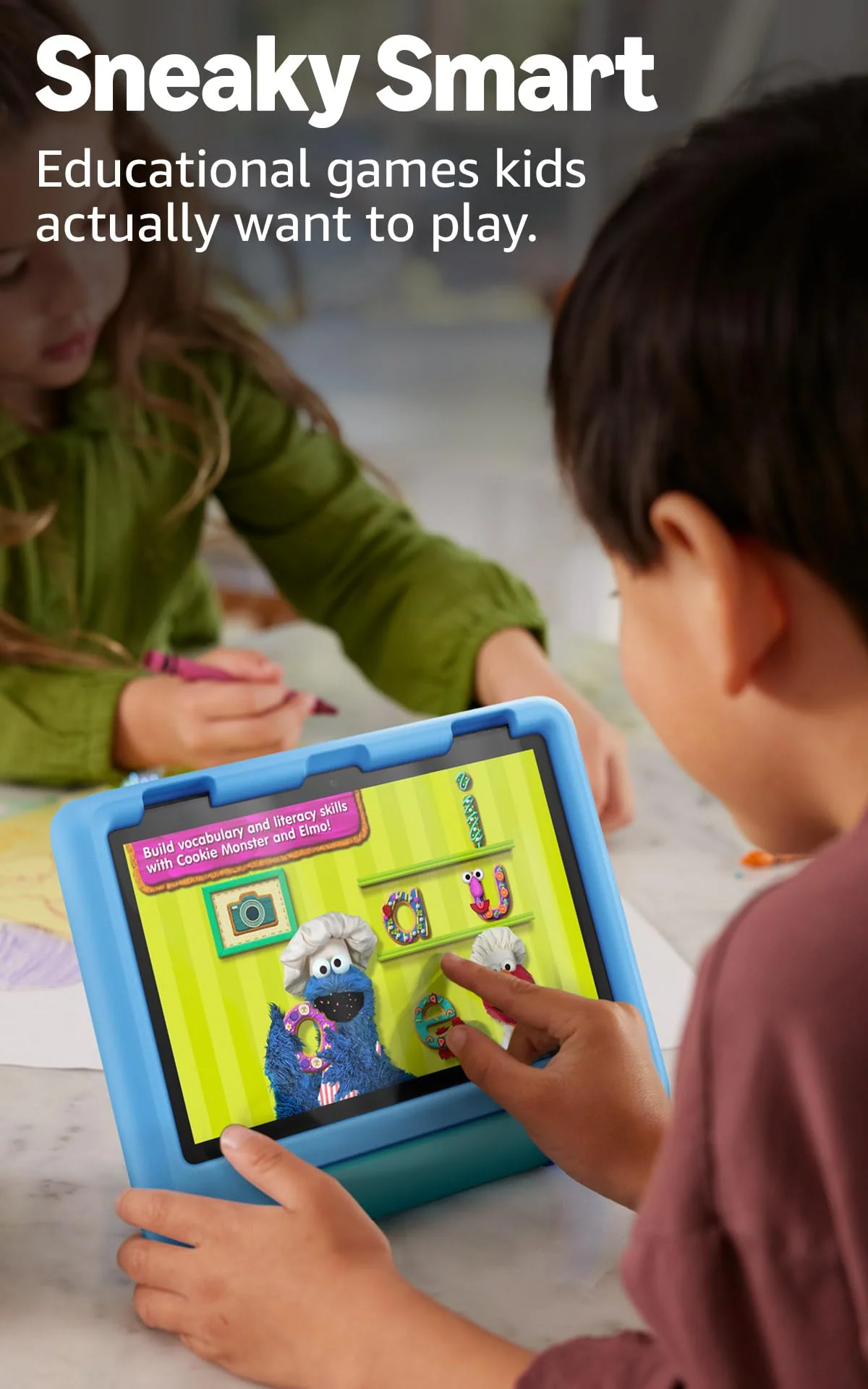
On the captured B0CVDVVRYM listing, the package includes one year of Amazon Kids+. The service collects ad-free children’s books, videos, games and learning activities inside the child interface, with age filtering and recognizable publishers such as Disney, Nickelodeon and PBS Kids. “Ad-free” describes the Kids+ catalog, not every outside app, streaming service or website a parent later approves.
The catalog’s size does not guarantee depth. Plenty of material is pleasant filler, some apps are slight, and a specific popular book or game may still require a separate purchase. The interface can also present an intimidating wall of icons to a child who cannot yet tell a book from a game or show. Parents get better results by curating a manageable starting shelf instead of treating thousands of choices as an automatic benefit.
Kids+ is not required for the tablet to keep working. After cancellation, approved or purchased apps and content remain usable according to their own terms, while the subscription catalog disappears. The parent then assumes more of the discovery and curation work that made the Kids edition convenient in the first place. Our separate guide to whether Amazon Kids+ is worth renewing breaks down that decision.
The exact listing says the included year automatically renews monthly at the applicable rate unless cancelled through the Parent Dashboard or customer service. Amazon has sold other package lengths, and independent sources have recorded six-month configurations, so confirm the term displayed for the offer you are actually ordering rather than assuming every Fire HD 8 Kids bundle is identical.
Thirty-two gigabytes is enough to begin, not enough to forget about
Streaming and a modest collection of apps fit the 32GB model’s purpose, but offline shows, games and books consume space quickly. A microSD card of up to 1TB provides the practical escape hatch. That expansion is especially valuable before a flight or road trip, when an empty storage warning is considerably less charming than it sounds at home.
Download content while connected to Wi-Fi, open it once and verify that it still plays without a connection. Different apps apply different offline rules, and streaming-service downloads can require a refreshed license. The tablet can be an excellent travel companion, but only after the adult has done the unglamorous preparation.
The alternatives divide by size and freedom
The Fire HD 8 Kids and Fire HD 10 Kids comparison is the relevant next stop if the child mostly watches video at home. The larger model supplies a sharper 10.1-inch display and quicker performance, while this 8-inch version is easier to carry, hold and fit into a travel bag.
An iPad is the better long-term choice for demanding games, creativity, schoolwork and a far broader app library. It also costs more, needs a serious case and lacks the Fire’s convenient sibling profiles. Families still deciding how much tablet is appropriate can see the wider field in our guide to the best tablets for kids.
How it should age
The case, expandable storage and replacement guarantee all help this tablet survive its first owner. Software ambition is the tighter limit. A child who is content with stories and simple games at four may want faster graphics, a less childish interface and apps outside Amazon’s store by seven.
Do not assume the Fire HD 8 Kids Pro solves that problem with faster hardware. The Pro version changes the case and presents broader store and web behavior for older children, but it is not a meaningful performance upgrade. A careful child near the top of the age range may prefer its slimmer styling; a drop-prone preschooler is better matched to the thick foam case reviewed here.
If speed and screen quality become the complaint, moving to the larger Fire HD 10 Kids makes more sense than switching from Kids to Kids Pro within the same 8-inch generation. If unavailable Google apps become the complaint, neither Fire variation solves the ecosystem problem.
Frequently Asked Questions
Is the Fire HD 8 Kids suitable for a preschooler?
Yes, its thick case, simple child interface and strong parental controls make it best suited to children aged three to seven who use basic apps and video.
Does it include Google Play or YouTube Kids?
No, it uses Amazon’s Appstore and does not provide Google Play or a native YouTube Kids app.
Will the tablet work after Amazon Kids+ ends?
Yes, the hardware and approved or purchased content continue to work, but the Kids+ catalog disappears and parents must curate more content themselves.
Is 32GB enough for the Fire HD 8 Kids?
It is enough for streaming and light app use, but a microSD card is sensible for a large collection of offline shows, games and books.
Does the battery last for thirteen hours?
Amazon claims up to 13 hours, while an exact-model continuous streaming test lasted 9 hours and 41 minutes.
Can children use Netflix and Disney+?
Yes, parents can install and approve supported streaming apps, but each service requires its own subscription and parental settings.
Is the Fire HD 8 Kids waterproof?
No, the foam case protects against many bumps and drops but the tablet has no water-resistance rating.
Can siblings have separate profiles?
Yes, the tablet supports up to four child profiles with separate age filters, limits, permissions and activity records.
Is the Kids Pro version faster?
No, the Kids Pro chiefly changes the case and child experience for older users rather than providing a faster class of hardware.