The best note-taking tablets put pen, page and PDF ahead of processor bragging
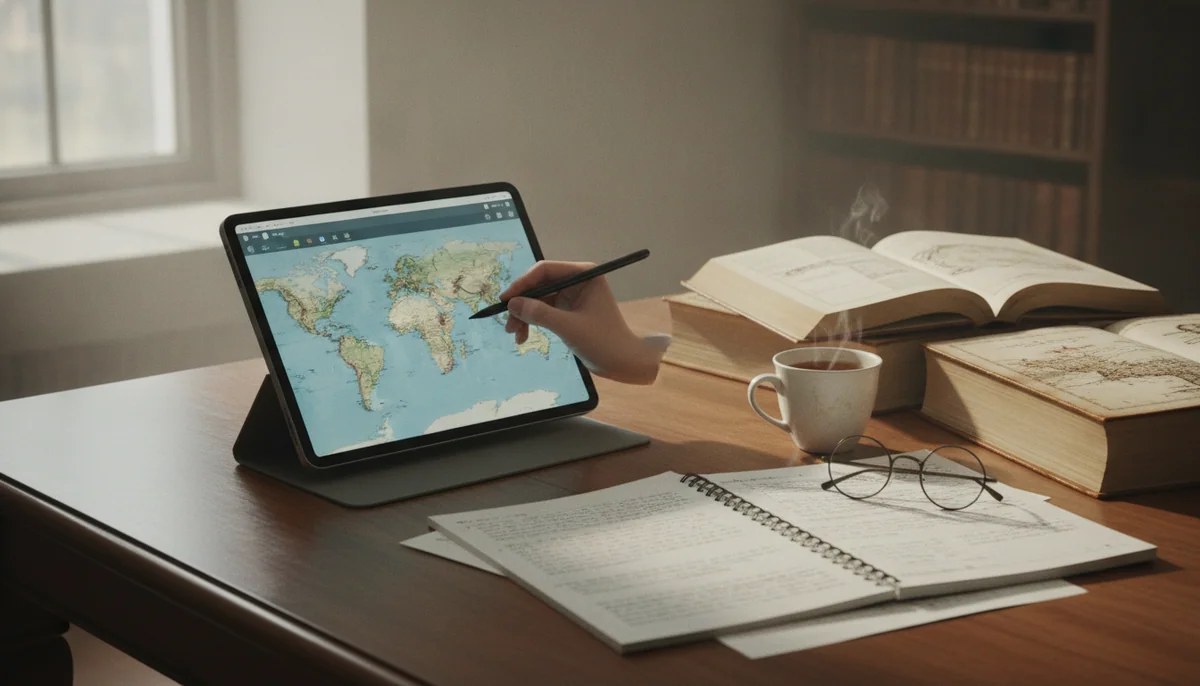
A good note-taking tablet should disappear beneath the work. The pen mark must land where expected, a document should remain readable without constant pinching, and the software should make yesterday’s note easier to find than the paper scrap it replaced. Processor speed matters only after those conditions are met.
That is why the Galaxy Tab S10 FE+ leads this list. Its large laminated display leaves room for full pages and useful split-screen study, the battery-free S Pen comes in the box, and Samsung Notes provides a coherent home for handwriting and PDF markup. Its scale is also the chief objection: at about 664g before adding a case, it behaves more like a portable digital desk than a notebook held casually in one hand.
The reMarkable Paper Pro takes the opposite route. It is the better writing object, with a textured 11.8-inch color E Ink surface, a front light and a Marker Plus whose built-in eraser keeps corrections natural. It is not the better tablet. There is no browser, app store, OneNote, protected Kindle access or rich office environment, and some of the most complete cloud and handwriting-search features sit behind Connect.
Choose the Samsung for one complete device
It can hold a source and notebook side by side, run conventional Android applications, expand its storage and survive the occasional spill under its IP68 conditions. Buy a case with enclosed pen storage because the magnetic edge is not a secure place for an S Pen inside a crowded bag.
Choose the reMarkable for deliberate limitation
It suits an existing routine built around handwritten meetings, lectures and long PDFs, especially when browsers and notifications repeatedly derail concentration. Do not buy it in the hope that an expensive digital notebook will create a paper habit you do not already have.
The iPads divide by canvas rather than raw ability. The basic A16 model is sufficient for mainstream notes, the mini is unusually portable, the Air models add a laminated display and Pencil Pro support, and the Pros add tandem OLED and 120Hz motion. Every Apple option requires a separately purchased compatible Pencil, so compare the working kit rather than the bare tablet.
Anyone who wants an Apple-only shortlist can move directly to our guide to the best iPads for note-taking and studying. Buyers still unsure whether pressure sensitivity, palm rejection and an active pen justify another accessory should first read when an active stylus earns its place.
The pen is only half of the note-taking system
Stylus compatibility is the first filter, not the last. An active pen should provide reliable palm rejection and place marks predictably, but inclusion changes the value calculation: Samsung and reMarkable supply the pen in these configurations, while every iPad and the Fire HD 10 require another purchase. Apple compatibility also changes by model, so an existing Pencil is not automatically reusable.
| Priority | Best direction | Trade-off accepted |
|---|---|---|
| One complete study tablet | Galaxy Tab S10 FE+ | A large and heavy chassis with midrange processing power |
| Distraction-free handwriting | reMarkable Paper Pro | No conventional apps, browser or broad ebook ecosystem |
| Affordable iPad notes | A16 iPad | A reflective non-laminated display and basic Pencil support |
| Portable professional notes | iPad mini | A cramped page and limited split-screen space |
| Serious all-purpose iPad | 11-inch iPad Air | A 60Hz LCD and separate Pencil purchase |
| Large Apple workspace | 13-inch iPad Air | Desk-oriented handling and limited base storage |
| Best compact display and Pencil response | 11-inch iPad Pro | A premium few ordinary note-takers need |
| Largest premium iPad canvas | 13-inch iPad Pro | High total cost and poor unsupported ergonomics |
| Occasional low-stakes annotation | Fire HD 10 | Restricted applications and a separately sold stylus |
Match the screen to the document
A small tablet is easier to carry, but a large PDF on an 8.3-inch screen often becomes a sequence of zooms rather than a page. A 13-inch display preserves margins, figures and handwritten space, although it wants support from a desk or stand. Eleven inches is the safest compromise for a mixed routine, while full-page academic papers, music and technical documents give the largest screens a clearer purpose.
Display lamination matters when precision matters. The A16 iPad’s cover glass sits above the pixels, so the Pencil mark can appear slightly separated from the tip; the Air, Pro and Samsung displays provide a more direct visual relationship. That difference is tolerable for lecture notes and checklists, but it becomes easier to notice around tiny handwriting, diagrams and detailed drawing.
Decide where the archive will live
Search, export and synchronization determine whether a digital notebook remains useful after the novelty fades. General tablets can move among note applications and cloud services, but that flexibility can produce scattered files and subscription overlap. reMarkable offers a more coherent archive, yet native notebooks use its own format and lose editable strokes and layers when exported as ordinary PDFs.
Storage capacity is less dramatic for handwriting than for video, but downloaded textbooks and image-heavy PDFs accumulate. Samsung’s microSD slot is useful for a document library, while iPads and Paper Pro have no card expansion. Buyers planning several years of local course material should estimate actual files rather than assume a cloud account makes internal capacity irrelevant; our tablet storage guide turns that estimate into a practical capacity choice.
Count the objects that must travel together
A bare tablet is not a note-taking kit. Add the compatible pen, spare nibs, a case that keeps the stylus attached, and a stand if the screen is large. A keyboard belongs in the total only when typing is genuinely part of the workflow. If the setup keeps growing until it resembles a laptop, compare it with the tablets that can credibly replace a laptop before paying to assemble a compromised one.
The Galaxy Tab S10 FE+ remains the recommendation for most buyers who can live with its size, while the reMarkable Paper Pro is the sharper choice for people who want handwriting and PDFs to exclude everything else rather than coexist with it.
Nine tablets, nine different compromises
The ranking favors the complete writing and annotation experience rather than treating the fastest processor as an automatic victory. Screen size, lamination, pen inclusion, document handling, portability and distraction all count because they alter the act of taking notes; cameras and benchmark leadership rarely do.
The Fire HD 10 is the inexpensive option for occasional annotations rather than a dependable digital notebook.
Its 10.1-inch Full HD screen, microSD expansion and optional USI 2.0 stylus can handle light handwriting and simple PDF marks when every required app exists in Amazon’s store.
Fire OS lacks official Google Play access, the stylus is sold separately and the limited software catalog can break a study workflow before the modest hardware does.
Amazon advertises 4,096 pressure levels with a separately sold compatible stylus, but that specification does not repair missing applications or turn the device into a serious creative workstation. The Fire earns a place only for a buyer whose needs are already modest and verified; our guide to missing Fire tablet apps explains the store restriction before it becomes a checkout surprise.
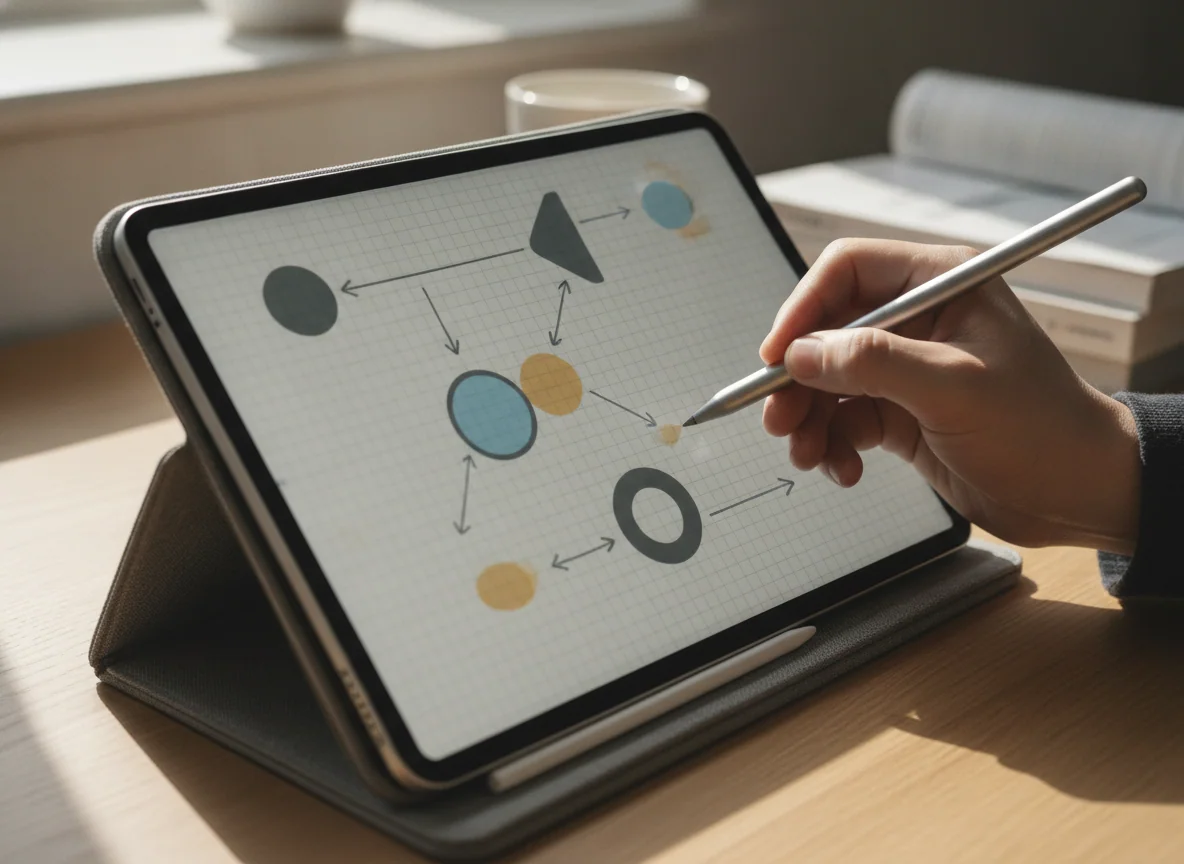
The reMarkable Paper Pro is the best pure digital notebook for established handwriting and color-coded PDF work.
Its large reflective display, convincing pen friction, muted color, front light and included Marker Plus make long writing sessions feel more coherent than they do on ordinary tablet glass.
It is an expensive specialist with no browser, app store, OneNote, protected Kindle books or full office suite, and the bundle does not include a protective folio.
Paper Pro is the strongest choice when less software produces better work. Its folders, tags, templates, layers and document tools can consolidate notebooks and printed PDFs without opening another route to messages or entertainment. The muted E Ink colors help distinguish highlights and revisions, but they resolve more slowly than LCD color and are unsuitable for vivid digital painting.
Long-term risk deserves attention at this level of spending. Retained owner reports include both durable daily use and serious display failures, which cannot establish a defect rate but do make persistent ghosting, dark areas and dead pixels worth checking promptly. Brief refresh flashes are normal for E Ink; marks that obstruct the document are not.
The A16 iPad is the best-value iPad for class notes, ordinary PDFs and a broad app library.
Its responsive everyday performance, practical 128GB starting capacity and support for the USB-C Apple Pencil cover the work most students and casual annotators actually do.
The glossy non-laminated 60Hz display reflects bright rooms, places a visible gap beneath the Pencil tip and cannot use Apple Pencil Pro.
This is the sensible Apple choice when handwriting is important but not the whole reason for owning the tablet. It can place notes beside a PDF, scan worksheets with the rear camera and run the mature selection of iPad note applications without demanding M-series performance. Precise illustration exposes its display gap, while normal handwriting and markup usually do not.
The iPad mini is the best pocketable notebook for rounds, field work, travel and standing notes.
Its 8.3-inch body, Apple Pencil Pro support, 128GB storage and strong A17 Pro performance make it unusually easy to carry and quick to consult.
The small 60Hz canvas cramps split-screen reading, full-page PDFs and extended writing, while an older second-generation Apple Pencil cannot be reused.
Choose the mini because its dimensions solve a repeated problem. A clinician’s coat pocket, a field bag or a standing inspection route can make an 11-inch tablet impractical, and the smaller iPad remains large enough for quick notes and reference material. At a desk, the same screen forces more zooming, gives an on-screen keyboard too much territory and turns two-app layouts into narrow panes.
The Galaxy Tab S10 FE+ is the best overall tablet for handwritten notes and full-page PDF annotation.
Its enormous laminated 90Hz display, included battery-free S Pen, Samsung Notes tools, microSD expansion and exceptional endurance form the most complete note-taking package here.
The 664g body is cumbersome to hold, the LCD cannot match OLED contrast and the modest Exynos processor with USB 2.0 limits demanding creative or docked work.
The FE+ wins because the pen, screen and software arrive as a functioning system rather than a list of future purchases. Full-page textbooks and articles remain legible, handwriting sits visually close to the pen tip, and split screen can keep a document open beside Samsung Notes. Independent tests also recorded unusually long browsing and video endurance, although the separately purchased charger still took close to two hours to fill the battery in one test.
This is not a disguised flagship. Demanding games and heavy creative work reveal the Exynos 1580’s midrange performance, while the USB-C 2.0 port cannot drive a conventional wired monitor. Those shortcomings matter far less to a student annotating papers than to somebody trying to build a DeX workstation, which is why the tablet ranks first for this job and not for every job.
The 11-inch M5 iPad Pro is the premium compact choice for fluid Pencil work and demanding note-based creative projects.
Its laminated tandem-OLED display, 120Hz ProMotion, compact 444g body and abundant performance make handwriting, diagrams and visual reference work exceptionally polished.
Its high-end processor is unnecessary for routine notes, Pencil Pro and protection cost extra, and iPadOS cannot supply missing desktop applications or plugins.
The screen is the defensible reason to pay more. ProMotion makes rapid strokes and scrolling look more immediate, OLED gives dark documents and media excellent contrast, and the 11-inch chassis remains comfortable enough to carry between rooms or classes. The M5 itself is mostly excess unless notes lead into illustration, video, 3D or another demanding iPad-native workflow.
The 11-inch M4 iPad Air is the best balanced iPad for serious notes, art and portable creative work.
Its laminated display, Pencil Pro support, light body, 12GB of memory and fast M4 platform give frequent writers and artists more precision and headroom than the basic iPad.
The screen remains a 60Hz LCD, the 128GB model can become cramped and the separate Pencil, keyboard and case quickly enlarge the total commitment.
The Air is the sensible step up when the A16 iPad’s non-laminated display or limited Pencil support would interfere with daily work. Its glass remains smooth rather than paper-like, but the mark appears closer to the tip and Pencil Pro adds magnetic charging plus faster tool access. Buyers who only make occasional notes will gain more specification than practical benefit.
The 13-inch M4 iPad Air is the best large Apple canvas for full pages, split-screen research and desk-based handwriting.
Its broad laminated display gives PDFs, sheet music, diagrams and note applications room to coexist without paying for the Pro model’s OLED panel and M5 chip.
The wide body becomes tiring in the hands, its 60Hz LCD can bother fast stylus users and 128GB is a restrictive foundation for years of creative files.
Choose this Air only when it will usually rest on a stand, desk or keyboard. The large 4:3 surface resembles a page and makes side-by-side study genuinely useful, but the leverage of the broad chassis matters more than its bare weight suggests. The 11-inch and 13-inch iPad Air comparison is the useful next step if you are torn between workspace and handheld comfort.
The 13-inch M5 iPad Pro is the no-compromise display choice for professional Pencil workflows that already belong on iPadOS.
Its expansive tandem-OLED canvas, 120Hz ProMotion, 12GB of base memory, Thunderbolt and Pencil Pro support make complex visual notes and multi-window creative work unusually capable.
The 13-inch body is awkward unsupported, the 256GB model has reflective glossy glass and the necessary Pencil, stand or keyboard turns an extravagant tablet into an even larger purchase.
The largest Pro makes sense for a working artist, designer or document-heavy professional who can identify a capable iPad application for every important step. One retained owner reported completing most of a parts-design workflow in Shapr3D while keeping a desktop for the remainder, which is a stronger buying case than any benchmark because it names both the replacement and the limit.
Most note-takers should stop before this tier. The OLED panel and 120Hz Pencil response are excellent, but the FE+, Paper Pro and Air models already solve more ordinary handwriting and PDF jobs with fewer costs or more purposeful constraints. Buy the 13-inch Pro because the display and iPad-native workflow earn their keep, never because an M5 sounds like insurance against an undefined future.
Frequently Asked Questions
Which tablet is best for handwritten notes and PDF annotation?
The Galaxy Tab S10 FE+ is the best overall choice because its large laminated display, included S Pen and capable note software cover both handwriting and full-page document work.
Is an E Ink tablet better than an iPad or Galaxy Tab for notes?
An E Ink tablet is better for focused handwriting and reflective-screen reading, while an iPad or Galaxy Tab is better when notes must coexist with browsers, media, communication and broader applications.
Does the reMarkable Paper Pro replace an ordinary tablet?
No, it is a specialist digital notebook without a conventional browser, app store, OneNote, protected Kindle access or full office suite.
Is the basic A16 iPad good enough for college notes?
Yes, it handles mainstream note applications and PDF markup well with a compatible Pencil, although its reflective non-laminated display is less precise than an iPad Air or Pro.
Is an 8-inch tablet too small for handwritten notes?
An 8-inch tablet can work well for quick portable notes, but full-page PDFs, split-screen study and long writing sessions are more comfortable on an 11-inch or larger display.
Do these tablets include a pen?
The Galaxy Tab S10 FE+ includes an S Pen and the reMarkable bundle includes Marker Plus, while the Fire HD 10 and every iPad here require a separately purchased compatible stylus.
Is 128GB enough for notes and PDFs?
128GB is normally sufficient for notes, applications and a substantial PDF library, but large offline media collections, games and creative projects can make more storage worthwhile.
Should I buy an iPad Pro just for note-taking?
Usually not, because the basic iPad and iPad Air already handle notes well unless 120Hz Pencil motion, tandem-OLED contrast or a demanding creative workflow justifies the Pro premium.
Is a 13-inch tablet practical for lectures and meetings?
A 13-inch tablet is excellent on a desk or stand but can be awkward in cramped seating, small bags and any situation that requires prolonged one-handed use.
Our Top Recommendation
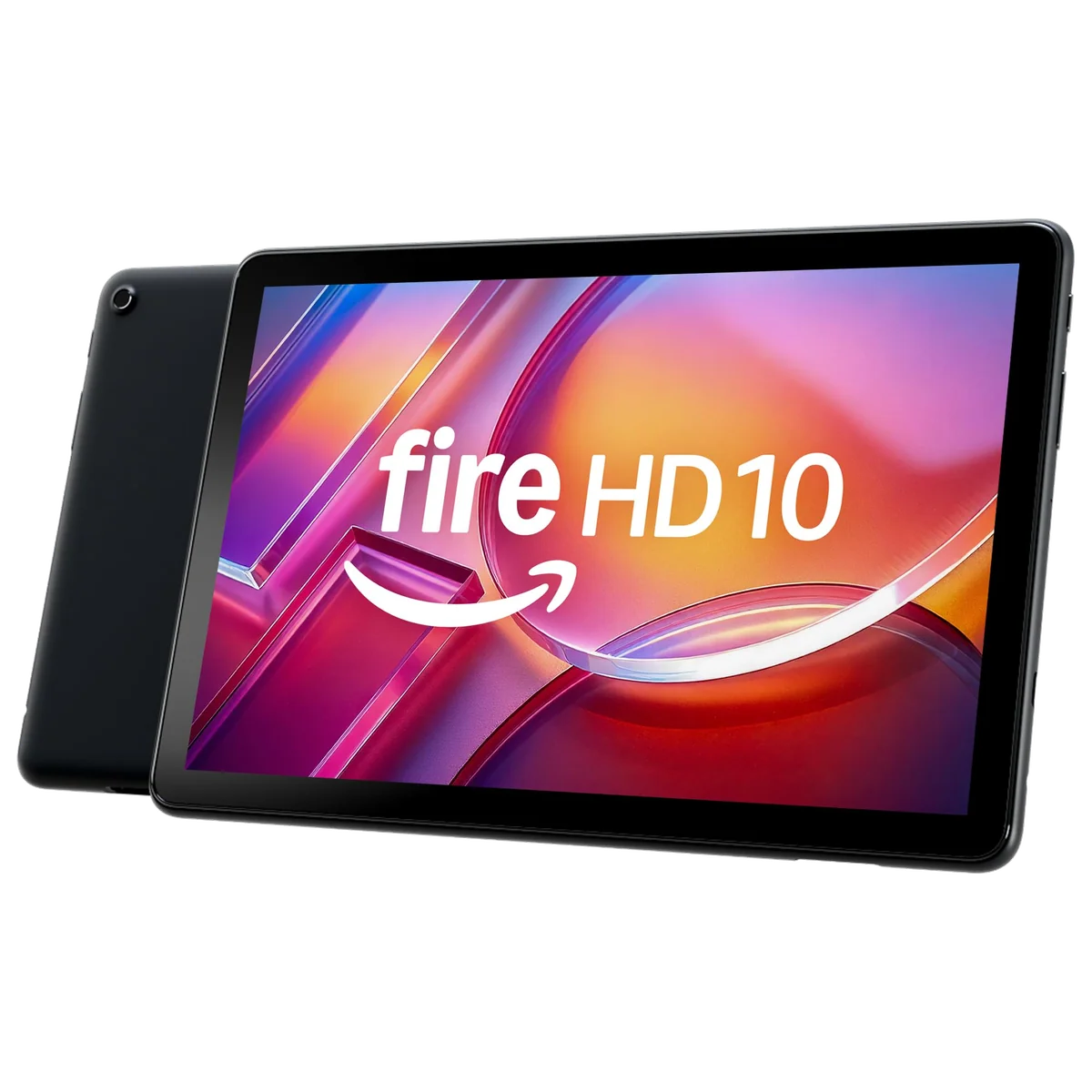
Based on our research, the Amazon Fire HD 10 2023 is our top pick — note taking.