The best tablets for kids are built around the child, not the biggest specification
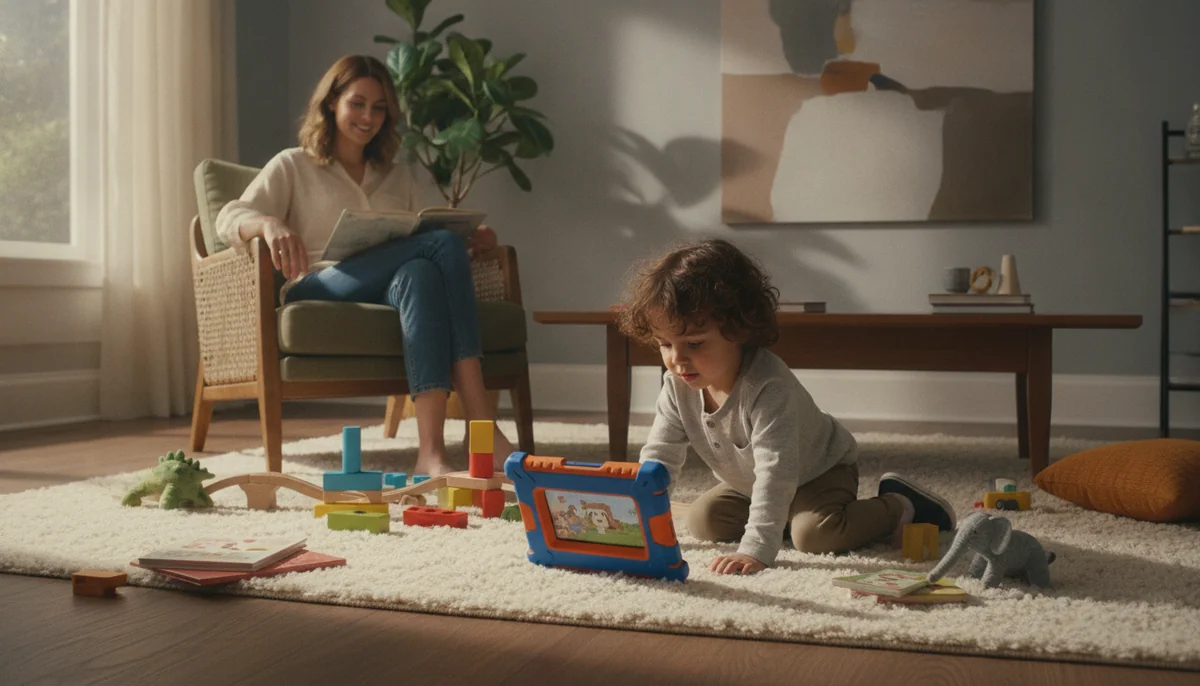
A child’s tablet has three users: the child tapping it, the adult governing it and the floor waiting beneath it. The best choice is the one that works for all three. That is why the Amazon Fire HD 10 Kids wins this guide despite being slower and less flexible than the iPad and Samsung alternatives.
The Fire HD 10 Kids is not the best computer here. Its 3GB of memory, restricted Fire OS app selection and bulky case make that impossible. It is the best ready-made first-tablet package because Amazon combines a sharp 10.1-inch screen with a protective case, granular child profiles, one included year of Kids+, no lock-screen advertising and a two-year replacement guarantee. Parents do not need to construct the safety system one accessory and setting at a time.
That recommendation has a hard boundary. Fire tablets do not include Google Play or the official collection of Google apps, and unsupported workarounds should not be the foundation of a child’s device. Check the essential app list before buying. If Google Classroom, Gmail, a particular Play Store game or native YouTube Kids is non-negotiable, our explanation of what Amazon Fire tablets omit should settle the question before the case color does.
Buy a children’s bundle when protection and boundaries come first
A Fire Kids tablet is the cleaner choice for a preschooler whose routine consists of picture books, downloaded shows, learning activities and simple games. Its limitations can be useful because the adult starts with a contained environment instead of an unrestricted general-purpose tablet.
Buy a general tablet when the child’s ambitions come first
An iPad or mainstream Android tablet is the better direction for demanding games, creative apps, school services and a device likely to remain useful beyond the early-child interface. Budget separately for a substantial case, a screen protector and the time required to configure parental controls.
Size is the next decision, not an afterthought. Ten and eleven inches give video, comics and shared activities room to breathe, but they are awkward for a small child to carry one-handed. An eight-inch tablet is easier in a car, airplane seat or crowded bag. Our direct Fire HD 8 Kids versus Fire HD 10 Kids comparison handles that tradeoff without pretending the larger screen is automatically better.
Choose the rules before choosing the tablet
A child does not need the fastest processor in the house. The device needs enough performance for the apps the child will actually use, enough storage for days without Wi-Fi and enough physical protection for the way it will be handled. Beyond that threshold, governance and fit matter more than benchmark bragging rights.
Check the essential apps one by one
Write down the services the child already uses at school and home, then verify each against the platform. “It has apps” is not an answer. Amazon’s Appstore, Apple’s App Store and Google Play are different catalogs, and browser access is not always an adequate substitute for an official app with downloads, notifications and accessibility features.
This step divides the shortlist cleanly. Choose a Fire tablet only if Amazon’s catalog covers the family’s requirements. Choose Lenovo, COLORROOM or Samsung when Google Play is central. Choose the iPad when specialized creative software, strong game support or coordination with an existing Apple household matters most.
Treat the case as part of the device
The thick Fire Kids cases are credible drop protection, not waterproofing and not permission to throw the tablet. The iPad, Samsung and Lenovo need protection appropriate to the child rather than a decorative sleeve designed for an adult commuter. Raised screen edges, covered corners and a stand stable enough for heavy tapping are more useful than a thin shell in a fashionable color.
A replacement guarantee changes the financial consequence of a broken device, but it does not preserve every local file or game state. Set up the child’s accounts correctly, enable available backups and confirm which apps synchronize progress before the tablet acquires a year of irreplaceable creations.
Storage matters most when the internet disappears
Thirty-two gigabytes can support streaming and a restrained selection of apps, but offline movies and games consume it quickly. A microSD card is a practical advantage on the Fire, Lenovo, COLORROOM and Samsung models, especially for long travel. The iPad starts with a more comfortable 128GB but cannot be expanded later.
Download entertainment before leaving home, open every important item once, turn off Wi-Fi and test it again. Streaming services apply their own expiration and licensing rules, so a download icon is not proof that the content will work at cruising altitude. Families unsure about capacity can use our guide to matching tablet storage to real use.
Plan for the child two years from now
A preschooler may outgrow a juvenile interface before wearing out the hardware. Amazon’s age filters can mature, but they do not add Google Play or stronger graphics. The Lenovo’s conventional Android interface grows more naturally with the user, although its confirmed update runway is short. Samsung offers the strongest stated Android support position here, while the iPad has the performance headroom and software breadth to take on more serious work.
Growth should not become an excuse to buy an unnecessarily complex device today. The ideal tablet gives the child enough freedom to develop without making every session an administrative project for the adult. For an older child whose needs have moved toward homework, our student tablet guide starts from that different job.
Six tablets, six different ideas of what a child needs
The ranking favors a coherent family experience over raw processor speed. A tablet moves down when its software is a poor fit for children, when its physical protection must be rebuilt from scratch or when a serious weakness undermines the reason to buy it. It moves up when its compromises are clear and its intended job is easy to defend.
The Fire HD 10 Kids is the best first tablet for most young children.
Its roomy Full HD screen, thick case, deep parental controls and two-year replacement guarantee form the strongest complete package for children aged three to seven.
Fire OS lacks Google Play and official Google apps, while the bulky shell and modest hardware make it a poor match for small hands that want demanding games.
The 10.1-inch, 1,920 × 1,200 display is the winning difference within Amazon’s children’s range. Picture books, cartoons and generous touch targets benefit from the space, and two children can see the screen more comfortably when sharing. The case’s handle doubles as a landscape stand, although it is stiff and can hang low when carried by a short child.
Amazon’s advertised battery figure reaches up to 13 hours, while independent maximum-brightness video tests landed closer to nine and a half to ten and a quarter hours. That is still enough for a substantial journey, but the included charger can require roughly three to four hours for a complete refill. Prepare downloads and charge the night before travel rather than conducting both experiments at the departure gate.
The bundle is most convincing while its surrounding benefits remain useful. Kids+ becomes a paid renewal decision after the included year, the case does not provide waterproofing and a replacement device may not restore every game’s progress. None of those drawbacks overturns the recommendation, but each belongs in the family plan.
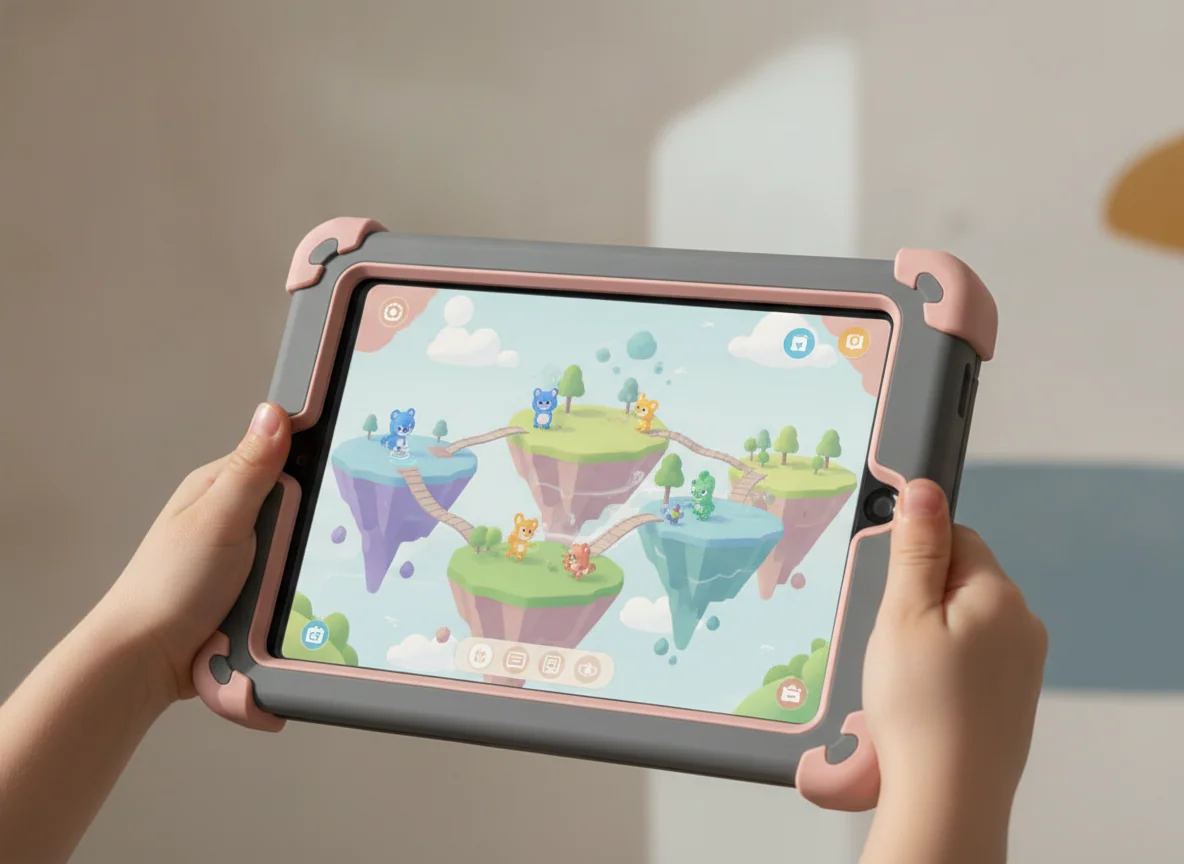
The Fire HD 8 Kids is the better choice for little hands and crowded travel bags.
It preserves Amazon’s protective case, child profiles, Kids+ year and replacement promise in a more portable eight-inch package.
The 1,280 × 800 screen is less sharp, the processor can stutter and the supplied low-power charger makes refilling the battery needlessly slow.
Choose the smaller Fire because the child will carry and hold it, not because it is secretly the same experience in miniature. Its screen is coarser, bright outdoor light overwhelms it and ambitious games expose its limited performance. Indoors, however, cartoons, picture books and simple activities look perfectly adequate, while the handle and reduced footprint are easier for a preschooler to manage.
An exact-model continuous streaming test lasted 9 hours and 41 minutes, short of Amazon’s conditional headline claim but long enough for most travel days with breaks. The battery is paired with a supplied adapter that can take about five hours to fill it, so a compatible faster charger already owned by the household can be a more useful accessory than another decorative case.
The COLORROOM C30 is the affordable Google Play option that needs the greatest caution.
Its ten-inch screen, Google Kids Space, 64GB of storage and microSD expansion offer more app freedom than a Fire Kids tablet.
Owner reports include a broken screen within days and batteries deteriorating to roughly two hours, so its durability and long-term endurance are not reassuring enough for a higher rank.
The attraction is obvious. The C30 combines a protective handled case with Android, Google Kids Space, parental controls and broader access to familiar streaming and learning apps. Its 64GB starting capacity is also less restrictive than the 32GB Fire Kids models, and the listing permits expansion with a separately purchased microSD card.
The evidence is too thin and inconsistent for a confident bargain recommendation. Some retained owners praise the screen, setup, controls and download capacity, while others describe weak battery life and early physical failure. One account reported half the display becoming unusable within five days despite the tablet being in its carrying case; another said runtime fell to about two hours after two months. Those are individual experiences rather than a measured failure rate, but they describe exactly the risks a children’s tablet is supposed to reduce.
The Lenovo Tab One is the best compact Android tablet for an older, careful child.
Its light 8.7-inch body, Google Play access, 64GB of storage, microSD slot and included folio suit reading, travel video and simple apps.
The low-resolution display, slow eMMC storage, 4GB memory ceiling and short confirmed software-support window make it a weak long-term primary tablet.
The Lenovo is not wrapped in a thick child-proof case and should not be handed to a drop-prone preschooler as though the included folio supplies equivalent protection. It fits a different child: one old enough to handle electronics sensibly and frustrated by Fire OS restrictions, yet still better served by a small slate than an eleven-inch screen.
Its Helio G85 processor can stream, open an ebook, browse ordinary sites and run casual games once they load. Rapid app switching and demanding 3D games reveal slow storage and limited memory. The 1,340 × 800 panel also makes small type look coarse, so children reading dense PDFs should have a sharper display rather than merely a larger font setting.
Battery life is the compensating strength. Controlled video tests range from roughly eight or nine hours at maximum brightness to more than twelve hours under friendlier conditions. The less forgivable long-term issue is software: Android 15 is the final major version actually supported by the supplied record, with concrete security coverage only into 2027.
The A16 iPad is the best tablet for a child who should not outgrow the software.
Fast everyday performance, 128GB of storage and the mature iPad app library make it the strongest choice for schoolwork, creative apps and mainstream games.
It needs separate physical protection, has no true sibling profiles and uses a reflective non-laminated display that is less convincing for precise Pencil work.
The iPad earns its position through breadth rather than child-specific packaging. It handles documents, video calls, class notes, photo work and games that would be unrealistic on the Fire models. The 128GB base capacity also leaves far more breathing room for years of apps and downloads, although there is no microSD slot if the family eventually misjudges its needs.
Do not compare the bare iPad with a Fire Kids bundle and ignore everything required after checkout. A young owner needs a serious case and screen protector, while a Pencil and keyboard are separate decisions. Apple’s single-user structure is also less convenient when siblings share one device, and parental configuration is not as neatly contained as Amazon’s child profiles.
The screen is sharp and colorful indoors but glossy, reflective and non-laminated. That is acceptable for notes and ordinary drawing, yet detailed art exposes the gap between the glass and pixels. Apple Pencil Pro is not supported, and the A16 iPad cannot run Apple Intelligence. Neither limitation matters to every child, but both are permanent.
The Galaxy Tab A11+ is the best family Android tablet when expandable storage matters.
Its responsive processor, 6GB of memory, 128GB capacity, microSD slot and long software policy make it a practical shared tablet beyond the preschool years.
The washed-out TFT screen has narrow viewing angles, and the lack of active S Pen support rules it out for serious handwriting or drawing.
Samsung occupies the useful space between the inexpensive Fire bundle and the more powerful iPad. Google Play removes the Fire ecosystem problem, microSD expansion makes large offline media collections practical and the 6GB configuration handles ordinary multitasking without feeling like a toy. Add a protective case and it can serve several members of a family rather than presenting itself as a preschool-only device.
The screen is why it sits below the iPad. Its 1,920 × 1,200 resolution and refresh rate of up to 90Hz make text and movement look respectable, but independent reviews describe colors as cool, flat or washed out, with image quality deteriorating when viewed from an angle. That weakness is especially relevant when siblings watch together.
Samsung’s extended software commitment gives the hardware a credible path through years of ordinary family use, but support longevity does not add features the tablet lacks today. A generic capacitive stylus can imitate a fingertip; it cannot produce active pressure sensitivity or palm rejection. Children who intend to draw or write extensively need a tablet designed for that job.
| Tablet | Best fit | Main reason to choose it | Reason to reject it |
|---|---|---|---|
| Fire HD 10 Kids | Young child using video, books and light games | Most complete protective and parental-control bundle | Missing Google Play and demanding-game performance |
| Fire HD 8 Kids | Preschooler who carries the tablet often | Compact version of Amazon’s children’s package | Coarse screen, modest speed and very slow supplied charging |
| COLORROOM C30 | Closely supervised use with Google Kids Space | Broad app access and generous expandable storage | Unsettled durability and battery evidence |
| Lenovo Tab One | Careful older child who wants a small Android tablet | Portable size, Google Play and included folio | Slow hardware and short confirmed support |
| A16 iPad | School, creativity, games and longer-term use | Strong performance and the deepest tablet app library | Separate protection, weak sharing model and costly accessories |
| Galaxy Tab A11+ | Shared Android use and large offline libraries | Responsive software, microSD expansion and long support | Weak display quality and no active pen support |
Frequently Asked Questions
What is the best first tablet for a child aged three to seven?
The Fire HD 10 Kids is the strongest first-tablet package for most young children because it combines a large screen, protective case, granular controls and a two-year replacement guarantee.
Should a small child get an eight-inch or ten-inch tablet?
An eight-inch tablet is easier to hold and carry, while a ten-inch model is better for shared video, picture books and larger touch targets.
Do Amazon Fire Kids tablets have Google Play?
No, Fire Kids tablets use Amazon’s Appstore and should not be bought for a family that depends on Google Play or official Google apps.
Is an iPad better than a Fire tablet for children?
An iPad is better for demanding games, creative software and long-term flexibility, while a Fire Kids tablet is better as a protected and tightly managed first screen.
Can siblings share one tablet?
Amazon Fire tablets are the most convenient option here for separate child profiles, while iPadOS remains comparatively awkward for routine multi-user family sharing.
How much storage does a child’s tablet need?
Thirty-two gigabytes can cover streaming and light use, but 64GB, 128GB or microSD expansion is safer for games and substantial offline video.
Are children’s tablets waterproof?
None of the recommended protective cases should be treated as waterproof unless the exact tablet and case carry an explicit water-resistance rating.
Does a child need a tablet with a stylus?
A pressure-sensitive active stylus matters for sustained handwriting and art, while coloring, taps and occasional signatures do not justify choosing a tablet around pen support.
Is Amazon Kids+ required for a Fire Kids tablet?
No, the tablet continues to work after cancellation, but the subscription catalog disappears and the parent must supply or approve more content directly.
Which tablet is best for a child who plays Roblox and Minecraft?
The A16 iPad is the safest choice in this group for smoother mainstream gaming, while the Fire models are better reserved for lighter games and less demanding sessions.
Our Top Recommendation
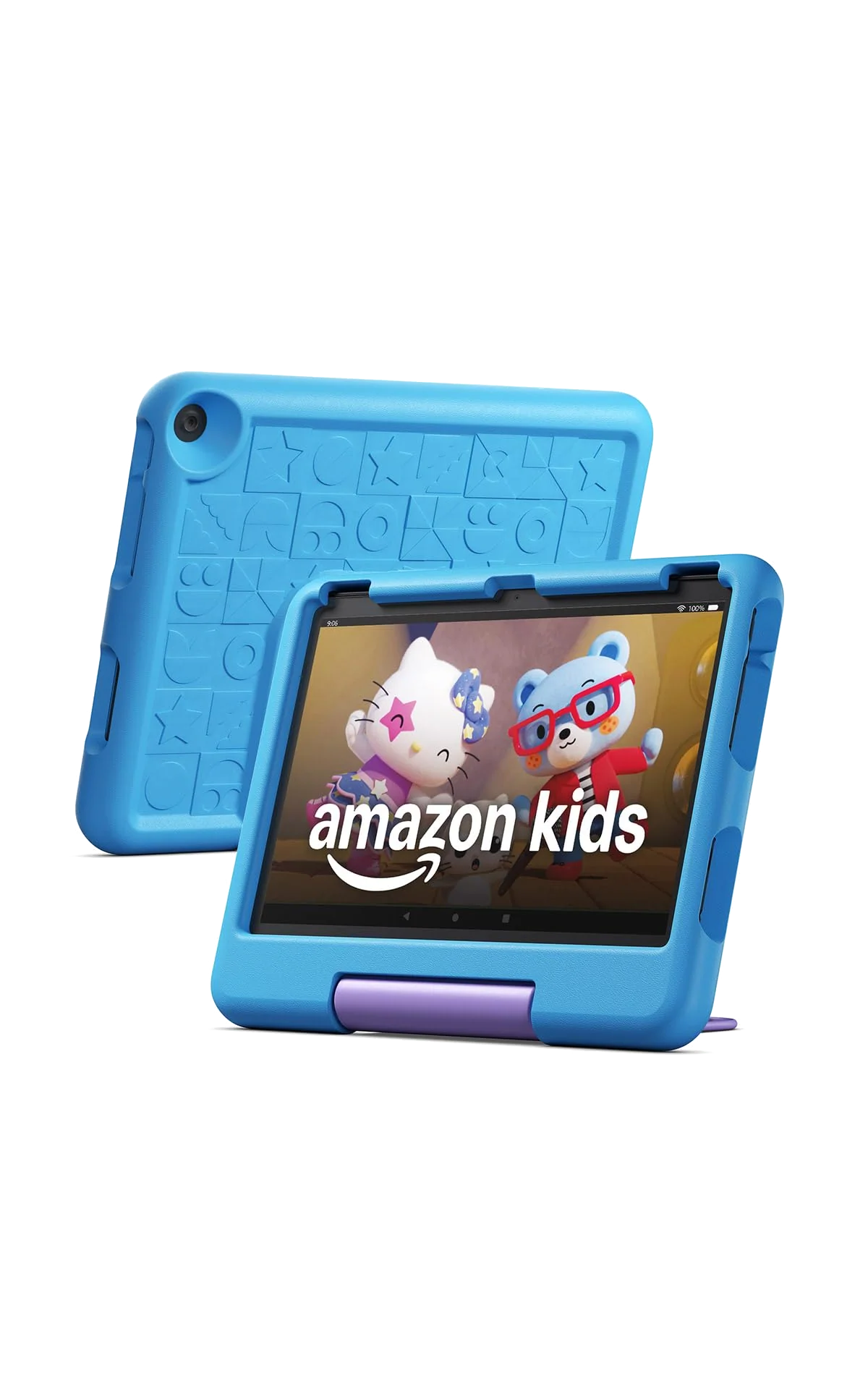
Based on our research, the Amazon Fire HD 10 Kids 2023 is our top pick — kids.