Most people should buy an 11-inch tablet
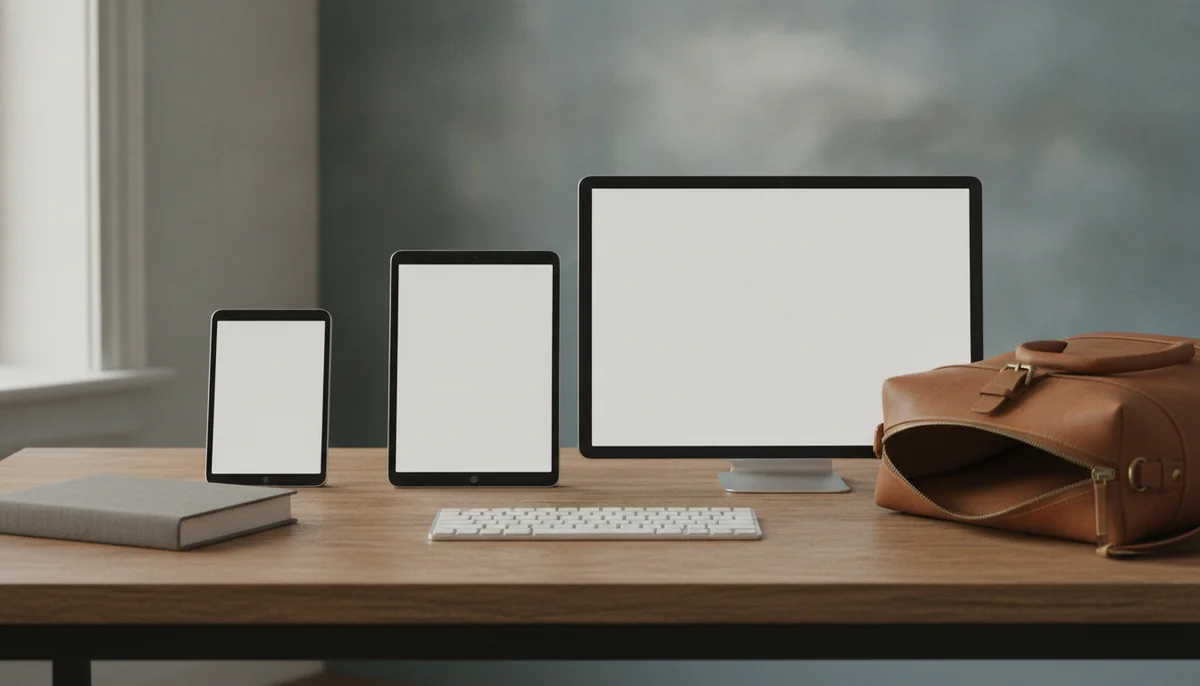
Tablet size is not a ladder with “better” at the top. A larger display gives documents, video and drawing tools more room, but it also creates more weight, more leverage against your wrists and a stronger need for a stand. A smaller tablet is easier to carry and hold, but its compact screen can turn split view, PDFs and an on-screen keyboard into an argument over every inch.
That is why 11 inches is the safest default. It is large enough for films, websites, handwritten notes and two simple apps, yet still light enough to move around a home or take in a normal bag. The basic 11-inch iPad weighs roughly a pound, supports everyday note-taking and has enough performance for mainstream tablet work without requiring a Pro-sized budget or a desk-sized body.
Choose eight to nine inches only when carrying and holding the tablet are central to the purchase. Choose thirteen inches only when the tablet will usually rest on a desk, stand, keyboard or lap. If neither statement immediately describes your routine, buy the middle size and stop turning a physical comfort decision into a processor comparison.
Measure the job before the diagonal
Screen size is measured diagonally, so the number does not tell you the complete shape, usable area or carrying footprint. Two tablets with similar diagonals can feel different because one is wider, one has thicker bezels or one uses a squarer aspect ratio. A 13-inch iPad is particularly good for documents because its shape resembles a page, while a wide Android display can use more of its surface for widescreen video.
The most useful test costs nothing. Cut a rectangle from cardboard using the dimensions of the tablet you are considering, not just its screen diagonal. Hold it in bed, place it on your usual table, slide it into the bag you carry and leave enough room around it for a case. If you expect to type, prop the cutout at laptop-screen distance rather than holding it at reading distance.
Then test the actual work. Open a dense PDF on a device you already own and imagine the page enlarged or reduced. Consider whether you will read one app at a time or keep notes beside a source. Decide whether video will be watched alone, shared across a sofa or played on an airplane tray. The right size is the smallest one that performs those repeated tasks comfortably, not the largest one that looks impressive in a product photograph.
| Size class | Best at | Main sacrifice | Typical posture |
|---|---|---|---|
| 8 to 9 inches | Reading, travel, handheld games and quick reference | Typing, large PDFs and useful split-screen space | Held in one or two hands |
| 10 to 11 inches | General use, video, notes, schoolwork and casual creation | Neither pocketable nor truly desk-sized | Held, propped or used on a lap |
| 12 to 14 inches | Full pages, art, music, timelines and multiple windows | Handheld comfort, compact travel and low accessory weight | Supported by a stand, desk or keyboard |
Small tablets work when portability is the assignment
An eight-inch tablet occupies the useful space between a large phone and a conventional tablet. It offers a noticeably larger page for books, comics, maps and games without demanding a large bag or two-handed grip at all times. Small models are also easier to mount, pass around, use while standing or hold above your face without immediately reconsidering your decisions.
The drawback is not merely that everything looks smaller. Tablet interfaces, toolbars and on-screen keyboards consume a larger share of the available area. Split view can produce two narrow phone-shaped columns, while letter-size PDFs often require zooming and panning. A compact tablet can be a superb reader and a frustrating workstation at the same time.
The Lenovo Tab One demonstrates the honest budget version of this trade. Its 8.7-inch body, Google Play access, headphone jack, microSD slot and included folio suit travel, reading and simple video, but its low-resolution display, Helio G85 processor, 4GB of memory and eMMC storage make demanding games and rapid multitasking poor fits. Independent testing also found that its compact chassis and long battery life did not erase its coarse text and slow loading.
The iPad mini is the premium answer to the same physical problem. Its A17 Pro chip supplies far more performance than a small reader or travel screen normally needs, while the 8.3-inch body remains easy to carry and works with Apple Pencil Pro. The problem is that powerful hardware cannot enlarge its workspace: the 60Hz LCD, compact keyboard and narrow split-screen panes make it a risky only iPad.
Do not choose a small tablet just because your phone feels too small. Name the repeated task that needs more room, then check whether that task also needs a keyboard, two apps or a full document page. If it does, an 11-inch model is usually the better answer. Our iPad mini and 11-inch iPad comparison examines that boundary directly, while the small-tablet guide covers the strongest compact choices.
Ten to eleven inches is the useful middle
This is the size range most buyers should choose because it accommodates several postures instead of demanding one. An 11-inch tablet can be held for a film, propped beside a recipe, laid flat for notes, attached to a keyboard for a short document or shared with another person. It will not disappear into a coat pocket, but it also does not need furniture before it becomes comfortable.
Screen space is sufficient for ordinary split view, though not luxurious. A student can keep a PDF beside notes, a traveler can watch video without balancing a huge panel and a casual artist gets a credible canvas. Long spreadsheets, dense timelines and several persistent windows remain better on a larger display or a laptop, but those are specialist needs rather than the default tablet workload.
Apple’s basic 11-inch iPad is the clearest all-purpose recommendation. The A16 chip is fast enough for browsing, schoolwork, streaming, calls, mainstream games and light editing, while 128GB of starting storage is practical for most buyers. Its honest drawbacks are a glossy non-laminated 60Hz display, no Apple Intelligence and limited Pencil compatibility, so serious artists and demanding creators still have reasons to move up.
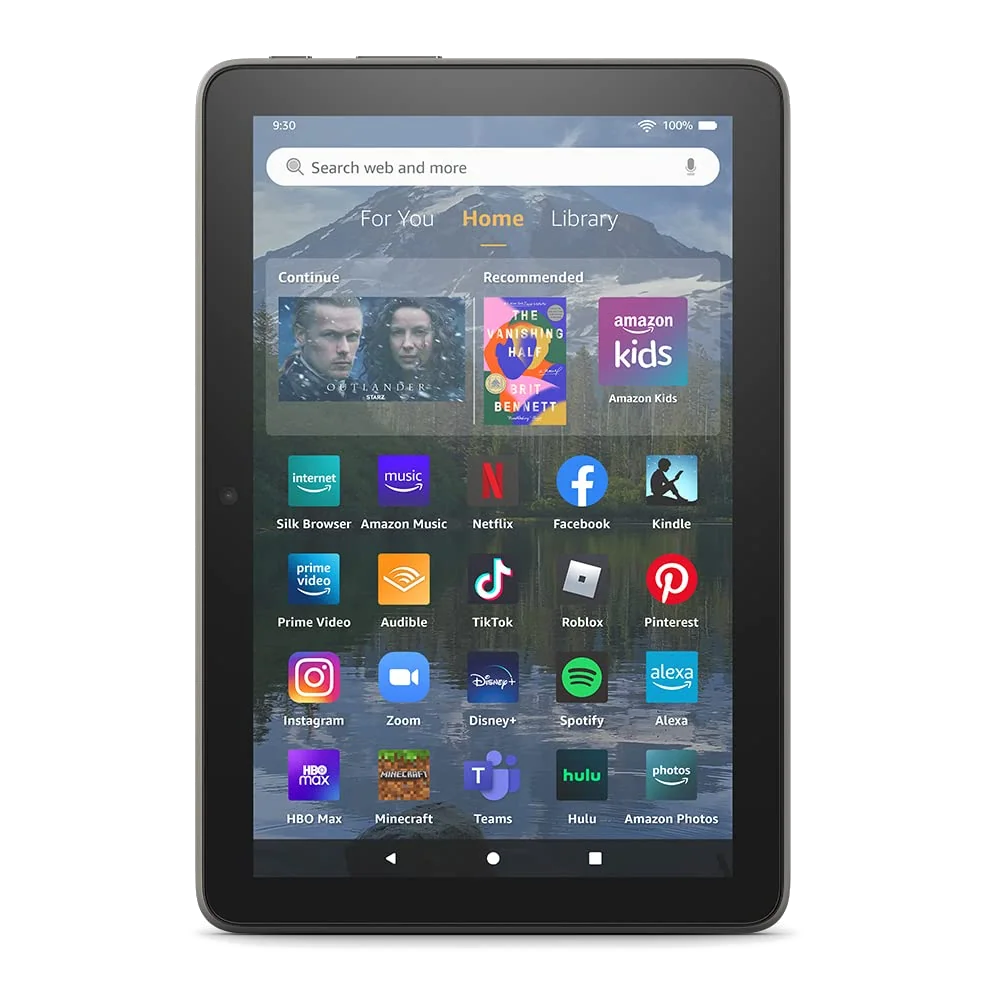
Amazon’s Fire HD 10 offers the lower-ambition version of the middle size. Its 10.1-inch Full HD display is well suited to indoor streaming, Kindle books, comics and family profiles, and microSD expansion gives downloaded media somewhere sensible to live. Fire OS is the real cost: Google Play is not officially supported, Amazon’s app selection is narrower and the interface continually points back toward Amazon services.
Android buyers who want Google Play and broader app compatibility should not assume every inexpensive 11-inch model is equally good. The Galaxy Tab A11+ supplies responsive everyday performance, expandable storage and long software support, but its washed-out TFT display and lack of active S Pen support are meaningful compromises. Read our Galaxy Tab A11+ review before treating its large diagonal as proof of a better picture.
The best-tablets guide is the useful next step when the middle size is settled but operating system and performance are not. If the intended device must shoulder sustained typing, desktop software or several peripherals, settle the category first with our laptop versus tablet comparison.
Large tablets are portable desks
A 13-inch tablet should be judged as a surface rather than as a bigger entertainment screen. Its advantage appears in full-page sheet music, technical PDFs, handwritten lecture notes, illustration, editing timelines and multiple windows. Those tasks benefit from persistent space. A film may not, particularly when a squarer display surrounds widescreen video with large black bars.
The physical penalty arrives quickly. A wide tablet creates leverage beyond the hand, so even a thin model can fatigue the wrist during unsupported reading. Add a stand case, keyboard and pen, and an impressively slim slab can become a laptop-weight package that is less stable on a lap than an actual laptop. Large models are excellent when they live on a desk, music stand, easel or supported lap; they are awkward when carried through tight spaces or held above a pillow.
Samsung’s Galaxy Tab S10 FE+ is the most coherent large Android choice in this group for notes and documents. Its 13.1-inch laminated display, included battery-free S Pen, microSD expansion, IP68 protection and exceptional tested endurance make the size productive rather than decorative. The Exynos 1580 processor, 90Hz LCD and USB 2.0 port impose the honest limits: demanding games struggle, OLED contrast is absent and wired monitor output is unavailable.
Apple’s 13-inch iPad Air follows the same posture rule. Its large 4:3 canvas gives documents, drawing tools and split-screen apps generous room, while Pencil Pro support and M4 performance serve demanding creative work. Its 60Hz LCD, 128GB base capacity and awkward handheld ergonomics are permanent constraints, not problems a faster processor can solve.
The 13-inch iPad Pro adds tandem OLED, 120Hz ProMotion, Face ID, Thunderbolt and considerably more performance, but ordinary tablet jobs do not require them. It becomes rational when display quality or a complete iPad-first professional workflow earns the premium every day. Everyone else should read the 13-inch iPad Air and iPad Pro comparison before paying for the most extravagant version of the same basic posture.
Children need the size they can control
A larger screen is not automatically kinder to a child. Ten inches provides bigger touch targets and a better shared video picture, but the case-on weight can be awkward for a preschooler. Eight inches is easier to carry, grip and fit on an airplane tray. The smaller model is usually the safer first choice for ages three to seven unless most use happens at a table or the larger Full HD display is important for viewing and reading.
Amazon’s Kids bundles make the distinction unusually clear. The Fire HD 8 Kids combines an eight-inch display with a thick case, handle, parental controls, included Kids+ period and replacement promise, but it lacks Google Play and a native YouTube Kids app. The Fire HD 10 Kids improves screen area and sharpness while becoming bulkier and heavier. Neither becomes faster or more flexible merely because the case is designed for children.
Parents deciding between them should use the Fire HD 8 Kids and Fire HD 10 Kids comparison, then check the wider children’s-tablet recommendations if Google apps, stronger games or longer-term school use matter. Size comes after app compatibility, protection and parental controls, not before them.
Reading, drawing and typing pull in different directions
Reading favors the smallest device that keeps the page comfortable. Reflowable ebooks work well on compact screens because font size and line spacing can change. Comics, magazines, academic papers and scanned PDFs benefit from more area because their page layout is fixed. A small tablet that is delightful for a novel can be miserable for a two-column research paper.
Drawing and handwritten notes favor more canvas, but only until the tablet becomes inconvenient to carry. Eleven inches is the balanced choice for classes, commuting and casual illustration. Thirteen inches is better when tool palettes, layers or a source document must remain visible beside the work. Active pen support matters more than raw size: a large tablet without pressure sensitivity and palm rejection is not a serious drawing tool.
Typing complicates the picture. A larger screen gives windows and text more room, yet the keyboard, trackpad and stand determine whether the setup is comfortable. A 13-inch tablet with a keyboard may resemble a laptop while retaining mobile software and lap-stability compromises. If typing dominates, compare the finished tablet setup with a complete notebook computer rather than comparing bare-device specifications.
Readers can narrow the screen trade in our guide to tablets for books, comics, PDFs and magazines. Artists should use the iPad drawing guide, while frequent writers and students should consult the recommendations for handwritten notes and PDF annotation.
The decision, reduced to three questions
- Will you hold it or support it? Choose eight to eleven inches for frequent handheld use, or twelve to fourteen inches when a stand, keyboard, desk or lap will usually carry the weight.
- Will you use one app or keep two working areas visible? Small tablets excel at one focused task, 11-inch models manage ordinary split view and large models justify themselves when full pages or multiple persistent windows are routine.
- Does your most important app need a particular platform or pen? Confirm app availability, active-stylus support, storage and accessory compatibility before choosing the diagonal, because extra glass cannot restore missing software.
Specs & Screens recommends 11 inches for the undecided buyer because it asks for the fewest permanent sacrifices. Move smaller only to gain portability you will use, and move larger only to gain workspace you will support.
Frequently Asked Questions
Is an eight-inch tablet too small?
An eight-inch tablet is comfortable for handheld reading, travel and simple games, but it is too cramped for frequent typing, dense PDFs and sustained split-screen work.
Is eleven inches too large for reading?
Eleven inches is manageable for reading in two hands or on a lap, although a smaller tablet is easier to hold through a long novel.
Is a thirteen-inch tablet too big?
A thirteen-inch tablet is too big for comfortable one-handed use but excellent when supported for drawing, full-page documents, sheet music or multiple windows.
Which tablet size is best for watching movies?
Ten to eleven inches is the best balance for personal viewing, while a larger wide-screen model helps shared viewing only if its extra weight and letterboxing are acceptable.
Which tablet size is best for handwritten notes?
Eleven inches suits portable everyday notes, while thirteen inches is better for full-page annotation and keeping reference material beside the writing.
Which tablet size is best for children?
Eight inches usually suits younger children because it is easier to grip and carry, while ten inches is better for table-based video, shared viewing and larger touch targets.
Can a larger tablet replace a laptop?
A larger tablet provides more workspace but replaces a laptop only when its applications, file handling, keyboard, ports and peripheral support cover the complete workflow.
Does a larger tablet always have better battery life?
No, a larger chassis can hold a bigger battery but also powers a larger display, so actual endurance depends on brightness, processor load, software and test conditions.