Choose the Fire HD 8 Kids for small hands, not the Fire HD 10 Kids for its bigger numbers.
Buy the Fire HD 8 Kids for most preschoolers because it is easier to carry and hold, and move up to the Fire HD 10 Kids only when a larger, sharper screen matters more than portability.
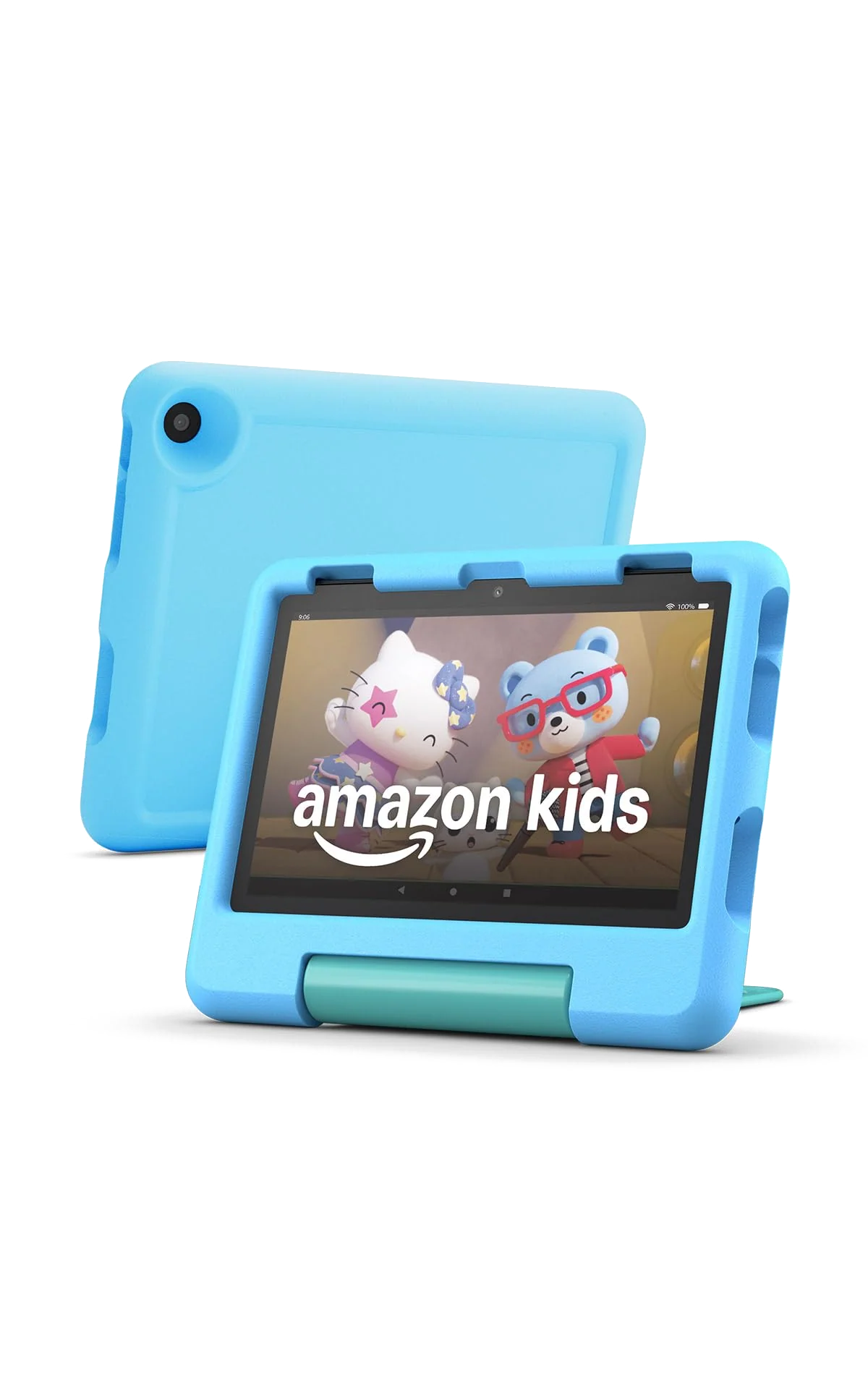
Amazon Fire HD 8 Kids 2024)
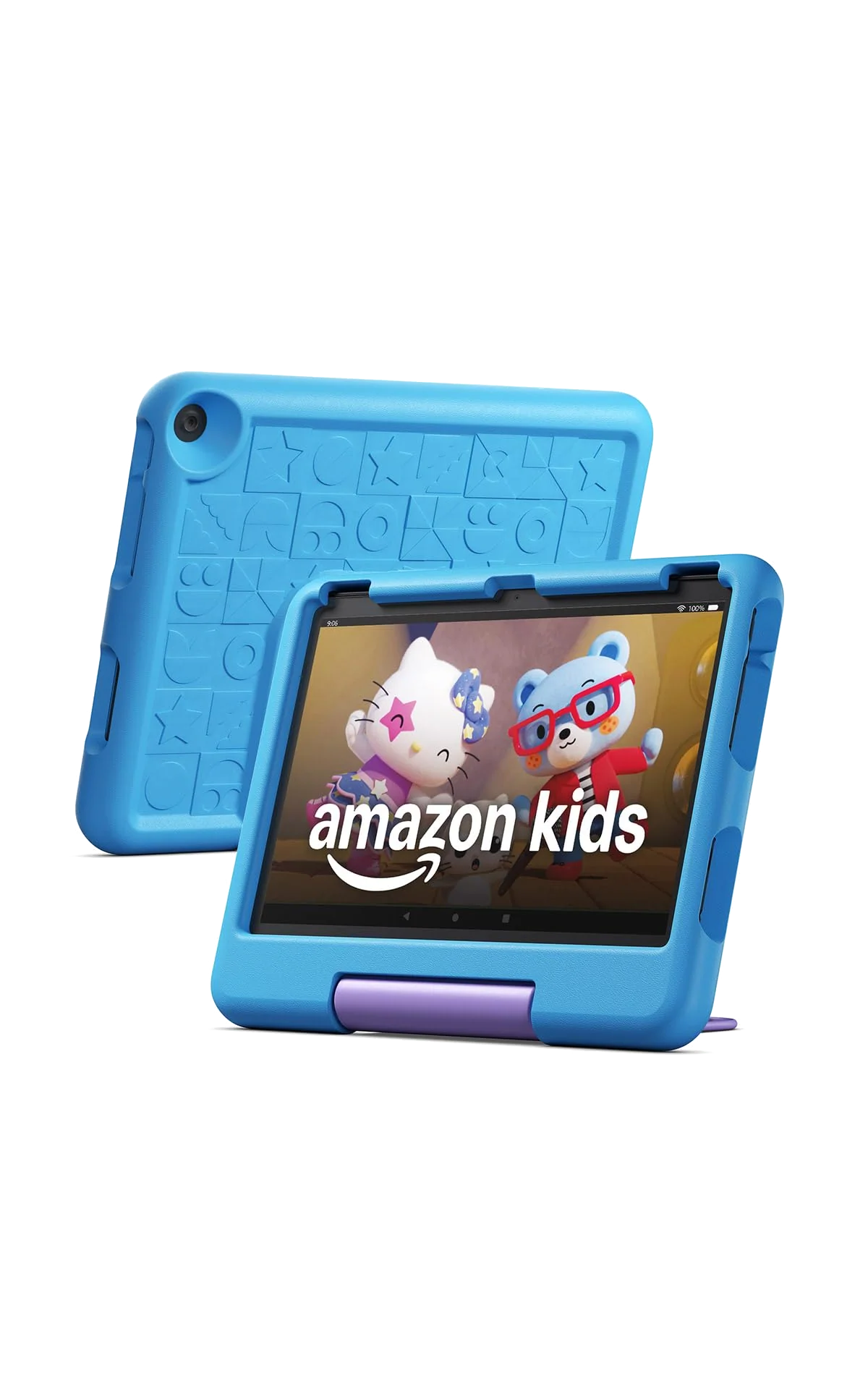
Amazon Fire HD 10 Kids 2023
These are variations on the same idea: an ordinary Amazon tablet surrounded by a thick child-friendly case, a year of Amazon Kids+, detailed parental controls and a two-year replacement guarantee. Neither becomes an iPad because the foam is blue. Both use Fire OS, both omit Google Play and the official Google apps, and both are best at books, shows, learning activities and undemanding games.
The decision therefore comes down to a physical trade rather than a software one. The Fire HD 8 Kids gives a young child an 8-inch tablet that is easier to carry between rooms, hold in the back seat and fit into a travel bag. The Fire HD 10 Kids replaces that convenience with a 10.1-inch Full HD display that makes video, picture books, comics and shared viewing substantially more pleasant.
Specs & Screens gives the smaller model the overall win because a tablet for ages three to seven must work in a child’s hands before its extra pixels matter. The larger model is the better screen, but it becomes bulky once Amazon wraps it in the protective case that justifies buying the Kids edition in the first place.
There is a shared reason to reject both. Fire OS does not include Google Play or a native YouTube Kids app, and Amazon’s smaller app store may omit a service or game your family considers essential. Check those must-have apps before choosing a size, because the 10-inch model does not solve an ecosystem problem inherited from the 8-inch one; our guide to what Amazon Fire tablets lack without Google Play explains the restriction in detail.
Overall pick
Fire HD 8 Kids
Choose it for a preschooler, a frequent traveler or any child expected to carry the tablet without adult help.
Screen-first pick
Fire HD 10 Kids
Choose it for mostly stationary use, frequent video viewing or picture-heavy reading where the larger, sharper panel will be noticed every day.
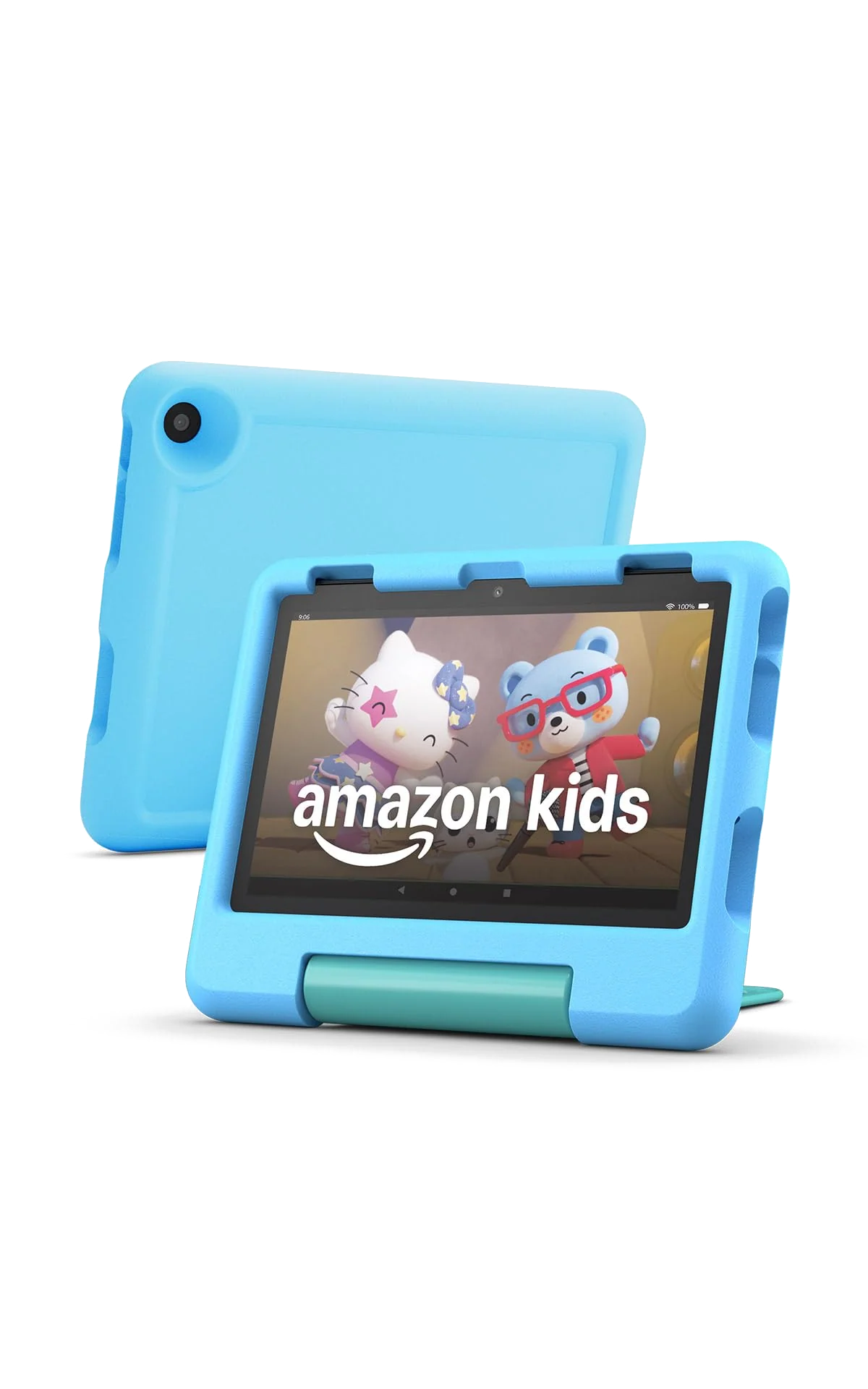
Amazon Fire HD 8 Kids 2024)
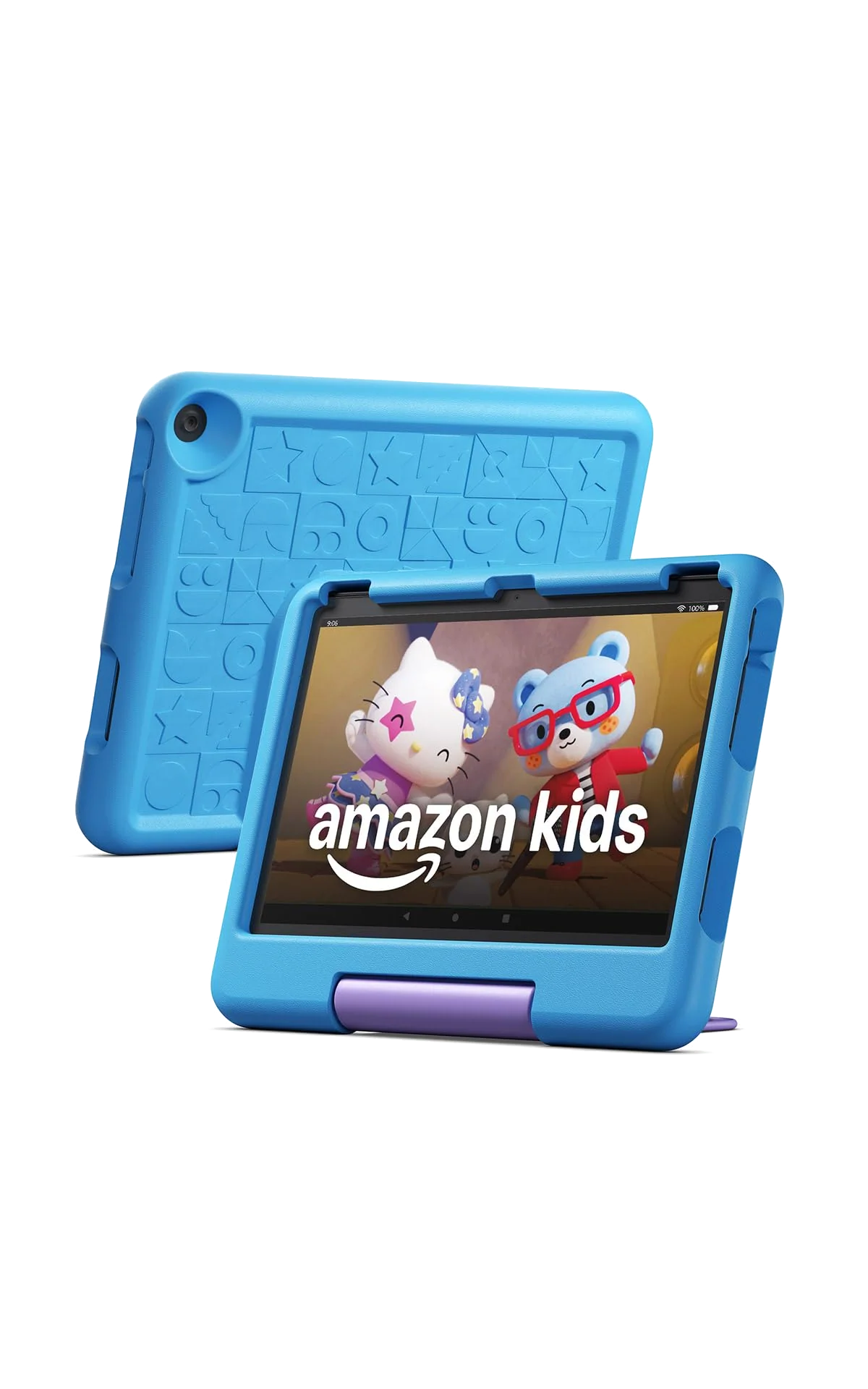
Amazon Fire HD 10 Kids 2023
At a Glance
| Feature | Editor's Pick Amazon Fire HD 8 Kids 2024) | Amazon Fire HD 10 Kids 2023 |
|---|---|---|
| Price Range | — | — |
| Finish | Blue | Blue |
| Screen size | — | 10.1" |
| Check Price on Amazon | Check Price on Amazon |
The extra 2.1 inches change how the tablet fits family life
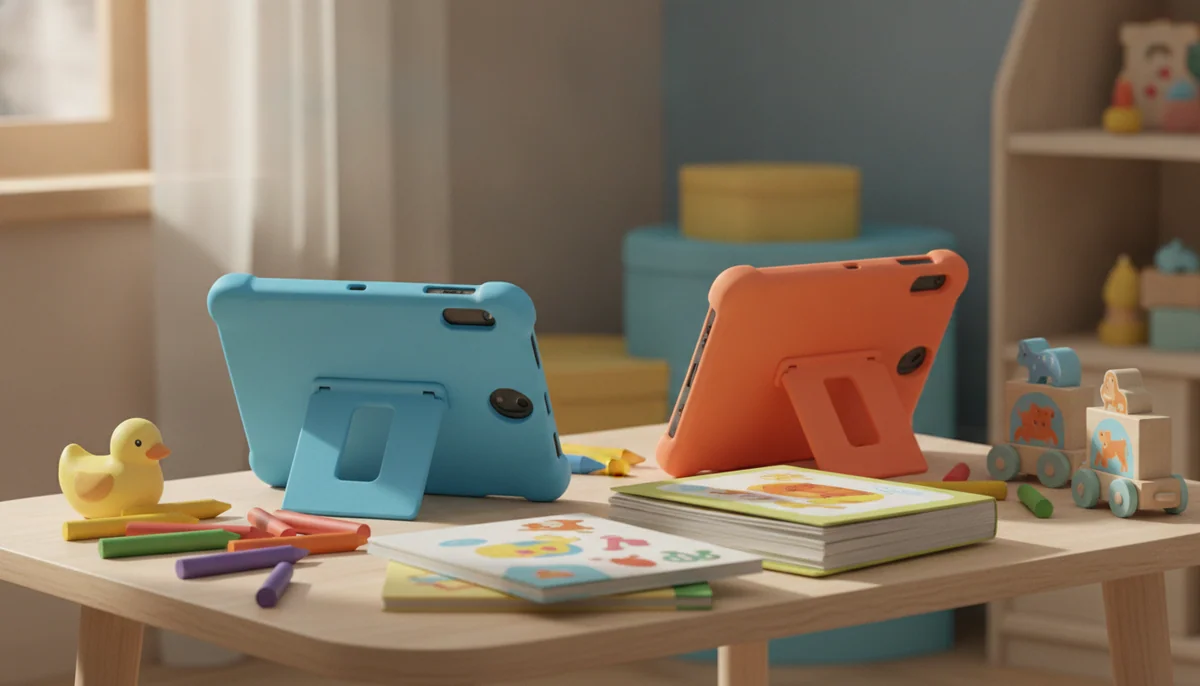
An 8-inch screen is not as cinematic, but it better matches the reach and grip of a young child. The Fire HD 8 Kids can still play downloaded films, display illustrated books and prop itself on a table with the case’s hinged stand. Its smaller footprint becomes especially useful on an airplane tray, in a crowded back seat or when the tablet shares a bag with snacks, headphones and everything else a child insists is essential.
The Fire HD 10 Kids makes its case when the tablet spends more time on a stand than in a hand. Its 1,920 × 1,200 display is both larger and sharper than the 1,280 × 800 panel in the Fire HD 8 Kids. Fine illustrations, comics and smaller text have more room, while two children can watch from the same screen without leaning together quite so aggressively.
Neither display is an outdoor champion. Both are glossy, reflective screens that look better indoors and head-on than in direct sunlight. The larger model wins on resolution, not on magical immunity to glare, so families planning poolside use should also remember that neither tablet has a water-resistance rating.
| Decision point | Fire HD 8 Kids | Fire HD 10 Kids |
|---|---|---|
| Display | 8-inch, 1,280 × 800 | 10.1-inch, 1,920 × 1,200 |
| Best setting | Travel, handheld use and smaller spaces | Tabletop video, picture books and shared viewing |
| Performance class | Six-core processor with 3GB RAM | Eight-core processor with 3GB RAM |
| Included storage | 32GB with microSD expansion up to 1TB | 32GB with microSD expansion up to 1TB |
| Claimed battery life | Up to 13 hours | Up to 13 hours |
| Included Kids+ term | One year, followed by automatic renewal unless canceled | One year, followed by automatic renewal unless canceled |
| Main drawback | Coarser display and slower performance | More bulk for the smallest intended users |
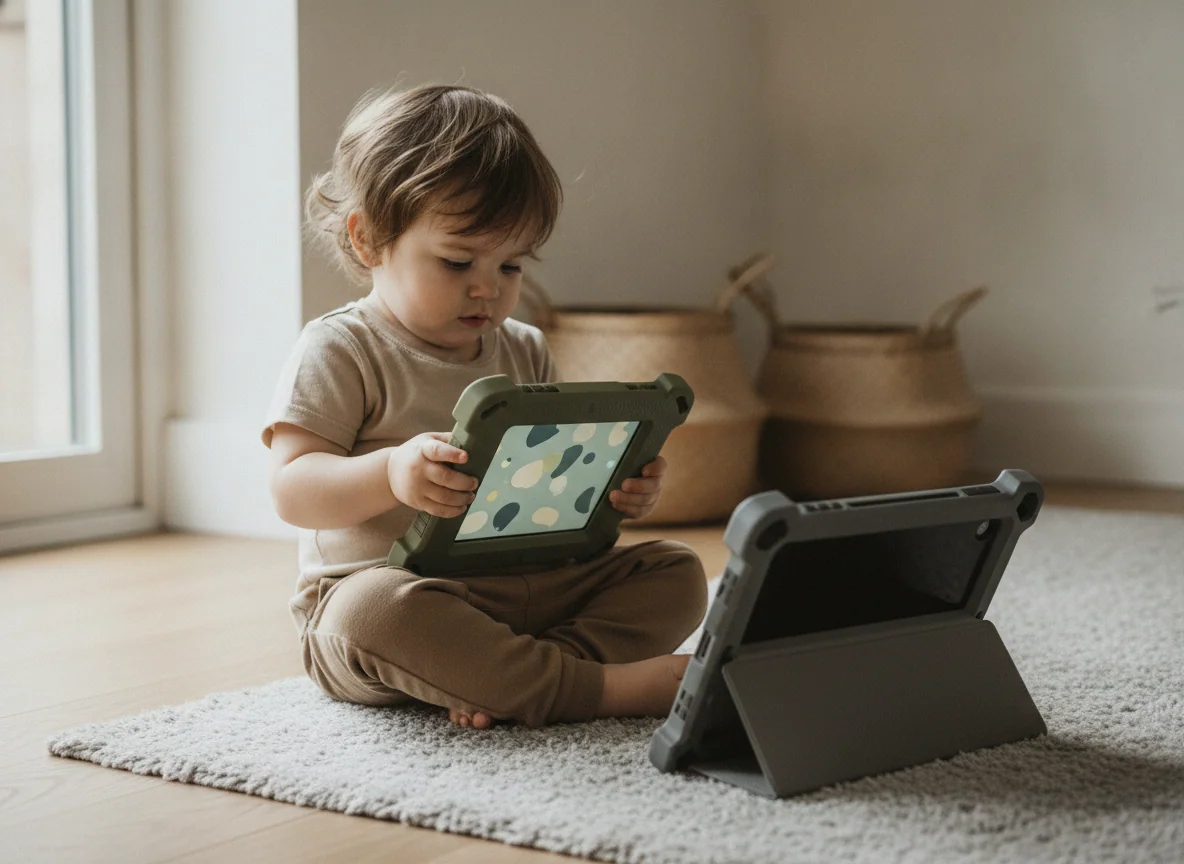
The Fire HD 10 is faster, but neither is a gaming tablet
The Fire HD 8 Kids has a six-core processor and 3GB of RAM. It is adequate for moving through Amazon Kids+, opening books, streaming video and playing simple children’s games, but waking, changing profiles and loading apps can involve visible pauses. That is acceptable performance for a narrow first-screen routine, not evidence of a generally quick tablet.
The Fire HD 10 Kids steps up to an eight-core processor while retaining 3GB of RAM. It feels more responsive during ordinary navigation and light use, yet the unchanged memory still imposes a ceiling. Exact-model reviews found demanding games such as Roblox capable of lagging, stuttering or crashing, so the larger model should not be bought as a gaming upgrade merely because its processor is faster.
A child who mainly watches shows will notice the larger screen before the faster processor. A child who wants ambitious 3D games needs a different class of device, not the bigger of these two; our recommended tablets for gaming are the more honest next step.
Battery endurance is close, while charging favors the larger model
Amazon advertises up to 13 hours for each tablet, but continuous video tests produced shorter results. The Fire HD 8 Kids lasted 9 hours and 41 minutes in one exact-model streaming test, while maximum-brightness testing of the Fire HD 10 Kids produced results around nine and a half to ten and a quarter hours. Either should cover a substantial travel day when use is broken up, but neither should be treated as a promise of thirteen uninterrupted hours of video.
Charging exposes a more irritating difference. The Fire HD 8 Kids includes a 5W adapter and can take about five hours to refill with it, although a compatible 15W charger can cut that wait considerably. The Fire HD 10 Kids includes a 9W adapter and generally needs roughly three to four hours. Both reward overnight charging, but the smaller model’s bundled brick is particularly stingy.
The child experience is effectively a draw
Both packages center Amazon’s child profiles rather than handing a young user an unrestricted adult home screen. Parents can set age filters, daily limits and educational goals, approve content, review activity and pause access remotely. Multiple child profiles also make either Fire easier to share between siblings than a device designed around one primary user.
The interface can still feel crowded. Kids+ offers a large catalog, but a wall of books, games and video tiles is not automatically helpful to a child who cannot yet distinguish among them. Parents will get a calmer experience by downloading a small set of favorites and treating the larger library as something to curate, not something to unleash.
Each captured listing includes one year of Amazon Kids+, after which the subscription renews unless canceled. The tablets continue to work without it, but the subscription catalog disappears and the adult must supply or approve more of the content. If that renewal is likely to decide the value of the bundle, read our guide to what happens when the included Kids+ period ends.
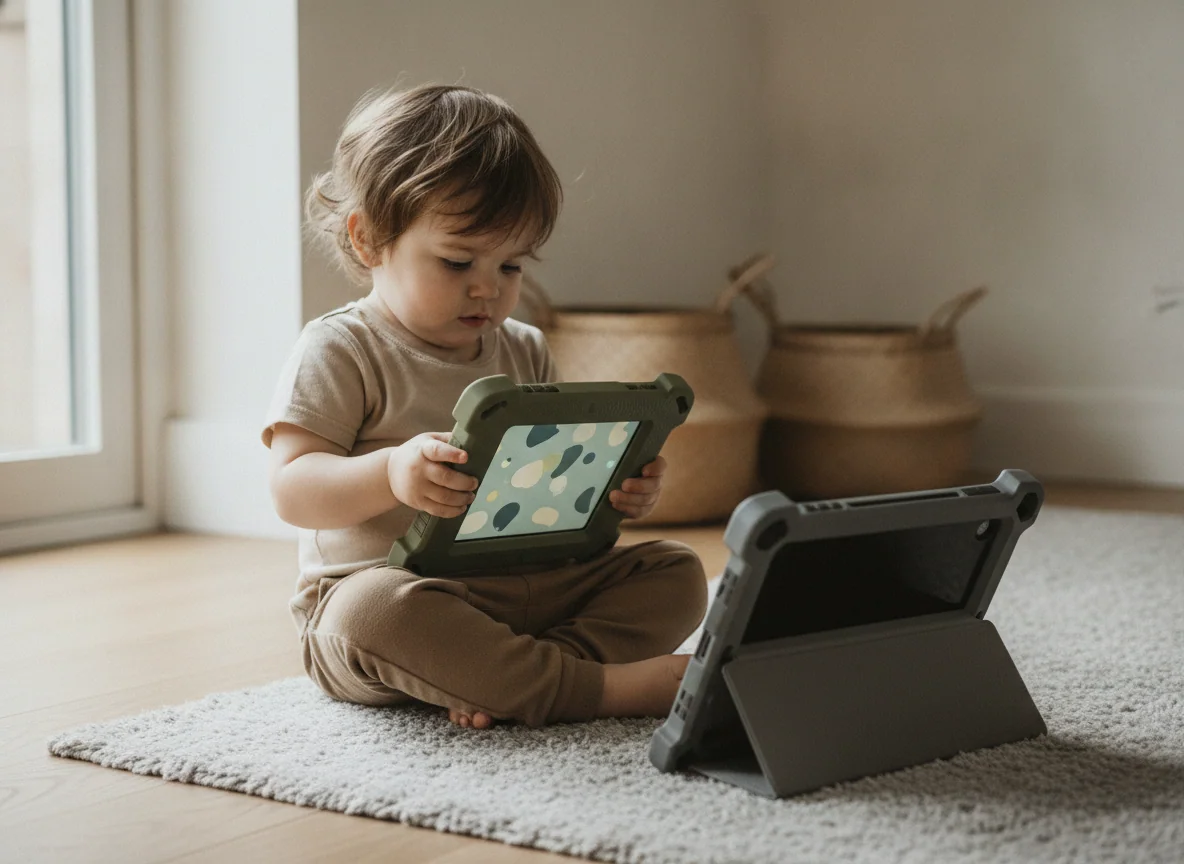
Both bundles protect against drops, not every childhood disaster
The thick cases surround the backs, edges and corners, then turn their hinged handles into viewing stands. Owners of both exact listings describe the cases surviving ordinary drops, which is precisely the evidence a parent wants from a child-focused bundle. The two-year worry-free guarantee adds a meaningful backstop by promising replacement if the tablet breaks during the covered period.
“Kid-proof” remains marketing shorthand rather than a law of physics. The glass is exposed, neither device is waterproof and a replacement may not restore every game’s progress. One Fire HD 10 Kids owner received a quick replacement after a cracked screen but lost progress that depended on individual game developers and sign-in methods.
The two recommendations
The Fire HD 8 Kids is the better first tablet for most children aged three to seven.
Its compact body, sturdy handled case, useful parental controls and two-year replacement promise make it easier for a preschooler to carry and for an adult to govern.
The 1,280 × 800 display is basic, the processor can stutter and the supplied 5W charger is painfully slow.
The Fire HD 10 Kids is the better choice for children who mostly watch and read with the tablet propped up.
Its sharper 10.1-inch Full HD display and faster eight-core processor justify the larger body when video, comics and shared viewing dominate.
The protective case makes an already larger tablet cumbersome for small hands, while 3GB of RAM still leaves demanding games prone to poor performance.
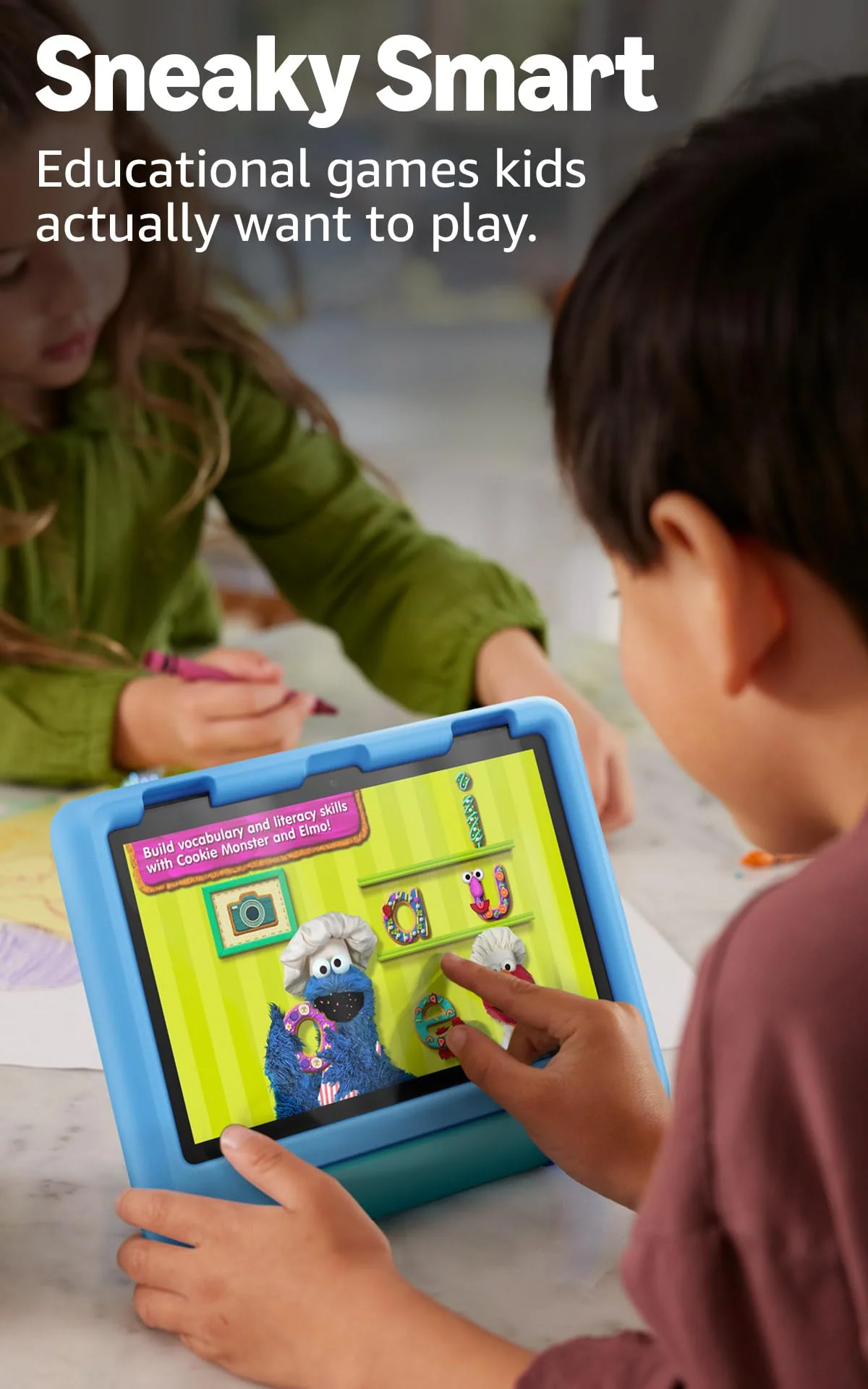
Amazon Fire HD 8 Kids 2024)
Amazon Fire HD 10 Kids 2023
Match the tablet to the child’s routine
Choose the Fire HD 8 Kids for carrying
It is the sensible choice for a three-to-five-year-old, a child who changes rooms constantly or a family buying primarily for journeys. The screen is large enough for individual video and picture books, while the smaller case is less likely to turn every handoff into a two-handed operation.
Choose the Fire HD 10 Kids for viewing
It earns its extra bulk in a bedroom, kitchen or living room where the stand does most of the holding. Children who watch longer videos, read comics or share the screen with a sibling benefit most from its 10.1-inch Full HD panel.
Choose neither for essential Google apps
A family that depends on Google Play, native YouTube Kids, Gmail, Docs or a particular Android game should not buy either model and hope unsupported workarounds feel normal. Look instead at the broader options in our guide to the best tablets for kids.
Choose neither for serious gaming
The Fire HD 10 Kids is faster, but it is not fast enough to turn this comparison into a gaming decision. Both are budget tablets built around controlled content, and children who already care about frame rates or complex titles are likely to outgrow them early.
The Fire HD 10 Kids wins the specification sheet with more screen and more processor, but the Fire HD 8 Kids wins the purchase for most young children because its size supports the way they actually pick up, carry and use a tablet.
Frequently Asked Questions
Is the Fire HD 10 Kids much better than the Fire HD 8 Kids?
It has a larger, sharper screen and faster processor, but it is better only when those advantages outweigh the extra bulk for the child using it.
Which model is better for a preschooler?
The Fire HD 8 Kids is usually better for a preschooler because its smaller body and case are easier to carry and hold.
Which model is better for watching movies?
The Fire HD 10 Kids is better for movies because its 10.1-inch 1,920 × 1,200 display provides a larger and sharper picture.
Do both tablets include the same parental controls?
Both support child profiles, age filters, time limits, content approval, activity review and remote control through Amazon’s parent tools.
Do either of these tablets include Google Play or YouTube Kids?
Neither includes Google Play or a native YouTube Kids app, so families that depend on Google services should choose another platform.
Can the storage be expanded?
Both 32GB models support separately purchased microSD storage of up to 1TB.
Will either tablet work without Amazon Kids+?
Both continue to work after Kids+ is canceled, but the subscription catalog disappears and parents must provide or approve more content themselves.
Are the Kids cases waterproof?
No, the cases provide impact protection against many bumps and drops but do not give either tablet a water-resistance rating.
Which model charges faster with its included adapter?
The Fire HD 10 Kids generally charges faster because it includes a 9W adapter, while the Fire HD 8 Kids ships with a slower 5W adapter.
Is the Fire HD 10 Kids better for Roblox?
It is faster than the Fire HD 8 Kids, but Roblox can still lag, stutter or crash, so neither tablet is a dependable choice for demanding games.