Amazon Fire HD 8 Plus review: a good little tablet trapped inside Amazon’s store
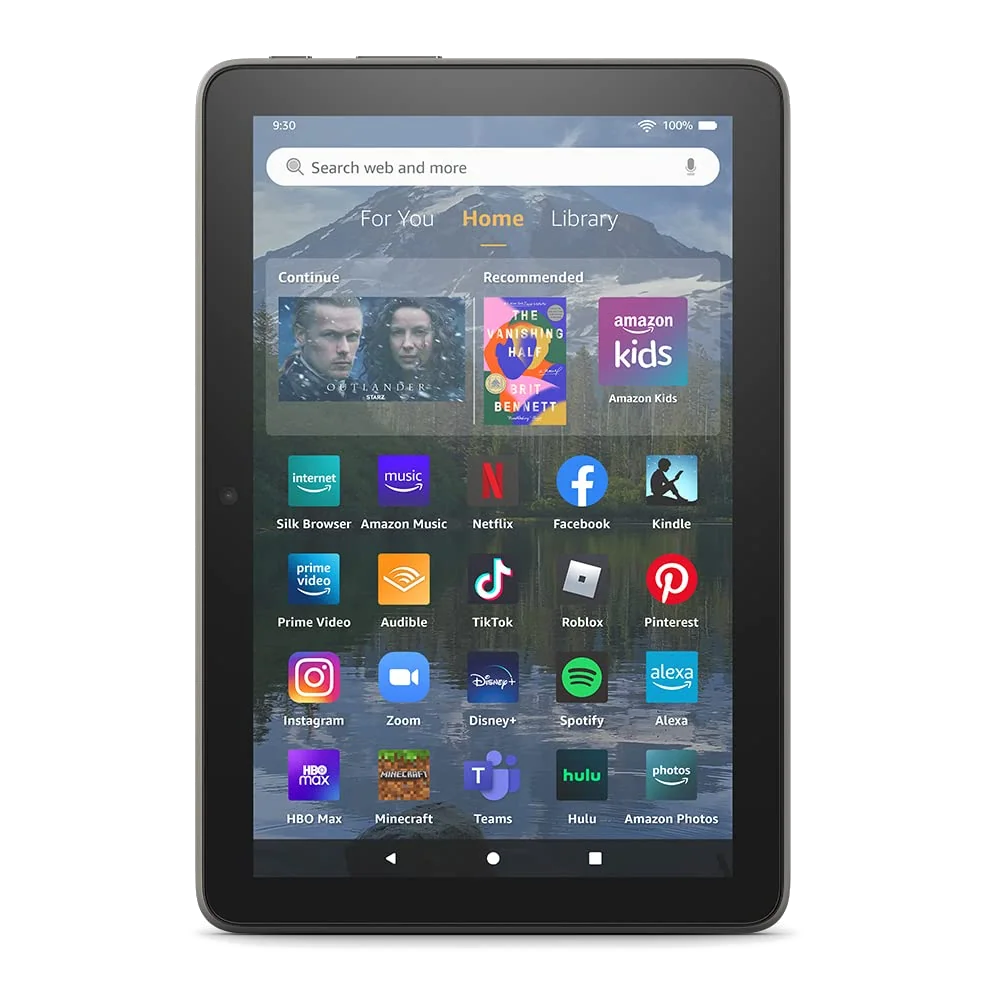
Skip the 2022 Fire HD 8 Plus unless you specifically want a compact Amazon media tablet with wireless charging and can accept missing Google services, persistent promotion and modest performance.
Based on published owner reports and 6 other sources. We have not tested this machine ourselves.
We earn a commission if you buy through our links, which does not affect what we say.
Read how this site works →
Final verdict
The Fire HD 8 Plus succeeds when its job is deliberately small. It can sit on a wireless stand, stay charged, show Alexa information and then follow its owner to the sofa for a book, a video or a casual game. The sturdy body, useful ports, expandable storage and credible battery life make that role easy to understand.
It fails when the low entry barrier invites bigger expectations. Fire OS is not a minor cosmetic variation on normal Android, the screen is not sharp or outdoor-friendly, and the extra RAM does not create iPad-like speed. Buying it with the intention of repairing those limits through sideloading turns a simple budget tablet into a maintenance project.
Specs & Screens therefore recommends walking away unless wireless charging, Amazon services and compact entertainment are the precise reasons you are shopping. For everyone else, a current conventional Android tablet will be less restrictive, and a dedicated e-reader, larger media tablet or proper productivity device will perform its specialist job with fewer apologies.
Best for: Reading
Check the generation before buying: this review covers model R2SP9T, the 2022 Fire HD 8 Plus with 3GB of RAM, a hexa-core processor, wireless charging and a 5MP rear camera, not the visually similar 2020 model or the newer standard Fire HD 8.
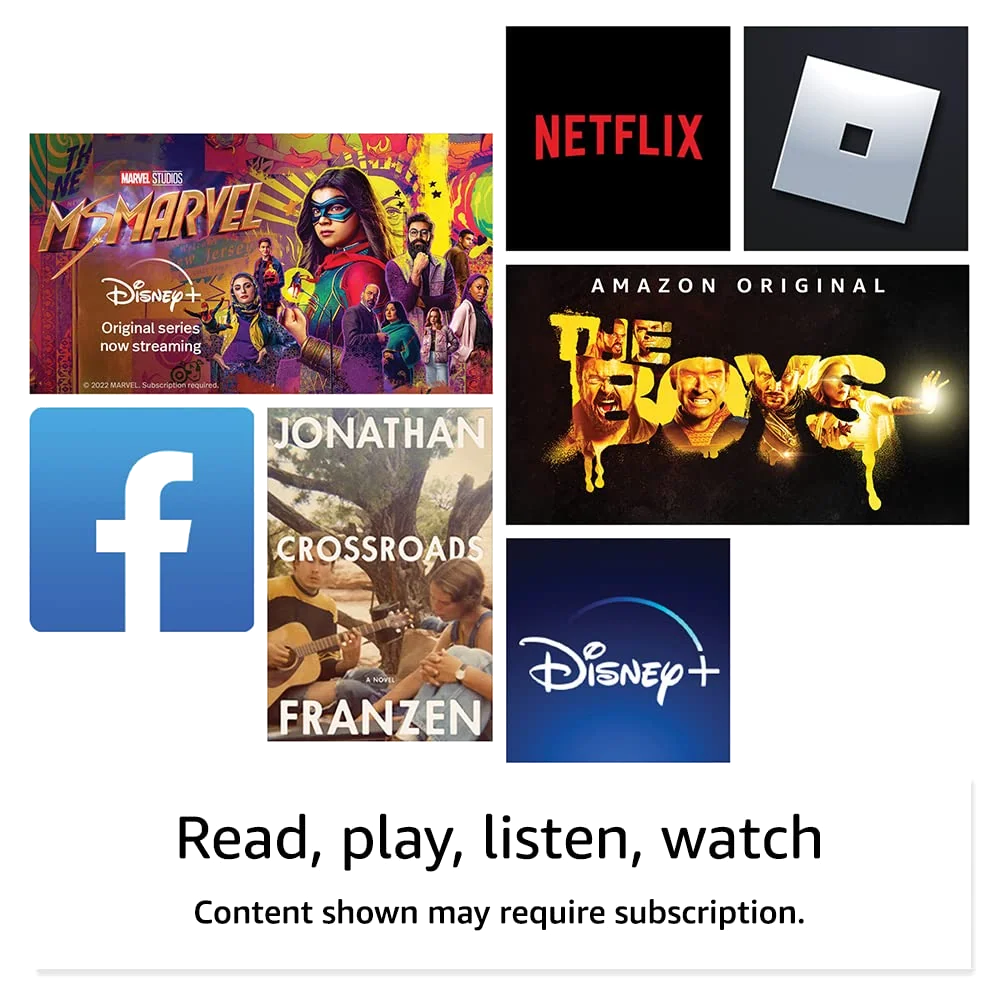
There is a coherent little device inside the Fire HD 8 Plus. It is light enough to carry without ceremony, sturdy enough not to feel precious and well suited to Kindle books, comics, streaming, recipes and casual browsing. The battery can cover a long day, the stereo speakers are respectable and the headphone jack and microSD slot are practical features that more expensive tablets often omit.
The trouble begins when “tablet” means more than consuming Amazon-friendly content. Fire OS has no supported Google Play Store, promotes Amazon services throughout the interface and offers a narrower app catalogue than a conventional Android tablet. The 1280 × 800 display is merely adequate indoors, the processor is not genuinely quick and both cameras are last-resort tools. This is not an inexpensive iPad substitute or a small productivity machine. It is an Amazon entertainment terminal that happens to run apps.
Buy it only if
Your priorities are compact reading, personal video, audiobooks, light browsing and Amazon services, and wireless charging would keep the tablet docked, visible and ready rather than forgotten with an empty battery.
Walk away if
You rely on Google apps, want a neutral home screen, expect smooth gaming or multitasking, read outdoors, take tablet photos or need a device that can shoulder school or office work without workarounds.
Age matters here. This Plus model was released in October 2022, and its strongest argument was always that the hardware compromises could be forgiven when the cost undercut ordinary Android alternatives. It should not now be chosen from an old listing merely because “Plus” sounds superior. Compare it with the newer Fire HD 8 and with the options in our small-tablet guide before deciding that wireless charging is worth buying older hardware.
Key Specifications
The screen is made for the sofa, not the sun
The 8-inch IPS display has a resolution of 1280 × 800 at 189 pixels per inch. “HD” is technically fair, but this is not a Full HD panel. Indoors, colors and viewing angles are sufficient for a television episode, an illustrated book or a web page. Fine text, icons and high-quality video can still look coarse beside a modern tablet, and fingerprints collect readily on the glossy surface.
Outdoors, modest brightness and strong reflections become the decisive weaknesses. Increasing the font size helps a reflowable ebook, but it cannot remove glare. A dedicated e-ink reader remains the better companion for long text sessions or bright daylight, while the Fire earns its place when color pages, streaming and apps need to share one small device. Our guide to tablets for books, comics, PDFs and magazines explains the trade-offs between these kinds of screens.
Wireless charging is the reason to choose the Plus
The rear camera’s extra megapixels are not persuasive and the modest speed gain needs qualification, but Qi charging changes how the tablet can be used. Park it on a compatible stand, enable Show Mode and it can display the time, weather, news, recipes and Alexa information while remaining charged. Pick it up and it becomes a reading or video tablet again. That movement between stationary display and portable screen is the Plus model’s clearest idea.
The dock is not included. Without a separate Qi charger or an existing charging pad, wireless charging is only an unused line on the specification sheet. Buyers deciding between the two 2022 Fire models should read our Fire HD 8 Plus and Fire HD 8 comparison: the Plus premium is easier to justify for frequent app switching and docked use than for single-task reading or streaming.
Wired charging uses USB-C, and the supplied 9W adapter took about three hours to fill the tablet in independent testing. That is not quick, but the long runtime makes charging frequency more important than charging drama. Amazon’s claim of up to 13 hours held up in mixed-use testing, while a streaming test landed around ten hours and a controlled offline movie loop with radios disabled lasted far longer. In ordinary terms, a full day of light entertainment is credible, but brightness, wireless connections and games can move the result substantially.
The body is plain, practical and reassuringly unglamorous
At about 337g, the Fire is much easier to hold than a 10-inch tablet and small enough for a purse or compact bag. Its textured plastic back is less luxurious than aluminum, but it offers grip and disguises wear. The broad bezel looks dated while giving a thumb somewhere safe to rest. People moving up from a Fire 7 may still find it too wide for a pocket or insecure in one hand, so “compact” should be understood relative to larger tablets, not phones.
Amazon says its strengthened glass survived its own tumble testing twice as well as the 2021 iPad mini. That is a manufacturer claim tied to Amazon’s test, not proof that the Fire is drop-proof. The plastic construction feels sensibly durable for a low-cost device, but glass can still crack and the listing makes no water-resistance claim. A grippy case remains sensible, especially for children.
The cameras should not influence the decision
This exact 2022 model has a 5MP rear camera capable of 1080p video and a 2MP front camera capable of 720p video. The rear figure is sometimes misreported as 2MP because that specification belongs to an older Fire HD 8 Plus. The correction matters for identifying the product, but not for image quality: photographs remain muddy, detail is weak and the camera interface is rudimentary.
The front camera can cover a necessary video call in decent light, and the rear camera can capture a reference image when no phone is nearby. Neither is a reason to choose the Plus. Independent reviewers struggled to see a meaningful practical gain from the upgraded rear sensor, so paying extra for that camera would be paying for a better number rather than better memories.
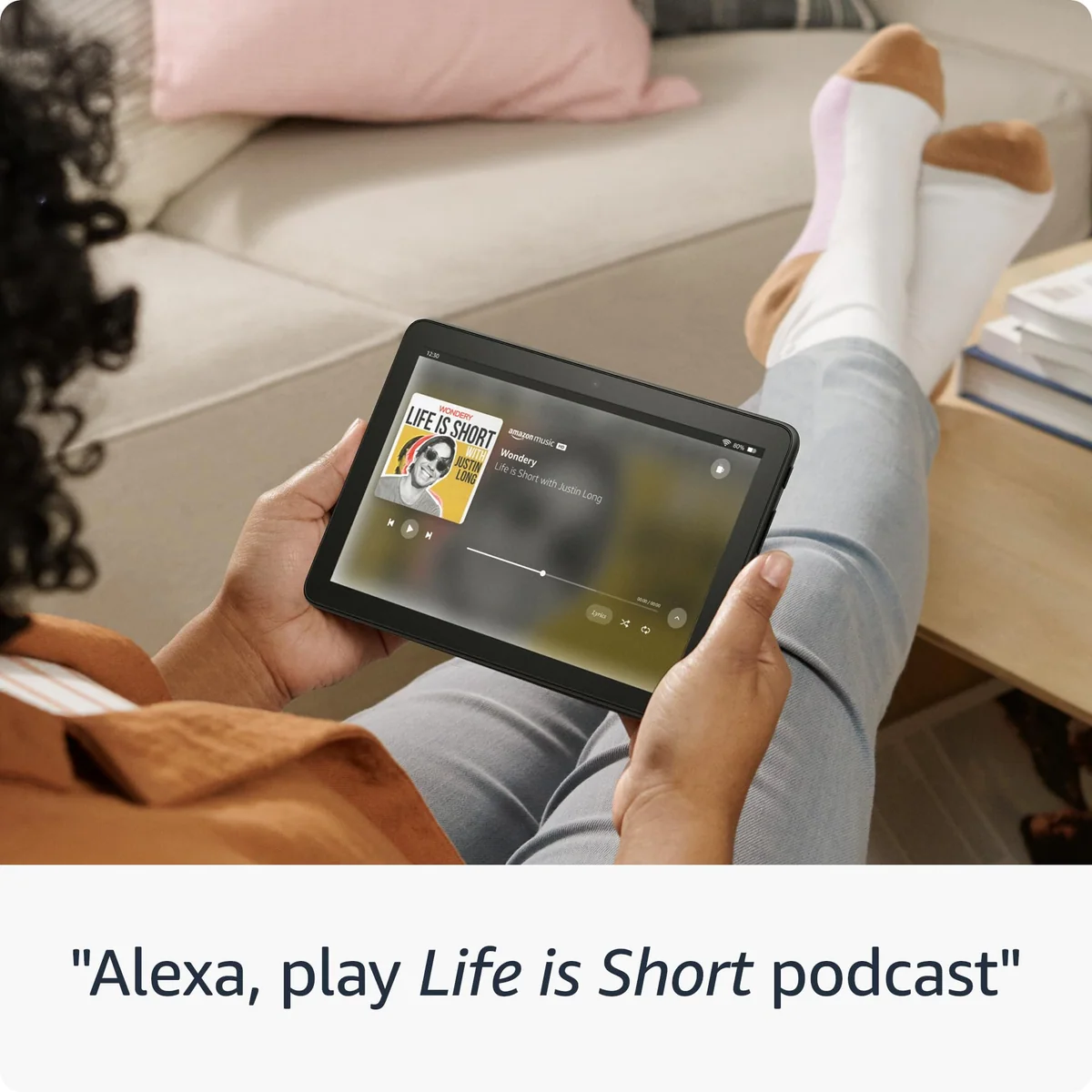
Audio is less disappointing. The stereo speakers are acceptable for personal television and podcasts, and the 3.5mm headphone jack offers an easy route to private listening without Bluetooth pairing or a dongle. Add expandable storage of up to 1TB by microSD and the hardware becomes particularly sensible for downloaded entertainment on a trip.
Strengths & Limitations
Strengths
- The compact, light plastic body is easier to carry and less stressful to handle than a large premium tablet.
- Battery life comfortably supports a day of light reading, browsing and video for many users.
- Qi charging and Show Mode give the Plus a useful second life as a docked Alexa display.
- The microSD slot, USB-C port and headphone jack make offline entertainment unusually convenient.
- Three gigabytes of RAM makes app switching more tolerable than on the standard 2022 Fire HD 8.
Limitations
- Fire OS omits supported Google Play access and continually steers the experience toward Amazon services.
- The 1280 × 800 display looks coarse beside modern tablets and becomes difficult to see outdoors.
- Performance is adequate for light entertainment but unreliable for demanding games, work and sustained multitasking.
- The cameras are poor enough that even the upgraded 5MP rear sensor adds little practical value.
- Removing lock-screen advertising does not necessarily remove Amazon recommendations from the interface.


Smoother than the basic Fire, but not truly fast
Amazon describes the hexa-core processor as up to 30 percent faster than the previous Fire HD 8 Plus. That is a narrow generational comparison, not a promise that every tap or app launch becomes 30 percent quicker. Independent assessments ranged from a marked improvement during app switching to only a marginal change in browsing and video. Those positions can coexist: someone replacing an old Fire is likely to notice the improvement, while someone accustomed to a mainstream iPad or competent Android tablet will still see delay and roughness.
The extra gigabyte of memory is the important Plus upgrade. Its 3GB of RAM gives background apps more room than the standard 2022 Fire HD 8 with 2GB, so switching between simple apps, using picture-in-picture and attempting split-screen are less punishing. Yet an 8-inch screen makes two-app layouts cramped, and more memory cannot turn the underlying processor into a workstation. Email, a few browser tabs and uncomplicated documents are reasonable; sustained multitasking is not.
Games require the same restraint. Casual titles and many children’s games are within reach, but frame-rate drops appeared even in modest independent testing. Owner reports show why a blanket claim about Roblox would be misleading: some experiences ran well, while larger lobbies and particular games became jittery. The correct promise is playability, not consistent smoothness. Anyone shopping primarily for games should start with our gaming-tablet recommendations rather than treating the Fire’s low ambitions as a challenge to overcome.
| Task | Expectation |
|---|---|
| Kindle books, comics and audiobooks | Comfortable for casual indoor use, with a useful balance of screen area and portability. |
| Streaming video | Reliable for personal viewing, though the low-resolution panel limits picture detail. |
| Web, email and social apps | Serviceable in short sessions, with occasional input or loading delay. |
| Casual games | Often playable, but frame rates and responsiveness vary by title and scene complexity. |
| Split-screen work | Technically possible in supported apps, but constrained by the processor and small display. |
| Professional or school workload | A poor fit because app availability, screen space and sustained performance are all limiting. |
Fire OS is the bargain’s real cost
Fire OS is built from Android, but it is not the Google-certified Android experience buyers may expect. There is no supported Google Play Store out of the box. Amazon’s Appstore covers major entertainment services and Amazon’s own apps are well integrated, yet the gaps become serious when a routine depends on Chrome, Gmail, Google Drive, Docs, Maps, Meet or the official Google version of YouTube.
The safest buying test is simple: list every app you consider essential and verify each one in Amazon’s Appstore before ordering. A browser shortcut is not always equivalent to a native app, and catalogue availability can change. The Fire works best when Prime Video, Kindle, Audible, Alexa and other Amazon services already constitute most of the intended experience.
Google Play can often be sideloaded. Owners have reported successful installations of Chrome, Gmail, YouTube, Drive, Microsoft apps, banking tools and games, but the same accounts document failures involving Google Calendar, picture-in-picture and particular third-party apps. The process requires APK files from outside Amazon’s store, compatibility can depend on the Fire OS version and updates may disturb a customized setup.
That makes sideloading a rescue option for a willing tinkerer, not a sound reason to buy the tablet. If Google services are requirements rather than conveniences, choose ordinary Android. Our guide to Google Play and missing apps on Fire tablets covers the practical limits without pretending an unsupported modification permanently changes the device’s identity.
Removing lock-screen ads does not remove the storefront
Some configurations include lock-screen advertising, with an ad-free choice or removal fee depending on when and where the tablet is sold. That fee should not be quoted as a current amount without checking the actual listing. More importantly, removing Special Offers does not erase promotional recommendations and Amazon content rows from the home experience.
This distinction caused genuine buyer frustration. An owner who selected an ad-free device still found a recommendations banner that could not be dismissed and eventually returned the Fire for a Samsung tablet. The home screen also resists ordinary launcher replacement, so buyers cannot assume they can tidy Fire OS into neutral Android with a few settings.
Thirty-two gigabytes is workable, not spacious
The reviewed configuration has 32GB of internal storage, and the operating system and preinstalled software occupy part of it. That capacity is reasonable for streaming, ebooks and a restrained collection of apps. Downloaded films, several large games or an offline travel library can exhaust it quickly, which makes the microSD slot more than a decorative feature.
A memory card can hold plenty of media, but it does not make every app or every kind of app data portable. Buyers unsure about their needs can use our tablet-storage guide to separate internal-storage demands from files that belong comfortably on microSD.
Who should choose something else
A conventional Android tablet is the better long-term buy for Google services, broad app compatibility and a home screen that does not double as an Amazon catalogue. The difference is not just aesthetic. Unsupported workarounds create maintenance, and an app that installs today is not guaranteed to retain every feature after future Fire OS or Google service changes.
Readers who want a current compact alternative can compare the Lenovo Tab One with Amazon’s smaller Fire tablets, or use our direct Lenovo Tab One versus Fire HD 8 comparison. Those pages address the broader choice between normal Android flexibility and Amazon’s more controlled entertainment experience.
A Fire HD 10 is more comfortable for video, PDFs and web pages that require frequent zooming, while this 8-inch model wins on bag space and prolonged handheld use. Our Fire HD 8 versus Fire HD 10 comparison is the useful next step if Amazon’s ecosystem is acceptable but screen size remains unsettled.
For children, the hardware is suitable for reading, video and casual games once an adult verifies app compatibility and configures a child profile. This listing is not the Kids edition, however, so it does not include the rugged child case and bundle provisions associated with that line. Parents should compare it with the purpose-built options in our children’s-tablet guide rather than assuming every Fire tablet carries the same protections.
For long-form reading, an e-ink Kindle remains lighter, clearer in sunlight and less distracting. The Fire is better when books need color or share time with video and apps. For schoolwork, spreadsheets, frequent typing or serious creative software, move beyond this category entirely and consult our guides to student tablets or tablets capable of replacing a laptop.
Frequently Asked Questions
Is the 2022 Fire HD 8 Plus still worth buying?
It is worth considering only as an inexpensive compact Amazon media tablet with wireless charging, not as a normal Android tablet or a device for serious work.
Does the Fire HD 8 Plus include Google Play?
No, Google Play is not officially supported out of the box, although some owners install it through an unsupported and version-dependent sideloading process.
Can the Fire HD 8 Plus play YouTube?
YouTube can be watched through the web and may work through a sideloaded Google Play installation, but buyers should not expect the same supported native experience as on a Google-certified Android tablet.
Is 32GB enough for this tablet?
Thirty-two gigabytes is sufficient for streaming, books and a modest app library, while downloaded video and large games make a microSD card or higher-capacity model more sensible.
Does a wireless charging dock come in the box?
No, the tablet supports Qi wireless charging but the dock or compatible charging pad must be obtained separately.
Is the Plus model better than the standard 2022 Fire HD 8?
The Plus is better for wireless charging, app switching and occasional multitasking, while single-task readers and viewers gain little from its extra RAM or rear camera.
Can the Fire HD 8 Plus replace an iPad or laptop?
No, its limited app ecosystem, small low-resolution screen and modest processor make it a secondary entertainment device rather than a credible iPad or laptop replacement.
Is this the eighth-generation Fire HD 8?
No, this is the 12th-generation model released in 2022, so cases, specifications and software advice for older Fire tablets may not apply.
Is the Fire HD 8 Plus good for children?
It can suit reading, video and casual games after parental controls and app compatibility are checked, but this standard listing does not include the case and bundle benefits of a Kids edition.
Is the screen suitable for reading outdoors?
No, the reflective LCD is adequate indoors but much less comfortable in bright sunlight than a dedicated e-ink reader.