Lenovo Tab One review: small enough to matter, slow enough to notice
The Lenovo Tab One is a worthwhile compact tablet for patient readers and travelers, but anyone seeking fluid multitasking, demanding games or a crisp display should walk away.
Based on published owner reports, 1 owner discussion and 4 other sources. We have not tested this machine ourselves.
We earn a commission if you buy through our links, which does not affect what we say.
Read how this site works →
A small tablet with a deliberately small job
The Lenovo Tab One is worth buying when the requirement is more specific than “an inexpensive tablet.” It must be a compact device for reading, travel entertainment, light browsing or one uncomplicated app at a time. Within that brief, its low weight, useful battery life, Google Play access, headphone jack, expandable media storage and bundled folio form a coherent product.
Outside that brief, the compromises become hard to defend. The display is coarse, the cameras are weak, app transitions can hesitate and the software horizon is short. Larger tablets offer a more comfortable route to study, games, multitasking and dense documents, while proper pen-equipped models are better for handwritten notes.
Buy the Tab One because its dimensions change where and how often you will use a tablet. If the 4.91-inch width does not sound like the decisive feature, choose something else from our guide to the best small tablets.
Best for: Gaming
The Lenovo Tab One gets the most important part of a small tablet right: it is genuinely small. At 4.91 inches wide and 320 grams without its case, it can slip into bags, purses and some coat pockets that make an 11-inch slate feel absurd. That matters more than its processor, cameras or Dolby logo because compact Android tablets from recognizable manufacturers have become strangely scarce.
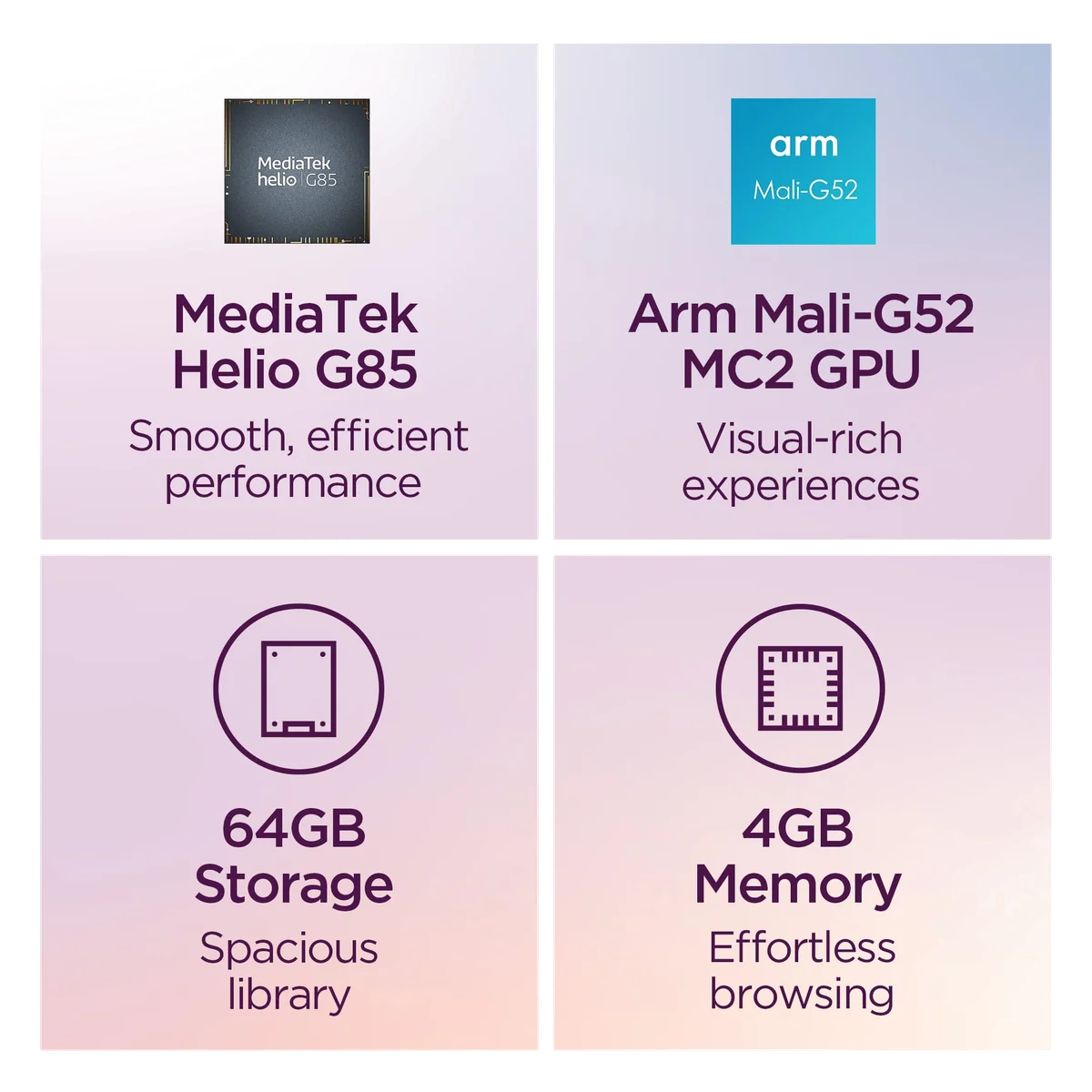
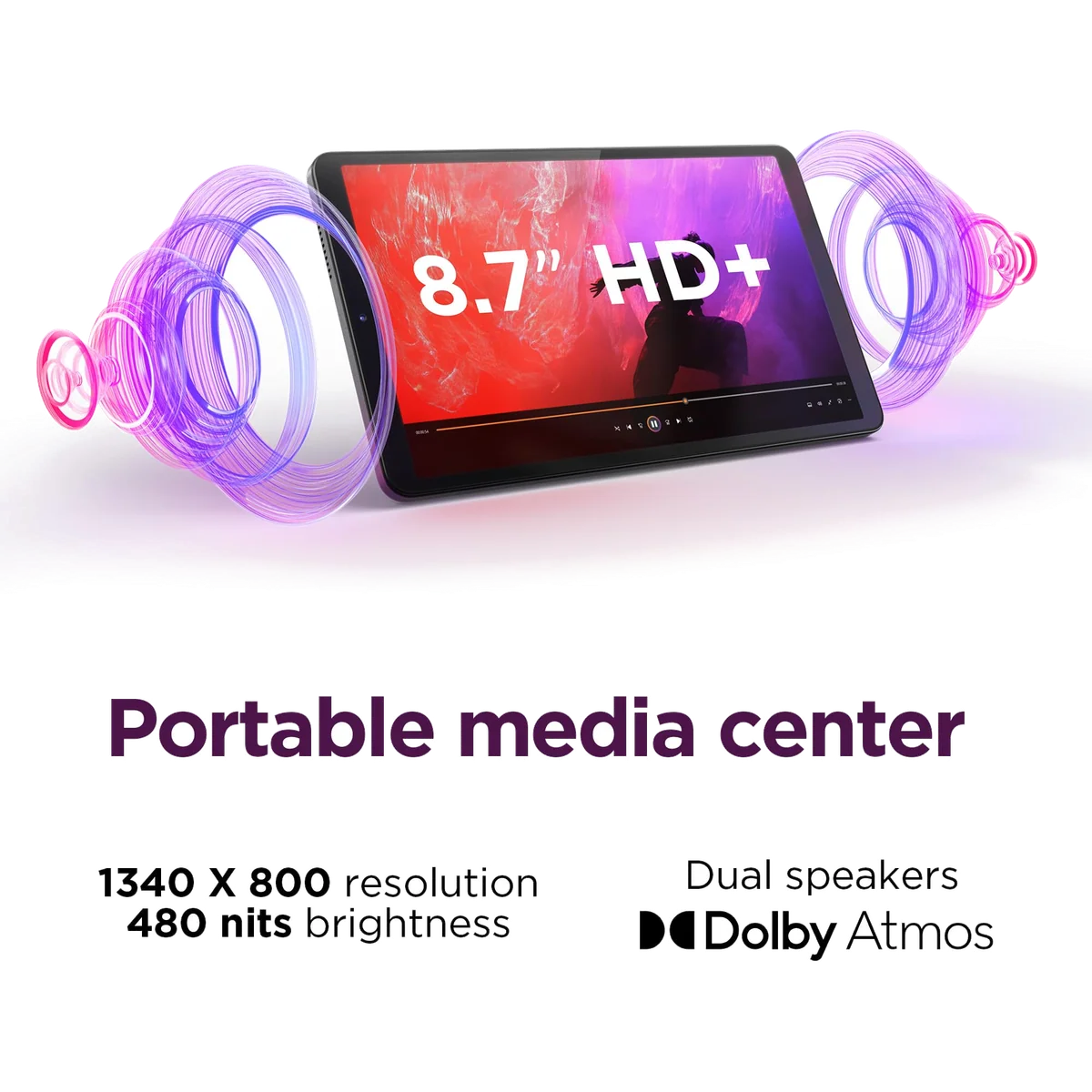
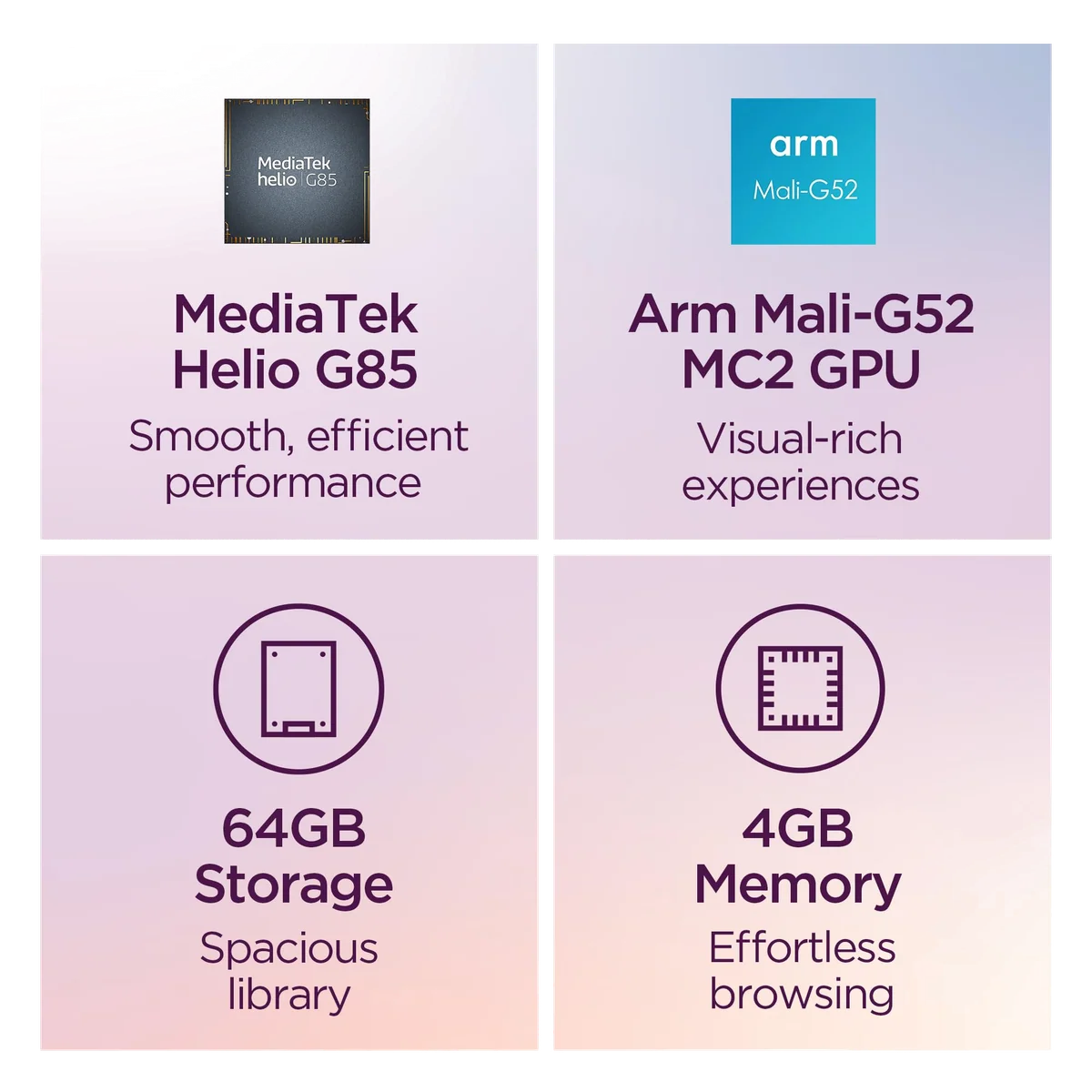
This is not a miniature premium tablet. Its 8.7-inch display has a coarse 1340 × 800 resolution, the Helio G85 processor is old and the 64 GB of eMMC storage is slow. Apps can take a moment to open, rotation can pause and rapid task switching exposes the limits of 4 GB of memory. The useful version of the performance claim is simple: open one ordinary app, give it a beat and use it.
That modest formula works for ebooks, news, social feeds, YouTube, streaming services and light games. It does not work nearly as well for dense PDFs, ambitious mobile games, frequent split-screen work or replacing a laptop. If portability is not the reason you are here, a larger tablet will usually buy more screen and performance for the money.
Buy it if compactness is the requirement
The Tab One makes sense as a bedside reader, sofa browser, travel screen, child’s first lightweight tablet or modern stand-in for a Nexus 7. This Amazon bundle also includes a folio case, an important distinction because other Tab One packages may sell the case separately.
Skip it if compactness is merely a preference
A buyer who can tolerate a 10-inch or 11-inch device should prioritize a sharper panel, quicker storage and a stronger processor instead. The Tab One asks you to accept visible compromises specifically to preserve its small footprint.
Key Specifications
Its best specification is 4.91 inches
Tablet specifications usually encourage the wrong kind of arithmetic. A faster chip, another gigabyte of memory or a denser display looks decisive until the device stays at home because it is inconvenient to carry. The Tab One reverses that calculation. Its narrow, rounded plastic body is comfortable in one hand, while the 8.7-inch screen offers appreciably more reading and video space than a phone.
That shape has credible owner evidence behind it. One former Nexus 7 user needed a device less than five inches wide so it would fit a large coat pocket; the Tab One just cleared that requirement and remained a regular pocket companion months later. Other owners describe using it in airplanes, hospital rooms, lines and bed, exactly the situations in which a full-size tablet becomes dead weight.
The included folio strengthens this particular bundle. It covers the screen, folds into a handhold and can prop the tablet up for video. Its stand is not flawless: an owner found the retaining groove shallow enough that tapping the display could make the tablet slip. It is useful everyday protection, not ruggedization, and the tablet has no official water-resistance rating.
Build quality is better than the low-end specification sheet suggests. Laboratory handling found little flex and no display rippling under pressure, despite the plastic construction. At the same time, the bare tablet’s 320-gram weight does not include the folio, so expect the complete travel package to weigh more.
A practical collection of ports and omissions
Lenovo kept a 3.5 mm headphone jack, Bluetooth 5.3, stereo speakers and a microSD slot that accepts cards up to 1 TB. The card is best treated as storage for downloaded films, music, photos and documents; do not assume every Android app can be transferred to it. Depending on setup and test conditions, only about 38 to 46.5 GB of the nominal 64 GB may remain available.
The USB-C port supports charging, flash drives and other USB 2.0 functions, but not wired video output. Miracast provides a wireless route to a compatible display. GPS is present even on the Wi-Fi model, although the tested satellite fix was slow to establish. This Amazon listing should not be mistaken for the separate LTE version.
There is no fingerprint reader, NFC, wireless charging or pressure-sensitive pen support. The front camera enables 2D face recognition, but that is a convenience feature rather than strong biometric security. A basic capacitive stylus can imitate a finger, yet anyone interested in serious handwriting or drawing should use our guide to whether an active stylus is worth buying.
Strengths & Limitations
Strengths
- The 320-gram body is comfortable to carry and use in one hand.
- Battery life can cover a full day of light reading, browsing and video.
- The included folio makes this specific Amazon bundle more complete.
- Google Play, a headphone jack and microSD expansion keep it flexible.
- Widevine L1 allows compatible streaming services to deliver HD video.
Limitations
- The Helio G85, 4 GB of memory and slow eMMC storage produce visible pauses.
- The 1340 × 800 panel makes small text look coarse.
- The basic cameras are poor choices for photography and important video calls.
- There is no active-pen support, fingerprint reader or wired display output.
- The concrete software promise ends far sooner than the disputed seven-year rumor suggests.

Patience is part of the operating system
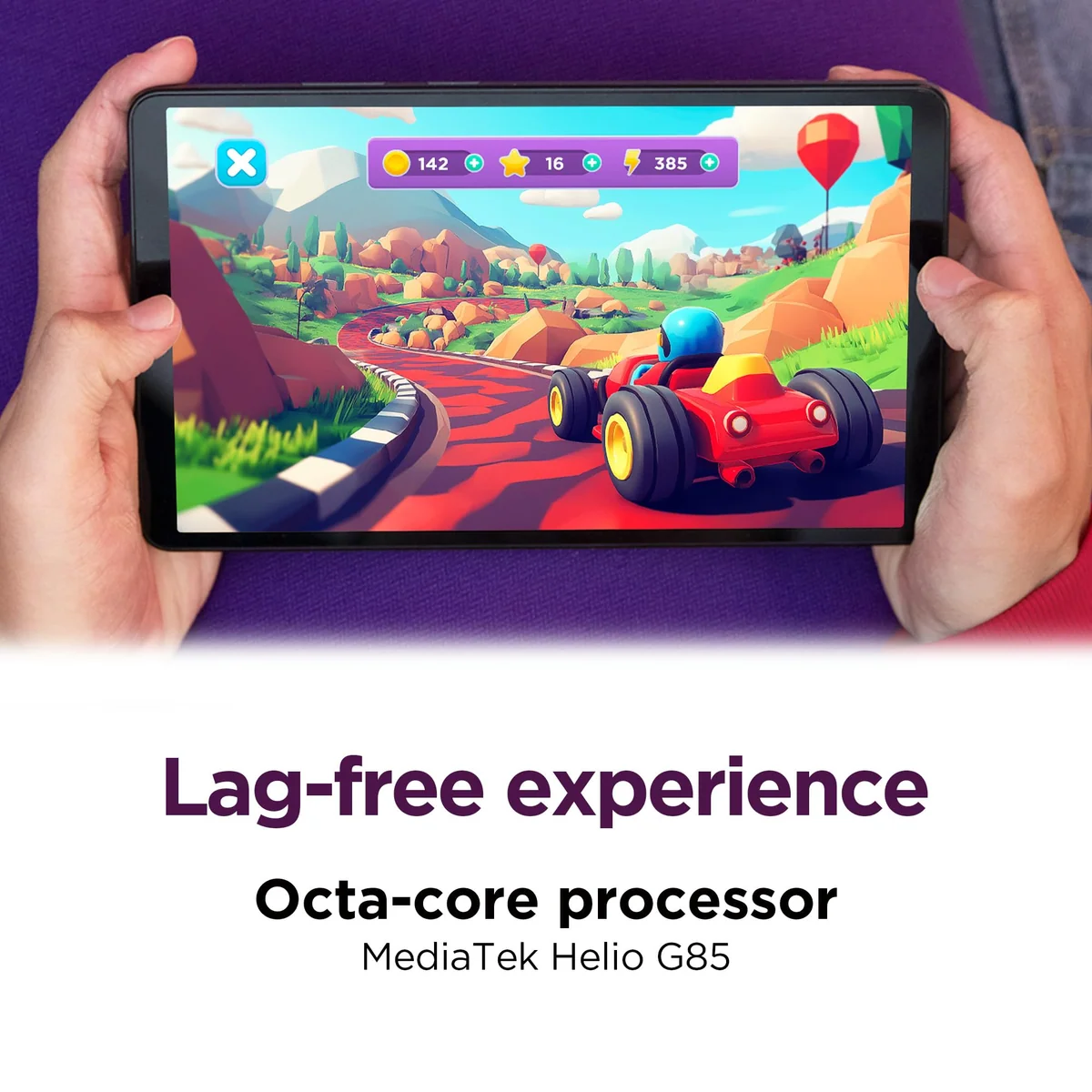
The Helio G85 combines two performance cores with six efficiency cores, while 4 GB of memory and eMMC 5.1 storage complete an unmistakably entry-level platform. Its weakness is not theoretical. Independent testing found long loading times, pauses during orientation changes and stuttering when the processor was asked to handle complex pages or several activities at once.
Setup can give an especially poor first impression because updates, app installations and account synchronization compete for the same limited resources. Performance improves after that background work finishes and unwanted suggested apps are removed, but housekeeping cannot turn slow storage and an older processor into premium hardware.
For reading, email, ordinary browsing and social media, the delay is usually tolerable rather than disastrous. Two or three browser tabs can be workable. A video stream generally plays reliably once it has started. The trouble arrives when the workflow becomes a rapid sequence of opening, switching, rotating and returning, since apps may reload instead of waiting in memory.
Owner reports range from “pretty snappy” to plainly slow, which is less contradictory than it sounds. Someone opening Kindle and reading for an hour places almost no pressure on the hardware. Someone jumping among messaging, a heavy website, a game and split-screen video will encounter a different tablet.
Casual games are possible, ambitious ones are not
The Tab One can run older, casual and well-optimized games at restrained settings. PUBG Mobile averaged about 40 frames per second in its smooth mode during instrumented testing, while Genshin Impact averaged 27 frames per second at its lowest preset and suffered deeper drops. Fortnite did not run in another review, and demanding emulation beyond older console generations is a poor match.
The weak graphics processor is steady under sustained load, but stability does not make it fast. Loading pauses, low settings and modest frame rates are the price of admission. Buyers interested primarily in games should start with our tablet gaming recommendations instead of trying to force this device into the role.
Streaming is the kinder workload
Widevine L1 support allows compatible services such as Netflix to deliver HD streams, which is not guaranteed on every inexpensive Android tablet. The panel itself is still only 1340 × 800, so selecting a 1080p, 1440p or 4K source does not create a Full HD screen. High-frame-rate video and 1440p playback have also produced choppiness in owner and reviewer reports.
At sensible settings, the Tab One is much more convincing as a portable television than a game console. The screen is large enough to follow a film on a tray table, the two speakers are sufficiently loud for casual listening and the headphone jack remains useful on flights. Dolby Atmos improves the presentation, but it cannot manufacture bass from small drivers; measured sound was mid-heavy and thin.
The price only works when the size earns it
No live price belongs in a review because the number can change before the paragraph is read. The useful calculation is relative. Around the lower end of its historically observed range, the Tab One’s compact body, normal Google Play access, microSD expansion and included folio create a defensible package. As its cost approaches that of larger tablets with faster chips and sharper screens, compactness becomes the only strong reason to keep choosing it.
The Lenovo Tab One and Amazon Fire HD 8 comparison explains the closest small-tablet trade-off in detail. Lenovo’s conventional Android environment and Google Play Store are meaningful advantages over Fire OS, while Amazon’s tablet can still be attractive when its own pricing or services fit the household better.
Samsung’s Galaxy Tab A9 is another direct peer. Its Helio G99 is stronger, its construction can feel more premium and one side-by-side reviewer preferred its brighter-looking display and viewing angles. The Lenovo counterargument is better battery life in that comparison, a rounder shape that is comfortable one-handed and the folio supplied with this Amazon SKU. This is a model comparison, not evidence that either brand is universally better.
A larger Lenovo Idea Tab is the more rational purchase for study, multitasking, display sharpness and performance. The Tab One wins only when its 8.7-inch dimensions, low weight and one-handed balance are central requirements. Readers still deciding on the form factor should consult our guide to choosing the right tablet size.
The same distinction keeps this review honest about the Nexus 7 comparison. The Tab One can be a satisfying modern replacement for reading, browsing, videos and simple games, but it is not a compact enthusiast flagship. It succeeds because it preserves the carry-anywhere habit, not because it recreates every fond memory at higher speed.
The display and battery pull in opposite directions
Brightness and contrast are respectable for this class. Notebookcheck measured an average of about 379 cd/m², a peak slightly above 400 cd/m² and a contrast ratio of 1696:1. Color accuracy was also reasonable in the standard profile, and no pulse-width modulation was detected.
Resolution is the larger problem. At roughly 180 pixels per inch, small type and fine interface elements can look visibly pixelated, while motion on the 60 Hz panel is not especially clean. The screen is acceptable for novels, casual web pages and video at arm’s length; it is substantially less pleasant for tiny spreadsheet cells, technical PDFs or readers who prize crisp typography.
Outdoor use needs another qualification. The panel can handle a bright room and shaded travel environments, but reflections and direct sunlight overwhelm it. The manufacturer’s 480-nit rating should not be read as permission to expect premium outdoor visibility.
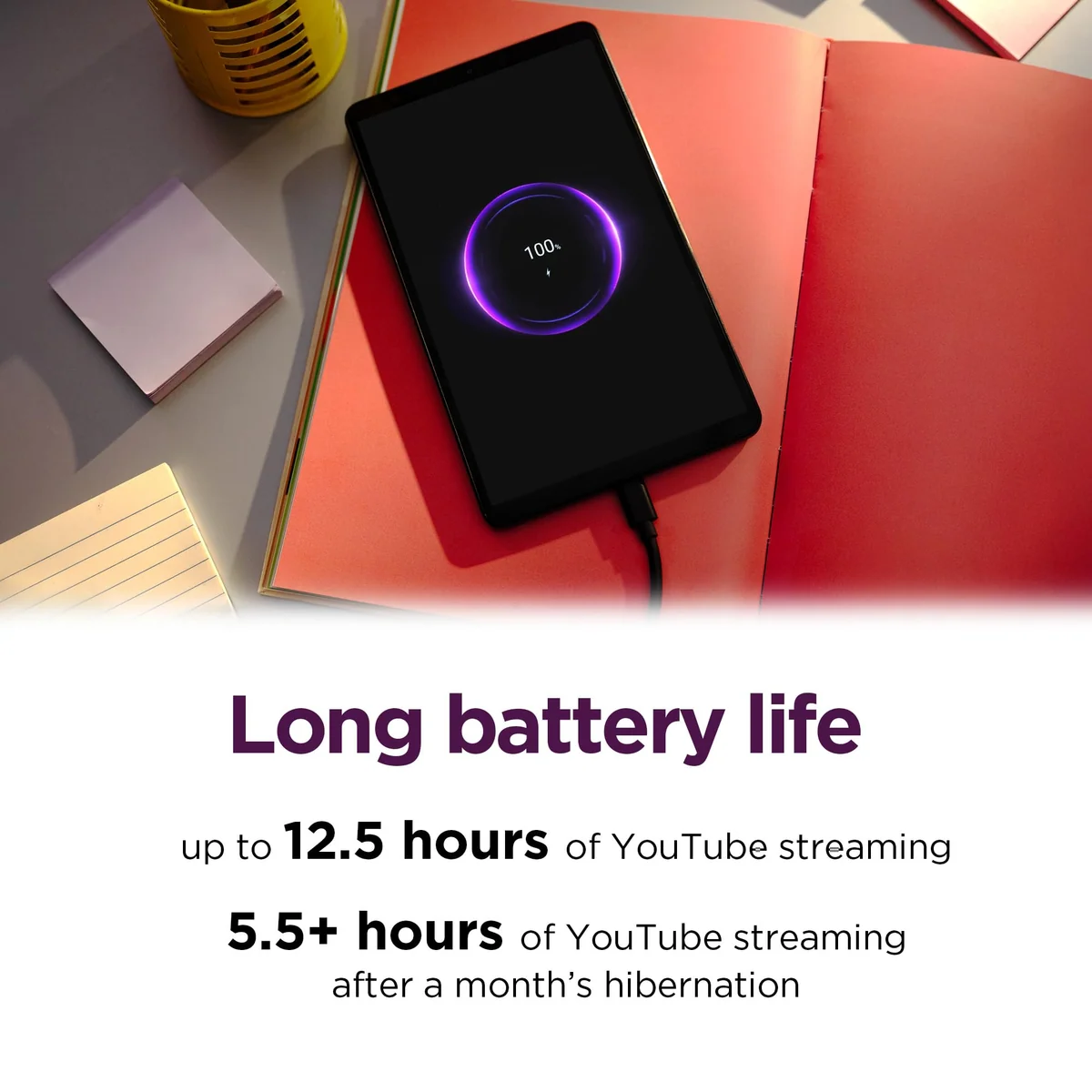
Battery life is the stronger half of the equation. Lenovo advertises up to 12.5 hours of YouTube streaming, and Consumer Reports recorded 12.4 hours in its movie test. Notebookcheck reached 16 hours and 17 minutes in a local video loop, while maximum-brightness YouTube tests elsewhere landed closer to eight or nine hours. Those results use different workloads, so none invalidates the others.
The practical conclusion is that a full day of intermittent reading, browsing and video is realistic. Continuous use at maximum brightness shortens that considerably, and heavy sustained load can exhaust the battery in less than five hours. The tablet supports charging at up to 15 W, with one laboratory review recording a full charge in about two hours using an appropriate supply.
Do not assume a charging brick is in this bundle. Amazon lists the tablet, folio, tray pin and documentation as included items, but does not name a cable or power adapter. Regional packages differ, which makes the exact listing more reliable than a generic unboxing.
Frequently Asked Questions
Is the Lenovo Tab One good for everyday use?
It is good for reading, streaming, light browsing and simple apps, but its slow storage and 4 GB of memory make rapid multitasking frustrating.
How old is the Lenovo Tab One?
It is a 2025 model that appeared around February and received its broader release around March.
Will the Lenovo Tab One receive Android 16?
No supplied official evidence promises Android 16, so buyers should treat Android 15 as the supported operating-system ceiling.
Does this Lenovo Tab One include a case?
Amazon ASIN B0F1NHSFMF includes a folio case, although other regional and retailer bundles may not.
Is a screen protector included?
No screen protector is named among the included items for this listing.
Can the Lenovo Tab One use a stylus?
A generic capacitive stylus can imitate a fingertip, but the tablet lacks the active-pen digitizer required for pressure-sensitive handwriting and drawing.
Can the Lenovo Tab One replace a Nexus 7?
It can replace a Nexus 7 for portable reading, browsing, video and light games if its modest speed and larger dimensions are acceptable.
Can its storage be expanded?
It supports microSD cards up to 1 TB for files and offline media, but app migration to the card should not be assumed.
Can it connect to a television?
It supports Miracast for compatible wireless displays, while its USB-C 2.0 port does not provide wired video output.
Does the Wi-Fi Lenovo Tab One have GPS?
Yes, the Wi-Fi model has GPS, although independent testing found that the initial location fix could be slow.
Is the Lenovo Tab One suitable for children?
Its light body, Google Kids Space and Family Link make it a reasonable first tablet, but it has no water-resistance rating and still needs careful protection.
Is 64 GB enough storage?
It is enough for a light app collection if offline films, music and photos are placed on a microSD card.
Does the Lenovo Tab One have a headphone jack?
Yes, it has a 3.5 mm headphone jack as well as Bluetooth 5.3.
Does it have a fingerprint reader?
No, it relies on conventional screen-lock methods and less-secure 2D face recognition.
Sources (6)
- Amazon listings and customer reviews — Lenovo Tab One
- Owner reports across r/Nexus7 threads
- Owner and reviewer video, 2 channels
- Notebookcheck — Article — www.notebookcheck.net
- Mynexttablet — Article — mynexttablet.com
- Consumerreports — Article — www.consumerreports.org