The best cheap tablet is not the cheapest tablet
Cheap tablets divide into two markets that happen to share a search page. The first contains deliberately limited devices from Amazon, Lenovo, Samsung and Apple. Their compromises are visible, documented and usually survivable. The second contains unfamiliar Android tablets whose listings promise extraordinary memory, enormous batteries and recent software for remarkably little money. Some owners are delighted with them, but the supplied records also contain mismatched specifications, short battery life, fragile screens, intrusive software and failures that turn a bargain into an argument with customer service.
Our winner is the Fire HD 10 because it gets the central budget-tablet job right. Its 10.1-inch Full HD display, useful battery endurance and expandable storage make video, books and browsing comfortable, while its modest performance is sufficient for those restrained tasks. The catch is Fire OS: Google Play is not officially supported, Amazon’s store has real gaps and the interface keeps pointing back toward Amazon. Check every essential app before buying, because an unofficial workaround is not a substitute for compatibility.
Buy the Fire HD 10 when entertainment is the whole brief
It is the strongest cheap choice for supported streaming services, Kindle books, recipes, light browsing and shared household profiles. Choose the standard 4GB configuration over the older 3GB Like-New listing unless the certified-refurbished option carries a meaningful checkout advantage.
Leave Fire OS when one missing app would spoil the purchase
The Lenovo Tab One is slower and smaller, but it provides Google Play in a compact body and includes a folio in this bundle. The Samsung Galaxy Tab A11+ is the better long-term Android choice if the budget stretches further, although its weak viewing angles keep it below the iPad for display quality.
Do not buy more tablet than the job requires, but do not confuse a low total with value either. A no-name model that needs an immediate replacement is expensive; a basic iPad that remains useful across school, entertainment and creative apps may be cheaper over its working life. Readers still deciding whether this category can cover their work should compare a laptop with a tablet before adding a keyboard to weak hardware.

Quick Picks at a Glance
| Feature | Editor's Pick Amazon Fire HD 8 Plus 2022 | Amazon Fire HD 10 2023 | Amazon Fire HD 10 Kids 2023 | Amazon Fire HD 8 Kids 2024) | Amazon Fire HD 8 2024) | Lenovo Tab one | Samsung Galaxy Tab A11 Plus | IPad 11-inch a16 |
|---|---|---|---|---|---|---|---|---|
| Price Range | — | — | — | — | — | — | — | — |
| Finish | Gray | Lilac | Blue | Blue | Black | Gray | Gray | Blue |
| Screen size | — | 10.1" | 10.1" | — | — | 33" | 11" | 11" |
| Check Price on Amazon | Check Price on Amazon | Check Price on Amazon | Check Price on Amazon | Check Price on Amazon | Check Price on Amazon | Check Price on Amazon | Check Price on Amazon |
The tablets worth buying, tolerating or avoiding
The ranking favors a dependable experience over the largest number printed in a listing. Screen quality, app access, physical size and support matter more than virtual memory, and every buying action below follows both a verdict and the drawback that could overturn it.
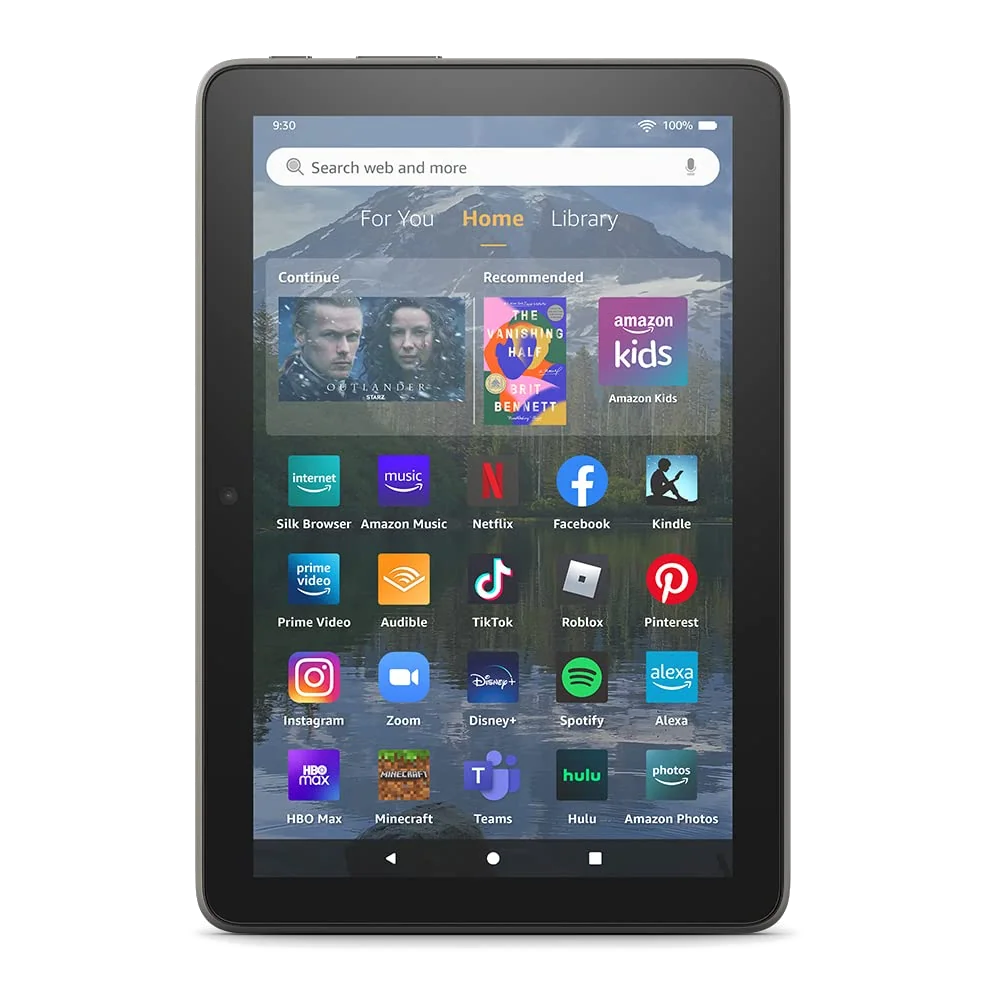
The 2022 Fire HD 8 Plus is a specialist pick for a small Amazon tablet that lives on a wireless charger.
Its compact body, 3GB of memory, microSD slot and Qi charging suit reading, personal video and Show Mode in an Amazon-centered home.
The low-resolution display, dated performance and unsupported Google Play access make it a poor general-purpose purchase.
Wireless charging is the reason to consider this older Plus model, not the word “Plus” by itself. The charging dock is separate, the screen is only 1280 × 800 and Amazon explicitly says Google Play is unsupported. Compare it with the standard Fire HD 8 before accepting older hardware for a feature you may never use.
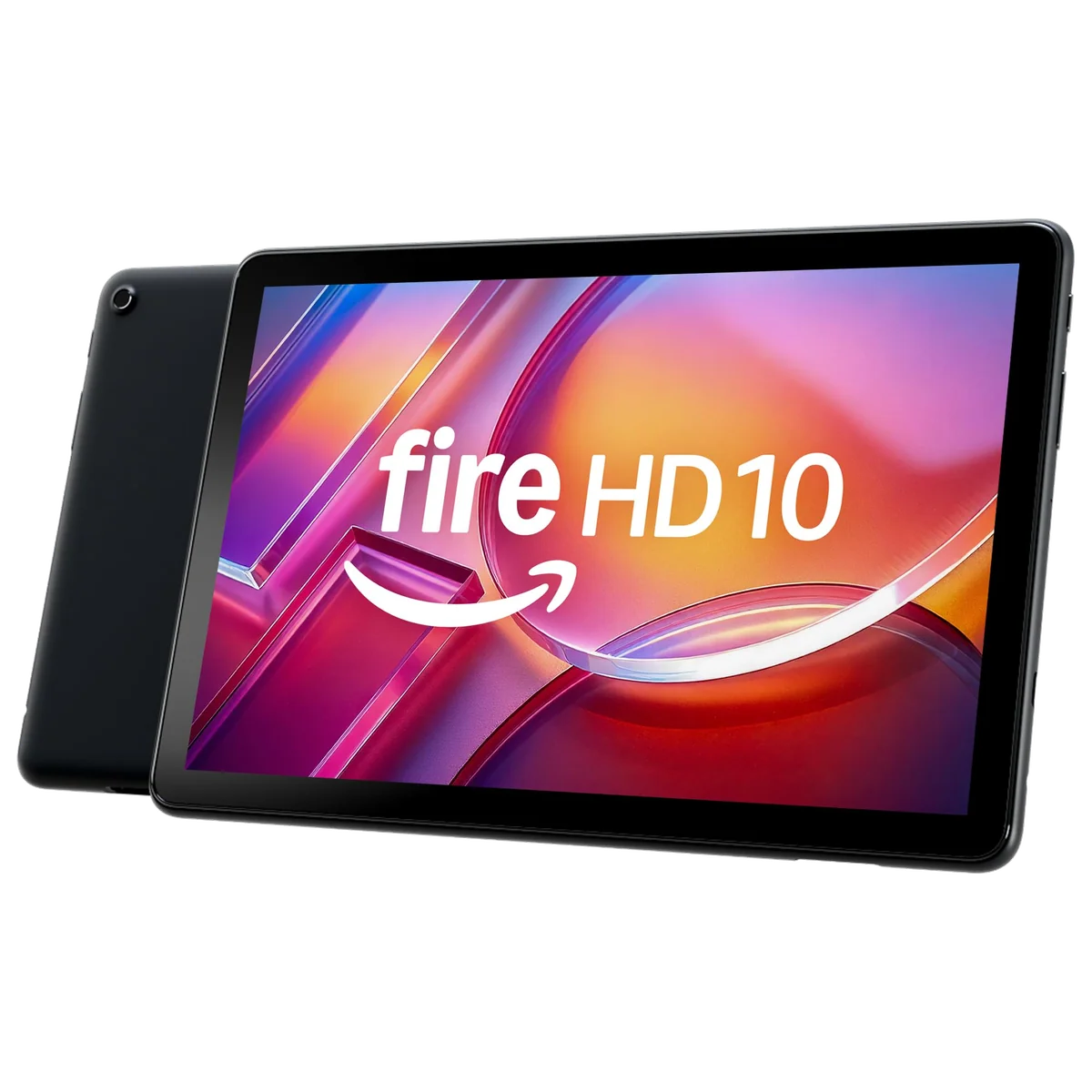
The Fire HD 10 is the best cheap tablet for straightforward video, reading and family profiles.
Its roomy Full HD screen, 4GB configuration, expandable storage and credible all-day endurance deliver the essentials without pretending to be a work machine.
Fire OS restricts the app catalog, promotes Amazon services and turns Google-dependent routines into unsupported workaround projects.
The Fire HD 10 wins because it spends the budget where sofa use benefits most. The 10.1-inch panel has a 1920 × 1200 resolution, the 32GB configuration accepts microSD expansion and the listing supports an optional pressure-sensitive stylus. None of that changes the processor into a gaming powerhouse or the Amazon Appstore into Google Play, so inspect the software list before the hardware specification sheet.
The Like-New Fire HD 10 is worthwhile only when certified refurbishment creates a clear advantage at checkout.
It preserves the standard model’s Full HD entertainment screen, microSD expansion and Amazon integration while carrying Amazon’s stated Like-New testing and limited-warranty terms.
This version has 3GB of memory, generic packaging is possible and retained owners show that refurbishment can occasionally return someone else’s unresolved fault.
Amazon says this refurbished unit is tested and certified to look and work like new, but it is still the 3GB configuration rather than the 4GB model ranked above it. One retained buyer received a unit that would not pair with working Bluetooth headphones, while others could not distinguish their devices from new. That variability is acceptable only when the checkout comparison rewards the risk.
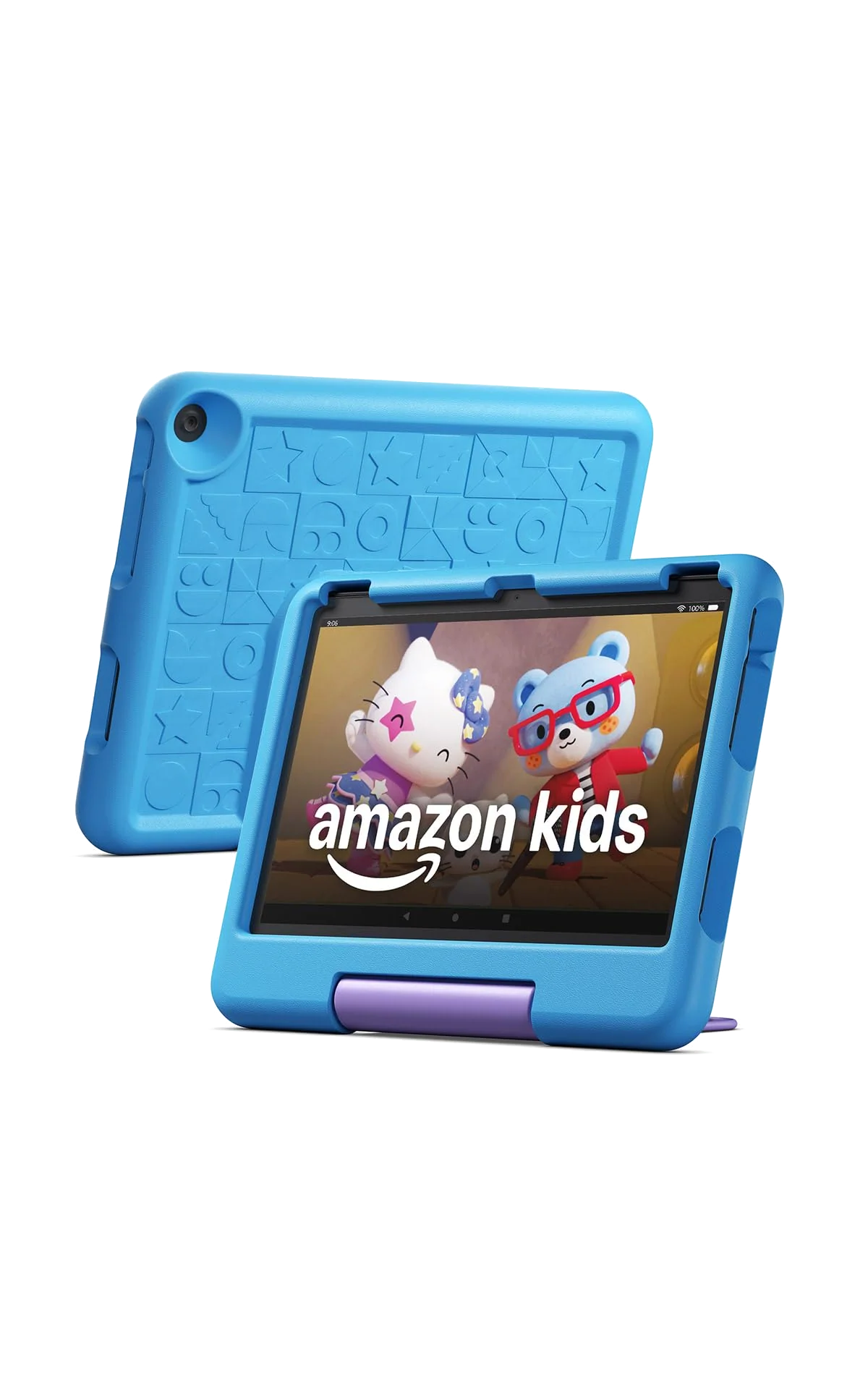
The Fire HD 10 Kids is the better large first tablet for a young child who drops devices and watches at a table.
Its 10.1-inch Full HD display, thick case, granular parental controls, included Kids+ term and two-year replacement promise form a coherent family bundle.
The case is bulky for small hands, demanding games can struggle and Google Play remains absent.
Buy this package for protection and governance rather than superior computing hardware. Amazon positions it for ages three to seven and includes a case, one year of Kids+ and a two-year worry-free guarantee. The subscription renews unless canceled, and the case protects against impacts rather than water. Our comparison of the 8-inch and 10-inch Kids models settles the more important question of portability versus screen room.
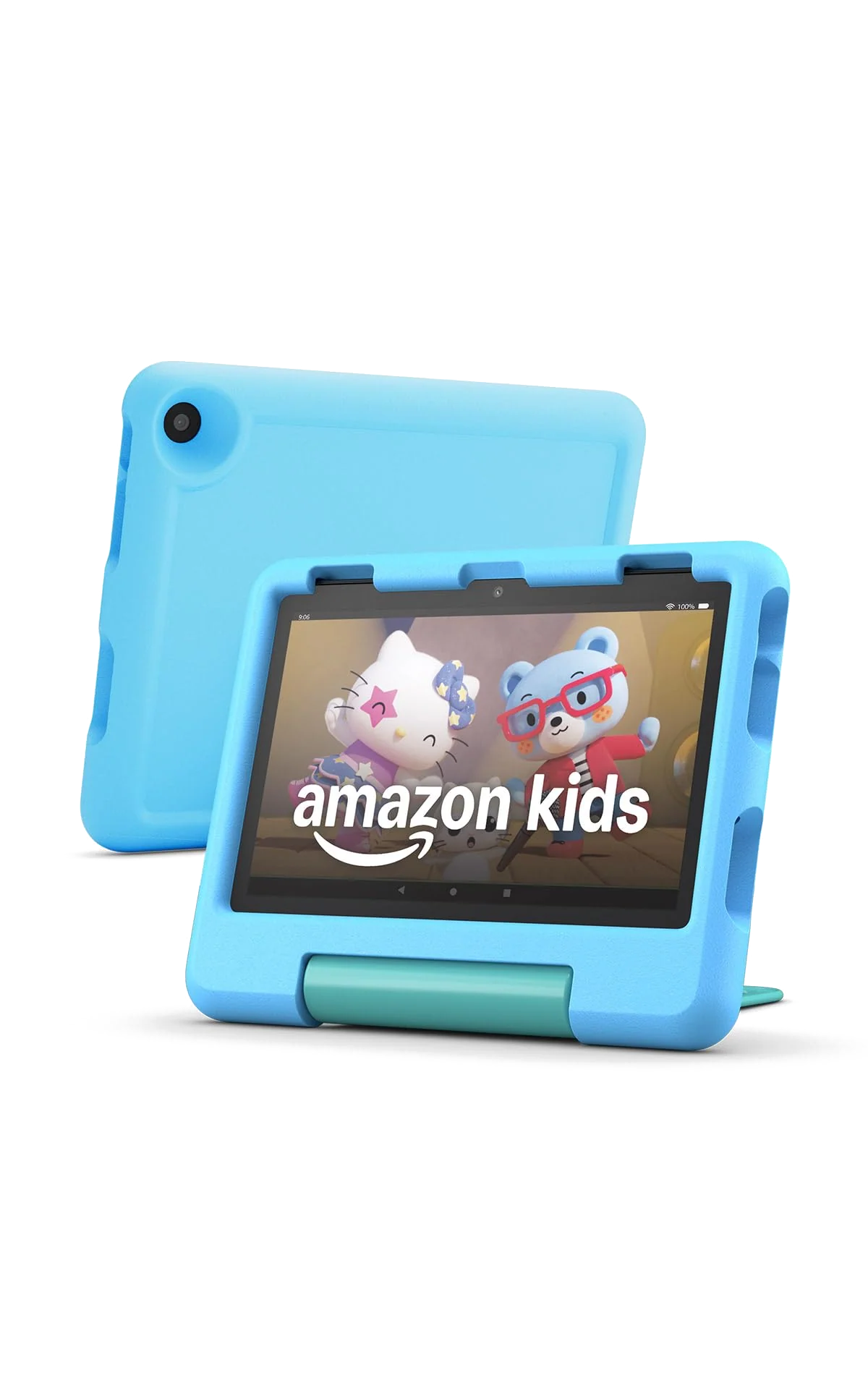
The Fire HD 8 Kids is the better portable first tablet for a preschooler.
Its handle, compact screen, parental controls, included Kids+ term and replacement guarantee make travel and ordinary childhood accidents easier to manage.
The coarse reflective display, slow bundled charging and missing Google Play will become more frustrating as the child’s expectations grow.
The smaller Kids tablet is easier to carry and hold than its 10-inch sibling, but the 1280 × 800 panel gives up sharpness and working room. It includes 3GB of memory, 32GB of storage and microSD support, so downloads can expand even when performance cannot. Parents who need a broader field should use our children’s tablet guide rather than assume every child benefits from Amazon’s controlled ecosystem.
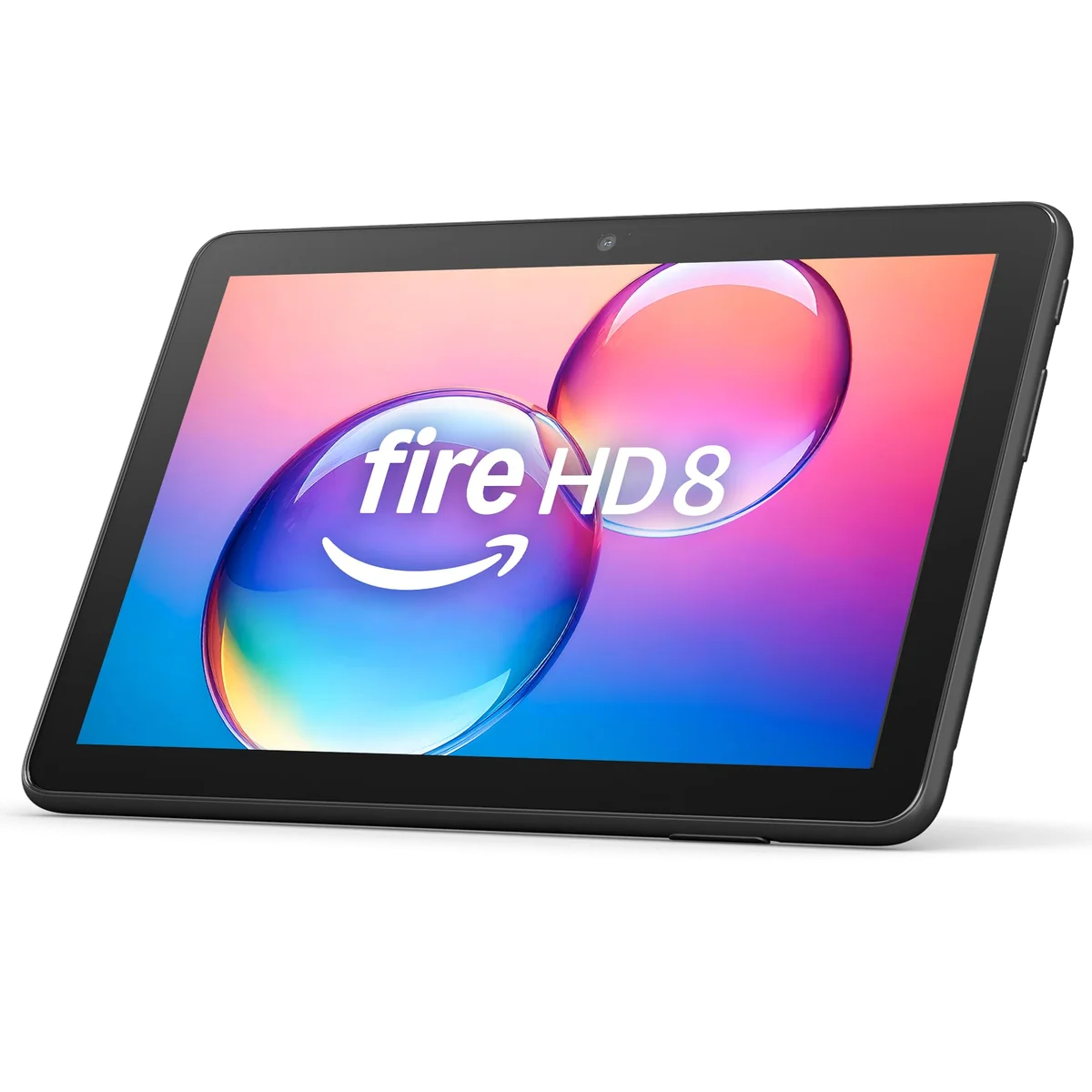
The 4GB Fire HD 8 is a good travel tablet for readers and viewers who already accept Amazon’s ecosystem.
The 8-inch body, 64GB of storage, microSD slot and headphone jack make downloaded books and video easy to carry without risking a premium device.
The soft screen, weak cameras, slow processor, five-watt bundled charger and unsupported Google Play access keep its role deliberately narrow.
This is the standard Fire HD 8 configuration to choose because 4GB of memory and 64GB of storage provide more breathing room than the base version. Amazon still describes Google Play as unsupported, and the low-resolution display remains much better indoors than in sunlight. If screen size is undecided, the direct Fire HD 8 and Fire HD 10 comparison is more useful than comparing their names.
The Lenovo Tab One is the best compact cheap tablet for buyers who need ordinary Android apps.
Its narrow 8.7-inch body, Google Play access, long video endurance, headphone jack, microSD slot and included folio make it an appealing one-app-at-a-time travel companion.
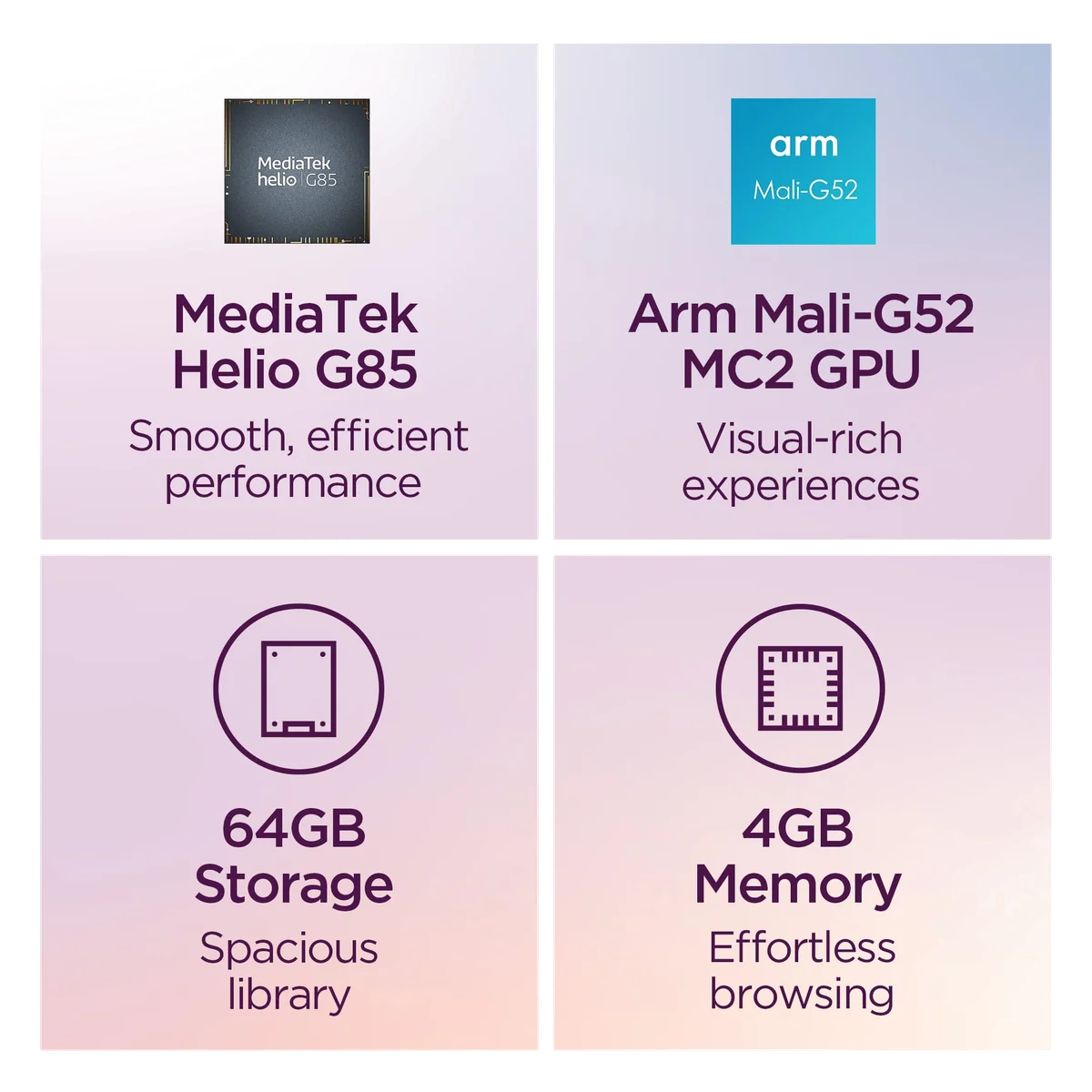
The low-resolution screen, Helio G85 processor, 4GB memory ceiling, slow eMMC storage and short support horizon demand patience.
The Tab One gives up speed and sharpness to remain comfortably small. Its 1340 × 800 panel is adequate for video but exposes coarse text, while demanding games and rapid multitasking exceed the hardware’s natural role. Choose it over a Fire tablet when Google Play matters, not because it is secretly fast; our Lenovo and Fire comparison makes that ecosystem trade explicit.
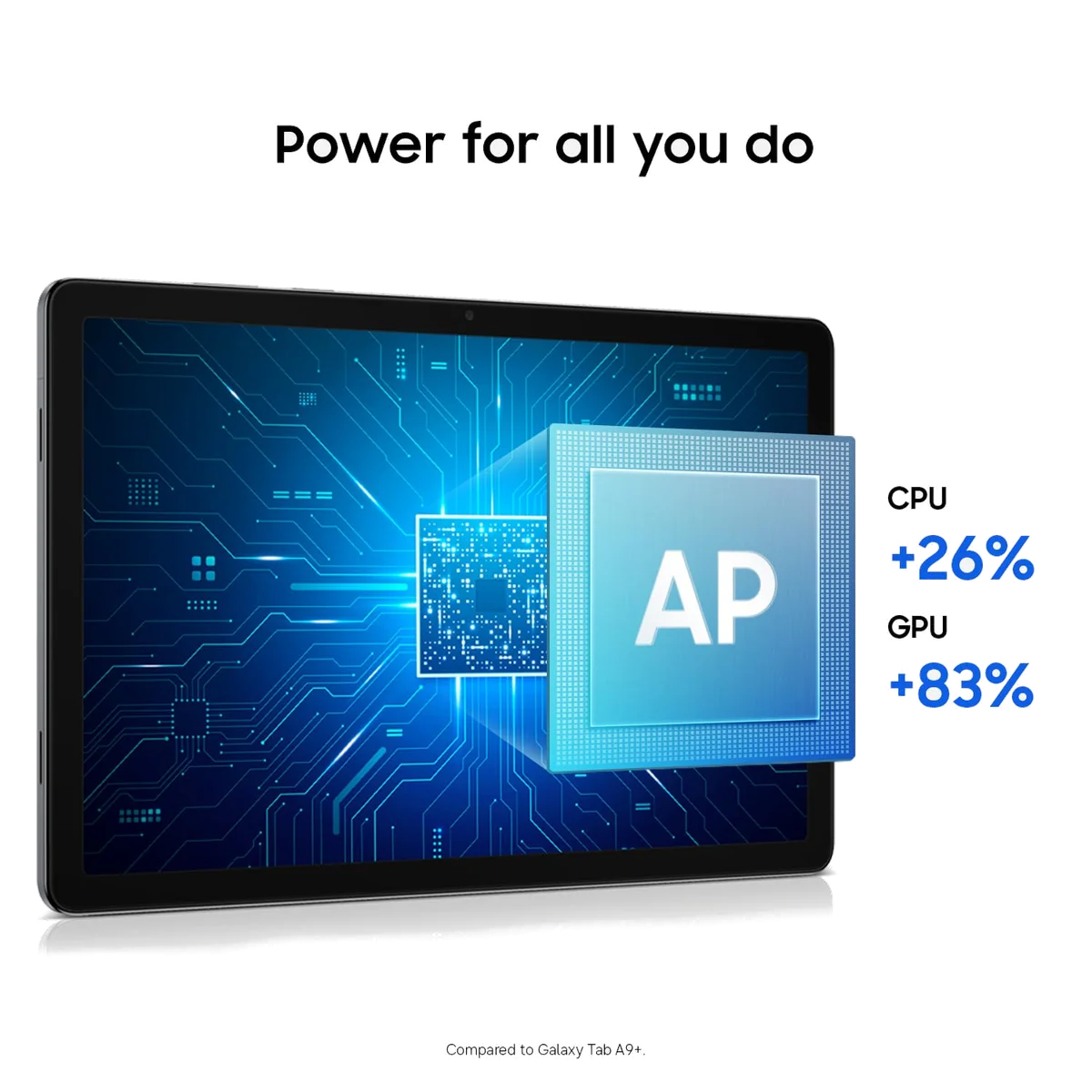
The Galaxy Tab A11+ is the best affordable Android option for long support and responsive everyday work.
Six gigabytes of memory, 128GB of storage, microSD expansion, a 90Hz interface and Samsung’s long update promise make it far more credible than generic bargain tablets.
The washed-out TFT display has narrow viewing angles, and the tablet lacks active S Pen support and wired monitor output.
Samsung’s advantage is not a single dazzling feature. It is the absence of bargain-bin friction during browsing, streaming, email and two-app multitasking. The screen is the exception: motion is smooth, but color and off-axis viewing are weak enough to matter on an 11-inch device. Students intending to handwrite notes should consult the guide to active stylus support before mistaking a generic capacitive pen for an S Pen.
The A16 iPad is the best value here for buyers who can spend beyond the genuinely cheap tier.
Fast everyday performance, 128GB of starting storage, mature tablet apps, strong cameras and useful Pencil support give it the broadest working life in this ranking.
The reflective non-laminated 60Hz display, slow charging, accessory costs and lack of Apple Intelligence prevent it from being a bargain without conditions.
The basic iPad costs more because it avoids most of the compromises that make cheap tablets temporary. It can handle schoolwork, mainstream games, notes, video calls, documents and casual creative work without turning every task into a patience test. It cannot use Apple Pencil Pro and will never gain Apple Intelligence, so serious artists should look at our iPad recommendations for drawing instead of accessorizing around a fixed screen limitation.
The tempting listings that need much more caution
The remaining tablets are ranked because they are sold on this page, not because Specs & Screens considers their enormous headline numbers trustworthy shorthand for performance. When a listing says “20GB,” “28GB” or “32GB” of memory, most of that can be virtual memory borrowed from storage rather than physical RAM. A familiar operating-system number is also weak reassurance when retained buyers report a different version on the delivered hardware.
The COLORROOM C30 is a low-cost children’s Android bundle for families willing to accept uncertain durability.
Google Kids Space, parental controls, a handled case, 64GB of storage and microSD expansion give it more conventional app access than a Fire Kids tablet.
Retained owners report sharply inconsistent battery life and an early screen failure, while the advertised 10GB includes virtual rather than entirely physical memory.
The C30 listing identifies only 4GB of physical memory plus 6GB of expansion, despite placing “10GB” prominently in the title. Owners liked the case and Google-based controls, but the small review record also includes a screen that failed within days and batteries that deteriorated quickly. That evidence makes the established Fire Kids bundles easier to recommend when accidental-damage cover matters.
The Frameflow T7250 is a couch tablet for buyers prepared to verify every claimed feature immediately.
Its 11-inch 90Hz screen, 128GB of storage, Google Play access and microSD expansion create an attractive specification sheet for browsing and video.
Owner reports include tinny speakers, failed offline positioning, slow charging, short battery life and a screen that cracked quickly.
Frameflow advertises GPS, an 8800mAh battery and 20GB of memory, but specifies that only 4GB is physical memory. One retained buyer could not obtain an offline location fix, which makes the GPS claim unsuitable as a reason to purchase for field use. Buy only if easy returns and an immediate feature audit are part of the plan.
The CUPEISI bundle is a cheap keyboard package rather than a convincing laptop replacement.
Its 128GB storage, microSD expansion, Google access, keyboard, mouse, case and stylus cover a basic school or email setup in one box.
Only 4GB of the advertised 20GB is physical memory, and owners report Android-version mismatches, crashes, short battery life and slow charging.
A keyboard and mouse cannot repair weak multitasking hardware. The listing describes 4GB of physical memory plus 16GB of virtual expansion, while a retained buyer received Android 15 despite the Android 16 claim. This can still handle basic typing, but anyone whose coursework depends on reliable multitasking should start with our student computer and tablet recommendations.
The COOPERS CP10 is acceptable only as a disposable single-purpose screen with an excellent return path.
Google Play, a 10-inch display and microSD expansion can cover a camera monitor, ebook reader or other undemanding fixed task.
Its quad-core processor, 32GB storage, fragile screen reports and alarming owner accounts of overheating and melted charging hardware make it impossible to recommend for a child.
This is where low cost stops excusing the evidence. One owner reported overheating and damage around the charging connection on both an original unit and its replacement, while another described a food crumb scratching the screen. A device used as a stationary monitor may avoid some handling stress, but heat during charging is not a cosmetic compromise.
The ZZB ZB10 is a skip despite its large screen and low entry cost.
It can serve as a basic reader or low-resolution video screen when the delivered unit works and expectations remain minimal.
Retained reports include slow response, incompatible apps, a dim display and four tablets from one buyer developing swollen batteries.
The listing calls 3GB of physical memory plus 5GB of expansion “8GB,” and the 32GB internal capacity is small before apps and system files take their share. More seriously, one buyer reported battery swelling across four purchased units. That is not enough to calculate a failure rate, but it is more than enough to remove the ZB10 from our recommendations.
The WXUNJA X-C5 is a risky media tablet whose delivered specifications may not match its listing.
Its large screen, 128GB of storage, microSD expansion, headphone jack and included case can suit books and ordinary 720p video.
The advertised 28GB relies heavily on virtual memory, and owner evidence describes changing processors, memory configurations, unwanted pop-ups, poor cameras and inconsistent hardware identity.
The most detailed retained owner received more physical memory and a different processor than the listing specified, then found removable software responsible for full-screen pop-ups. The tablet still worked well for that buyer’s narrow reading and streaming routine, but variable hardware identity makes confident recommendations, accessory advice and future troubleshooting needlessly difficult.
The COLORROOM C5 is an unproven listing that should not outrank established alternatives.
Its stated Android 16 software, 128GB storage, microSD expansion, large battery and 18W charging form a plausible basic-media specification sheet.
Only 4GB of the advertised 32GB is physical memory, and no retained customer-review record was supplied to test the listing’s performance, battery or durability claims.
This is the clearest example of why a specification sheet is not a verdict. COLORROOM advertises 4GB of physical memory plus 28GB of expansion, an 8000mAh battery and eight to ten hours of use. Without retained owner evidence or independent testing for this exact listing, those statements remain manufacturer claims rather than reasons to prefer it over the better-documented Fire HD 10 or Lenovo Tab One.
We ranked cheap tablets by the compromises you cannot repair
Specs & Screens did not handle or benchmark these tablets. This ranking reconciles the site’s completed product reviews with the exact Amazon listings and retained customer records supplied for the section-tier models. We kept evidence attached to the correct configuration, treated manufacturer battery figures as conditional claims and did not convert virtual memory into physical RAM.
App ecosystem came first because a missing service can make otherwise adequate hardware useless. Screen size and quality came next because they determine whether reading and video are meaningfully better than using a phone. We then considered ordinary performance, starting storage, microSD expansion, battery behavior, charging, physical protection, support and the credibility of the product identity.
| Choice | Best reason to buy | Compromise that decides it |
|---|---|---|
| Amazon Fire HD 10 | Large Full HD entertainment screen with family profiles | Restricted Amazon app ecosystem |
| Lenovo Tab One | Compact conventional Android with an included folio | Slow hardware and a coarse display |
| Samsung Galaxy Tab A11+ | Responsive Android, expandable storage and long support | Weak color and narrow viewing angles |
| Apple iPad A16 | Broad app support, speed and practical 128GB storage | Higher total cost and a reflective non-laminated display |
| Amazon Kids bundles | Cases, controls, curated content and replacement protection | Fire OS restrictions and subscription renewal |
| Generic Android listings | Large screens and aggressive headline specifications | Uncertain hardware identity, support and quality control |
Cheap enough is a workload, not a number
Start with the apps, then choose the hardware
Write down the five apps that make the tablet worth owning and verify each one in the device’s official store. Fire OS is entirely reasonable when Kindle, Prime Video, Audible and supported streaming services are the job. It is the wrong bargain when Google Classroom, a particular library service or a Google Play game is non-negotiable. Our guide to Google Play and missing Fire apps explains why sideloading should not be the purchase plan.
Eight inches travels; ten or eleven inches presents
Smaller tablets are easier to hold while reading and easier to fit into a purse, seat pocket or crowded bag. Larger tablets make films, comics, recipes, video calls and dense webpages easier to see. Neither is universally better, and our tablet-size guide helps turn hand comfort and viewing distance into a decision.
Read memory claims literally
Physical RAM holds active work directly; virtual memory reserves part of slower storage as overflow. A listing that combines the two into a giant headline number has not created flagship multitasking. Four physical gigabytes remains four physical gigabytes even when the box describes twenty, twenty-eight or thirty-two in larger type.
Expandable storage does not fix weak internal storage
A microSD card is valuable for films, books, music, photographs and other files, but it does not make the processor faster or guarantee that every application can move off the internal drive. Thirty-two gigabytes is restrictive, 64GB is workable for restrained use and 128GB is the more comfortable starting point for a general-purpose tablet. The tablet-storage guide covers the distinction in detail.
Count every accessory required to repair the bargain
A faster charger, ad removal, case, screen protector, microSD card, keyboard and stylus can change the comparison substantially. If several are required before the tablet feels acceptable, compare the completed setup with a better device. A keyboard attached to a slow tablet remains a slow tablet with more keys.
Frequently Asked Questions
Which cheap tablet should most people buy?
The Fire HD 10 is the best low-cost entertainment choice when its official apps cover the job, while the Lenovo Tab One is better when Google Play is essential.
Is a Fire tablet the same as an Android tablet?
Fire OS is based on Android but uses Amazon’s store and services without officially supported Google Play, so app availability differs substantially.
Should I buy an unknown Android tablet with more advertised memory?
Only after checking how much memory is physical, confirming the delivered software and processor, and accepting that support and quality control may be weaker than the headline numbers suggest.
Is 32GB enough for a cheap tablet?
Thirty-two gigabytes can cover streaming and light reading, but 64GB or 128GB is safer for apps and downloads even when a microSD slot is present.
Can a cheap tablet replace a laptop?
Most cannot, because their processors, multitasking, keyboards, ports and software are designed for consumption rather than sustained desktop work.
Which inexpensive tablet is best for a child?
The Fire HD 8 Kids is the more portable protected choice and the Fire HD 10 Kids provides the better viewing screen, while both require acceptance of Fire OS and the Kids+ renewal decision.
Is the basic iPad worth spending more on?
Yes, when broader apps, faster performance, better cameras and a longer useful life matter more than reaching the lowest checkout total.
Does virtual memory make a budget tablet fast?
No, virtual memory can help manage overflow but uses storage and cannot substitute for physical RAM, processor performance or fast internal storage.
Our Top Pick
The Amazon Fire HD 8 Plus 2022 is our #1 recommendation — reading.
Check Price on Amazon: Amazon Fire HD 8 Plus 2022