Buy 128GB of tablet storage unless you have a very small or very large plan
Storage anxiety usually begins with the wrong question. The useful number is not how much space a tablet advertises, but how much remains after the operating system, built-in apps, updates and the files you refuse to delete have all taken their share.
That distinction makes 32GB far tighter than its label suggests. It can still support a deliberately simple tablet used for books, streaming and a few modest apps, especially when downloaded media can live on a microSD card. It is a poor default for a new general-purpose tablet because the operating system and applications must compete for the same small internal pool.
At the other extreme, 256GB is not automatically wiser. Empty storage does not improve speed, screen quality or battery life, and a memory card does not increase RAM. Paying for unused capacity is merely a quieter form of waste.
Specs & Screens recommends 128GB because it leaves enough working room for ordinary apps, photos, documents, several substantial games and a useful offline library without making storage management a weekly ritual. The exceptions are clear: a tightly controlled media tablet can live with 64GB, while a creator, frequent traveler or enthusiastic gamer should begin at 256GB.
The practical answer by capacity
| Capacity | Best fit | What breaks the plan | Specs & Screens verdict |
|---|---|---|---|
| 32GB | Streaming, ebooks, web access and a small set of lightweight apps | Large games, many downloads, years of updates and apps that cannot move to a card | Buy only for a narrow job with microSD support or aggressive housekeeping. |
| 64GB | Reading, video, browsing, casual games and a modest offline travel library | Several heavyweight games, extensive comics, offline seasons and local creative files | A defensible minimum for restrained use, but not the safest long-term default. |
| 128GB | General family use, schoolwork, notes, apps, games and ordinary downloads | Large creative projects, a console-sized game library or frequent high-resolution video capture | The right choice for most buyers. |
| 256GB | Large games, frequent travel, photo work, illustration and locally stored video projects | Professional media archives that belong on fast external storage or a larger workstation | Worth buying when local files are part of the routine rather than a hypothetical future. |
These tiers describe behavior, not rigid file counts. A tablet filled with small reading and banking apps can remain comfortable for years, while three enormous games can make the same capacity feel cramped in an afternoon. Download settings, camera use, cached media and app updates also change the result over time.
Thirty-two gigabytes is a deliberate compromise
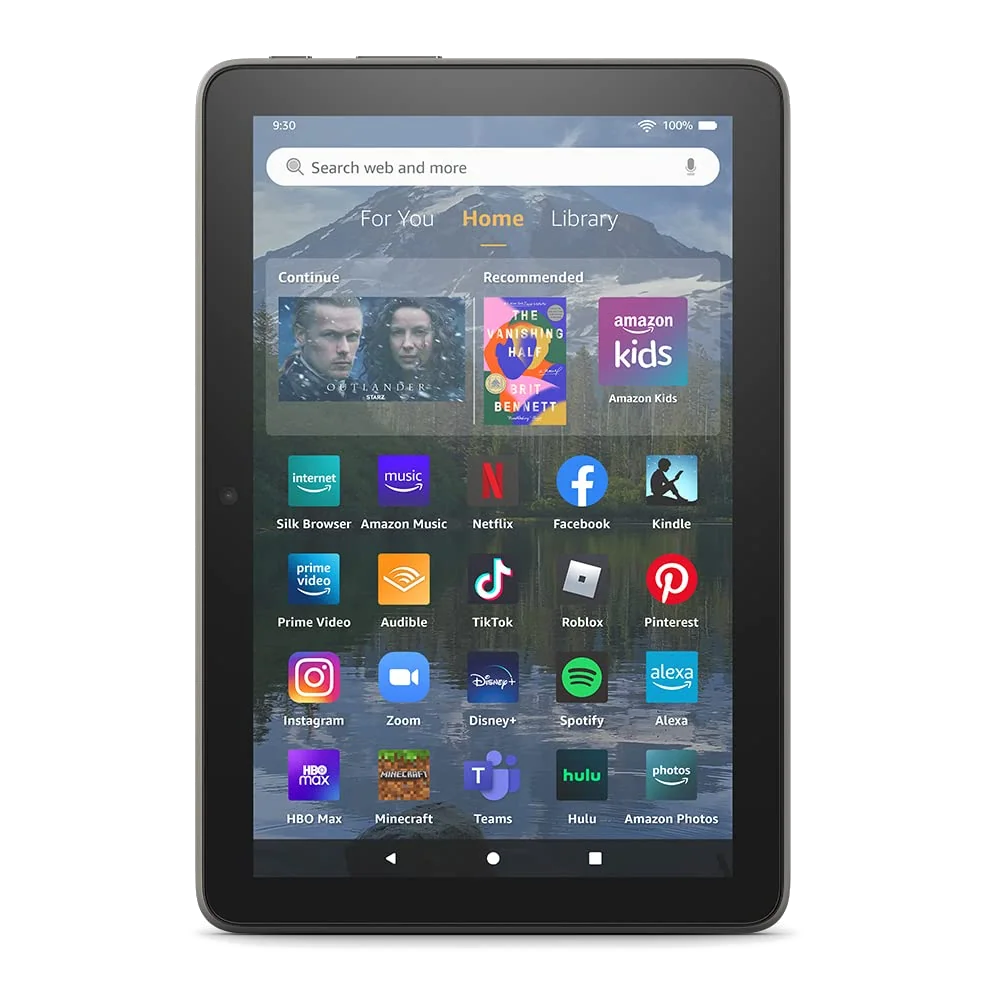
A 32GB tablet is not unusable. Amazon still pairs that capacity with Fire HD models intended for streaming, Kindle reading and family entertainment, and those devices support separately purchased microSD expansion for large media libraries. The problem is that internal storage remains responsible for Fire OS, updates, applications and any data an app insists on keeping locally.
Choose 32GB only when all four conditions are true: the tablet has a narrow purpose, most entertainment will be streamed, a card can hold the important downloads and the user will tolerate occasional cleanup. A child’s tablet prepared for a long flight can violate that plan quickly because games, videos and updates all arrive before the family leaves Wi-Fi.
Do not buy 32GB for a student’s only tablet, a growing game library, digital art, extensive offline viewing or several years of hands-off ownership. The capacity saves money at checkout by transferring the cost into attention, deletion and failed downloads later.
Sixty-four gigabytes is the new minimum, not the new ideal
Sixty-four gigabytes works when the job is stable. A small tablet used for books, web pages, streaming, email and a few casual games can remain comfortable, particularly when photos and downloaded video are moved to microSD. Amazon’s 2024 Fire HD 8 configuration combines 64GB with card expansion, but it also brings Fire OS and its lack of official Google Play support, so storage is only one part of the buying decision.
The Lenovo Tab One offers the same 64GB starting point with conventional Android, Google Play and an included folio in the specified bundle. Its expandable storage makes it a sensible small reader and travel screen, although its slow processor, coarse display and short support horizon matter more than capacity once the basic files fit.
The honest test is whether the tablet will remain a secondary device. If a phone or computer already holds the photographs, working files and large games, 64GB can be enough. If the tablet will gradually become the family’s camera roll, game console, school folder and offline television, it will not.
Why 128GB is the recommendation for most people
A 128GB tablet creates room for uncertainty without charging for a professional archive. It can absorb a changing app collection, a few large games, school documents, photos and downloaded entertainment while retaining enough free space for updates and temporary files. That margin matters because people rarely use a tablet exactly as planned for its entire life.
Apple’s 11-inch A16 iPad starts at 128GB, correcting the old entry-level problem in which an otherwise capable iPad began with only 64GB. There is no microSD escape hatch, but 128GB is sufficient for the broad everyday workload this model handles best: school, video, reading, notes, calls, documents and mainstream games.
The Samsung Galaxy Tab A11+ reaches the same starting capacity and adds expandable storage. That makes it easier to keep films, music and documents offline, although its weak viewing angles, washed-out color and lack of active S Pen support remain genuine drawbacks. Storage flexibility does not repair a screen you dislike looking at.
When 256GB stops being indulgence
Move to 256GB when storage-intensive work is already visible in your life. That means several large games kept installed at once, frequent offline travel, substantial comic or magazine collections, RAW photographs, layered artwork, video footage or creative applications with large local libraries.
The word “already” matters. Buying twice the capacity because you might begin editing video is weaker than buying it because last month’s projects already consumed most of another device. Storage should follow a demonstrated workload, not an imagined transformation into a more creative person.
Apple’s 11-inch M5 iPad Pro begins at 256GB in the configuration covered here. Its tandem-OLED display, Pencil Pro support and enormous processing headroom make that capacity coherent for illustration and media work, but the processor and screen are the reasons to buy the Pro rather than the storage figure alone. A cheaper tablet with the same capacity can store files just as numerically.
A microSD card is a library annex, not a larger house
A memory card is excellent for files that behave like possessions: films, music, photographs, ebooks, comics, documents and exported projects. Those files can often be copied, removed or replaced without disturbing the operating system. This is why expandable storage is especially valuable for travel and family media.
Applications behave differently. Some can move partly to a card, some keep most of their data internally and others refuse external storage altogether. A card also tends to be slower than internal storage, so moving an application may make loading or updates less pleasant even when the operating system permits it.
The Galaxy Tab S10 FE+ demonstrates the useful version of this arrangement. Its 128GB internal drive can hold apps and active work, while a separately purchased card can carry a large document and media library. The tablet’s large screen and included S Pen suit PDFs and notes, although its midrange processor, USB 2.0 port and substantial physical size remain reasons to compare rather than buy blindly.
What belongs on internal storage
- The operating system, updates and built-in applications
- Frequently used apps and demanding games
- Current creative projects that need fast, dependable access
- Files that must remain available if the card is removed
What belongs on microSD
- Downloaded films, television, music and audiobooks
- PDFs, ebooks, comics, photographs and reference documents
- Finished exports and material copied from another device
- Replaceable travel entertainment that can be downloaded again
Cloud storage changes access, not local capacity
Cloud services are useful for archiving photographs, synchronizing documents and keeping rarely used files off the tablet. They do not create internal space for applications, operating-system updates or a game that must be installed before it can run.
Cloud storage also depends on a connection, an account and often an ongoing subscription. A file visible in an app may be only a placeholder until it is downloaded, which is no comfort on a flight, in a classroom with unreliable Wi-Fi or during a trip with limited mobile data.
Treat cloud storage as a way to decide which files remain local. Do not use it to justify an undersized tablet when the intended work must function offline.
Use your current device to settle the choice
- Check occupied storage now. Include applications, downloads, photographs, messages, system data and any files normally kept in the cloud.
- Remove temporary clutter from the calculation. Old downloads and duplicate files should not force a permanent capacity upgrade if they can be deleted without regret.
- Add the workload that the new tablet will inherit. A student may add textbooks and note files, while a traveler may add several films and an offline map library.
- Leave working room. A tablet should not arrive nearly full because applications, caches and operating-system updates grow after purchase.
- Separate app space from file space. If microSD is available, reserve internal capacity for software and put replaceable media on the card.
If your cleaned current use fits comfortably below 64GB and the new tablet accepts microSD, buy 64GB; if it approaches or exceeds that level, buy 128GB; if it is already near 128GB or includes recurring creative projects, buy 256GB.
iPad buyers face a narrower version of the same decision because there is no removable-storage upgrade later. Our separate iPad storage guide deals with Apple’s capacity tiers, cloud assumptions and non-expandable hardware in more detail.
Frequently Asked Questions
Is 32GB enough for a tablet?
Thirty-two gigabytes is enough only for streaming, reading and a small app library when the user accepts regular cleanup or has microSD storage for media.
Is 64GB enough for a tablet?
Sixty-four gigabytes is enough for restrained everyday use, but large games, extensive downloads and several years of accumulating files make 128GB safer.
Is 128GB enough for most tablet users?
Yes, 128GB is the best general recommendation because it balances ordinary apps, games, documents and offline media without charging for professional-scale capacity.
Who should buy a 256GB tablet?
Buy 256GB for several large games, frequent offline travel, substantial photo or video work, digital art projects or a current device already approaching 128GB.
Does a microSD card make a 32GB tablet equivalent to 128GB?
No, a card can expand file storage but cannot guarantee that applications, updates and every kind of app data will move off the limited internal drive.
Does more storage make a tablet faster?
No, capacity alone does not improve processor speed or memory, although leaving adequate free space can prevent the problems caused by a completely full drive.
Can cloud storage replace internal tablet storage?
No, cloud storage can archive and synchronize files but cannot replace the local capacity required by the operating system, installed apps and offline work.
Should a child’s tablet have 32GB or 64GB?
Choose 64GB when possible because downloaded shows, games and updates can crowd a 32GB child’s tablet much faster than streaming-only use suggests.
Should a student buy 128GB or 256GB?
Most students should choose 128GB, while art, architecture, media production, large scientific datasets or extensive offline course libraries can justify 256GB.
Can I add storage to an iPad later?
No, an iPad’s internal capacity cannot be upgraded or expanded by microSD after purchase, although external drives and cloud services can hold suitable files.