Galaxy Tab S10 FE+ or Tab S10+: the flagship earns the extra stretch
Buy the Galaxy Tab S10+ unless the FE+ costs meaningfully less and your work consists mainly of notes, PDFs, streaming and other tasks that benefit from space more than speed.
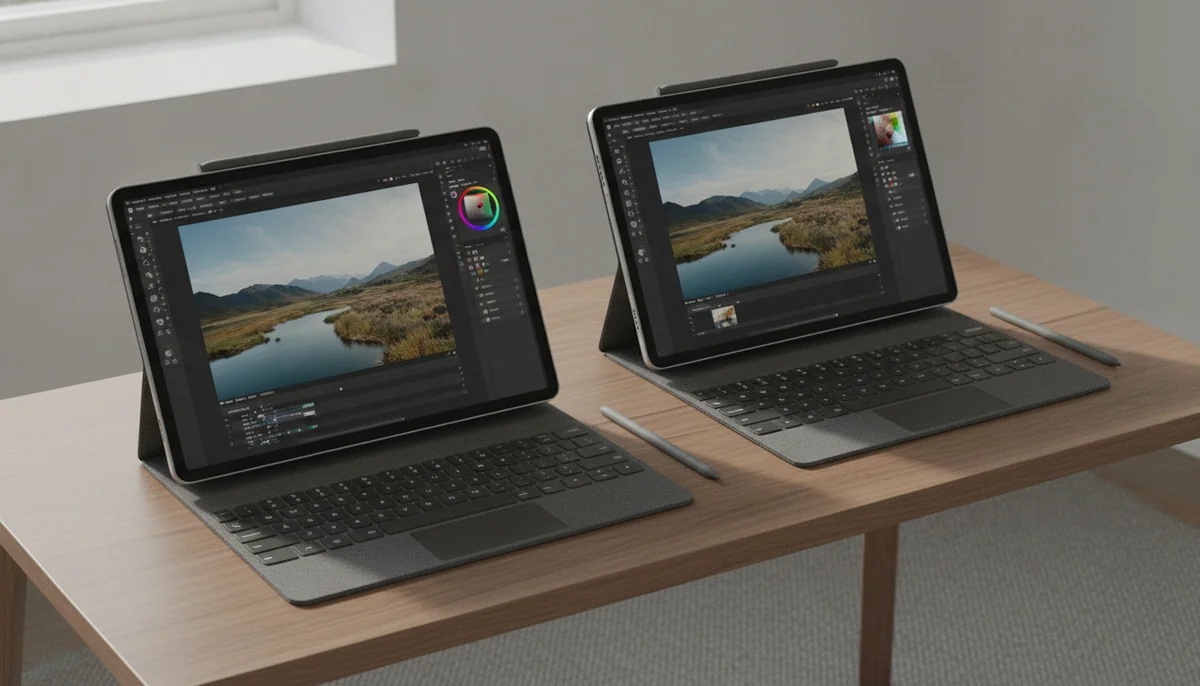
Samsung Galaxy Tab S10 FE Plus

Samsung Galaxy Tab S10+ Plus
Samsung’s naming makes these tablets sound like near-neighbors separated by a few luxury details. They are not. The 13.1-inch Galaxy Tab S10 FE+ is a large midrange tablet whose money goes into screen area, battery life and an included pen. The 12.4-inch Galaxy Tab S10+ is a genuine flagship with a far better display, substantially stronger performance, more memory and storage in this configuration, faster connections and proper external-monitor support.
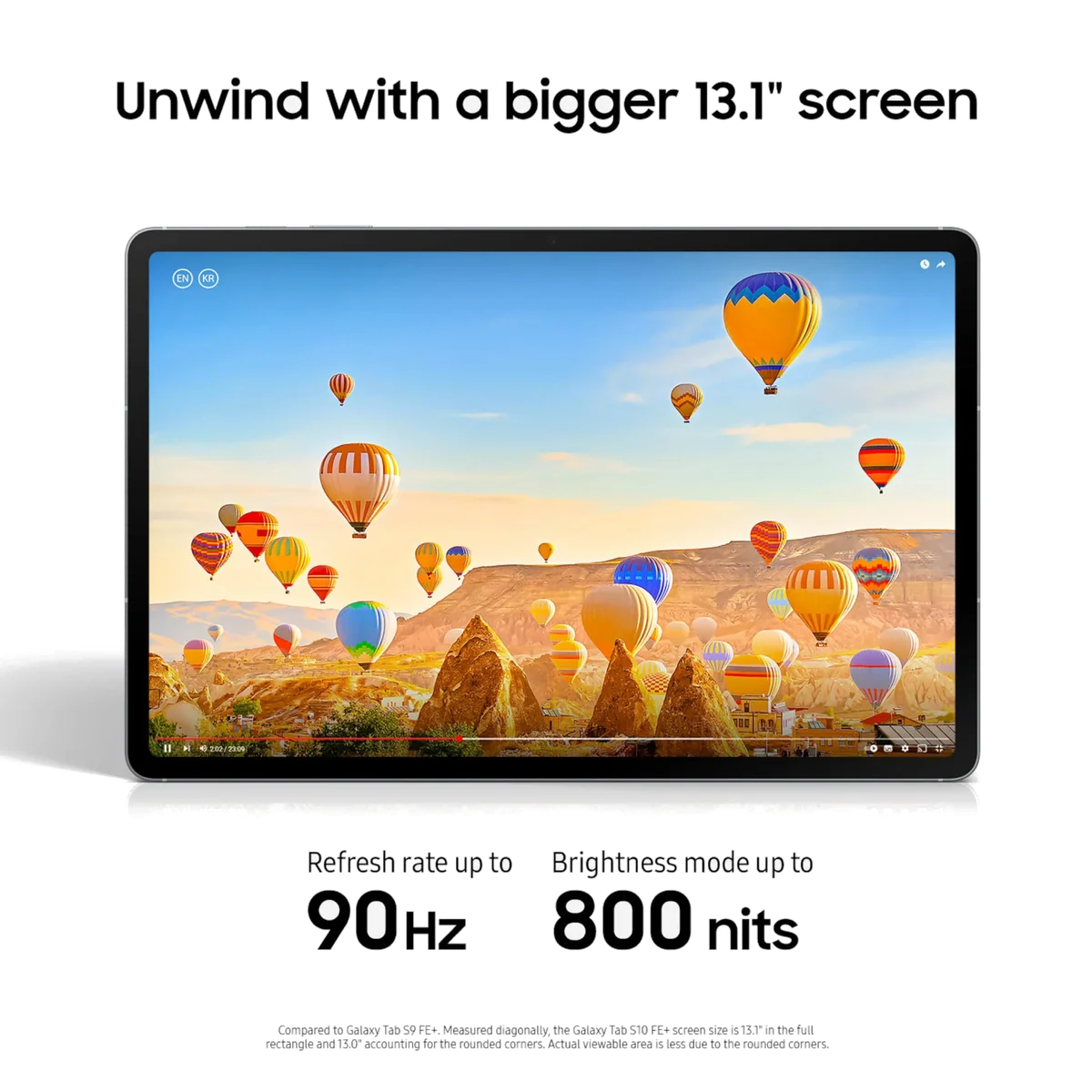
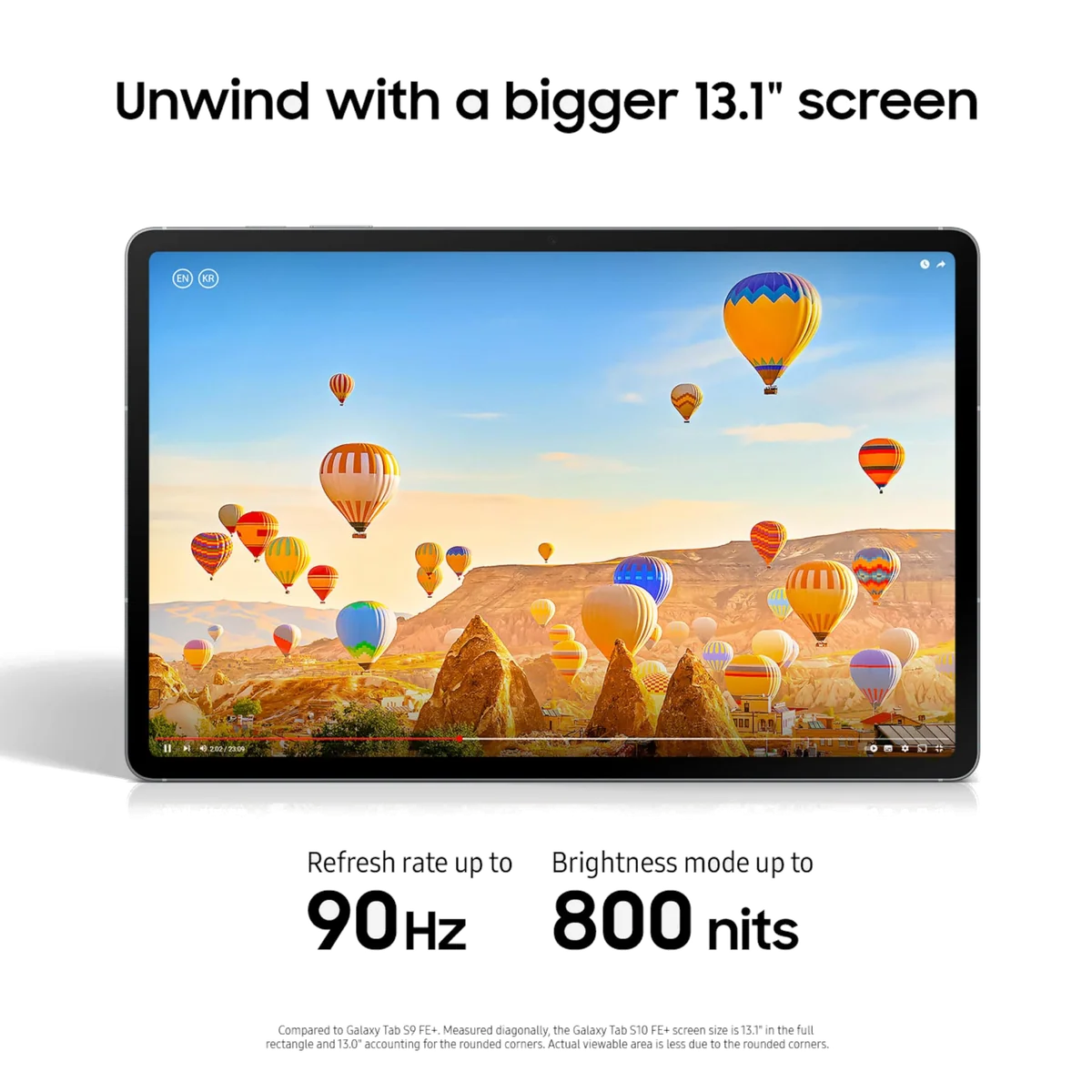
The oddity is that the FE+ is the larger of the two. Its 13.1-inch LCD offers more physical room than the S10+’s 12.4-inch AMOLED panel, which can matter when an entire textbook page, musical score, comic or annotated PDF needs to remain legible without constant zooming. That advantage does not make it the better screen. The S10+ produces deeper blacks, smoother motion and stronger perceived contrast while its anti-reflective treatment reduces the glare that can turn a glossy tablet into an expensive mirror.
Both tablets include Samsung’s S Pen, support microSD expansion, carry IP68 water and dust resistance, use a 10,090mAh battery and support charging at up to 45W. Neither includes the wall charger or keyboard that its most ambitious uses invite. The shared features are substantial, but they should not distract from the central divide: the FE+ is a big digital desk, while the S10+ is a premium Android workstation that happens to be slightly smaller.
Choose the FE+ for useful acreage
Reading, handwriting, lecture notes, sheet music and side-by-side documents do not need a flagship processor to work well. The FE+ gives those jobs a generous canvas, excellent tested endurance and the same basic Samsung pen-and-notes proposition at a lower product tier.
Choose the S10+ for everything demanding
The S10+ is the safer purchase for games, art with complex files, crowded multitasking, external displays and years of increasingly heavy applications. It also makes films and dark artwork look materially better, not merely different.
Neither model is an easy one-handed reader. The FE+ weighs about 664g and spreads across 300.6 by 194.7mm, while the Wi-Fi S10+ is about 571g and 5.6mm thick. The flagship is appreciably easier to carry, but both are happiest in two hands, on a lap or against a stand; our guide to choosing a tablet size is worth reading before committing to either slab.
Samsung Galaxy Tab S10 FE Plus

Samsung Galaxy Tab S10+ Plus
At a Glance
| Feature | Samsung Galaxy Tab S10 FE Plus | Editor's Pick Samsung Galaxy Tab S10+ Plus |
|---|---|---|
| Price Range | — | $1,000–$1,500 |
| Screen size | — | 12.4" |
| Check Price on Amazon | Check Price on Amazon |
The screen contest is acreage against quality
The FE+ uses a 13.1-inch, 2880 by 1800 IPS/TFT LCD with an adaptive refresh rate up to 90Hz. It is sharp, fully laminated and large enough to show documents at close to their natural proportions. Independent testing found strong brightness, good sRGB coverage and no pulse-width modulation in the tested unit. That combination is excellent for long reading sessions, handwritten notes and ordinary video, especially for buyers sensitive to OLED flicker.
The S10+ answers with a 12.4-inch, 2800 by 1752 Dynamic AMOLED 2X display refreshing at up to 120Hz. Its pixels can switch off for black, giving films, games and illustrations contrast that the FE+ cannot reproduce in a dark room. Motion is smoother, pixel response is faster and HDR material has a more convincing foundation. The anti-reflective finish also cuts visible glare compared with Samsung’s previous flagship panel, although it cannot make direct sunlight irrelevant.
Screen size therefore has to be separated from screen quality. The FE+ wins if an extra strip of working space lets you keep a full page readable or place two practical app panes beside each other. The S10+ wins whenever the content itself matters: cinema, photography, color-rich art, fast games, dark interfaces and evening viewing. Most buyers will notice the flagship’s advantages more often than they miss the FE+’s extra 0.7 inch.
The processor gap changes what the tablet can become
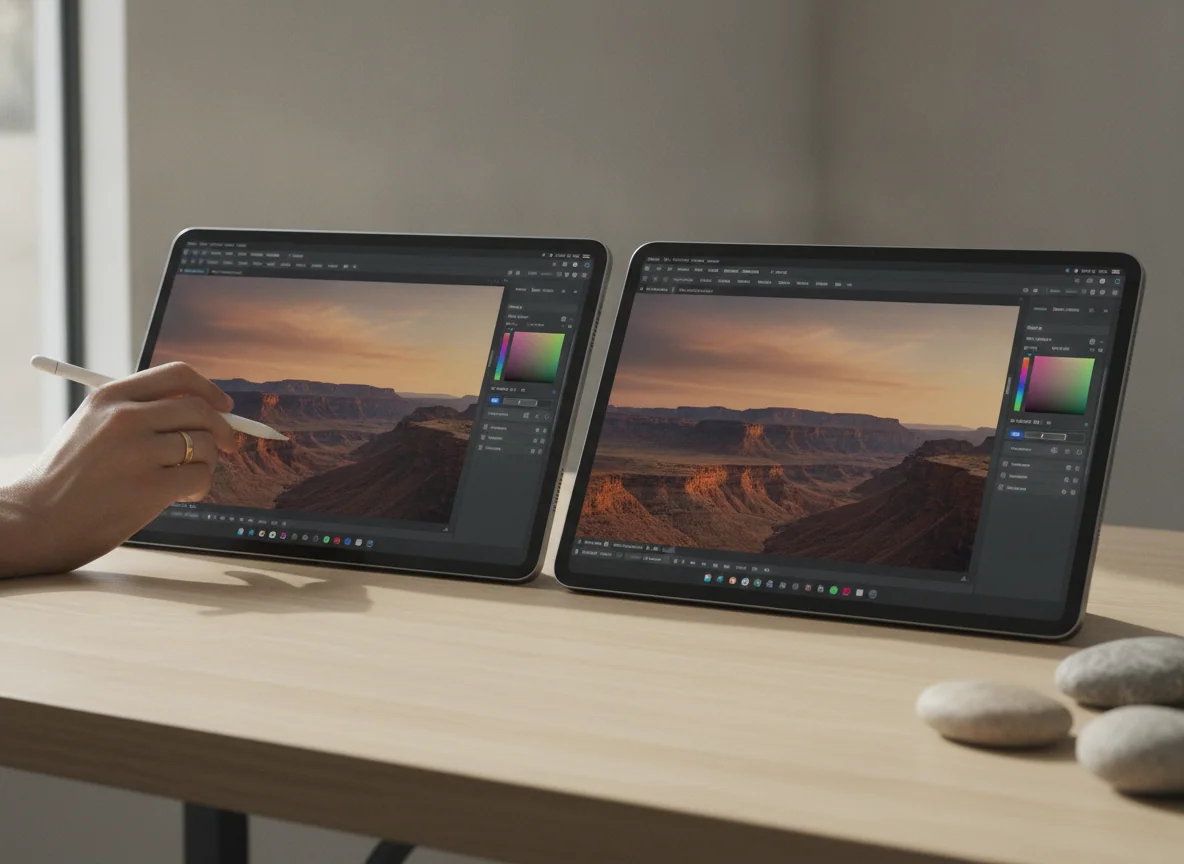
The Exynos 1580 inside the FE+ is comfortable with browsing, video, Samsung Notes, Office documents and ordinary split-screen work. It is not a flagship chip hiding behind an FE badge. Demanding games require reduced graphics settings and rendering resolution, heavy creative work reaches its ceiling earlier, and busy multitasking can reveal interface hitches. Stable sustained performance does not compensate for limited starting power.
The S10+ uses MediaTek’s Dimensity 9300+ with 12GB of RAM in the 256GB configuration covered here. It handles demanding Android games, large drawing projects and several active windows with far more headroom. Comparative testing found meaningful gains over the preceding Tab S9+ in multi-core and graphics work, even though Apple’s M-series tablets remain faster in several processor-intensive exports.
This is not merely a benchmark argument. A large tablet invites the owner to keep it for years, add a keyboard and gradually ask more of it. The FE+ is adequate when its job remains stable and modest. The S10+ provides room for that job to grow, which is why it is easier to recommend when the purchase is meant to replace an older premium tablet or cover part of a laptop’s workload.
| Decision point | Galaxy Tab S10 FE+ | Galaxy Tab S10+ |
|---|---|---|
| Display | 13.1-inch 2880 × 1800 LCD, up to 90Hz | 12.4-inch 2800 × 1752 AMOLED, up to 120Hz |
| Best screen trait | More room for pages and split-screen layouts | Deep blacks, fast response and reduced reflections |
| Processor | Exynos 1580 | MediaTek Dimensity 9300+ |
| Memory and storage here | 8GB RAM and 128GB internal storage | 12GB RAM and 256GB internal storage |
| Expandable storage | Yes, through a dedicated microSD slot | Yes, through a microSD slot |
| USB and monitors | USB 2.0 with no wired DisplayPort output | USB 3.2 with wired external-display support |
| Approximate Wi-Fi weight | 664g | 571g |
| Battery capacity | 10,090mAh | 10,090mAh |
| Included pen | S Pen included | S Pen included |
| Natural role | Reading, notes, study and media on a very large canvas | Premium media, art, gaming and flexible productivity |
DeX exposes the most important hardware difference
Samsung DeX gives both tablets a taskbar, windowed applications and a more deliberate keyboard-and-mouse workflow. On the FE+, it makes good use of the 13.1-inch panel for research, email, presentations and document editing. Then the USB-C 2.0 port draws a hard boundary. File transfers to external storage are slow, and a conventional wired monitor cannot be attached through DisplayPort.
The S10+ has the hardware expected of the desktop-style pitch. USB 3.2 supports faster peripherals and external-display output, while the stronger processor and additional RAM leave more room for several applications. For a fixed desk with a monitor, hub, storage and keyboard, this is not a marginal advantage. It determines which tablet can participate in the setup at all.
Android remains the limiting factor on both. DeX can arrange a mobile application like desktop software, but it cannot add missing Excel features, produce a full Windows browser workflow or bring iPad-only creative applications to Samsung hardware. The right test is whether your exact applications already work well on Android, not whether a keyboard makes the home screen resemble a laptop. Buyers expecting broad desktop equivalence should compare the trade-offs in our laptop versus tablet guide before building either bundle.
The S Pen is equal in principle, not in every workload
Both tablets include a pressure-sensitive S Pen instead of turning handwriting into another purchase. Samsung Notes is excellent for writing over PDFs, organizing class material and combining lecture recordings with handwritten notes. The FE+ has enough performance for that experience, and its larger panel may actually be preferable when page size is the priority.
Artists have a stronger reason to choose the S10+. The AMOLED canvas, faster chip and 12GB of memory better suit Clip Studio Paint, Krita and projects with many layers or effects. Retained owner reports describe smooth large projects, but they also identify real irritations: the pen’s side button is easy to press accidentally, the supplied nib can wear or break, and some Android applications still handle palm input or tablet layouts poorly.
The FE+ remains the rational note-taking model if the pen will mostly produce handwriting, diagrams and annotations. The S10+ earns its place when the pen becomes a creative production tool. Anyone uncertain whether pressure sensitivity and palm rejection matter should first read our guide to deciding whether an active stylus is necessary.
Battery life favors the less powerful model
Both tablets contain the same stated battery capacity, yet their endurance is not interchangeable. The FE+ combines that large cell with a midrange processor and 90Hz LCD. Independent tests recorded nearly nineteen hours of controlled Wi-Fi browsing and almost eighteen hours of streaming video in another test, exceptional results for such a large display.
The S10+ is a working-day tablet rather than an endurance specialist. Reported active use varies with brightness, 120Hz operation, gaming and creative software, while one measured PCMark work result finished just under seven hours. A lighter day can last longer, but the flagship’s more ambitious display and performance invite heavier workloads.
Samsung omits a wall adapter from both boxes, and reaching the supported 45W rate requires a compatible charger. That omission is especially conspicuous when a tablet’s productivity case also assumes the purchase of a stand or keyboard. Include those accessories when comparing the total packages, but do not let an accessory bundle obscure the tablet underneath it.
The two sensible buying cases
The drawbacks are now clear enough to act on. The FE+ asks you to accept midrange speed, an LCD and a restricted port in exchange for size and endurance. The S10+ asks you to accept a smaller canvas, shorter real-world stamina and Android’s software ceiling in exchange for flagship hardware.
The big study canvas that does not pretend to be a gaming flagship.
The Galaxy Tab S10 FE+ earns its place for full-page reading, handwritten study, split-screen research and long video sessions where its 13.1-inch panel and exceptional endurance matter more than raw speed.
Its Exynos 1580, 90Hz LCD and USB 2.0 port make it a poor choice for demanding games, heavy creation or a wired desktop setup.
The premium Android choice for buyers who will use the power.
The Galaxy Tab S10+ justifies its position with a low-glare 120Hz AMOLED display, flagship performance, 12GB of RAM, external-monitor support and an included S Pen.
Its large body is still awkward for casual handheld reading, and Android’s incomplete desktop and creative software catalog can waste expensive hardware.

Samsung Galaxy Tab S10 FE Plus

Samsung Galaxy Tab S10+ Plus
Match the tablet to the work, not the badge
Students and PDF-heavy readers
The FE+ is the sharper value proposition when the daily routine is handwritten notes, lecture slides, textbooks, journal articles and video. Its screen fits more of a page, Samsung Notes is already capable, and its battery leaves unusually generous margin between charges. The S10+ becomes worthwhile for engineering visualizations, ambitious art, demanding multitasking or a monitor-based desk.
Artists and designers
Choose the S10+ if your essential applications exist on Android. The OLED display, stronger graphics and extra memory are meaningful advantages for layered work, while the anti-reflective treatment helps under bright room lighting. Choose neither until you have checked every required application, since Procreate and several fuller professional workflows remain outside Android.
Film and television watchers
The S10+ is the better personal cinema because AMOLED blacks, 120Hz motion and four-speaker audio outweigh its smaller diagonal. The FE+ is still a satisfying video tablet and can run considerably longer, but its black bars and dark scenes cannot disappear into an LCD panel.
Gamers
This is the easiest decision: buy the S10+. The FE+ can handle casual games, but demanding titles expose its graphics limits and force compromises that look especially wasteful on a high-resolution 13.1-inch screen. Our tablet gaming guide offers broader alternatives if Android brand loyalty is not essential.
Travelers and sofa readers
The S10+ is lighter, thinner and easier to pack, but neither is a genuinely compact tablet. If handheld reading is the primary job, the smaller regular FE described in our Galaxy Tab S10 FE+ and S10 FE comparison is more honest than forcing either large model into that role.
Owners of recent Galaxy tablets
A Tab S9+ owner should normally keep it because the S10+ improves reflections, processing and remaining support rather than reinventing the experience. Owners of an older FE, S7-series or S8 tablet have a clearer reason to move up, particularly when performance, OLED quality or external-display DeX would change daily use.
The Galaxy Tab S10 FE+ is the deliberate economy choice, not the almost-flagship its name suggests. Buy it when a large writing and reading surface is the whole reason for shopping. For a tablet expected to game, create, dock or remain fast through a long ownership cycle, the Galaxy Tab S10+ is the one Specs & Screens would choose.
Frequently Asked Questions
Is the Galaxy Tab S10 FE+ screen larger than the Galaxy Tab S10+ screen?
Yes, the FE+ has a 13.1-inch display while the S10+ has a 12.4-inch display, although the S10+ uses the substantially better 120Hz AMOLED technology.
Which tablet is faster?
The Galaxy Tab S10+ is much faster because its flagship Dimensity 9300+ processor and 12GB of RAM provide substantially more CPU, graphics and multitasking headroom than the FE+.
Do both tablets include an S Pen?
Yes, both include an S Pen, but neither includes the protective case or keyboard that many owners will want.
Which model is better for handwritten notes?
The FE+ is sufficient and offers slightly more writing space, while the S10+ is preferable when handwriting is mixed with demanding art, heavier multitasking or external-display work.
Can either tablet connect to an external monitor?
The Galaxy Tab S10+ supports wired external displays through USB-C, while the FE+ has a USB 2.0 port without DisplayPort output.
Which one has better battery life?
The Galaxy Tab S10 FE+ has the stronger endurance record, with independent browsing and video tests approaching eighteen to nineteen hours under their respective controlled conditions.
Is the Galaxy Tab S10+ worth choosing for movies?
Yes, its 120Hz AMOLED panel, deep blacks, reduced reflections and four-speaker system make it the more impressive video tablet despite the FE+ having a larger diagonal.
Can the Galaxy Tab S10+ replace a laptop?
It can replace a laptop for workflows already well served by Android, but DeX cannot supply missing desktop applications or features.
Should a Galaxy Tab S9+ owner upgrade to the S10+?
Usually not, unless the anti-reflective display, longer remaining support or faster processor solves a specific problem that affects daily use.