The smaller Galaxy Tab S10 FE is the smarter buy for most people
Buy the Galaxy Tab S10 FE unless full-page documents, ambitious split-screen work or a desk-sized drawing surface make the FE+ model’s 13.1-inch display worth carrying an extra 167g.
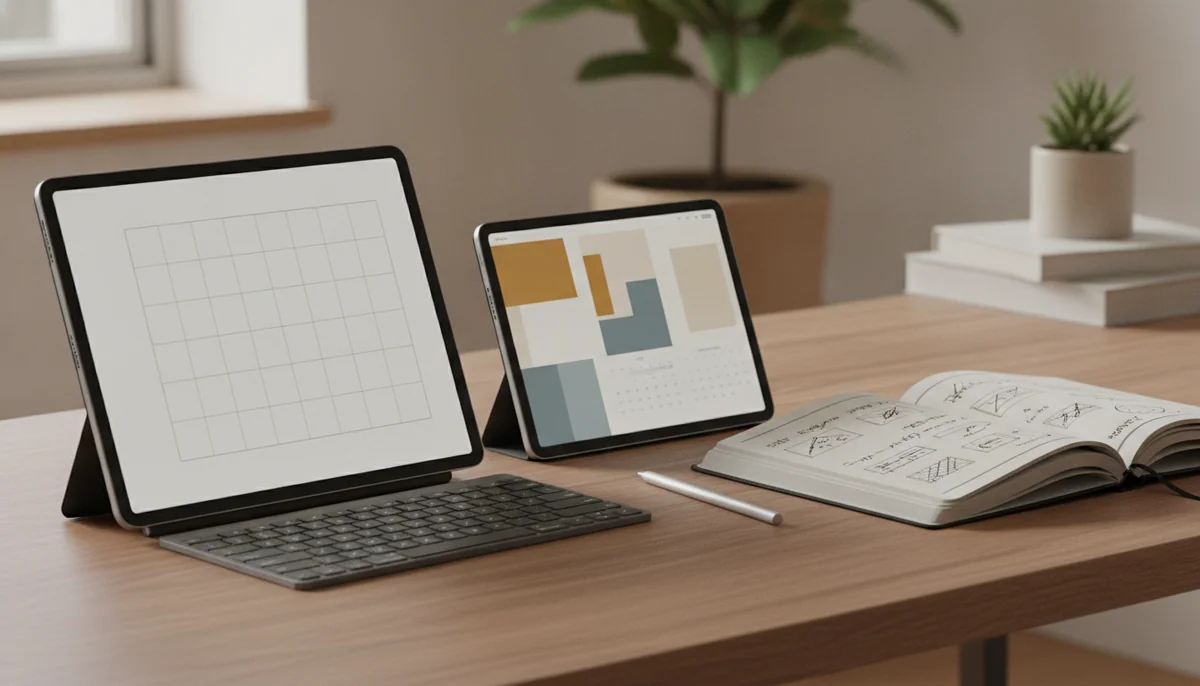
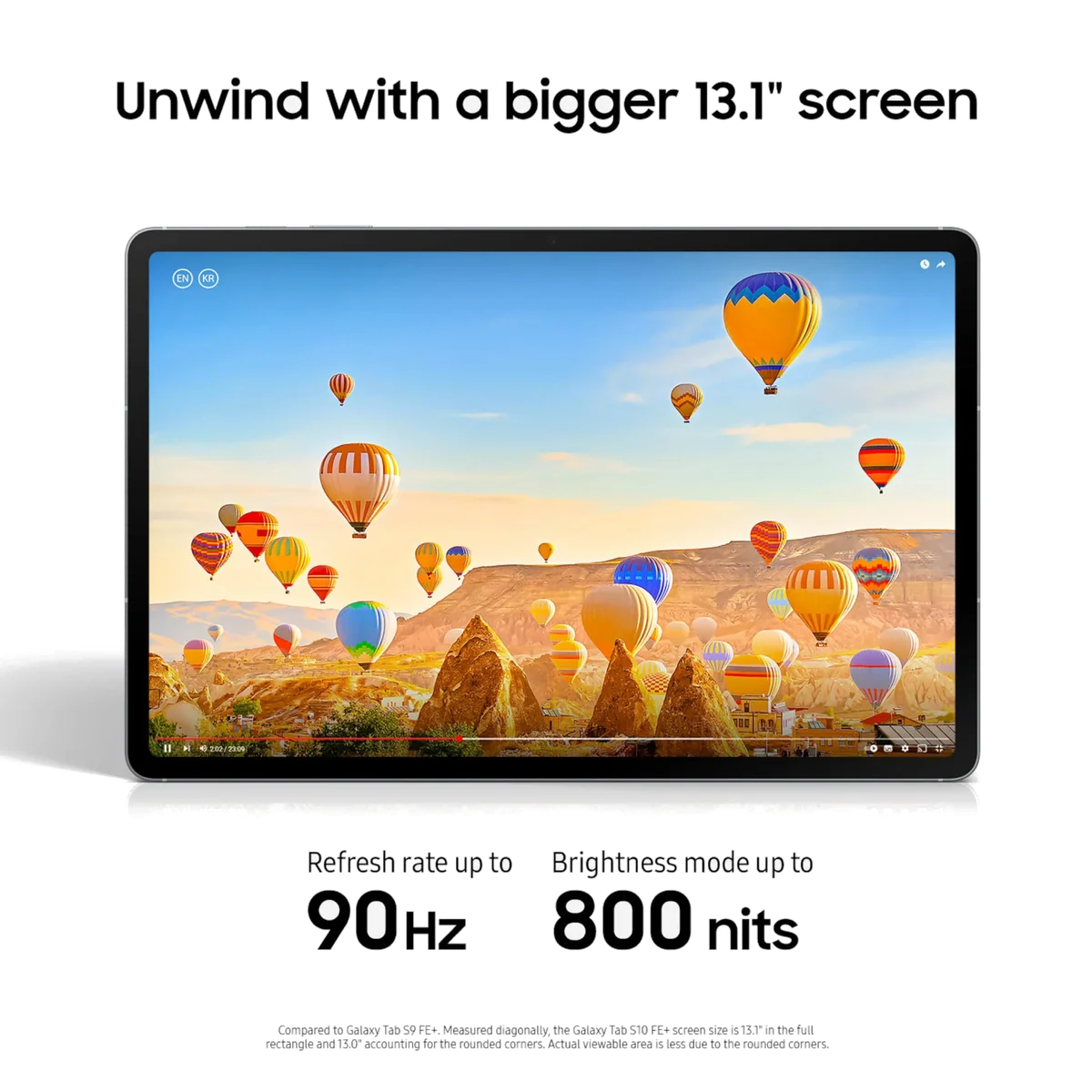
Samsung Galaxy Tab S10 FE Plus
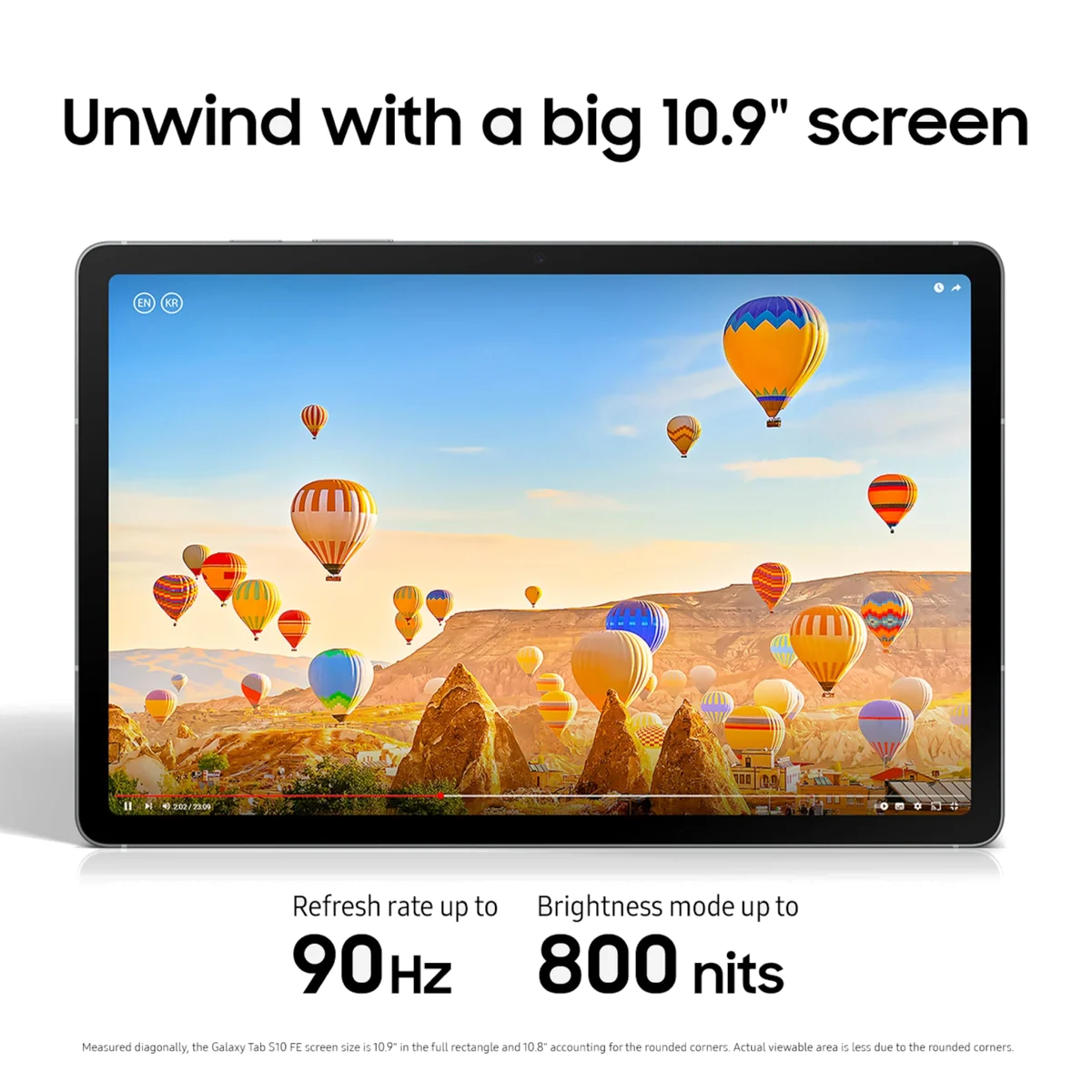
Samsung Galaxy Tab S10 FE
Samsung has made this comparison refreshingly simple. The Galaxy Tab S10 FE+ and Galaxy Tab S10 FE share the same Exynos 1580 processor, included S Pen, 90Hz LCD technology, IP68 protection, expandable storage, software support and frustrating USB-C limitations. The plus sign does not buy flagship performance. It buys 44% more display area, a larger battery and a body that increasingly behaves like a laptop screen without the keyboard.
That trade favors the regular 10.9-inch FE for most buyers. At 497g, it is meaningfully easier to carry, hold and use away from a desk than the 664g FE+. Its screen remains large enough for handwritten notes, video, PDF annotation and two-app multitasking, while the underlying speed is identical. Choose the FE+ only when seeing more at once is central to the job, not because its larger body looks like the more powerful machine.
Choose the Galaxy Tab S10 FE
This is the balanced choice for classes, commuting, sofa use and routine travel. It preserves the S Pen and Samsung software experience without turning every handheld session into an argument with gravity.
Choose the Galaxy Tab S10 FE+
The larger model earns its extra bulk when the tablet will spend most of its life on a desk, stand or lap displaying textbooks, sheet music, comics, timelines or two substantial app windows.
Neither model is the right answer for demanding 3D gaming, OLED movie presentation or a wired monitor-based workstation. Both use the same midrange processor and USB 2.0 connection, so spending more on the FE+ does not remove those ceilings.
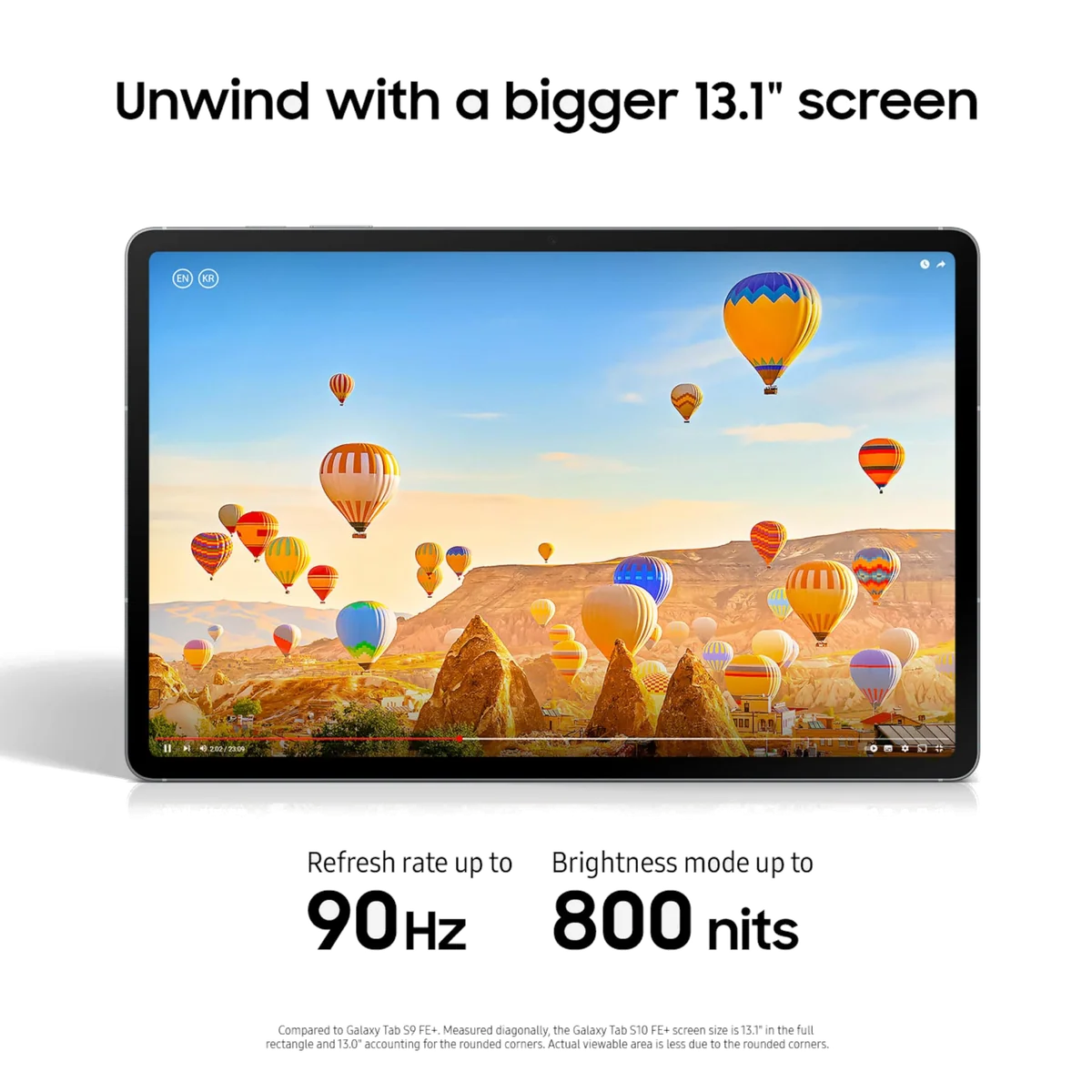
Samsung Galaxy Tab S10 FE Plus
Samsung Galaxy Tab S10 FE
At a Glance
| Feature | Samsung Galaxy Tab S10 FE Plus | Editor's Pick Samsung Galaxy Tab S10 FE |
|---|---|---|
| Price Range | — | $200–$500 |
| Check Price on Amazon | Check Price on Amazon |
The entire decision is hiding in the dimensions
The FE+ measures 300.6 by 194.7 by 6mm and weighs about 664g, while the FE measures 254.3 by 165.8 by 6mm and weighs 497g in its Wi-Fi configuration. Both are impressively thin. Only the smaller one is close to the weight buyers may expect from an everyday tablet.
A 167g difference sounds abstract until it is held at the end of an outstretched arm. The regular FE is the better companion for standing on a train, moving between classrooms, reading in bed or slipping into a bag already carrying a laptop. The FE+ is better understood as a portable digital desk: superb when supported, increasingly tiresome when it is not.
Owners of the larger model divide predictably on this point. Some found its scale liberating for graphic novels, newspapers and design work, while others identified weight and bulk as its main drawback. Owners of the smaller FE more often praised its travel-friendly size and comfortable handling. Those accounts cannot determine what your hands will tolerate, but they reinforce the physical distinction established by the specifications.
If neither size feels familiar, the practical tests in our guide to choosing a tablet screen size are more useful than staring at diagonal measurements.
| Feature | Galaxy Tab S10 FE+ | Galaxy Tab S10 FE | What changes in use |
|---|---|---|---|
| Display | 13.1-inch, 2880 × 1800 LCD | 10.9-inch, 2304 × 1440 LCD | The FE+ shows larger pages and roomier app pairs. |
| Refresh rate | Adaptive up to 90Hz | Adaptive up to 90Hz | Neither model gains a motion advantage. |
| Processor | Exynos 1580 | Exynos 1580 | Everyday and gaming performance are essentially the same. |
| Base configuration covered | 8GB RAM and 128GB storage | 8GB RAM and 128GB storage | Neither product starts with more working memory or storage here. |
| Battery | 10,090mAh | 8,000mAh | The FE+ has more capacity and particularly strong tested endurance. |
| Weight | About 664g | About 497g | The FE is substantially easier to carry and hold. |
| USB-C | USB 2.0 with no wired display output | USB 2.0 with no wired display output | Neither supports a conventional monitor-based DeX setup. |
| Included pen | Battery-free S Pen | Battery-free S Pen | Both arrive ready for notes and PDF markup. |
| Protection and expansion | IP68 and microSD support | IP68 and microSD support | Durability and removable file storage do not separate them. |

The FE+ creates room, not better pixels
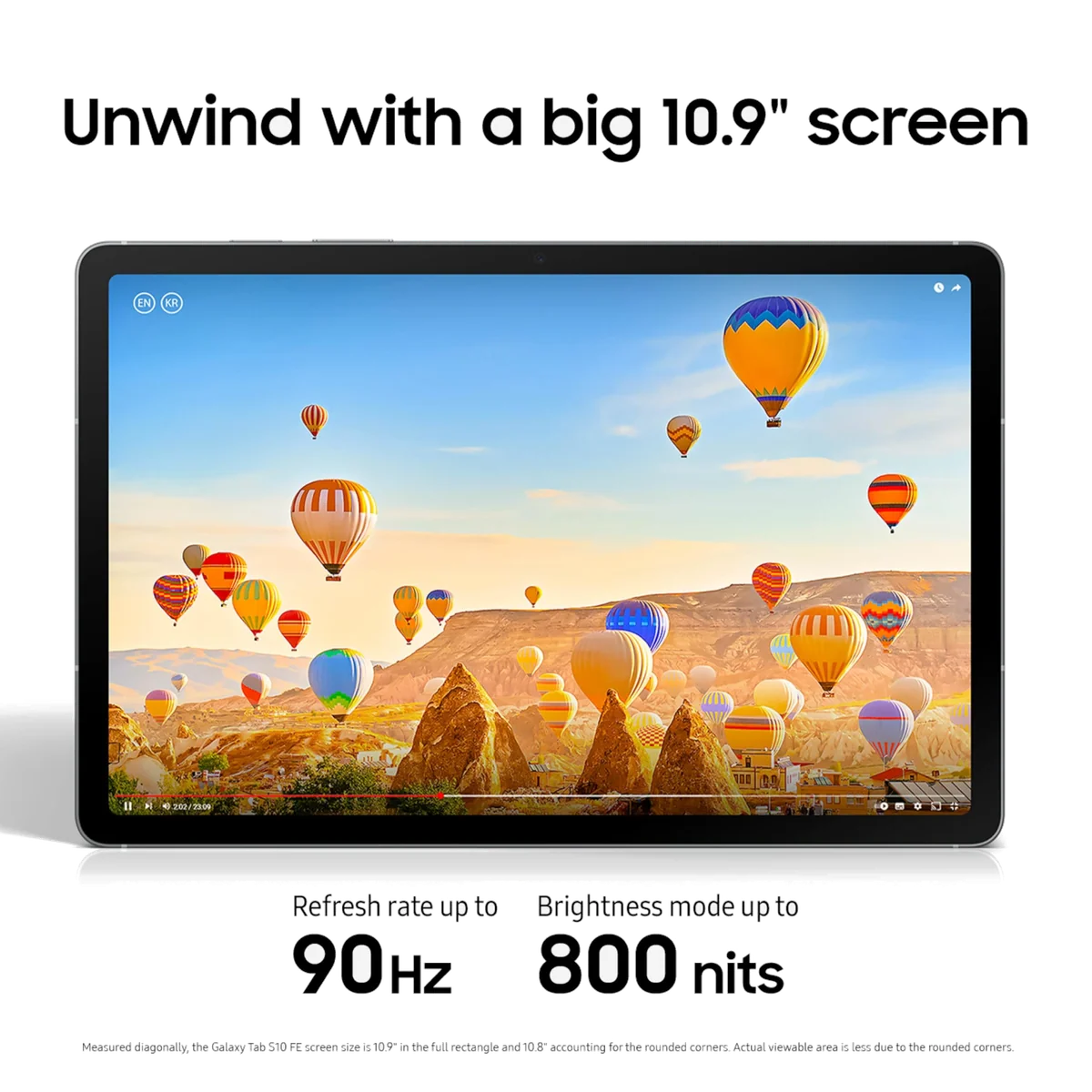
Both tablets use sharp, laminated 16:10 LCD panels with adaptive refresh rates up to 90Hz. The FE+ raises resolution to match its larger diagonal, so the extra surface does not simply stretch the same image. Text, pen strokes and interface elements remain crisp on either model.
The difference becomes obvious with material that resists being squeezed. A full magazine page, a two-page comic spread, a dense textbook, a musical score or a role-playing rulebook requires less zooming on the FE+. Split-screen also feels less like two phone apps forced into neighboring cupboards. For research beside notes or a video call beside a document, the larger screen can change the workflow rather than merely enlarge it.
Video benefits less dramatically. Both screens have the same widescreen-friendly shape, and the smaller FE is already generous for streaming. Neither is AMOLED, so dark scenes retain LCD glow and neither delivers the black levels, contrast or pixel response of Samsung’s premium tablets. The FE+ is bigger cinema, not better cinema.
The FE+ display tested well for brightness and avoided pulse-width modulation in Notebookcheck’s evaluation, while the FE also produced strong measured brightness in independent testing. Glossy reflections remain a weakness on both. Buyers who care more about display quality than display acreage should compare the FE+ with the faster, AMOLED-equipped model in our Galaxy Tab S10 FE+ and Tab S10+ comparison.
The same pen feels different when the page grows
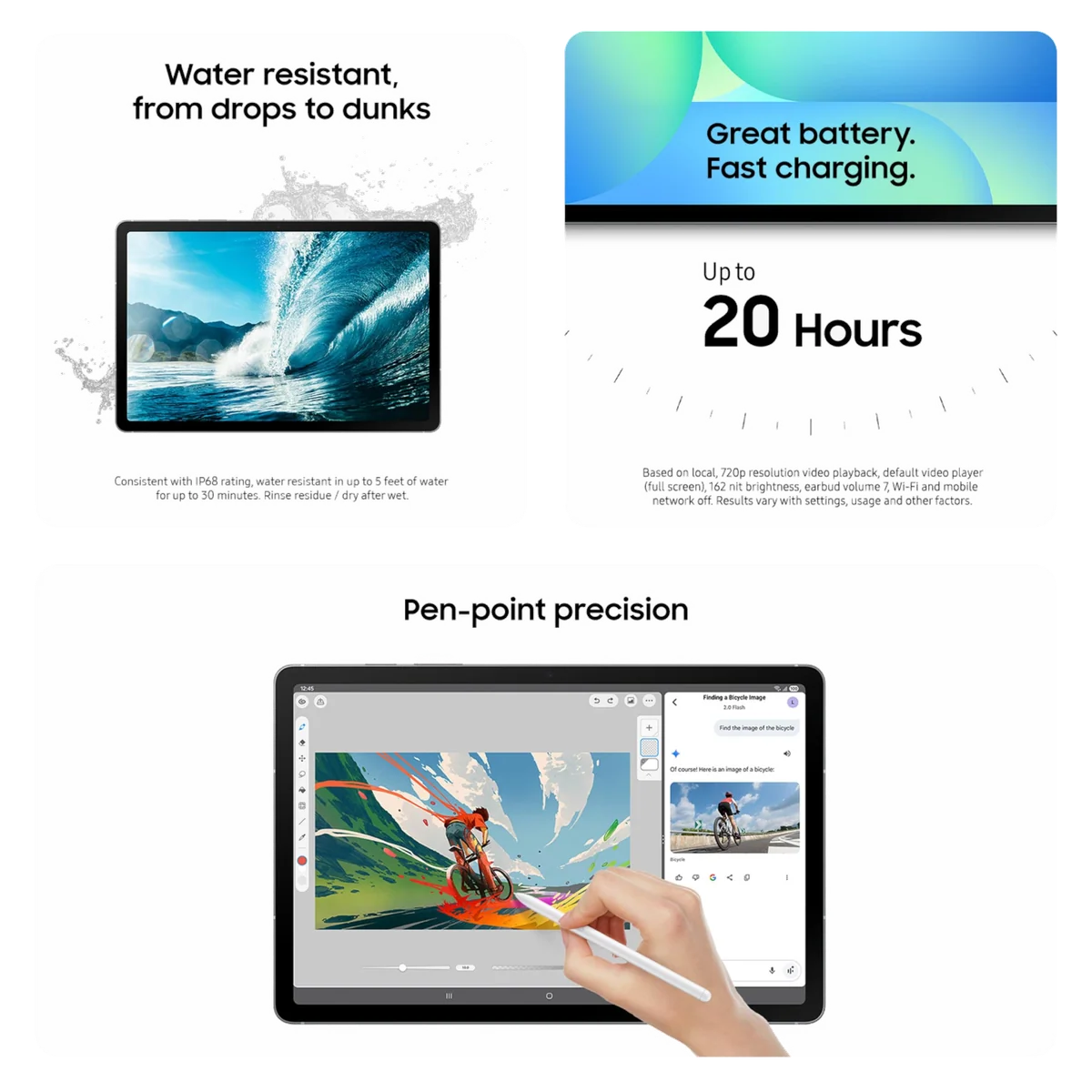
Samsung includes a battery-free S Pen with both tablets. It attaches magnetically, supports pressure-sensitive writing and works particularly well in Samsung Notes for handwriting, diagrams and PDF annotation. Neither buyer has to add an essential stylus before the tablet becomes useful.
The FE is the more practical digital notebook. Its dimensions are easier to carry between rooms or classes, and the writing area is already comfortable for ordinary lecture notes. The FE+ resembles a sheet of paper spread across a desk. It provides more room for broad sketches, side-by-side references, large worksheets and document margins, but its weight makes unsupported writing less appealing.
That makes the FE+ the specialist choice for artists and document-heavy students, not automatically the superior note-taking tablet. A commuter jotting notes while standing benefits more from the FE. Someone annotating architectural drawings at a table may reasonably reach the opposite conclusion. Our guide to active stylus features explains what the included pen changes before size enters the calculation.
Performance ends in a draw, and that is bad news for the FE+
Both tablets use Samsung’s Exynos 1580. Browsing, video, Samsung Notes, Office documents, calls and routine split-screen work fit comfortably within its range. The base versions covered here also pair 8GB of RAM with 128GB of internal storage, so the FE+ has no hidden multitasking advantage.
Independent benchmark results for the two sizes cluster around the same level, roughly 1,350 in Geekbench 6 single-core work and the high 3,800s in multi-core work. That is sufficient midrange performance, not flagship headroom. Interface hitches can appear, and demanding games require reduced graphics settings or resolution.
The larger model can actually make the limitation more conspicuous because its expansive native panel invites ambitious gaming, creative work and laptop-style multitasking. The processor is driving a grander stage without becoming a stronger actor. Casual games are fine on either tablet; buyers chasing high frame rates should use our gaming tablet recommendations instead.
DeX is similarly matched. Both can run a taskbar and windowed apps on their own screens, and both become more comfortable for email and documents with a separately purchased keyboard and mouse. Both also use USB 2.0 without DisplayPort output. Neither can become a conventional wired desktop merely because a dock has been attached.
The FE+ wins battery life, but both clear the useful threshold
Samsung gives the FE+ a 10,090mAh battery and the FE an 8,000mAh battery. Independent methods differ, so their hour totals should not be treated as directly interchangeable. The consistent conclusion is that both last well, while the FE+ is exceptional for a tablet with such a large display.
Notebookcheck recorded nearly 19 hours of controlled Wi-Fi browsing on the FE+. PhoneArena measured 16 hours and 30 minutes of browsing on the FE, while other FE testing also supported all-day use. The larger tablet therefore has the endurance advantage, but the smaller one does not create a daily battery problem that needs solving.
Both support charging at up to 45W, and neither listing includes the necessary wall adapter. Samsung supplies a cable, so buyers who do not already own a suitable charger should include one in the real cost. The FE+ has more battery to refill and took close to two hours in one test.

Storage, protection and software cannot break the tie
The two models share the ownership features that make this series attractive. Both offer microSD expansion, IP68 water and dust resistance, a side-mounted fingerprint reader, Wi-Fi 6E, dual speakers and Samsung’s long software-support commitment. Both omit a headphone jack.
The 128GB base configuration is reasonable for notes, applications, documents and streamed media. Large game libraries and offline video collections can still exhaust it quickly, although microSD expansion provides an economical home for downloads and files. Card storage is not equivalent to fast internal application storage, as our guide to choosing tablet storage explains.
The official listings also make the included equipment clear: each tablet comes with its S Pen and cable, while the charger, protective case and keyboard are separate purchases. A case with enclosed pen storage is especially sensible because magnetic attachment alone is easy to defeat inside a crowded bag.
The two recommendations
The regular FE earns the first position because it delivers the shared experience in a more versatile body. The FE+ follows as the better tool for a narrower group whose work genuinely expands to fill its screen.
The Galaxy Tab S10 FE is the best fit for most students, travelers and everyday tablet buyers.
It keeps the included S Pen, polished Samsung software, long battery life, expandable storage and IP68 protection in a substantially lighter body.
Its Exynos 1580 processor, LCD panel and USB 2.0 port rule out flagship gaming, OLED contrast and wired monitor output.
The Galaxy Tab S10 FE+ is the specialist choice for readers, annotators and artists who work on a supported surface.
Its 13.1-inch display turns dense pages, broad sketches and two-app layouts into genuinely more comfortable work while preserving the included S Pen and superb endurance.
The 664g body is awkward for prolonged handheld use, and the larger model remains no faster than the regular FE.

Samsung Galaxy Tab S10 FE Plus
Samsung Galaxy Tab S10 FE
Let the place you use it make the decision
For students moving between classes
Choose the regular FE. It handles handwritten notes, textbook PDFs and split-screen research without adding the FE+ model’s bulk to an already full bag. Check required course and examination apps before committing to Android, since one retained owner returned an otherwise liked FE when a necessary education app proved unsuitable.
For full-page PDFs, sheet music and comics
Choose the FE+ if the device can rest on a desk, stand or lap. The larger panel reduces zooming and preserves more of a page at readable scale, which is the clearest reason to accept its size.
For drawing and handwritten planning
Choose the FE for a portable sketchbook or the FE+ for a studio-style canvas. Pen capability is effectively shared, so the right answer depends on whether carrying comfort or working area matters more.
For streaming around the house
Choose the FE unless the tablet will usually sit on a stand. The FE+ makes video larger, but it does not improve contrast, refresh rate or speaker count, and its weight is harder to ignore during casual handheld viewing.
For light laptop substitution
The FE+ provides the more comfortable DeX workspace, while the FE makes the more portable keyboard companion. Neither is a universal laptop replacement because both lack wired monitor output and desktop-class processing, so buyers with conventional computer workloads should compare the options in our tablet replacement guide.
For gaming and premium movies
Choose neither model if these are the priorities. Shared midrange graphics and LCD panels mean the larger purchase does not fix the weaknesses, and a different tablet category will serve demanding games or high-contrast video better.
Final verdict
The Galaxy Tab S10 FE is Samsung’s more coherent Fan Edition tablet. It keeps nearly every practical strength of the FE+, including the pen, software, water resistance, storage expansion and long support, while remaining much easier to carry and hold. That is the version most people should buy.
The FE+ is not an indulgent mistake. Its enormous screen can eliminate constant zooming, make split-screen genuinely spacious and turn the S Pen into a more capable document tool. Buy it when that canvas has a defined job and a supporting surface. If the justification begins with vague ideas about getting the “better” model, save the weight and choose the regular FE.
Frequently Asked Questions
Is the Galaxy Tab S10 FE+ faster than the Galaxy Tab S10 FE?
No, both models use the Exynos 1580 processor, and the 128GB configurations covered here each have 8GB of RAM.
How much larger is the Galaxy Tab S10 FE+ screen?
The FE+ has a 13.1-inch display instead of the FE model’s 10.9-inch display, which provides about 44% more screen area.
Which model is better for handwritten notes?
The regular FE is better for portable note-taking, while the FE+ is better for large worksheets, broad sketches and side-by-side reference material on a desk.
Do both tablets include an S Pen?
Yes, both include a battery-free S Pen, although neither includes a protective case with secure pen storage.
Which tablet has better battery life?
The FE+ has the larger battery and stronger endurance evidence, although the regular FE also provides credible all-day use.
Can either tablet connect to a monitor with USB-C?
No, both use USB 2.0 without DisplayPort output, so neither supports a conventional wired external-monitor connection.
Are the Galaxy Tab S10 FE screens AMOLED?
No, both tablets use sharp 90Hz LCD panels rather than the higher-contrast AMOLED displays found on premium Galaxy Tab models.
Which model is easier to carry?
The 497g Galaxy Tab S10 FE is considerably easier to carry and hold than the approximately 664g Galaxy Tab S10 FE+.
Do the tablets include a 45W charger?
No, both support charging at up to 45W but include only a USB-C cable rather than the required wall adapter.
Should gamers buy the larger FE+?
No, the larger display does not bring faster graphics, so demanding games expose the same midrange performance ceiling on both models.