Amazon Fire HD 10 review: a good screen trapped inside Amazon’s rules
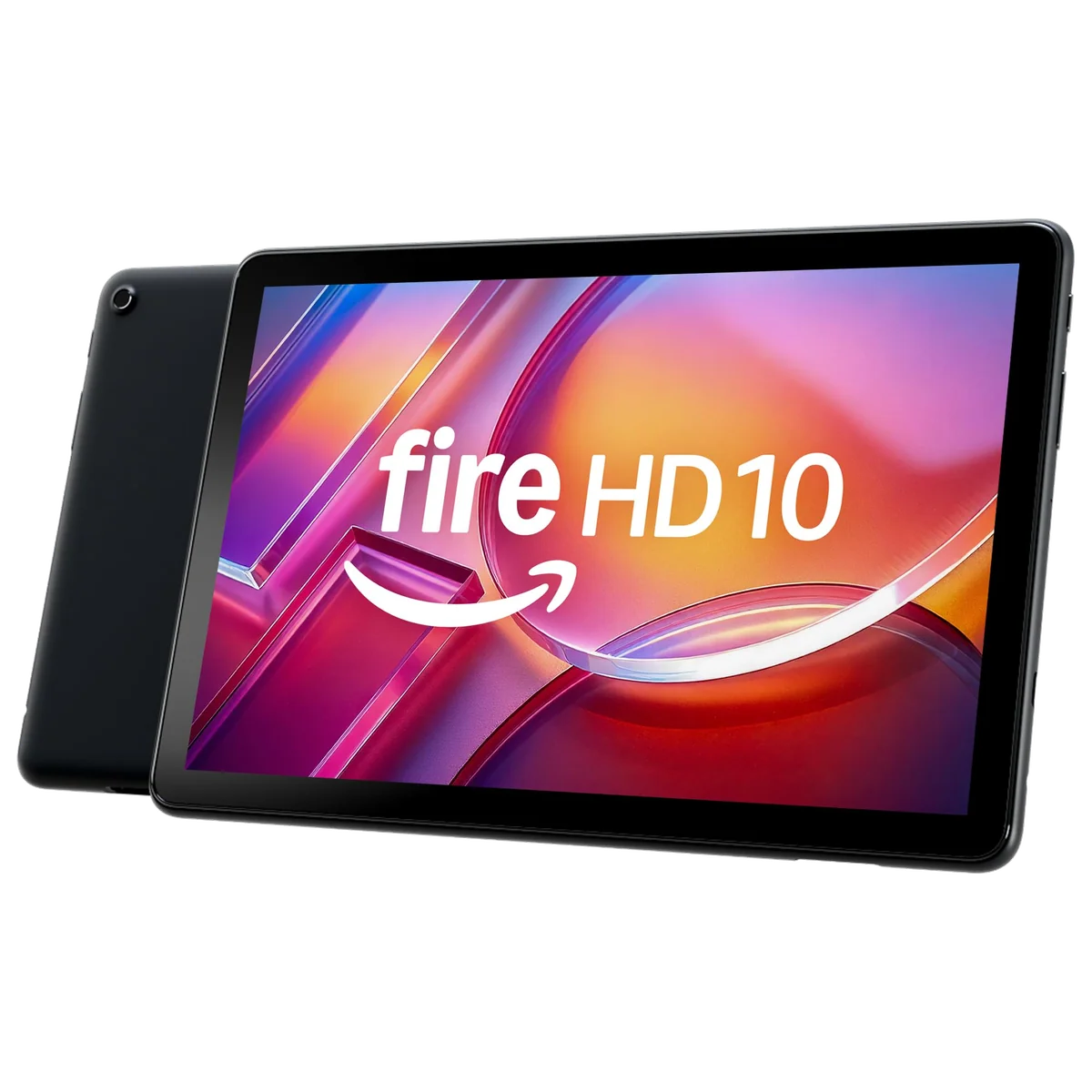
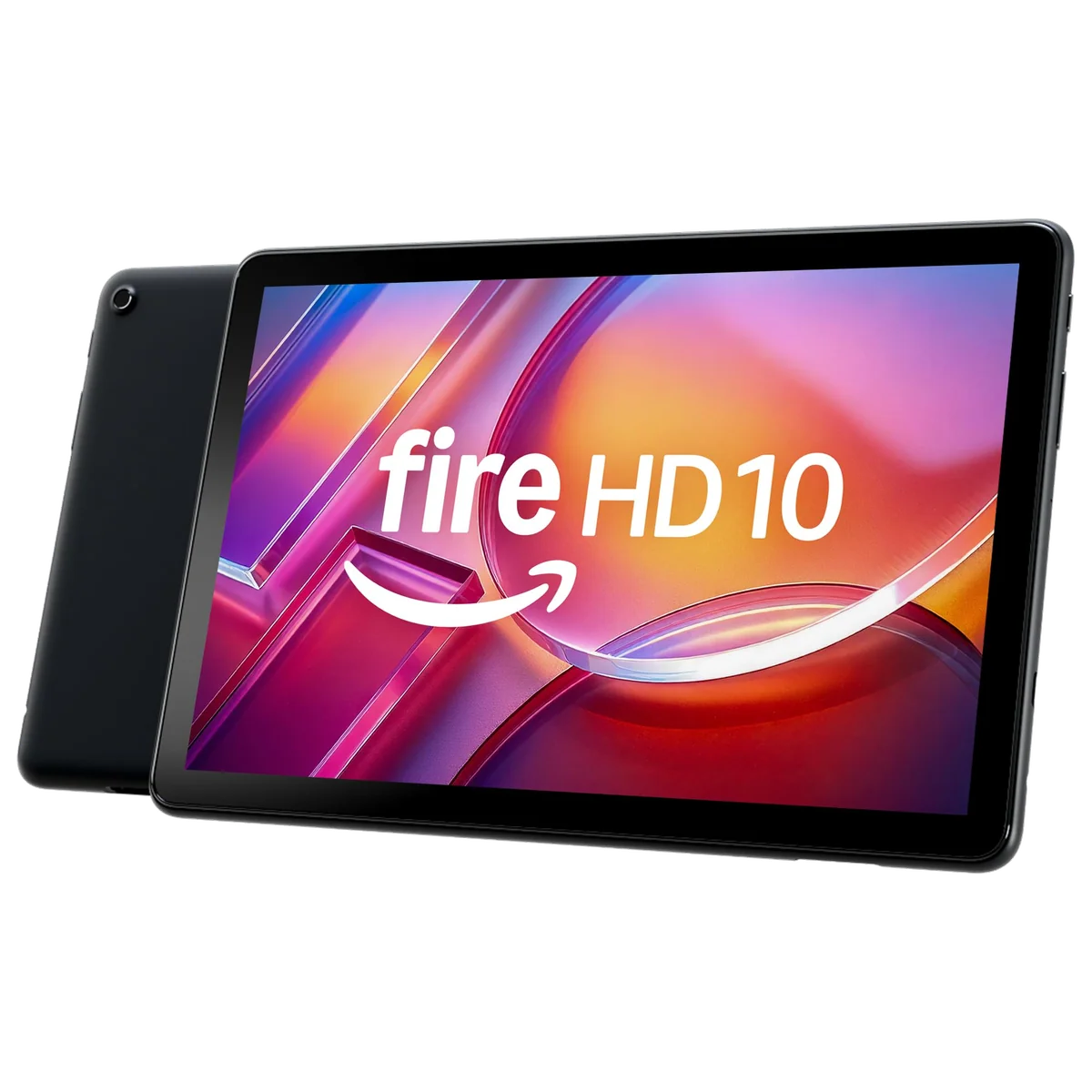
Amazon’s 2023 Fire HD 10 is an easy recommendation for Prime video, Kindle reading and casual family use, but its restricted app store makes it the wrong tablet for work, demanding games or anyone expecting ordinary Android.
Based on published owner reports, 1 owner discussion and 3 other sources. We have not tested this machine ourselves.
We earn a commission if you buy through our links, which does not affect what we say.
Read how this site works →
The final call
Buy the Fire HD 10 if you want a large, inexpensive screen for supported streaming services, Kindle books, web browsing, Alexa and shared family profiles. Its display and battery are good enough that the tablet never feels like a toy, while microSD expansion gives the 32GB model somewhere sensible to put downloaded media.
Do not buy it merely because the specification sheet resembles an Android tablet. The restricted store, Amazon-heavy interface, modest performance and slow charging are not cosmetic compromises. They define the experience. If every app you need is available and your ambitions stop at entertainment, this is a focused bargain; if either condition fails, it is cheap in the least helpful sense.
Best for: Note taking
The Fire HD 10 makes a persuasive first impression because Amazon has spent its limited hardware budget on the parts that matter while you are sitting on a sofa. The 10.1-inch Full HD screen is large enough for films, comics and magazines, the stereo speakers are respectable for a budget tablet, and the battery can cover a long flight or an afternoon passed between books and video. It feels designed around consumption rather than aspiration, which is exactly why it works.
Then you look for an app. Fire OS is derived from Android, but this is not a conventional Android tablet with official Google Play access. Its default store is the Amazon Appstore, where several major entertainment and Microsoft apps are available but other familiar services can be missing, regionally unavailable or represented by a web experience rather than the standard Android app. That distinction is not a technical footnote. It decides whether this tablet feels delightfully simple or unnecessarily obstructive.
Buy it for the right small job
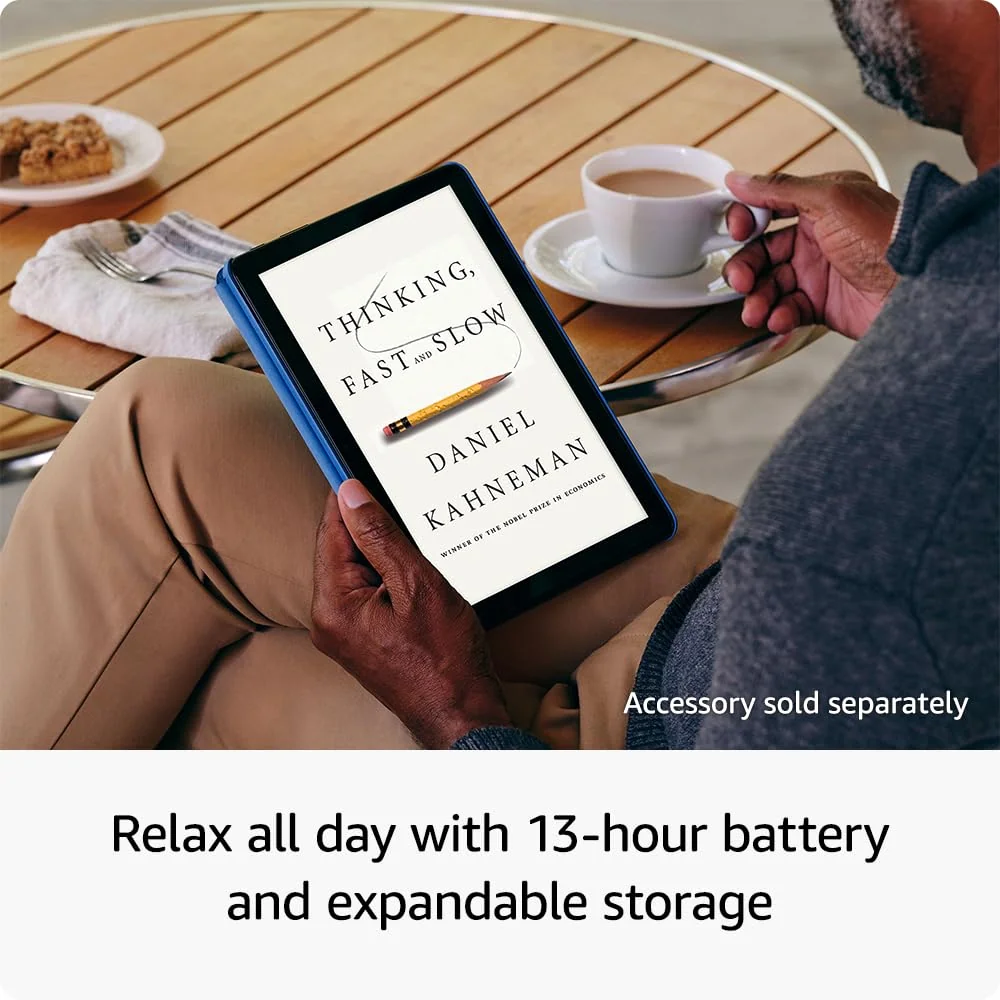
The strongest buyer already uses Kindle, Prime Video, Audible or Alexa and wants a larger screen without expecting iPad-level polish. It also suits a household that values separate adult and child profiles, a traveler who wants downloadable video and microSD expansion, or a reader who wants color and web access rather than the paper-like display of an e-ink Kindle.
Walk away if apps are the job
Do not buy it on the assumption that sideloading Google services will make everything normal. Unofficial workarounds exist, but they add compatibility, security and maintenance burdens to a device whose appeal is supposed to be simplicity. Check every essential work, streaming, library, communication and game app in Amazon’s store before ordering.
Check the configuration at checkout. The purchasable listing supplied for this review is the Black model with 32GB of storage and 4GB of RAM, while other Fire HD 10 configurations carry 3GB of RAM, 64GB of storage or different colors. The independent 2023 reviews cited here tested the original 3GB version, so their display, chassis and battery findings remain useful while their performance results should not be presented as measurements of this later 4GB listing.
Key Specifications
The hardware is modest, not miserable
A 1920 × 1200 LCD at this size is a sensible foundation for an entertainment tablet. Text looks clean, 1080p video has enough detail, and the wide 16:10 shape fits films better than it fits documents. Owners commonly describe the panel as bright, clear and colorful, while contemporary reviewers split between calling it an important strength and merely fit for purpose. Both readings make sense: it is a pleasing budget screen and an ordinary 60Hz LCD at the same time.
Do not read “Full HD” as shorthand for premium. There is no high refresh rate, OLED contrast or evidence here of exceptional outdoor brightness and color performance. This is an indoor reading and streaming display that looks good for its class, not one that competes with a modern iPad or an upper-tier Galaxy Tab.
The approximately 434g plastic body is sturdy enough to feel practical rather than disposable. Amazon says the strengthened aluminosilicate glass survived its tumble test 2.7 times as well as the Samsung Galaxy Tab A8 from 2022, but that tightly framed manufacturer claim does not establish water resistance, childproofing or immunity from a bad fall. A case remains sensible, particularly because the 10-inch body is comfortable on a lap but can become tiring when held unsupported for a long reading session.
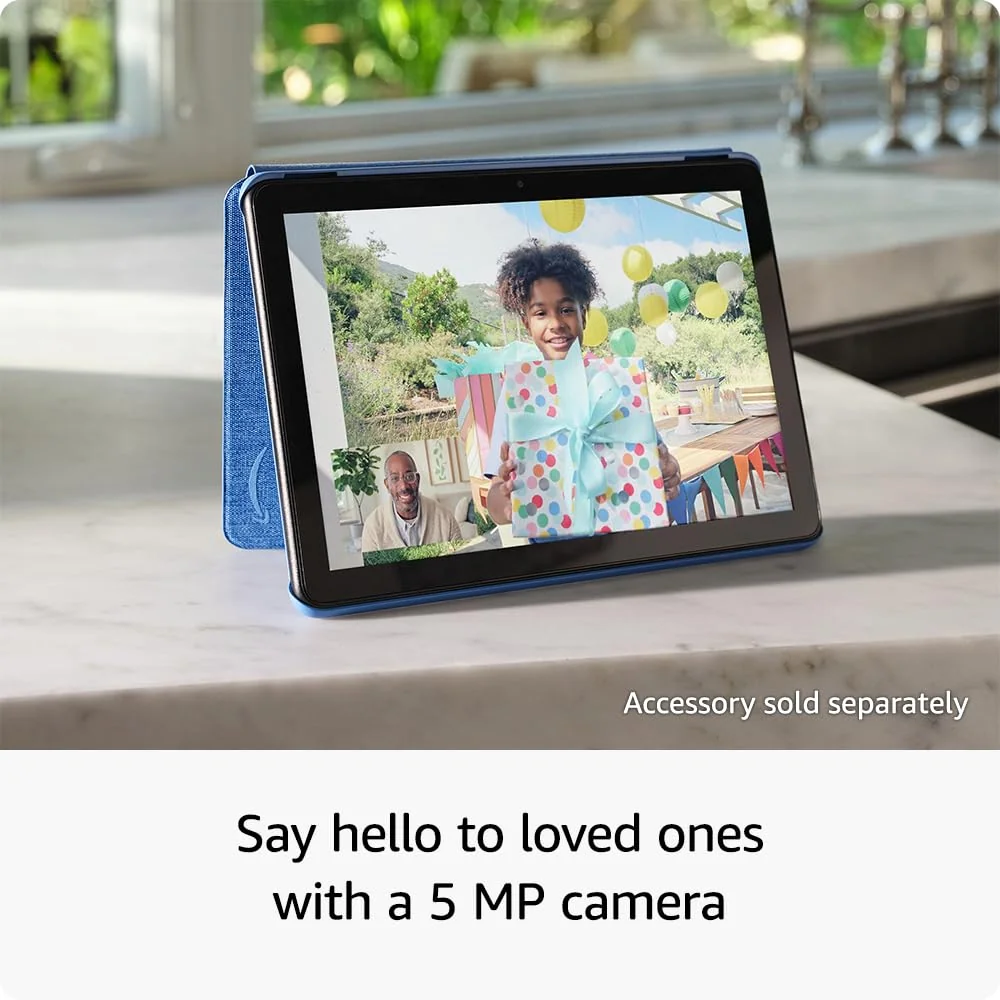
Stereo speakers get loud enough for dialogue and casual music, although bass is limited and maximum volume can become muddled. The presence of both Bluetooth and a 3.5mm headphone jack is more useful than fashionable here. The two 5MP cameras belong to the same pragmatic category: adequate for a video call or document scan in decent light, but not a credible reason to create social content on the tablet instead of a recent phone.
Storage is one compromise you can soften
The target configuration includes 32GB internally and accepts a separately sold microSD card of up to 1TB. Expansion is valuable for downloaded films, books, photos and compatible media, but it does not increase RAM, improve the processor or restore missing applications. Nor should buyers assume that every app and every piece of app data can live on the card.
The tablet also supports an optional USI 2.0 stylus with 4,096 pressure levels. That is useful for annotations, handwriting and simple sketches, but it does not transform the Fire HD 10 into a serious art machine. A Bluetooth keyboard can make short messages less tedious, yet Fire OS, the modest processor and cramped accessory keyboards still prevent a convincing laptop-replacement case. Readers seeking a work-first device should start with our guide to the best tablets for replacing a laptop rather than assembling accessories around the Fire.
Strengths & Limitations
Strengths
- The 10.1-inch Full HD display is sharp and spacious enough for indoor video, reading and browsing.
- Controlled testing came within 21 minutes of Amazon’s 13-hour maximum battery claim.
- Multiple adult and child profiles make it unusually practical as a shared family tablet.
- A microSD slot, headphone jack and optional pressure-sensitive stylus add useful flexibility.
- The light plastic body feels sturdy and appropriately unfussy for travel or household use.
Limitations
- Fire OS lacks official Google Play access and can exclude apps that are routine on conventional Android tablets.
- Amazon recommendations, preinstalled software and possible lock-screen offers make the interface feel commercial.
- Performance is suited to casual use rather than demanding games, heavy multitasking or serious creative work.
- The basic cameras, 60Hz LCD and plastic construction never resemble premium tablet hardware.
- A full charge can take about four hours, and there is no biometric unlock or documented water resistance.

Fast enough ends where ambition begins
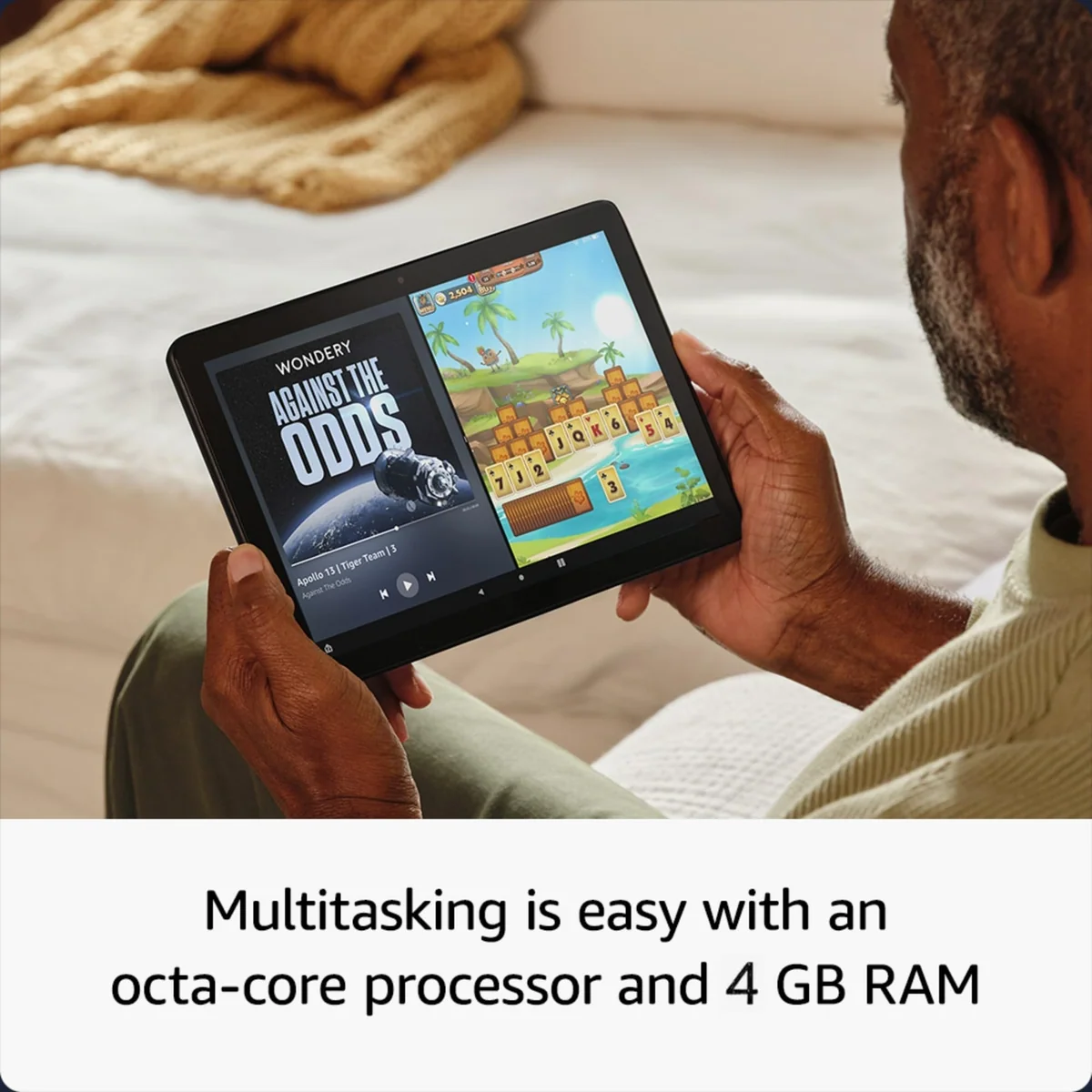
Reading, video playback, music, basic browsing and simple two-app split screen are the Fire HD 10’s natural workloads. Those jobs generally feel responsive enough because none asks much of the processor. The target listing’s 4GB of RAM should provide more breathing room than the original 3GB configuration, but there are no supplied target-specific benchmarks that justify claiming a measured speed increase.
The original 3GB 2023 tablet scored 1,523 in Tom’s Guide’s Geekbench 5 multicore test, well ahead of the cheaper Fire HD 8 result of 854 but far behind the compared tenth-generation iPad at 4,400. That gap surfaced in use: ordinary apps mostly worked, while games could bog down, display fuzzy graphics, produce errors or crash. TechRadar likewise found navigation and app loading unremarkable and recommended sticking to low-demand tasks.
Amazon’s claim of 25 percent faster performance than the preceding generation may describe its internal generational comparison, but the supplied research does not independently verify that percentage. More importantly, “faster than an older Fire” is a low bar. Casual games are reasonable; demanding 3D gaming, many browser tabs, substantial creative work and sustained multitasking are not.
The battery delivers, then the charger takes its time
Amazon advertises up to 13 hours, and two contemporary tests of the original 2023 hardware each recorded 12 hours and 39 minutes. That is unusually close to the claim. Mixed use at full brightness was nearer nine to ten hours in one review, while games reduced endurance more quickly, so the headline figure is attainable under controlled or lighter workloads rather than guaranteed for every day.
Charging is the counterweight. A complete USB-C charge can take as long as four hours, which is slow by current standards. Owner reports range from excellent endurance to heavy standby drain and painfully long charging, suggesting that brightness, background activity, charger choice and individual behavior matter. The defensible conclusion is strong active-use battery life with no corresponding fast-charge advantage.
The app check comes before the bargain calculation
Fire OS places Amazon at the center of the home screen, store, recommendations and subscriptions. Prime Video, Kindle and Alexa feel native because they are. Netflix, Disney+, Zoom, Spotify, Microsoft 365, OneNote and other familiar services have appeared in the supplied 2023 evidence, but availability can differ by country and change over time. Google Workspace users, customers of regional broadcasters, library borrowers and people dependent on a particular game or messaging service have much more homework to do.
YouTube illustrates the ambiguity. It can be reached through the Silk browser and may appear through Amazon’s store as an app or web wrapper, but it is not the normal Google Play installation. Conflicting reports about its presentation are best understood as a warning about region, date and implementation, not as proof that video is inaccessible.
Some owners install Google Play, Aurora Store, F-Droid or use Fire Toolbox. That can widen the available software, but it is not an official out-of-box capability and it can break, demand maintenance or introduce privacy and security questions. A workaround may be an enjoyable project for an enthusiast. It is not an honest answer to a buyer who simply needs Gmail, a local library app or a work tool to function on day one. Our guide to Google Play and missing Fire tablet apps explains the distinction before you commit.
Ads are only one layer of Amazon’s sales pitch
Some configurations include special offers on the lock screen, with removal available for an additional fee. Paying to remove those offers does not purge the wider interface of Amazon recommendations, subscription prompts or preinstalled applications. Owners disagree about whether the wake-screen interruption is trivial or irritating, but nobody should confuse ad removal with a neutral home screen.
Total cost deserves the same scrutiny. A case, microSD card, stylus, keyboard, ad removal and recurring media or Kids+ subscriptions can turn a cheap tablet into a more involved purchase. The Fire HD 10 is most persuasive when its basic screen, battery and Amazon integration already solve your problem. If accessories and software workarounds are required to make it acceptable, browse the best cheap tablets before spending more to repair the premise.
A family tablet with unusually useful profiles
Separate adult and child profiles are one of the Fire HD 10’s best reasons to exist. Each profile can have its own home screen and allowed content, while parental controls cover age filtering, websites, purchases, selected apps and approved contacts. A child profile does not require Amazon Kids+, although the optional subscription adds a curated catalog and the setup process makes sure families know it exists.
This makes the standard Fire HD 10 a credible shared household screen, but not necessarily the best package for a young child. The dedicated Kids version adds a more protective bundle and is examined separately in our Fire HD 10 Kids review. Parents choosing between the ordinary and children’s editions can also use the direct Fire HD 10 versus Fire HD 10 Kids comparison.
Long-term evidence for this exact USB-C generation remains thin. Older Fire tablets have accumulated reports of slowing software, aging batteries, Wi-Fi trouble and worn micro-USB ports, but those stories come from different hardware and cannot be assigned to the 2023 model. The present tablet’s sturdier glass claim and USB-C port are more relevant than failures from a 2017 unit, yet neither proves how this model will behave after several years.
Software support is similarly unresolved by the supplied record. The 2023 tablet shipped with Fire OS 8, based on Android 11, and setup material showed system updates, but no authoritative support-end date is available here. An owner’s suspicion that Amazon might neglect Fire OS is not a policy announcement. Buyers who need a guaranteed security horizon should verify Amazon’s current device-support policy rather than infer it from the age of the chassis.
Frequently Asked Questions
Does the Fire HD 10 include Google Play?
No, Fire OS uses the Amazon Appstore, and unofficial methods of adding other stores should not be treated as guaranteed or maintenance-free.
Can the 2023 Fire HD 10 use a microSD card?
Yes, Amazon specifies expansion by up to 1TB with a separately sold microSD card, although not every app or data type is guaranteed to run from it.
Is the Fire HD 10 good for watching films?
Yes, its Full HD 16:10 screen, stereo speakers, headphone options and long battery life make supported streaming and downloaded video its strongest use.
Can it replace a laptop for work?
No, a keyboard, stylus, Microsoft apps and split screen enable light tasks but do not overcome the restricted software catalog and modest performance.
Is the Fire HD 10 suitable for reading?
Yes, it works well for large-format color reading, but its illuminated LCD, roughly 434g weight and hours-long battery differ substantially from an e-ink Kindle.
How old is this Fire HD 10 model?
This chassis is the 13th-generation model released in October 2023, while the reviewed listing is a later configuration advertising 4GB of RAM.
Does paying to remove lock-screen offers eliminate every recommendation?
No, removing special offers addresses the lock screen while Amazon content suggestions and storefront elements remain part of Fire OS.
Is the tablet water resistant?
No water-resistance rating appears in the supplied evidence, so buyers should not assume protection against spills or immersion.
Sources (5)
- Amazon listings and customer reviews — Amazon Fire Hd 10
- Owner reports across r/tablets threads
- Owner and reviewer video, 1 channel
- Techradar — Article — www.techradar.com
- Tomsguide — Article — www.tomsguide.com