The reMarkable Paper Pro is brilliant at less, but too expensive for most people
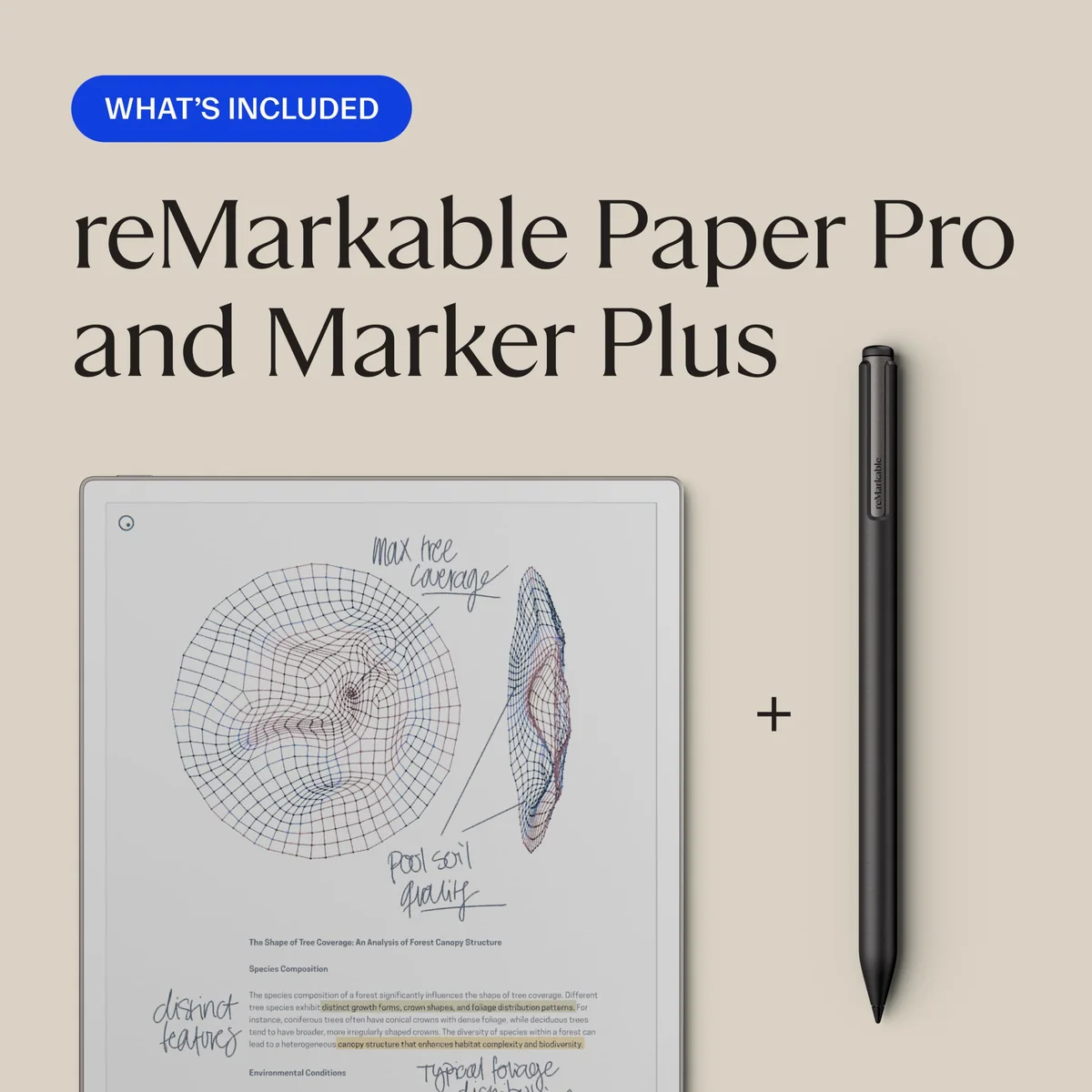
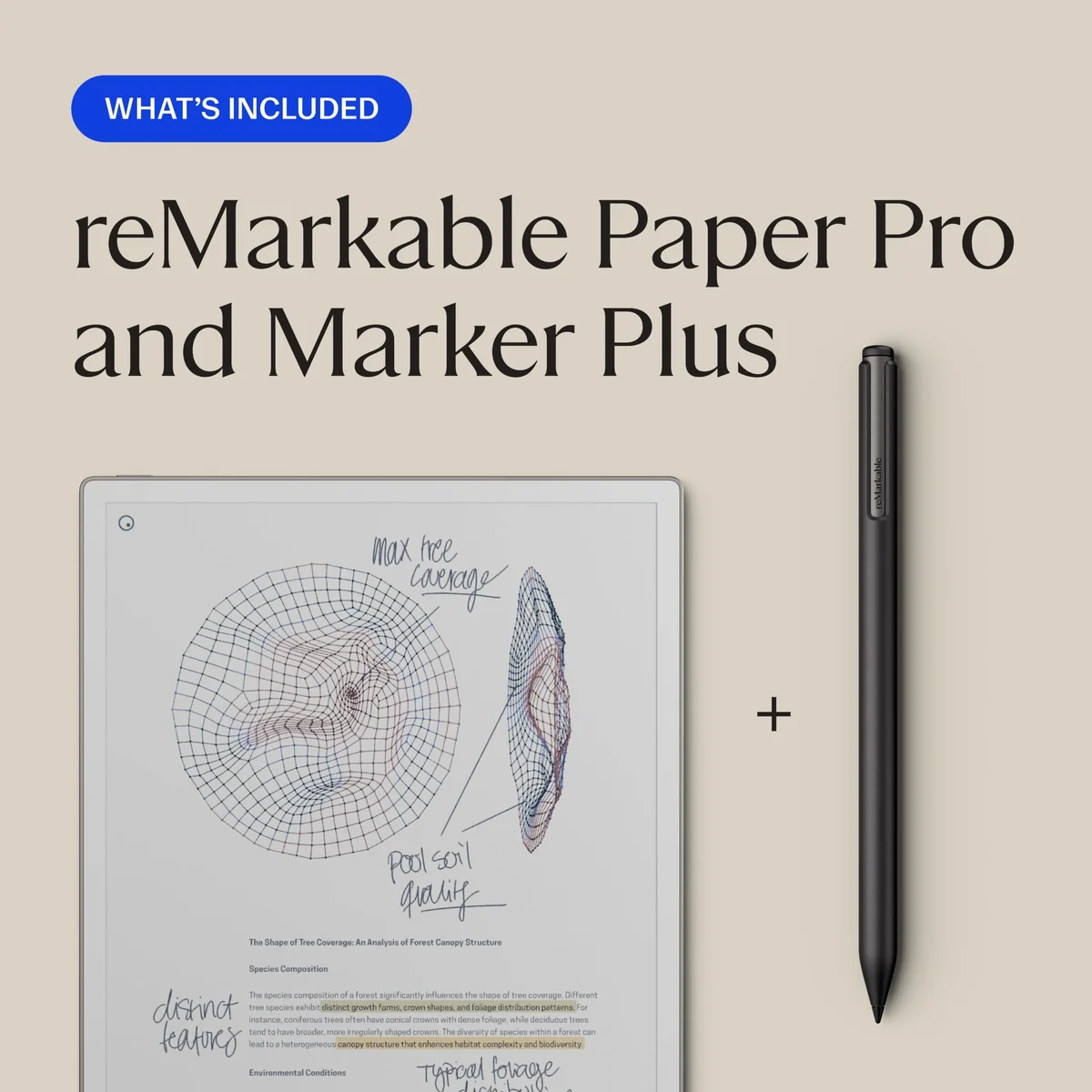
Do not buy the reMarkable Paper Pro as a general tablet, but consider it seriously if handwritten notes and color PDF annotation already anchor your working day.
Based on published owner reports, 2 owner discussions and 5 other sources. We have not tested this machine ourselves.
We earn a commission if you buy through our links, which does not affect what we say.
Read how this site works →
Final verdict
The reMarkable Paper Pro with Marker Plus is one of the most persuasive digital replacements for a large paper notebook. Its writing experience, generous canvas, restrained color, and front light work together rather than reading like unrelated upgrades. For handwritten thinkers and serious PDF annotators, the device can turn scattered paper into a calmer, searchable, portable working archive.
It remains a bad general tablet and an extravagant casual notebook. The absent apps, weak ebook compatibility, limited typing, subscription boundaries, heavy protected weight, and uncertain long-term repair story are not minor footnotes. They define the purchase.
Buy it only when you can name the paper workflow it will replace today; otherwise, choose a less specialized device and keep the freedom that Paper Pro charges you to remove.
The reMarkable Paper Pro is a luxury digital notebook, not an iPad substitute with a calmer home screen. It has no browser, app store, email, entertainment apps, Kindle app, or conventional office suite. That austerity is either the reason to buy it or the reason to leave immediately.
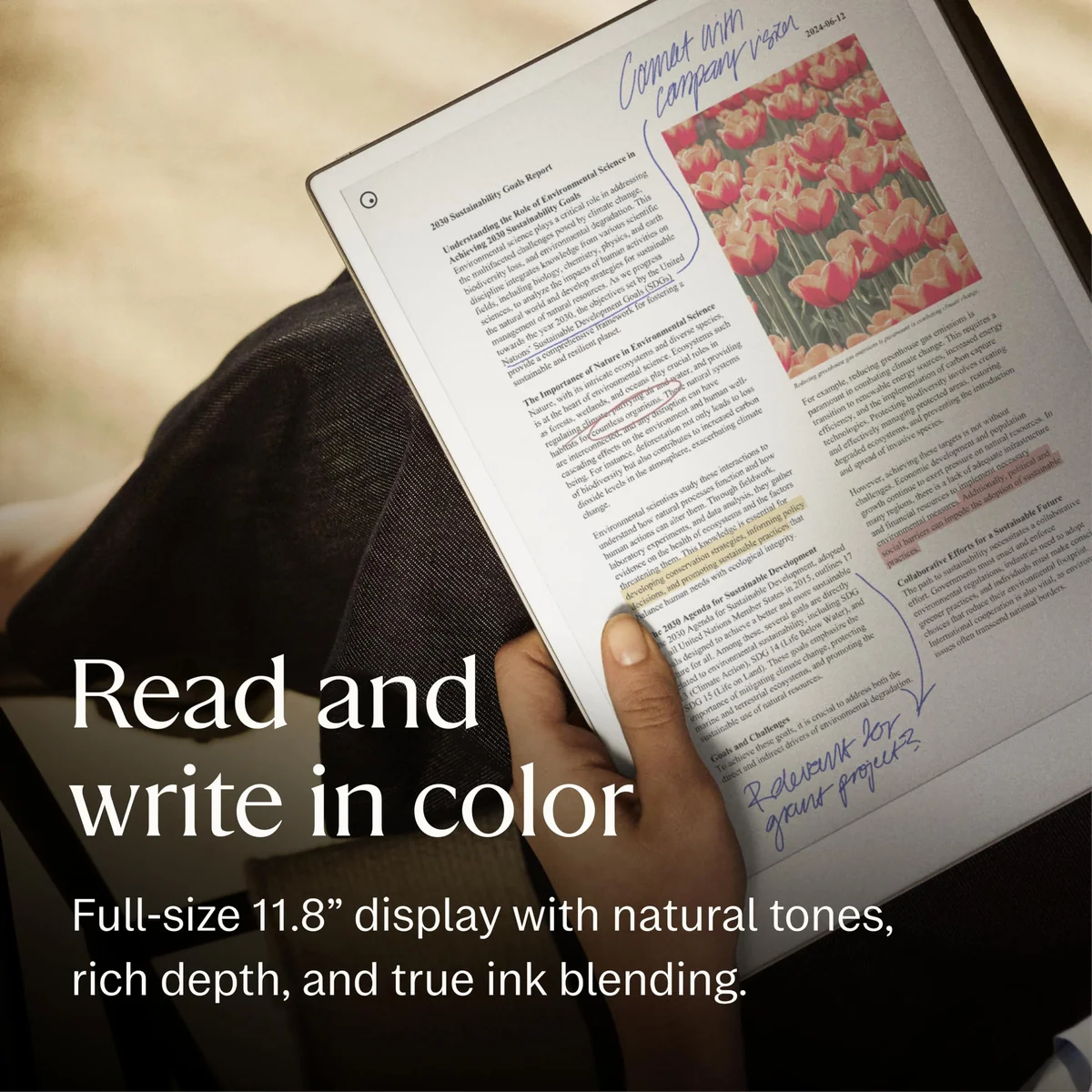
Buyers who already fill notebooks, annotate long PDFs, or lose useful scraps of paper have a credible reason to stay. The 11.8-inch color E Ink display gives documents room to breathe, the front light makes dim-room writing practical, and the Marker Plus adds a natural eraser to an already strong handwriting system. Owners repeatedly describe the relief of keeping handwritten material in folders instead of accumulating notebooks across desks, bags, and meeting rooms.
Everyone else should resist the romance. The listing captured for this review included the tablet, Marker Plus, and spare tips, but no protective folio. A conventional tablet can offer vastly more computing ability for similar money, while cheaper monochrome writing devices may cover basic note-taking just as well. Paper Pro only makes financial sense when its missing functions protect your attention rather than restrict your work.
Buy it if handwriting is already part of your system
The strongest buyer begins ideas by hand, marks up PDFs often, values color-coded notes, and expects to finish polished work on another computer. Paper Pro can consolidate that workflow without inviting a detour through messages, shopping, news, or video.
Walk away if you want one device to do everything
It cannot replace a laptop for research and finished documents, an iPad for apps and art, or a Kindle for a protected ebook library. It is also a poor experiment for someone hoping an expensive object will create a handwriting habit that does not yet exist.
Key Specifications
The restriction is the product
Paper Pro does not merely reduce notifications. It removes the routes that lead to them. There is no browser to open, no social feed to check, and no app store waiting to turn a writing surface into another general-purpose screen. That makes the device unusually coherent: notebooks, documents, folders, tags, favorites, templates, layers, and writing tools all serve the same narrow job.
That coherence has produced a genuine behavioral benefit for some distraction-prone owners. Students and professionals describe getting more work done because the device offers nowhere else to go, including one nursing student who found a conventional tablet repeatedly pulled study sessions into unrelated browsing. This is useful testimony about environment and habit, not evidence that Paper Pro treats an attention disorder.
The software covers the everyday mechanics of handwritten work well. You can organize notebooks into folders, tag files or individual pages, move and resize selected handwriting, switch between saved pen tools, undo with a gesture, use layers, change page templates, and extend a page downward. The canvas is vertically scrollable rather than limitless in every direction, an important distinction for diagram-heavy users.
The omissions become painful when a project grows beyond a notebook. There is no split-screen view for reading one document while writing in another, typed-text formatting is rudimentary, and OneDrive access does not provide OneNote. Google Drive, Dropbox, and OneDrive integrations behave more like import and export channels than live editing: a file is copied to the device, marked up, and exported back.
Marker Plus earns its place in this bundle
The included active pen is grippy, docks magnetically, charges from the tablet, and has an eraser at the opposite end. Turning the pen over is faster and less disruptive than selecting an eraser from a toolbar, particularly when correcting small marks during a meeting or lecture. Six replacement tips are included.
The eraser removes granular areas rather than automatically deleting a complete stroke, although gesture undo and selection tools handle larger corrections. The pen also has a battery that is not readily user-replaceable, and it is incompatible with reMarkable 2 pens. Its magnetic hold is convenient around a desk but not a substitute for a case or pen loop inside a bag.
Connect is optional, but the free experience has boundaries
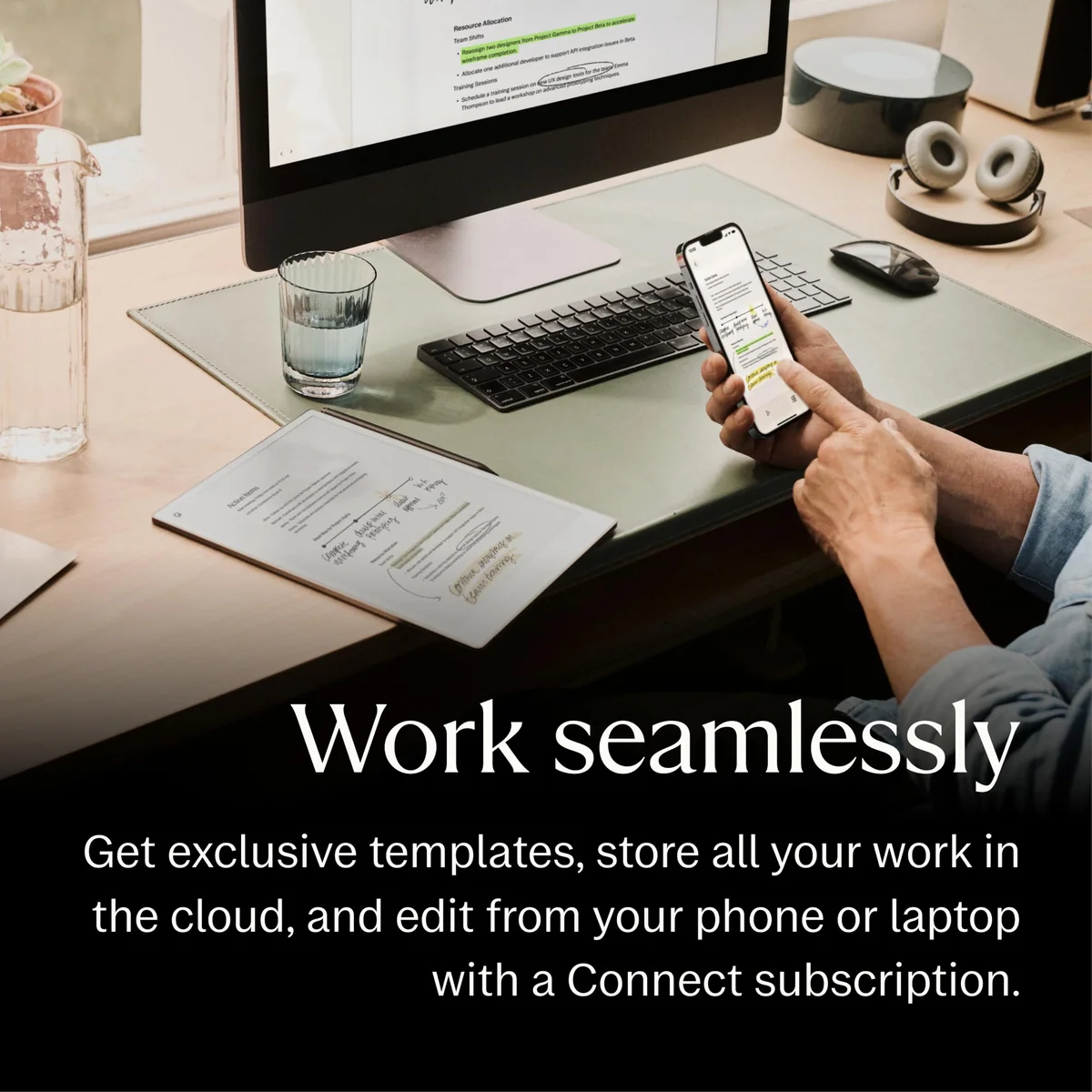
Paper Pro still writes and stores notes locally without a Connect subscription. Current reMarkable materials place handwriting search, unlimited cloud storage, mobile and desktop note editing, additional conversion and AI tools, and a Protection Plan inside Connect. Without it, only files used and synced within the preceding 50 days remain in reMarkable cloud storage, so buyers who want a permanent, low-friction archive across devices should include the service in their value calculation.
Local and third-party-cloud routes prevent the subscription from becoming an absolute requirement, but they are not equally elegant. Exporting a reMarkable notebook to PDF flattens its editable strokes and layers, while the native notebook remains in reMarkable’s proprietary format. That is acceptable for finished documents and less attractive for anyone building a long-lived, editable knowledge archive.
Strengths & Limitations
Strengths
- The large textured display makes handwriting precise, responsive, and more convincing than writing on ordinary tablet glass.
- Muted color adds useful structure to highlights, diagrams, revisions, and PDF annotation.
- The front light makes reflective-screen writing practical in dim rooms and during travel.
- Marker Plus provides a natural built-in eraser and charges while attached to the tablet.
- The deliberately limited software can protect focus for people who are easily diverted by multipurpose devices.
- Folders, tags, templates, layers, selection tools, and scrolling pages turn paper habits into an organized digital archive.
Limitations
- It is expensive for a device that intentionally omits ordinary tablet functions and does not include a protective case.
- The 525 g body becomes substantially heavier once protected and can fatigue the hand during prolonged reading.
- Colors are muted, slow to settle, and unsuitable for anyone expecting an LCD-like art experience.
- There is no browser, app store, OneNote, protected Kindle support, audio, split screen, or rich word processing.
- Connect gates current handwriting search and the most complete cloud and companion-app experience behind a subscription.
- The front light can look cool or dim and can reduce battery life dramatically at high brightness.
- Proprietary notebooks lose editable strokes and layers when exported as ordinary PDFs.
- One-year base coverage, non-user-replaceable batteries, and reported display failures make long-term risk harder to dismiss.
Excellent ink, compromised color
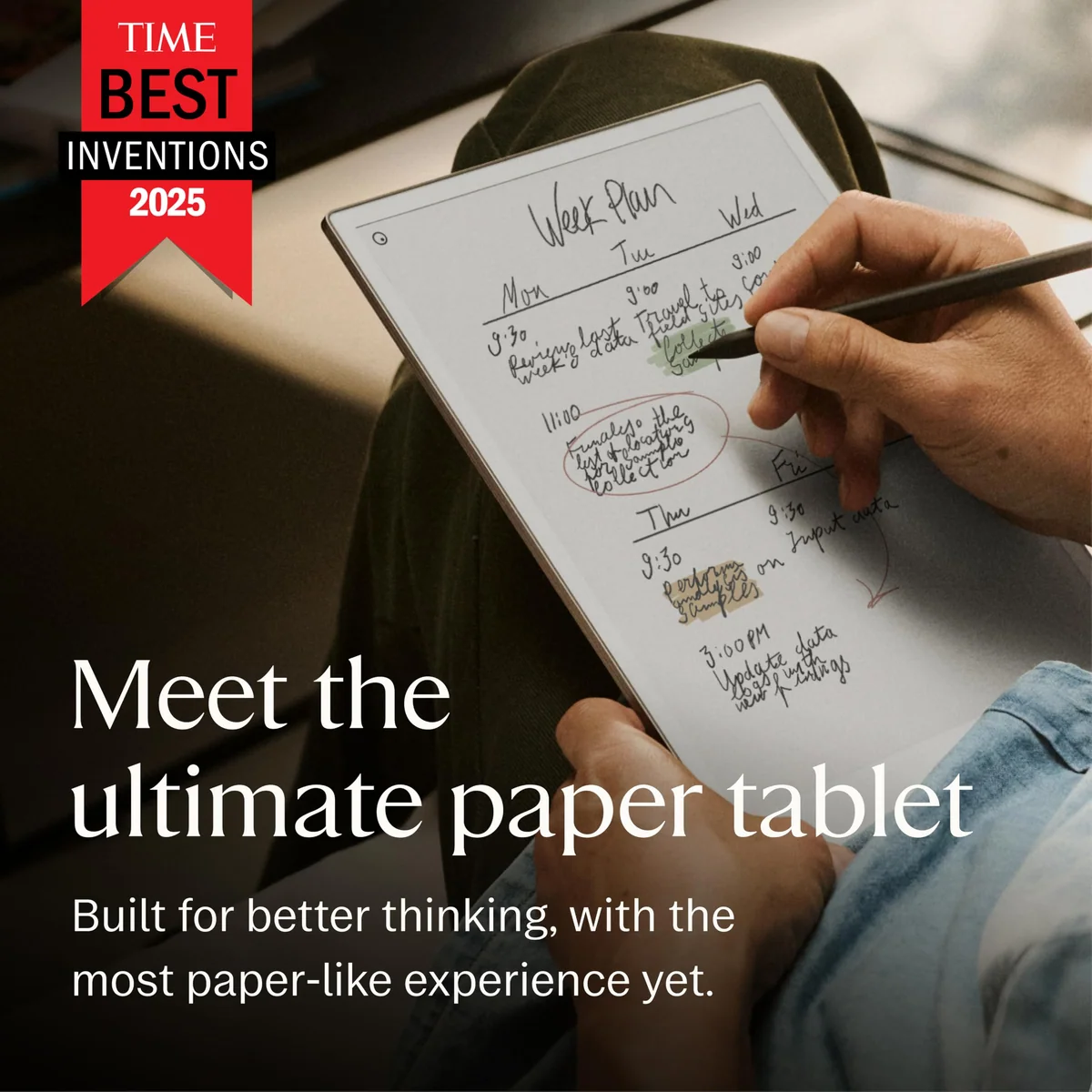
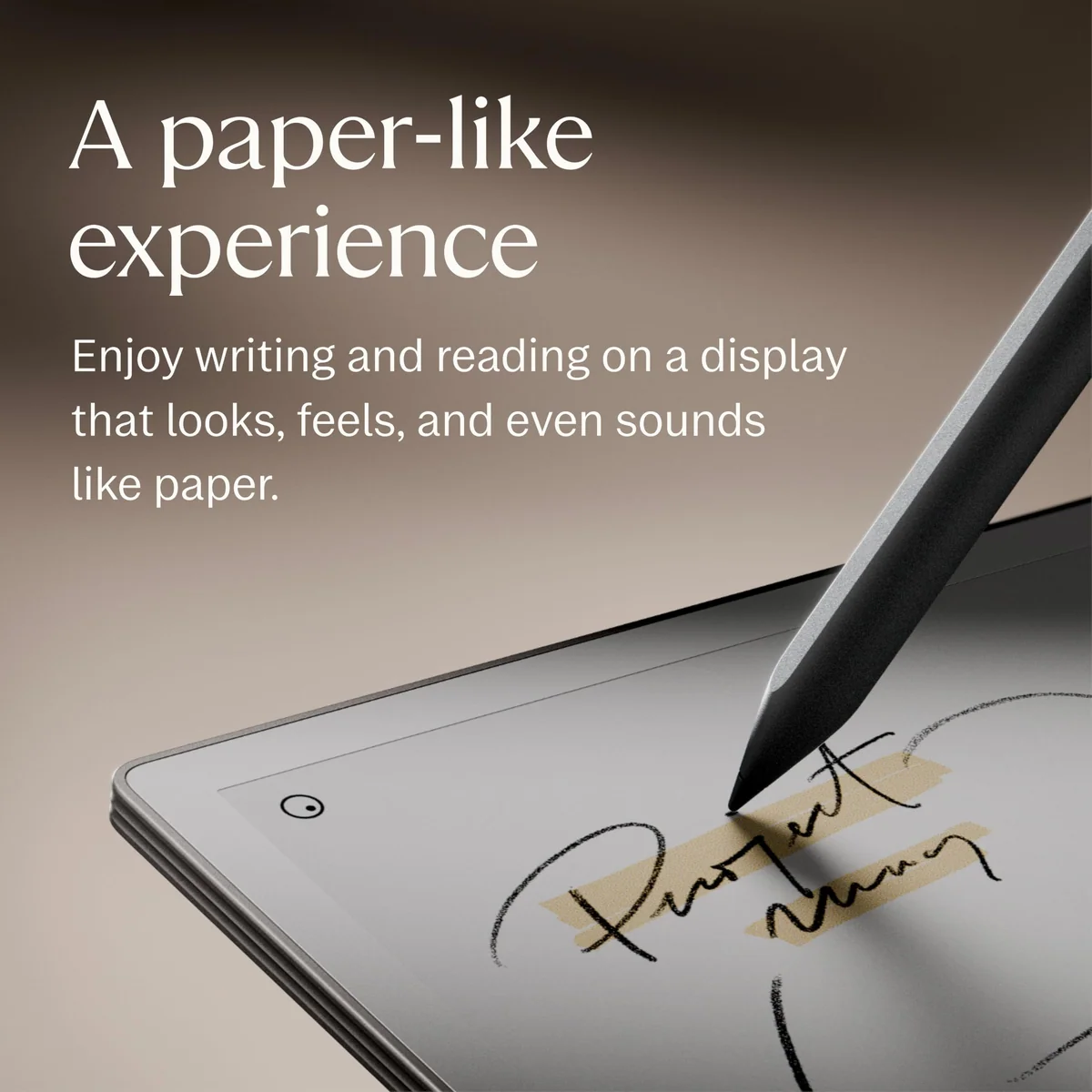
Writing is the clearest success. The textured surface supplies convincing friction, strokes appear with very low latency, palm rejection is dependable, and the Marker Plus remains precise enough for compact handwriting. It still feels like a stylus moving across textured glass rather than ink entering paper fibers, but it closes enough of that sensory gap to make long handwritten sessions feel natural.
Whether it feels better than reMarkable 2 is not settled. Paper Pro is commonly described as smoother, harder, sharper, and a little louder, while reMarkable 2 provides greater pencil-like resistance. Some reviewers preferred the older texture immediately; others came to favor Paper Pro after adjusting. Anyone particularly sensitive to pen feel should try the surface rather than treating “paper-like” as one universal sensation.
Color helps information more than illustration
The 11.8-inch Gallery 3 panel displays both color and monochrome content at 2,160 by 1,620 pixels and 229 ppi. Its colors resemble highlighter, colored pencil, or watercolor more than an LCD. That restrained palette works for separating revisions, categorizing study material, reading charts, and marking a PDF without turning the page into a glowing screen.
It is not an art tablet. Similar shades can be difficult to distinguish, color strokes may first appear dark before resolving, and a page can flash while the particles settle. Full-color images also refresh more slowly than black writing. Digital artists who need vivid previews, broad color control, responsive painting, or predictable exported color should choose an app-based tablet instead.
| Specification | Recorded figure | Buyer consequence |
|---|---|---|
| Display | 11.8-inch Gallery 3 color E Ink | Comfortable room for full pages, diagrams, and margin notes, with muted rather than luminous color. |
| Resolution | 2,160 × 1,620 at 229 ppi | Strong color detail for E Ink, although monochrome text is not as crisp as a 300 ppi reader. |
| Storage | 64 GB, non-expandable | Ample for ordinary notes and documents, with less than the advertised total available to the user. |
| Bare weight | About 525 g | Reasonable in a backpack, less comfortable for prolonged one-handed reading. |
| Thickness | 5.1 mm | Exceptionally slim, although a protective folio changes the carrying weight substantially. |
| Battery | 5,030 mAh | Runtime varies sharply with workload and front-light use. |
The front light fixes one problem and creates another
Paper Pro’s adjustable front light makes writing on flights, in lecture rooms, or beside a sleeping partner practical. It illuminates the reflective panel rather than behaving like a bright phone display, preserving much of the restrained paper effect.
It has no warm-to-cool color adjustment, and reviewers disagree about whether maximum brightness is sufficient. Some found it evenly lit and useful; others saw a cool tone, edge halo, or a murky appearance in a dark room. That variation makes bright pixels, dead pixels, and conspicuous light bleed worth checking during the return period.
Battery life depends on how much light you buy yourself
The official “up to two weeks” figure is based on moderate writing rather than continuous, brightly lit use. Independent accounts range from roughly two weeks with restrained use to several days, twice-weekly charging, or heavy single-day depletion when the light remains high. Treat two weeks as an attainable ceiling for a particular routine, not the default result for every owner.
Transient ghosting is normal; obstructive ghosting is not
E Ink refreshes, brief flashes, temporary color changes, and faint remnants that disappear on the next refresh are expected. Persistent green afterimages, worsening shadows, darkened areas, or marks that interfere with reading should not be excused as ordinary panel behavior. One reviewer’s faulty unit retained green ghosting until reMarkable replaced it, while the replacement behaved properly.
Worth it only when less is worth more
A feature-count comparison makes Paper Pro look absurd. General tablets offer browsers, apps, cameras, media, richer keyboards, stronger ebook ecosystems, and broader file compatibility. Paper Pro asks the buyer to pay for a large reflective writing surface and then presents its inability to do those other things as a benefit.
That proposition is defensible when the buyer already produces enough handwritten material to replace several notebooks, repeatedly annotates full-page PDFs, or knows that a multipurpose screen undermines concentration. The value then comes from retrieval, continuity, and attention rather than computational capability. Owners who fit that pattern often report using the device daily; hesitant buyers without an established paper workflow risk acquiring an elegant scratch pad.
The large display is especially persuasive for academic papers, scripts, manuals, and documents with color-coded charts. It reduces the need to zoom and gives handwriting more room beside source material. PDFs with oversized margins can still require external cropping, however, and exported annotations become flattened rather than remaining editable reMarkable strokes.
Reading is secondary. Paper Pro accepts DRM-free EPUB and PDF files, but it cannot open protected Kindle or Kobo purchases. EPUB navigation and typography controls are slower and more limited than on a dedicated reader, and there is no audio hardware for Audible. Readers who mainly want books should compare it with the Kindle-focused option in our Paper Pro versus Kindle Scribe guide.
Existing reMarkable 2 owners face a narrower decision. Paper Pro brings a larger canvas, color, a front light, more storage, and faster navigation, but it is heavier, costs more, uses an incompatible pen, and does not provide a universally preferred texture. Color-rich PDF work and nighttime writing can justify the change; plain monochrome note-taking usually cannot. Our Paper Pro versus reMarkable 2 comparison examines that trade in detail.
Buyers still deciding what kind of device they need should start with our guide to how E Ink writing tablets differ from regular tablets. Anyone committed to handwriting but unconvinced by this particular device can also see the broader choices in our note-taking tablet guide.
The honest three-part value test
- Count how many handwritten notebooks, printed PDFs, and loose lists you actually used during the last month.
- Identify whether a browser and app ecosystem help that work or repeatedly interrupt it.
- Assume you will still need another device for research, communication, protected ebooks, and finished formatting.
If those answers describe a large existing paper workflow, Paper Pro can be a rational luxury. If they describe an imagined future habit, keep the money.
The beautiful hardware has an unresolved trust problem
The chassis feels appropriately premium. Its metal construction is rigid, unusually thin, and clean enough for professional settings. The size also explains much of the appeal: full-page documents and broad handwriting fit more naturally than they do on smaller e-notebooks.
Bare-tablet portability is only half the story. The recorded 525 g weight rises to roughly 825 g with a leather Book Folio and about 1,040 g with the Type Folio. A case is difficult to treat as optional when the device has a large glass-fronted display and a magnetically attached pen. A slim machine can therefore become a one-kilogram package once configured for typing and safe transport.
Paper Pro has not been available long enough to justify a confident lifespan promise. Older reMarkable models have served some owners for four or five years, but that sibling history does not erase Paper Pro reports involving dead pixels, severe ghosting, darkened screens, or repeated replacement units. Amazon accounts also include both a device restored after a freeze and a six-month screen failure that ended in a disputed warranty decision.
These anecdotes do not establish a defect rate. They do establish the consequence of a bad unit, which matters more at this level of spending. Inspect the display against light and dark pages, try every brightness level, confirm that the Marker and eraser remain responsive, and treat persistent shadows or bright points as return issues rather than quirks to normalize.
Battery longevity introduces another uncertainty because neither the tablet battery nor the Marker battery is easily user-replaceable. The supplied product facts specify a one-year limited warranty, while current official materials associate additional protection with Connect. That combination makes coverage terms and return rights part of the purchase decision rather than administrative fine print.
reMarkable currently describes a 50-day satisfaction period for direct purchases. That is the most useful response to workflow uncertainty: use the device for real meetings, actual coursework, and genuine documents rather than staging a few beautiful notebook pages. A specialized tool proves its value through repetition.
Frequently Asked Questions
Is the reMarkable Paper Pro worth buying?
It is worth considering for an established handwritten-note or color-PDF workflow, but it is poor value as a casual notebook or general tablet.
Can the reMarkable Paper Pro replace an iPad or laptop?
No, it normally complements an iPad or laptop because research, apps, communication, rich formatting, and finished production still require another device.
Can it read Kindle books?
No, Paper Pro has no Kindle app and accepts DRM-free EPUB and PDF files rather than protected Kindle or Kobo purchases.
Does it work with OneNote?
No, OneDrive file integration does not provide access to OneNote notebooks.
Can it search handwritten notes?
Current reMarkable materials include handwriting search with Connect, although older reviews accurately reported that the feature was previously unavailable.
Does it require a Connect subscription?
No, the tablet works locally without Connect, but current handwriting search, unlimited reMarkable cloud storage, companion-app editing, and additional service features depend on it.
Are its colors supposed to look muted?
Yes, the reflective E Ink colors are intentionally softer than LCD or OLED colors and are best suited to highlights, diagrams, and document structure.
Is screen ghosting normal?
Brief residual images that clear during a refresh are normal, but persistent green shadows, dark areas, dead pixels, or marks that obstruct reading warrant support or a return.
How long does the battery last?
Moderate use with restrained lighting can approach the advertised two weeks, while intensive work at high brightness can reduce runtime to several days or less.
Does this Marker Plus bundle include a case?
No, the reviewed listing includes Paper Pro, Marker Plus, and six spare tips but no protective folio.