reMarkable Paper Pro is the better notebook, but reMarkable 2 is the saner upgrade to skip
Paper Pro wins this comparison, but most satisfied reMarkable 2 owners should not upgrade unless color annotation or writing after dark will materially change their work.
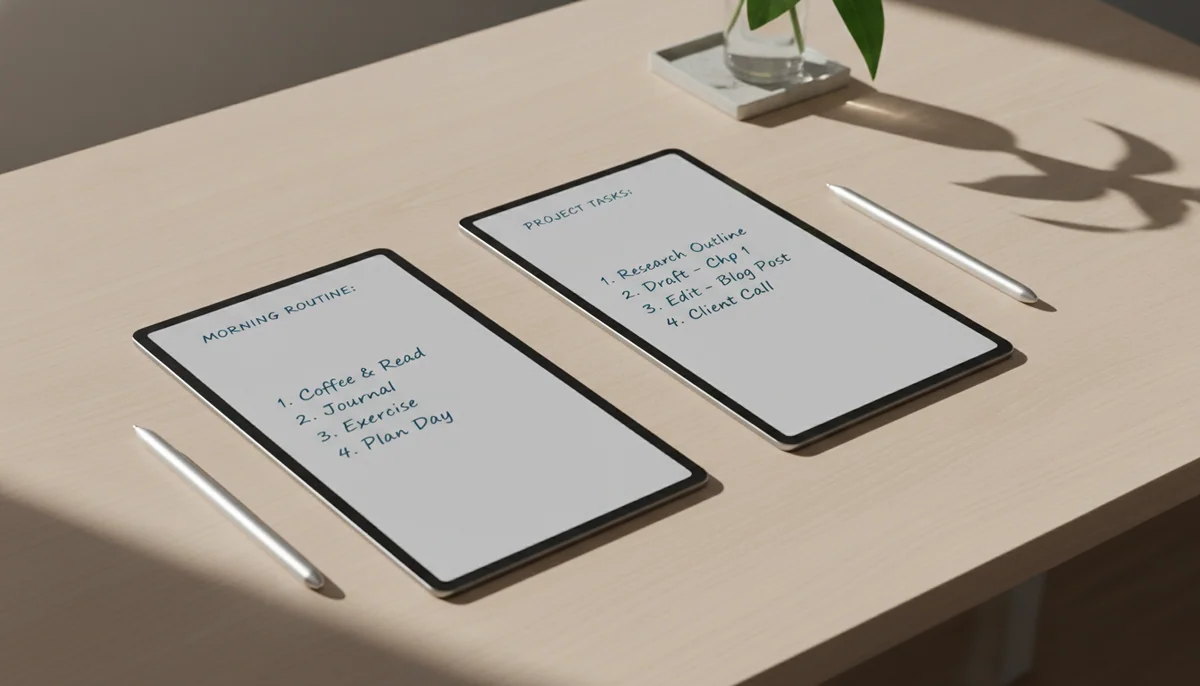
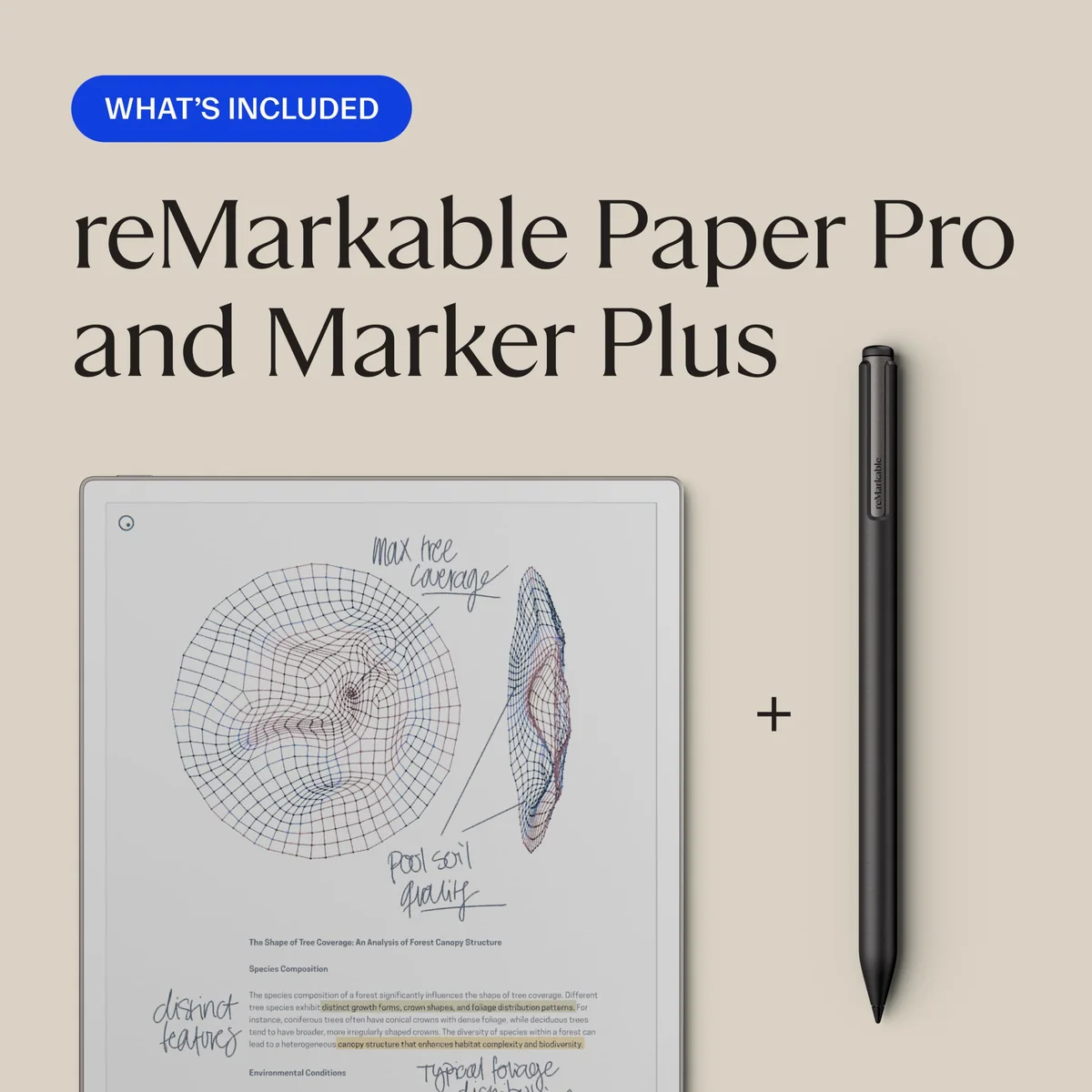
ReMarkable Paper Pro marker Plus
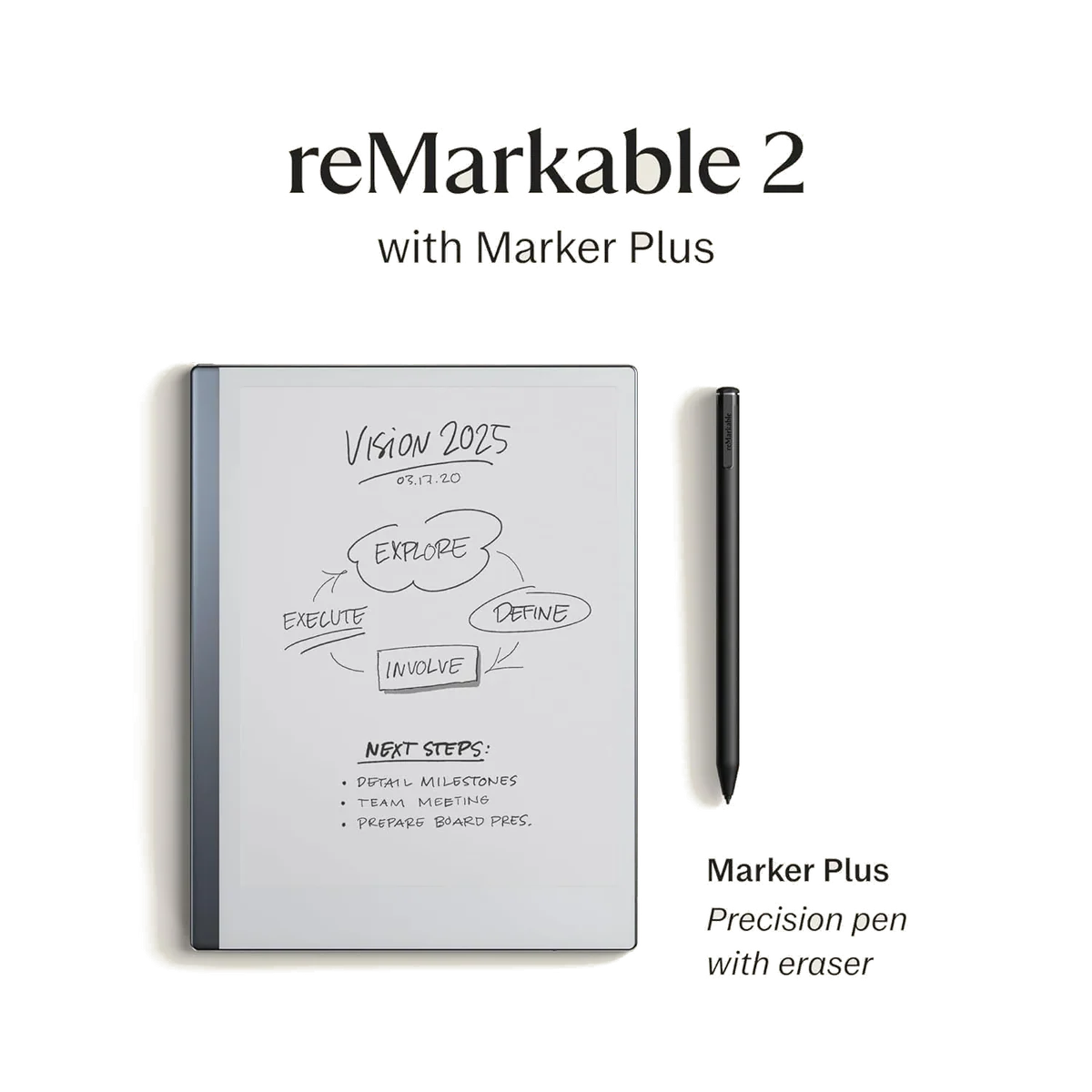
reMarkable 2 Notetaking Tablet, 10.3”
Paper Pro is not reMarkable 2 with a routine display refresh. Its 11.8-inch color screen, adjustable front light, larger storage allowance, and revised active pen make it much better suited to full-page documents and visually structured notes. Those gains also produce a heavier, more expensive, and less pencil-like machine whose pen is incompatible with the older model.
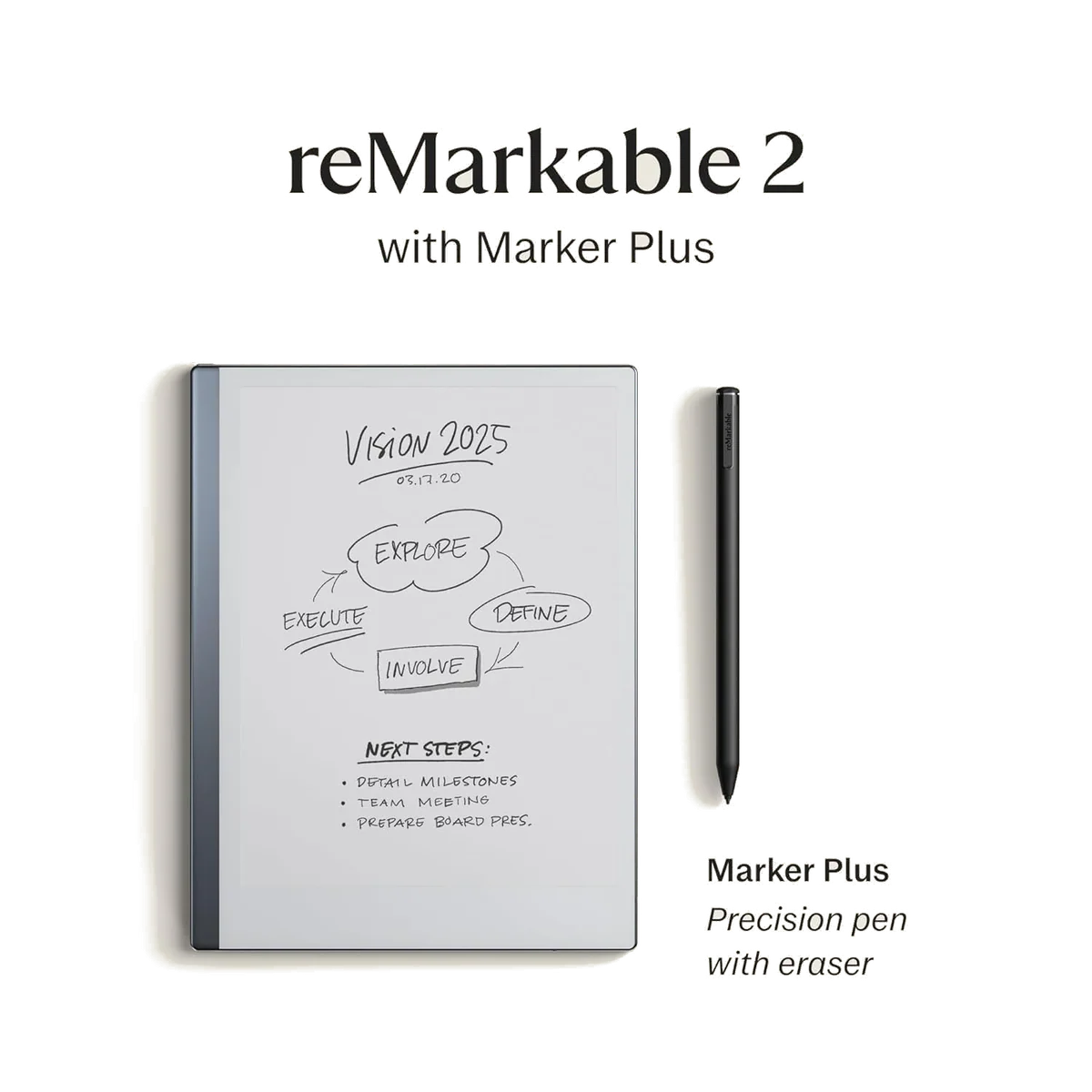
reMarkable 2 remains the purer digital notebook. It is smaller, lighter, and wonderfully thin, while its passive pen needs neither charging nor Bluetooth. Its monochrome screen is perfectly adequate for meeting notes, prose, lists, and sketching in good ambient light. The problem on this page is not the underlying design. It is that the product being sold is renewed, with no supplied record establishing the refurbisher, battery-health threshold, cosmetic grade, or warranty.
Choose Paper Pro for documents, color, or darkness
Its larger illuminated canvas earns the upgrade when you routinely annotate dense PDFs, separate information with color, or write where a lamp is inconvenient.
Stay with reMarkable 2 for ordinary monochrome notes
A familiar pen feel, lower carrying weight, and the same distraction-free philosophy matter more than color when your pages are mostly words and black ink.
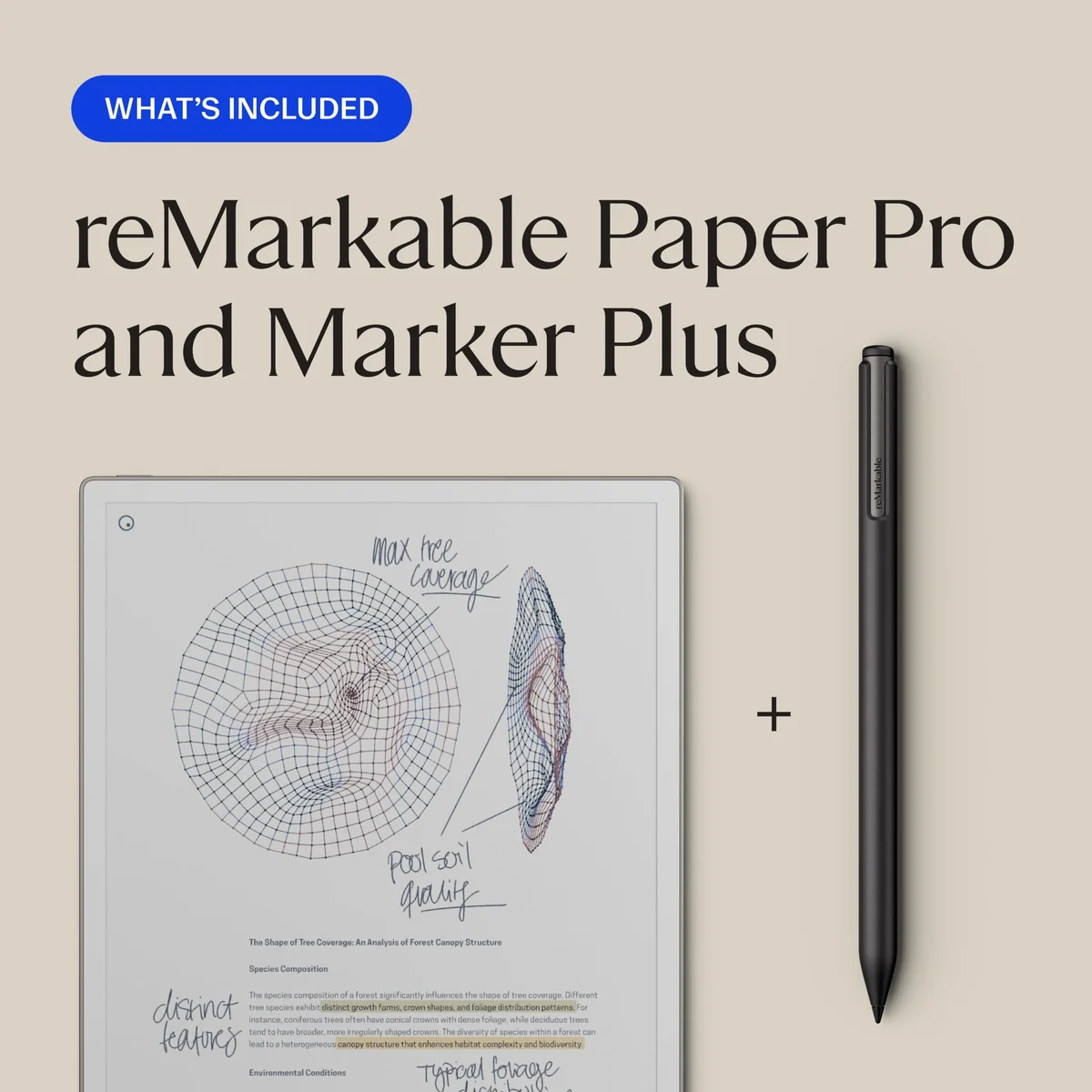
ReMarkable Paper Pro marker Plus
reMarkable 2 Notetaking Tablet, 10.3”
At a Glance
| Feature | ReMarkable Paper Pro marker Plus | reMarkable 2 Notetaking Tablet, 10.3” |
|---|---|---|
| Price Range | — | $200–$500 |
| Finish | Gray | — |
| Screen size | 11.8" | 10.3" |
| Check Price on Amazon | Check Price on Amazon |
The upgrade is mostly screen, light, and scale
Both devices begin from the same stubborn premise: a digital notebook should not become another portal to email, video, shopping, or social feeds. Neither is a conventional tablet, and neither should be bought as a laptop replacement. If you need installed apps, rich document creation, rapid multitasking, or broad ebook access, the better answer is neither; our guide to what an E Ink writing tablet actually does explains that boundary before you spend on specialization.
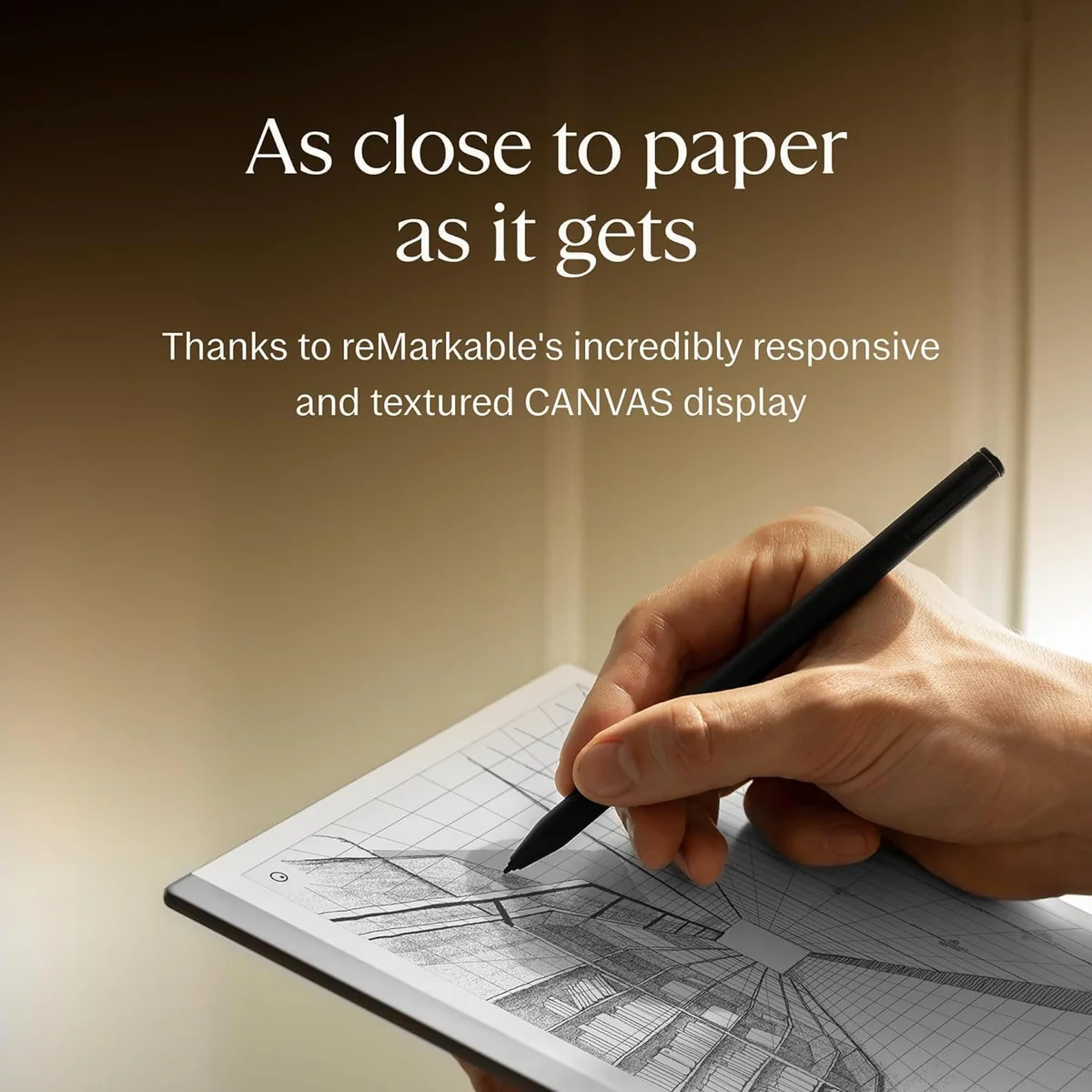
Within that narrow job, Paper Pro’s display changes the work it can handle comfortably. Its 11.8-inch Gallery 3 panel offers more room for margins, diagrams, lecture slides, contracts, and academic papers than the 10.3-inch monochrome screen on reMarkable 2. Color is muted like highlighter or colored pencil rather than luminous like an iPad, but it can distinguish revisions, categories, chart elements, and annotations that collapse into gray on the older device.
Color also brings visible E Ink compromises. Strokes can briefly appear dark before resolving, similar hues may be hard to distinguish, and full-color content refreshes more slowly than black handwriting. Paper Pro is therefore a better document tool, not a convincing digital-painting tablet. Artists who need vivid previews, responsive brushes, and predictable color should look at the options in our iPad drawing guide instead.
The front light is Paper Pro’s clearest everyday victory
reMarkable 2 relies completely on ambient light. That is pleasant outdoors and beside a bright window, but a dark room leaves the screen unreadable without a lamp. Paper Pro’s adjustable front light makes late-night writing, dim lecture halls, and flights practical while retaining a reflective display.
The newer light is useful rather than luxurious. It has no warm-color adjustment, and reported experiences differ on maximum brightness, coolness, edge halo, and apparent uniformity. Keeping it bright also shortens battery life, so the upgrade removes the lamp without removing every lighting compromise.
Paper Pro is more portable on paper than in the hand
reMarkable 2 weighs about 403.5 grams and measures 4.7 millimeters thick. Paper Pro is only slightly thicker at 5.1 millimeters, yet its larger body weighs about 525 grams before a protective folio is added. The difference is modest in a backpack and noticeable during prolonged one-handed reading.
Neither listing includes a protective case. That omission is especially awkward for Paper Pro because the large glass-fronted device and magnetically attached Marker Plus deserve more protection than an open bag provides. The official Paper Pro bundle supplies the tablet, Marker Plus, and six spare tips, while the renewed reMarkable 2 listing supplies a pen with an eraser and charging cable.
| Decision point | Paper Pro | reMarkable 2 renewed | Who should care |
|---|---|---|---|
| Display | 11.8-inch color E Ink, 2,160 × 1,620 | 10.3-inch monochrome E Ink, 1,872 × 1,404 | Paper Pro favors full-page PDFs and color-coded work. |
| Lighting | Adjustable front light | No front light | Paper Pro is the practical choice for dim rooms and travel. |
| Bare weight | About 525 g | About 403.5 g | reMarkable 2 is easier to hold and carry. |
| Thickness | 5.1 mm | 4.7 mm | Both are unusually thin, although a case changes the package. |
| Storage | 64 GB | 8 GB | Paper Pro leaves more room for a document-heavy library. |
| Pen system | Active Marker Plus that charges from the tablet | Passive pen requiring no charge or pairing | Paper Pro adds an excellent eraser, while reMarkable 2 keeps the simpler system. |
| Condition | Standard Paper Pro listing | Renewed listing with unclear refurbishment details | The older bundle requires more inspection and return protection. |
The pens feel different, not simply better and worse
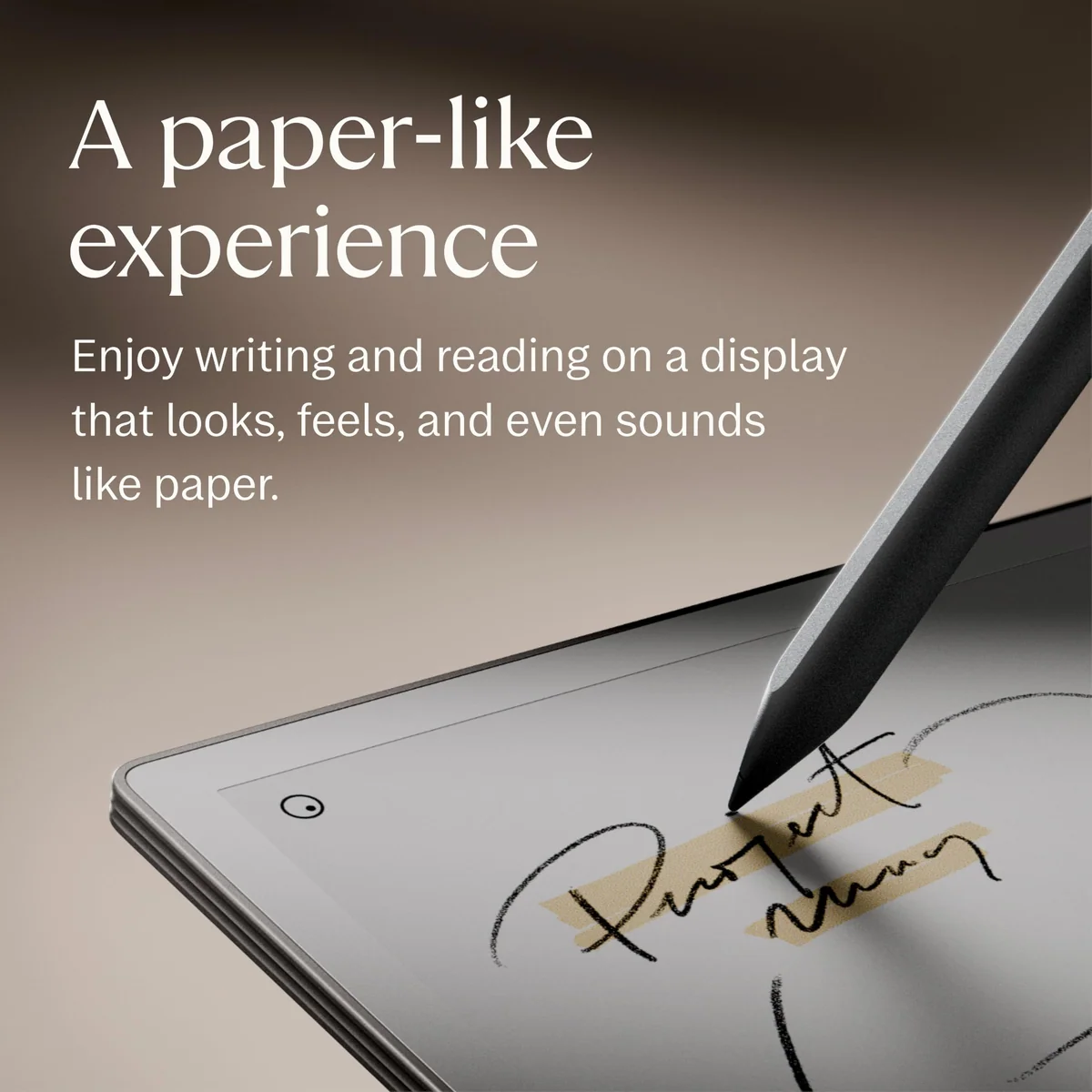
reMarkable 2 has the more established pencil-like character. Its passive stylus and textured display provide greater resistance, which many writers associate with graphite moving across paper. Paper Pro feels smoother, harder, sharper, and a little louder. Some people prefer the newer response after an adjustment period, while others immediately favor the older surface.
Marker Plus improves corrections because flipping it over is faster than choosing an eraser tool. It docks magnetically and charges from Paper Pro, but its battery is not readily user-replaceable and the pen cannot be reused on reMarkable 2. Existing owners therefore cannot carry their old stylus forward as a spare.
No specification can settle tactile preference. If handwriting feel is the sole reason you own a reMarkable 2, do not assume that the newer and costlier surface must feel superior. Try Paper Pro before surrendering the texture you already know.
The software does not make this a new class of device
Paper Pro feels faster when navigating and gives its notebooks more storage, but the central workflow remains recognizable: create notebooks, organize them with folders and tags, import documents, mark up PDFs, and export finished material. Both devices deliberately omit the browser and app ecosystem that would make them general-purpose tablets.
That shared restraint preserves focus, but it also preserves familiar frustrations. Neither device offers a strong split-screen research workflow, a conventional office suite, or protected Kindle and Kobo purchases. Third-party cloud integrations work as import and export routes rather than live homes for editable reMarkable notebooks. Exporting a native notebook to an ordinary PDF flattens the editable strokes and layers.
Connect is not required for local writing, but the most complete cloud and companion-app experience sits behind the service. Current reMarkable materials also place handwriting search within Connect. Buyers building a long-lived archive should decide how much they trust proprietary notebooks and subscription-dependent conveniences before treating either device as the permanent memory of a career.
Paper Pro earns the win, then asks you to justify it
A new buyer who knows that color PDF annotation, front-lit writing, and a large canvas belong in the daily workflow should choose Paper Pro. It is the more capable expression of reMarkable’s idea, and its compromises are easier to accept when those three upgrades will be used constantly.
The honest drawback is scale in every sense. Paper Pro is heavier, its subdued color is unsuitable for serious art, its light can reduce battery endurance sharply, and this bundle still needs a protective case. It remains a specialized notebook that requires another computer for research, communication, and polished production.
The stronger choice for color-coded notes and full-page documents
Paper Pro earns first place with a larger color canvas, a front light, generous storage, and the excellent Marker Plus eraser.
Its weight, muted color, incompatible pen system, and narrow software make it an extravagant upgrade for ordinary black-and-white notes.
The renewed reMarkable 2 is harder to endorse even though the device itself remains appealing. Retained buyers include people who received units that looked and worked like new, but the record also includes scratches, an update failure, and a nonworking pen. Nine reviews cannot establish a defect rate; they do establish why the unknown renewal standard matters.
Its honest advantage is simplicity. The smaller body is easier to carry, the passive pen never needs charging, and the monochrome screen remains an excellent place to write in adequate light. Its honest drawback is the gamble attached to this exact bundle: condition, battery health, pen health, warranty coverage, and return handling need verification before its lower feature count becomes acceptable.
The lighter notebook for buyers willing to scrutinize a renewed unit
reMarkable 2 still delivers superb monochrome handwriting in a thinner, lighter package with a passive eraser pen.
This listing leaves the refurbishment standard, battery condition, cosmetic grade, and warranty too unclear for an easy recommendation.
ReMarkable Paper Pro marker Plus
reMarkable 2 Notetaking Tablet, 10.3”
Make the decision from the work, not the novelty
Upgrade when color carries meaning
Paper Pro makes sense when color separates speakers, priorities, revisions, subjects, or chart elements that become ambiguous in grayscale. Decorative highlighting alone is a weak reason to replace a functioning reMarkable 2.
Upgrade when the missing light blocks real sessions
If nighttime study, bedside journaling, flights, or dim meeting rooms repeatedly force you back to another device, Paper Pro fixes a concrete problem. An occasional desire to write in darkness does not justify an otherwise unnecessary replacement.
Keep reMarkable 2 when words dominate the page
Meeting notes, lists, journals, prose drafts, and monochrome sketches do not automatically improve on a larger color display. The lighter older device may remain the better notebook precisely because it disappears into the routine.
Choose neither when you need a complete tablet
Research, apps, rich formatting, media, multitasking, broad ebook stores, and finished creative work belong on a general-purpose device. Our note-taking tablet guide covers alternatives that trade some paper feel for far greater capability.
Before accepting the renewed reMarkable 2
- Confirm who performed the renewal and what cosmetic condition was promised.
- Read the warranty and return terms for the tablet, battery, and pen.
- Install the latest update and test Wi-Fi, synchronization, USB-C charging, and the power button.
- Write and erase across the entire screen, paying particular attention to the edges.
- Observe battery drain over several normal working days rather than trusting a maximum-runtime claim.
- Inspect the corners, display, charging port, and pen before the return window closes.
Paper Pro is the winner for a buyer starting fresh, but a working reMarkable 2 should stay in service until its lack of color, light, or space becomes a recurring obstacle rather than a tempting specification gap.
Frequently Asked Questions
Is Paper Pro worth upgrading to from reMarkable 2?
It is worth upgrading only when the larger canvas, muted color, or front light will solve a recurring problem in your current workflow.
Which reMarkable feels more like paper?
reMarkable 2 generally offers more pencil-like resistance, while Paper Pro feels smoother, harder, and slightly louder.
Can reMarkable 2 be used in the dark?
No, its reflective screen has no front light and requires a lamp or other ambient illumination.
Does Paper Pro show vivid color?
No, its reflective colors resemble highlighter, watercolor, or colored pencil more than an LCD or OLED display.
Can the reMarkable 2 pen be used on Paper Pro?
No, Paper Pro uses a different active pen system that is incompatible with reMarkable 2 pens.
Which model is easier to carry?
reMarkable 2 is easier to carry and hold because its body is smaller and about 121.5 grams lighter before a case is added.
Does either device replace an iPad or laptop?
No, both are focused writing companions that omit the apps, multitasking, communication tools, and broad file support of general-purpose computers.
Is the renewed reMarkable 2 bundle a safe purchase?
It is only a defensible purchase when its condition, battery health, pen function, warranty, and return protection can all be verified.