Amazon Kids+ is worth renewing only when it replaces the content hunt
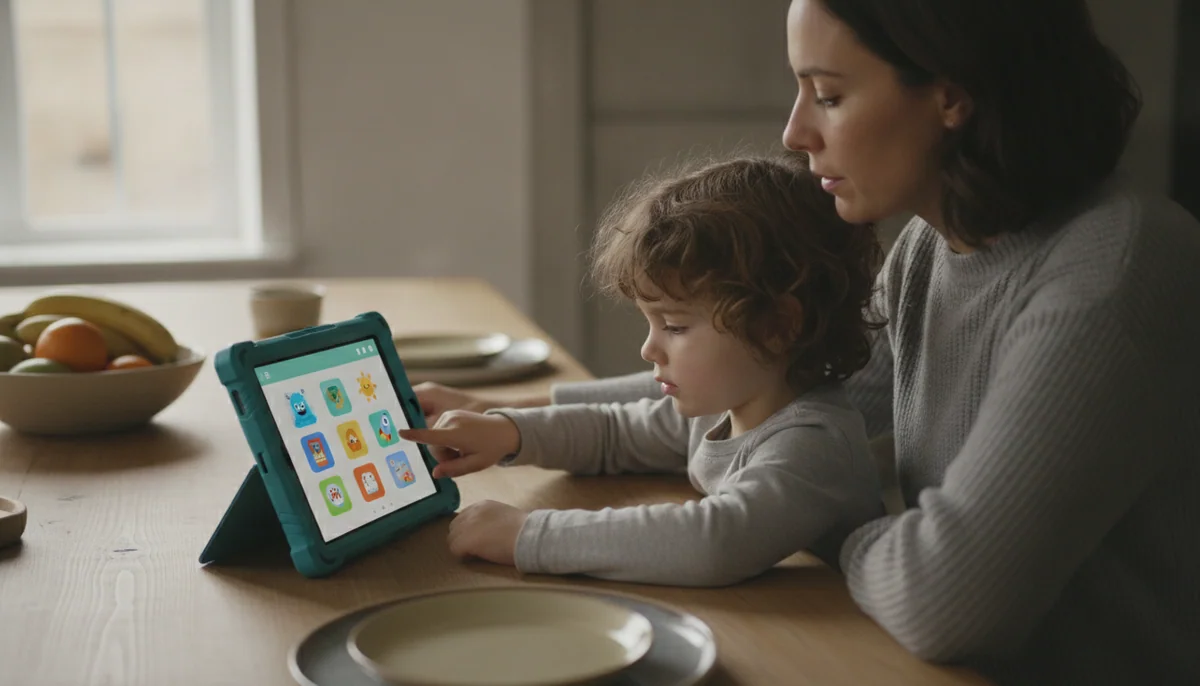
Amazon Kids+ is most convincing as part of a new Fire Kids tablet bundle. It fills the child profile with age-filtered books, videos, games and learning activities from the first day, while the parent handles schedules, approvals and activity limits. That saves real work during setup, especially for a younger child who does not arrive with a list of must-have apps.
The subscription is not the tablet’s operating system, warranty or parental-control switch. Canceling it does not disable the Fire tablet, remove the adult profile or turn the protective case into a pumpkin. It removes access to the Kids+ catalog. Apps and media that the family owns or can otherwise use remain available under their own terms, and parents can continue sharing suitable content with the child profile.
Both covered Fire Kids listings include one year of Kids+ and say that the subscription automatically renews monthly after that period unless it is canceled. The renewal terms shown in the account at the time of purchase are the ones that matter, so this page does not preserve a captured price as though it were permanent.
Renew it when
Your child repeatedly chooses several parts of the catalog, the age filters produce useful recommendations and Kids+ replaces separate purchases or another children’s subscription.
Cancel it when
Your child opens the same independently purchased apps, watches services you already pay for or needs software that Amazon’s ecosystem does not provide.
The first year and the second year are different purchases
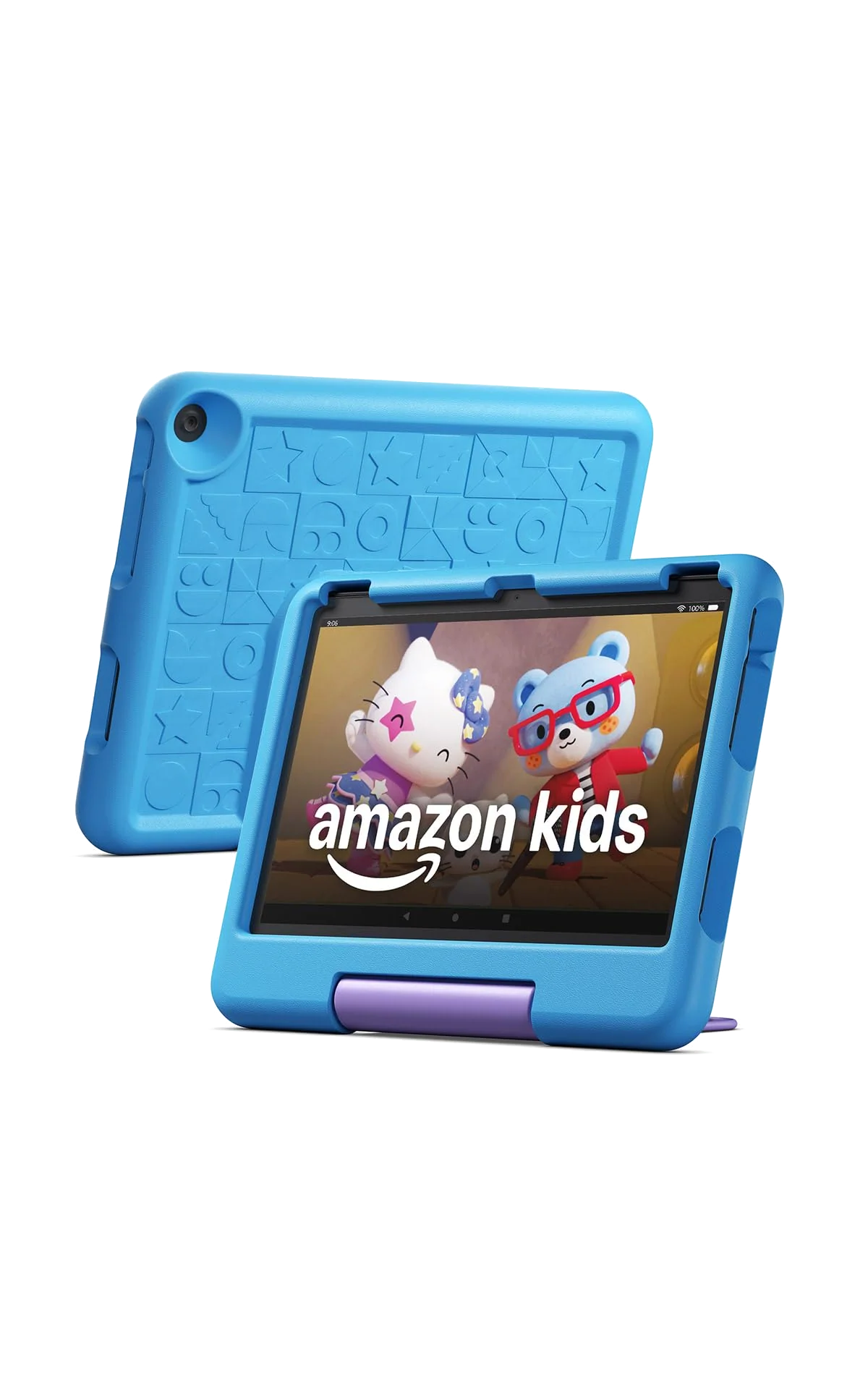
During the included period, the service has a low burden of proof. It arrives inside a bundle whose other valuable parts include a Kid-Proof Case, a two-year worry-free replacement guarantee and a child-centered setup. Trying the catalog costs no additional subscription decision at the start, provided the renewal date is not forgotten.
After that period, convenience becomes a recurring expense. The right question is no longer whether thousands of titles exist. It is whether this particular child uses enough of them to justify keeping access. A huge library can still be poor value when the child returns to two games and one streaming app that sit outside it.
Catalog size can also create work rather than remove it. A wall of bright recommendations may help an adventurous child discover new stories, but it can overwhelm a child who struggles to distinguish a book from a game or video. Parents often get more value by approving a small starting shelf, watching what survives the novelty period and widening the selection gradually.
Look at the child’s actual activity near the end of the included term and count recurring Kids+ choices, not everything opened once during the first-week tour.
What remains after Kids+ ends
The Fire tablet remains usable. The child profile, adult profile, screen-time rules, age settings, storage, cameras, browser controls and hardware continue to exist. The two-year replacement promise attached to these Kids bundles is also a hardware benefit rather than permission to use the subscription library.
Content supplied only through Kids+ is the part that goes away. That includes subscription titles downloaded for offline use, because downloading a title does not convert temporary catalog access into ownership. Material bought separately, approved from the parent’s library or supplied through another valid app can remain available according to the rules of that purchase or service.
This distinction matters most before travel. A tablet full of Kids+ downloads can look prepared while the subscription is active, then lose the very library the family expected to use after cancellation. Open essential books, shows and games after changing the subscription, switch off Wi-Fi and confirm that each one still works before leaving home.
| Part of the experience | After cancellation | What the parent may need to do |
|---|---|---|
| Fire tablet hardware | Continues to work | Nothing beyond ordinary device management |
| Child and adult profiles | Remain available | Keep the adult PIN secure and review profile settings |
| Parental controls | Remain available | Set schedules, permissions and browsing rules directly |
| Kids+ catalog titles | Lose subscription access | Buy, replace or remove unavailable favorites |
| Separately owned content | Can remain under its own terms | Share suitable titles with the child profile |
| Outside apps and services | Depend on their own availability and subscriptions | Approve them and manage any separate account |
| Offline entertainment | Varies with the title’s license and source | Test every important download without Wi-Fi |
Do not renew to fix Fire OS
Kids+ makes Amazon’s child experience fuller, but it does not turn a Fire tablet into an iPad or a Google-certified Android tablet. It does not add Google Play, the official Google app suite or every game a child may ask for. If one missing app is already causing trouble, paying for another year of the catalog solves the wrong problem.
The practical move is to list every nonnegotiable app before buying a Fire Kids tablet. Our guide to Google Play and missing Fire tablet apps explains where Amazon’s store is restrictive. Browser workarounds and unsupported sideloading should not be treated as equivalent to dependable native apps on a child’s device.
The same warning applies to schoolwork. These tablets are strongest as controlled machines for reading, video, basic learning activities and light games. They are not attractive substitutes for a broader platform when a child needs Google Classroom, Docs, sophisticated creative software or demanding games.
Choose the tablet around the child, not the free year
The subscription is essentially the same proposition on both featured Kids tablets, so screen size and portability should decide between them. The Fire HD 8 Kids is easier for a preschooler to carry and hold, while the Fire HD 10 Kids supplies a larger, sharper display that better suits shared video, picture books and comics.
The Fire HD 8 Kids is the better fit for travel and small hands, but its 1,280 × 800 screen is basic, the included charger is slow and demanding games expose its modest performance. Its thick case, handle, parental controls and two-year replacement protection are the reasons to buy it, not the promise of a fast miniature iPad.
The Fire HD 10 Kids is better for children who watch and read at a table, but the case makes the larger device bulky and the tablet still lacks Google Play. It also remains ordinary budget hardware beneath the child-focused shell, so ambitious games can stutter or crash.
Retained owners of both models repeatedly valued the protective cases, simple child setup and controls, while individual accounts also exposed the less glamorous parts of ownership: cluttered navigation, restricted app compatibility, storage concerns and the approaching renewal decision. Those reports support the bundles as practical first tablets, not as unrestricted general-purpose devices.
Our Fire HD 8 Kids versus Fire HD 10 Kids comparison handles the size choice in detail, while the best tablets for kids guide is the better exit when Amazon’s app restrictions are already unacceptable.
A renewal audit that takes ten minutes
- Open the Parent Dashboard. Review recent activity and separate Kids+ titles from independently purchased apps, books and streaming services.
- Identify repeated use. Ignore titles opened once and note the books, games or videos the child returns to without prompting.
- Check what would disappear. Search for each favorite outside Kids+ and determine whether it is owned, separately available or replaceable with something already paid for.
- Judge the curation. Decide whether age filters and recommendations are saving the adult time or merely giving the child more icons to scroll past.
- Compare the whole subscription pile. Keep Kids+ if it displaces another expense or a meaningful amount of manual content hunting, not because cancellation feels like wasting the included year.
- Record the renewal date. If the case is weak, cancel through the Parent Dashboard or Amazon customer service before the automatic renewal and verify the resulting account status.
This audit also reveals when the tablet itself is being outgrown. A child who still enjoys the hardware but barely enters the Kids+ catalog may need no new device at all. A child asking for unavailable apps, stronger games and a less managed interface has reached an ecosystem limit that a renewed subscription cannot remove.
The final call
Amazon Kids+ is worth using during the included year because it completes the Fire Kids bundle and gives a young child a ready-made, parent-governed library. Renew it when the activity record shows recurring use across several catalog titles and the service is doing enough discovery work to spare the parent from buying or finding replacements.
Cancel when the catalog has become colorful wallpaper around a few outside apps. The tablet will remain a Fire tablet, the controls will remain useful and the family can build a smaller collection around content it actually wants. Losing a large library sounds dramatic; losing a large library nobody uses is housekeeping.
Frequently Asked Questions
Will a Fire Kids tablet stop working when Amazon Kids+ ends?
No, the tablet, profiles and parental controls continue to work, but access to the Kids+ subscription catalog ends.
Can my child keep downloaded Kids+ books and videos?
No, downloading subscription content for offline use does not grant permanent ownership after the subscription ends.
Will separately purchased apps and books disappear?
Separately owned content can remain available under its own terms and may be shared with the child profile when Amazon supports that item.
Does Amazon Kids+ renew automatically?
The covered Fire Kids listings state that the included year converts to an automatic monthly renewal unless the subscription is canceled.
Where can I cancel Amazon Kids+?
Amazon’s captured listings direct customers to cancel through the Amazon Kids Parent Dashboard or customer service.
Does canceling Kids+ remove parental controls?
No, schedules, content approvals, age settings and other child-profile controls are part of the Fire tablet experience rather than exclusive Kids+ features.
Is Amazon Kids+ required for Netflix or Disney+?
No, supported outside streaming apps use their own accounts and subscriptions, although a parent must install and approve them.
Does Amazon Kids+ add Google Play or YouTube Kids?
No, the subscription does not add Google Play, Google services or a native YouTube Kids app to Fire OS.
Can several children use one Kids tablet?
Yes, Fire Kids tablets support separate child profiles, although sharing one screen still requires household rules about turns and downloads.
Should I choose the Fire HD 8 Kids or Fire HD 10 Kids?
Choose the Fire HD 8 Kids for easier carrying and the Fire HD 10 Kids for a larger, sharper screen used mainly at a table.