Amazon Fire HD 8 (2024) review: a good little tablet trapped inside Amazon’s store
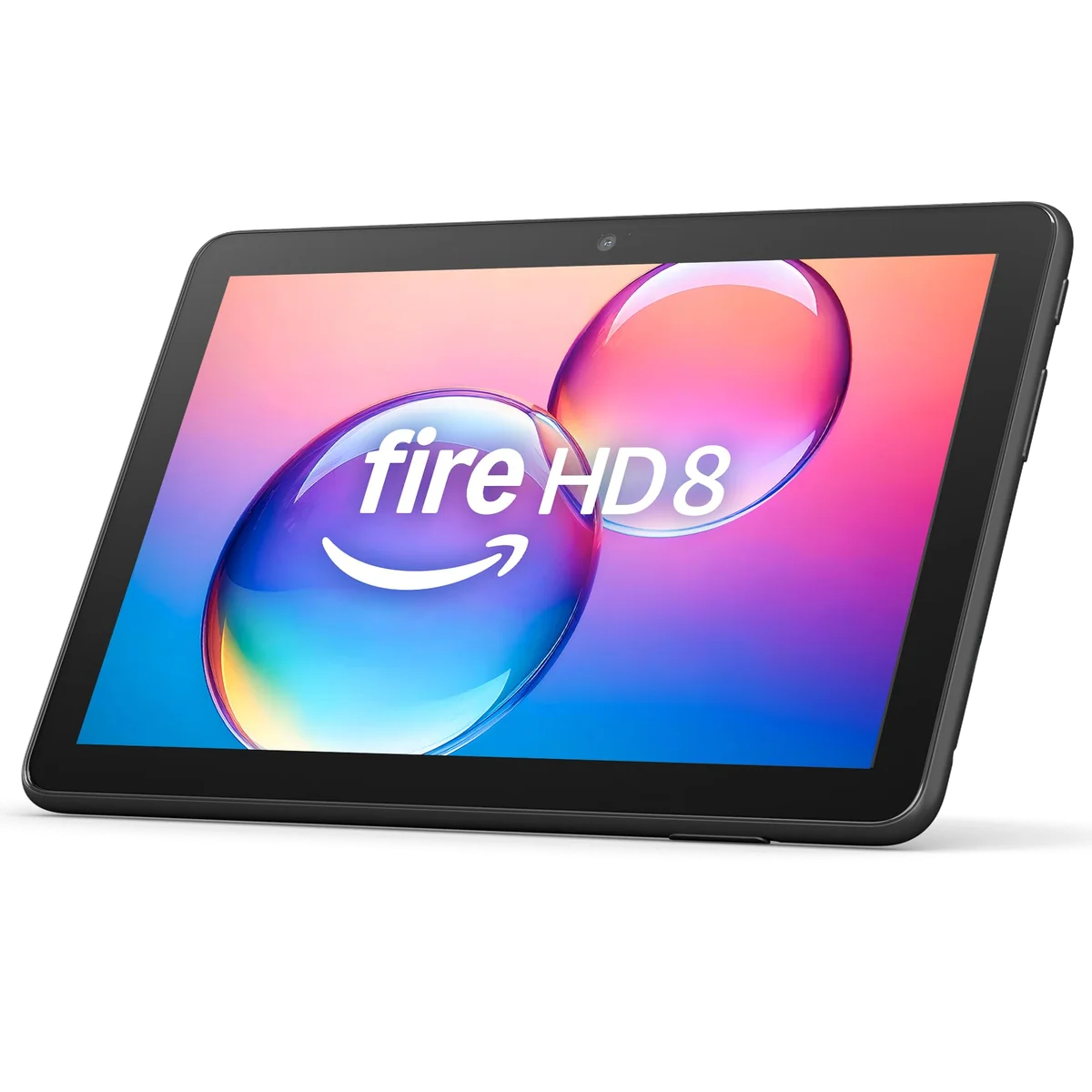
Buy the Amazon Fire HD 8 only as a compact, discounted entertainment tablet for an Amazon-friendly household, because anyone expecting normal Android apps or laptop-like versatility should choose something else.
Based on published owner reports and 4 other sources. We have not tested this machine ourselves.
We earn a commission if you buy through our links, which does not affect what we say.
Read how this site works →
The final call
The Amazon Fire HD 8 is not a broadly capable tablet sold at a miracle price. It is a compact Amazon media terminal with enough memory, storage and battery life to perform a carefully chosen set of jobs. For Kindle and Libby reading, downloaded travel video, basic browsing, Alexa controls and simple games, the 4GB and 64GB version can be a satisfying purchase when the discount is deep.
Its limitations are not details to discover later. The display is soft, the processor is slow, the cameras and speakers are weak, the included charger is painfully underpowered and the official app ecosystem excludes Google Play. Buy it because those sacrifices do not interfere with your short list, not because you expect to solve them after delivery.
The Amazon Fire HD 8 is easiest to understand as a paperback-sized window into Kindle books, Prime Video and a handful of familiar streaming services. It is light enough to carry without planning around it, large enough to feel meaningfully better than a phone and inexpensive enough that taking it on a trip need not become an exercise in guarding valuables.
That modest brief suits the hardware. This review covers the black 2024 model R24SB8, ASIN B0CVDZ7WYW, with 4GB of memory and 64GB of storage. It is not the slower 3GB and 32GB configuration, the 2022 Fire HD 8 Plus or the separately bundled Kids tablet. Amazon’s “newest model” label will eventually become useless, so the year, configuration and ASIN matter.
Within those boundaries, the Fire HD 8 is good enough in ways that matter. It can stream a film, hold a Kindle library, download entertainment for a flight, run simple games and control Alexa devices. Its battery lasts through a normal day, its headphone jack remains genuinely useful and its microSD slot can rescue a storage-heavy media library.
The problem is not an obscure benchmark or a missing luxury feature. Google Play is not officially supported. Chrome, Gmail, Google Maps and the rest of Google’s familiar app suite are absent from the standard experience, while Amazon’s own recommendations and promotions occupy conspicuous space. The tablet is cheap partly because it is also a shop counter.
Buy it if
Your short list is Kindle or Libby reading, downloaded video, major streaming services, audiobooks, basic browsing and casual games. It makes particular sense for someone already comfortable with Prime Video, Audible, Alexa and Amazon’s account system.
Skip it if
You need official Google apps, dependable work software, fast heavy websites, serious gaming, a sharp outdoor-readable display or cameras worth using. Start with our guide to the best cheap tablets if you want a broader app ecosystem rather than an Amazon appliance.
Key Specifications
Eight inches is the reason to choose it
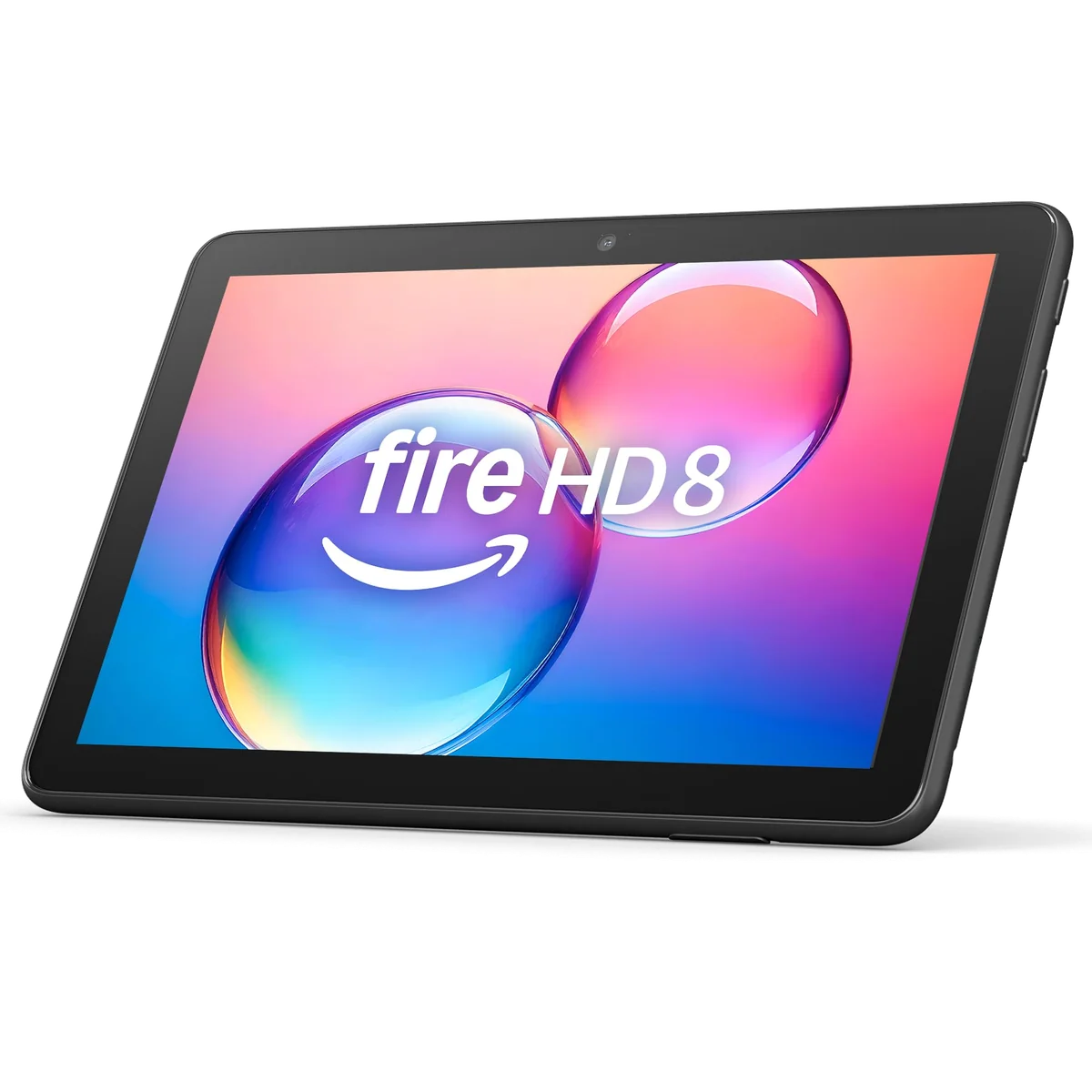
The Fire HD 8 occupies a useful physical middle ground. Its 7.94 by 5.40-inch body weighs 11.88 ounces, so it can slip into a small bag and remain comfortable for longer reading sessions. Rounded edges and textured plastic make it feel sturdy rather than precious, although the back can still be slippery and there is no water-resistance rating.
That size can matter more than fashionable specifications. One owner found seven inches cramped but considered ten inches too large to hold comfortably, then used the Fire HD 8’s font and color controls to make reading easier. Another carried it instead of an iPad Air because it fit a small crossbody bag and felt less worrying to lose or damage. Those experiences do not prove that every older reader will enjoy Fire OS, but they capture the compact model’s strongest advantage.
An eight-inch tablet is also a compromise. Video looks more inviting than it does on a phone, while split-screen work, dense webpages and magazines remain cramped beside a ten-inch display. Our guide to choosing a tablet size explains that trade more fully, but the short version is simple: choose the Fire HD 8 for carrying and holding, not for maximizing the canvas.
The screen clears a low bar, not a high one
The 8-inch LCD has a 1280 by 800 resolution at 189 pixels per inch. It is technically HD, yet text edges and fine images look soft beside a modern iPad or a 300ppi Kindle. Colors are muted, bezels are thick and reflections make outdoor viewing difficult. The glass also collects fingerprints more eagerly than the textured rear panel.
Indoors, the judgment is kinder. The small panel prevents the low resolution from becoming disastrous, and protected streaming support allows compatible services to deliver proper video rather than visibly degraded copies. Shows, comics and illustrated books are pleasant enough at normal distance. Small type, detailed PDFs and prolonged prose reading reveal the limitations much faster.
A dedicated Kindle remains the better choice for sharp, paper-like text and long reading sessions. The Fire HD 8 earns its place when color, Libby, video, web access and audio all belong in the same bag. Readers comparing those priorities can see our broader picks for books, comics, PDFs and magazines.
The useful specifications
| Display | 8-inch LCD, 1280 × 800, 189ppi |
|---|---|
| Processor | MediaTek MT8169A, six cores, up to 2.0GHz |
| Reviewed configuration | 4GB memory and 64GB storage |
| Expansion | microSD support up to 1TB |
| Connections | Wi-Fi 5, Bluetooth 5.2, USB-C and 3.5mm audio |
| Cameras | 5MP rear with 1080p video and 2MP front with 720p video |
| Dimensions | 7.94 × 5.40 × 0.37 inches |
| Weight | 11.88 ounces |
| Water protection | No published IP rating |
Strengths & Limitations
Strengths
- The eight-inch body is genuinely easy to hold, pack and carry.
- The 4GB and 64GB configuration is the sensible version of this generation.
- Battery endurance comfortably covers a typical day of light entertainment.
- USB-C, microSD expansion and a headphone jack make practical sense.
- Kindle, Libby, Prime Video, Audible and major streaming services suit its narrow purpose.
Limitations
- The 1280 × 800 screen is soft, reflective and poor in direct sunlight.
- Google Play, Chrome, Gmail and Google Maps are not officially supported.
- The included 5W charger can take about five hours to refill the battery.
- Performance falters on heavy websites, demanding games and serious multitasking.
- The speakers are quiet, the cameras are poor and Fire OS promotes Amazon relentlessly.

Four gigabytes helps, but this is still slow silicon
The exact configuration on this page has 4GB of memory, which is the one to choose within the 2024 family. The extra memory gives ordinary apps more room than the 3GB base model, while 64GB of storage leaves roughly 54GB available before personal files and downloads begin to accumulate. A microSD card can expand capacity by as much as 1TB, though buyers should not assume that every app and every kind of data can be moved to it.
The processor remains the limiting factor. Independent tests of the 3GB configuration produced Geekbench 5 scores around 192 to 193 for one core and 901 to 907 across multiple cores. Those numbers are not directly interchangeable with a benchmark of this 4GB unit, but adding memory does not transform the same six-core chip into a fast processor.
In practice, streaming, reading, email, simple browsing and basic app switching are reasonable. Returns to the home screen can hesitate, complex news sites become choppy and apps sometimes take their time opening. Camera freezes and occasional crashes were reported during exact-generation testing. The Fire HD 8 can perform a short list of light jobs; it is not dependable enough to become a work machine.
Gaming needs a similarly narrow promise. Card games, puzzles, Roblox, Minecraft and other uncomplicated titles fit the device. Some visually demanding games can run at reduced detail, but poor textures, modest performance and gaps in Amazon’s app catalogue remove any case for calling it a gaming tablet. Remote or cloud gaming adds network quality, decoding and controller fit to an already uncertain equation.
Anyone trying to replace a notebook computer is shopping in the wrong aisle. Our laptop versus tablet comparison shows where the dividing line lies, while the Fire HD 8 sits firmly on the entertainment side of it.
Battery endurance is good; refilling it is absurdly slow
Full-brightness video tests landed around nine to ten hours, while more varied use reached roughly ten to eleven hours. Amazon’s claim of up to 13 hours is plausible as a lighter-use ceiling, not a result to expect with the screen bright and video running continuously. The practical conclusion is more useful than the headline number: a charged Fire HD 8 should survive a normal travel day.
The bundled 5W charger then turns the refill into an overnight chore. Exact-model testing found that a complete charge can take about five hours with the supplied equipment. A compatible 15W USB-C charger reduced that wait to roughly two hours in one test, making a faster adapter the single most useful accessory for this tablet.
This distinction matters because “good battery life” and “good charging” are not the same compliment. The Fire HD 8 lasts well once full, then demands patience when empty.
Weak speakers and worse cameras
Both speakers sit on the same side, so stereo balance depends on how the tablet is held. They are quiet, thin and short on bass, suitable for speech in a calm room but easily overwhelmed by surrounding noise. Bluetooth earbuds, wired headphones or a separate speaker are better choices, and the retained headphone jack deserves credit.
The 5MP rear camera loses fine detail even in favorable light, while the 2MP front camera produces washed-out, grainy video. Either can document something in a pinch, scan a code or connect an occasional call. Almost any current phone is a better camera, and regular video meetings are not a reason to buy this tablet.
Value depends on the discount and the escape costs
Do not judge this model by a permanent notion of “cheap.” Judge the total at checkout against the compromises you must repair. The 4GB and 64GB configuration is preferable to the base version, but ad removal, a protective case and a faster charger can materially change its value. A microSD card and headphones may join that list depending on how you use it.
The Fire HD 8 becomes persuasive when heavily discounted and purchased for a specific, undemanding role. It becomes much harder to defend near its nominal price, especially when the larger Fire HD 10 is close enough to offer a sharper 10.1-inch display and substantially faster performance. Compare the two directly in our Fire HD 8 versus Fire HD 10 guide before buying either.
Choose the HD 8 when one-handed reading, purse fit and low travel risk outrank display quality. Choose the Fire HD 10 when video, webpages and performance matter more than compactness. For ordinary Android and official Google Play, the Lenovo Tab One comparison addresses the more important ecosystem decision.
It does not replace an iPad. The iPad is faster, sharper, better supplied with apps and vastly more capable for creative or productive work. The Fire HD 8 can replace carrying an iPad for a narrow trip built around books, downloaded shows and low financial risk, which is a smaller but entirely legitimate victory.
Fire OS decides whether the bargain works
Fire OS 8 is based on Android, but the out-of-box experience is Amazon’s rather than Google’s. The official app source is the Amazon Appstore, Silk is the supplied browser and Google Play is explicitly unsupported. Chrome, Gmail, Google Maps, Google Calendar and Google Docs are therefore absent as official native apps.
The omission is not academic. Web versions of Google services offer fewer conveniences, and heavy sites can expose Silk’s performance limits. Some familiar services and games are also unavailable, stale or presented as little more than web shortcuts. Before buying, search Amazon’s app catalogue for every service that matters to you rather than assuming an Android version guarantees a Fire version.
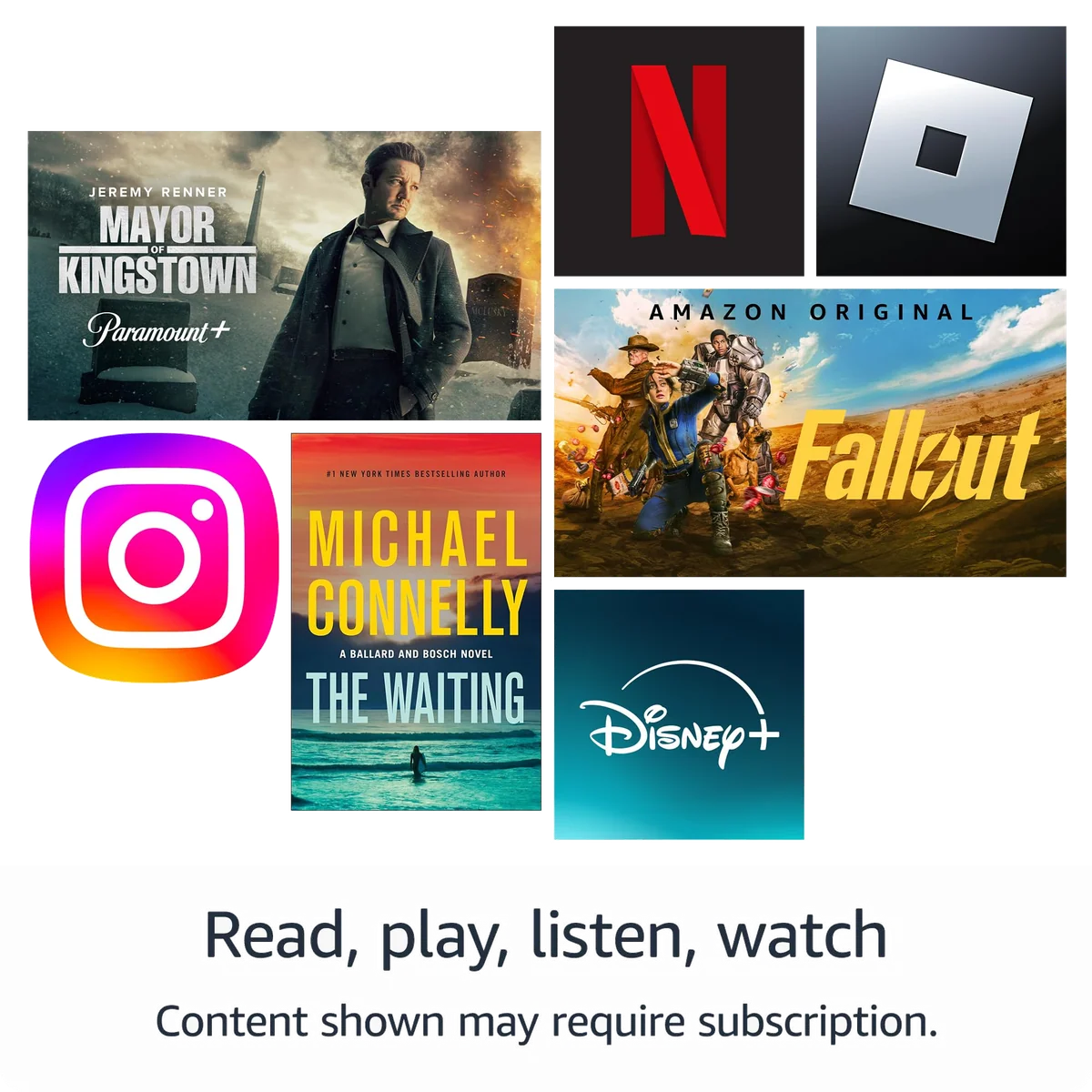
Major entertainment apps soften the blow. Netflix, Hulu, Disney+, Max, Spotify and several social services are available, alongside Kindle, Audible and Libby. This is why two buyers can reach opposite conclusions about the same tablet. A Prime and Kindle household sees most of what it needs; a Google-centered household sees a list of avoidable absences.
Lock-screen advertising adds another cost. Paying to remove Amazon’s special offers addresses those lock-screen ads, but it does not necessarily remove recommendations and sponsored material throughout Fire OS. Add a case, screen protector, faster charger, memory card and ad removal, and a cheap tablet can quietly become a less convincing purchase.
Google Play can be installed unofficially by enabling unknown-source downloads and loading several model-sensitive components in the correct order. That route is neither the normal product experience nor a feature Amazon supports. It can break, require maintenance and expose the device to software obtained outside its official store, so buy the Fire HD 8 only if you can tolerate it without that workaround. Our guide to Google Play and missing Fire tablet apps explains the distinction without pretending sideloading is a warranty-backed switch.
Support exists, but its boundaries are vague
The exact model was released on October 2, 2024. PCMag reported a four-year security-update commitment, but the supplied record does not establish when Amazon starts counting that period, and Amazon has not specified how many major Fire OS upgrades the tablet will receive. Security patches and major feature updates are different promises.
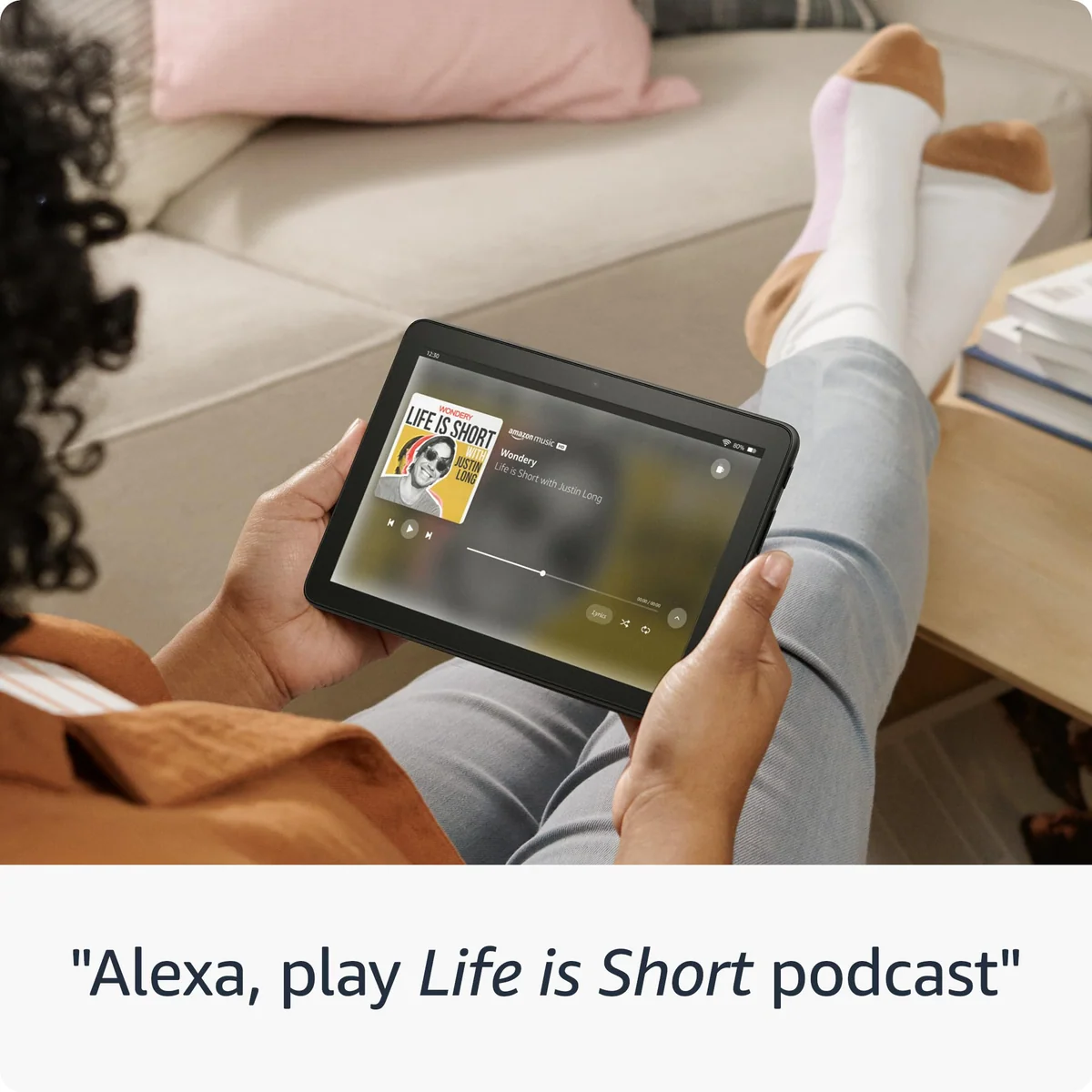
Alexa can handle reminders, music, weather, lists, compatible smart-home controls and calls. That does not make the tablet a dependable replacement for a dedicated smart display, particularly because exact-model reports disagree about the status of Echo Show-style functionality. Treat Alexa as a useful extra, not the foundation of the purchase.
Frequently Asked Questions
Is the 2024 Amazon Fire HD 8 worth buying?
It is worth buying at a strong discount for reading, streaming and travel, but not for Google-dependent work, demanding games or general Android flexibility.
Does the Fire HD 8 include Google Play?
No, Google Play is not officially supported, although experienced users can attempt an unsupported multi-step sideloading process.
Is 64GB enough storage?
Approximately 54GB is usable, which is enough for streaming, books and light apps but may require a microSD card for offline video, large games or extensive comic libraries.
How long does the Fire HD 8 battery last?
Independent exact-model results suggest roughly nine to eleven hours under demanding use, while Amazon’s 13-hour figure is a lighter-use upper bound.
Does the Fire HD 8 charge quickly?
No, the included 5W charger can take about five hours, while a compatible 15W USB-C charger can cut the wait substantially.
Is the Fire HD 8 good for reading?
It is comfortable for Kindle, Libby and color reading, but a modern E Ink Kindle renders prose more sharply and works better outdoors.
Is the standard Fire HD 8 a children’s tablet?
It supports child profiles and parental controls, but it does not include the Kids model’s protective case, bundled subscription or worry-free warranty.
Can the Fire HD 8 replace an iPad?
It can cover narrow travel, reading and streaming duties, but it cannot match an iPad’s performance, display, cameras, apps or productive range.
How can I identify this Fire HD 8 generation?
This review covers the model R24SB8 released in 2024 with ASIN B0CVDZ7WYW, 4GB of memory and 64GB of storage.
Is the 2024 Fire HD 8 still supported?
A published review reports four years of security updates, but the available record does not define the counting date or promise a number of major Fire OS upgrades.