Dell OptiPlex 3060 review: A good office PC trapped inside a risky refurb
Buy this renewed OptiPlex only for inexpensive office work if you can inspect it immediately and return a bad unit without disruption; gamers and anyone expecting predictable like-new condition should walk away.
Based on published owner reports, 2 owner discussions and 2 other sources. We have not tested this machine ourselves.
We earn a commission if you buy through our links, which does not affect what we say.
Read how this site works →
Final verdict
The Dell OptiPlex 3060 is not obsolete for ordinary office work, and a good specimen can be quick, capacious and pleasantly unremarkable. Its six-core processor, 32GB of RAM and 1TB SSD make a stronger everyday configuration than the RGB decoration suggests.
The renewed listing is the problem. Wireless wording is unreliable, the warranty is short and owner reports expose enough variation in cleanliness, accessories, stability and display function to make an unchecked purchase irresponsible. Buy only when the cost is compelling, your workload is firmly non-gaming, and you can treat the first days as an acceptance test; otherwise choose a newer computer with clearer configuration details and longer protection.
A healthy Dell OptiPlex 3060 with a Core i5-8500, 32GB of DDR4 memory and a 1TB SSD is an unusually well-provisioned email, spreadsheet and browser machine. That is the easy part of this review. The harder part is deciding whether the particular computer delivered to your door will match the listing, because the retained owner reports range from clean, quick and trouble-free systems to dirty machines with missing wireless features, defective accessories, display faults and repeated crashes.
Specs & Screens does not regard those failures as proof that the OptiPlex 3060 platform is fundamentally unreliable. One exact-listing owner ran a lightly loaded unit almost continuously for a year, while several others described smooth setup and dependable remote or office work. The evidence instead points to a refurbishment lottery: the underlying Dell can be sound even when inspection, replacement parts and bundled accessories are not.
Buy it for
Home administration, remote work, many browser tabs, Microsoft Office, video calls, streaming and other ordinary desktop jobs that benefit from generous memory and storage.
Skip it for
Modern games, demanding video work, local AI workloads, a long manufacturer-backed service life or any deployment where a faulty first unit would cause expensive downtime.
Key Specifications
The specification is appealing, but the nouns need checking
The listing promises a six-core Intel Core i5-8500, 32GB of DDR4 RAM, a 1TB solid-state drive and Windows 11 Pro. That combination is sensible rather than exciting. The memory leaves ample room for office applications and crowded browser sessions, while the SSD should make startup and routine program loading feel far livelier than an old business desktop fitted with a mechanical hard drive.
Capacity is not the same as specification certainty. The listing does not establish whether the SSD is SATA or NVMe, disclose its health, or say how the 32GB of memory is divided among modules. Do not import those details from another OptiPlex 3060 configuration simply because the chassis name is the same. Renewed sellers commonly rebuild one model from varying parts, so the machine’s Windows hardware report matters more than an assumption based on a sibling listing.
| Item | Advertised | What remains uncertain |
|---|---|---|
| Processor | Intel Core i5-8500 | Confirm the exact CPU in Windows rather than relying on the listing’s parenthetical clock figure. |
| Memory | 32GB DDR4 | The module count and channel arrangement are not disclosed. |
| Storage | 1TB SSD | The interface, brand, remaining health and prior writes are not stated. |
| Wireless | Built-in Wi-Fi and Bluetooth | The same listing also refers to an included Wi-Fi adapter, and an owner received a USB dongle with no Bluetooth. |
| Operating system | Windows 11 Pro | Activation and a clean, normal setup path still need confirmation. |
| Condition | Professionally renewed and stress-tested | Owner reports show substantial variation in cleanliness, accessories and hardware function. |
“Built in” wireless is not a detail to take on faith
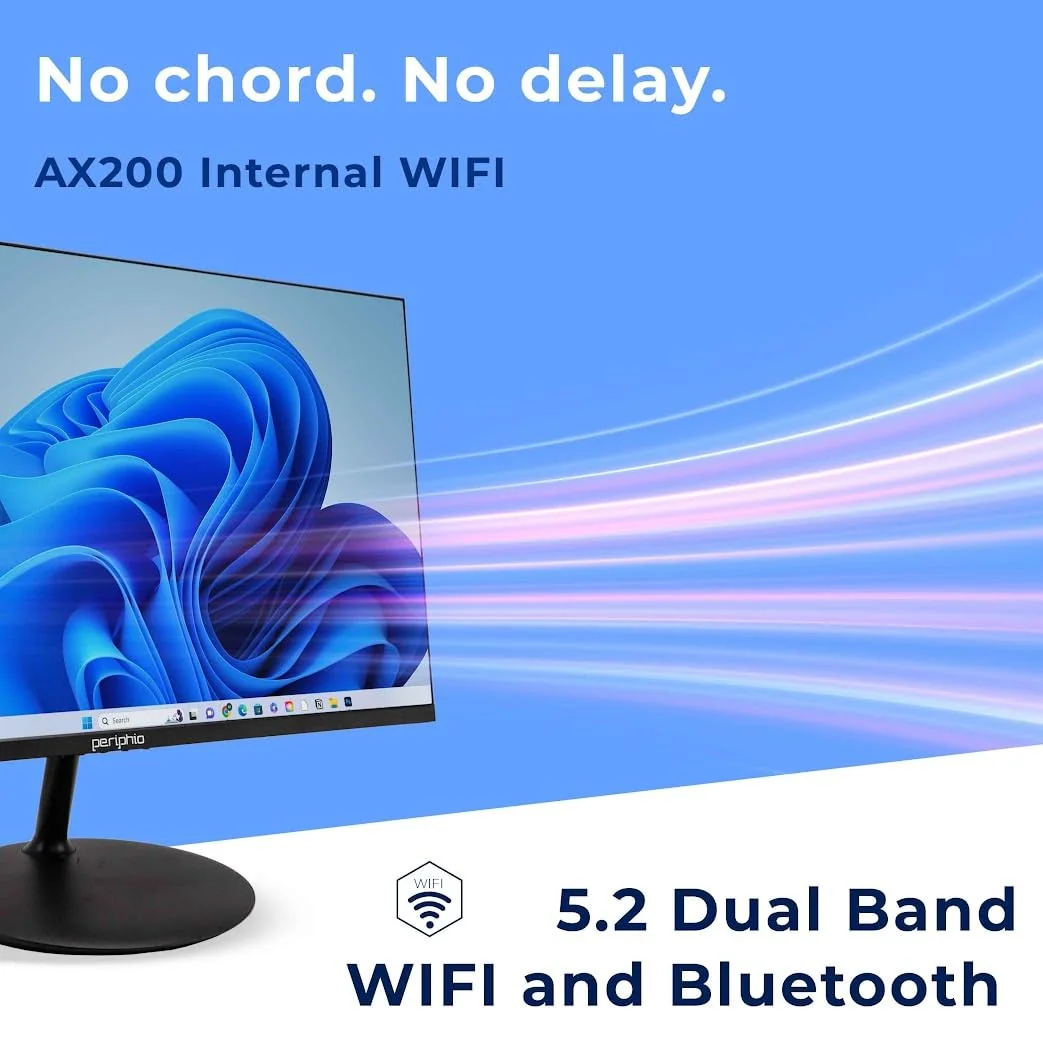
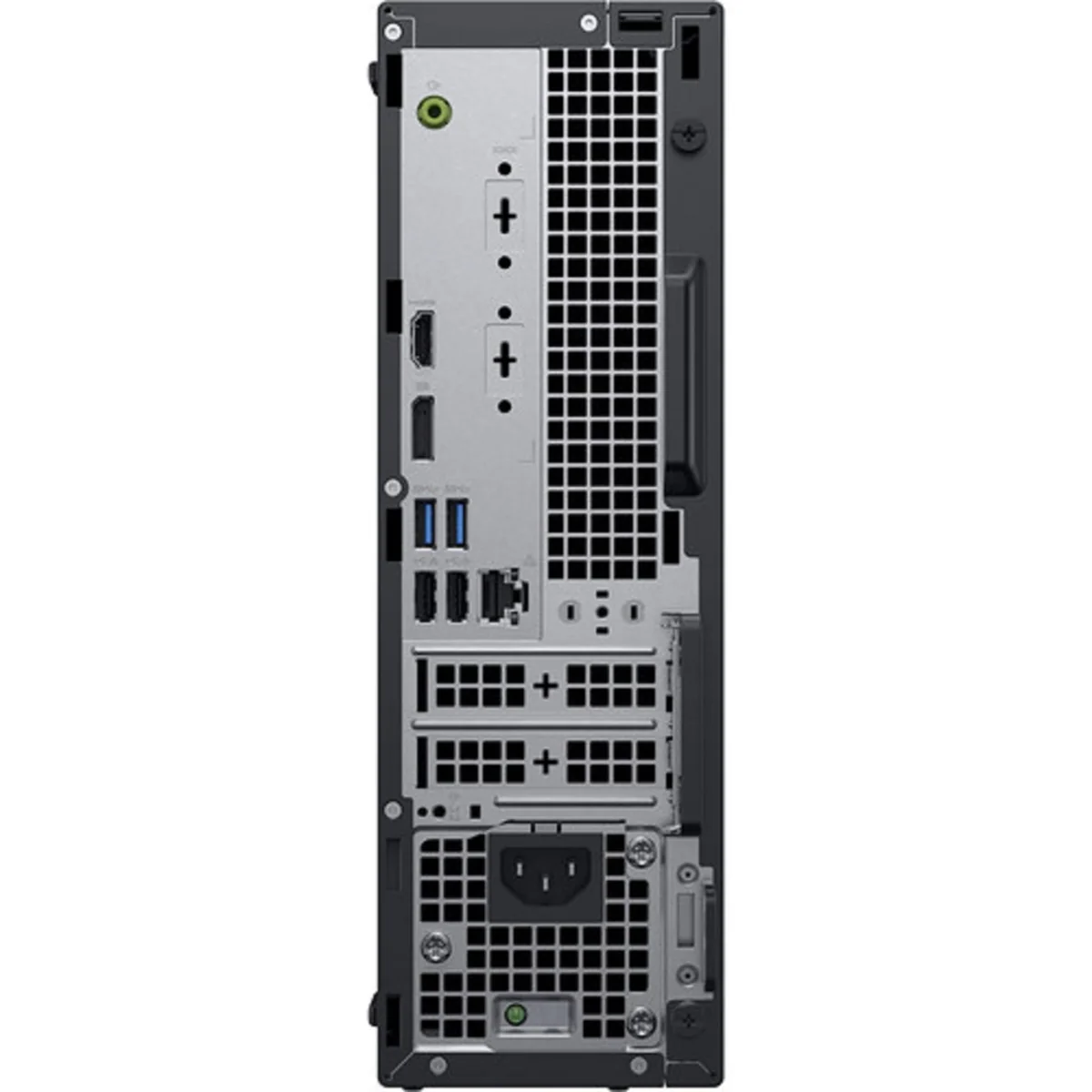
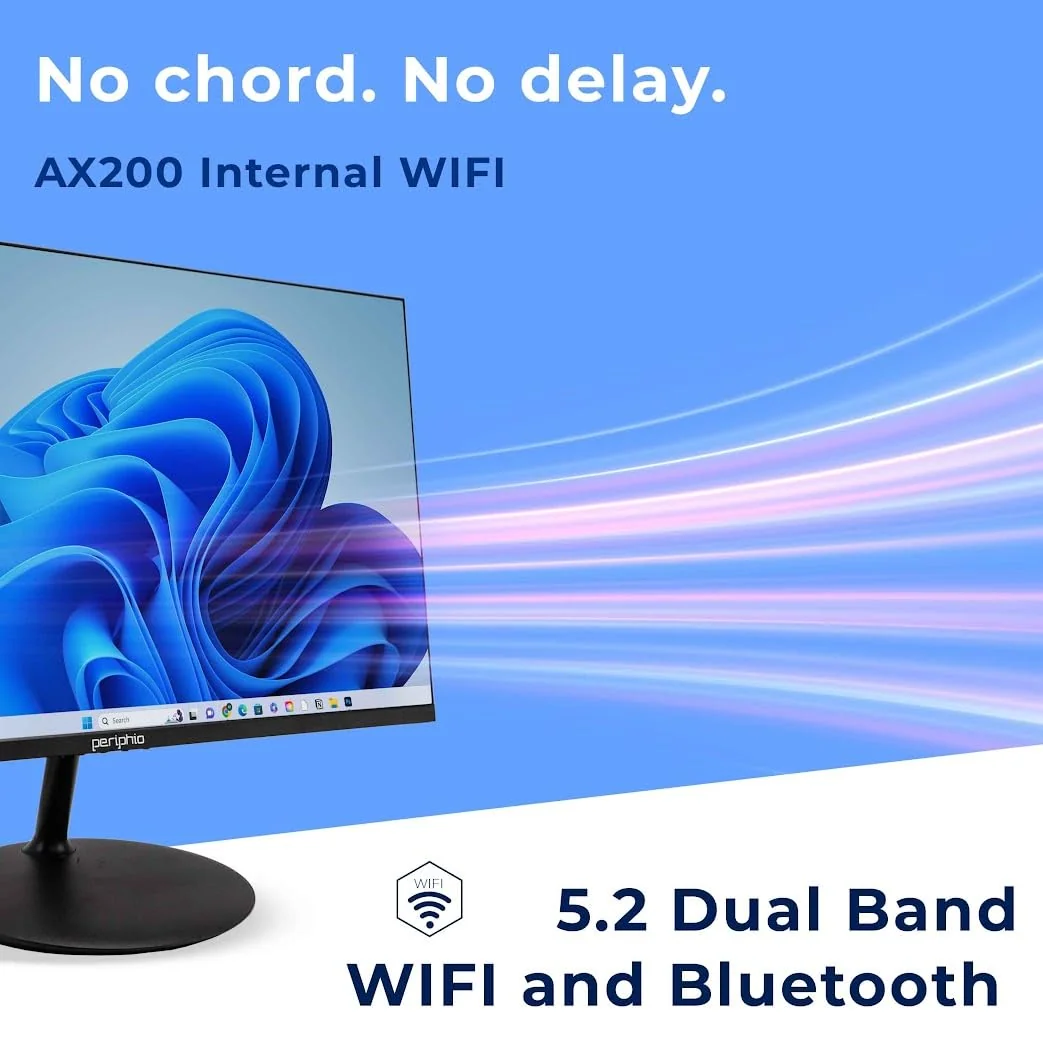
Amazon’s title and description call Wi-Fi and Bluetooth built in, yet a marketing bullet says the computer connects through an included Wi-Fi adapter. Those statements are not equivalent. At least one owner of this exact listing received no internal Wi-Fi or Bluetooth, and the supplied USB Wi-Fi dongle failed shortly afterward.
Treat wireless capability as something to prove on arrival. Check that Wi-Fi connects reliably after a restart, inspect whether it uses an internal card or an external dongle, and pair a Bluetooth device rather than merely looking for an icon. Use Ethernet for a fixed work desk if dependable connectivity matters, but do not let that workaround excuse a missing advertised feature.
The RGB panel changes the mood, not the machine
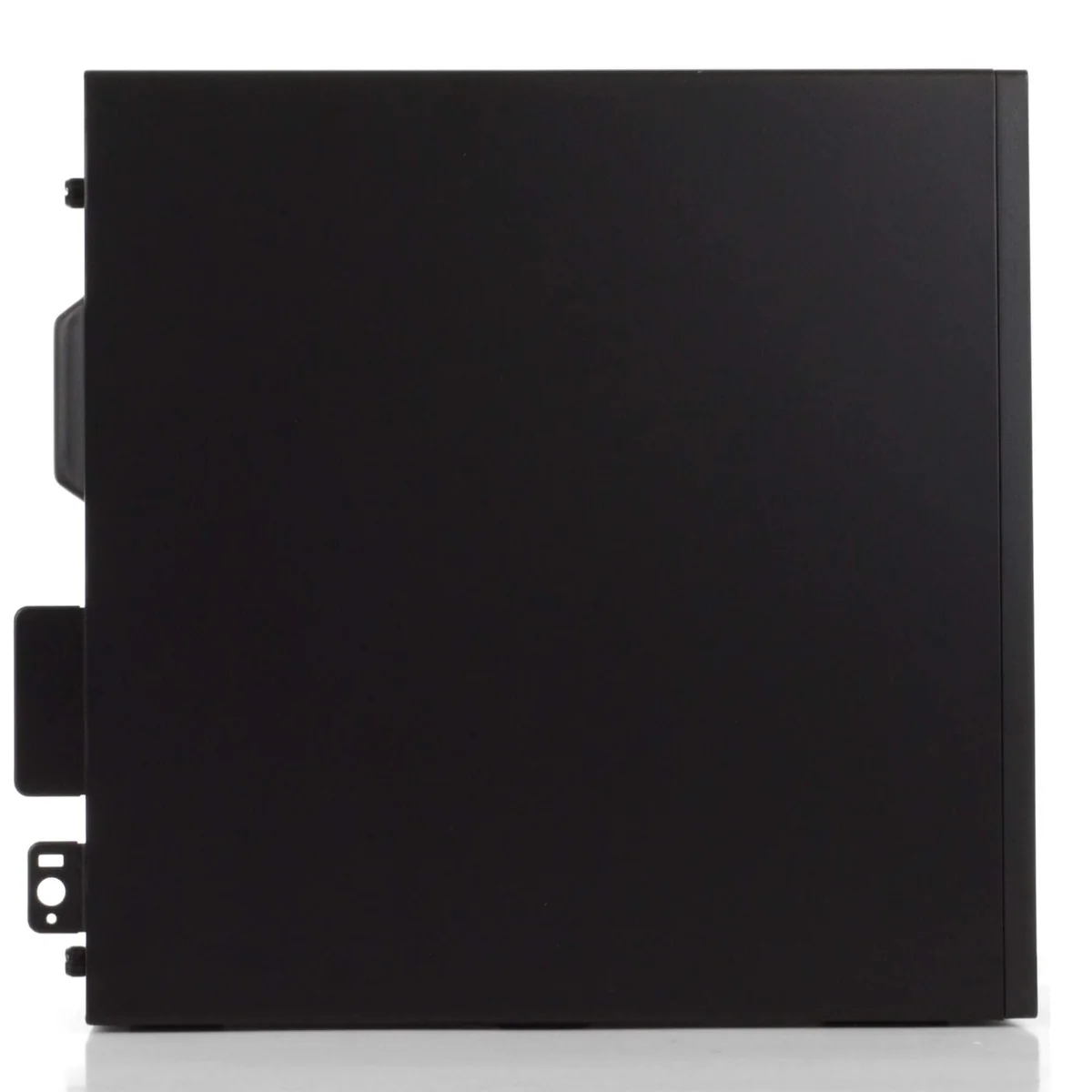
The side-panel lighting offers multiple colors and effects, but it is a refurbisher addition rather than an original Dell business feature. It adds personality to a grey-box office computer and nothing to processing or graphics performance. Buyers should read the component list, not the glow, when deciding what the system can do.
Strengths & Limitations
Strengths
- The six-core Core i5 and SSD are well suited to responsive office and home-computing duties.
- Thirty-two gigabytes of memory provides generous headroom for browser-heavy multitasking.
- The advertised 1TB SSD offers useful working space without an immediate storage upgrade.
- Windows 11 Pro is included on a processor generation described as officially supported.
- Several exact-listing owners report smooth setup, fast operation and dependable everyday use.
Limitations
- Refurbishment quality varies enough that a defective or poorly cleaned unit is a credible risk.
- The built-in Wi-Fi and Bluetooth claim conflicts with reports of an external dongle and absent Bluetooth.
- Integrated Intel graphics make it a poor choice for modern gaming and GPU-intensive work.
- The listing does not establish SSD interface, SSD health or memory-channel arrangement.
- A 90-day warranty offers little comfort for aging business hardware with inconsistent accessories.
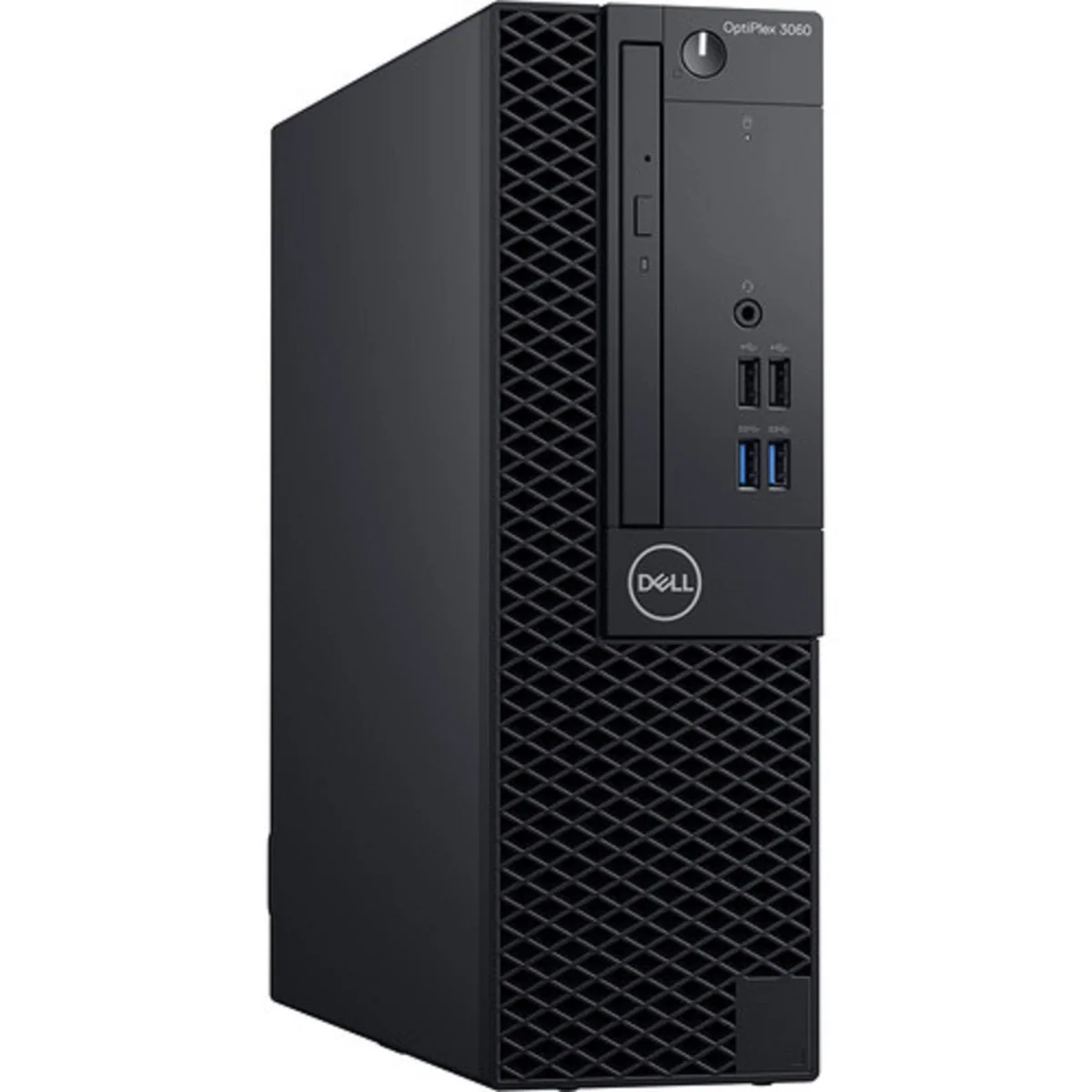
A spreadsheet workhorse, not a gaming tower
For its intended role, the hardware balance makes sense. Six CPU cores can keep ordinary productivity tasks moving while 32GB of RAM provides more multitasking headroom than many basic new desktops. Exact-listing owners describe fast startup, painless setup, smooth remote work and enough capacity for heavily tabbed browsing. Those reports are qualitative rather than benchmark results, but they align with what this configuration is built to do.
The limitation is Intel UHD 630 integrated graphics and the absence of an advertised discrete graphics card. More memory does not transform that graphics engine, and there is no Windows setting that unlocks modern gaming performance. The machine can display video, run desktop applications and handle light visual work, but it is the wrong purchase for current demanding games, professional GPU rendering or local generative-AI processing.
“Not a gaming PC” does not mean no game will ever open. A separately configured OptiPlex 3060 Micro with a faster i7 processor ran older titles and emulators when resolution and settings were reduced, which shows the platform can provide modest recreational use. That test does not establish frame rates for this i5 listing, and it is too qualified a result to justify buying the computer primarily for games.
Turning a renewed office chassis into a gaming build is also a poor reason to choose it. OptiPlex form factors differ, and the exact delivered chassis, power supply and card clearance are not documented well enough here to promise a worthwhile graphics upgrade. Anyone shopping for games should begin with a system that clearly identifies its dedicated GPU rather than budgeting around an uncertain conversion.
Two displays should be tested, not assumed
Owners generally found enough ports for ordinary peripherals, but the captured listing does not provide a trustworthy full port inventory. More importantly, a business buyer ordered two supposedly identical small-form-factor units and found that one worked with multiple displays while the other detected only one under the same monitors, cables and setup. That is a hardware-quality warning, not evidence that every OptiPlex 3060 is limited to one screen.
The value disappears the moment it interrupts the work
The 32GB and 1TB headline can save the cost and inconvenience of immediate memory or storage upgrades. The Core i5-8500 also gives this machine an important advantage over much older bargain OptiPlex systems: it belongs to the older edge of the processor generations described as officially supported for Windows 11, rather than depending on an unsupported installation workaround.
That does not make every asking price sensible. This is a renewed version of a 2018 business platform with integrated graphics and a 90-day warranty, so age, SSD wear, condition and return hassle must weigh against the generous capacities. Specs & Screens would compare the total cost with newer desktops and with plainly described local refurbished machines before treating the words “32GB” and “1TB” as proof of a bargain.
The short warranty is particularly uncomfortable because one owner reported that the machine stopped working just after coverage ended. The seller nevertheless provided clear instructions that resolved the problem, which is encouraging evidence for support in that case, but helpful troubleshooting is not the same protection as longer hardware coverage.
Your return window is the real quality-control department
The most revealing report involved two identical renewed computers ordered for business use. One worked perfectly, while the other had a display fault that delayed deployment. Another machine arrived clean inside and ran quickly; a different owner found dirt in the ports, fuzzy video, missing wireless features and a questionable optical drive. The contradiction is the finding: condition cannot be predicted from the model name alone.
More serious failures also appear in the exact-listing record. One owner encountered repeated shutdown-like events that disabled the keyboard and mouse, visual corruption, incorrect colors and a BIOS that eventually reported no drive. Another replaced a faulty bundled keyboard but still experienced a computer crash on every day of use. Both returned their systems.
Those cases deserve plain language because a fast office computer is worthless when it loses unsaved work or delays an employee. They should not be converted into a made-up failure rate from a small retained set of reviews, but they are enough to reject any promise of uniform like-new quality.
Run this inspection while returning it is still easy
- Compare the delivered chassis, processor, 32GB memory and 1TB drive capacity with the order.
- Check Windows activation and confirm that setup behaves like a normal clean installation.
- Inspect the case, vents and ports, then look inside for dust or loose parts if you can do so safely.
- Check the SSD model and health rather than assuming that every solid-state drive is equally fresh.
- Test every USB port, display output, audio connection and Ethernet port you expect to use.
- Connect two monitors if dual-display work is part of the purchase.
- Verify Wi-Fi and Bluetooth separately, and identify whether wireless comes from an internal card or a USB adapter.
- Press every key on the included keyboard and test the mouse for intermittent input or display glitches.
- Use sleep, wake and restart repeatedly, then leave the computer running under a realistic workload for several hours.
- Investigate unexplained severe slowness by checking the actual CPU clock and looking in BIOS for a power-adapter warning.
That last check comes from a fleet of related OptiPlex 3060 Micro systems where unrecognized or faulty power adapters caused processors to throttle to roughly 700MHz. It is a troubleshooting clue for an abnormally slow renewed unit, not a demonstrated defect in every computer sold through this exact listing.
For a fuller receipt-day process, use the site’s renewed desktop buying checklist before migrating important files or letting a return deadline pass.
Frequently Asked Questions
How old is the OptiPlex 3060 platform?
The underlying Dell business platform dates to 2018 even though renewed components and the Windows installation may be newer.
Is the OptiPlex 3060 outdated for office work?
It is old but still capable of browsing, documents, spreadsheets, calls and general multitasking when the refurbished unit is healthy.
Does this computer officially support Windows 11?
The Core i5-8500 is described in the research record as an officially supported Windows 11 processor, although it sits near the older edge of supported generations.
Is this Dell OptiPlex good for modern gaming?
No, its integrated Intel UHD 630 graphics suit desktop display duties rather than demanding current games.
Can it run older or lightweight games?
Some older games and emulators may run at reduced settings, but results from different OptiPlex 3060 configurations cannot be promised for this listing.
Does every unit have internal Wi-Fi and Bluetooth?
No, the listing’s wording conflicts with an exact owner report of an external Wi-Fi dongle and no Bluetooth, so both features need immediate verification.
Is the 1TB SSD an NVMe drive?
The listing identifies a 1TB SSD but does not establish whether it uses NVMe or SATA.
Can the OptiPlex 3060 run two monitors?
Multi-display use may be possible, but an exact buyer received a faulty unit that detected only one display, so every intended output should be tested.
Is 32GB of RAM excessive for this processor?
It is more than basic office work requires but provides useful headroom for many applications and browser tabs without improving the weak integrated graphics.
Is a renewed OptiPlex 3060 worth buying?
It is worth considering only when the cost compensates for its age, short warranty and meaningful unit-to-unit quality risk.
Sources (4)
- Amazon listings and customer reviews — Dell Optiplex 3060 Renewed
- Owner reports across r/computers, r/msp threads
- Owner and reviewer video, 1 channel
- Layer3labs — Article — www.layer3labs.io