The best iPad is the basic one, until your work proves otherwise
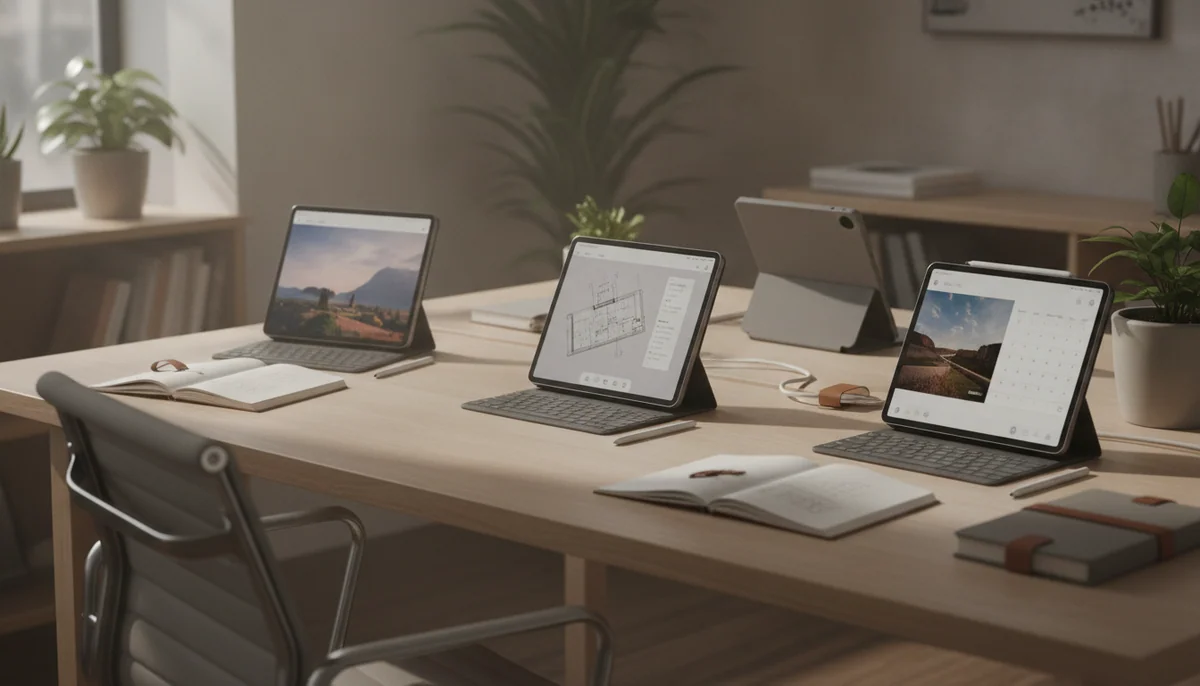
The iPad range becomes much easier to understand once processor prestige stops running the meeting. Browsing, streaming, reading, calls, email, school assignments, ordinary games and handwritten notes do not require an M-series chip. The least glamorous model already performs those jobs quickly, starts with a practical 128GB of storage and gives most households the complete iPad experience.
That makes the A16 iPad our recommendation for most people, but not a universal winner. Its reflective, non-laminated display is a real compromise, precise drawing exposes the gap between glass and pixels, and Apple Intelligence will not arrive through a software update. Artists, demanding note-takers and buyers planning years of heavier creative work have legitimate reasons to move up.
The rest of the range is organized around physical priorities rather than a neat ladder from bad to good. The iPad mini is a specialist handheld. The 11-inch Air adds serious creative capability without abandoning portability. The 13-inch Air trades handheld comfort for a broad working canvas. Both Pros add the screen Apple withholds from every cheaper model, along with Face ID, stronger audio and extraordinary performance that many owners will never fully use.
Start with the A16 iPad: it is the sensible choice for ordinary tablet use.
Move to an Air for capability: choose it when Pencil Pro, a laminated screen, demanding apps or heavier multitasking are part of the plan.
Move to a Pro for the display: tandem OLED and 120Hz ProMotion are more persuasive reasons than the M5 badge alone.
Size is the second decision. Eleven inches is the all-purpose shape because it remains comfortable to hold while leaving enough room for documents, games and occasional split-screen work. Thirteen inches belongs on a stand, desk or keyboard, where the extra canvas can serve full pages and persistent tool panels. The mini wins only when even eleven inches is too much to carry, mount or hold.


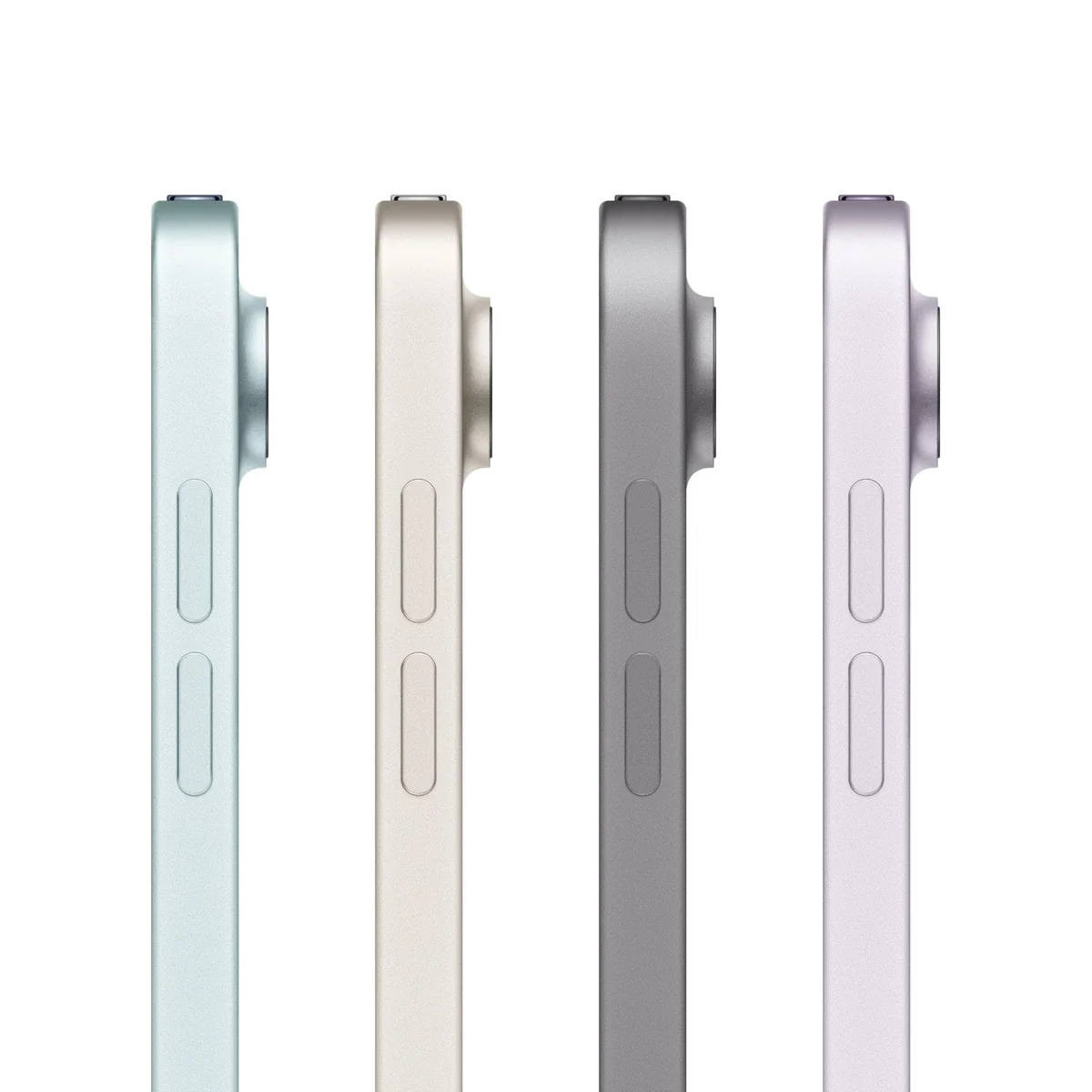

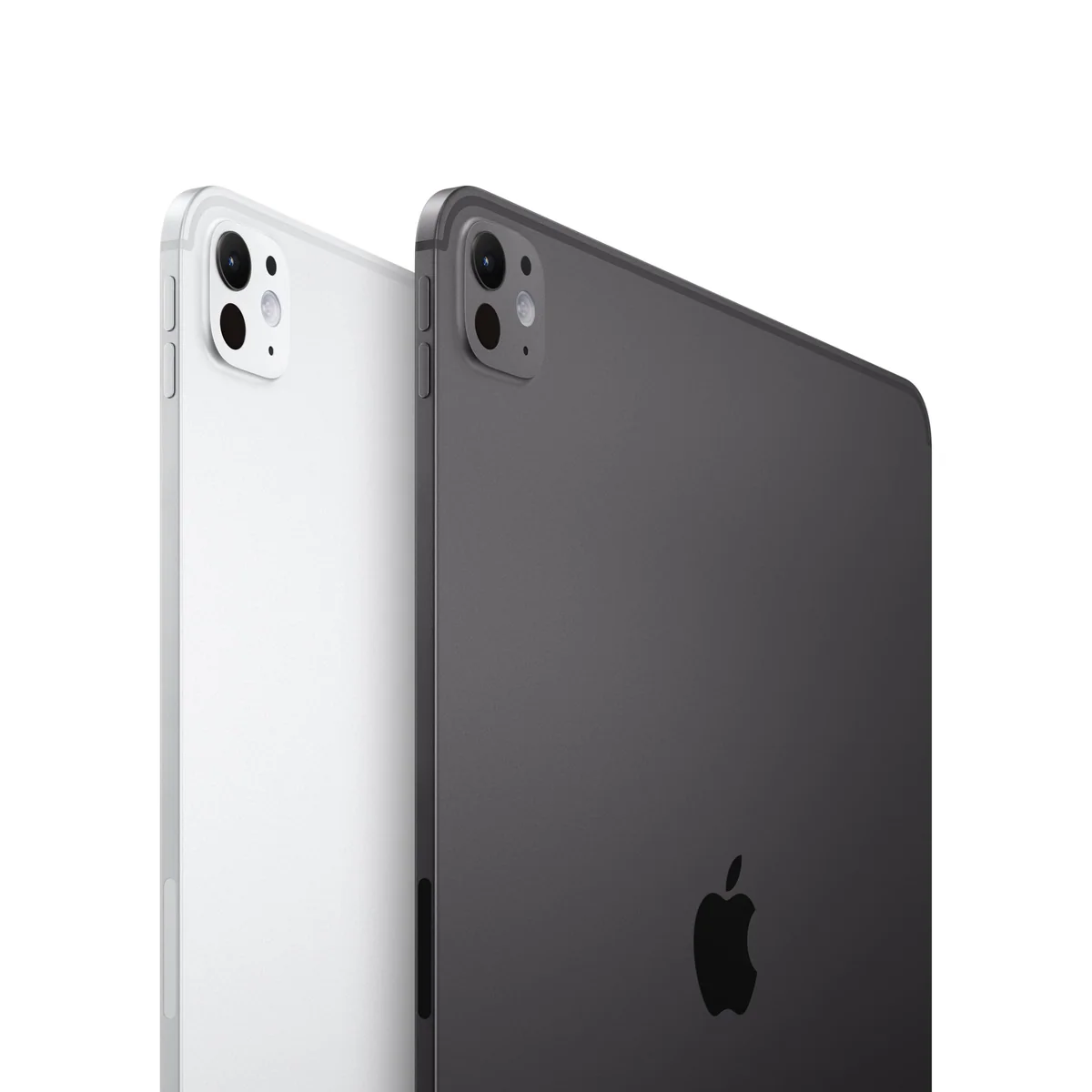
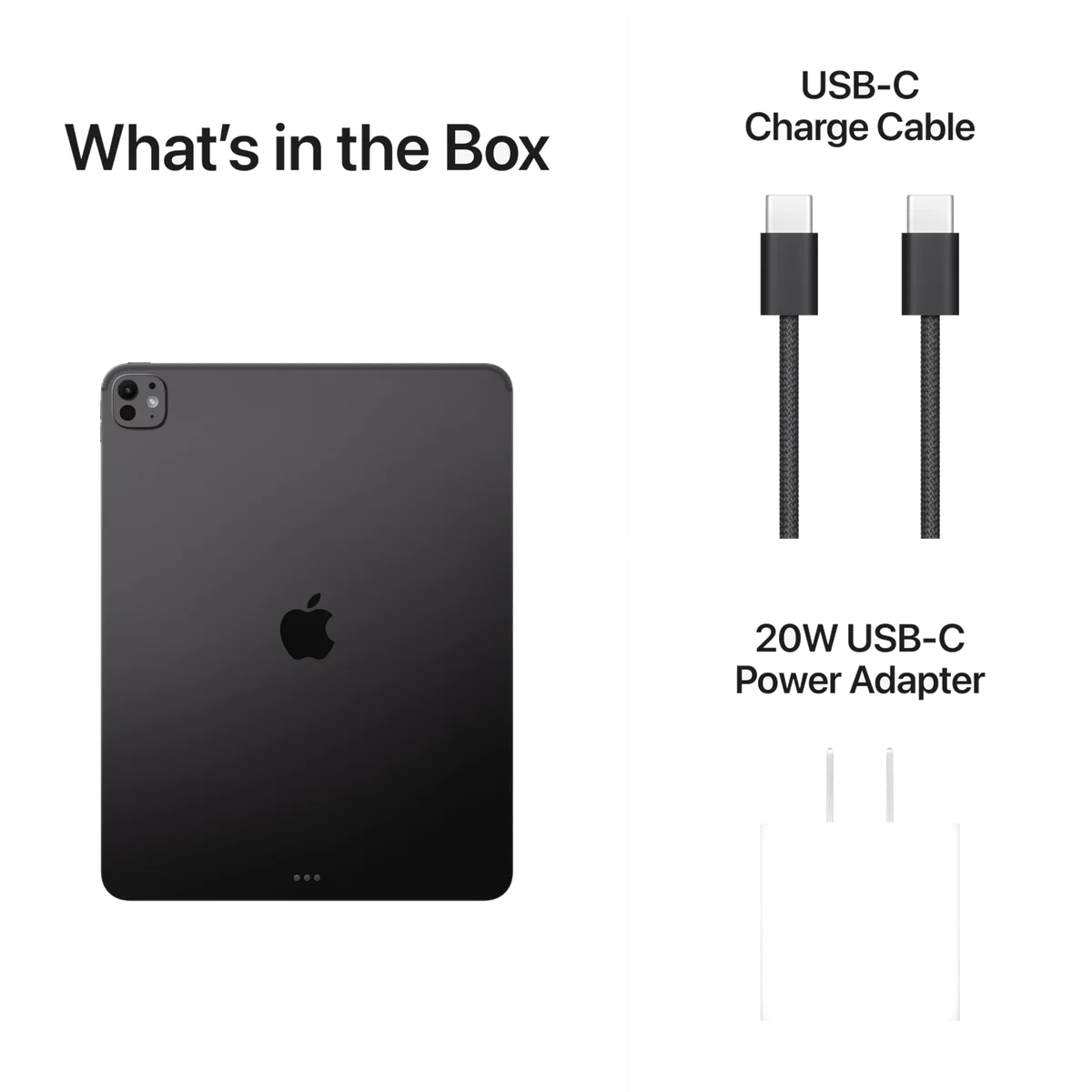
Quick Picks at a Glance
| Feature | Editor's Pick IPad 11-inch a16 | IPad mini A17 Pro | Apple iPad Air 11-inch M4 | Apple iPad Air 13-inch M4 | IPad Pro 11-inch M5 | Apple iPad Pro 13-inch M5 |
|---|---|---|---|---|---|---|
| Price Range | — | — | — | — | — | — |
| Finish | Blue | Space Gray | Space Gray | Space Gray | Space Black | Space Black |
| Screen size | 11" | — | 11" | 13" | 11" | 13" |
| Check Price on Amazon | Check Price on Amazon | Check Price on Amazon | Check Price on Amazon | Check Price on Amazon | Check Price on Amazon |
Six iPads, six increasingly specific reasons to buy
These rankings reward usefulness rather than technical supremacy. A more expensive iPad can be faster, brighter and more luxurious while still being the worse purchase for someone whose hardest weekly task is choosing the next episode.
Most people should buy the A16 iPad.
Its responsive A16 performance, 128GB starting capacity, useful landscape camera and strong everyday battery life cover the work most people actually give a tablet.
The glossy non-laminated 60Hz display reflects bright rooms, compromises precise Pencil work and comes with no path to Apple Intelligence.
The basic iPad succeeds by putting the useful minimum in the right places. It is light enough to pass around a family, quick enough for mainstream games and school apps, and roomy enough for video, reading and notes without demanding a desk. Touch ID is less effortless than Face ID, charging is slow, and its USB connection is unsuitable for a regular high-volume external-drive workflow, but those drawbacks sit outside most casual use.
The USB-C Apple Pencil is adequate for class notes, signatures and PDF annotation. It is not the same creative system as Pencil Pro on a laminated Air or Pro display, and trying to bridge that gap with accessories weakens the basic model’s value. Buyers building a keyboard-and-stylus workstation should compare the entire configuration rather than celebrating the least expensive tablet in isolation.
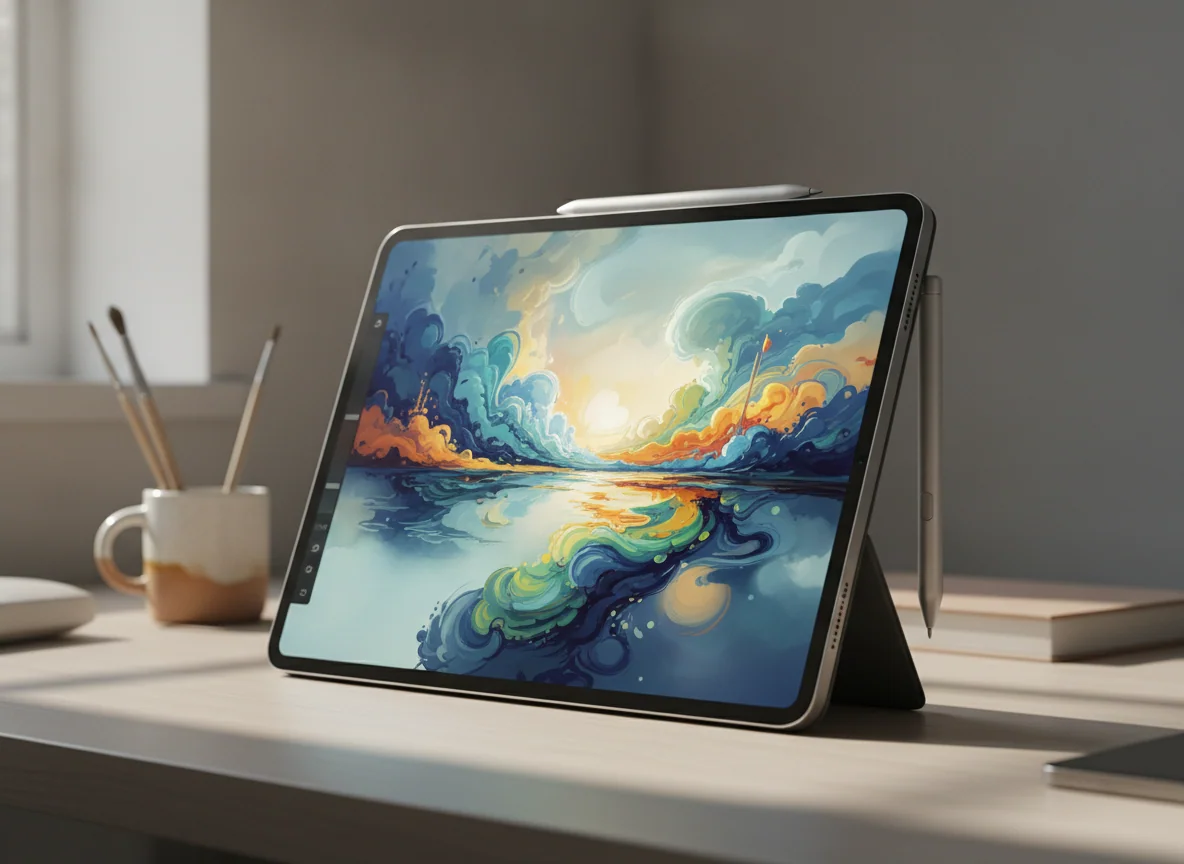
The iPad mini is the best iPad for a job that must fit in one hand.
Its 8.3-inch body, A17 Pro chip, 128GB capacity, fast USB-C connection and Pencil Pro support make it an unusually capable reader, notebook, game screen and field companion.
The cramped workspace, portrait-edge front camera and unchanged 60Hz LCD make it a risky choice as someone’s only tablet.
Compactness is not a bonus added to the mini; it is the whole proposition. It can fit into a coat pocket, crowded travel bag, vehicle mount or controller grip where a larger iPad becomes an object to manage. It is also comfortable for handheld books, manga, maps and short notes. Those are concrete advantages that no benchmark can reproduce on a larger slab.
The compromise appears as soon as the work settles at a desk. Two apps become narrow panes, the on-screen keyboard devours much of the display, and long PDFs or detailed art require more zooming. Apple Pencil Pro is excellent for quick annotation and portable sketching, but replacing an incompatible second-generation Pencil adds an accessory tax. If compactness is still an open question, the site’s iPad mini and 11-inch iPad comparison makes the trade explicit.
The 11-inch M4 iPad Air is the best iPad for serious work without Pro excess.
Its M4 chip, 12GB of memory, laminated display, Pencil Pro support and portable body create the strongest balance for illustration, substantial notes, editing and demanding apps.
The 60Hz LCD, 128GB base capacity, slow charging and separately sold accessories make casual use an expensive waste of capable hardware.
This is the model to buy after the base iPad fails a named requirement. Its laminated screen places Pencil input closer to the image, Pencil Pro adds pressure-sensitive creative controls and magnetic charging, and the M4 platform provides enough memory and performance for much larger projects. The 11-inch body remains comfortable for reading, travel and couch use, which is why this Air is easier to recommend broadly than its larger sibling.
Apple’s restraint is visible every time the screen moves. The panel is sharp, accurate and useful indoors, but 60Hz scrolling and modest brightness do not look luxurious beside a Pro. Sustained graphics work can also warm the fanless body and reduce peak performance. For streaming, web use and light notes, none of the Air’s processor advantage repairs the fact that the basic iPad already completes the job.
The 13-inch M4 iPad Air is the affordable large canvas.
Its broad 4:3 display gives full-page documents, sheet music, illustration, editing controls and two-app layouts the room that smaller iPads cannot provide.
The wide body becomes tiring in the hand, the display remains limited to 60Hz and a keyboard or case makes the complete setup feel increasingly like a laptop with tablet software.
The larger Air is not simply an 11-inch Air viewed through a magnifying glass. It changes the posture of the device. Laid flat for handwriting, mounted for music, propped for reference material or attached to a keyboard, the extra area becomes productive. Held in bed or on public transport, that same area becomes leverage against the wrist.
Its 4:3 shape favors pages and work panels rather than widescreen film, which leaves substantial bars above and below the picture. Buyers should therefore choose thirteen inches for content they create, inspect or arrange, not merely for content they watch. Specs & Screens treats a stand as close to essential for this model, while a keyboard makes sense only when the necessary applications already work properly on iPadOS.
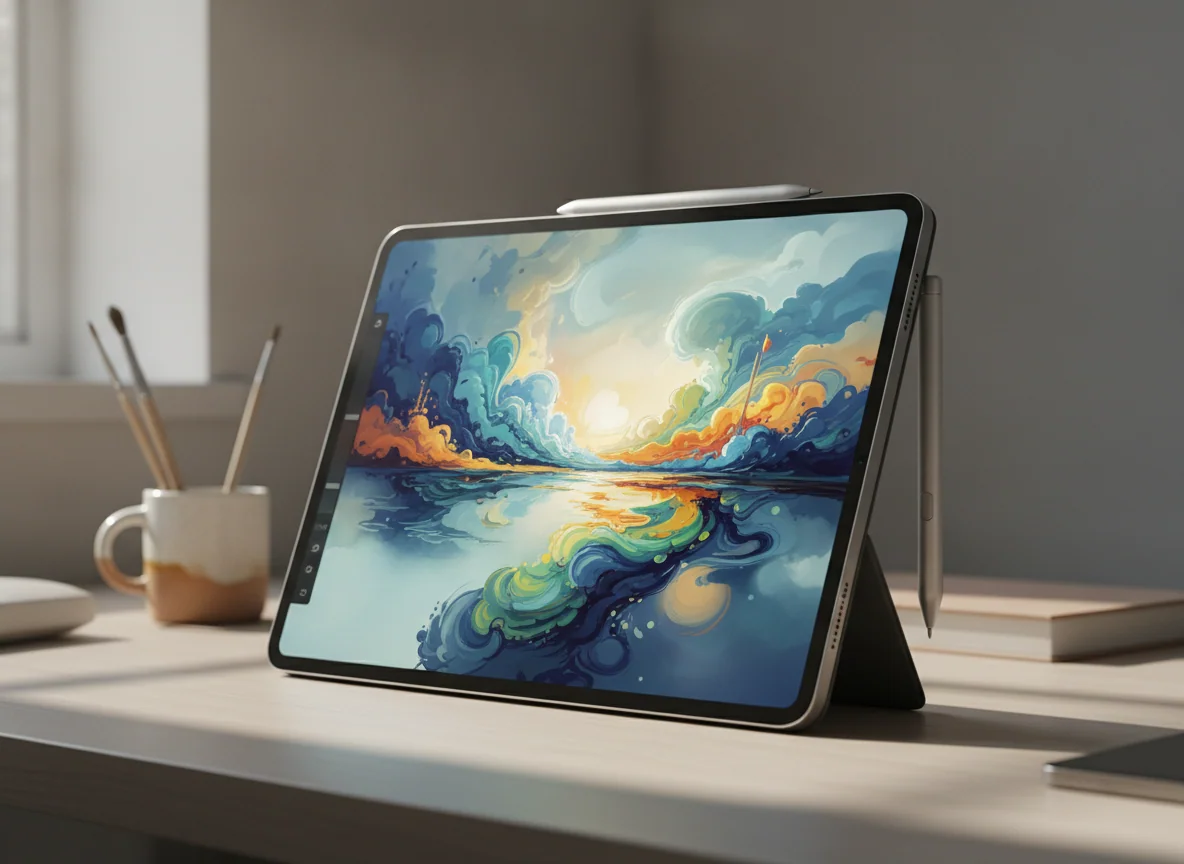
The 11-inch M5 iPad Pro is the best premium tablet to carry.
Its tandem-OLED display, 120Hz ProMotion, Pencil Pro support, Face ID, four speakers and compact M5 hardware deliver Apple’s finest tablet experience without the larger Pro’s ergonomic penalty.
Most everyday apps cannot justify the Pro premium, and iPadOS still blocks Mac applications, unrestricted installation and some professional plugin workflows.
The screen is the reason to buy this Pro. Deep OLED blacks improve dark video and photographs, strong contrast sharpens ordinary text, and ProMotion makes scrolling and Pencil movement visibly more immediate than on every 60Hz iPad below it. Those improvements are present in every interaction, unlike processor headroom that may remain dormant for years.
Eleven inches keeps the hardware coherent. It fits more easily on an airplane tray, remains plausible for handheld reading and leaves a smaller footprint in a crowded bag. The M5 and 12GB of memory in the 256GB configuration provide formidable capability for supported editing, art, graphics and local AI workloads, but they cannot make an absent desktop application appear. The 11-inch Pro and basic iPad comparison is the useful reality check for anyone tempted chiefly by the badge.
The 13-inch M5 iPad Pro is the ultimate iPad workstation for a proven iPad workflow.
Its large tandem-OLED canvas, 120Hz ProMotion, Pencil Pro support, Face ID, Thunderbolt connection and M5 headroom make it exceptional for art, design, full-page review and multi-window work.
The 13-inch body is awkward without support, the glossy 256GB model lacks a nano-texture option and the complete keyboard-and-Pencil system becomes heavy and extravagant.
The largest Pro earns its place only when the canvas changes the work. Detailed drawing, CAD, photo editing, full-page documents and persistent reference windows can all benefit from the area, contrast and fluidity. The thin body is remarkable for its size, yet its width still tires the wrist during unsupported use. This is a tablet that wants a desk, stand, easel or keyboard.
The exact 256GB configuration has 12GB of unified memory, standard glossy glass and Wi-Fi rather than cellular service. Higher storage tiers change more than capacity by adding memory, a different CPU configuration and access to nano-texture glass, so buyers should not assign the range’s maximum specifications to this base model. The crucial alternative is the 13-inch Air and Pro comparison: choose the Pro when OLED, ProMotion, Face ID, audio or Thunderbolt matters repeatedly, not when “best” merely means “most.”
How Specs & Screens ranked these iPads
Specs & Screens did not handle or benchmark these units for this roundup. The ranking reconciles the site’s complete reviews of each model, which draw from exact Amazon listings and retained owner reports alongside controlled display, performance, battery, charging and thermal measurements where such evidence was available.
Exact-model evidence received priority. Evidence from physically related generations informed persistent chassis, accessory and software behavior only when the relationship was clear, and older battery or benchmark figures were not silently assigned to newer hardware. Owner reports helped identify recurring uses and irritations, but they were not treated as laboratory results or model-wide defect rates.
The order favors the device that solves the greatest number of ordinary needs with the fewest costly compromises. More specialized models rise only when a buyer’s work gives their defining feature a purpose: pocketable size for the mini, M4 and Pencil Pro for the Air, a broad canvas for the 13-inch models, and tandem OLED with ProMotion for the Pros. Captured prices were excluded because they are not live buying facts.
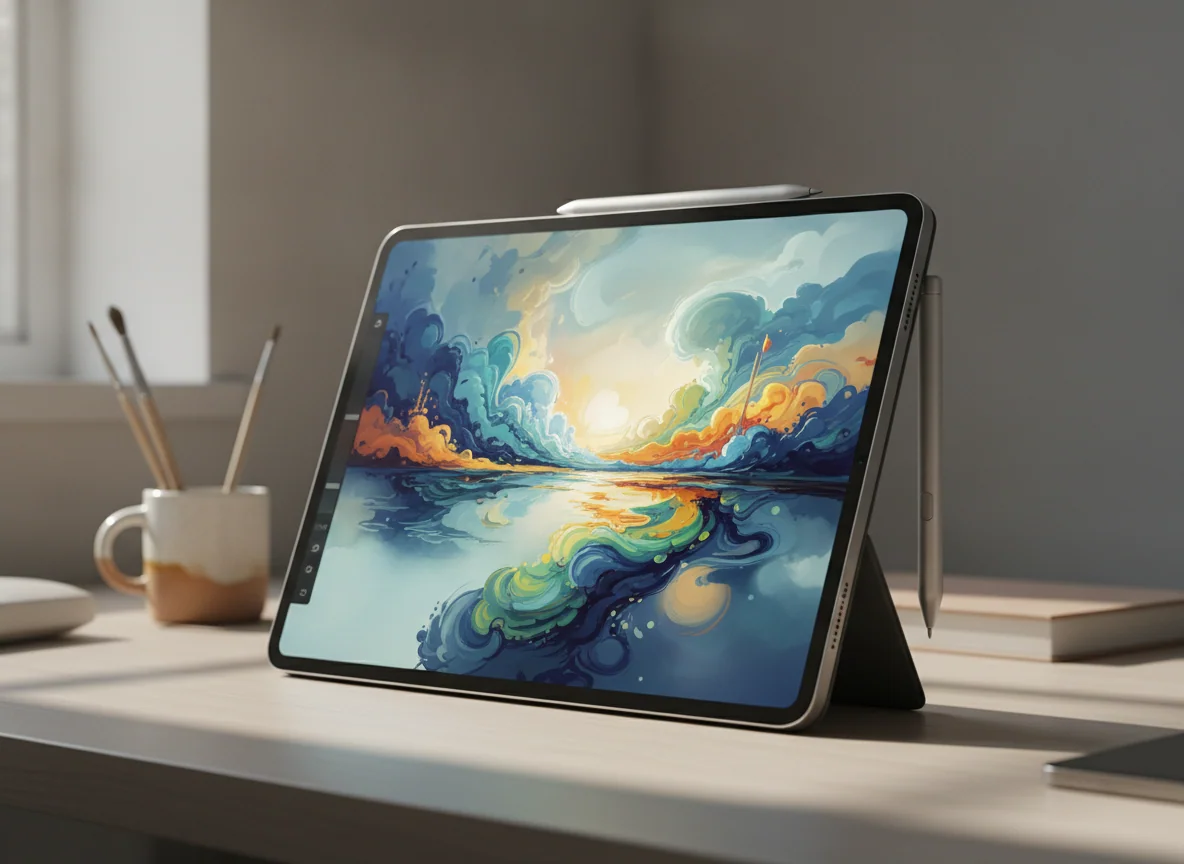
Choose the work first, then the screen and storage
An iPad purchase has four decisions: workload, size, display and capacity. Chip generation comes later because even the A16 model is already fast at ordinary tablet work. Starting with the processor encourages buyers to pay for an invisible surplus while accepting a screen size or operating system that actively frustrates them.
| Your priority | Start here | Reason to move elsewhere |
|---|---|---|
| Streaming, browsing, reading, calls and family use | A16 iPad | Move up only for a better Pencil system, Apple Intelligence or a less reflective laminated display. |
| One-handed reading, field work or compact gaming | iPad mini | Choose 11 inches if it will be your only tablet or if typing and split-screen work are frequent. |
| Drawing, serious notes and demanding portable apps | 11-inch iPad Air | Choose the Pro if OLED contrast and 120Hz motion matter enough to see and use every day. |
| Full pages, music, broad art canvases and roomy multitasking | 13-inch iPad Air | Choose the Pro for premium display quality or a laptop if touch and Pencil input are secondary. |
| The best display in a genuinely portable iPad | 11-inch iPad Pro | Choose the Air if 60Hz is acceptable and the required work does not benefit from Pro hardware. |
| A large, display-critical iPad workstation | 13-inch iPad Pro | Choose the Air unless OLED, ProMotion, Face ID, Thunderbolt or four-speaker audio changes the workflow. |
Eleven inches is portable; thirteen inches is architectural
The smaller size is the safer default because an iPad remains useful away from furniture. It can be held for a film, rotated for a book, carried between rooms and placed beside a laptop without taking over the desk. The larger size makes sense when the display itself is the workplace and will usually rest on something.
Do not assess the 13-inch models bare if the real setup includes a keyboard, folio and Pencil. Those additions change the weight, balance and amount of bag space required. The site’s guide to choosing a tablet size covers posture, travel and viewing distance in more detail.
The Pencil can be the reason to upgrade, but not every Pencil follows you
The basic iPad supports the USB-C Pencil and the first-generation Pencil through an adapter. The current mini, Air and Pro models support Pencil Pro and the USB-C Pencil, but not the second-generation Pencil. That compatibility break can turn an apparently modest upgrade into a tablet-and-stylus purchase.
Pencil Pro is worthwhile for regular illustration, handwriting and document markup because magnetic charging, pressure sensitivity and its additional controls remove friction. It is unnecessary for buyers who mainly tap, type and watch. The guide to whether an active stylus earns its cost is the better starting point if the Pencil use case remains hypothetical.
Storage regret arrives later than processor regret
Every model here begins with at least 128GB, and neither cloud storage nor a USB-C drive expands the internal capacity available to every app. Streaming, cloud-first documents, notes and a moderate app library can fit comfortably at 128GB. Large games, offline video, RAW photographs and long-running creative projects make 256GB a more defensible baseline.
The two Pro configurations in this roundup already include 256GB. That is sensible for many owners, but it is not unlimited, and the higher Pro tiers can also change memory, CPU configuration and display-glass options. Buyers should use the site’s iPad storage guide before treating a capacity upgrade as an afterthought.
A keyboard does not grant macOS
Apple’s current keyboards can provide excellent keys, trackpads and desk ergonomics, but they do not change the software platform. An iPad can replace a laptop when every required application, plugin, peripheral and file operation works well on iPadOS. It cannot replace one by processor reputation alone.
List the work before buying the accessory: development tools, specialist workplace software, unrestricted browser extensions, complicated external-drive routines and full desktop creative suites can still require macOS or Windows. If sustained typing is central, read the iPad and MacBook comparison before paying to turn a tablet into a keyboard-led machine.
Frequently Asked Questions
Which iPad should most people buy?
Most people should buy the 11-inch A16 iPad because it covers everyday tablet work without charging for creative performance or display technology they may never use.
Is the iPad Air worth choosing over the basic iPad?
The Air is worth it when its laminated display, Pencil Pro support, Apple Intelligence compatibility, faster USB connection or M4 performance improves a specific recurring task.
Should I choose an 11-inch or 13-inch iPad?
Choose 11 inches when the tablet will usually be held and carried, or 13 inches when it will usually rest on a desk, stand or keyboard.
Is the iPad mini a good only tablet?
The mini can be an excellent only tablet for portability-first reading, field work and compact gaming, but its cramped typing and multitasking make an 11-inch model safer for general use.
Is 128GB enough for an iPad?
128GB suits streaming, notes, cloud documents and a moderate app library, while large games, offline media and local creative projects make 256GB safer.
Is the iPad Pro worth it just for the screen?
Yes, it can be worth it for buyers who care deeply about tandem-OLED contrast and 120Hz motion, but those qualities remain luxuries rather than requirements for ordinary tablet use.
Can an iPad replace a laptop?
An iPad can replace a laptop only when every required application, plugin, file operation and peripheral works properly on iPadOS.
Which current iPads support Apple Pencil Pro?
The A17 Pro iPad mini, both M4 iPad Air sizes and both M5 iPad Pro sizes support Apple Pencil Pro, while the A16 iPad does not.
Do the iPad Air models have 120Hz displays?
No, both M4 iPad Air sizes use 60Hz Liquid Retina LCDs.
Should an owner of a recent M-series iPad upgrade?
Usually not, unless the new model’s display, size, memory, accessory support or connectivity solves a limitation already affecting the owner’s work.
Our Top Pick
The IPad 11-inch a16 is our #1 recommendation — to replace a laptop.
Check Price on Amazon: IPad 11-inch a16