Buy the MacBook unless touch and Pencil input are the point
Most buyers should choose the 13-inch MacBook Air M5 because macOS, an excellent built-in keyboard and trackpad, longer light-use endurance and fewer workflow compromises matter more than touch, while artists, handwritten-note takers and people with proven iPad-native workflows should buy an iPad Air instead.
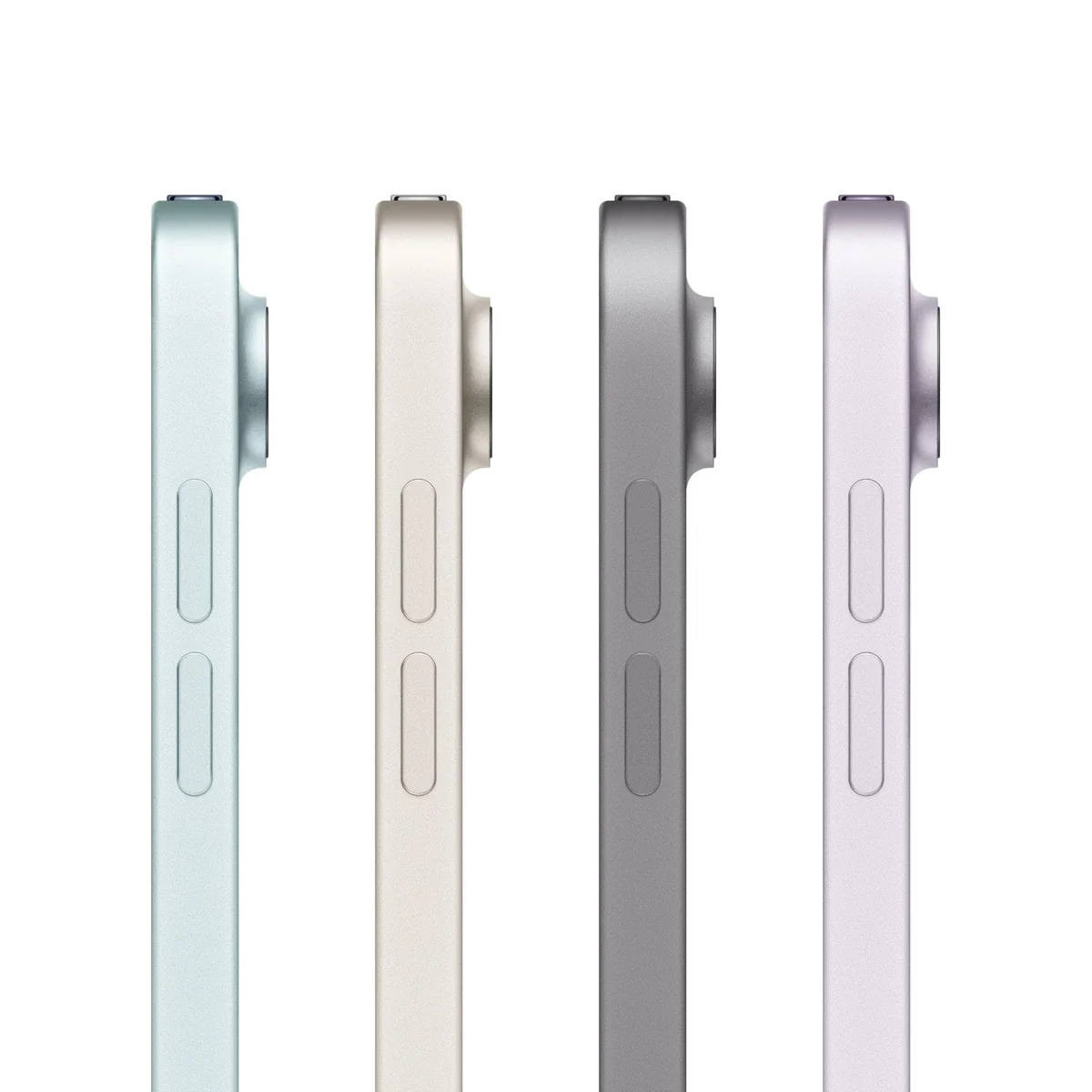
Apple iPad Air 11-inch M4

Apple iPad Air 13-inch M4
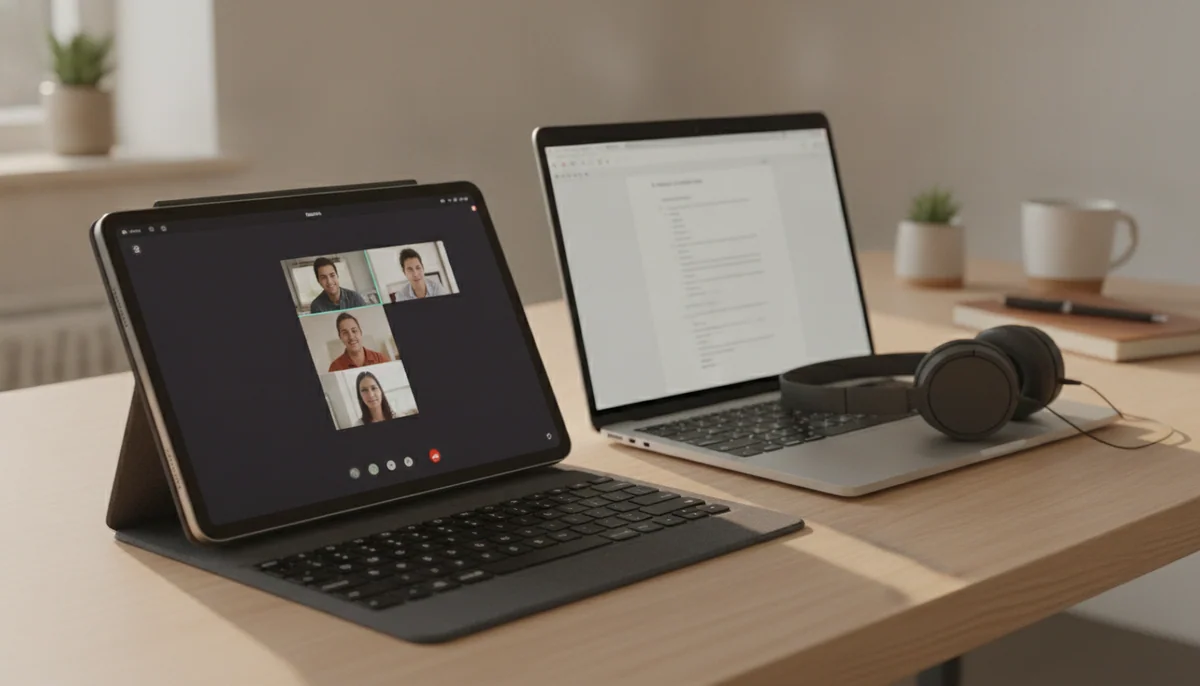
The difficult part of this choice is that an iPad can look like a MacBook after a keyboard is attached, while a MacBook can run many of the same Apple applications without ever becoming a tablet. The silhouettes converge. The working assumptions do not.
A MacBook begins as a complete laptop. Its keyboard, trackpad, desktop browser, conventional file management, multiple ports and macOS applications are present before a single accessory enters the basket. An iPad begins as a touch screen that can become a drawing surface, handwritten notebook, portable television, document reader or keyboard workstation. That flexibility is its advantage, but every transformation asks something from the buyer: an accessory, an adapted application, a different posture or acceptance of an iPadOS boundary.
That is why processor comparisons are mostly a distraction. Current iPad Air, iPad Pro, MacBook Air and MacBook Pro models all have enough raw performance to make browsing, documents, calls and ordinary media work feel easy. The decisive questions are whether the work needs direct touch or Pencil input, whether its applications are complete on iPadOS, and whether the device will spend most of its life held in the hands or resting in front of a keyboard.
If those questions are still abstract, buy the MacBook. Ambiguity favors the machine with the broader software platform and the complete typing setup. Buy the iPad only when its distinct advantages are already concrete: drawing directly on the screen, marking up PDFs, writing notes by hand, reading while standing, presenting material to another person or using a touch-first application that genuinely improves the job.
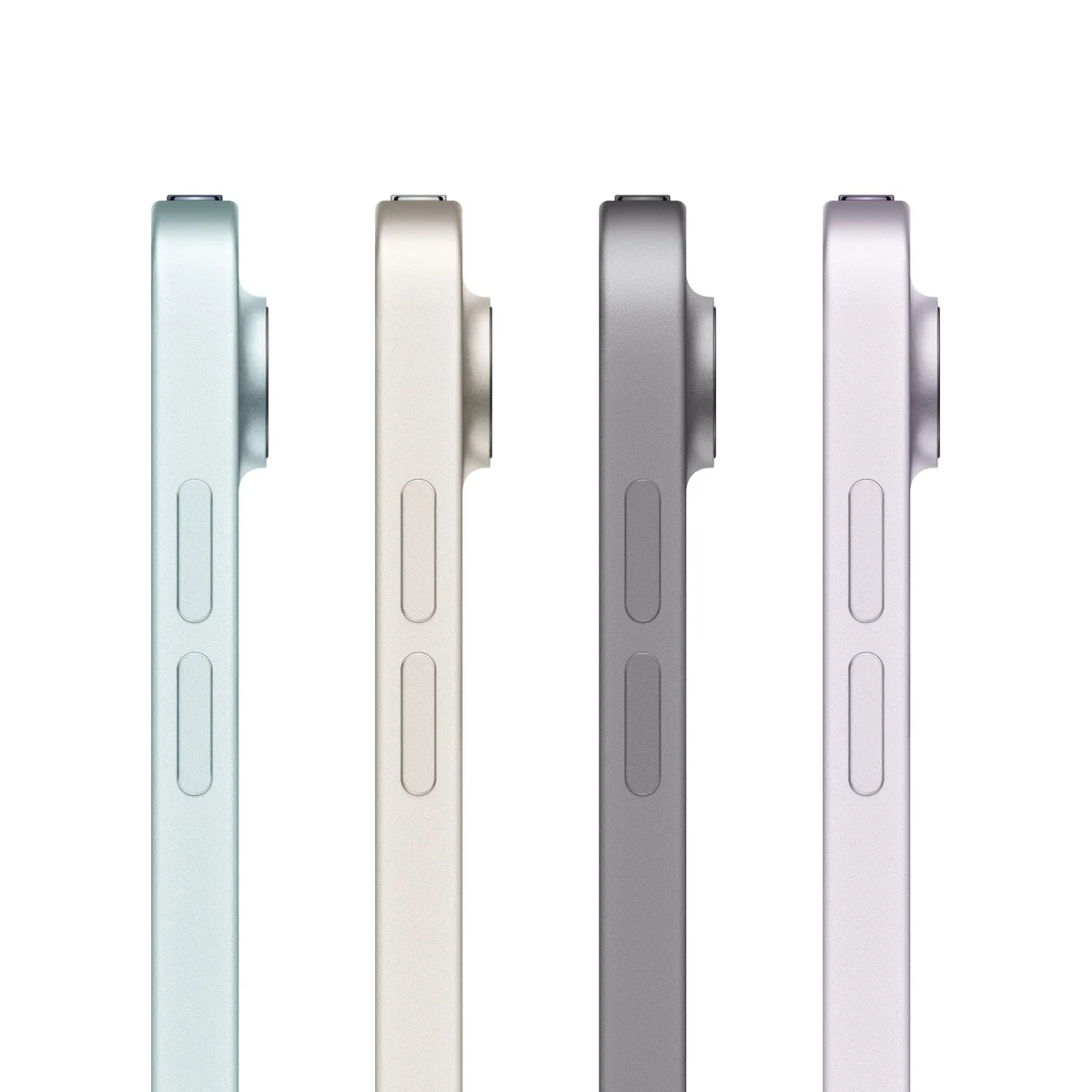
Apple iPad Air 11-inch M4

Apple iPad Air 13-inch M4
At a Glance
| Feature | Apple iPad Air 11-inch M4 | Apple iPad Air 13-inch M4 |
|---|---|---|
| Price Range | — | — |
| Finish | Space Gray | Space Gray |
| Screen size | 11" | 13" |
| Check Price on Amazon | Check Price on Amazon |
The operating system decides before the chip does
MacOS is built around windows, files, keyboard shortcuts, pointers, background tasks and software that can reach deeply into the system. It is the safer environment for development tools, specialist plug-ins, large spreadsheets, complex browser workflows, external drives, virtual machines and professional applications whose iPad editions omit features. It also gives a buyer a stable clamshell that works naturally on a lap, something even an excellent iPad keyboard cannot fully imitate.
iPadOS has become substantially more capable at arranging windows and working with external displays, yet improved window management does not create missing software. A desktop application and an iPad application can share a name while differing in plug-ins, export options, automation, file access and peripheral support. Before treating an iPad as a computer replacement, list every application and every awkward step in the real workflow, then verify the iPad version rather than the logo.
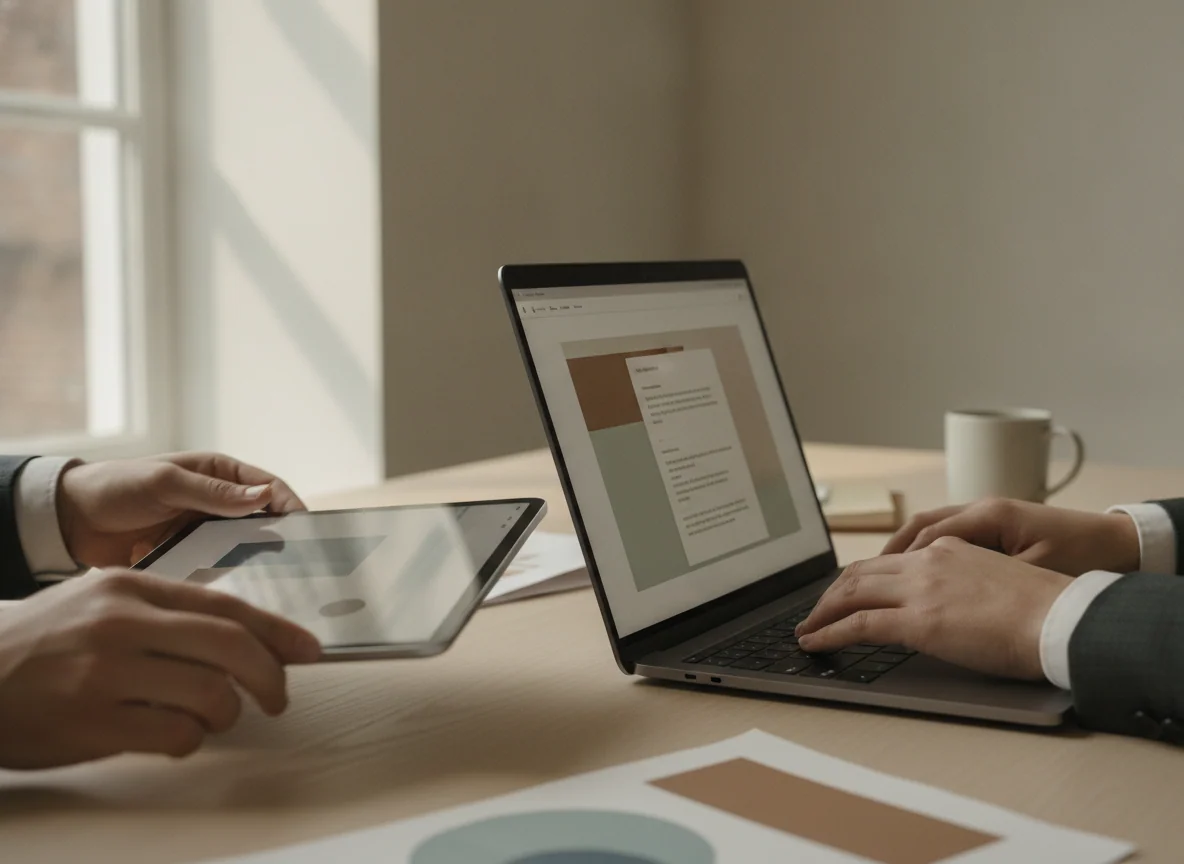
The iPad wins where macOS cannot participate at all. A MacBook display does not accept touch or Apple Pencil input, cannot detach from its keyboard and does not become a thin portrait reader. For illustration, handwritten lecture notes, sheet music, document annotation and visual work performed beside the subject, direct interaction can be more valuable than desktop flexibility. Readers whose decision turns mainly on that capability can narrow the field with our guides to the best iPads for drawing, the best iPads for note-taking and the best iPads for replacing a laptop.
| Need | Better default | Why |
|---|---|---|
| Long typing sessions | MacBook | The keyboard, trackpad and stable clamshell are included and designed as one system. |
| Drawing and handwriting | iPad | Direct Pencil input turns the display into the working surface. |
| Desktop applications and plug-ins | MacBook | MacOS provides broader software access and fewer altered mobile editions. |
| Reading while held | iPad | The screen can be used alone in portrait or landscape without a keyboard attached. |
| Programming and technical work | MacBook | Native development tools, terminals, containers and conventional file access make it the dependable choice. |
| PDF markup and field notes | iPad | Touch and Pencil input let the user work directly on the document wherever it is opened. |
| One device for uncertain future needs | MacBook | The desktop platform keeps more routes open when the eventual workload is not yet known. |
An iPad keyboard does not settle the comparison
Adding a keyboard can make an iPad excellent for email, essays, research and focused writing, but it also changes the purchase. The complete setup becomes heavier, less comfortable to balance on a lap and dependent on a separately purchased accessory. The tablet still has one primary data port, while the accessory’s additional USB-C connection may handle charging only.
The strongest iPad buying argument is therefore not that it can be made to resemble a laptop. It is that the screen regularly leaves the keyboard. A student who writes notes with Pencil during class and types an essay later is using both identities. An artist who draws on the bare tablet and answers clients from the keyboard is doing the same. Someone who never detaches the iPad has paid for a transformation that does not happen.
Size makes this distinction physical. An 11-inch iPad remains genuinely handheld and works well beside an existing computer. A 13-inch iPad provides far more room for full pages, timelines and adjacent windows, but it wants a stand, desk or keyboard. The larger model can approach a laptop in use without acquiring the stability or software reach of one. Our 11-inch and 13-inch iPad Air comparison treats that as an ergonomic choice rather than a contest over screen area.
The display contest has an inconvenient winner
The iPad Pro 13-inch M5 has the most impressive screen in this group. Its tandem-OLED panel combines deep blacks, powerful HDR, low-light flexibility and adaptive motion up to 120Hz. It is an exceptional canvas for art, photographs and video, but display quality cannot make iPadOS run a missing desktop tool.
The iPad Air and MacBook Air occupy a less glamorous tier. Both use sharp, color-capable 60Hz LCDs. The smaller iPad Air remains accurate and well suited to reading and illustration, but its motion looks ordinary and its brightness can struggle against direct daylight. The MacBook Air is similarly competent for normal work, yet its 60Hz SDR display is conspicuously conservative in a premium laptop.
The MacBook Pro restores the qualities absent from the Air. Its mini-LED XDR display reaches adaptive refresh rates up to 120Hz, supports serious HDR work and provides a bright, color-accurate workspace. It is the right direction when the buyer needs both macOS and a professional display, although that combination comes with more weight and workstation-level expense.
Battery claims need a workload attached
Both families can cover an ordinary day, but a MacBook Air has the stronger endurance case for light keyboard-led work. Independent tests of the 13-inch M5 Air commonly ran for roughly a full long working day and beyond under browsing or video conditions, while demanding calls, editing, exports and local processing reduced that result substantially.
The iPad range is equally sensitive to what happens on the screen. Mixed notes, browsing, calls and video can last through a normal day, while maximum brightness, games, Pencil-heavy sessions and sustained editing consume the battery much faster. The iPad Pro’s display and power do not repeal this rule, and a keyboard-based iPad used like a laptop may need charging every day.
Do not choose between these devices using the largest battery number printed beside either one. Compare the activities behind the figure. A local video loop, a Wi-Fi browsing test, a day of video calls and a prolonged graphics load answer four different questions.
Seven configurations, three sensible destinations
The products below are not seven equal finalists. The 13-inch MacBook Air is the default computer, the 11-inch iPad Air is the default tablet and the MacBook Pro or iPad Pro models are specialist tools whose premium hardware must solve a named problem.
The 11-inch iPad Air M4 is the iPad most buyers with a real Pencil workflow should choose.
Its light body, M4 performance, 12GB of memory and Apple Pencil Pro support make it the best-balanced option for portable notes, illustration, document markup and demanding tablet applications.
The 60Hz LCD, 128GB base storage, one-port design and separately purchased accessories make it poor value for casual use or a keyboard-first attempt to replace a MacBook.
The 13-inch iPad Air M4 is for people who need a large touch canvas rather than a lightweight laptop imitation.
Its page-like display gives sheet music, PDFs, split-screen research, handwritten notes and creative tool panels enough room to become genuinely more useful.
The wide body is tiring to hold, the panel remains at 60Hz and a keyboard, Pencil and storage upgrade can turn the apparently simple tablet into a bulky and expensive workstation.
The 13-inch iPad Pro M5 is a magnificent specialist tool that most buyers should resist.
Buy it when the tandem-OLED display, 120Hz ProMotion, large Pencil canvas, Face ID and demanding iPad applications are central to paid creative or design work.
Its enormous performance reserve cannot fix missing desktop software, while the reflective glass, cumbersome handheld size and costly keyboard-and-Pencil setup make ordinary tablet use an extravagant reason to own it.
The 13-inch MacBook Air M5 is the best default choice for one primary computer.
Its 16GB of memory, 512GB SSD, silent performance, excellent controls, long light-use endurance and 2.7-pound body cover serious everyday work without turning mobility into a burden.
The 60Hz SDR display is dated, the two left-side Thunderbolt ports encourage adapters and prolonged heavy work loses speed because the chassis has no fan.
The 15-inch MacBook Air M5 is the better Air when its built-in screen will replace a desk monitor.
Its larger workspace, 16GB of memory, 512GB SSD and six-speaker system suit spreadsheets, side-by-side documents, code and moderate creative work without requiring a Pro.
The broad footprint is awkward on small tables and in transit, while the same 60Hz IPS screen, sparse ports and fanless throttling remain.
The 14-inch MacBook Pro M5 is for buyers who need Pro hardware but can prove that 16GB is enough.
Its 120Hz XDR display, active cooling, HDMI, SDXC slot, three Thunderbolt ports, strong speakers and 1TB SSD create an unusually complete compact creative workstation.
The fixed 16GB memory narrows its useful audience, and ordinary users pay for professional hardware they will not exploit while heavier professionals may need a Pro-tier chip and more memory.
The 16-inch MacBook Pro M5 Pro belongs to professionals who already know why an Air is too slow.
Its sustained 18-core CPU performance, 20-core GPU, 24GB of memory, 16.2-inch XDR display and extensive connectivity can save real time in editing, development and other demanding macOS work.
The 4.7-pound body is burdensome, its memory and storage cannot be upgraded and 24GB still places a hard ceiling on large local models, virtual machines and ambitious future projects.
Buy for the posture and workflow you actually have
Students
A MacBook Air is the safer single-device choice for essays, research, presentations, browser-based coursework, programming and applications chosen by an institution. An iPad Air becomes the better specialist when handwritten notes, diagrams, textbook annotation or fieldwork dominate, but students should confirm that required exam software and course applications support iPadOS before committing. Our guide to the best computers and tablets for students covers mixed needs, while the student MacBook guide focuses on the laptop route.
Writers and office workers
Choose the MacBook Air. A stable keyboard, precise trackpad, desktop browser and more predictable file handling matter throughout a long working day, while touch input contributes little to most documents, spreadsheets and communication. The 13-inch Air suits frequent travel; the 15-inch Air suits a mostly stationary workspace with many windows.
Artists, designers and handwritten-note takers
Choose an iPad when direct Pencil input is the work rather than an occasional novelty. The 11-inch Air is easier to carry and hold, the 13-inch Air offers more canvas, and the 13-inch Pro earns its premium only when OLED contrast, 120Hz motion and its other Pro hardware remain visible in the finished workflow. A Mac may still be necessary for desktop-only finishing tools.
Programmers and technical professionals
Choose a MacBook because native development environments, terminals, containers, local services and desktop utilities remain central to the job. The Air handles mainstream programming well, while recurring large builds, several virtual machines or heavier local processing justify a MacBook Pro. The MacBook programming guide separates portable coding from workstation needs.
Video editors and photographers
An iPad can be excellent for selection, touch-led adjustments and mobile edits, especially when Pencil input improves precision. A MacBook remains the dependable main machine for plug-ins, large libraries, several drives and full desktop applications. Occasional projects fit an Air; sustained exports, HDR work and port-heavy production favor a Pro, as explained in our guide to the best MacBooks for video editing.
Travelers and couch users
Choose the 11-inch iPad Air for reading, watching, browsing and short-form work while held, but choose the 13-inch MacBook Air when real typing must travel too. Large 13-inch iPads and 15-inch or 16-inch MacBooks become increasingly dependent on stands, generous tables and larger bags.
The final buying rule
Buy the 13-inch MacBook Air M5 if this will be your only computer and no specific touch-first workflow overrides that choice. Move to the 15-inch Air when a larger built-in workspace matters more than the lightest bag. Choose a MacBook Pro only when sustained performance, XDR, extra ports or additional memory earns its keep in work you already perform.
Buy the 11-inch iPad Air M4 when handwriting, drawing, reading and direct interaction are central and a smaller canvas remains sufficient. Choose the 13-inch Air when the tablet will usually be supported and the extra area has a defined use. Buy the iPad Pro only when its premium display and iPad-native professional workflow are inseparable from the reason for purchasing it.
The wrong purchase usually begins with trying to turn one category into the other. A keyboard-covered iPad is not automatically a MacBook, and a MacBook cannot become a Pencil canvas. Choose the device whose natural form already matches the work, then let its secondary talents be bonuses.
Frequently Asked Questions
Can an iPad completely replace a MacBook?
An iPad can replace a MacBook when every required application and file workflow works properly on iPadOS, but desktop-only software, development tools, plug-ins and complex peripheral setups still favor a MacBook.
Which is better for a university student?
A MacBook is the safer only device for most students, while an iPad is better when handwritten notes, diagrams and PDF annotation dominate and all required course software supports it.
Is an iPad with a Magic Keyboard cheaper than a MacBook?
Not necessarily, because the keyboard, Pencil and storage upgrades can move a complete iPad setup into MacBook territory, so buyers should compare the full configurations rather than the bare devices.
Which device is better for drawing?
An iPad is better for drawing because Apple Pencil works directly on the display, while a MacBook requires a separate drawing tablet or another input device.
Which device is better for typing and spreadsheets?
A MacBook is better for sustained typing and spreadsheets because its stable keyboard, trackpad, larger application interfaces and desktop file system are integral to the machine.
Should I buy an iPad Pro instead of a MacBook Air?
Buy the iPad Pro only when its OLED touch display, Pencil input and capable iPad applications are central to the work, because the MacBook Air is the more complete general-purpose computer.
Is 128GB enough for an iPad used as a laptop?
128GB can suit cloud documents, streaming and moderate applications, but large games, offline media and local creative projects make a higher capacity safer.
Are 16GB of memory and 512GB of storage enough in a MacBook Air?
Yes for most study, office, programming and moderate creative work, although virtual machines, large local AI models and demanding professional projects may require more memory.
Which is easier to carry?
An 11-inch iPad is easiest to hold and carry, while the 13-inch MacBook Air is the more portable option when a full keyboard and desktop operating system must travel too.
Which device should I keep longer?
Either can remain useful for years when correctly configured, but a MacBook generally leaves more software routes open while an iPad’s fixed storage and iPadOS workflow must fit from the beginning.