The 13-inch iPad Air M4 is a superb desk tablet, not a lighter laptop

Buy the 13-inch iPad Air M4 if you need a large touch-and-Pencil workspace, but choose the 11-inch Air or a laptop if you mainly hold your tablet or type with it.
Based on published owner reports, 1 owner discussion and 4 other sources. We have not tested this machine ourselves.
We earn a commission if you buy through our links, which does not affect what we say.
Read how this site works →
Final verdict
The 13-inch iPad Air M4 earns a recommendation for people who can name the work its extra area will perform. Full-page music, PDFs, handwritten notes, illustration, editing panels and genuinely useful split-screen layouts all make the larger display more than a luxury.
It is a poor upgrade when “bigger” is the entire argument. Casual readers lose handheld comfort, film fans inherit large letterbox bars and laptop seekers can spend heavily on accessories without acquiring macOS. The Pro remains visibly better for buyers who care deeply about motion, black level, HDR and Face ID.
Buy this 128GB model only if cloud storage, streaming and moderate applications describe your real use. Otherwise, solve the capacity question before purchasing. Above all, choose thirteen inches because the iPad will live on a stand, desk or keyboard and because touch or Pencil input matters; if neither is true, the 11-inch Air or a MacBook is the more coherent machine.
The M4 is almost a distraction. Apple has put a formidable chip inside this iPad Air, yet the buying decision turns on a much more physical question: will you use thirteen inches as a canvas, or will you have to carry and hold thirteen inches as a tablet?
The larger Air makes sense when it is propped on a desk, mounted on a music stand, laid flat for handwriting or attached to a keyboard. It gives documents, notation, comics, editing timelines and two-app layouts room to breathe. One current owner bought it for digital sheet music and found the display close to a full page, while others describe using the M4 model for multiple windows, controller gaming and laptop-like work.
Its honest drawback is equally concrete. This is an awkward tablet to hold for long stretches, and its 4:3 display does not turn every video into a thirteen-inch spectacle. Add a case or keyboard and the device becomes heavier, more expensive and more firmly tied to a surface. It can be a magnificent iPad workstation, but it gives up much of the effortless couch-and-bed character that makes a smaller iPad appealing.
Buy it for space you will use
Musicians, artists, students, PDF-heavy readers and iPad-first workers have credible reasons to choose the larger canvas. It is especially convincing when a browser and notes need to remain visible together, or when an editing app needs both content and tool panels on screen.
Walk away if portability is the point
The smaller Air is the better companion for reading in portrait, travelling light and using a tablet alongside an existing computer. A MacBook is the better destination when the keyboard, trackpad and desktop software will do most of the work.
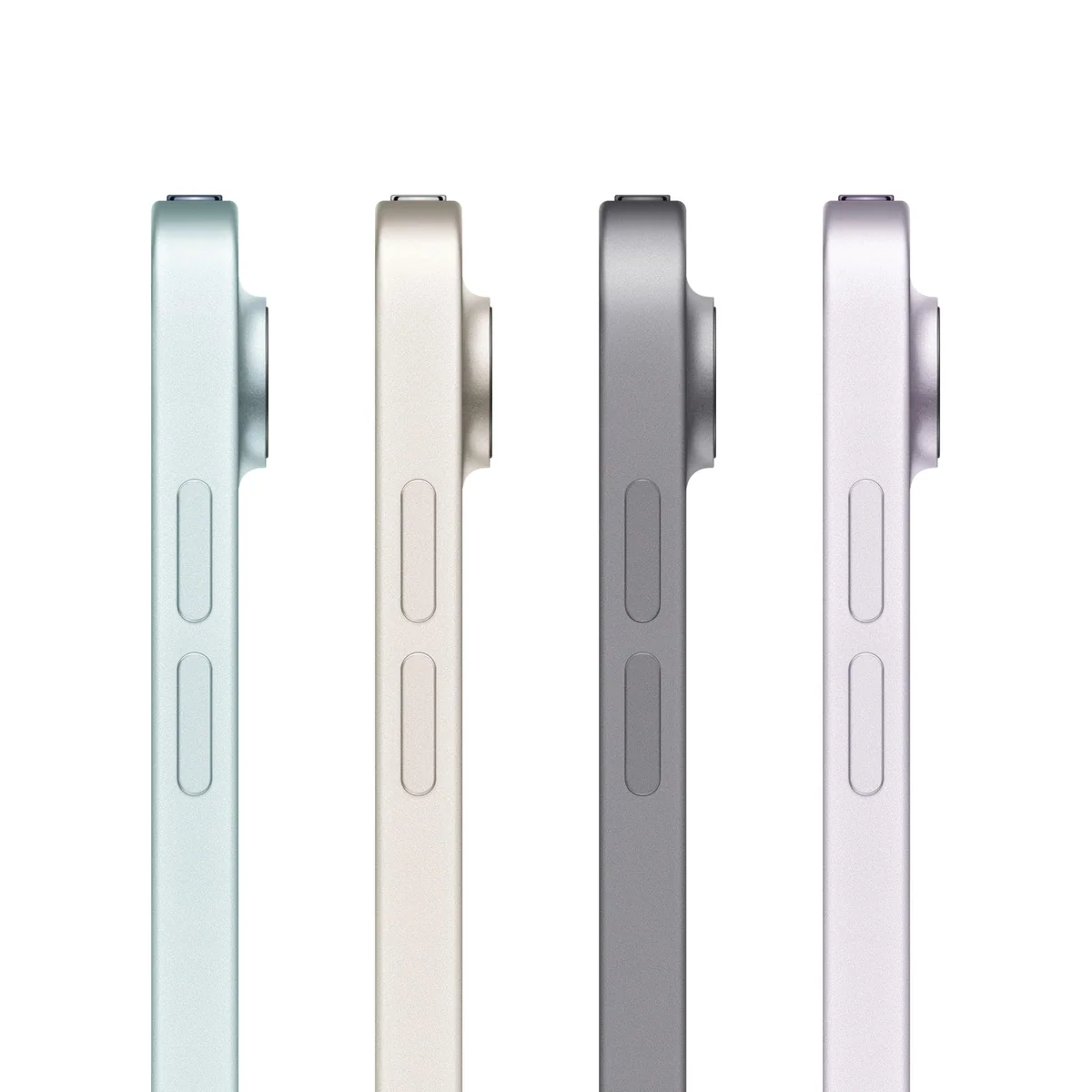
The target configuration has 128GB of storage, a conventional Liquid Retina LCD, Touch ID, Wi-Fi 7 with Apple N1, two 12MP cameras and support for Apple Pencil Pro or the USB-C Apple Pencil. Apple also advertises all-day battery life and flexible iPadOS windowing. Those ingredients make a capable machine, but none cancels the need to choose the right size, storage tier and software platform first.
Key Specifications
The screen is a workspace before it is a cinema
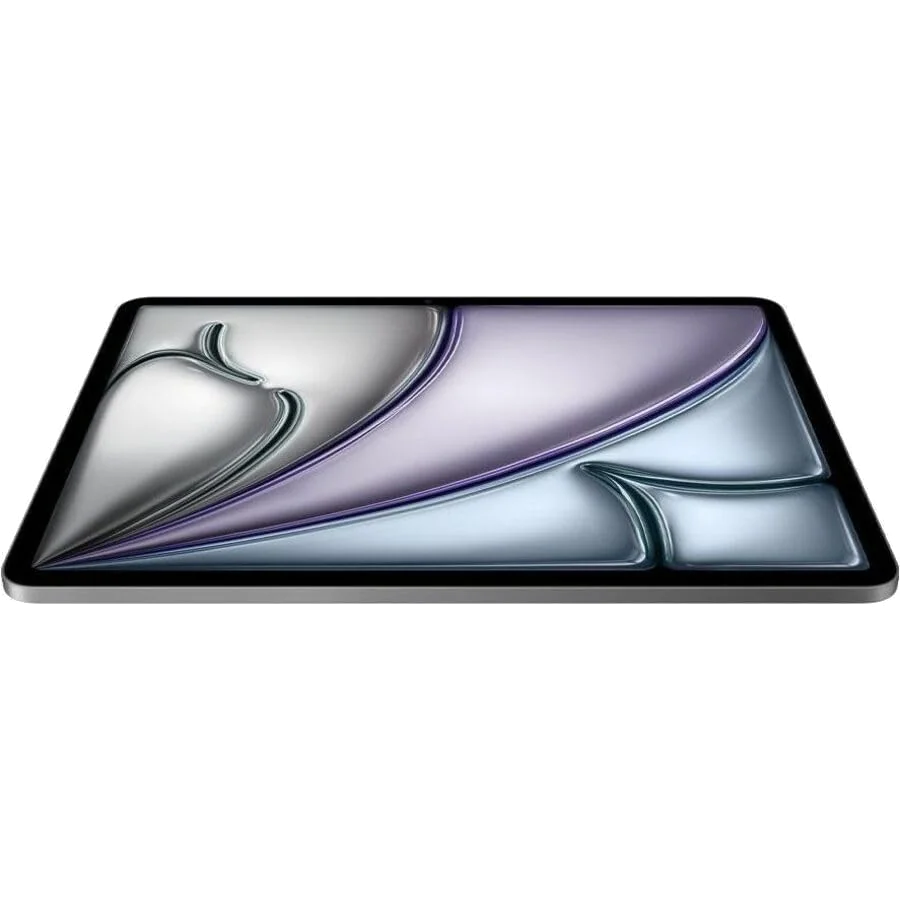
The 13-inch panel uses a 2732 × 2048, 4:3 layout and remains at 60Hz. Current M4 reviewers report a 600-nit specification for the larger model. The squarer shape is excellent for page-shaped material: a score resembles a sheet of music, a comic page stays legible, a handwritten note has room for a margin, and split-screen apps retain useful width.
That same geometry is less flattering to widescreen film. Thick bars occupy the top and bottom, so the active picture does not grow as dramatically as the diagonal suggests. The display can still look large and detailed at normal viewing distance, but video alone is a weak reason to choose this model over the 11-inch Air.
The panel is also unmistakably an Air display rather than a Pro display. It lacks ProMotion’s 120Hz refresh rate and the deep blacks of Apple’s premium OLED iPads. Scrolling and rapid Pencil strokes can look less immediate to somebody accustomed to a recent iPad Pro or high-refresh phone, while dark film scenes have less contrast and impact. One direct M4 owner also noticed some off-axis darkening.
Sensitivity to 60Hz varies sharply. Some users find the Air smooth when it is not sitting beside a Pro, and a current M4 owner described the Pencil interaction as nearly paper-like. Other writers accustomed to 120Hz notice lag during quick notes and regard the refresh rate as a deal-breaker. Anyone buying primarily for fast handwriting or drawing should try the Air and Pro side by side rather than assume that specifications settle the issue.
| Use | Where 13 inches helps | What still gets in the way |
|---|---|---|
| Handwritten notes and art | A broad, laminated, page-like canvas with room for reference material | 60Hz may bother sensitive stylus users, and the tablet wants a desk or stand |
| Documents and sheet music | Large text, near-full-page notation and fewer compromises in split view | The body is cumbersome to hold while reading for long periods |
| Photo and video editing | More visible timeline, browser and tool-panel space | The LCD cannot match the Pro’s black depth, HDR impact or motion fluidity |
| Films and television | A detailed picture with substantial physical presence | The 4:3 shape creates large bars around widescreen material |
| Gaming | Immersive scale when used with a controller and stand | Touch controls become tiring to reach, and visible motion is capped by 60Hz |
A tablet that expects furniture
The bare device can feel impressively slim for its area, yet area creates leverage. Direct M4 reviewers found portrait reading tiring and considered the 13-inch model much happier on a stand, desk or keyboard. Landscape orientation helps, but prolonged glass-keyboard typing still requires reaching across a wide surface.
This produces a useful rule that is more reliable than any processor comparison: buy the 11-inch Air if the iPad will usually be held, and buy the 13-inch Air if it will usually be propped up. The larger model is not simply the smaller one with more picture. It changes where and how the device is comfortable to use.
Owner discussions show why the distinction matters. Some people perform most of their work on a 13-inch Air and value the roomy keyboard and natural Split View layout. Others returned the large model because it became a permanent keyboard screen, rarely left the house or felt scarcely more portable than a MacBook once protected by a case.
If possible, hold a 13-inch iPad for several minutes rather than lifting one briefly in a shop. Then repeat the exercise with the case you intend to use. The accumulated wrist strain is more informative than the first impression.
Pencil, keyboard and Touch ID all change the equation
Apple Pencil Pro is the accessory that best justifies this display. The large canvas suits drawing, annotation and notes, while magnetic pairing and charging avoid the cable routine required by the USB-C Pencil. Owners of an older second-generation Apple Pencil must take particular care because that stylus is not supported by the redesigned Air family.
A folio or stand is close to essential because it solves the large model’s main ergonomic problem. A keyboard is more conditional. It makes sustained writing much better and gives the 13-inch model comfortably sized keys, but it also adds weight and pushes the complete setup toward laptop territory. Calculate the entire configuration before treating the tablet’s entry configuration as its real cost.
Touch ID in the power button is quick and secure, but it divides opinion. It can be convenient when the camera cannot see a face clearly, yet reaching for the sensor is less elegant when this wide iPad is docked on a keyboard. Face ID remains one of the tangible conveniences reserved for the Pro.
Buy cases and keyboards by exact M4 model compatibility rather than by screen size alone. Older 13-inch accessories can look suitable while differing in connector, camera or body fit.
Strengths & Limitations
Strengths
- The large 4:3 canvas is excellent for full-page documents, notation, drawing and useful split-screen layouts.
- M4 performance feels fast in direct owner reports and gives demanding iPad applications generous headroom.
- Apple Pencil Pro, current windowing and a full-size keyboard option make credible iPad-first work possible.
- Direct owners report strong mixed-use battery life, easy external-drive access and reliable controller support.
Limitations
- The wide body becomes tiring for handheld reading and works best on a desk, stand or keyboard.
- The 60Hz LCD cannot match the motion, black depth or HDR impact of the 13-inch iPad Pro.
- The 128GB base configuration can become cramped for large games, offline media and long-term creative storage.
- A keyboard, Pencil and protective case can erase much of the Air’s apparent value and portability.


M4 power is abundant, but proof is thinner than the badge
Direct owners consistently describe the current model as fast, smooth and capable of juggling windows, games and external storage. Apple promises advanced graphics, multitasking and AI performance, but the supplied evidence does not include a controlled M4 benchmark suite, sustained-load test or thermal analysis. Exact performance claims beyond that should wait for measurements.
Earlier M2 and M3 Airs were already fast enough that reviewers often found software, display and ergonomics more limiting than processor speed. That sibling evidence cannot quantify the M4, but it does explain why upgrading for the chip name alone is difficult to justify. An M2 or M3 owner should look for a specific workflow the new processor, Wi-Fi 7 or current software actually improves.
For a new buyer, the important performance question is whether the required applications exist in capable iPad versions. Writing, communication, handwritten notes, illustration and media editing can work beautifully when the apps are designed for iPadOS. Development tools, specialist plug-ins, enterprise utilities, unrestricted browser workflows and complex file handling may still point toward a conventional computer.
Current iPadOS windowing gives the large panel a better reason to exist than older Air software did. Multiple windows and desktop-like controls have more space here, and direct M4 reviewers find resizing and app switching responsive. That improvement does not guarantee that every desktop workflow has an equivalent iPad workflow.
Battery life depends on what “day” means
Current M4 owner reports are encouraging. The retained Amazon reviews mention all-day use, long charge retention and even a day and a half in one case. These are uncontrolled reports from a small, entirely five-star sample that includes other colors and storage variants, so they establish a positive pattern rather than a measured runtime.
Controlled testing of the older 13-inch M2 and M3 siblings generally reached roughly eleven and a half to fourteen hours in light web or video workloads. Maximum-load results fell to around five hours. Those figures do not belong to the M4, but they reveal the conditions hidden inside “all day”: moderate indoor brightness and mixed use are very different from sustained gaming, creative rendering or bright-screen note-taking.
Pencil-heavy note apps can be a particularly harsh combination because the screen remains bright, the digitizer stays active and the application may work continuously. Buyers planning full days of handwritten classes should carry charging capacity until M4-specific controlled tests establish a dependable ceiling.
Apple’s current listing also claims Wi-Fi 7 through its N1 wireless chip. No supplied M4 network measurements verify range or transfer speed, so it is best treated as useful future-facing connectivity rather than a proven reason to replace a functioning iPad.
The base configuration has three traps
First, 128GB is adequate only when the storage plan is intentional. Streaming, web use, reading, documents and cloud-first schoolwork can fit comfortably. Large games, offline films, local photo libraries, video projects and years of accumulated messages or downloads can turn the same capacity into constant housekeeping.
External USB storage can relieve pressure for archived music, films and project files, and one M4 owner reports that an external media drive worked immediately. It does not expand the internal space available to every app, so it should not be mistaken for a full substitute for choosing enough built-in storage.
For a more detailed capacity decision, Specs & Screens explains which iPad workloads fit 128GB and when 256GB becomes the safer choice. Anyone expecting large games, offline media or local creative projects over several years should lean toward the larger tier.
Second, the entry tablet is not the complete creative or typing setup. Pencil, keyboard, protection and extra storage can transform the total. A buyer who adds everything mainly to imitate a laptop should compare the result with an actual laptop, including its weight, storage and software access.
Third, the 13-inch Air can seem economical only because the Pro costs more. The Pro’s premium buys qualities that remain visible every minute: 120Hz motion, deeper blacks, stronger HDR, Face ID and better speaker hardware. If those are the reasons you want a premium tablet, the Air is not an inexpensive version of the same experience.
| Choice | Best fit | Primary compromise |
|---|---|---|
| 13-inch iPad Air M4 | Large touch canvas, Pencil work, full-page material and spacious iPad multitasking | Awkward handheld use, 60Hz LCD and rapidly rising accessory cost |
| 11-inch iPad Air M4 | Travel, handheld reading, couch use and partnership with an existing laptop | Less room for full pages, creative panels and two-app work |
| 13-inch iPad Pro | Buyers sensitive to display motion, black depth, HDR, Face ID or premium audio | A higher spend for advantages that may not improve ordinary documents and web use |
| MacBook Air | Keyboard-led work, desktop applications, lap stability and conventional file management | No direct Pencil input, detachable tablet mode or touch interface |
Our 11-inch and 13-inch iPad Air comparison focuses on the portability decision, while the 13-inch Air and Pro comparison is the better next step for buyers deciding whether 60Hz LCD is an acceptable saving.
If the device must replace a computer rather than complement one, read the iPad and MacBook buying comparison before budgeting for the keyboard. The right answer depends on required applications and file workflows, not on whether iPadOS can display several windows.
What may matter after the excitement fades
The processor should retain substantial headroom, but storage cannot be upgraded later. This makes 128GB the long-term decision most likely to cause regret. Buyers who keep tablets for many years should account for growing applications, cached cloud libraries and larger creative files rather than sizing capacity around the first week.
The display’s 60Hz refresh rate and LCD black level will not improve with software. They may remain invisible to somebody coming from an older basic iPad, yet they can feel dated immediately to a buyer accustomed to OLED and 120Hz. A shop comparison is worthwhile because refresh sensitivity cannot be inferred from another person’s tolerance.
Physical habits also tend to harden. A large iPad that feels inconvenient on the sofa often ends up attached to its keyboard, and that can expose the mismatch between tablet software and laptop expectations. Conversely, musicians, artists and document readers can continue benefiting from the large canvas even when the processor is no longer new.
Protection deserves serious consideration because the wide body is likely to travel with a folio, stand or keyboard and the standard warranty is limited. One M4 buyer reported receiving a costly repair quote for a previous Air and recommended accidental-damage coverage, but that anecdote concerns a different unit and does not establish a universal repair cost.
The cameras are best understood as practical tools rather than reasons to buy. The landscape-oriented Center Stage front camera suits calls when the iPad is docked, while the rear camera can scan documents and capture occasional footage. A current phone remains the more sensible camera for demanding photography, especially in low light.
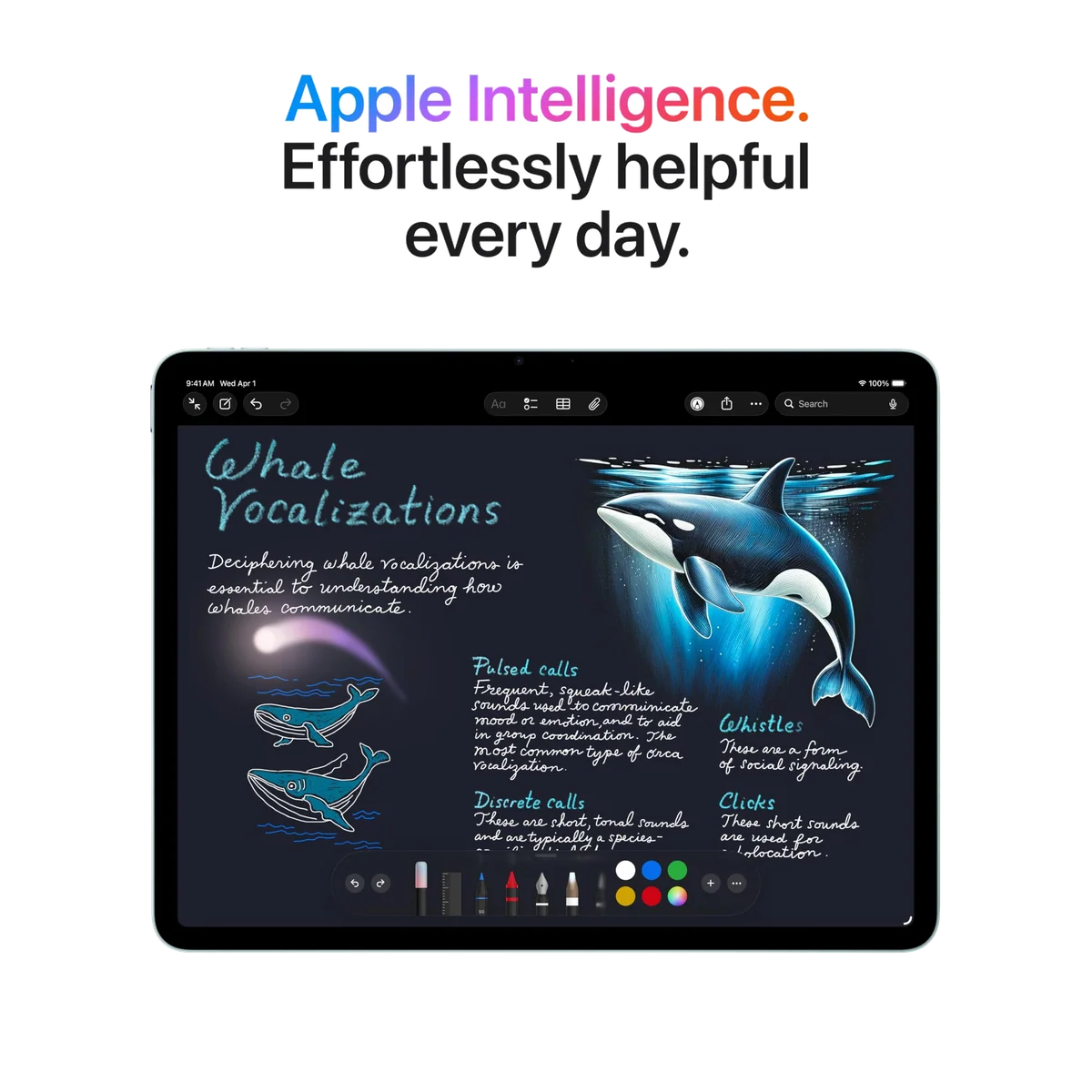
Apple Intelligence is present in the product’s marketing, but the supplied record does not test its usefulness, regional feature set or performance on this model. Buy the hardware for the workflows that work now, not for an undefined future AI benefit.
Frequently Asked Questions
Is the 13-inch iPad Air M4 worth buying?
It is worth buying for a large Pencil canvas, full-page documents and spacious multitasking, but not for casual handheld use or an accessory-heavy attempt to recreate a MacBook.
Should I choose the 11-inch or 13-inch iPad Air?
Choose the 11-inch model if you usually hold your tablet and the 13-inch model if you usually prop it on a desk, stand or keyboard.
Is 128GB enough for this iPad Air?
128GB can suit streaming, reading, cloud documents and moderate applications, while large games, offline video, local media and creative projects make 256GB safer.
Does the M4 iPad Air have a 120Hz display?
No, the 13-inch M4 iPad Air uses a 60Hz Liquid Retina LCD rather than the 120Hz ProMotion display offered by the iPad Pro.
Can the 13-inch iPad Air replace a laptop?
It can replace a laptop for compatible iPad-native writing, communication, note-taking and creative workflows, but desktop applications, specialist plug-ins and complex file work may still require a Mac or PC.
Is the 13-inch model good for handwritten notes and drawing?
Its large laminated 4:3 canvas and Pencil Pro support are excellent for notes and art, although 60Hz bothers some fast stylus users and a stand is advisable.
How long does the battery last?
Direct M4 owners report all-day endurance, but no controlled M4 rundown was supplied and older 13-inch Air tests show that heavy, bright or Pencil-intensive workloads can cut runtime sharply.
Is the larger Air good for watching movies?
It delivers a large, sharp picture, but its 4:3 shape creates substantial bars around widescreen films and its LCD blacks are weaker than the Pro’s OLED blacks.
Do I need a Magic Keyboard?
You need a keyboard only for sustained typing, while a compatible stand or folio is the more broadly useful accessory because the large tablet is tiring to hold.
Should an M2 or M3 iPad Air owner upgrade?
Upgrade only if an M4-specific capability solves a defined need because the older models were already fast and the fundamental 13-inch form-factor and 60Hz trade-offs remain.
Sources (6)
- Amazon listings and customer reviews — Apple Ipad Air 13
- Owner reports across r/ipad threads
- Owner and reviewer video, 3 channels
- Whathifi — Article — www.whathifi.com
- Note — Article — note.com
- Notebookcheck — Article — www.notebookcheck.net