Buy the 13-inch iPad Air M4 unless the renewed M3 earns its discount
Choose the 13-inch iPad Air M4 for the cleanest long-term buy, and consider the renewed M3 only when cellular service matters and the offer provides a substantial saving plus explicit battery, condition and return protections.

Apple iPad Air 13-inch M4

2025 Apple iPad Air with
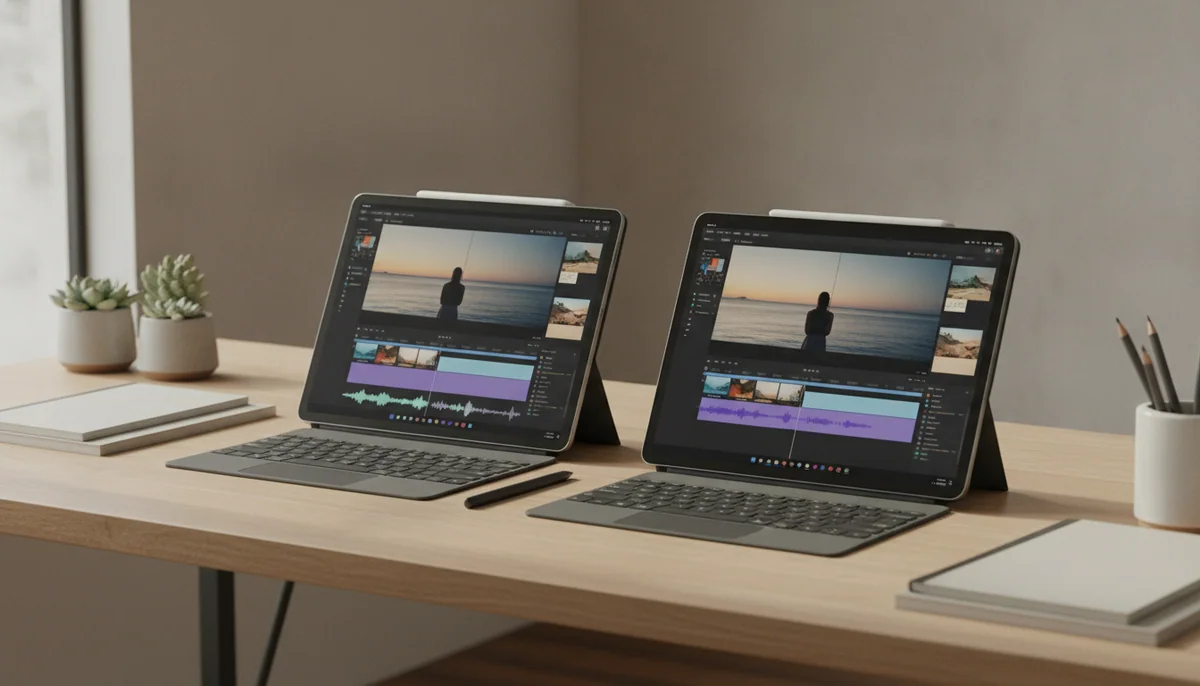
This looks like a processor contest, but M4 versus M3 is not the decision that should keep you awake. Both iPads provide the same basic proposition: an enormous, sharp canvas for Pencil work, full-page documents and two-app layouts, backed by more processing power than ordinary browsing, streaming and office work can exploit. The consequential differences are the M4 model’s newer platform and Wi-Fi 7 against the renewed M3 listing’s built-in 5G connection and uncertain history.
The M3 listing is not an equivalent older iPad sitting in a sealed box. It is a Renewed Premium, 128GB, Wi-Fi and cellular configuration, so some of its appeal comes from hardware absent from the Wi-Fi-only M4 product sold on this page. That cellular connection can be genuinely valuable for field work, travel and regular use away from trusted networks. It is wasted value if the iPad rarely leaves home or can borrow a phone hotspot without disrupting the day.
Specs & Screens therefore gives the M4 the win, but not because the M3 has become slow. The M3 remains an extremely capable tablet chip, while the familiar 13-inch Air display still carries the same central compromise: a 60Hz IPS panel cannot show motion with the fluidity or dark-scene contrast of a current iPad Pro. Buying either Air means accepting that limitation before buying a Pencil, keyboard or case.
Choose M4
Buy it when you want the current generation, expect to keep the iPad for years or do not need an independent mobile-data connection.
Choose M3 renewed
Buy it only when 5G is useful, the effective saving is substantial and the seller’s written protections remove the refurbishment gamble.

Apple iPad Air 13-inch M4

2025 Apple iPad Air with
At a Glance
| Feature | Editor's Pick Apple iPad Air 13-inch M4 | 2025 Apple iPad Air with |
|---|---|---|
| Price Range | — | $500–$1,000 |
| Finish | Space Gray | — |
| Screen size | 13" | 13" |
| Check Price on Amazon | Check Price on Amazon |
The chip gap is real, but the offer gap decides the winner
Apple’s M4 update gives the newer Air more memory headroom and newer wireless hardware while leaving the broad 13-inch Air formula intact. Those changes matter most to demanding creative applications, heavy multitasking and buyers planning a long ownership cycle. They do not make email, web pages or handwritten notes suddenly feel broken on M3.
The older chip is still formidable. Independent testing of the 13-inch M3 recorded a Geekbench 6.7 result of 2,994 in single-core work and 11,752 in multi-core work, and the review record found it comfortable with creative applications, busy browser sessions and split-screen productivity. The M3 even retains hardware ray tracing, so this is not a choice between a powerful iPad and a weak one.
What the M4 buys is margin. More demanding apps have more room to grow, Wi-Fi 7 is available where the network supports it, and the device begins its life with a newer platform. That is worthwhile when the alternative is a renewed unit whose battery history and refurbishment standard are not established by the supplied listing.
| Decision point | 13-inch Air M4 | 13-inch Air M3 Renewed Premium |
|---|---|---|
| Processor generation | Newer M4 platform with more performance and memory headroom | Older M3 platform that remains fast enough for serious iPad work |
| Connection away from Wi-Fi | This product is the Wi-Fi configuration | This product includes cellular connectivity and 5G support |
| Display experience | Large 13-inch Liquid Retina canvas with a 60Hz ceiling | Large 2732 × 2048 Liquid Retina canvas with a 60Hz ceiling |
| Storage | 128GB, which requires discipline with large games and local media | 128GB, with roughly 102GB to 105GB available in independent testing |
| Purchase risk | No refurbishment history to investigate | Battery health, accessories, seller standards and return terms require verification |
| Best reason to choose it | The safer current-generation purchase | Cellular capability combined with a genuinely compelling effective saving |
The screen gives both models the same personality
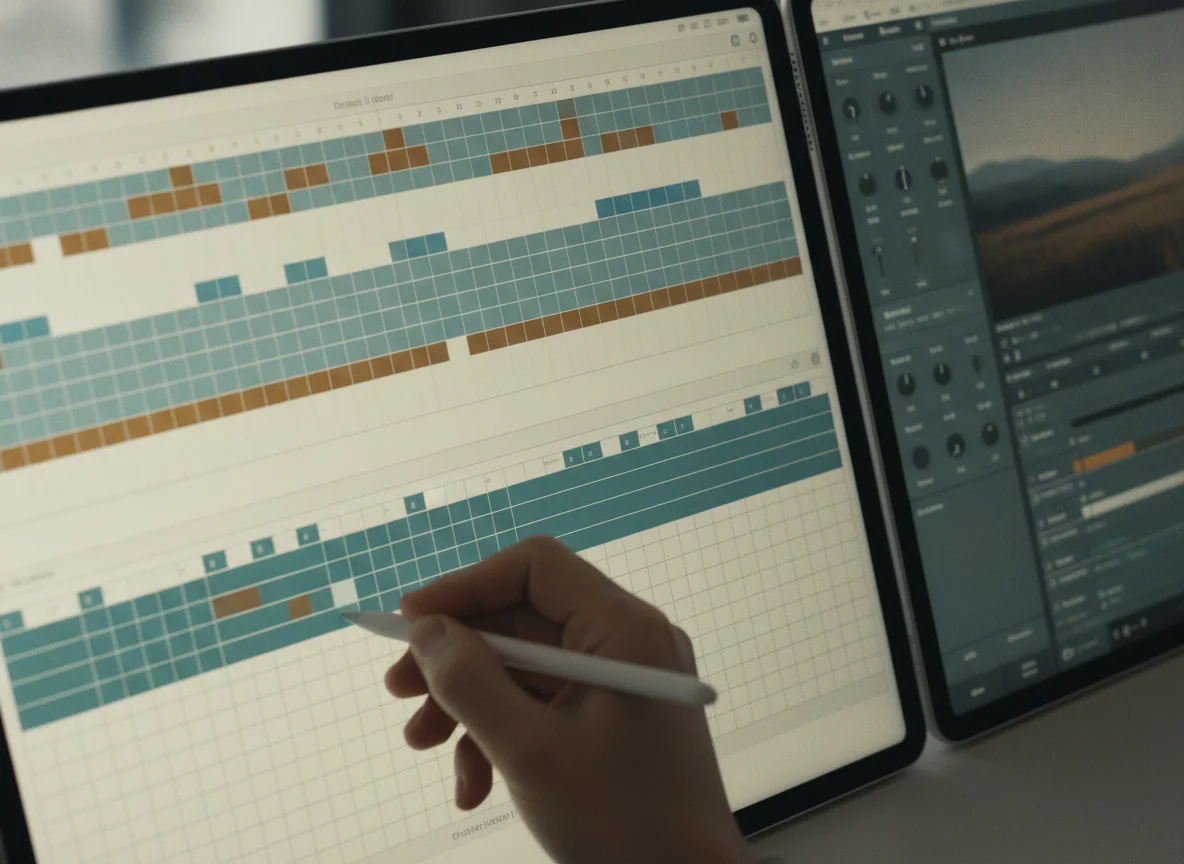
Thirteen inches is not automatically better than eleven. It is better when the iPad sits on a desk, keyboard, music stand or drawing surface. Full-page notation, PDFs, timelines and side-by-side apps all benefit from the area. Hold the same slab in portrait for a long reading session and its leverage becomes tiring, especially after adding a protective case.
The M4 model keeps the 2732 × 2048, 4:3 display layout and remains at 60Hz. That shape is excellent for page-like material but inefficient for widescreen films, which appear with substantial bars above and below the picture. A faster chip cannot change either limitation.
If this large size sounds like a burden rather than a workspace, the more useful comparison is our guide to the 11-inch and 13-inch iPad Air. Buyers pursuing smoother motion, OLED blacks and a more premium display should instead examine the 13-inch iPad Air and iPad Pro.
Both 128GB configurations need a storage plan
The base capacity is comfortable for cloud documents, streaming, reading, communication and a restrained app library. Large games, offline films, local photo collections and creative projects can make it cramped. External drives help with archives and project files, but they do not increase the internal space available to every application.
Storage deserves extra weight here because the work that best justifies a 13-inch M-series iPad also tends to create large files. Someone buying for illustration, video editing or ambitious games should read our 128GB and 256GB iPad storage guide before allowing either processor badge to settle the purchase.
The M4 is the default choice for almost everyone.
It wins through its newer platform, greater long-term headroom and freedom from the renewed M3 listing’s unresolved condition and battery questions.
Its 128GB capacity, 60Hz LCD and awkward handheld size remain expensive compromises, and this configuration has no cellular connection.
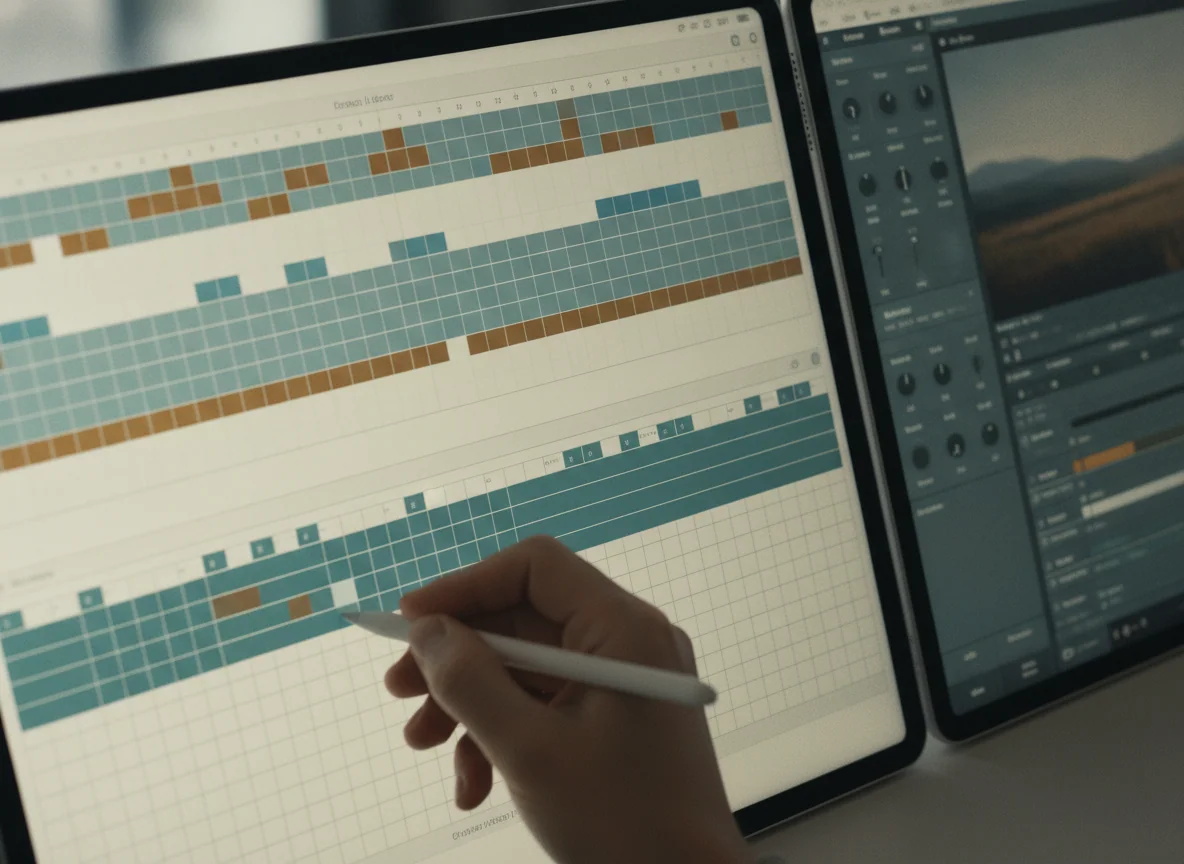
The renewed M3 is the specialist choice for cellular buyers.
Its fast M3 hardware, large laminated display and built-in 5G can make sense when mobile data is essential and the complete offer is meaningfully more attractive than the M4 alternative.
The listing does not establish a battery-health floor, refurbisher identity, original accessories, AppleCare eligibility or dependable current return coverage.
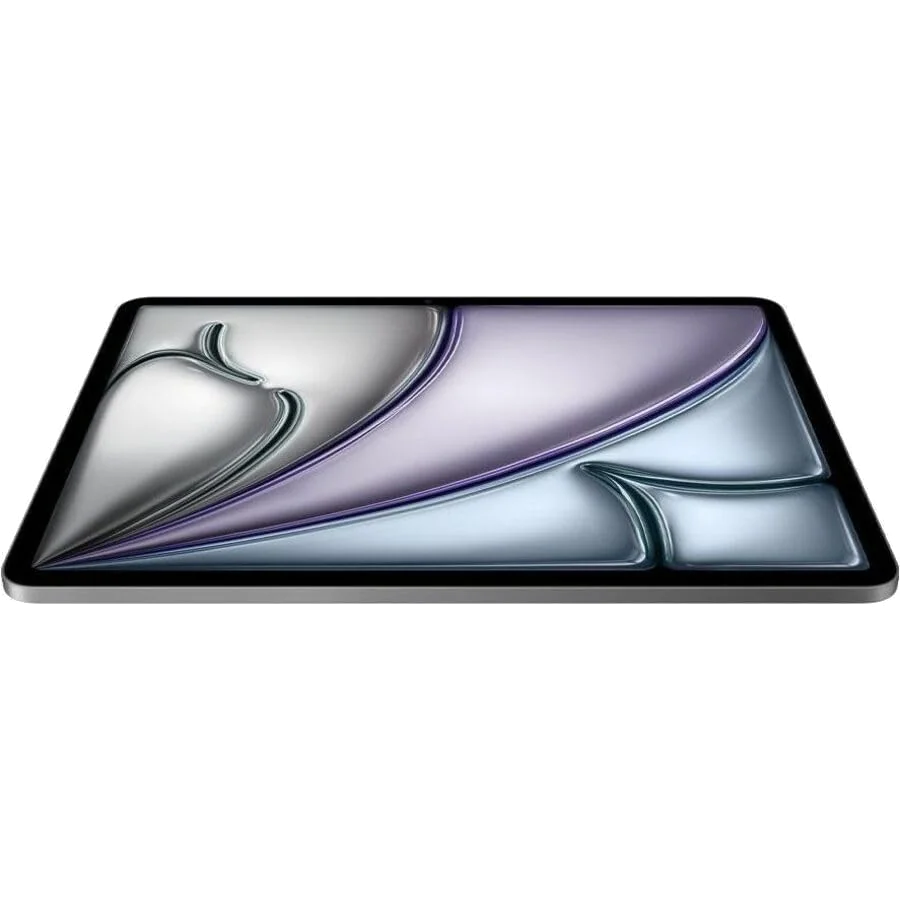
Apple iPad Air 13-inch M4
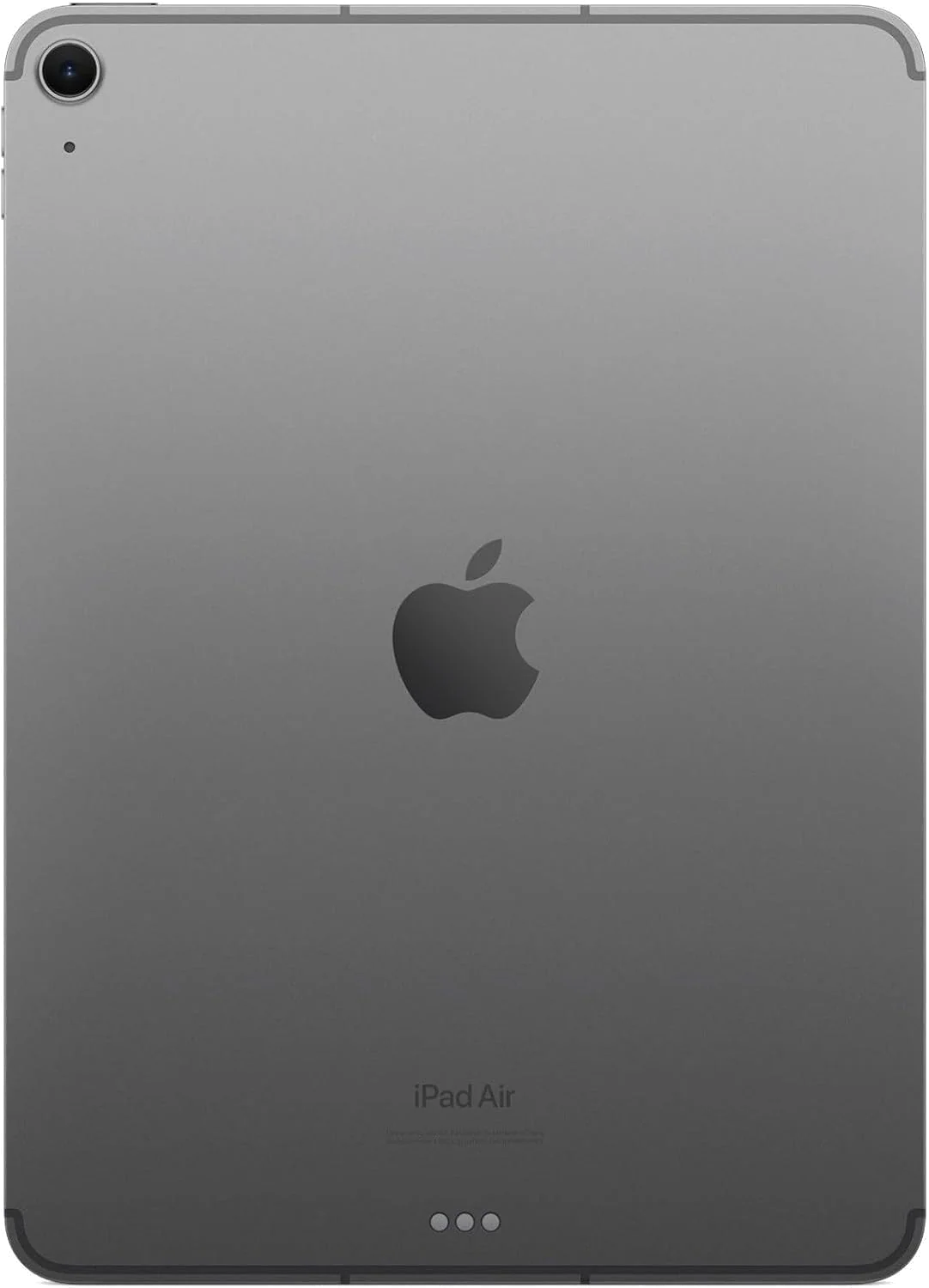
2025 Apple iPad Air with
Do not buy the renewed label on faith
The retained M3 customer reports are reassuring at first glance. Buyers describe clean cosmetics, working hardware, protective packaging and strong battery life. The sample is small, however, and one review explicitly discusses an 11-inch unit rather than the 13-inch configuration. Positive anecdotes cannot guarantee the condition of the particular device that arrives.
A viable renewed offer should identify the seller, explain the cosmetic standard, state its battery guarantee and provide enough return time to test the entire device. Check that the serial number, storage and cellular hardware match the order, then test activation, Touch ID, cameras, microphones, speakers, Wi-Fi, Bluetooth, mobile data, USB-C, the Smart Connector and any Pencil you intend to use. Vague terms convert the M3 from a bargain into a bet.
Buy the M4 if you want fewer qualifications
- You expect to keep the iPad through several generations of applications and iPadOS updates.
- You use demanding creative software or keep several windows active at once.
- You already have dependable Wi-Fi or are content to tether through a phone.
- You do not want battery health and refurbishment quality added to the buying decision.
Consider the M3 only when its differences are useful
- You regularly work, navigate or communicate beyond trusted Wi-Fi and want the iPad’s own cellular connection.
- The seller documents battery, condition, accessories and return coverage clearly.
- The effective saving remains substantial after any required charger, protection or warranty coverage is included.
- You accept that 128GB and a 60Hz LCD are permanent parts of the bargain.
Neither Air becomes a MacBook when you attach a keyboard
A keyboard makes long writing sessions more comfortable and gives the 13-inch screen a stable home, but it also turns a thin tablet into a heavier, more expensive package. iPadOS can handle capable windowed work, yet specialist desktop applications, elaborate file management and peripheral-heavy workflows may still be easier on a conventional computer.
If typing and desktop software are the center of the job, settle the platform question with our iPad and MacBook comparison before buying accessories. The 13-inch Air is at its best when touch or Pencil input is essential, not when it is being dressed up to avoid admitting that the work wants a laptop.
The M4 wins because it asks fewer compromises of the purchase, not because the M3 has run out of speed. Choose the renewed M3 only for a cellular workflow and an offer strong enough to compensate for every uncertainty attached to its previous life.
Frequently Asked Questions
Is the M4 iPad Air much faster than the M3 model?
The M4 provides newer performance and memory headroom, but the M3 is already fast enough for demanding creative apps, multitasking and games, so ordinary use will not justify the purchase by itself.
Do the M4 and M3 13-inch iPad Air models have the same kind of display?
Both use a large, sharp 60Hz Liquid Retina IPS display, so neither offers the 120Hz motion, OLED black depth or HDR impact of the 13-inch iPad Pro.
When is the renewed M3 the better choice?
The renewed M3 is the better choice only when its cellular connection is genuinely useful and its documented saving, battery guarantee, condition standard and return coverage outweigh the M4 model’s newer platform.
Is 128GB enough for either 13-inch iPad Air?
128GB can handle streaming, cloud documents and moderate app use, while large games, offline media and sustained creative work make a higher capacity safer.
Should an existing M3 iPad Air owner upgrade to the M4?
An existing M3 owner should upgrade only when a specific M4 capability solves a real limitation because the screen, physical format and central 60Hz compromise remain broadly familiar.
Can either 13-inch iPad Air replace a laptop?
Either can replace a laptop for workflows already well served by iPad apps, but desktop-only software, complex file handling and accessory-heavy work still favor a MacBook or PC.
Ready to Choose?
Sources (3)
- Amazon listings and customer reviews — Apple Ipad Air 13 and 2025 Apple Ipad Air
- Owner and reviewer video, 2 channels
- Notebookcheck — Article — www.notebookcheck.net