The 11-inch iPad Air is the better buy unless your work needs a 13-inch canvas
Buy the 11-inch iPad Air for most people because it preserves the portability that makes an iPad useful, and pay for the 13-inch model only when full-page documents, drawing tools or two-app layouts will occupy its extra space regularly.
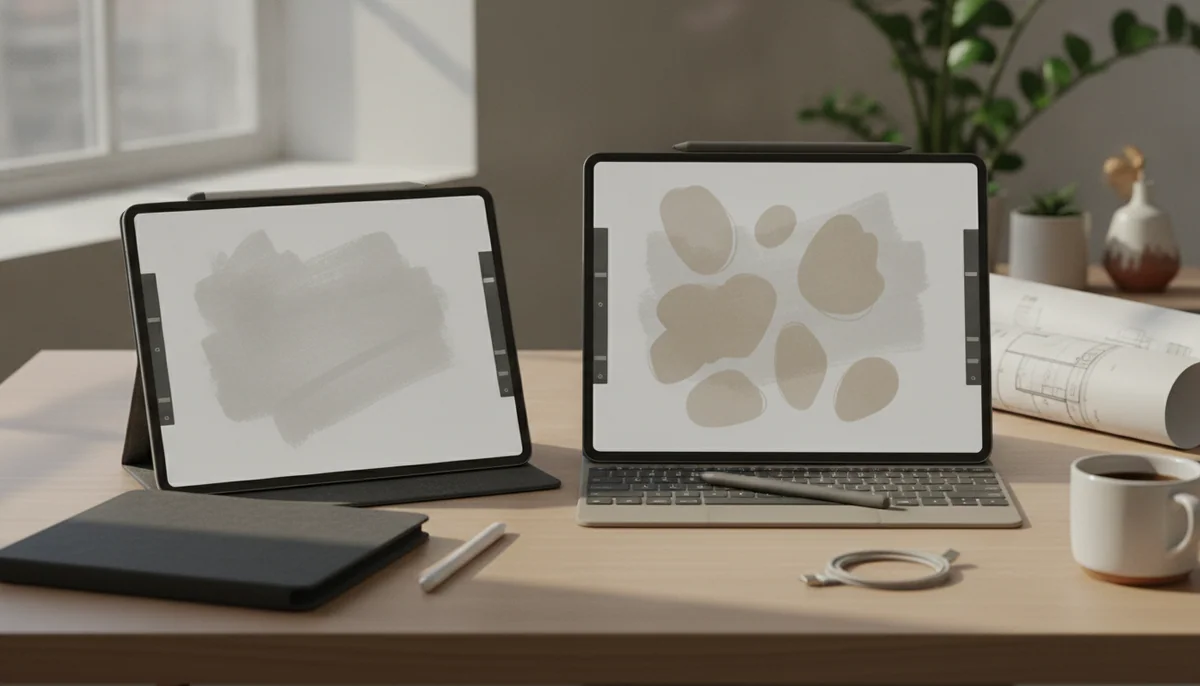
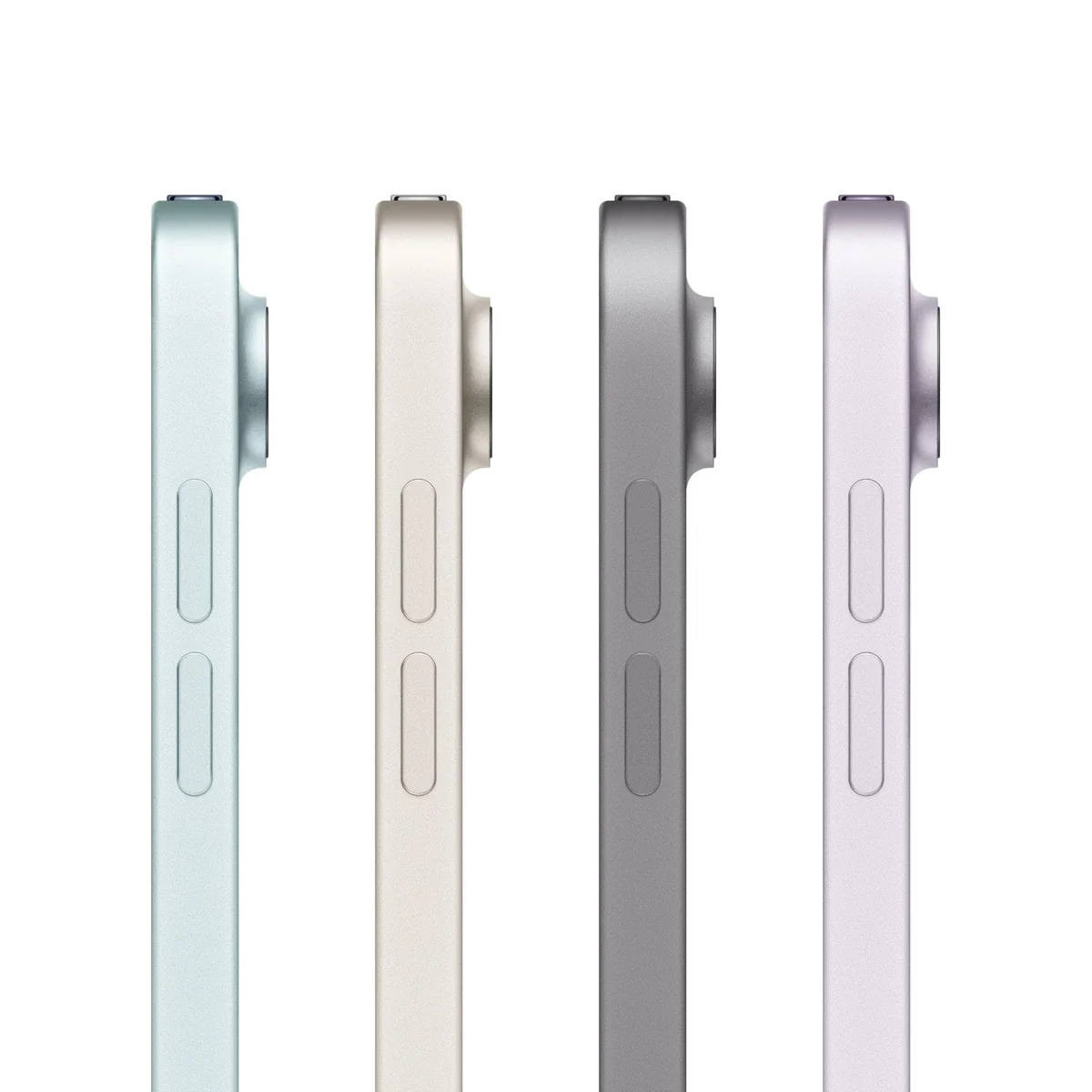
Apple iPad Air 11-inch M4

Apple iPad Air 13-inch M4
This is not a contest between a weaker iPad and a stronger one. The 11-inch and 13-inch iPad Air use the same M4 platform, offer the same 128GB starting capacity in the configurations compared here, support the same Pencils and share the same conspicuous 60Hz limitation. The larger model does not buy more ambition. It buys more glass.
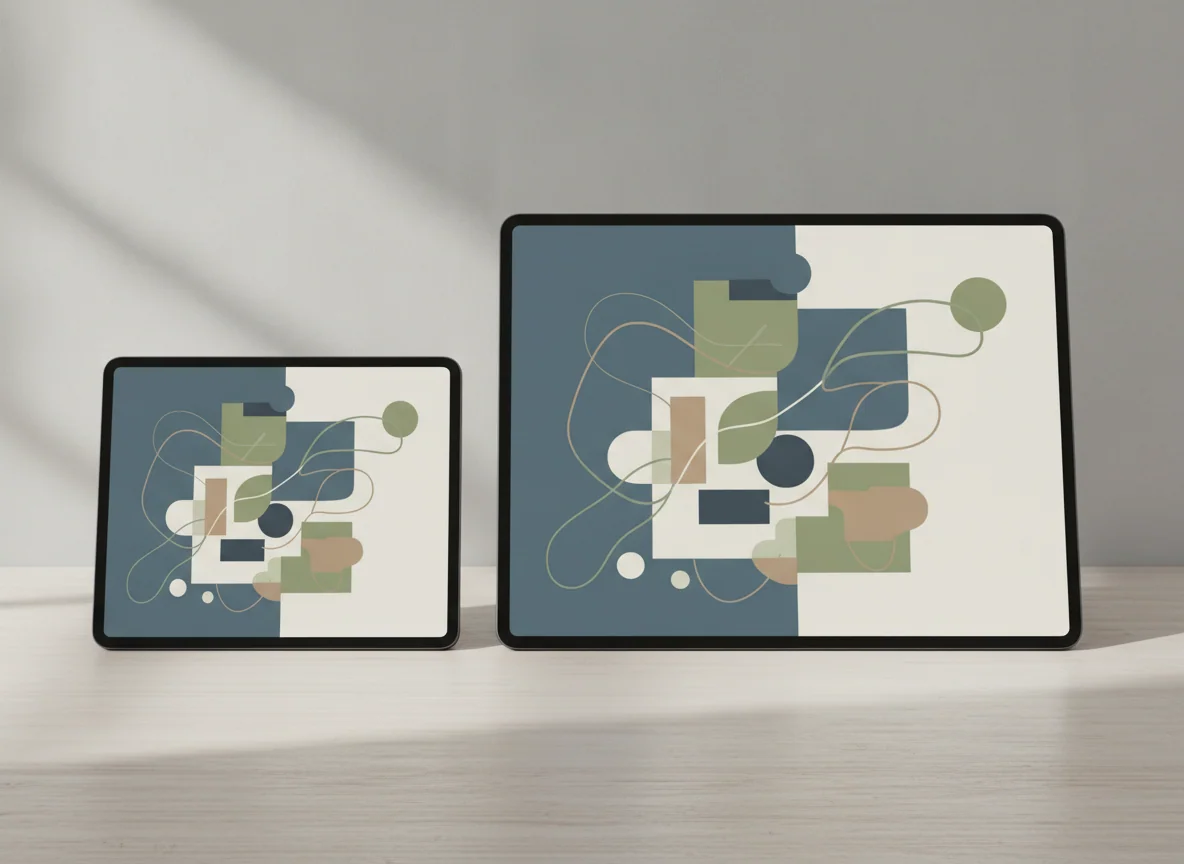
That glass changes the experience enough to justify two products. The 11-inch Air remains comfortable as a handheld tablet, a travel companion and a portable notebook. The 13-inch Air gives pages, scores, timelines, palettes and adjacent windows room to breathe, but it increasingly expects a desk, stand or keyboard. One is a tablet that can visit a workstation; the other is a workstation that can occasionally leave it.
The crucial drawback applies to both sizes: Apple pairs an extremely capable processor with an ordinary 60Hz LCD. The screens are sharp, laminated and color-capable, but neither delivers the fluid motion, deep blacks or convincing HDR impact of an iPad Pro. Buyers who already notice refresh rate on phones and monitors should not assume the Air badge makes that compromise disappear.
There is another shared trap in these exact configurations. A nominal 128GB is reasonable for cloud documents, streaming, notes and a moderate application library, yet it can become restrictive with large games, offline video, local photo collections or creative projects. Storage cannot be expanded with a microSD card, and adding more capacity, a Pencil, a keyboard and protection can alter the value of either model substantially.
Choose 11 inches: you read in your hands, travel often, already own a computer or want the least cumbersome Pencil notebook.
Choose 13 inches: you work with full pages, split the screen frequently, draw with persistent tool panels or expect the iPad to live on a stand.
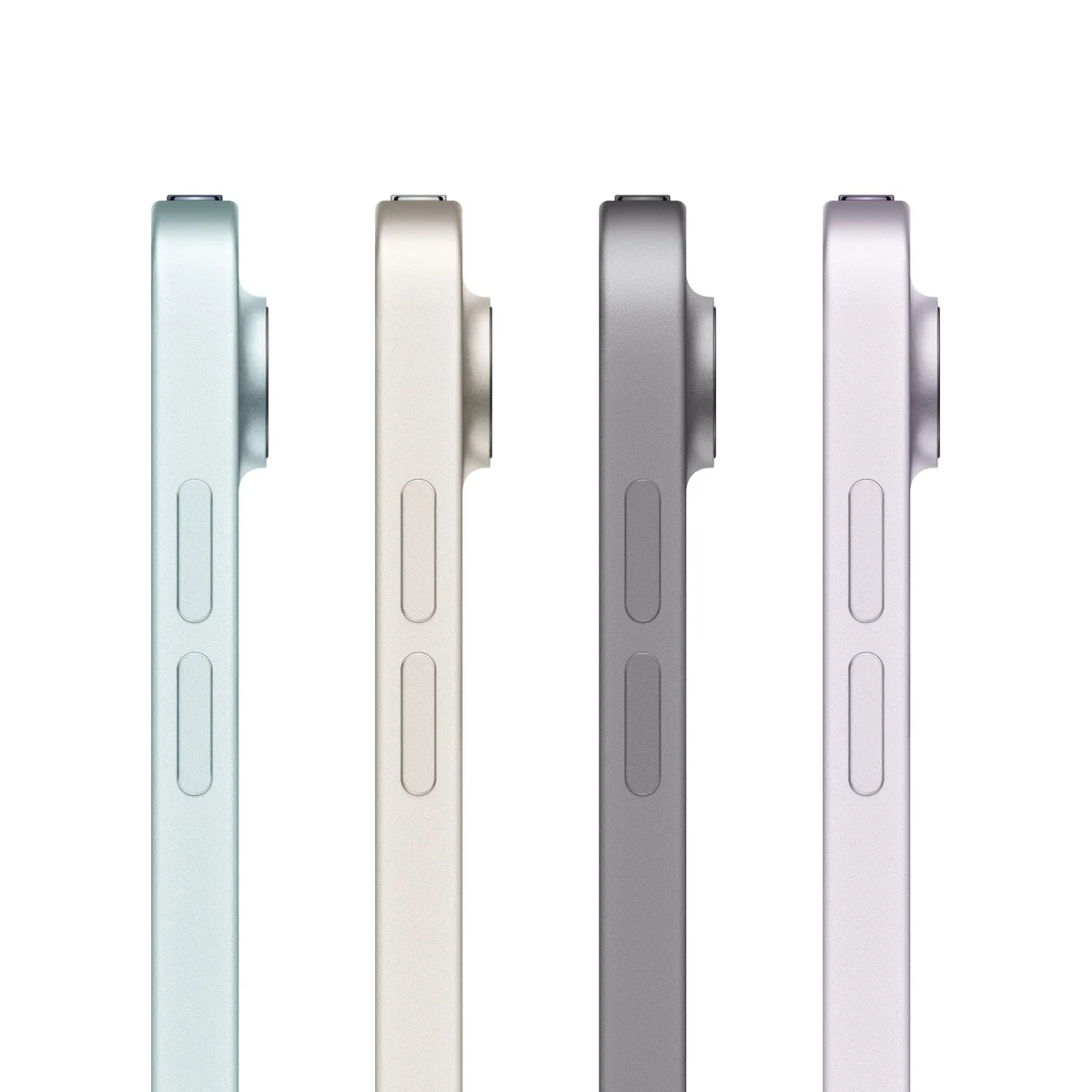
Apple iPad Air 11-inch M4

Apple iPad Air 13-inch M4
At a Glance
| Feature | Apple iPad Air 11-inch M4 | Apple iPad Air 13-inch M4 |
|---|---|---|
| Price Range | — | — |
| Finish | Space Gray | Space Gray |
| Screen size | 11" | 13" |
| Check Price on Amazon | Check Price on Amazon |
The same engine serves two different postures
Processor comparisons cannot settle this decision because the M4 is not the meaningful separator. Both models are positioned for demanding graphics, multitasking and current Apple Intelligence features, and both include Wi-Fi 7, Touch ID, a landscape-oriented 12MP front camera and a 12MP rear camera. If an application runs well on one size, screen area rather than basic platform capability should determine which feels better.
| Decision | 11-inch iPad Air | 13-inch iPad Air |
|---|---|---|
| Natural role | Portable tablet that complements another computer | Large touch workspace that can cover more computer-like tasks |
| Handheld use | Better for portrait reading, sofas, bed and standing use | More tiring over long sessions and happier on a surface |
| Split-screen work | Usable, although two substantial apps compete for space | Wide enough for notes, references and controls to remain useful together |
| Drawing and handwriting | Portable and easy to reposition, with more zooming in dense projects | Roomier for full pages, layers, palettes and reference material |
| Movies | Smaller picture but an easier device to hold | Larger panel, though the 4:3 shape leaves substantial bars around widescreen video |
| Keyboard setup | Compact keys and a setup that remains relatively easy to carry | More comfortable key spacing, with greater weight and stronger laptop expectations |
| Shared compromise | 60Hz LCD, Touch ID, one USB-C port and limited base storage | 60Hz LCD, Touch ID, one USB-C port and limited base storage |
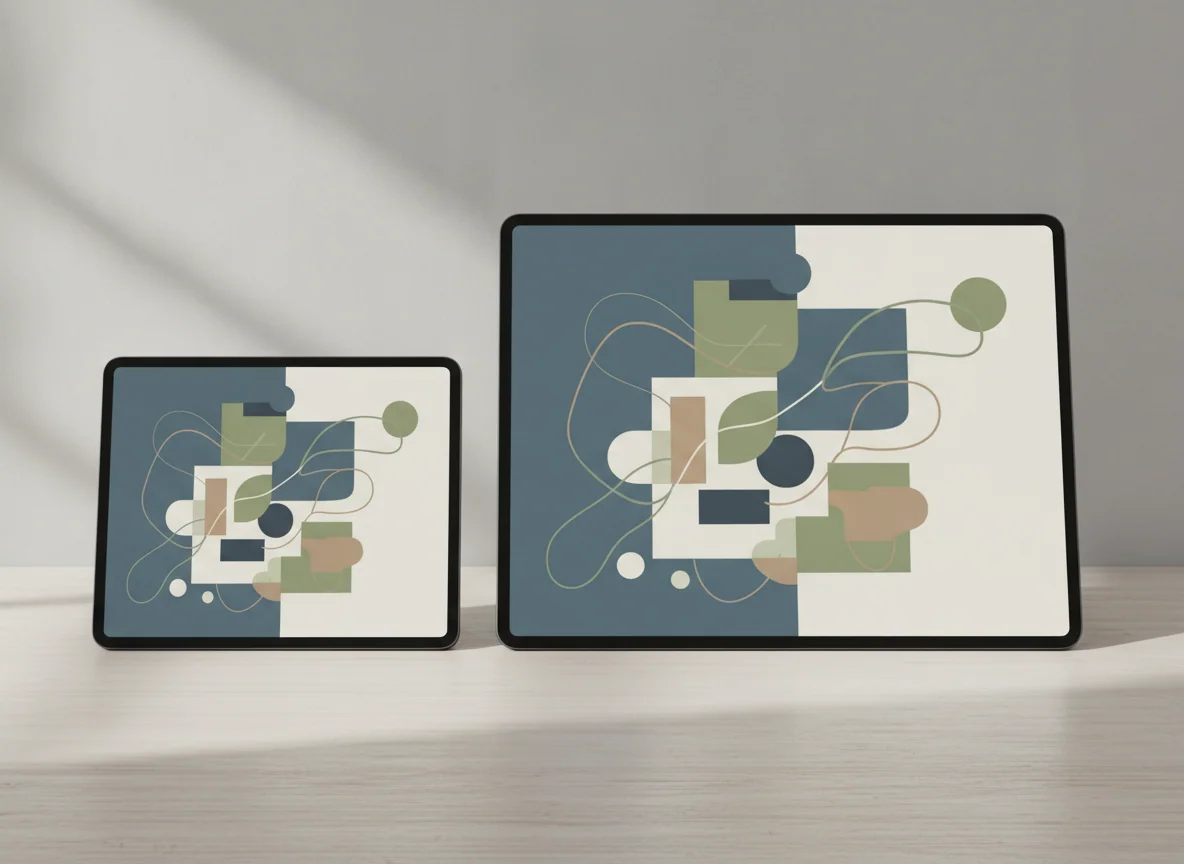
The 11-inch model wins whenever the iPad must behave like a tablet
The smaller Air is the safer default because its size asks less of every situation. It can sit beside a laptop without swallowing the desk, fit more easily into a travel bag and remain manageable while reading in portrait. At roughly one pound, it is also the model more likely to move from room to room instead of becoming a permanent second screen.
That mobility matters for note-taking and drawing. A canvas does not need to be enormous when the device is easy to rotate, lift and bring close. Apple Pencil Pro adds magnetic pairing and charging, squeeze controls, barrel roll, hover and haptic feedback, while the less expensive USB-C Pencil covers simpler writing and annotation. Owners of a second-generation Apple Pencil need to budget for a replacement because neither current Air supports it.
The penalty appears when the interface grows dense. Split a small screen between research and notes, or open an editor with a preview, timeline and tool panels, and the usable canvas shrinks quickly. The M4 can handle the workload while the display struggles to present it comfortably. This is why the smaller model excels as a companion device but becomes a compromised all-day workstation.
Its display is also less impressive than its processor. Controlled testing of the 11-inch M4 found a sharp and color-accurate panel with roughly 513 nits of measured brightness, but only a 60Hz refresh rate and 1,140:1 contrast. The same testing recorded nearly twelve hours of Wi-Fi browsing, under four hours at maximum-brightness load and meaningful throttling during sustained graphics work, so “all day” depends heavily on what the day contains.
The 11-inch iPad Air is the right choice for most buyers.
It combines M4 performance and Pencil Pro support with a body that remains practical for reading, travel, handwritten notes and use beside an existing computer.
Its 60Hz display, cramped multi-window workspace and 128GB base capacity can make a powerful tablet feel more constrained than its processor suggests.
The 13-inch model earns its keep by showing more work at once
The larger Air is not merely a more cinematic version of the smaller one. Its strongest uses are page-shaped. Sheet music approaches the scale of a printed page, PDFs require less zooming, handwritten notes can keep generous margins, and illustration software can leave controls visible without consuming the artwork. A retained owner specifically bought the 13-inch model for digital sheet music and found it close to full-page size.
Split-screen work is the most broadly useful advantage. A browser and document can coexist without each becoming a narrow strip, and editing applications have more room for previews, media browsers and timelines. If iPadOS already supports the applications a buyer needs, the extra area makes its windowing system materially easier to use.
Size extracts payment in posture. The wide body creates more leverage in the hand, becomes tiring during long reading sessions and feels increasingly dependent on a folio or stand. Add a keyboard and the 13-inch Air becomes a credible desk machine with comfortably sized keys, but the complete setup also moves closer to laptop weight and cost without gaining desktop software, several ports or conventional lap stability.
Film viewing does not rescue the argument on its own. The larger image has presence, but the display’s 4:3 shape places wide bars around most cinematic video. Buyers seeking premium entertainment also retain the same 60Hz LCD compromise, so the extra diagonal should not be mistaken for Pro-level motion, black depth or HDR.
The 13-inch iPad Air is the specialist choice for a large touch workspace.
Its expansive canvas justifies the larger body for full-page notation, substantial PDFs, Pencil projects, editing controls and genuinely useful side-by-side applications.
The size becomes cumbersome in the hand, while a stand, keyboard and storage upgrade can turn the supposedly portable Air into an expensive desk-bound system.
Do not let accessories make the decision backwards
A Pencil strengthens the case for either Air because direct input is something a conventional laptop does not provide. A stand is particularly valuable for the 13-inch model because it addresses the large tablet’s central ergonomic weakness. A keyboard is different: it changes what the device is expected to replace.
If most working hours will involve keys, a trackpad, several files and desktop-class applications, compare the finished configuration with a laptop before buying. Our iPad and MacBook comparison separates touch-first work from jobs that still favor a conventional computer, while the guide to choosing an iPad for laptop replacement focuses on workflows that survive the move to iPadOS.
Storage deserves the same whole-system thinking. The 128GB configuration can serve cloud-centered students, readers and office users well, but large local libraries and creative work consume capacity quickly. Specs & Screens has a separate iPad storage guide for deciding whether 128GB is enough before accessories and downloaded projects turn that question into cleanup work.
Buy for the place the iPad will spend its time
For travel, reading and an existing laptop
Choose the 11-inch Air. It is easier to carry, better suited to portrait reading and less intrusive beside another computer. Anyone who prioritizes an even smaller device can also examine our iPad mini and 11-inch Air comparison, but the Air offers the more generous canvas for serious Pencil and multitasking work.
For students and handwritten notes
The answer depends on whether mobility or page space causes more friction. The 11-inch model is easier to move between classes and hold while reading; the 13-inch model is better when lecture slides, references and notes must remain visible together. Our guide to the best iPads for note-taking and studying considers the wider accessory and storage decision.
For illustration and creative applications
Choose 13 inches when layers, palettes, timelines and reference material routinely crowd the canvas. Choose 11 inches when drawing happens away from a desk and frequent zooming is an acceptable trade. Artists who care deeply about display motion should compare both Airs with a Pro in person before accepting 60Hz.
For films, browsing and casual apps
Neither M4 Air is automatically the sensible value. These jobs rarely exploit the processor, and the larger model adds bulk without fixing the LCD’s motion or black level. The 11-inch iPad with the A16 chip is the more relevant alternative when demanding creative work is not part of the plan.
For replacing a laptop
The 13-inch Air provides the more usable screen and keyboard, but size cannot supply missing desktop applications, specialist plug-ins, ports or conventional file behavior. Buy it only after confirming that every essential task has a capable iPadOS workflow. Otherwise, the accessory budget belongs in a laptop comparison.
For buyers who want the best display
Walk past both Airs if 120Hz motion, OLED blacks, stronger HDR, Face ID or premium speakers are central to the purchase. The 13-inch iPad Air and iPad Pro comparison explains what the Pro premium changes, while the Air remains the rational choice when canvas size matters more than display luxury.
The final choice is simple once posture comes first
Buy the 11-inch M4 iPad Air unless you can name a recurring task that needs more visible page, canvas or window space. It preserves the portability that distinguishes an iPad from a laptop and still carries the same essential performance, connectivity and Pencil support as the larger model.
Buy the 13-inch Air when it will usually rest on furniture and when its extra area will remain occupied by useful work. That exception is substantial for musicians, artists, document-heavy students and iPad-first multitaskers. For everyone else, thirteen inches is more device to manage without being more iPad to need.
Frequently Asked Questions
Which iPad Air size should most people buy?
Most people should buy the 11-inch model because it offers the same essential M4 capability in a body that is easier to carry, hold and use away from a desk.
Is the 13-inch iPad Air more powerful than the 11-inch model?
No, the meaningful difference is display area and physical size rather than a higher class of processor or software capability.
Which size is better for handwritten notes?
The 11-inch Air is easier to carry between classes, while the 13-inch Air is better when notes, slides and reference material must remain visible together.
Which size is better for drawing?
The 13-inch Air provides more room for artwork and tool panels, but the 11-inch Air is easier to hold, rotate and use away from a desk.
Do both iPad Air sizes have a 120Hz display?
No, both M4 iPad Air sizes use 60Hz Liquid Retina LCDs.
Is 128GB enough for either iPad Air?
128GB can suit cloud documents, streaming, notes and moderate applications, but large games, offline media and local creative projects make a higher capacity safer.
Can either iPad Air use a second-generation Apple Pencil?
No, both models support Apple Pencil Pro and the USB-C Apple Pencil rather than the second-generation Apple Pencil.
Is the 13-inch Air better for watching movies?
It produces a larger image, but its 4:3 display leaves substantial bars around widescreen films and retains the same 60Hz LCD limitations.
Can the 13-inch iPad Air replace a laptop?
It can replace a laptop for compatible touch-first and iPad-native workflows, but desktop-only applications, complex file handling and peripheral-heavy work still favor a Mac or PC.
Should I choose the 13-inch Air just for longer battery life?
No, workload and brightness can alter endurance sharply, so screen size should be chosen for ergonomics and workspace rather than an assumed battery advantage.
Ready to Choose?
Sources (3)
- Amazon listings and customer reviews — Apple Ipad Air 11 and Apple Ipad Air 13
- Owner and reviewer video, 1 channel
- Notebookcheck — Article — www.notebookcheck.net