The iPad Air 11-inch is the better only iPad, while the iPad mini wins by leaving room in your bag
Buy the 11-inch iPad Air for one versatile tablet, but choose the iPad mini when true handheld portability matters more than a comfortable workspace.

IPad mini A17 Pro
Apple iPad Air 11-inch M4
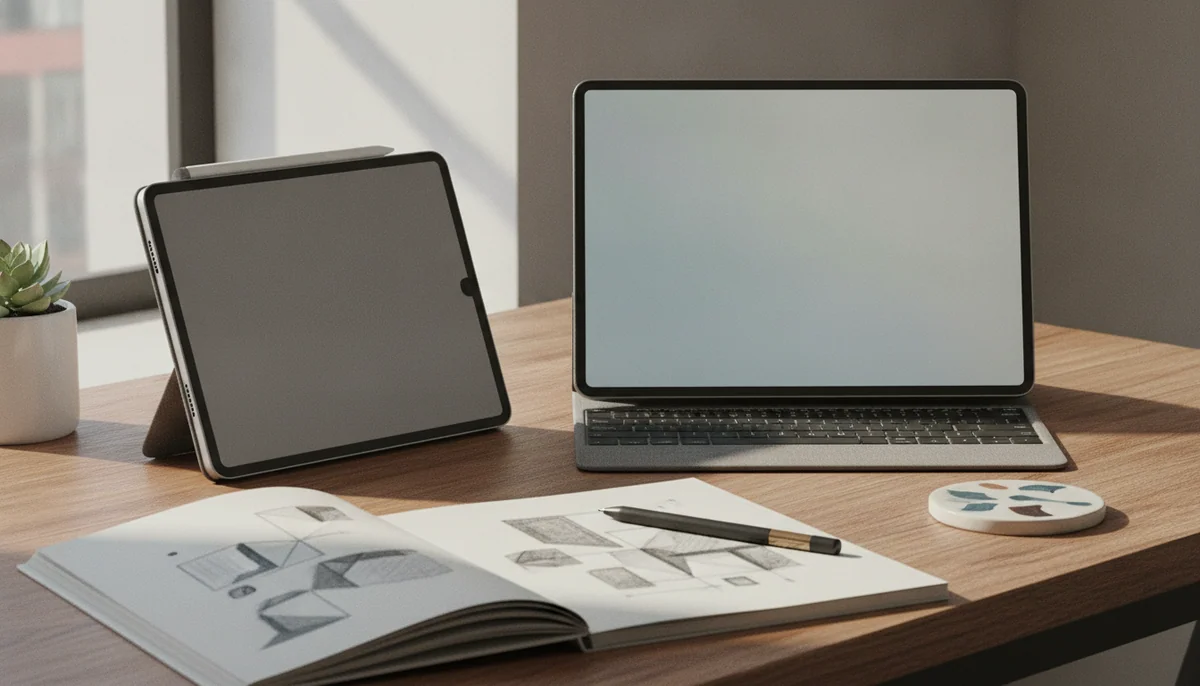
This is not a contest between the weak iPad and the powerful iPad. Both have far more processing capacity than reading, streaming, browsing and handwritten notes require. The consequential difference is the rectangle around that hardware: the mini’s 8.3-inch display makes it unusually easy to carry and hold, while the Air’s larger canvas makes almost every sustained task easier to see and control.
That gives the 11-inch Air the broader victory. It is the safer choice for students, artists, keyboard users, split-screen researchers and anyone buying one iPad to cover several jobs. Its M4 chip and 12GB of memory create substantial performance headroom, but the practical advantage over the mini begins before an application opens: documents are larger, controls are easier to hit, the on-screen keyboard leaves more room for the work, and two windows can coexist without immediately feeling pinched.
The mini is not the consolation prize. It wins decisively when an 11-inch tablet is too large for the place or posture in which it will be used. It fits more naturally into small bags, coat pockets, vehicle mounts and handheld gaming setups, and it is easier to hold for a long reading session. Those are not minor ergonomic bonuses. They can determine whether the iPad travels with you or stays at home.
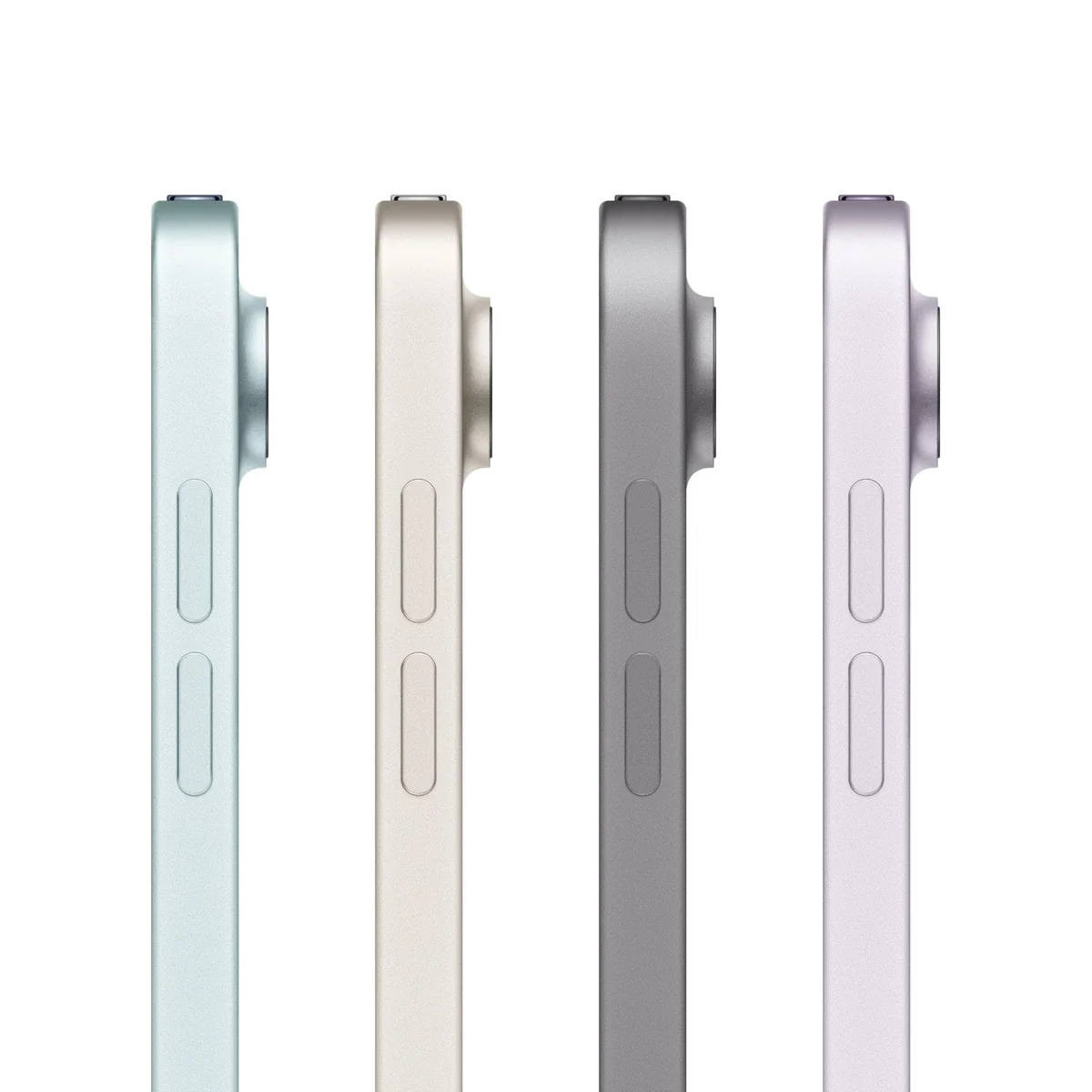
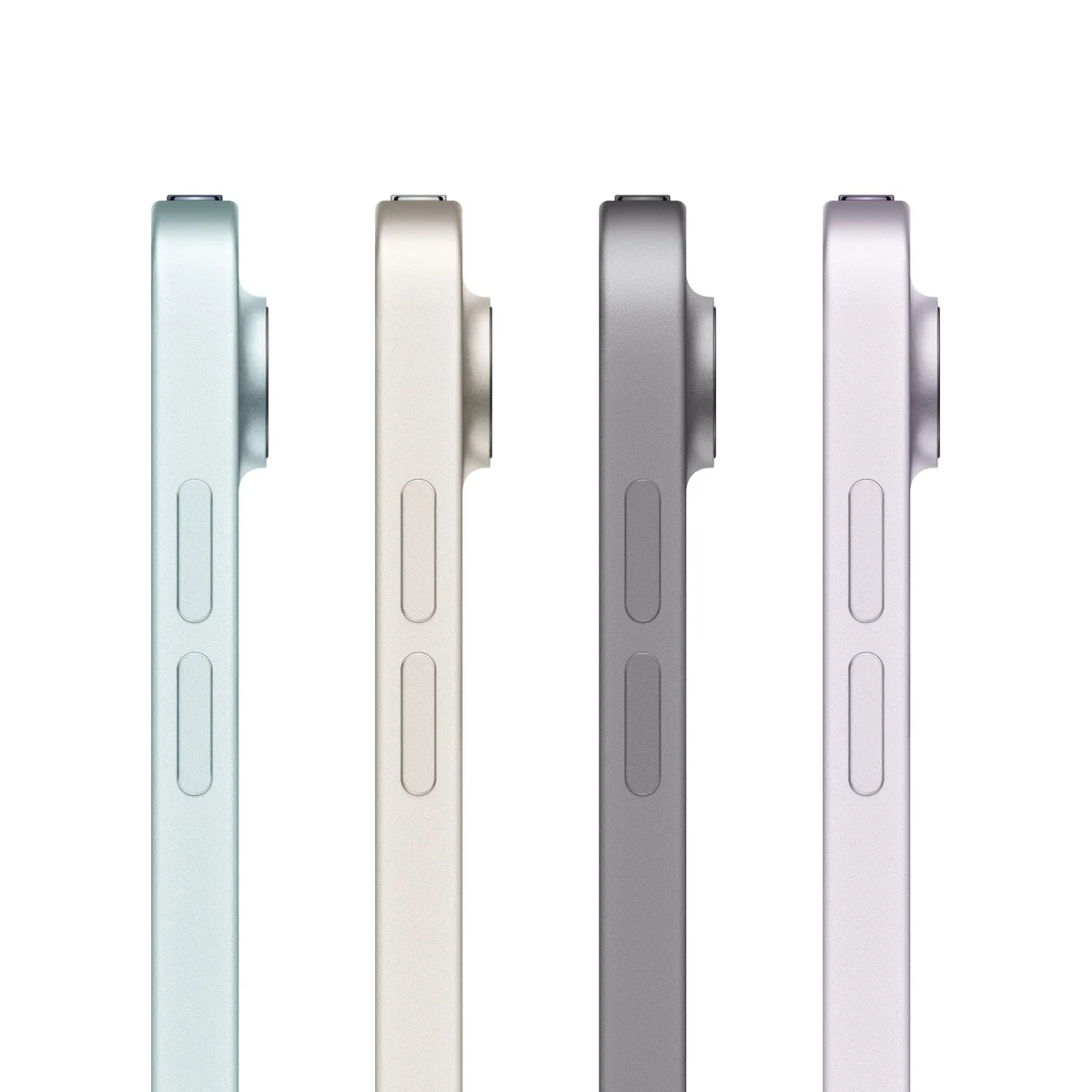
Apple equips the mini with an A17 Pro chip, 128GB of storage, Wi-Fi 6E, Touch ID, USB-C and support for Apple Pencil Pro. The Air starts with the same storage capacity and adds an M4 chip, Wi-Fi 7, a larger Liquid Retina display and its own Pencil Pro compatibility. Neither reviewed configuration includes a Pencil or keyboard, and neither allows a microSD card to rescue a storage decision later.
Choose the iPad Air 11-inch if this will be your main tablet, if you expect to type or draw for long stretches, or if you regularly need two applications visible at once.
Choose the iPad mini if you can name a recurring place where the Air would be cumbersome, such as a commute, coat pocket, cockpit, compact controller or one-handed reading position.

IPad mini A17 Pro
Apple iPad Air 11-inch M4
At a Glance
| Feature | IPad mini A17 Pro | Apple iPad Air 11-inch M4 |
|---|---|---|
| Price Range | — | — |
| Finish | Space Gray | Space Gray |
| Screen size | — | 11" |
| Check Price on Amazon | Check Price on Amazon |
The mini solves a carrying problem, while the Air solves a working problem
An 8.3-inch screen sits in a useful gap between a large phone and a conventional tablet. Books, comics, maps and games gain meaningful room without turning the device into something that needs two hands and a stand. Retained owner accounts describe the mini working particularly well as a medical reference carried in a coat pocket, a compact movie screen mounted in a vehicle and a color reading device that can move directly from a book into notes or the web.
Shrinking an iPad also shrinks iPadOS. Split View can place a reference beside a note, but both panes become narrow quickly. The landscape keyboard occupies a substantial part of the display, browser targets can feel needlessly small, and dense drawing tools consume a larger share of the canvas. The mini can perform serious tasks, yet it makes the user manage space before the work itself has become demanding.
The Air removes much of that friction without becoming a desk-bound tablet. Eleven inches is large enough for substantial notes, PDF markup, illustration and occasional keyboard work, while remaining manageable on a sofa, tray table or small desk. It is the more convincing size for a student who wants a textbook beside notes, an artist who needs room around the drawing, or a traveler who expects the tablet to become a temporary computer.
The Air’s own limit appears when several palettes, windows or timeline controls must stay open. It is more comfortable than the mini, not infinitely spacious. Buyers planning hours of laptop-style work should compare the finished keyboard setup against a conventional computer, and our guide to using an iPad as a laptop replacement addresses that larger decision.
| Job | Better choice | Reason |
|---|---|---|
| One-handed reading | iPad mini | Its lighter, narrower body is easier to support without a stand. |
| Large PDFs and textbooks | iPad Air 11-inch | Pages need less zooming, and annotations have more surrounding context. |
| Quick handwritten notes | iPad mini | It is easier to keep nearby and pull out for a short entry. |
| Long note-taking sessions | iPad Air 11-inch | The larger canvas leaves more room for handwriting, references and toolbars. |
| Drawing and illustration | iPad Air 11-inch | Layers and controls crowd the artwork less aggressively. |
| Handheld gaming | iPad mini | Its size works more naturally with touch controls and telescoping controllers. |
| Keyboard work | iPad Air 11-inch | Apple supports it with a Magic Keyboard, and the display provides a more usable document view. |
| Split-screen research | iPad Air 11-inch | Two applications remain useful for longer before their interfaces become cramped. |
Neither display lets the processor show off
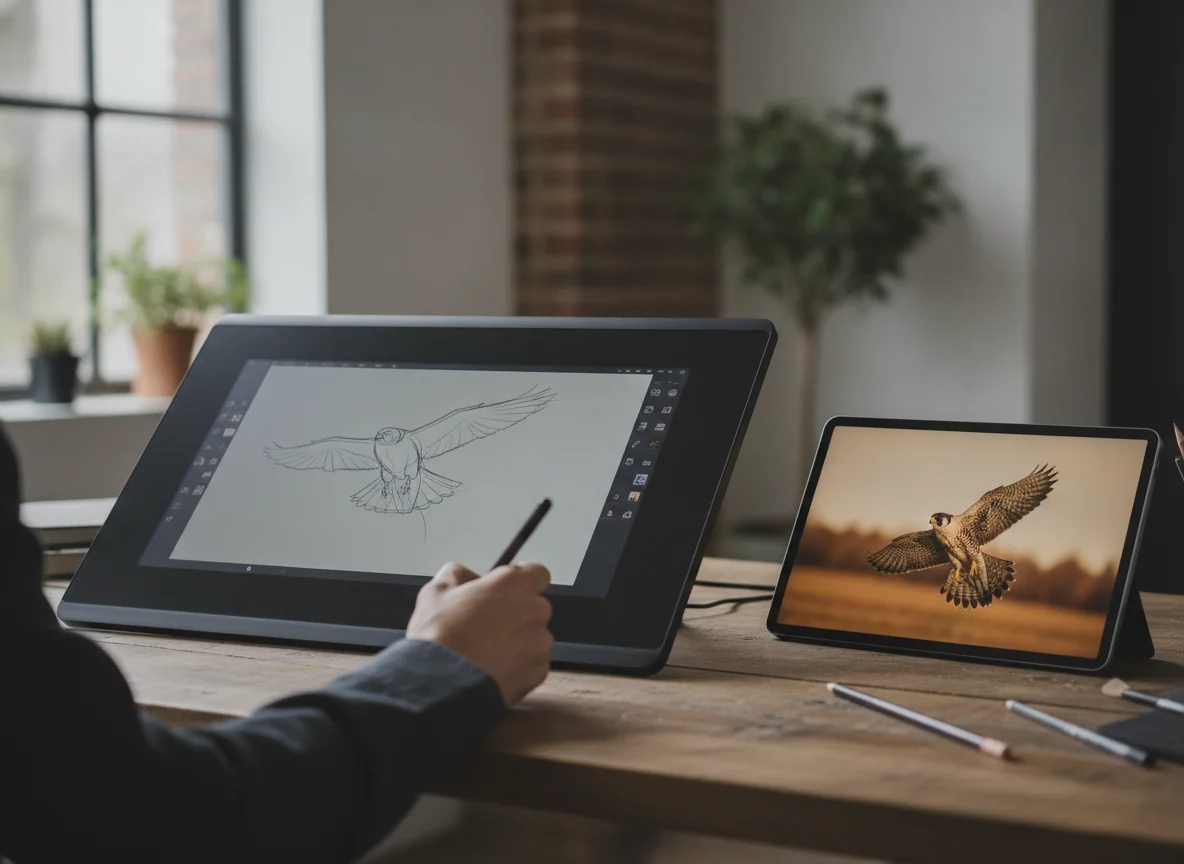
The two screens differ most in area, not ambition. Both are sharp, laminated Liquid Retina LCDs with P3 color and True Tone, and both stop at 60Hz. That refresh-rate ceiling is the most obvious shared disappointment. Scrolling and Pencil movement cannot look as fluid as they do on a 120Hz iPad Pro, regardless of whether the application underneath is being driven by A17 Pro or M4 silicon.
The mini’s panel is particularly difficult to celebrate because Apple retained essentially the same display class while upgrading the internals. It remains suitable for books, video, maps and ordinary indoor use, but it lacks the motion clarity, brightness headroom, OLED black levels and HDR impact that could have made the compact model feel genuinely premium. Reports about portrait jelly scrolling are mixed, so buyers who are sensitive to uneven motion should inspect one rather than assume the issue is universally absent.
The Air’s larger panel is the more useful one, yet it is not a better answer for display enthusiasts. Laboratory testing found accurate color, a measured maximum around 513 nits and no detected PWM flicker, all worthwhile qualities for indoor work. The same testing also confirmed the 60Hz refresh rate, modest IPS contrast and limited outdoor visibility. The M4 can generate demanding graphics, but the screen can display no more than 60 frames each second.
Choose the Air for display area, not superior display technology. Choose the mini for portability, not because a smaller panel hides the 60Hz compromise. Anyone who considers high refresh, OLED contrast or convincing HDR essential should look at the 11-inch iPad Pro M5 review rather than expecting either of these models to become a budget Pro.
The Air has much more power, but ordinary apps do not need it
The M4 Air is the clear performance winner. Its processor and 12GB of memory are better suited to layered creative projects, video editing, large documents, demanding games and workflows that keep several substantial applications alive. Controlled results also show an important caveat: sustained graphics loads produce heat and can reduce peak performance, so a fanless Air cannot preserve its best benchmark behavior indefinitely.
The mini’s A17 Pro is still comfortably fast for its natural jobs. Reading, note-taking, web research, media playback and current games do not make it feel like the lesser machine its chip hierarchy suggests. Its bottleneck is usually the available screen space, not waiting for the processor. Buying the Air solely because M4 is the larger label makes little sense if the device will spend its life opening Safari, Messages and streaming applications.
Battery claims also need a workload attached. The Air approached twelve hours in controlled Wi-Fi browsing but fell below four hours under maximum-brightness load, while mini owner reports range from several days of short reading sessions to much faster depletion during video or 3D gaming. Both can cover an ordinary mixed-use day; neither turns continuous demanding work into an all-day certainty.
Storage and accessories can rewrite the decision
Both compared configurations begin at 128GB, which is a reasonable capacity for notes, books, streamed media, ordinary applications and a moderate game library. It becomes restrictive when the tablet must hold local video, large illustration projects, many heavyweight games or extensive offline downloads. Since neither iPad accepts a microSD card, buyers with those plans should decide on capacity before purchase rather than plan to repair the choice later.
Our guide to choosing iPad storage explains when 128GB is enough and when the next capacity is more sensible. External USB-C drives can hold files, but they do not give installed applications and games more internal space.
Pencil buyers face the same compatibility rule on both devices. Apple Pencil Pro and the USB-C Apple Pencil work; the second-generation Apple Pencil does not. Pencil Pro is the more capable choice for regular art and handwriting because it adds pressure-sensitive creative features, magnetic pairing and charging, but replacing an otherwise functional older Pencil is an honest extra cost.
The keyboard difference is more decisive. Apple offers a Magic Keyboard platform for the Air, giving it a trackpad, function row and pass-through charging for desk work. The mini has no equivalent Apple keyboard case and is awkward as a miniature laptop even with a separate Bluetooth keyboard. If typing is central rather than occasional, the Air wins before processor performance enters the discussion.
The iPad mini is the specialist for pockets, reading and handheld play.
Its A17 Pro performance, Pencil Pro support and 8.3-inch body make it the better companion when an 11-inch tablet would be left behind.
The 60Hz LCD and cramped workspace make it a poor only iPad for long typing, detailed art or frequent split-screen work.
The iPad Air 11-inch is the stronger all-purpose iPad for study and creative work.
Its larger canvas, M4 chip, 12GB of memory and keyboard support give one tablet room to handle notes, drawing, editing and occasional computer-style work.
The 60Hz LCD, limited 128GB base capacity and separately sold accessories make the complete setup less generous than its processor suggests.
Buy for the place the iPad will be used
Choose the mini when compactness changes the habit
The mini is right for commuters, clinicians, pilots, field workers, frequent travelers, handheld gamers and readers who want more than a phone without carrying a full-size tablet. It is also a compelling second iPad beside a laptop or desktop because it does not need to impersonate that computer.
Before choosing it, name the repeated situation in which the Air would be inconvenient. If no clear answer appears, the mini’s charm is doing more work than its utility. The best small tablets guide is the better next stop if compactness is essential but an iPad is not.
Choose the Air when this must be the useful one
The Air is right for students maintaining substantial note libraries, artists who need space around a canvas, workers annotating large documents and buyers who want one tablet to survive changing workloads. It is also the better choice for video calls because its front camera sits on the landscape edge, producing a more natural angle when the tablet is propped up or attached to a keyboard.
Casual users should not treat the Air as the automatic middle option. If browsing, streaming and short notes are the entire plan, the 11-inch iPad A16 review covers a more modest alternative already on this site. The Air earns its place when the laminated display, Pencil Pro, keyboard system or M4 headroom answers a real need.
The final rule
Buy the iPad mini because only a mini will do; in every less specific case, buy the iPad Air 11-inch because screen space improves more tasks than excess portability does.
Frequently Asked Questions
Is the iPad Air 11-inch better than the iPad mini?
The Air is better for most buyers because its larger workspace suits notes, drawing, typing and multitasking, while the mini is better when one-handed portability is the defining need.
Is the iPad mini powerful enough for games and creative apps?
Yes, the A17 Pro has ample performance for current games and creative applications, although the 8.3-inch canvas and 60Hz display impose more visible limits than the chip.
Which iPad is better for handwritten notes?
The mini is easier to carry for quick notes, but the Air is more comfortable for long sessions, large PDFs and layouts that keep reference material beside the page.
Which model is better for reading?
The mini is easier to hold for books and comics, while the Air is better for full-page PDFs, textbooks and magazines that otherwise require frequent zooming.
Do both models support Apple Pencil Pro?
Yes, both support Apple Pencil Pro and the USB-C Apple Pencil, but neither supports the second-generation Apple Pencil.
Is 128GB enough for either iPad?
128GB is adequate for notes, books, streaming, ordinary apps and moderate downloads, but large games, local video and substantial art libraries justify more internal storage.
Can the iPad mini replace a laptop?
It can handle short writing and lightweight web work, but its small screen, cramped multitasking and lack of a dedicated Magic Keyboard make it a weak laptop substitute.
Does the M4 iPad Air have a better refresh rate than the mini?
No, both compared models use 60Hz displays despite their powerful processors.
Which one is easier to travel with?
The mini is easier to carry and hold in confined spaces, while the Air remains portable but is more useful when travel also involves serious work.
Should an existing iPad mini owner move to the Air?
Move to the Air if cramped documents, drawing tools, typing or split-screen use already cause friction, but keep the mini if its compact shape remains the reason the device gets used.