The 11-inch M5 iPad Pro is the best tablet most people should not buy
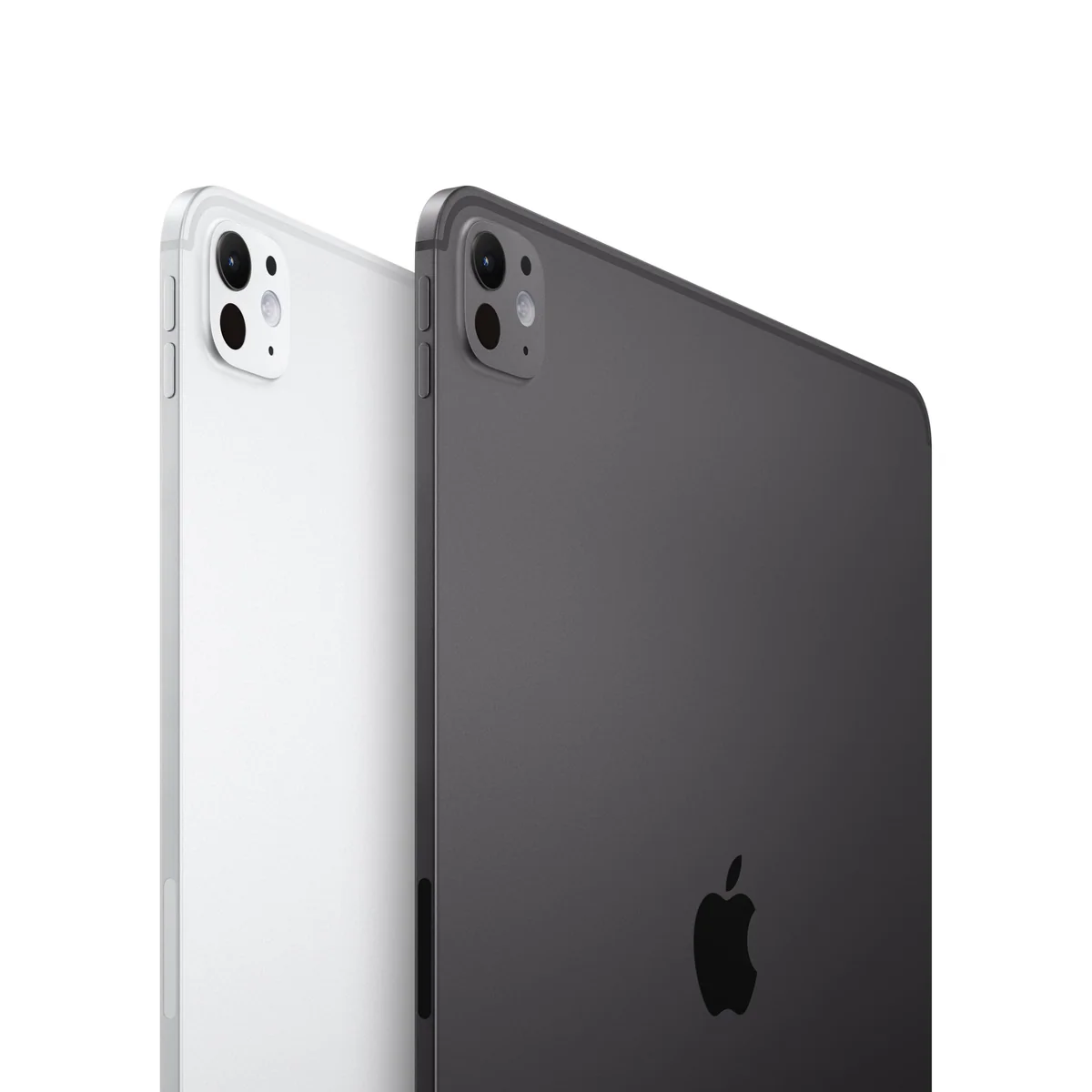
Buy the 11-inch M5 iPad Pro for its exceptional screen, Pencil experience and compact power, but choose a cheaper iPad or Air if browsing, streaming, email and light notes describe most of your week.
Based on published owner reports and 2 other sources. We have not tested this machine ourselves.
We earn a commission if you buy through our links, which does not affect what we say.
Read how this site works →
A spectacular tablet is not automatically a sensible purchase
The 11-inch M5 iPad Pro succeeds most completely when treated as the ultimate version of a tablet. It is light enough to remain hand-held, fast enough to feel untroubled, and fitted with a display that improves everything from reading to illustration. The smaller chassis also asks for fewer compromises in travel and casual use than the 13-inch model.
It becomes harder to recommend when judged as a universal computer. iPadOS 26 has made real progress, but application availability and workflow completeness still decide whether the hardware can replace a laptop. The M5 cannot overpower a missing plugin, desktop-only tool or installation restriction.
Buy it when the tandem OLED, 120Hz refresh, Pencil Pro workflow and compact form are benefits you will use rather than admire. Everyone else should resist the gravitational pull of the specification sheet and choose the iPad or Air that completes the same work for less.
Apple has built a wonderfully contradictory computer: the 11-inch M5 iPad Pro is powerful enough to make inexpensive laptops look nervous, yet much of that power can remain invisible during the work people usually give a tablet.
The hardware case is unusually easy to make. This configuration combines the M5 chip, 256GB of storage, a tandem-OLED Ultra Retina XDR display, ProMotion, Face ID, four speakers, Wi-Fi 7 and support for Pencil Pro and the current Magic Keyboard. The accessories are separate purchases, nano-texture glass is reserved for higher-capacity versions, and the listing’s “up to 16GB” memory language does not describe every configuration. Evidence gathered for this exact 256GB model consistently identifies it as the 12GB version.
The value case is harder. The M5 is not simply a faster route to email, Netflix and handwritten shopping lists. It is a premium for display quality, refresh rate, thinness, sustained headroom and specialist workflows. Unless at least one of those benefits matters every day, this iPad is magnificent excess.
Buy it if
You draw, edit or work in touch-first apps, care deeply about OLED and 120Hz motion, and want that experience in a device comfortable enough to hold.
Skip it if
You mainly consume media, already own a tandem-OLED M4 Pro, or expect unrestricted desktop software merely because the processor is laptop-class.
Key Specifications
The screen is the reason to want it
Processor generations are difficult to feel when an app already opens instantly; a display is different because every task passes through it. The 11-inch Pro’s tandem-OLED panel supplies deep blacks, high contrast and the kind of controlled brightness that makes photographs, HDR video, illustration and ordinary text look exceptionally clean. ProMotion can vary the refresh rate up to 120Hz, so scrolling, animation and Pencil movement appear more immediate than on a 60Hz iPad.
That difference is not imaginary, but neither is it necessary. The standard 11-inch iPad remains perfectly serviceable for video, reading and browsing. The Pro earns its display premium most convincingly for artists, visual editors, people sensitive to 60Hz motion and anyone who simply wants the finest part of the product to be the part they look at all day.
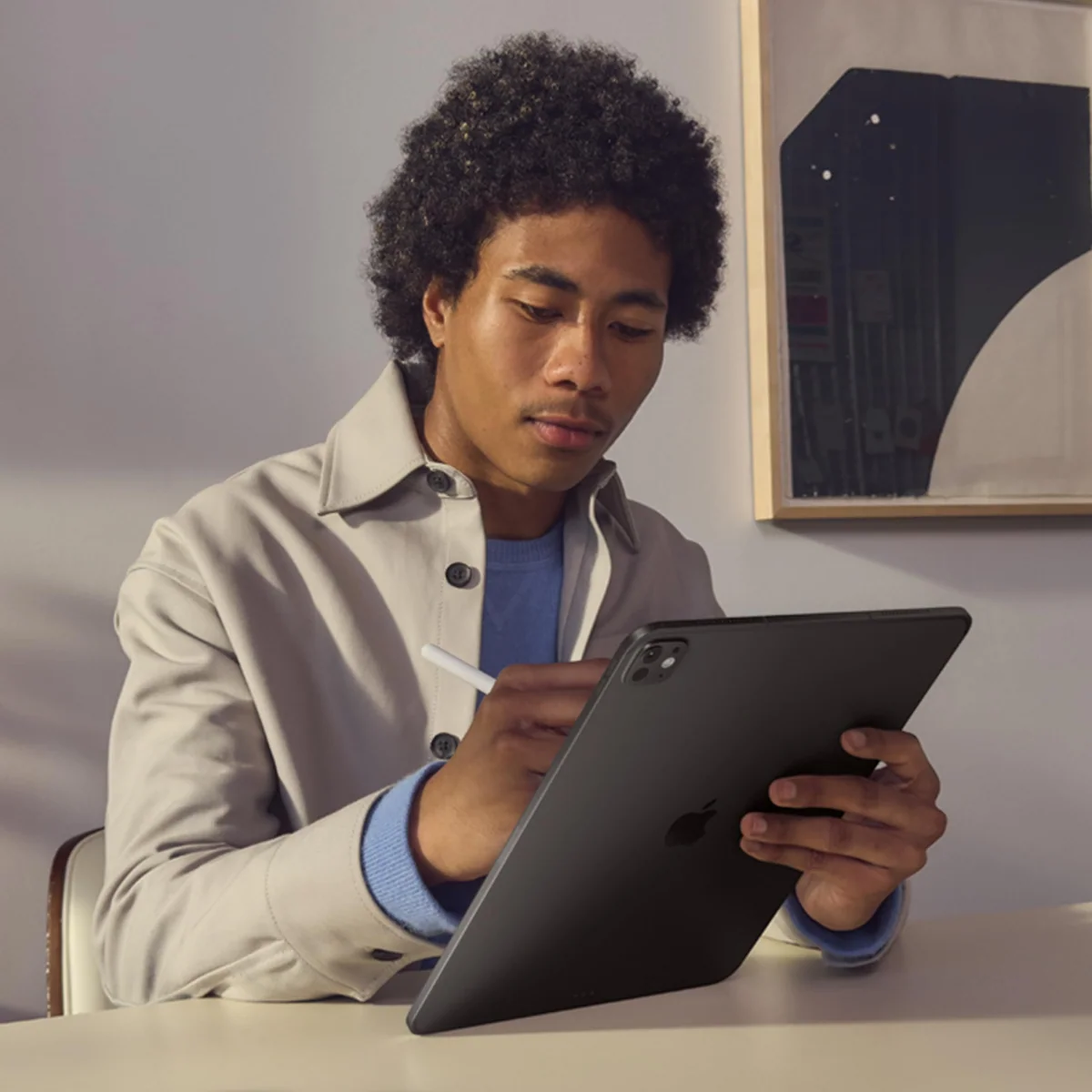
The 11-inch size is also the more coherent expression of the idea. At a reported 444g and 5.3mm thick, it can travel in a small bag, fit more easily on an airplane tray and remain comfortable during couch or bed use. Owners moving down from the larger Pro repeatedly miss the workspace but not the weight.
Eleven inches or thirteen?
Choose by posture, not prestige. The 11-inch model is better when the iPad will be held, carried, passed around or used as a touch-first canvas. The 13-inch model provides more room for side-by-side documents, editing controls and a larger keyboard, so it makes more sense when the tablet will spend much of its life docked on a desk.
The bigger screen is not proportionally better for every form of entertainment. Its squarer aspect ratio creates larger black bars around widescreen video, which means the visible movie image can be closer in size than the diagonal figures suggest. The extra area pays its way in documents, multitasking and drawing space rather than making every film feel dramatically larger.
Anyone still torn can use our 11-inch and 13-inch iPad Pro comparison to decide whether portability or workspace matters more.
| Display | 11-inch tandem OLED with ProMotion, P3 color and True Tone |
|---|---|
| Chip and memory | M5 with 12GB of memory in this 256GB configuration |
| Storage | 256GB, with no nano-texture display option at this capacity |
| Cameras | Landscape 12MP Center Stage front camera and 12MP Wide rear camera |
| Wireless | Wi-Fi 7 through Apple’s N1 networking chip |
| Accessories | Pencil Pro, USB-C Pencil and current-generation Magic Keyboard support |
Strengths & Limitations
Strengths
- The tandem-OLED display combines excellent contrast, brightness and 120Hz motion in every task.
- The 444g 11-inch body is easier to hold, carry and use in confined spaces than the larger Pro.
- The M5 and 12GB of memory provide abundant performance headroom for demanding supported apps.
- Pencil Pro, strong speakers, Face ID and improved windowing make the tablet unusually versatile.
Limitations
- Most everyday tablet work does not need the M5 chip or justify the Pro premium.
- iPadOS still cannot supply Mac apps, unrestricted installations or every professional plugin workflow.
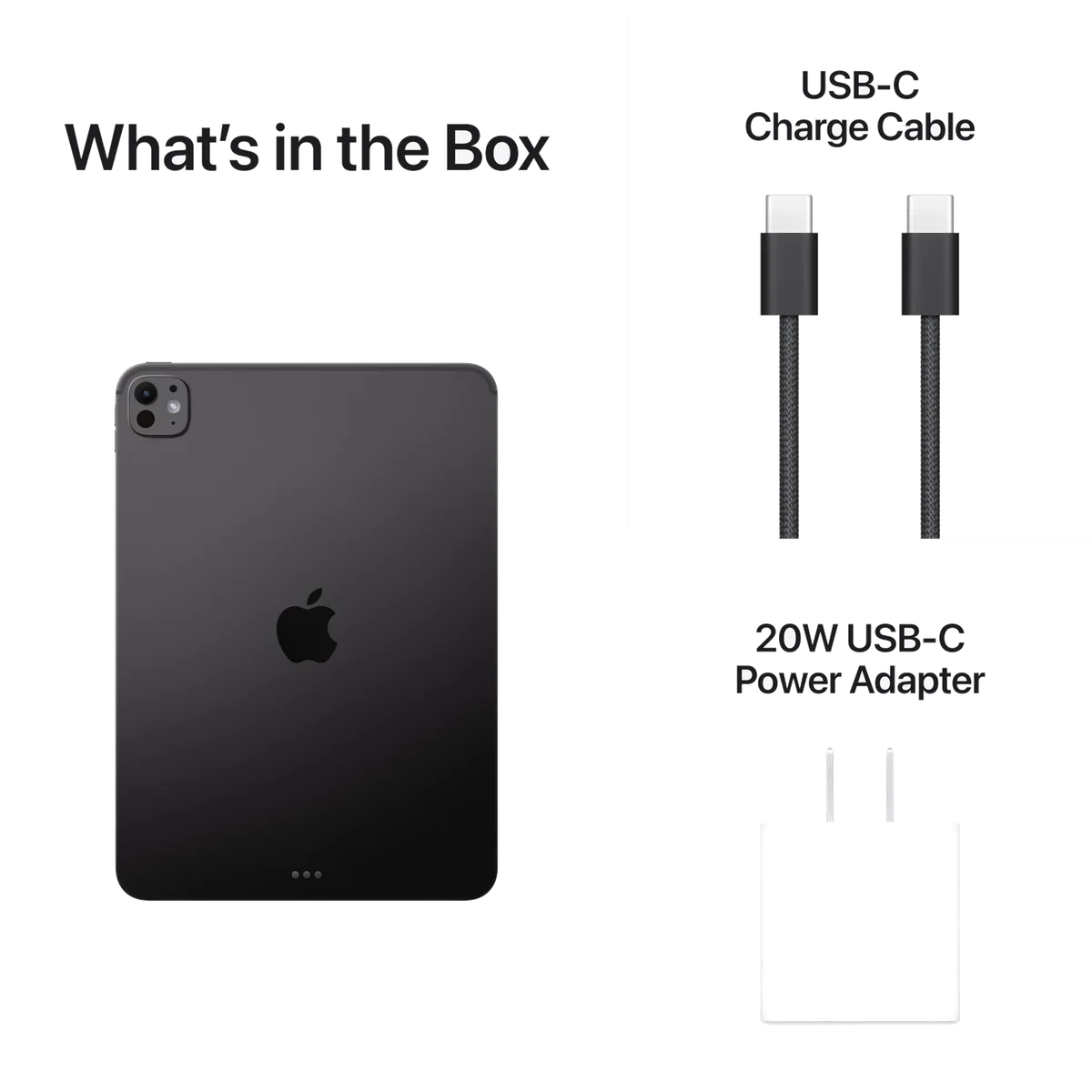
- The keyboard, Pencil and protective case are separate costs with generation-specific compatibility traps.
- The front camera is merely adequate, LiDAR has narrow appeal and Space Black readily shows fingerprints.
Prodigious speed, conditional freedom
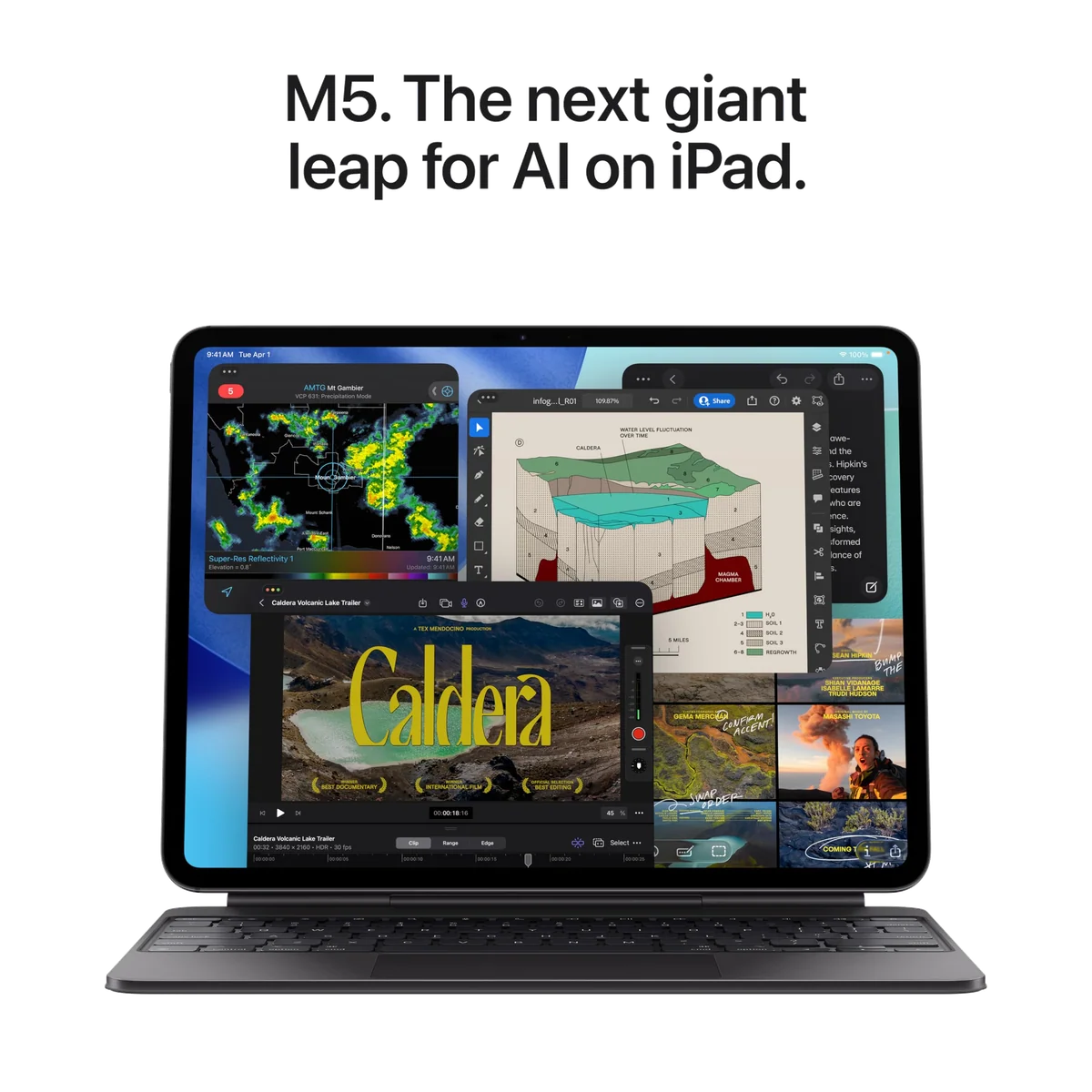
Exact-model owners describe instant app launches, effortless multitasking and smooth work across photo editing, video editing, gaming and streaming. Those accounts establish that the M5 is fast in use, not how it ranks in a controlled benchmark. The more revealing finding is that several owners admit they rarely give it work demanding anything close to its ceiling.
The M5’s extra headroom can matter in large video exports, demanding graphics, local AI models and high-resolution external-display setups. The base memory increase from 8GB to 12GB is also more useful for longevity than a small benchmark lead alone. Yet a six-month evaluation found little reason for ordinary users to expect a dramatic daily difference from the previous tandem-OLED generation outside those intensive cases.
Even games can expose the gap between theoretical capability and practical support. One M5 reviewer found that Destiny Rising appeared grainy and withheld its highest graphics settings, apparently because the app had not yet been updated to recognise the new hardware correctly. More GPU power cannot force an application to offer the right options.
iPadOS 26 improves the computer without turning it into a Mac
Flexible overlapping windows, easier resizing, a menu bar and background file operations make the M5 iPad Pro more credible as a primary machine than earlier iPads. Some long-term users say those changes moved the device from an attractive secondary screen into something they use daily. Touch, Pencil, dictation and a well-designed iPad app can also produce a workflow faster than a conventional keyboard-and-trackpad routine.
The remaining limitation is not speed. It is permission. An iPad still cannot run Mac applications merely because it contains a Mac-class chip, and software distributed outside Apple’s permitted routes remains a problem. Professional video tools may exist, yet a workflow can still fail because an essential plugin, file operation or desktop-only feature is absent. One exact-model owner captured the frustration neatly by describing the machine as “a monster stuck behind bars.”
That does not make laptop replacement impossible; it makes it app-specific. List the applications, plugins, file transfers, peripherals and external-display behavior your work requires before buying. If every link in that chain works on iPadOS, the M5 has power to spare. If one indispensable link requires macOS, Windows, a terminal or unrestricted installation, no benchmark will repair the purchase.
Our iPad versus MacBook guide addresses that operating-system decision directly, while the best iPads for replacing a laptop page narrows the choice to workflows that genuinely survive the move.
Price the working setup, not the slab
The tablet is only the beginning if your imagined setup includes sustained typing, drawing and protection. Pencil Pro, Magic Keyboard, a case and optional coverage can turn one buying decision into several. That complete package reaches laptop territory, which matters because a cheaper iPad plus a modest laptop can provide broader software freedom for a similar overall commitment.
The current Magic Keyboard is a much better accessory than its name suggests: its function row, haptic trackpad and aluminum palm rest can transform desk work. Its weaknesses are equally concrete. The 11-inch key layout is tighter, the tablet becomes heavier as a system, the edges remain exposed, Pencil use is awkward while docked, and stability on an uneven lap is less convincing than on a conventional notebook.
Accessory compatibility deserves a final check at checkout. Older 11-inch Magic Keyboards and folios made for the pre-M4 chassis may share the nominal screen size but not the redesigned magnet layout. The M5 supports Pencil Pro, yet that does not mean every Apple Pencil works with every older iPad. Buy by exact generation and compatibility list, not by “11-inch” in the accessory title.
Is 256GB enough?
For apps, documents, streaming downloads and a managed photo library, 256GB is a sensible starting capacity with more breathing room than 128GB. It becomes restrictive when large games, RAW photographs, local video footage or active creative projects must remain on the device. Audit your present storage and decide what can live in cloud or external storage before paying for a larger tier.
A higher-capacity model can also alter more than storage, since Apple reserves nano-texture glass and its highest advertised memory configuration for selected larger capacities. Do not read “up to 16GB” as the specification of this exact 256GB unit.
Who should spend the money?
The strongest buyers are digital artists who value Pencil Pro and Procreate, visual professionals whose complete workflow exists on iPadOS, frequent travelers who want serious performance at low weight, and existing owners of an older non-OLED iPad who will appreciate the display immediately.
The weakest buyers are people shopping for a general family tablet, owners of a recent tandem-OLED M4 Pro, and anyone hoping an expensive processor will unlock Mac software. For ordinary use, the 11-inch A16 iPad review explains what the less expensive model already handles, while our 11-inch M4 iPad Air review covers the middle ground between basic iPad and Pro.
Buying the M5 as “future-proofing” is not a sufficient argument by itself. Older M-series iPad Pros remain responsive years later, which proves Apple’s performance headroom lasts but also weakens the need to buy the newest chip. Purchase the screen, form factor and supported workflow you need now; treat the M5’s longevity as a benefit rather than the whole justification.
The small irritations are not imaginary
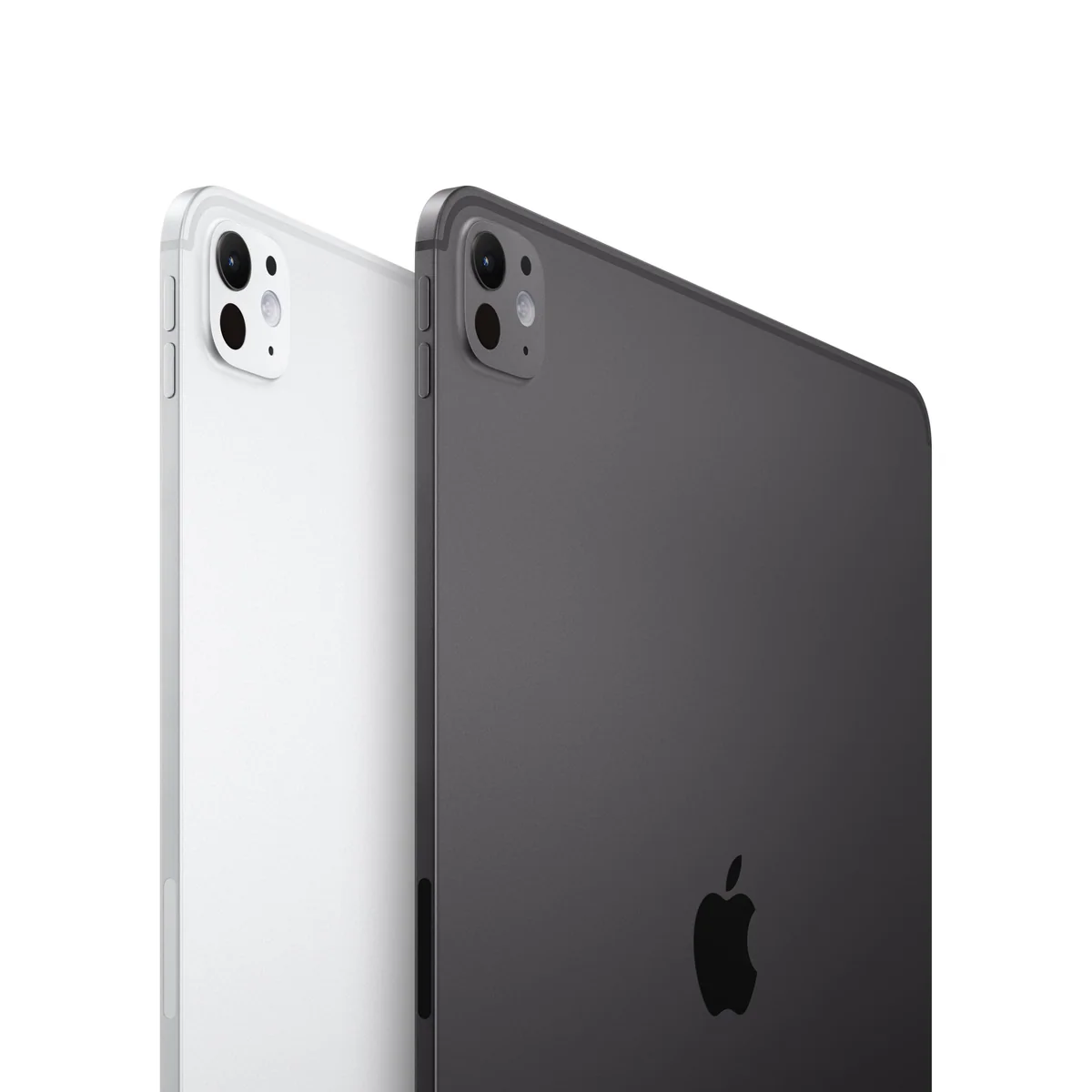
Space Black looks restrained until fingerprints begin collecting on it. One long-term owner regretted the finish for precisely that reason and would have preferred silver. A case reduces the practical importance of color, but buyers planning to use the tablet bare should expect visible handling marks rather than a permanently pristine surface.
The cameras are competent conveniences rather than reasons to upgrade. Landscape placement improves video calls and Face ID orientation, but the unchanged 12MP front camera has drawn criticism on hardware this ambitious, while a phone remains easier and usually preferable for casual photography. LiDAR is valuable for particular scanning and augmented-reality work, but collected long-term use suggests many owners will forget it exists.
The four-speaker system is a more persuasive everyday luxury. It produces clear, full sound from a device thin enough to make that output feel mildly unreasonable, and the landscape arrangement suits video. It cannot justify the Pro alone, but it contributes to the sense that this is an unusually polished media tablet.
Battery life depends on what “all day” contains
Exact-model owners commonly report a full day of mixed work, and light users can stretch much longer between charges. The useful expectation is roughly a working day of browsing, video and notes, not a guarantee through continuous gaming, large exports or maximum-brightness creative work. The Pro also does not promise a decisive runtime advantage over cheaper iPads.
Standby reports conflict. One exact 256GB owner found about 60 percent remained after eight or nine idle days, while another six-month reviewer sometimes returned to an infrequently used iPad and found it depleted. Settings, accessories, background activity and usage patterns could explain the disagreement, but the available evidence cannot settle it.
There is likewise no direct evidence here of a broad M5 overheating defect. Heavy games have made related M-series models hot and shortened their runtime, but those sibling reports should not be transplanted into a claim about this exact iPad. The documented M5 gaming problem is app compatibility with graphics settings, not established thermal failure.
Frequently Asked Questions
Is the 11-inch M5 iPad Pro worth buying?
It is worth buying for demanding touch-first work, Pencil art and the premium OLED display, but it is poor value for routine browsing, streaming and light notes.
Can the M5 iPad Pro replace a laptop?
It can replace a laptop when every required app, plugin, file operation and peripheral works on iPadOS, but it cannot run Mac software simply because it has an M5 chip.
Should I choose the 11-inch or 13-inch iPad Pro?
Choose 11 inches for hand-held use and travel, or 13 inches for a mostly docked setup with side-by-side apps, a larger canvas and a roomier keyboard.
Is 256GB enough for the iPad Pro?
256GB is enough for typical apps, documents and managed media, while large local video projects, games and photo libraries may require external, cloud or higher-capacity storage.
Does the 256GB M5 iPad Pro have 16GB of memory?
No, the evidence for this exact 256GB configuration identifies 12GB of memory, while Apple’s “up to 16GB” wording refers to selected higher-capacity configurations.
Do I need Pencil Pro?
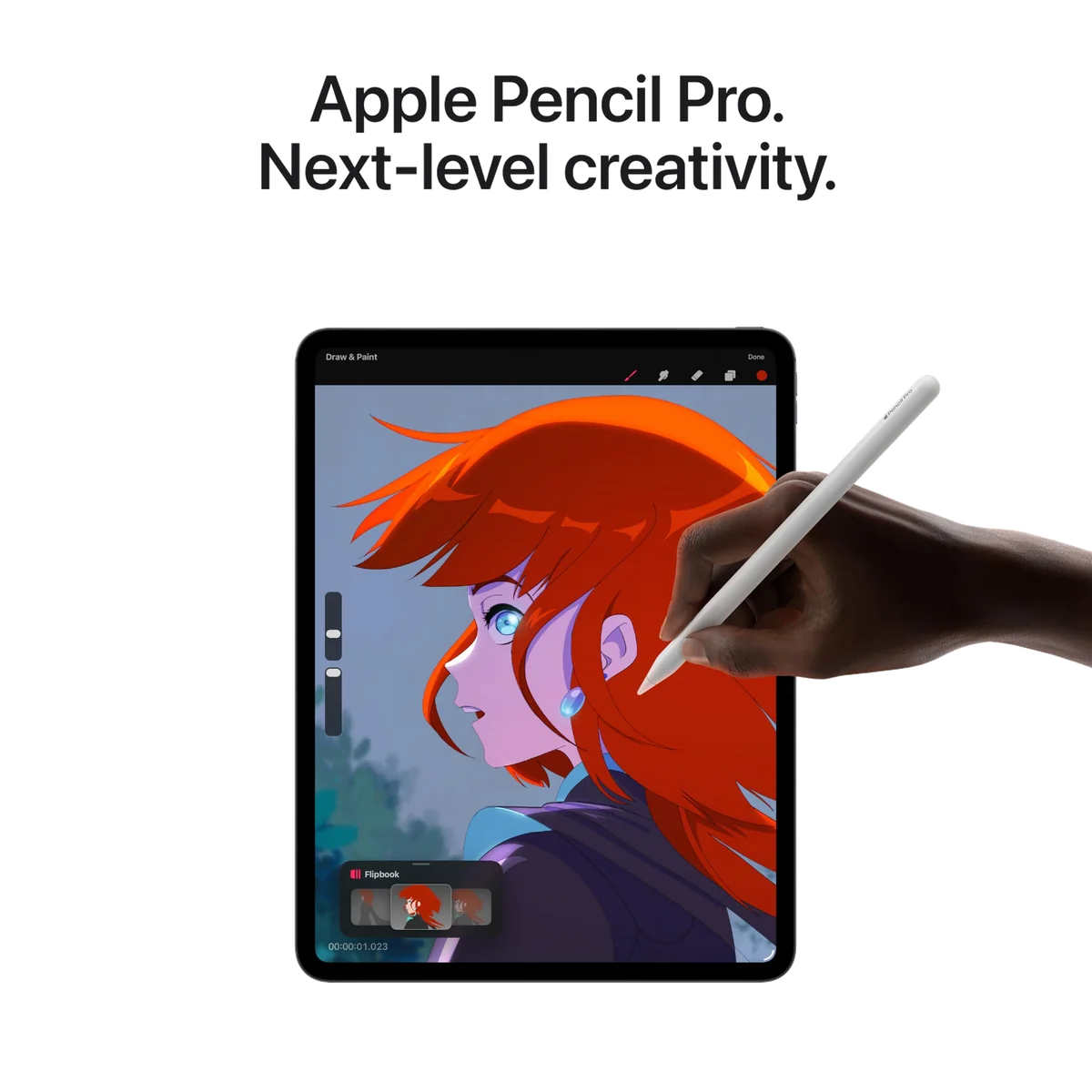
Pencil Pro is worthwhile for illustration, annotation and frequent handwriting, but it is unnecessary for viewers and typists who will rarely use its pressure, squeeze and barrel-roll controls.
Do I need the Magic Keyboard?
The Magic Keyboard is useful for sustained typing and trackpad work, but it adds cost and weight while making the 11-inch setup less comfortable for drawing and less stable than a laptop on an uneven lap.
Is Space Black a practical finish?
Space Black looks understated but readily shows fingerprints, so silver or a case is the more forgiving choice for buyers bothered by visible handling marks.
Should an M4 iPad Pro owner upgrade to the M5?
Most M4 tandem-OLED owners should keep their current iPad unless a specific M5 gain in memory, compute performance, storage speed, networking or external-display output changes their work.
Sources (3)
- Amazon listings and customer reviews — Ipad Pro 11 Inch
- Owner and reviewer video, 5 channels
- Basicappleguy — Article — basicappleguy.com