Buy the 11-inch iPad Pro unless the 13-inch screen will do real work
Choose the 11-inch M5 iPad Pro for most drawing, editing, travel and everyday tablet use; buy the 13-inch only when a larger canvas, roomier keyboard or side-by-side workspace will improve work you already know how to complete on iPadOS.
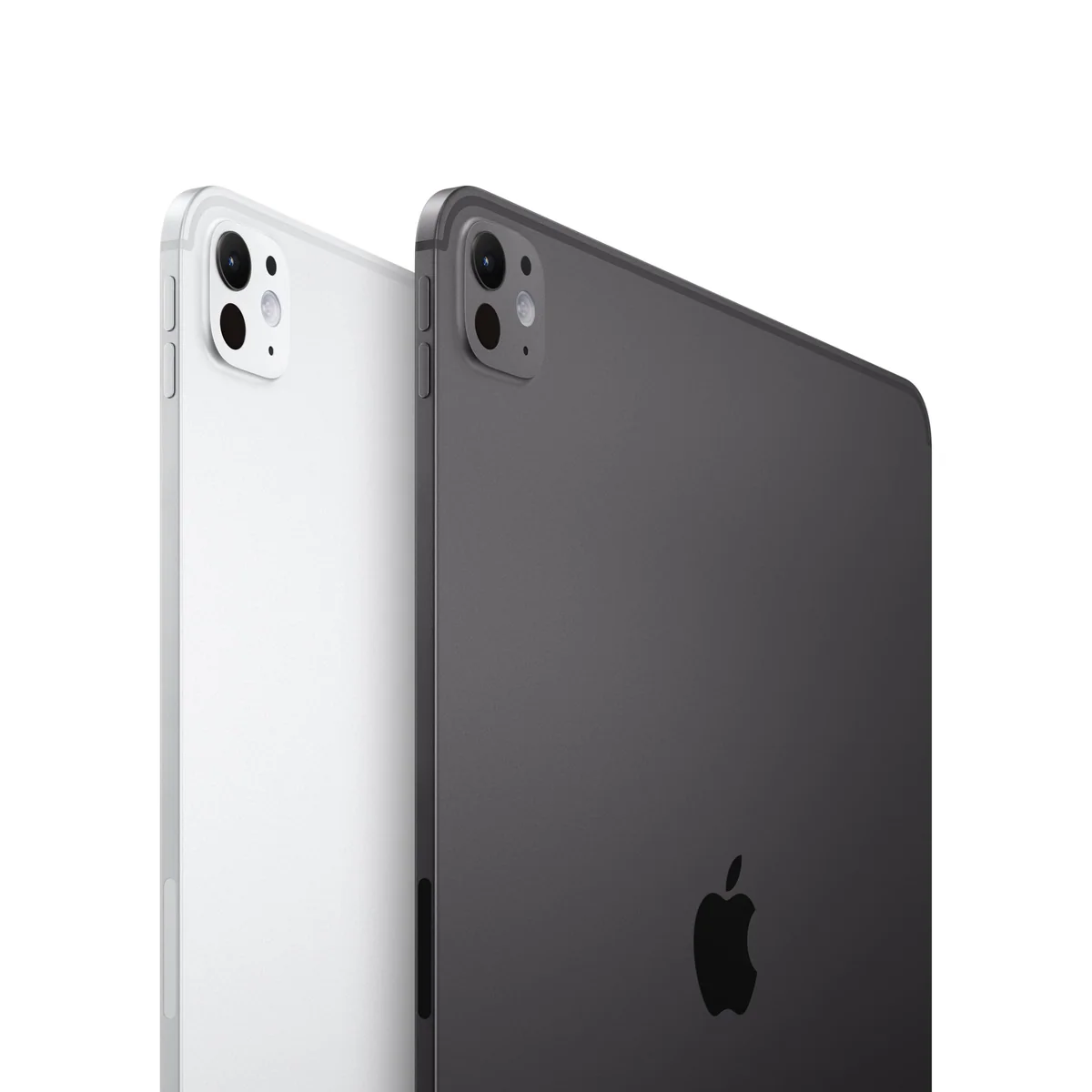
IPad Pro 11-inch M5
Apple iPad Pro 13-inch M5
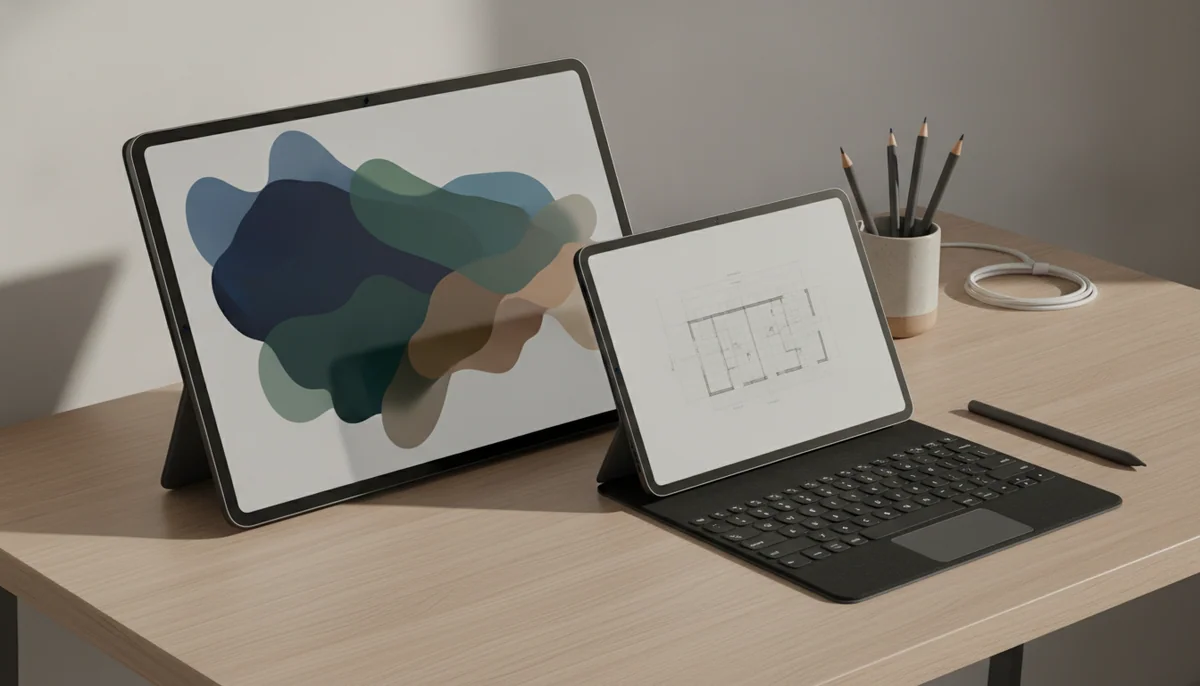
This is not a contest between the fast iPad and the faster iPad. The two sizes share the M5 generation’s defining strengths: a superb tandem-OLED display, ProMotion, Face ID, four speakers, Wi-Fi 7, Pencil Pro support and far more performance than routine tablet work requires. The decision turns on a less glamorous question: where will your arms be when you use it?
The 11-inch model is the better tablet. It is the one to carry, hold, pass across a table, use in bed, balance on an aircraft tray or pull out for a short handwritten note. The 13-inch model is the better canvas. It gives documents, drawing tools, editing controls and multiple windows space to breathe, but it becomes tiring sooner when unsupported and asks for more room wherever it goes.
That distinction is large enough to outweigh the temptation to buy the biggest version simply because it appears more capable. The 13-inch screen can transform a specific workflow; it does not transform email, browsing or streaming into professional work. Its roughly 4:3 shape also leaves substantial bars around widescreen films, so the larger diagonal does not produce an equally dramatic increase in the visible movie image.
Start with 11 inches
Pick the smaller Pro if portability matters, the tablet will often be hand-held or your creative work benefits more from comfort than maximum canvas area.
Move up for workspace
Pick the larger Pro if it will usually rest on a desk, stand or keyboard and your apps genuinely benefit from full pages, larger controls or several visible windows.
IPad Pro 11-inch M5
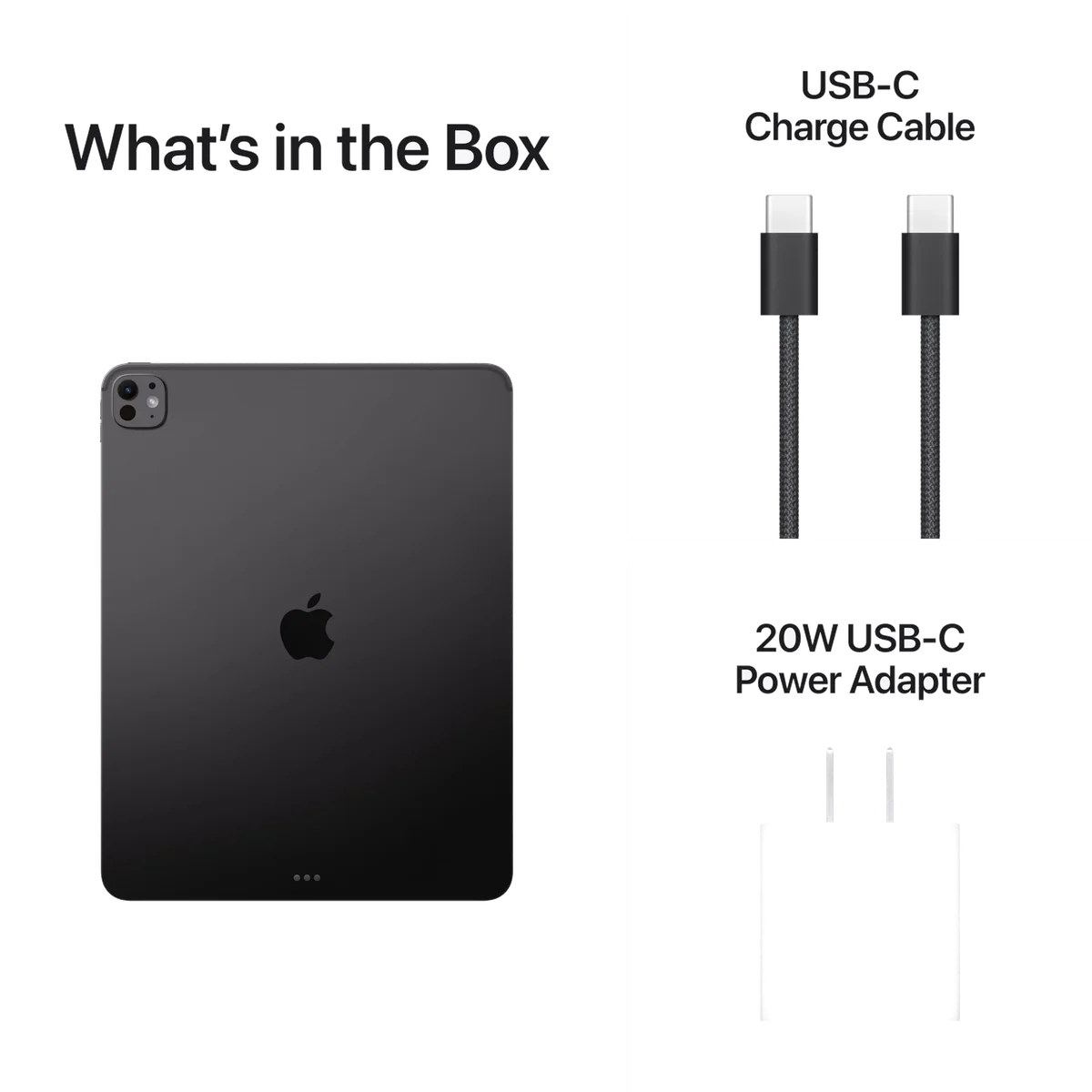
Apple iPad Pro 13-inch M5
At a Glance
| Feature | IPad Pro 11-inch M5 | Apple iPad Pro 13-inch M5 |
|---|---|---|
| Price Range | — | — |
| Finish | Space Black | Space Black |
| Screen size | 11" | 13" |
| Check Price on Amazon | Check Price on Amazon |
The same machine changes character at thirteen inches
Apple has kept the central experience remarkably consistent across these two 256GB Wi-Fi models. Both use tandem-OLED Ultra Retina XDR displays with ProMotion, support Apple Pencil Pro and the current size-specific Magic Keyboard, unlock with Face ID, connect through Wi-Fi 7 and include landscape 12MP front cameras, 12MP rear cameras and LiDAR. Both exact configurations have 12GB of memory, despite broader product-range language advertising as much as 16GB.
Screen quality therefore does not settle the choice. Deep blacks, strong contrast, fluid scrolling and responsive Pencil movement are present at either size. The 13-inch gives you more of that display, not a better class of display. If you merely want the OLED and 120Hz experience, the 11-inch delivers it with fewer ergonomic penalties.
| Decision point | 11-inch M5 iPad Pro | 13-inch M5 iPad Pro |
|---|---|---|
| Best posture | Held in one or two hands, carried frequently or used in confined spaces | Supported on a desk, stand, easel or keyboard for longer sessions |
| Bare weight | Reported at 444g | Reported at 582g |
| Thickness | Reported at 5.3mm | Reported at 5.1mm |
| Creative work | More comfortable for mobile sketching, annotation and hand-held editing | More room for reference material, palettes, timelines and detailed canvases |
| Typing setup | Compact and portable, with a tighter keyboard layout | Roomier and more laptop-like, with a heavier complete package |
| Multitasking | Capable, though overlapping windows consume space quickly | Better suited to side-by-side documents and several working windows |
| Travel | Easier to fit into small bags, trays and crowded seats | Manageable when carried deliberately, but awkward in tight spaces |
| Widescreen video | Smaller panel with less unused surrounding area | Larger panel, but thick letterboxing limits the increase in picture size |
The weight figures understate the ergonomic difference. The 13-inch model is only 138g heavier when bare, yet its wider body places more material farther from the supporting hand. That leverage makes prolonged one-handed reading more tiring than the number suggests. The 11-inch model concentrates its weight closer to the grip and remains easier to reposition without setting it down.
The reverse happens once the tablet is supported. A full page becomes easier to inspect on the 13-inch screen, drawing tools take a smaller share of the working area and iPadOS windows have enough room to coexist without feeling like overlapping index cards. For CAD, illustration, page layout, photo editing and document-heavy study, those gains can recur throughout the day rather than appearing only in a specifications table.
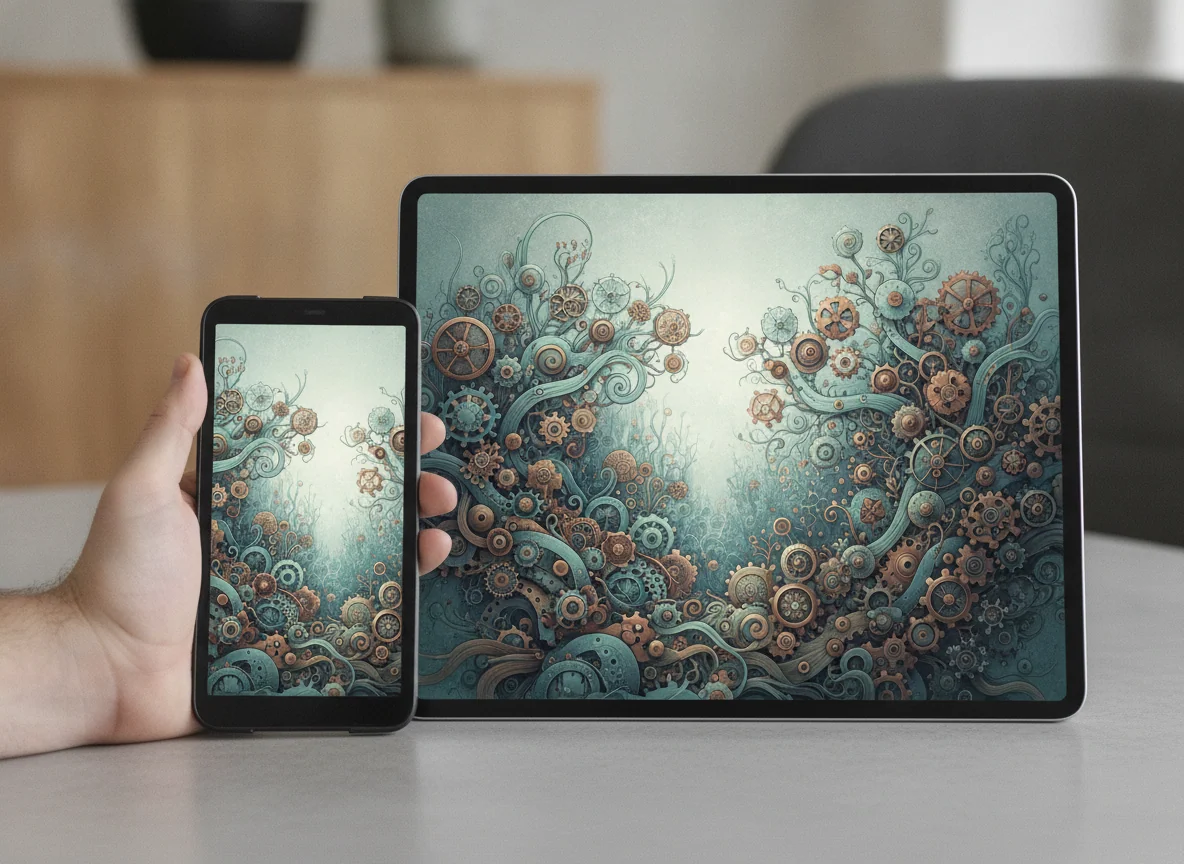
Do not buy either size for the M5 badge alone
Both Pros are exceptionally fast within supported applications. Retained owners describe instant launches, smooth multitasking, responsive photo and video editing and excellent performance in demanding creative apps. The more revealing admission is that many buyers never approach the processor’s ceiling. One 11-inch owner used the device mainly for notes and light gaming, while a 13-inch owner said the move from an M1 felt only a little faster and lighter in ordinary use.
iPadOS is the boundary for both models. Improved windowing makes the 13-inch display more productive and gives the 11-inch model greater flexibility, but neither tablet can run a Mac application merely because its processor is laptop-class. Missing desktop plugins, specialist utilities, unrestricted installation, terminal workflows or incomplete iPad versions can stop a professional setup regardless of screen size.
Write down every required app, plugin, file transfer, peripheral and export step before treating either Pro as a laptop replacement. If the full chain works on iPadOS, the hardware has ample headroom. If one indispensable step requires macOS or Windows, read the site’s iPad versus MacBook comparison before adding a keyboard and hoping the operating system becomes something it is not.
The accessories magnify the size choice
Apple Pencil Pro makes a coherent case for either model, but the better size depends on how the stylus will be used. The 11-inch is easier to carry into meetings, hold while annotating and reposition during casual sketching. The 13-inch is better when a stand supports the tablet and the work needs a large canvas, visible references or tool palettes beside the document. The guide to the best iPads for drawing explores that distinction beyond this two-model decision.
The Magic Keyboard pushes the products in opposite directions. On the 11-inch model it creates a compact writing machine, but the key layout is tighter and the screen offers less room for several windows. On the 13-inch model the keyboard and display feel closer to a conventional laptop, but the complete package becomes much heavier and thicker than the bare tablet that first looked so impossibly thin.
Neither keyboard fixes the platform’s software limits, and both are separate purchases. Comfortable typing, Pencil input and protection may require several accessories, each of which adds cost, mass or friction. Compatibility must also be checked by generation as well as nominal screen size, since pre-redesign keyboards and folios do not automatically fit the current M5 chassis.
Choose the 11-inch M5 iPad Pro for the strongest balance of Pro hardware and genuine tablet portability.
It delivers the same defining OLED, ProMotion, M5 and Pencil Pro experience in the size that is easier to hold, carry and use away from a desk.
Its tighter keyboard and smaller working area become frustrating when several windows, full pages or dense editing controls must remain visible together.
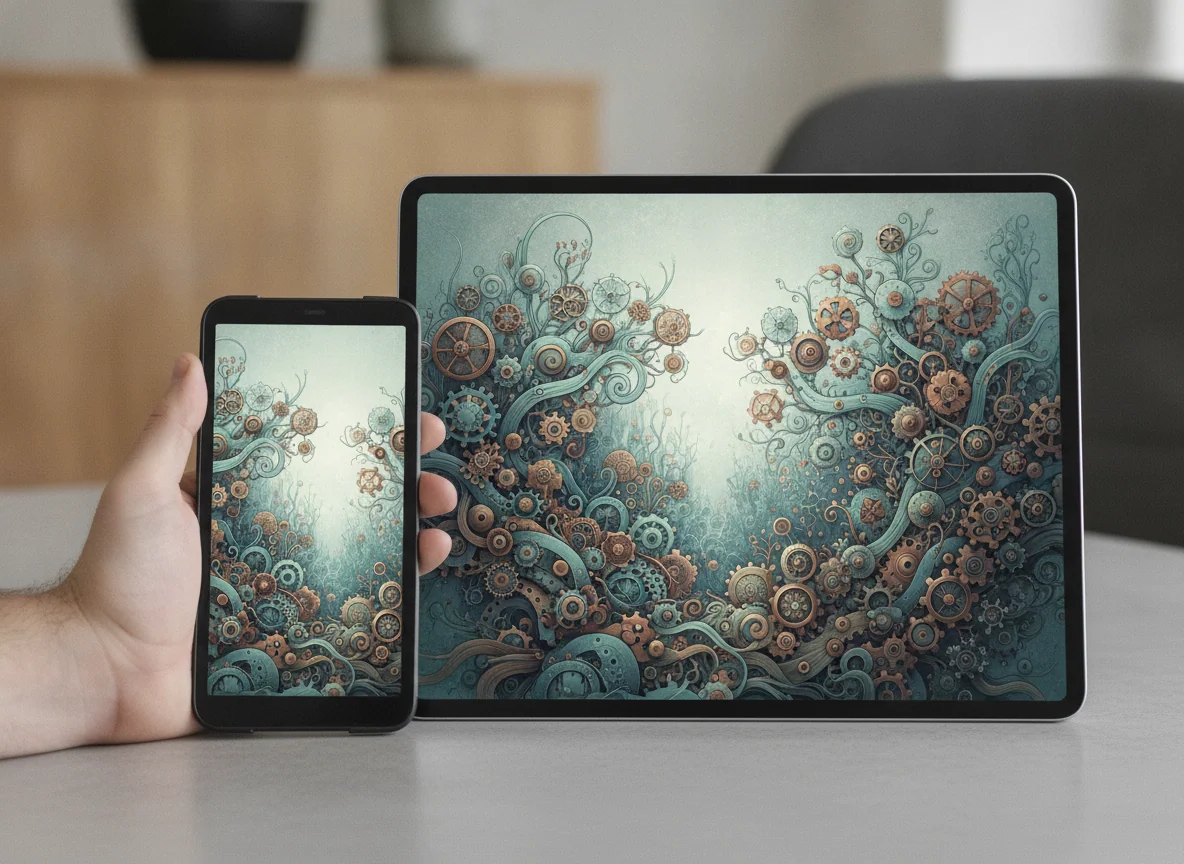
Choose the 13-inch M5 iPad Pro when the larger canvas is part of the work rather than part of the fantasy.
It is the better professional surface for supported drawing, design, document and multi-window workflows that keep the tablet on a desk, stand or keyboard.
Its broad chassis tires the hands sooner, travels less gracefully and becomes a laptop-weight proposition once the keyboard and protection are attached.
Storage, glass and battery do not break the tie
These exact products both start with 256GB of storage, which is a sensible capacity for applications, documents, downloaded media and a managed photo library. Large local games, RAW libraries, video footage and active design projects can consume it quickly. The site’s iPad storage guide is the better next step if capacity, rather than physical size, remains uncertain.
Neither 256GB configuration offers nano-texture glass. Both use glossy displays that preserve the OLED panel’s crispness and rich blacks but reflect bright windows and overhead lighting. Anyone choosing the 13-inch specifically for a sunlit studio should not assume the larger working surface also includes the glare treatment offered on selected higher-capacity models.
Battery reports for both sizes support a normal mixed-use day, not an unconditional promise through sustained rendering, gaming or maximum-brightness work. Light intermittent use can stretch across several calendar days, while keyboard-based productivity or demanding creative sessions can make daily charging normal. The choice should therefore be based on posture and workspace, not an expectation that the larger chassis removes charging from the routine.
Who should buy which iPad Pro?
The 11-inch is for mobile specialists
Digital artists who move between locations, photographers who edit while traveling, students who annotate throughout the day and professionals who want a powerful companion beside another computer should begin here. It retains the premium screen and Pencil experience without making every short session feel like setting up a workstation.
The 13-inch is for supported, screen-hungry work
Illustrators using broad canvases, designers keeping reference material visible, CAD users working from a stand, writers wanting a roomier keyboard and anyone regularly comparing full documents can justify the larger model. A retained 13-inch owner reported completing about 90% of a parts-design workflow in Shapr3D while keeping a desktop for the remainder, which is the kind of specific boundary that makes this purchase credible.
Most casual buyers need neither Pro
Browsing, streaming, email, ordinary notes and family use do not require an M5 processor, tandem OLED or this level of accessory spending. The 11-inch iPad Pro versus standard iPad comparison shows how much less hardware can cover everyday tasks, while the 13-inch iPad Air versus iPad Pro comparison addresses buyers who want a large screen without the full Pro proposition.
Recent OLED Pro owners should keep what they have
Owners of an M4 iPad Pro already have the defining tandem-OLED display, thin chassis and current accessory generation. A specific gain in memory, networking, storage speed or compute performance may matter to a specialist, but a newer chip alone does not remake ordinary iPad use; the 13-inch M5 and M4 comparison isolates that upgrade decision.
The final rule is deliberately blunt. Buy the 11-inch when you want the finest version of a tablet; buy the 13-inch when you can name the work that needs its canvas and the surface that will support it.
Frequently Asked Questions
Is the 13-inch iPad Pro more powerful than the 11-inch model?
These exact 256GB M5 models deliver the same essential performance class and 12GB of memory, so the larger model’s practical advantage is workspace rather than a fundamentally faster processor.
Is the 11-inch iPad Pro large enough for drawing?
The 11-inch model is large enough for serious Pencil work and easier to carry or reposition, although artists who keep references and tool palettes visible may prefer the 13-inch canvas.
Is the 13-inch iPad Pro too large to hold?
It can be held for short sessions, but its wide chassis creates more wrist leverage and becomes tiring sooner than the 11-inch model during unsupported reading or browsing.
Which size is better with the Magic Keyboard?
The 13-inch model provides the roomier keyboard and better multi-window workspace, while the 11-inch model creates the more compact and portable keyboard setup.
Which iPad Pro is better for travel?
The 11-inch model is better for travel because it fits smaller bags and confined trays more easily and remains more comfortable when a desk or stand is unavailable.
Does video look much larger on the 13-inch iPad Pro?
Widescreen video is larger on the 13-inch display, but thick letterboxing means the visible picture does not grow in proportion to the difference in diagonal screen size.
Can either M5 iPad Pro replace a laptop?
Either can replace a laptop when every required application, plugin, file operation and peripheral works properly on iPadOS, but neither can run Mac software simply because it uses an M5 chip.
Is 256GB enough for an iPad Pro?
256GB is sufficient for typical applications, documents and managed media, but large local video, game, photo or design libraries may require cloud storage, external storage or a higher-capacity model.
Should an M4 iPad Pro owner upgrade to an M5 model?
Most M4 iPad Pro owners should keep their current device unless a specific improvement in memory, storage speed, connectivity or processing performance changes a demanding workflow.
Ready to Choose?
Sources (2)
- Amazon listings and customer reviews — Ipad Pro 11 Inch and Apple Ipad Pro 13
- Owner and reviewer video, 1 channel