Buy the 13-inch iPad Air unless the Pro’s OLED screen is the reason you came
The 13-inch iPad Air M4 is the better buy for most people, while the iPad Pro M5 earns its premium only for buyers who will notice 120Hz OLED, use demanding iPad apps or depend on its other professional hardware.
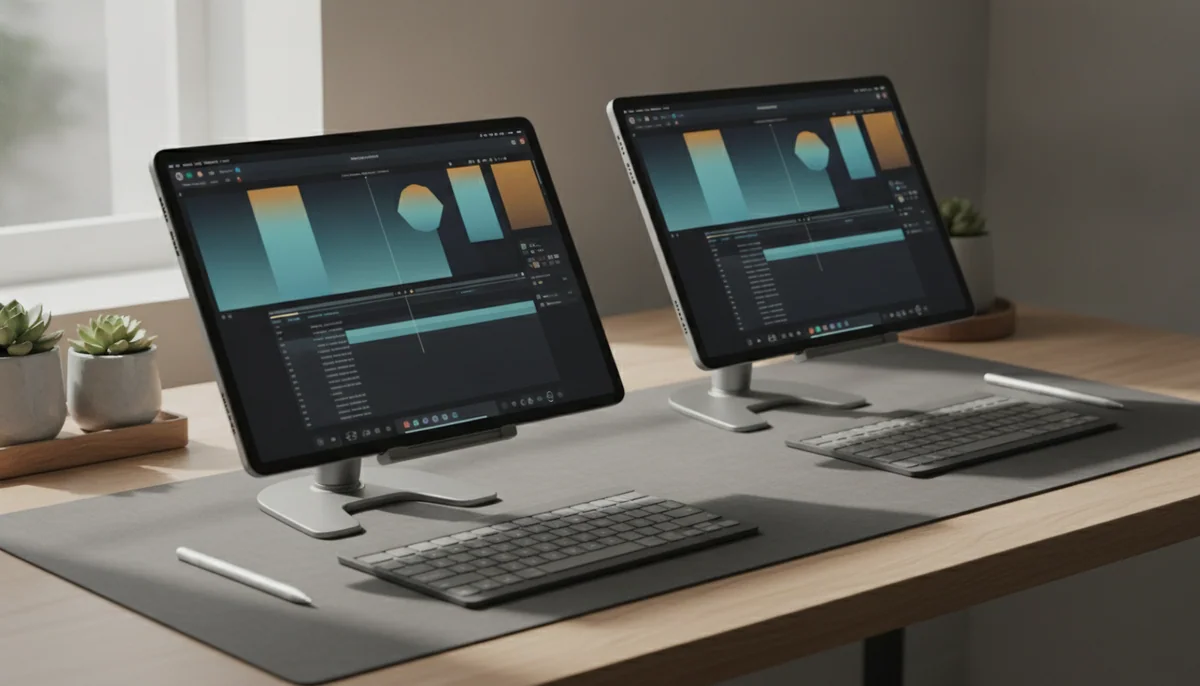

Apple iPad Air 13-inch M4
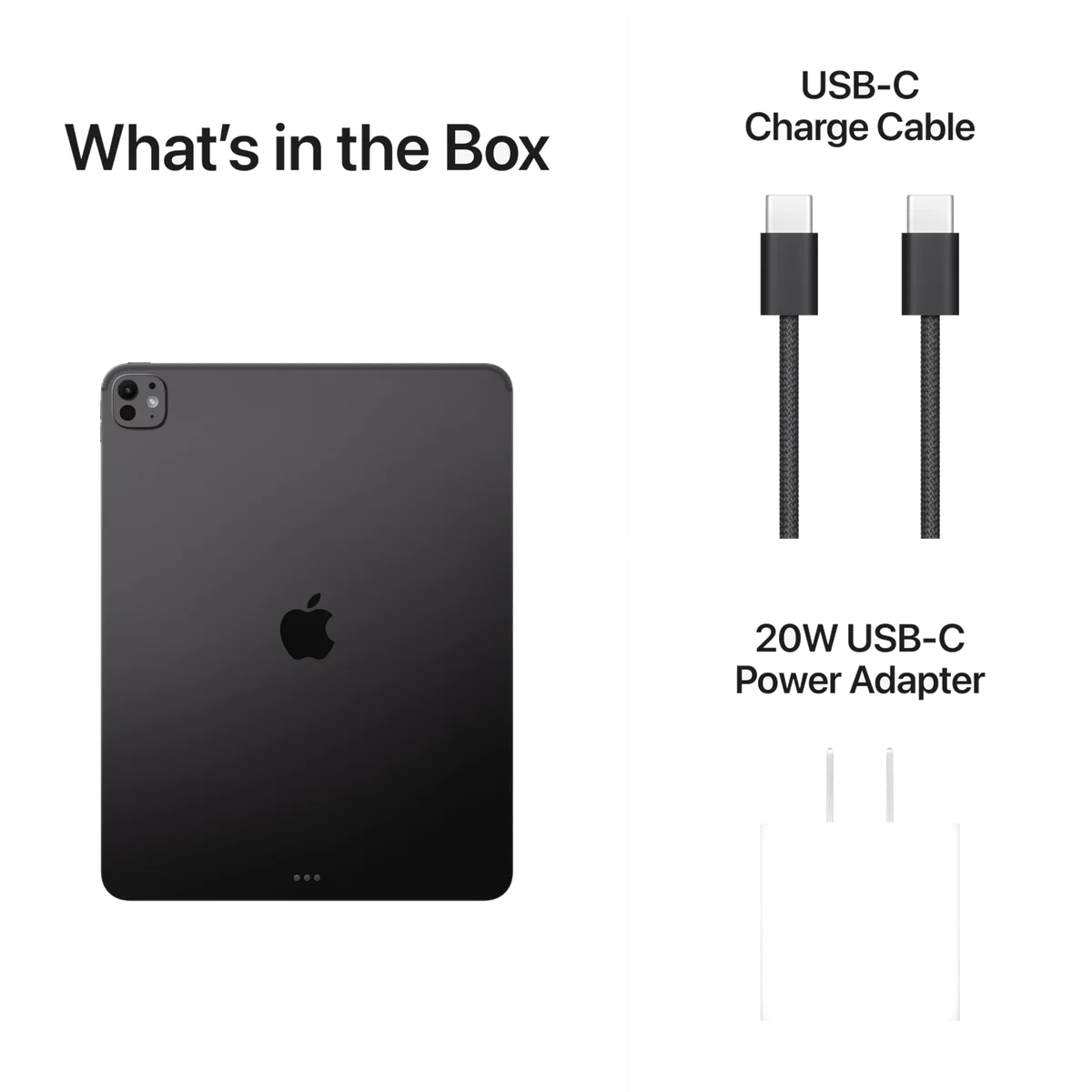
Apple iPad Pro 13-inch M5
The word “Pro” makes this comparison sound like a contest between adequate and exceptional. It is not. Both models provide a huge touch canvas, current Apple silicon, Pencil Pro support, modern iPad multitasking and enough performance to make routine tablet work feel effortless. The harder question is whether the Pro improves the work you intend to do or merely makes the same work look more luxurious.
Start with the Air. Its 13-inch Liquid Retina display gives documents, sheet music, drawing canvases and side-by-side apps the space that justifies carrying a tablet this large. The M4 is already formidable, and the target configuration includes 128GB of storage, Wi-Fi 7, Touch ID and two 12MP cameras. Owners describe smooth multitasking, useful external-drive support and a screen large enough for near-full-page music and multiple windows.
The drawback is not hidden in a benchmark. The Air uses a 60Hz LCD, so it cannot reproduce the Pro’s fluid motion, OLED blacks or HDR impact. Its 128GB base capacity also requires more discipline than the Pro’s 256GB, and thirteen inches becomes tiring when held rather than supported. Anyone who expects a couch tablet may be shopping for the wrong size before choosing between Air and Pro.
The Pro answers the Air’s visible weaknesses with a tandem-OLED Ultra Retina XDR display, ProMotion up to 120Hz, Face ID, four-speaker audio, Thunderbolt connectivity and 256GB in this configuration. Its M5 chip and 12GB of unified memory offer immense headroom for serious creative applications. None of that makes email, streaming or web browsing twice as useful, and iPadOS still cannot conjure a desktop application that does not exist.
Choose the Air for notes, illustration, sheet music, PDFs, study, office work and general iPad use on a large canvas.
Choose the Pro for display-critical creative work, fast Pencil interaction, HDR media, demanding 3D or editing apps, Face ID and Thunderbolt workflows.
Choose neither if you mainly read while holding the tablet or need desktop software more than direct touch and Pencil input.

Apple iPad Air 13-inch M4
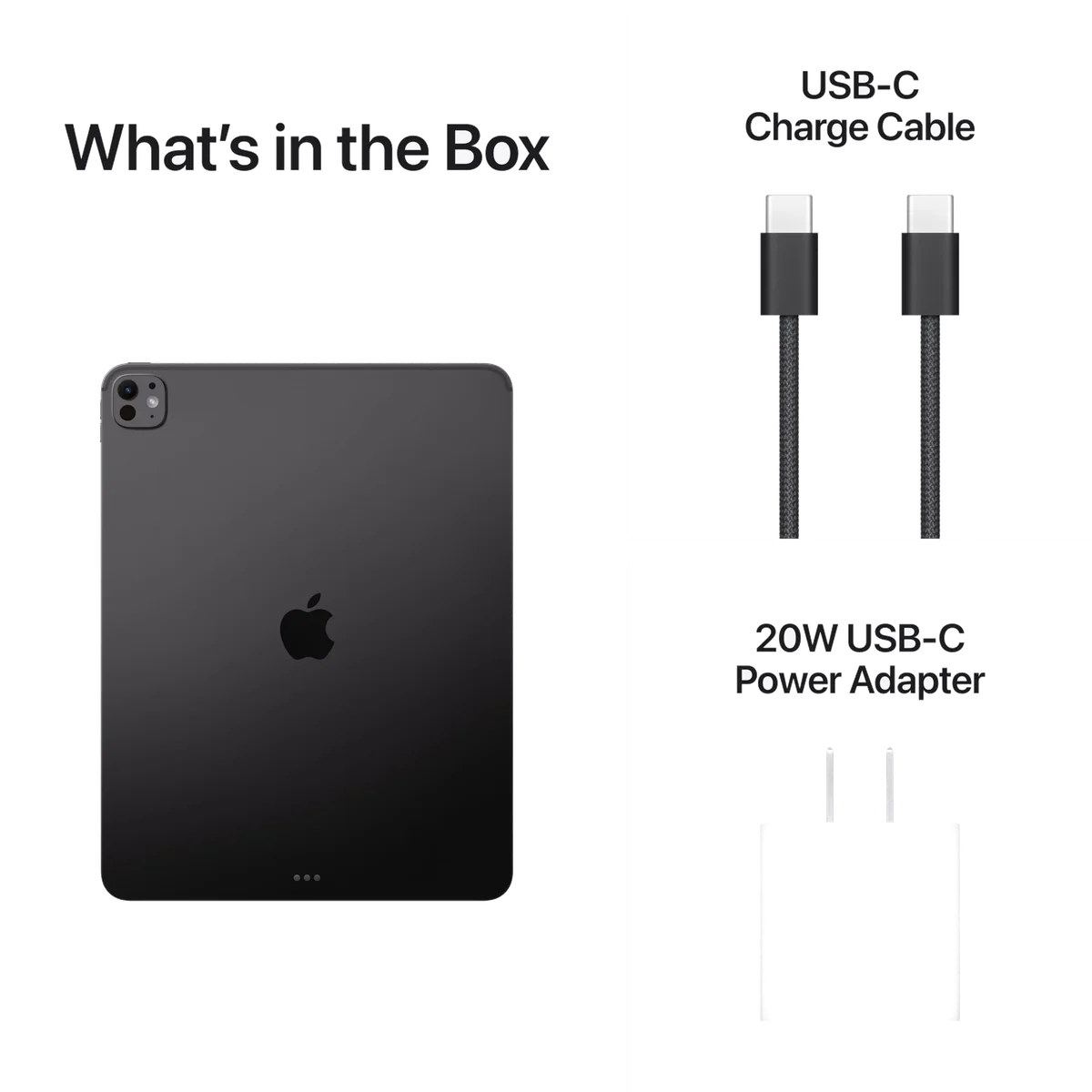
Apple iPad Pro 13-inch M5
At a Glance
| Feature | Apple iPad Air 13-inch M4 | Apple iPad Pro 13-inch M5 |
|---|---|---|
| Price Range | — | — |
| Finish | Space Gray | Space Black |
| Screen size | 13" | 13" |
| Check Price on Amazon | Check Price on Amazon |
The display is where the Pro makes its honest case
Processor names dominate the boxes, but the screens decide this comparison every minute the devices are awake. The Air’s laminated LCD is sharp, colorful and large enough to transform page-shaped work. It is not a bad display. It is simply capped at 60Hz and cannot switch off individual pixels to produce OLED black.
The Pro’s tandem-OLED panel combines deep blacks, strong HDR output and ProMotion refresh rates as high as 120Hz. Scrolling appears more immediate, animation is smoother and quick Pencil strokes track with greater visual fluidity. Dark photographs and films gain contrast that the Air cannot reproduce, while bright HDR highlights have substantially more force. Independent testing also found strong brightness, a very low minimum brightness and benchmark performance well beyond ordinary tablet requirements.
That difference matters most to artists sensitive to Pencil latency, photographers judging contrast, video editors working with HDR and anyone already accustomed to a high-refresh display. It matters much less to a student reading lecture slides, a musician displaying notation or an office user keeping a document beside a browser. Those jobs benefit primarily from area, and the Air supplies the area.
Both screens share a roughly 4:3 shape. That geometry is excellent for documents, drawing and multi-window layouts, but it leaves substantial bars around widescreen films. The Pro makes the active picture richer and smoother; it does not turn the entire thirteen-inch panel into a cinema screen. Buyers focused mainly on movies should not assume that either model uses its diagonal as efficiently as a wider display.
| Difference | 13-inch iPad Air M4 | 13-inch iPad Pro M5 | Who should care |
|---|---|---|---|
| Display technology | Liquid Retina LCD | Tandem OLED Ultra Retina XDR | Artists, photographers, HDR viewers and buyers who value deep blacks |
| Refresh rate | 60Hz | ProMotion up to 120Hz | Fast Pencil users and people sensitive to scrolling fluidity |
| Base storage here | 128GB | 256GB | Gamers, offline travelers and creators keeping large local files |
| Authentication | Touch ID in the power button | Face ID | Keyboard users who want to unlock without reaching for a sensor |
| Wired connection | USB-C | Thunderbolt and USB4-capable USB-C | People moving large files or connecting demanding peripherals |
| Audio | Stereo speakers | Four-speaker system | People who regularly listen without headphones or external speakers |
| Rear sensing | 12MP camera | 12MP camera plus LiDAR | Specialist scanning, measurement and augmented-reality users |
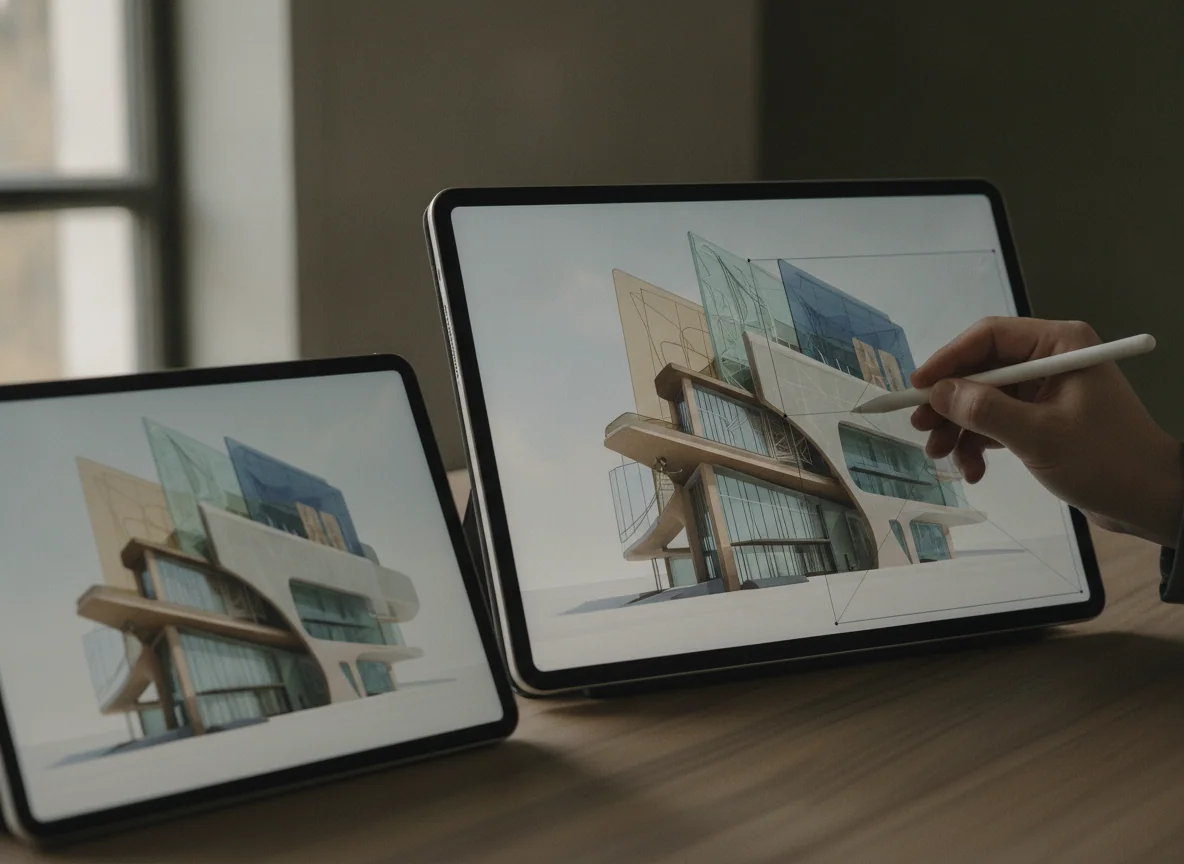
M4 versus M5 is the least useful part of the argument
The M5 is faster, and controlled results show exceptional peak CPU and graphics performance. It also gives this 256GB Pro configuration 12GB of unified memory. Heavy 3D design, large creative projects, advanced games and local computational work can use that reserve, although a thin fanless body still places limits on sustained loads.
The Air’s M4 remains excessive for common iPad jobs. Notes, documents, browsing, video calls, illustration and normal multi-window work do not become inadequate because a newer chip exists. Buying the Pro for “future-proofing” is weak reasoning unless the future includes a named application, workload or storage requirement that benefits from its hardware.
Software remains the ceiling for both. Flexible windows make thirteen inches more productive, but a processor upgrade cannot supply native desktop development tools, specialist plug-ins, unrestricted system utilities or a full desktop file workflow. Confirm every indispensable app and peripheral before trying to turn either tablet into your only computer. Specs & Screens compares those platform limits directly in its iPad versus MacBook buying guide.
Both tablets want a desk, and accessories make that obvious
A large iPad is impressive in the hand for the first minute and demanding by the twentieth. The broad body creates leverage against the wrist, so long portrait reading, gaming with touch controls and one-handed use become tiring. Owners of the Pro praise its astonishing thinness while still reporting fatigue during unsupported use, and Air owners likewise tend to prefer a stand, keyboard or music rest.
This is the form factor’s central compromise, not a reason to favor one model over the other. If the tablet will usually be held, compare the smaller options in our 11-inch and 13-inch iPad Air guide or 11-inch and 13-inch iPad Pro guide. If it will usually sit on a desk, both large models become much easier to justify.
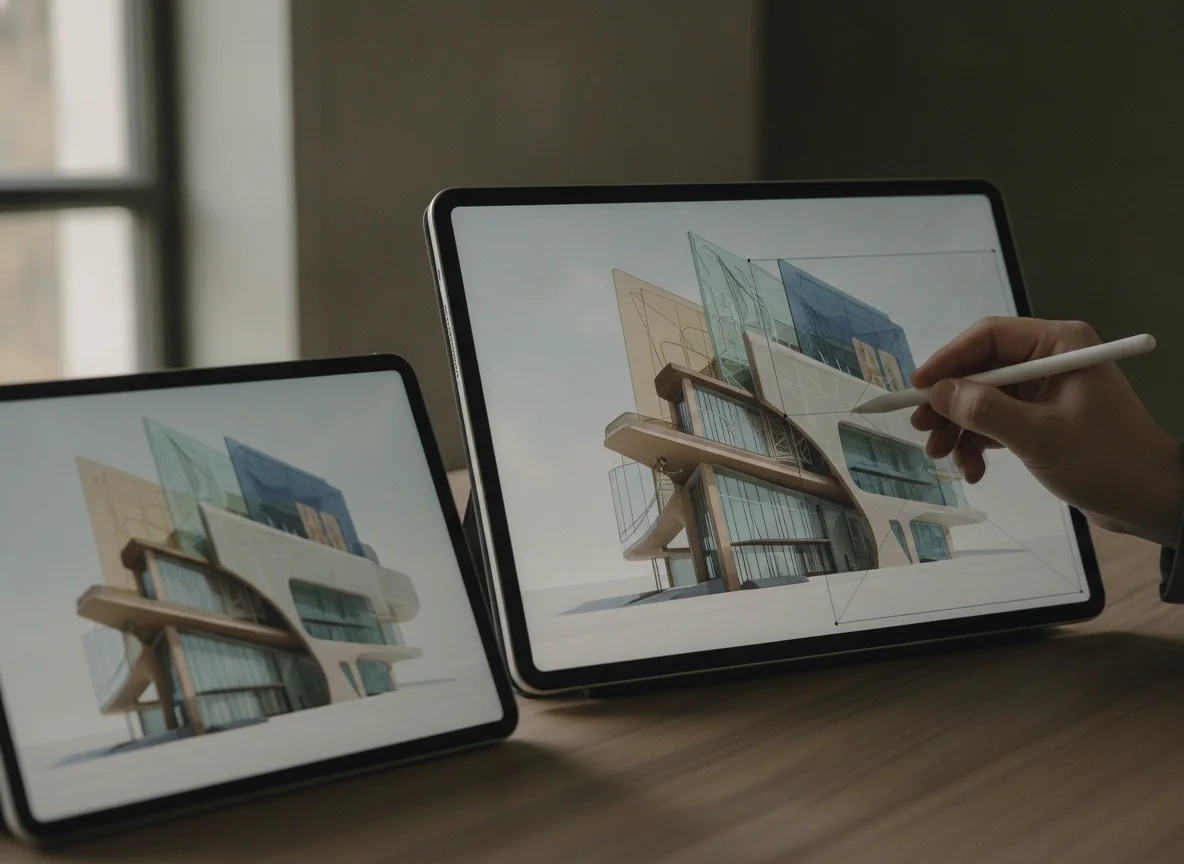
Apple Pencil Pro is the accessory that gives the large canvas its clearest purpose. It supports direct drawing, annotation and handwriting on both tablets, so choosing the Pro does not unlock Pencil Pro compatibility. The Pro instead improves the surrounding experience through 120Hz motion and its OLED panel.
A keyboard can make either device suitable for sustained writing, but it also adds considerable bulk and turns the setup into something close to a laptop while retaining iPadOS. The Air and Pro use different compatible Magic Keyboards, so a screen-size match alone is not enough. Budget for the exact keyboard, Pencil, case and storage configuration rather than comparing bare tablets in isolation.
Storage can erase the Air’s apparent simplicity
The Air reviewed here starts with 128GB, while this Pro configuration has 256GB. A cloud-first buyer who streams media, keeps modest app libraries and stores documents online can use 128GB comfortably. Large games, offline video, local photo libraries and creative projects can make it restrictive over a long ownership period.
External drives help with archives and transferable project files, but they do not enlarge the private storage every application uses. The Air remains the value choice only if its capacity fits without constant deletion or an immediate storage upgrade. The site’s iPad storage guide separates workloads that fit 128GB from those that make 256GB the safer floor.
The 13-inch iPad Air M4 is the sensible large canvas for most buyers.
It delivers the space that makes documents, notes, illustration and split-screen work better without charging for professional display hardware that many people will not exploit.
Its 60Hz LCD, 128GB capacity and awkward handheld size are real compromises, especially for motion-sensitive Pencil users and anyone expecting a casual sofa tablet.
The 13-inch iPad Pro M5 is the specialist choice for buyers who can see or use the upgrade.
Its tandem-OLED display, 120Hz ProMotion, 256GB capacity, Face ID, four speakers, Thunderbolt connection and immense performance make sense for a demanding iPad-first workflow.
The glossy 256GB model is still cumbersome to hold, accessories make the complete setup heavier, and iPadOS can leave expensive M5 power stranded behind missing desktop software.
Choose by the compromise, not the badge
Buy the Air if the canvas is the upgrade
Choose the Air for full-page notes, sheet music, PDF annotation, illustration, study and roomy multitasking. It is especially persuasive when the iPad will live on a stand and your work benefits from touch or Pencil input but does not demand OLED contrast or 120Hz motion.
Buy the Pro if the screen is part of the work
Choose the Pro when smooth Pencil response, reliable contrast judgment, HDR, premium audio or Thunderbolt connectivity affects the result rather than merely the pleasure of using it. A capable iPad app should already exist for the demanding job you expect the M5 to perform.
Buy neither if you are assembling a laptop by installments
A keyboard, case and Pencil can make either iPad a capable workstation, but they do not turn iPadOS into macOS. If typing, desktop applications and conventional file management dominate the day, a laptop is the more coherent starting point; our tablet replacement guide is useful only after the required software has passed inspection.
Choose a smaller iPad if comfort is the job
Reading in bed, commuting, holding a tablet during presentations and playing touch games all reward a smaller body. Thirteen inches should solve a workspace problem, not simply win a diagonal comparison.
The Air wins because it preserves the central benefit, a broad touch canvas, while surrendering luxuries rather than capability for most large-screen iPad work. The Pro is better hardware, sometimes spectacularly so, but it becomes the better purchase only when its display or professional connections participate in the job.
Frequently Asked Questions
Is the 13-inch iPad Pro noticeably better than the 13-inch iPad Air?
Yes, its OLED contrast, HDR, 120Hz motion, speakers, Face ID and connectivity are noticeable, but ordinary documents, browsing and streaming do not necessarily become useful enough to justify the upgrade.
Is the iPad Air’s 60Hz display good enough for drawing and notes?
It is good enough for many artists and note-takers, although people accustomed to 120Hz or sensitive to fast Pencil motion should compare both screens before buying.
Does the iPad Pro replace a laptop more completely than the Air?
The Pro supplies stronger hardware, but both run iPadOS and remain limited when essential work requires desktop applications, plug-ins, terminals or unrestricted system access.
Is 128GB enough on the 13-inch iPad Air?
It can be enough for streaming, cloud documents and moderate applications, while large games, offline media and local creative libraries make 256GB a safer choice.
Should I buy the Pro for its M5 chip?
Buy the Pro for M5 only when a named demanding iPad application benefits from its performance because the Air’s M4 already provides abundant speed for normal tablet work.
Which model is better for watching films?
The Pro produces richer blacks, stronger HDR and smoother motion, but both use a page-friendly shape that leaves large bars around widescreen films.
Which model is easier to carry and hold?
Neither is ideal for prolonged unsupported use because both have a broad 13-inch body, so buyers prioritizing handheld comfort should choose an 11-inch model.