HP Chromebook 14 N4120 review: a cheap Google machine with costly compromises
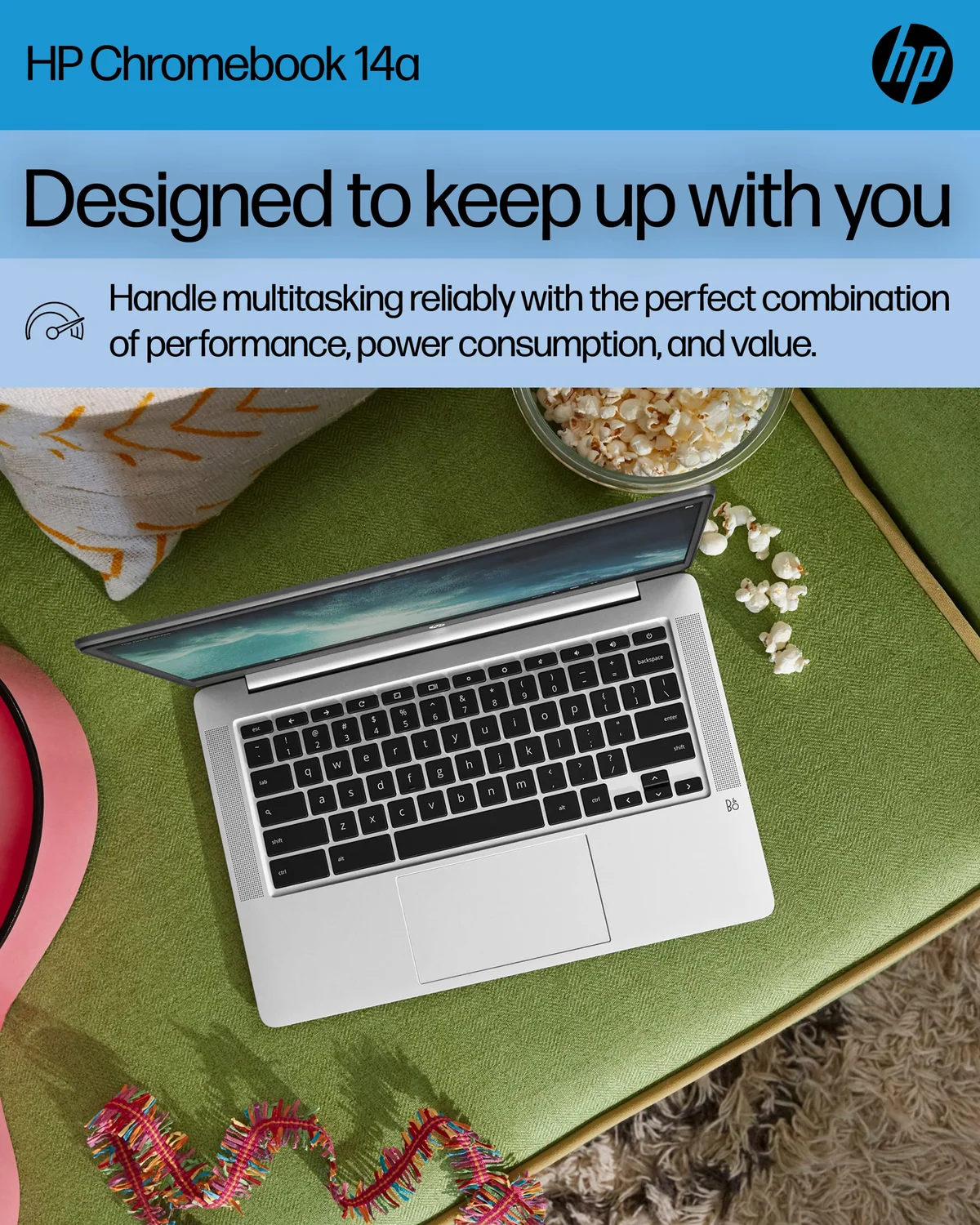
Skip the HP Chromebook 14 N4120 for general laptop use, but consider it as a deeply discounted secondary machine for a child, traveler or disciplined Google Workspace user who can accept a dull low-resolution screen and very limited multitasking.
Based on published owner reports and 1 other source. We have not tested this machine ourselves.
We earn a commission if you buy through our links, which does not affect what we say.
Read how this site works →
The final call
The HP Chromebook 14 N4120 succeeds when the assignment is deliberately small: sign in, open a few web pages, write something, stream a lesson and close the lid. Its easy setup, familiar Google workflow and full-size keyboard can make it a useful appliance for children, occasional travelers and households that need a spare computer.
Most buyers should still pass. A low-resolution display is permanent, 4 GB of memory is already restrictive, eMMC storage is modest, ChromeOS software compatibility is narrow and the remaining update life needs verification. None of those limits disappears because the listing says “4K ready” or because the computer starts quickly on its first day.
Buy only when the exact model is deeply discounted, its update expiration has been checked and the intended workload fits comfortably inside ChromeOS. Otherwise, spend the difference on a Full HD machine with 8 GB of memory; the improvement will be visible on the first page and increasingly valuable with every additional tab.
Best for: Students
Buy it if: you need one inexpensive, low-maintenance computer for homework, email, Google Docs, forms, video lessons and a handful of browser tabs.
Walk away if: you expect crisp text, many open windows, Windows or Mac software, serious gaming, abundant local storage or enough performance headroom to age gracefully.
The HP 14a-na0226nr is a 2022 Chromebook built around an Intel Celeron N4120, 4 GB of RAM, 64 GB of eMMC storage and a 14-inch 1366 × 768 anti-glare display. That specification can still cover a narrow set of ordinary jobs. It is not, however, a bargain version of a modern all-purpose laptop. It is a browser-first appliance whose appeal depends on using less computer than many product descriptions encourage you to imagine.
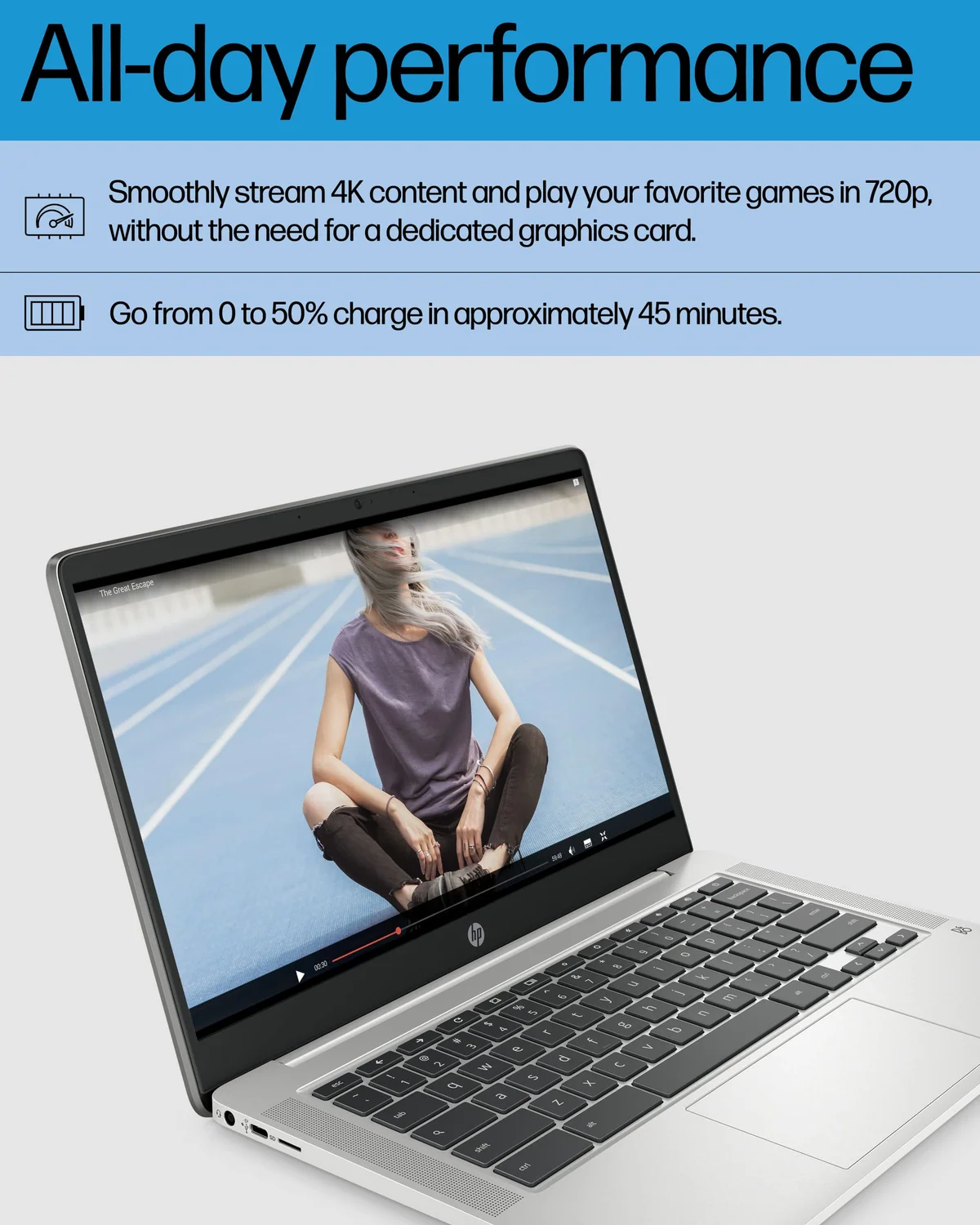
That distinction matters because the listing describes a productivity machine capable of handling assignments at once, streaming 4K content and playing next-generation games. Its own screen contains only 1366 × 768 pixels. The Intel UHD Graphics 600 label does not turn that panel into a 4K display, and neither the low-power processor nor 4 GB of memory makes this a serious gaming computer. Those claims confuse technical output capability with what the complete laptop can usefully deliver.
The credible case is less glamorous and more useful. Exact owners used this model for children’s homework, classes at home, vacation browsing and a small business’s browser-based emergency workflow. One business owner connected through a mobile hotspot, restored Chrome accounts and used a printer, mouse and barcode reader; the machine was explicitly described as not fast, but adequate for that tightly defined job. Several owners also praised the quick setup, uncomplicated navigation and lightweight feel.
This is therefore a conditional recommendation, not an endorsement of everything called “HP Chromebook 14.” HP has reused that name across unrelated processors, displays, convertibles and generations. This review concerns model 14a-na0226nr with the N4120, 4 GB of memory, 64 GB of eMMC storage and the HD non-touch display. A review of an x360, an AMD model or a newer N100 configuration does not describe the machine here.
Key Specifications
The screen is the compromise you will notice every minute
A 14-inch panel gives documents more physical room than a compact 11-inch Chromebook, but 1366 × 768 is a sparse resolution at this size. Text and interface elements will not look as crisp as they do on a 1920 × 1080 display, and there is less usable workspace for a spreadsheet or two windows. The anti-glare finish can reduce mirror-like reflections; it cannot manufacture missing pixels or improve color, contrast and brightness.
Exact owners did not agree about the display. Some called it clear or simply said it worked well, while another found it less sharp than a previous HP Chromebook. Those reactions are compatible: a screen can be acceptable for undemanding indoor use and still be objectively lower-resolution than a Full HD alternative.
The closest family-level testing is more cautionary. RTINGS tested a different 14a-na0000-series unit with an N4000 processor and 32 GB of storage, so its measurements are not exact-model results. Its 720p panel was judged dim, washed out and poor from an angle, while the family’s optional 1080p panel was sharper. The exact model reviewed here is confirmed only as an HD anti-glare display, so it would be wrong to assert its panel technology or brightness from that sibling, but the family evidence reinforces the resolution warning.
The keyboard tells a similarly divided story. Several owners liked its comfort and easy key action, including a parent whose children were learning to use a laptop. Another owner found the medium-gray legends difficult to distinguish from the darker gray keys and later reported that the spacebar needed a harder press than the other keys. The first point is especially important for older eyes or low vision: a keyboard can feel pleasant while remaining difficult to read.
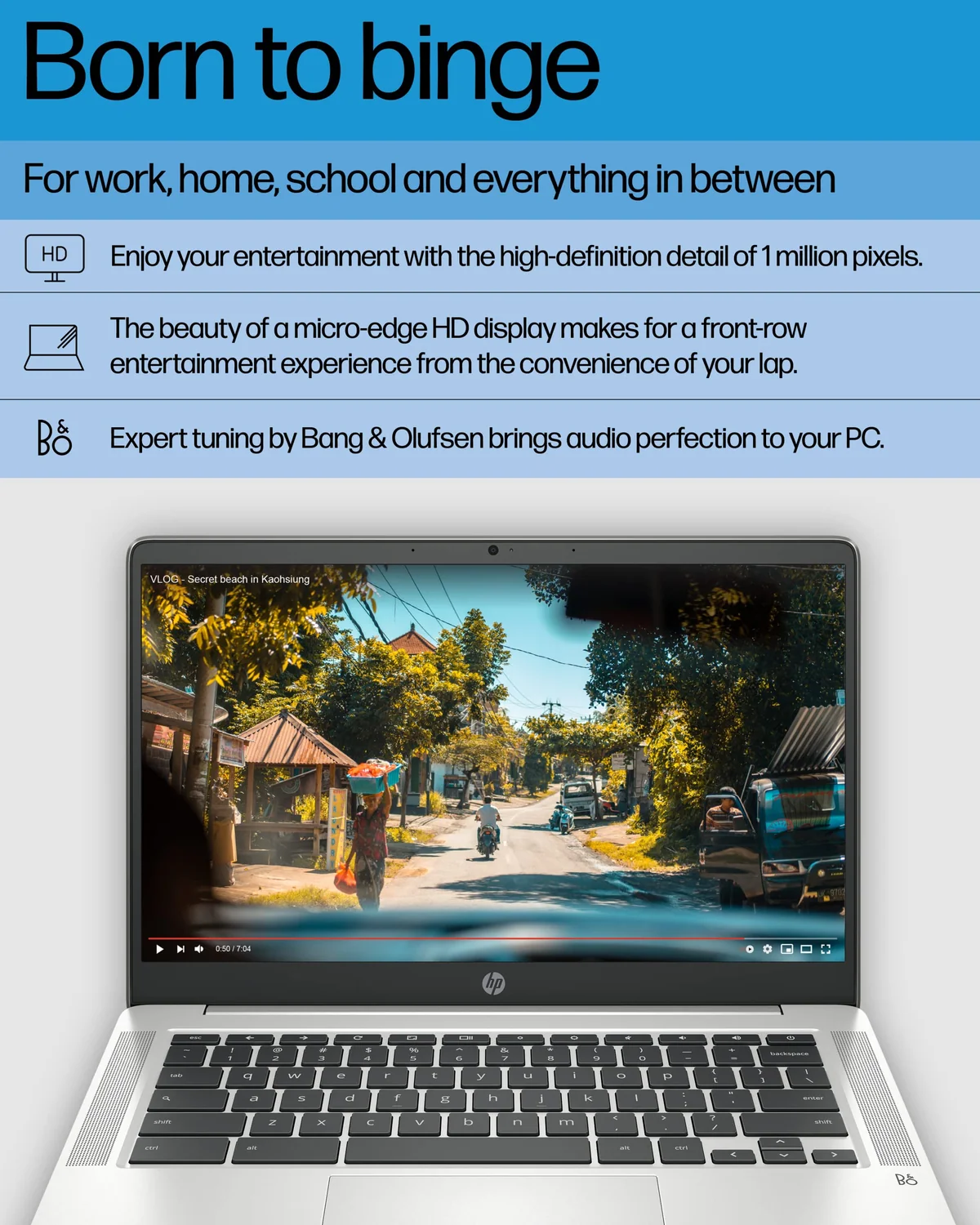
Audio and camera quality are adequate rather than persuasive. One exact owner described the speakers as decent and the camera as passable. The related family review likewise characterizes the speakers as suitable for speech but lacking bass and volume, with a poor webcam. This is enough for an occasional lesson or informal call, not a reason to choose the machine for frequent videoconferencing.
Strengths & Limitations
Strengths
- ChromeOS setup and Google-account recovery are simple for beginners and existing Google users.
- The 14-inch format gives homework and documents more physical room than an 11-inch Chromebook.
- Exact owners successfully used it for classes, travel, parental-control setups and narrow browser-based business work.
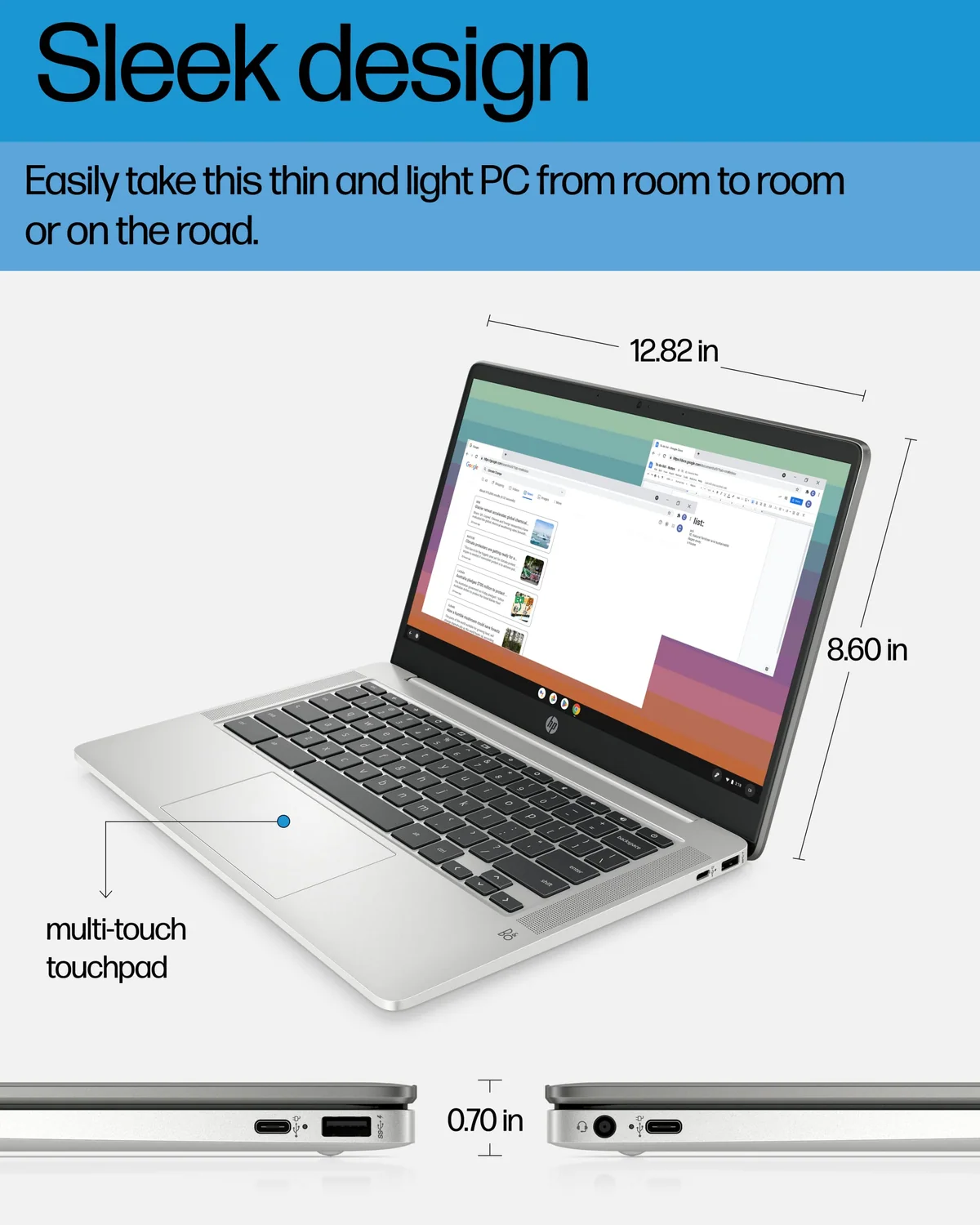
- USB-C charging is more convenient to replace than a proprietary charger.
Limitations
- The 1366 × 768 display sacrifices text sharpness and usable workspace.
- Four gigabytes of memory leaves little room for multiple windows or demanding web applications.
- The gray keyboard legends may be difficult to read, especially for older eyes or low vision.
- Exact owners describe sparse USB connectivity, while family documentation conflicts on the precise port count.
- The exact remaining ChromeOS update window is not established in the available record.
- ChromeOS cannot replace Windows or macOS when required desktop software determines the purchase.
Fast enough until the session gets crowded
ChromeOS can make modest hardware feel responsive because startup, updates and Google-account recovery are streamlined. That explains why some owners called the machine fast or found its speed perfect: signing in, opening email, writing a document and streaming a lesson are not especially demanding when performed one at a time.
The limit appears when a light session becomes a normal modern workload. An exact owner’s assessment deteriorated over roughly a month, moving from praise for easy setup to slower video, an inability to cope with multiple windows and frequent freezing. That does not prove every unit will behave identically, but it exposes the risk built into 4 GB of memory. A few ordinary tabs can feel fine; numerous tabs, video calls, complex web apps and several accounts competing for memory can erase that impression quickly.
Work that fits
- Email, forms and ordinary browsing
- Google Docs, Drive and Classroom
- Streamed lessons and casual video
- Simple cloud-based business tools
- A small number of Android or web apps
Work that does not
- Large collections of active tabs
- Video editing, CAD or 3D work
- Desktop Adobe, Windows or macOS software
- Demanding games or conventional PC titles
- Heavy offline work and large local libraries
The N4120 has four CPU cores, but core count alone cannot overcome entry-level architecture, limited memory and eMMC storage. The closest independent review covers another member of the 14a-na0000 family, not this exact configuration, and found that family suitable for light browsing and video rather than demanding work. It also describes slow eMMC storage and no user-upgradeable components, although those details should not be transferred to this exact suffix without qualification.
Choose ChromeOS before choosing this hardware. Google Play broadens the app selection, but an Android app does not automatically behave like a desktop program, and conventional x86 applications are not available simply because the device has a laptop shape. Readers unsure about that boundary should first see what a Chromebook can do and where ChromeOS becomes limiting.
Value has a narrow window
The captured listing price was low enough to explain much of the owner enthusiasm, but it is historical evidence rather than a current offer. Specs & Screens would judge this machine by the alternatives available on the day of purchase, not by a past price or the size of a discount badge.
At an unusually low cost, the screen, memory and storage can be rational sacrifices for a secondary computer that performs one simple job. Once the price approaches newer 8 GB Chromebooks, Full HD models or capable renewed business laptops, the argument collapses. More memory improves the machine’s chances of remaining responsive as web pages grow heavier, while a Full HD screen improves every document and web page immediately.
Do not choose it merely because a tablet seems insufficient. A Chromebook is better for sustained typing and conventional browser work, while a tablet is often better for touch-first entertainment, reading and app use. Our laptop and tablet comparison separates those use cases before the operating system and keyboard decide the purchase for you.
For a student who needs more than Google Docs and Classroom, start with the broader student computer and tablet recommendations. The HP belongs only at the basic end of that decision: low-cost access to the web, a physical keyboard and uncomplicated account management.
Easy to deploy, harder to recommend for the long term
Setup is the most consistent strength in the owner record. A 77-year-old buyer found the first day easy, a parent praised the child-friendly interface, and the business owner recovered existing Chrome accounts quickly. For a household already using Gmail, Drive, Classroom or Google Family Link, that simplicity can be worth more than benchmark speed.
Parental controls deserve the same precision as every other feature. One parent reported daily search summaries and easy content restrictions, but those controls come from the configured Google account and family services rather than unique HP hardware. They can make this a practical homework machine, provided the display and keyboard remain comfortable for the child using it.
Storage is less generous than the “64 GB” label may first suggest. The formatted capacity available to the user will be lower, and eMMC is not equivalent to a fast, roomy SSD. It is workable for cloud documents and a modest offline cache. It is a poor match for a large collection of downloaded video, games or media. Buyers planning extensive offline use should treat Google Drive or external storage as part of the setup rather than an optional afterthought.
HP advertises up to 14 hours of battery life and a charge from zero to 50 percent in about 45 minutes. Neither figure was independently verified on this exact N4120 unit in the supplied evidence. The related 14a family earned praise for long battery life, so all-day light use is plausible, but the advertised number remains a best-case ceiling affected by screen brightness, wireless activity and workload.
One exact owner reported that the supplied charger malfunctioned after seven months and was not covered under the warranty. USB-C charging makes a replacement easier to source than a proprietary connector, but the replacement still needs an appropriate power-delivery specification; sharing the connector shape does not make every phone charger suitable.
There is a larger 2026 concern that the listing cannot settle: remaining automatic-update support. This model was released in 2022, but the exact automatic update expiration for 14a-na0226nr is not established in the record. Verify that date for the precise model before buying, particularly if the machine is meant to last several school years. A low purchase cost is not good value if software support ends much sooner than expected.
Frequently Asked Questions
Is this HP Chromebook good for schoolwork?
It is suitable for browser-based homework, Google Classroom, Docs and streamed lessons, but it is a weak choice for courses requiring Windows software, CAD, programming tools or heavy multitasking.
Can the HP Chromebook 14 N4120 display 4K video?
Its internal screen is only 1366 × 768, so the “4K ready” graphics claim does not mean the built-in display can show 4K detail.
Is 4 GB of RAM enough for this Chromebook?
Four gigabytes is enough for a few light ChromeOS tasks, but exact owner evidence shows that multiple open windows and heavier sessions can lead to slowdown or freezing.
Can it run Windows programs or modern PC games?
No, ChromeOS does not natively run conventional Windows applications or DirectX PC games, and this entry-level hardware is intended for light browser and Android workloads.
What problems have owners reported?
Retained exact-model reviews mention freezing with multiple windows, low-contrast keyboard legends, a stiff spacebar, limited USB ports, reduced screen sharpness and one charger failure after seven months.
How old is this exact Chromebook?
The 14a-na0226nr was released in March 2022, so buyers should verify its exact automatic-update expiration before purchasing it for long-term use.
Does it have two or three USB ports?
The available evidence conflicts because exact owners describe two USB ports while a closely related 14a-na family review lists three, so the physical ports should be confirmed from the exact unit before purchase.
Is 64 GB of storage enough?
Sixty-four gigabytes is workable for cloud-first documents and a modest offline cache, but it is not spacious storage for large local media, games or extensive offline use.