The basic 11-inch iPad beats the iPad Pro for almost everyone
Buy the 11-inch A16 iPad for ordinary tablet life, and pay for the 11-inch M5 iPad Pro only if display quality, precision art or demanding creative work is central rather than occasional.
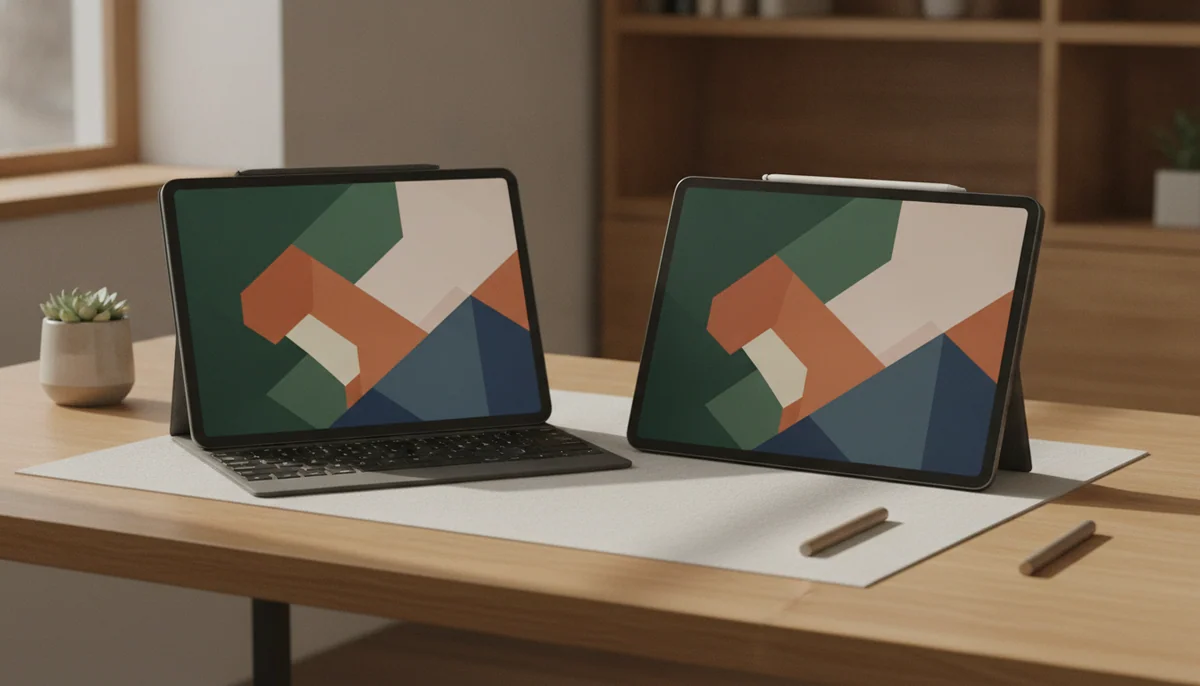
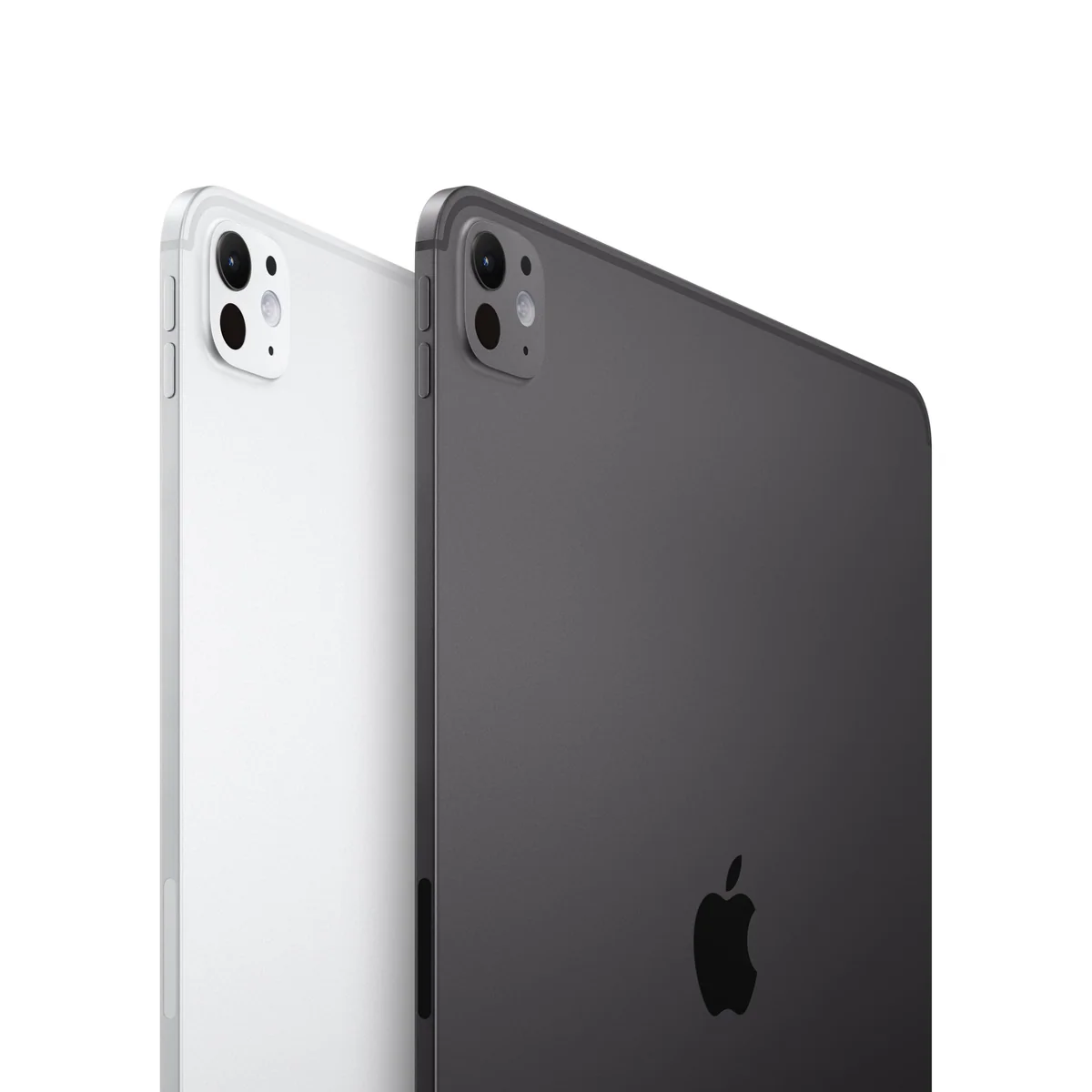
IPad Pro 11-inch M5

IPad 11-inch a16
These iPads occupy nearly the same amount of space, run the same broad family of apps and handle the jobs that persuade most people to buy a tablet. Both can stream films, open documents, join video calls, browse the web, run mainstream games and accept an Apple Pencil. That superficial similarity makes the Pro dangerously easy to rationalize: it looks like the familiar iPad with every desirable specification turned up.
The trouble with that reasoning is that ordinary tasks do not become proportionally better when assigned to an M5 processor. The A16 model is already responsive enough for schoolwork, reading, email, notes, calls and entertainment, and its 128GB starting capacity is practical rather than punitive. It is the model that respects what most buyers will actually ask of it.
Its compromise is the screen. The standard iPad uses a reflective, non-laminated Liquid Retina LCD that refreshes at 60Hz. It looks clear and colorful indoors, but strong light produces distracting reflections, the gap beneath the cover glass is noticeable during precise Pencil work, and motion lacks the fluidity of the Pro. It also cannot use Pencil Pro or Apple Intelligence, and its 20W charging is slow when a quick recovery matters.
The M5 iPad Pro fixes nearly every one of those complaints with a tandem-OLED Ultra Retina XDR display, adaptive refresh up to 120Hz, Pencil Pro support, Face ID and considerably more computing headroom. The screen is its strongest argument because every activity benefits from deeper blacks, greater contrast and smoother movement, even when the processor is barely occupied.
Yet the Pro carries a more fundamental limitation: iPadOS still decides which professional workflows are possible. A desktop-only application, unsupported plugin or restricted file operation does not begin working merely because the tablet contains laptop-class silicon. Exact-model owners praise its speed, screen and portability while also describing a large reserve of power that their routine use never approaches.
This is therefore not a contest between a slow iPad and a fast one. It is a choice between sufficient hardware and exceptional hardware. The A16 model wins by completing common jobs without charging the buyer for specialist advantages; the Pro wins only when one of those advantages belongs to the job itself.
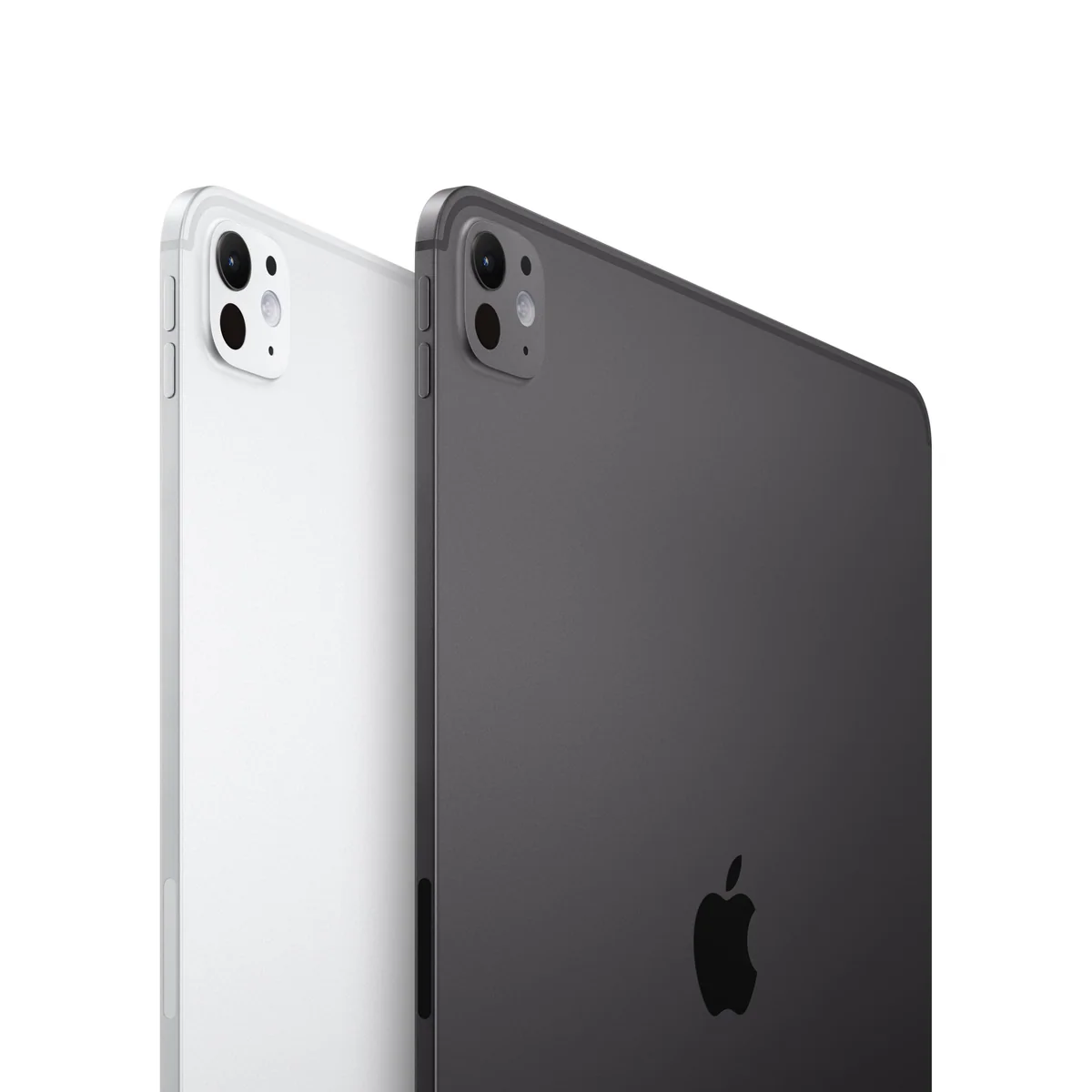
IPad Pro 11-inch M5

IPad 11-inch a16
At a Glance
| Feature | IPad Pro 11-inch M5 | Editor's Pick IPad 11-inch a16 |
|---|---|---|
| Price Range | — | — |
| Finish | Space Black | Blue |
| Screen size | 11" | 11" |
| Check Price on Amazon | Check Price on Amazon |
The screen creates the gap, not the inch count
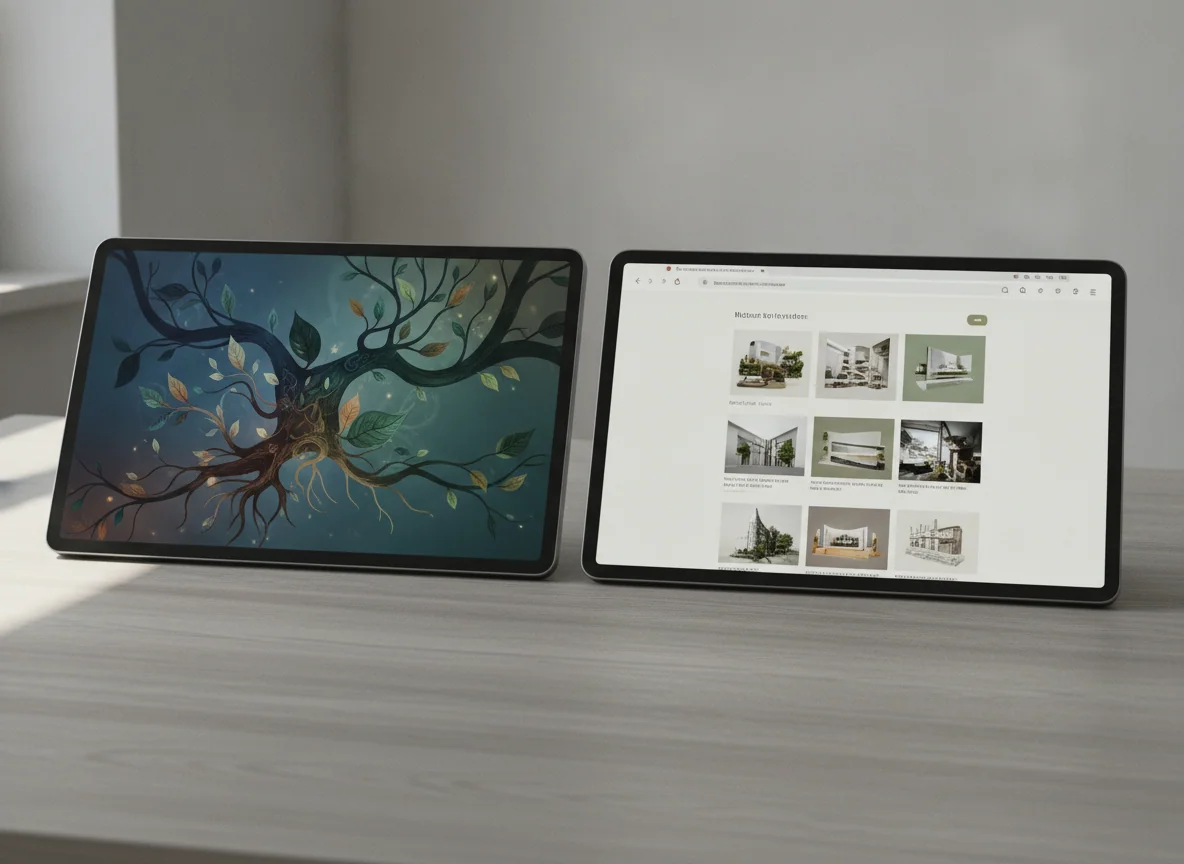
Apple calls both models 11-inch iPads, and neither provides meaningfully more canvas simply because one carries the Pro name. Their difference appears inside that canvas. The standard iPad presents a conventional LCD image behind non-laminated glass, while the Pro uses tandem OLED and ProMotion to make dark scenes, HDR material, scrolling and Pencil movement look markedly more controlled.
That distinction matters most to people who stare at subtle visual differences for a living or feel 60Hz motion immediately. An illustrator placing fine strokes, an editor judging photographs, or a viewer who values excellent HDR has a reason to prefer the Pro every time the screen wakes. Someone watching ordinary video, reading websites or writing in a document still receives a good image from the A16 iPad, provided the room is not filling it with reflections.
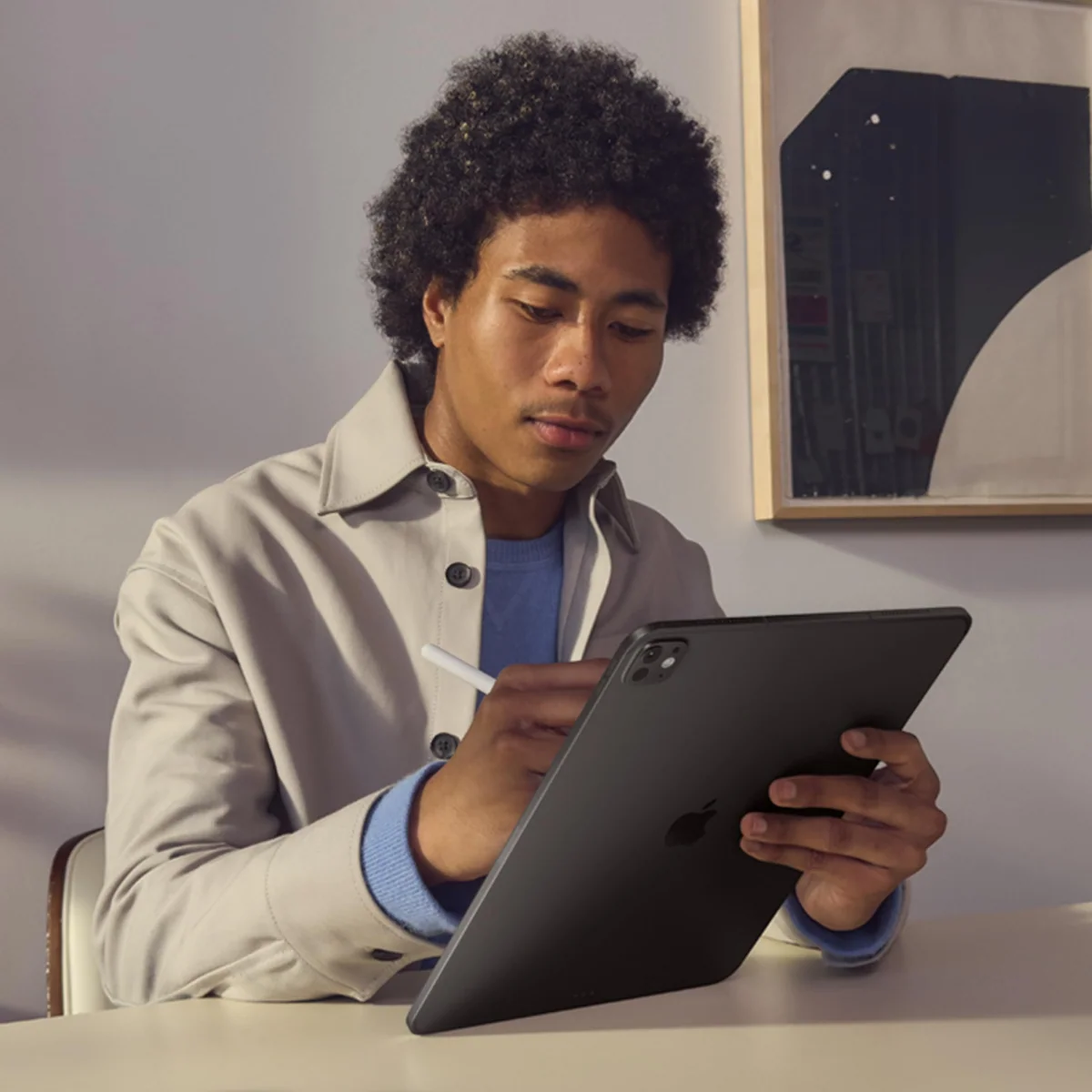
The standard model’s non-laminated construction is often discussed as though it ruins handwriting. It does not. Class notes, signatures and PDF markup remain credible uses for the USB-C Apple Pencil. The gap becomes a purchasing issue when the tip must feel visually attached to a precise line, which is why detailed illustration pushes the decision toward a laminated iPad.
Pencil support also separates casual notation from a serious creative setup. The A16 model works with the USB-C Pencil and the first-generation Pencil through an adapter, but it cannot use Pencil Pro and offers no supported magnetic charging arrangement. The Pro supports Pencil Pro and its richer control scheme. Buyers uncertain whether any stylus will earn a place in their routine can first read our guide to when an active stylus is worth buying.
| Decision point | 11-inch M5 iPad Pro | 11-inch A16 iPad |
|---|---|---|
| Display | Tandem OLED with ProMotion up to 120Hz, wide color and high contrast | Liquid Retina LCD at 60Hz with reflective, non-laminated construction |
| Best visual use | Precision art, photo and video work, HDR viewing and buyers sensitive to motion | Reading, streaming, documents, calls, notes and mainstream games |
| Processor | M5 with substantial headroom for demanding supported applications | A16 with ample speed for routine tablet work and lighter creative tasks |
| Starting storage here | 256GB | 128GB |
| Pencil support | Apple Pencil Pro and Apple Pencil USB-C | Apple Pencil USB-C and first-generation Apple Pencil through an adapter |
| Authentication | Face ID | Touch ID in the top button |
| Wireless connection | Wi-Fi 7 through Apple’s N1 chip | Wi-Fi 6 |
| Apple Intelligence | Supported | Not supported |
| Primary limitation | Much of its performance is wasted when the work is ordinary, while iPadOS still limits software freedom | The reflective display, basic Pencil support and slower connections constrain ambitious creative work |
The M5 is impressive long after it stops being relevant
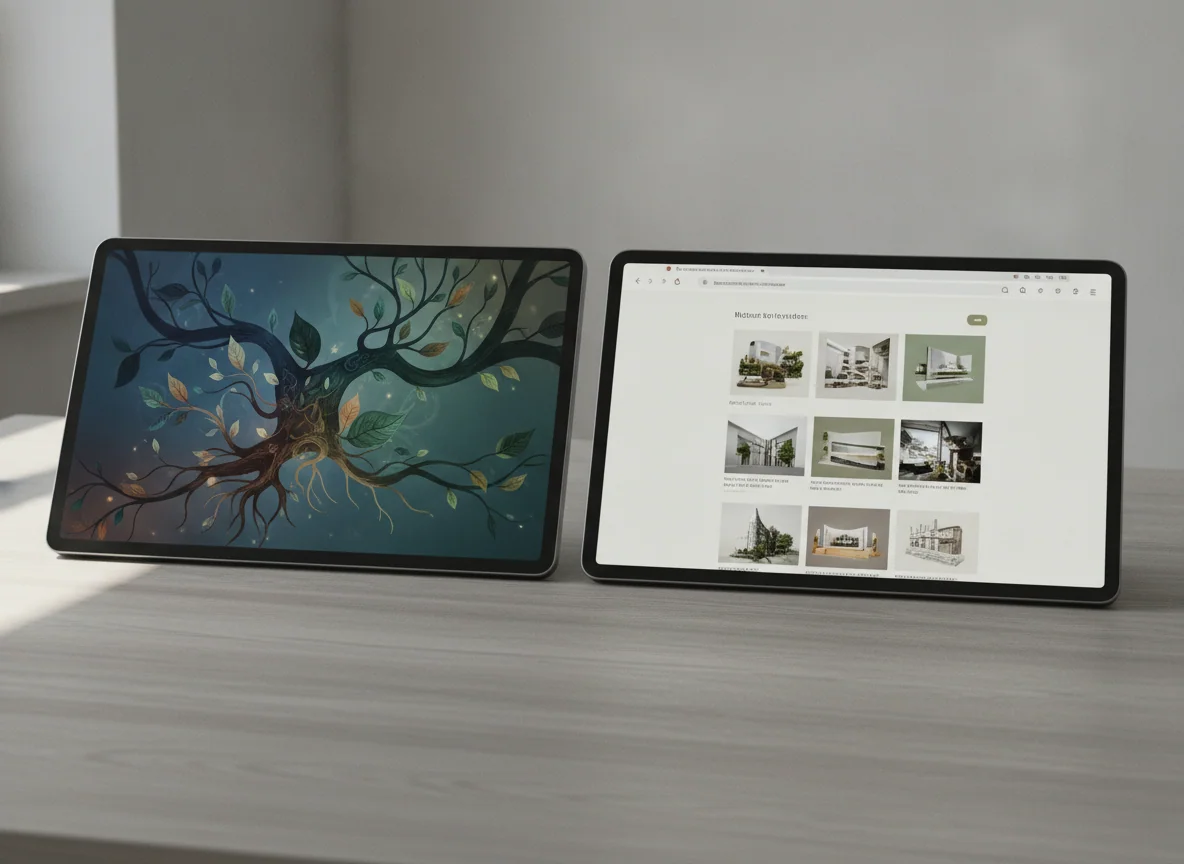
Processor comparisons encourage a simple conclusion: more speed must produce the better purchase. Here, speed and value part company. The M5 has a convincing purpose in large creative projects, graphics-heavy applications, demanding games, local artificial-intelligence workloads and multitasking that keeps substantial applications active. It also offers performance reserves that should remain comfortable for years.
The A16 cannot match that ceiling, but most tablet activities happen far below it. A browser does not become three times more useful because the processor could have exported video instead. Mainstream apps open promptly, two-app combinations such as notes beside a PDF are practical, and familiar mobile games fit comfortably within the hardware’s capabilities. Owners repeatedly describe the A16 model as smooth across family, school and entertainment use.
Heavy workflows expose the difference. The standard iPad is a poor foundation for regular layered 4K editing, fast external-storage work or ambitious multitasking, and its USB connection is much slower than the connections on higher iPads. The Pro has the processor, memory and connectivity for more serious work, but only when the required applications and features exist on iPadOS.
That final qualification deserves a written checklist before purchase. Name every application, plugin, file transfer, peripheral and external-display behavior the workflow requires. If the entire chain works on an iPad, the Pro offers abundant power in a remarkably portable form; if one indispensable link requires macOS or Windows, compare an iPad with a MacBook instead of hoping premium hardware will erase an operating-system boundary.
Storage and accessories can reverse an easy decision
The exact A16 configuration starts at 128GB, which is enough for many collections of apps, notes, documents, photographs and downloaded entertainment. It is not expandable with a microSD card. Large games, extensive offline video or years of local media can consume it quickly, so buyers should inspect their current storage rather than selecting a capacity through optimism. Our iPad storage guide shows which workloads actually need more.
The Pro configuration covered here includes 256GB, a more comfortable starting point for creative applications and active project files. Larger projects can still outgrow it, and this capacity does not include the optional nano-texture glass reserved for selected higher-storage configurations. Buying the Pro for storage alone makes little sense because the standard iPad is also offered with greater capacity.
Accessories create the more subtle trap. A Pencil, keyboard and protective case are separate purchases for either tablet. The standard iPad’s Magic Keyboard Folio works well on a desk but its kickstand is awkward on a lap, while the Pro’s current Magic Keyboard adds an excellent trackpad and function row at the cost of weight, tighter 11-inch key spacing and less convincing lap stability. Exact generation matters because an accessory labeled merely “11-inch” is not necessarily compatible with both chassis.
Price the intended working setup rather than the bare glass rectangle. If the standard iPad needs a keyboard, Pencil, greater storage and a better display before it feels suitable, the middle ground may be more honest than either extreme. Our 11-inch iPad Air review covers the model that adds a laminated display, Pencil Pro, Apple Intelligence and M-series performance without requiring the full Pro specification.
The A16 iPad is the rational default.
It earns the recommendation by making everyday iPad work quick, portable and practical while providing 128GB of starting storage.
Its reflective non-laminated 60Hz screen, limited Pencil support and lack of Apple Intelligence become real obstacles for artists and ambitious creative users.
The M5 iPad Pro is the specialist’s indulgence.
It earns the upgrade for its superb tandem-OLED display, 120Hz ProMotion, Pencil Pro experience and exceptional performance in demanding supported applications.
Its laptop-class power cannot run missing desktop software, and routine tablet use leaves much of the expensive hardware idle.
IPad Pro 11-inch M5

IPad 11-inch a16
Choose according to the irritation you refuse to tolerate
Buy the A16 iPad for ordinary tablet life
It is the stronger choice for families, students, first-time iPad owners and anyone whose list begins with streaming, reading, browsing, calls, email, documents or mainstream games. It also makes sense for handwritten notes and PDF annotation when fine-art precision is not the objective.
A happy owner of the previous base iPad should usually keep it unless limited storage or slowing performance has become a concrete problem. The newer model improves the internals and starting capacity, but its display behavior and physical concept remain familiar.
Buy the M5 Pro for work that notices the hardware
Digital artists, visual editors, touch-first professionals and buyers who are genuinely sensitive to 60Hz motion receive benefits they can see throughout the day. Frequent travelers may also value putting substantial supported performance into a thin 11-inch device rather than carrying the larger Pro.
Owners of a recent tandem-OLED iPad Pro should be especially skeptical. The M5 may improve headroom, memory and networking, but the defining display experience is already present on the previous generation, so an upgrade needs a specific workflow gain rather than a newer chip name.
Choose neither when the tablet must behave like an unrestricted laptop
A keyboard can make an iPad more productive, but it cannot install missing Mac or Windows software. Buyers who need terminal access, specialized desktop plugins, complex file management or stable work on an uneven lap should examine our guide to tablets that can credibly replace a laptop before committing.
Consider the iPad Air when both answers feel wrong
The Air is the sensible escape route for a buyer who dislikes the base iPad’s reflective non-laminated display but cannot justify the Pro’s OLED panel and enormous performance reserve. It is particularly persuasive for detailed drawing, heavier school or creative work and anyone who wants Pencil Pro or Apple Intelligence without climbing to the flagship.
The 11-inch A16 iPad wins this comparison because adequacy is a feature when it is matched to the work: buy the M5 Pro only when you can name the screen or professional task that will make its excess useful.
Frequently Asked Questions
Will the A16 iPad feel slow beside the M5 iPad Pro?
No, the A16 remains responsive for everyday apps, media, notes, schoolwork and mainstream games, although the M5 has far more headroom for demanding creative work.
Is the iPad Pro screen worth upgrading for?
It is worth upgrading for HDR viewing, deep OLED contrast, 120Hz motion, precision art or difficult lighting, but not merely to make ordinary streaming and browsing possible.
Which model is better for drawing?
The M5 iPad Pro is better for serious illustration because its laminated OLED panel, ProMotion and Pencil Pro support provide a more precise and fluid drawing system.
Which model is better for students?
The A16 iPad suits most students who need notes, documents, research, calls and entertainment, while art, design or video courses may justify an Air or Pro.
Can either iPad replace a laptop?
Either can cover light computer work, but the M5 Pro becomes a credible primary machine only when every required application, plugin, peripheral and file operation works on iPadOS.
Does the A16 iPad support Apple Intelligence?
No, Apple Intelligence is unavailable on the A16 iPad and is not a feature that a later software update can add to this hardware.
Is 128GB enough on the standard iPad?
128GB is enough for most collections of apps, notes, documents and managed media, while large games and extensive local video libraries may require a higher capacity.