The 13-inch iPad Air is the iPad most likely to replace your laptop
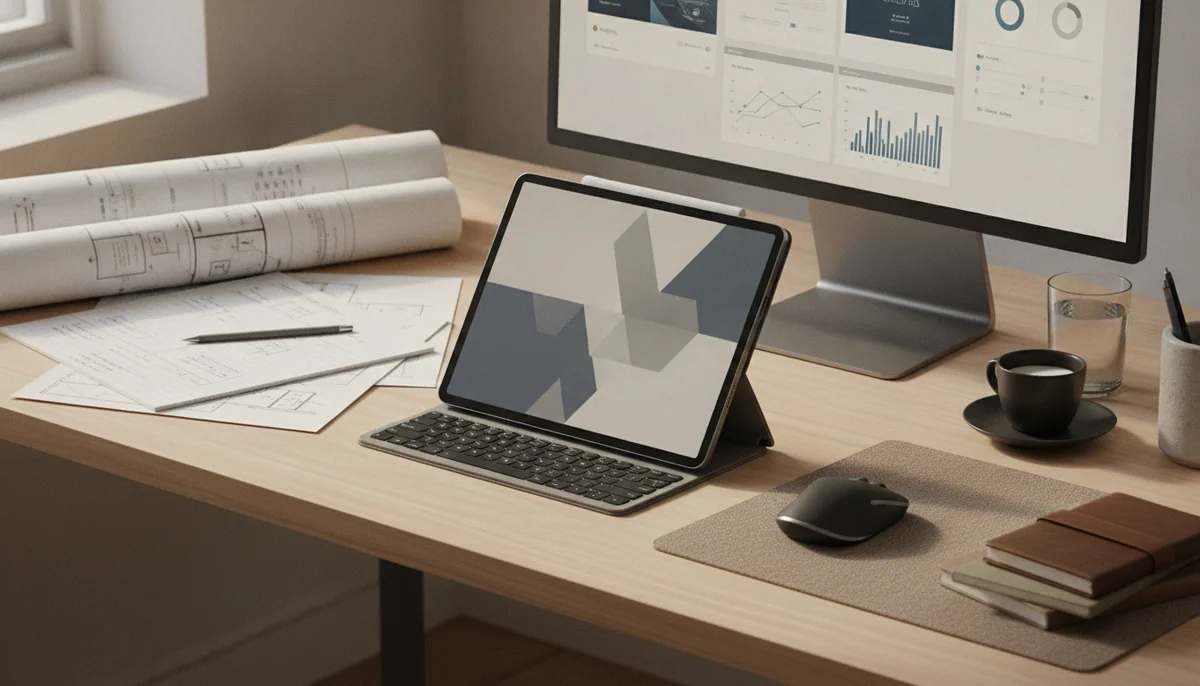
The best iPad for replacing a laptop is not the fastest one. It is the model that leaves enough room for documents, windows, controls and a usable keyboard without charging for professional display hardware that most office work never exploits. That makes the 13-inch iPad Air M4 the best choice here.
Its large screen gives split-view research, full-page PDFs, spreadsheets, timelines and Pencil work space that the 11-inch models cannot reproduce. The M4 chip is comfortably beyond the demands of ordinary office work, and the current windowing system makes the display feel less like an enlarged phone screen. Owners describe using the 13-inch model for multiple windows, external storage, digital sheet music and laptop-style work, all of which make better use of its size than streaming alone.
The recommendation comes with a hard boundary. An iPad can be fast enough and still fail at the job because an essential desktop app, browser feature, plug-in, terminal, file operation or peripheral is unavailable. The keyboard is also a separate purchase, and the combined setup is less stable on a lap than a conventional notebook. If typing and desktop software define the work, the site’s iPad versus MacBook comparison is the decision to make before choosing a tablet.
Buy an iPad as your main computer when
Your required applications are complete on iPadOS, most files live comfortably in its storage or cloud services, and touch or Pencil input improves the work enough to justify a detachable keyboard.
Keep the laptop when
You need desktop-only software, unrestricted installation, development tools, complex folder automation, several connected drives or a machine that remains stable while typing on a sofa, train or cramped tray.
A replacement has to survive the boring work
Processor performance is the easiest part of this decision. Every model here can browse, stream, handle email and open ordinary documents; even the basic A16 iPad remains responsive in mainstream apps. The real test begins when a browser, reference document, call, password manager and writing app all have to coexist for several hours.
Screen area matters because multitasking features cannot manufacture physical space. Eleven inches is excellent for portability and single-app concentration, but two substantial windows quickly become narrow. Thirteen inches gives documents and controls room to coexist, which is why the larger Air is a better primary computer even though the 11-inch Air contains the same class of processor.
Storage is the next fixed constraint. The two Airs and the basic iPad listed here start at 128GB, while both Pros start at 256GB. None accepts a microSD card. Cloud and external storage help, but they do not increase the internal space available to every application, so buyers keeping large games, offline video or local creative projects should use the site’s iPad storage guide before choosing a capacity.
The complete setup is the product
A bare iPad is not the laptop-like computer shown in a keyboard workflow. Add the compatible keyboard, protection, a Pencil if needed, and enough storage before comparing it with a notebook. The Magic Keyboard can provide a good trackpad and typing experience, but it adds weight, leaves one data port on the tablet and remains less secure on an uneven lap.
Pencil input is the strongest reason to accept those compromises. Notes, document markup, illustration, photo adjustments and touch-first design can feel more direct on an iPad than on a conventional laptop. If drawing is the primary job rather than an occasional bonus, the guide to the best iPads for digital art weighs display quality and Pencil support more heavily.
| Check | An iPad can replace the laptop when | Keep a conventional computer when |
|---|---|---|
| Applications | Every required app has a sufficiently complete iPad version. | An indispensable program, plug-in or browser workflow remains desktop-only. |
| Files | Your folders, cloud services and external drives work predictably in the chosen apps. | The job depends on complex automation, unrestricted folder access or several drives at once. |
| Typing | Most long sessions happen at a desk or table with a compatible keyboard. | You routinely type on your lap or need the stability and ports built into a notebook. |
| Workspace | One or two visible apps cover the normal workflow. | Several persistent windows, dense timelines or broad spreadsheets must remain visible. |
| Touch and Pencil | Direct input makes notes, art, design or annotation materially better. | The touchscreen would be admired briefly and then ignored behind a keyboard. |
Do not buy any of these as a laptop replacement until you have written down the exact applications, accessories, storage capacity and connections the finished setup requires.
The iPads ranked for replacing a laptop
The ranking favors complete computer work rather than raw speed. Large screens rise because they make windowed work comfortable, while the 11-inch models remain better secondary computers and handheld tablets. The Pros earn specialist positions for their displays and Pencil experience, not because an M5 chip makes email more productive.
The basic iPad is the budget choice for light school and office work.
The A16 iPad can cover email, browsing, calls, notes and ordinary documents for buyers whose computer needs remain deliberately simple.
Its reflective non-laminated display, limited Pencil support, slower USB connection and awkward keyboard setup make it a weak foundation for demanding or accessory-heavy work.
The attraction is restraint. The A16 chip keeps everyday applications responsive, and 128GB is a much more workable starting capacity than the 64GB entry iPads of the past. Controlled testing also found credible all-day endurance for a conventional browser workload.
It stops making sense when the shopping list grows. A keyboard, Pencil, case and storage upgrade can consume the advantage while leaving the tablet with a glossy 60Hz display, a low-speed USB connection and no Apple Intelligence support. Buy it for a modest workflow, not as a cheap route to an Air.
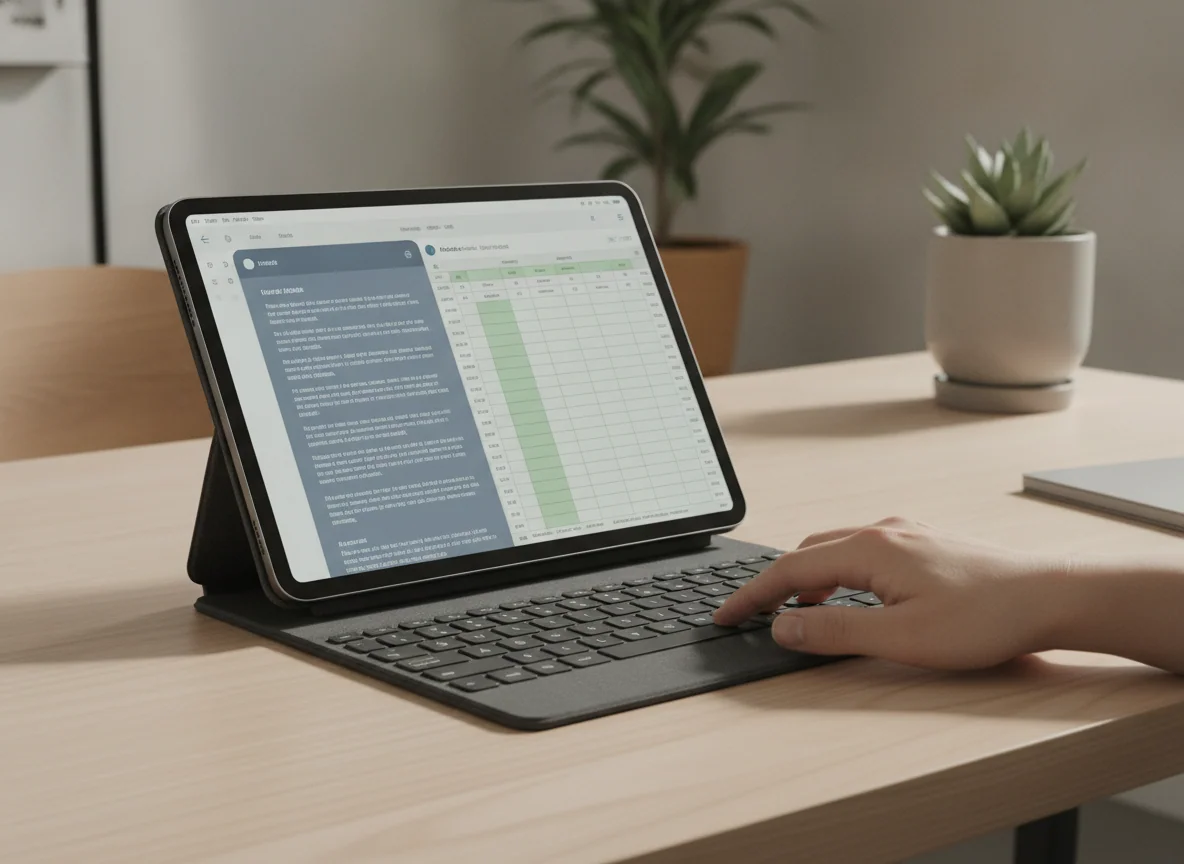
The 11-inch iPad Air is the best portable work tablet.
The M4, 12GB of memory, fast USB-C connection and Pencil Pro support make this the strongest choice for serious work that must remain easy to carry and hold.
Its 60Hz display, cramped multi-window workspace, 128GB starting capacity and separate accessories weaken it as a full-time desk computer.
Choose the smaller Air when mobility is the reason for choosing an iPad. It remains comfortable for reading, handwritten notes, travel and touch-first creative work, yet it has enough processing and memory headroom for demanding supported applications. The laminated display is also a meaningful improvement over the basic iPad for Pencil work and difficult lighting.
Its processor is more impressive than its screen. Laboratory evidence found strong M4 performance and nearly twelve hours in a moderated Wi-Fi browsing test, but the panel remains at 60Hz and sustained heavy graphics can produce heat and throttling. Two windows fit; they do not always fit comfortably.
This is the better companion to an existing laptop, not the best device for eliminating one. The site’s 11-inch versus 13-inch Air comparison is the useful next step if portability and workspace are still evenly matched.
The 13-inch iPad Air is the best overall laptop-replacement iPad.
The large laminated canvas, M4 performance and current iPadOS windowing create the most convincing balance of workspace, Pencil support and capability in this lineup.
The wide body is tiring to hold, the display is still limited to 60Hz, and adding a keyboard turns the slim tablet into a heavier laptop-like package.
This Air wins because thirteen inches changes the work more than another processor tier does. Full-page documents become easier to inspect, split view stops feeling like a compromise, and creative applications can show content beside their tools. Its owner record includes credible uses for digital sheet music, several open windows, external media and keyboard-led work.
The same size also dictates where it belongs. This is a desk, stand and keyboard iPad rather than an effortless couch tablet. The 4:3 panel is more useful for pages than widescreen films, and 128GB requires discipline if large projects will remain local. Choose it because the extra area has a named job.
The Air display is sharp and well suited to documents, but it does not supply the Pro’s OLED blacks, HDR impact or 120Hz motion. That is an acceptable compromise for office work and most note-taking; anyone who notices refresh rate during every scroll should compare the 13-inch Air with the 13-inch Pro before committing.
The 11-inch iPad Pro is the premium choice for mobile artists and visual work.
Its tandem-OLED display, 120Hz ProMotion, Pencil Pro support, Face ID and compact body make it the finest handheld work tablet in this group.
The M5 premium buys far more performance than ordinary laptop-replacement tasks need, while iPadOS still blocks desktop-only software.
The display is the reason to move beyond the Air. OLED contrast and ProMotion improve illustration, photo work, HDR video, scrolling and Pencil movement every time the screen is used. The 256GB capacity is also a more comfortable starting point for professional applications and local projects.
Exact-model owners consistently praise the screen, speed and low weight, while the retained record also identifies iPadOS as the catch. Laptop-class power cannot install a Mac application or restore a missing desktop plug-in. The 11-inch canvas remains compact when several controls and windows must stay visible.
Buy this Pro when display quality and handheld creative work are central to the income-producing workflow. If it will spend most of its life under a keyboard, the larger Air gives ordinary documents more room and asks less for performance that may remain idle.
The 13-inch iPad Pro is the no-compromise choice for an established iPad-first profession.
The huge tandem-OLED canvas, ProMotion, Face ID, Thunderbolt and M5 headroom make this the most capable option when a proven professional workflow already fits iPadOS.
It is cumbersome to hold, extravagant for routine work and still unable to run the desktop software that its laptop-class hardware appears ready to handle.
This is the specialist winner, not the general winner. Its OLED panel combines page-sized working room with deep blacks, strong HDR and fluid motion, while the 256GB configuration supplies 12GB of memory and ample performance for demanding supported applications. A retained owner described completing most of a parts-design workflow through Shapr3D and Pencil Pro while keeping a desktop for the remainder, which is exactly the kind of defined boundary that can justify this machine.
The physical trade grows with the screen. Unsupported reading tires the wrist, the keyboard nearly converts the package into a conventional laptop, and glossy glass reflects bright rooms because nano-texture is unavailable at this capacity. The single Thunderbolt port is fast, but one fast port is still one port.
Buy it only after the workflow has already succeeded on iPadOS and the large canvas is essential to that workflow. Buying it in the hope that Apple will eventually remove every software boundary is speculation, not a replacement plan.
Frequently Asked Questions
Which iPad is the best direct laptop replacement?
The 13-inch M4 iPad Air is the best overall choice because its large workspace matters more to everyday productivity than the additional processor and display luxuries of the iPad Pro.
Can an iPad completely replace a MacBook?
An iPad can replace a MacBook only when every required application, plug-in, file operation and peripheral works properly on iPadOS.
Is an 11-inch or 13-inch iPad better for work?
An 11-inch iPad is better for handheld use and travel, while a 13-inch iPad is better for prolonged split-screen, keyboard and Pencil work on a supported surface.
Is 128GB enough for a work iPad?
128GB can suit cloud-based documents and moderate applications, but large games, offline media and local creative projects make 256GB the safer long-term choice.
Do I need an iPad Pro to replace a laptop?
No, the 13-inch iPad Air is the more sensible replacement for most compatible workflows, while a Pro is justified by OLED, 120Hz motion, Face ID, Thunderbolt or specialist creative work.
Is the Magic Keyboard required?
A hardware keyboard is effectively required for sustained writing, spreadsheets and keyboard shortcuts, although it need not be Apple’s Magic Keyboard if another compatible setup better fits the desk.
Should I buy an iPad or a laptop for university?
Choose an iPad for Pencil-led notes and courses whose required software works on iPadOS, or choose a laptop when programming, specialist desktop applications and complex file handling are part of the curriculum.
Can an iPad connect to external storage and displays?
Compatible iPads can use USB-C storage and external displays, but port speed, app access and the one-port design vary enough that the complete workflow should be checked before purchase.
Our Top Recommendation

Based on our research, the IPad 11-inch a16 is our top pick — to replace a laptop.