The 11-inch iPad Air is the iPad students should buy for serious notes
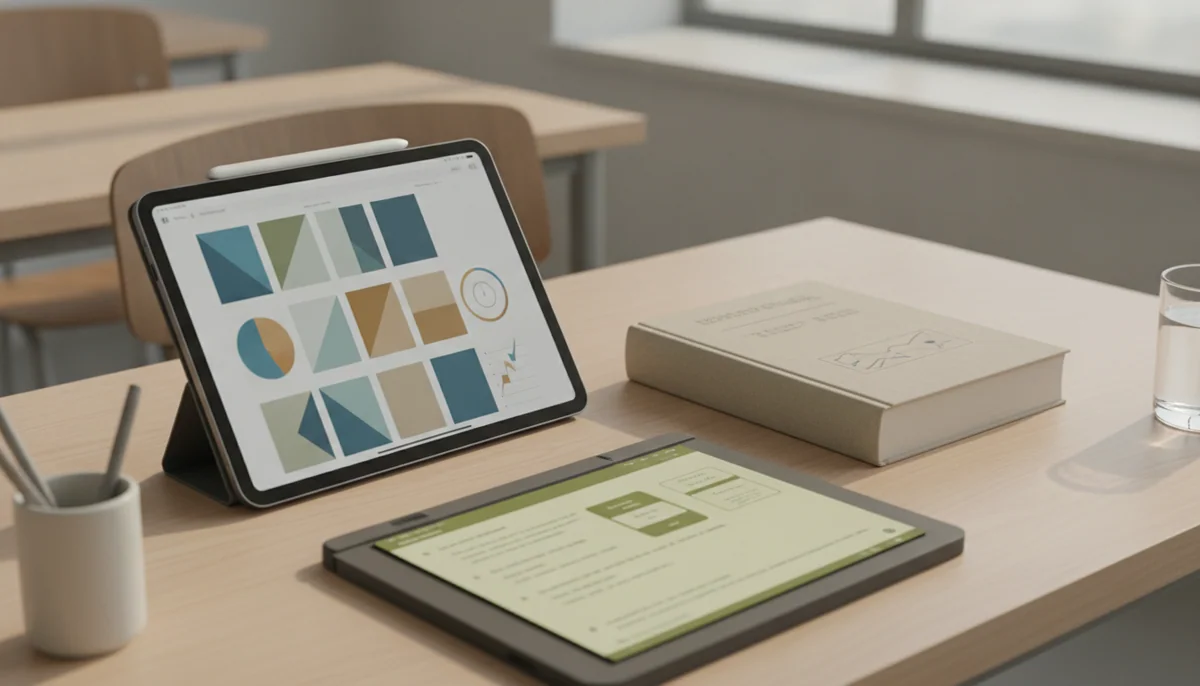
A good study iPad should disappear beneath the work. It needs enough space for handwriting beside a textbook, a Pencil that does not turn charging into a ritual, storage that will survive several semesters, and a body that can move from lecture hall to library without becoming the heaviest object in the bag. Processor prestige matters much less than those ordinary frictions.
That is why the 11-inch iPad Air M4 wins. Its chip is excessive for notes, but the fully laminated display and Apple Pencil Pro support are not. Ink appears close to the Pencil tip, the stylus can attach and charge magnetically, and the tablet remains comfortable enough to carry or hold. The 13-inch Air offers more page, yet its size encourages desk use; the basic iPad costs less, yet its reflective non-laminated screen and awkward Pencil arrangements become more noticeable when handwriting is the main job.
The Pro models are better tablets in several measurable ways. Their tandem-OLED displays, 120Hz ProMotion and Face ID make them beautiful to use. They are not better note-taking purchases for most students because a notebook app does not need an M5 processor, and a premium display cannot write the assignment for you.
Buy the Air when notes are part of the course
Choose the 11-inch Air if you expect daily handwriting, frequent PDF annotation, diagrams, large notebooks or a mixture of notes and creative applications. It is the most balanced combination of Pencil hardware, usable screen area and portability in this group.
Buy the basic iPad when notes are just one task
Choose the A16 iPad if you mainly need lecture notes, reading, web research, video calls and ordinary documents. Its USB-C Pencil support is less elegant, but the money saved matters more than magnetic charging when handwriting is occasional.
Specs & Screens did not handle or benchmark these iPads for this roundup. The ranking reconciles the site’s complete reviews, controlled measurements reported in those records, manufacturer compatibility information and recurring owner accounts. Claims about writing feel are kept tied to display construction, refresh rate, Pencil support and reported use rather than presented as measurements we took.
The Pencil is only half the note-taking system
Apple sells several styluses with overlapping names and incompatible charging systems. The M4 Airs and M5 Pros support Apple Pencil Pro and the USB-C Apple Pencil. Pencil Pro is the better tool for a committed note-taker because it pairs and charges on the tablet’s magnetic edge, supports pressure sensitivity and adds controls that become useful in drawing or creative applications. The cheaper USB-C Pencil is adequate for handwriting, but it must be connected by cable for pairing and charging and gives up pressure sensitivity.
The A16 iPad supports the USB-C Pencil and the first-generation Apple Pencil through an adapter, but it does not support Pencil Pro or the second-generation Pencil. Its non-laminated screen also leaves a visible gap between the glass and the pixels. Handwriting and PDF markup still work well, although fine marks do not appear as directly beneath the tip as they do on a laminated Air or Pro. Controlled review evidence also found the base model’s screen reflective and its charging slow, even while its battery lasted through a credible working day.
The iPad mini supports Pencil Pro and can be an exceptional pocket notebook, but its 8.3-inch canvas is the wrong default for studying. A reference document beside handwritten notes leaves each app narrow, the on-screen keyboard consumes much of the landscape display, and long PDFs demand more zooming. Its size earns a recommendation only when an 11-inch tablet would be left behind.
Eleven inches is the balance point
An 11-inch iPad is large enough to show a textbook page, slide deck or browser beside a notebook without becoming purely desk-bound. It also fits more easily on a cramped lecture table and remains manageable for reading in portrait. Students who already carry a laptop gain little from adding another laptop-sized object.
Thirteen inches becomes worthwhile when the tablet itself is the principal study surface. Full-page sheet music, dense academic PDFs, large diagrams and persistent split-screen layouts all benefit from the added area. The trade is physical: the large Air and Pro are more tiring to hold, occupy more desk space and become substantially heavier once a keyboard or protective case is attached.
If screen size is still the unresolved part of the purchase, the guide to choosing a tablet size separates handheld, travel and desk-first use. The direct 11-inch versus 13-inch iPad Air comparison covers the same decision within the Air range.
Sixty hertz is acceptable, but not invisible
The basic iPad, mini and both Airs refresh at 60Hz. Notes still appear promptly and the Pencil remains useful, but quick strokes, scrolling and interface motion look less fluid than on a 120Hz Pro. Some writers barely notice the difference; others who already use a high-refresh phone or monitor find it immediately distracting.
The 11-inch Air’s display is otherwise a strong writing surface: laminated, sharp, color-accurate and free from detected pulse-width modulation in the cited laboratory work. Its roughly 500-nit brightness remains vulnerable to daylight, and prolonged maximum graphics loads can heat the fanless body, but neither issue undermines ordinary indoor study.
Try a 60Hz Air beside a Pro before paying for the upgrade if motion sensitivity is the deciding concern. Do not buy an M5 processor merely to solve a display preference. The Pro premium makes sense only when 120Hz and OLED are themselves valuable enough to justify it.
Start with the complete kit, not the bare iPad
A Pencil, case and perhaps a keyboard are separate decisions. A folio that holds the Pencil can be more useful for a student than a keyboard, because it protects the tablet, supports a writing angle and keeps the stylus from disappearing into the bottom of a bag. A keyboard is worthwhile when essays and email will share the device, but it adds weight and can make handwriting awkward until the tablet is detached.
Storage also deserves attention before checkout because none of these iPads accepts a microSD card. The 128GB base capacity of the iPad, mini and Airs is reasonable for notes, cloud documents, reading and streamed media. Large games, downloaded lectures, local video, extensive art projects or several years of offline files can justify 256GB. The iPad storage guide translates those workloads into a more specific capacity choice.
| Study pattern | Best direction | Reason |
|---|---|---|
| Occasional lecture notes and PDF marks | 11-inch A16 iPad | It handles ordinary handwriting without charging for creative performance. |
| Daily handwritten notes and diagrams | 11-inch iPad Air M4 | The laminated screen and Pencil Pro remove recurring friction while preserving portability. |
| Pocket reference and standing field work | iPad mini A17 Pro | Its compact body can be carried where a larger tablet would stay in the bag. |
| Full-page PDFs, notation and desk study | 13-inch iPad Air M4 | The larger canvas keeps pages and two-app layouts legible. |
| Display-sensitive illustration and visual study | 11-inch iPad Pro M5 | OLED and 120Hz improve the surface seen and touched throughout the session. |
| Large professional canvas with iPad-native apps | 13-inch iPad Pro M5 | Its scale and premium display serve demanding supported workflows rather than ordinary class notes. |
An iPad can be an excellent notebook without being a complete student computer. Check required exam software, programming tools, specialist applications, file workflows and institutional portals before trying to replace a laptop; our iPad versus MacBook comparison addresses that larger platform decision.

Six iPads, ranked by the note-taking job they actually suit
The A16 iPad is the sensible notebook for students who do not need premium Pencil hardware.
Its responsive everyday performance, 128GB starting capacity and USB-C Pencil support cover lectures, reading and PDF annotation without making basic study unnecessarily expensive.
The reflective non-laminated display and lack of Pencil Pro support make handwriting less polished and stylus charging less convenient than on an Air.
The base iPad is not a consolation prize. It can keep notes beside a PDF, scan worksheets with its rear camera, join landscape video calls and run the mature selection of iPad study applications. Its 128GB configuration also avoids the cramped 64GB starting point that made older entry models harder to recommend.
Buy it when the Pencil will share time with streaming, browsing and general family use. Move to the Air when handwriting is the central activity, detailed diagrams matter or the stylus will be attached and removed several times every day. The site’s 11-inch Pro versus basic iPad comparison shows just how far the upgrade ladder can climb, but most note-takers should stop well before the top.
The iPad mini A17 Pro is the field notebook for people who must carry it everywhere.
Its 8.3-inch body, Pencil Pro support and ample performance make it unusually effective for brief notes, reading and reference work while standing or moving.
The cramped canvas makes long handwriting sessions, split-screen research, large PDFs and substantial typing more frustrating than on an 11-inch iPad.
The mini is a specialized answer, not the all-purpose runner-up. It makes sense in a coat pocket, small bag, clinical setting, cockpit or field kit where a full-size tablet is inconvenient. Quick annotations and short reference checks suit its proportions; a two-hour lecture with slides beside a notebook exposes them.
Pencil Pro attaches and charges magnetically, but an older second-generation Apple Pencil is incompatible despite the familiar-looking body. The iPad mini versus 11-inch iPad comparison is the useful next step if portability is appealing but the workspace feels uncertain.
The 11-inch M4 iPad Air is the best overall iPad for sustained study and handwritten notes.
Its laminated display, Pencil Pro support, portable body and substantial performance headroom form the strongest balance for daily notes, annotation, diagrams and creative coursework.
The 60Hz screen, 128GB base capacity and separately purchased Pencil keep it from being an effortless value choice.
This is the model to buy when the tablet will become a real academic tool rather than an occasional screen. The display places the image closer to the Pencil tip than the basic iPad does, while Pencil Pro can stay attached and charged between classes. M4 performance and 12GB of memory provide far more headroom than a notebook app requires, but they also leave room for illustration, editing and demanding course software that has a capable iPad version.
The Air remains light enough to behave like a tablet, which is the advantage the 13-inch models gradually surrender. Its weakness is visible whenever content moves: 60Hz scrolling and Pencil motion cannot match a Pro. That compromise is easier to accept when it preserves a meaningful separation from Pro hardware rather than being mistaken for a premium display.
The 13-inch M4 iPad Air is the study desk for full pages, notation and spacious split-screen work.
Its large laminated canvas gives dense PDFs, handwritten pages, sheet music and reference material room that the smaller Air cannot reproduce.
The wide body becomes tiring to hold and increasingly resembles a laptop-sized commitment once a case or keyboard is added.
Choose the larger Air because a full page matters, not because thirteen sounds more capable than eleven. Direct owners report that the size works especially well for sheet music, multiple windows and study material that benefits from greater scale. Those are strong reasons because they use the whole display rather than merely admire it.
The 13-inch Air wants furniture. It is happiest on a desk, stand or keyboard and less natural for reading in bed, walking between rooms or balancing on a small lecture table. Its 60Hz LCD also remains an Air panel, so more area does not bring the Pro’s motion clarity, OLED blacks or Face ID.
The 11-inch M5 iPad Pro is the premium writing canvas for students who will notice OLED and 120Hz every day.
Its tandem-OLED display, fluid ProMotion response, Pencil Pro support, Face ID and portable shape create the finest compact note-taking experience in the ranking.
Its M5 performance and Pro hardware are extravagant for ordinary notes, while iPadOS still cannot supply missing desktop applications or plugins.
The Pro’s screen is the honest reason to buy it. Deep blacks improve dark material, high contrast makes text and images look exceptionally clean, and refresh rates up to 120Hz make scrolling and rapid Pencil movement appear more immediate. The four-speaker system and Face ID are welcome luxuries, but they do not move a student’s handwriting forward as directly.
Owners consistently praise the display, speed and portable 11-inch form, while one exact-model account also states the central warning plainly: laptop-grade power remains bounded by iPadOS. That limitation matters more than another processor benchmark when required course software exists only on macOS or Windows.
Buy the Pro when a side-by-side comparison makes the Air’s 60Hz display genuinely bothersome, or when illustration and visual editing are central enough to benefit from OLED. If detailed art matters more than conventional study, the guide to choosing an iPad for drawing gives those creative priorities more weight.
The 13-inch M5 iPad Pro is the specialist choice for a large professional canvas that happens to take notes.
Its expansive tandem-OLED display, 120Hz ProMotion, Pencil Pro support and exceptional performance suit advanced art, design and document workflows built around iPad applications.
The huge expense, tiring handheld ergonomics, reflective base glass and desktop-software limits make it indefensible for routine classroom handwriting.
This model belongs at the top of Apple’s hardware range and near the bottom of an ordinary student shortlist. Its 13-inch display gives tool palettes, references and handwritten work room to coexist, while the M5 can handle demanding design and creative applications. Independent testing reported strong display and processor results, but also showed that peak performance and sustained fanless performance are not the same thing.
The exact 256GB configuration uses glossy glass and cannot be ordered with nano-texture, so bright rooms can still reflect across an otherwise exceptional display. It also has 12GB of memory rather than the maximum advertised across the range. More importantly, the body is best supported on a desk, keyboard or stand. Buy it only when a large iPad-native creative workflow already exists and notes are one part of that work.
The recommendation returns to the same practical line: the 11-inch Air is the right serious notebook, the A16 iPad is the right inexpensive notebook, and every move beyond them needs a reason stronger than wanting the most impressive specification sheet.
Frequently Asked Questions
Which iPad is best for taking handwritten notes?
The 11-inch M4 iPad Air is the best overall choice because its laminated display and Pencil Pro support improve daily handwriting without the size or expense of a Pro.
Is the basic 11-inch iPad good enough for college notes?
Yes, the A16 iPad is good enough for lecture notes, PDF annotation, reading and ordinary school apps if its non-laminated screen and USB-C Pencil charging do not bother you.
Do students need Apple Pencil Pro?
No, but its magnetic pairing and charging make it worthwhile for frequent note-takers, while the USB-C Apple Pencil remains adequate for straightforward handwriting and markup.
Is an 11-inch or 13-inch iPad better for studying?
Choose 11 inches for carrying and handheld use or 13 inches for full-page material and a tablet that will usually rest on a desk or stand.
Is 128GB enough for a student iPad?
128GB is usually enough for notes, documents, reading, streamed media and cloud-first study, but large games, offline video and creative projects can justify 256GB.
Is a 60Hz display good enough for note-taking?
Yes, 60Hz is functional for notes, although writers accustomed to high-refresh screens may prefer the more immediate Pencil motion and scrolling of a 120Hz iPad Pro.
Can an iPad replace a student laptop?
It can replace a laptop only when every required application, exam system, file workflow and peripheral works properly on iPadOS.
Is the iPad mini too small for studying?
It is too small for most long split-screen study sessions, but it is excellent for brief notes and references when pocketable portability is essential.
Our Top Recommendation
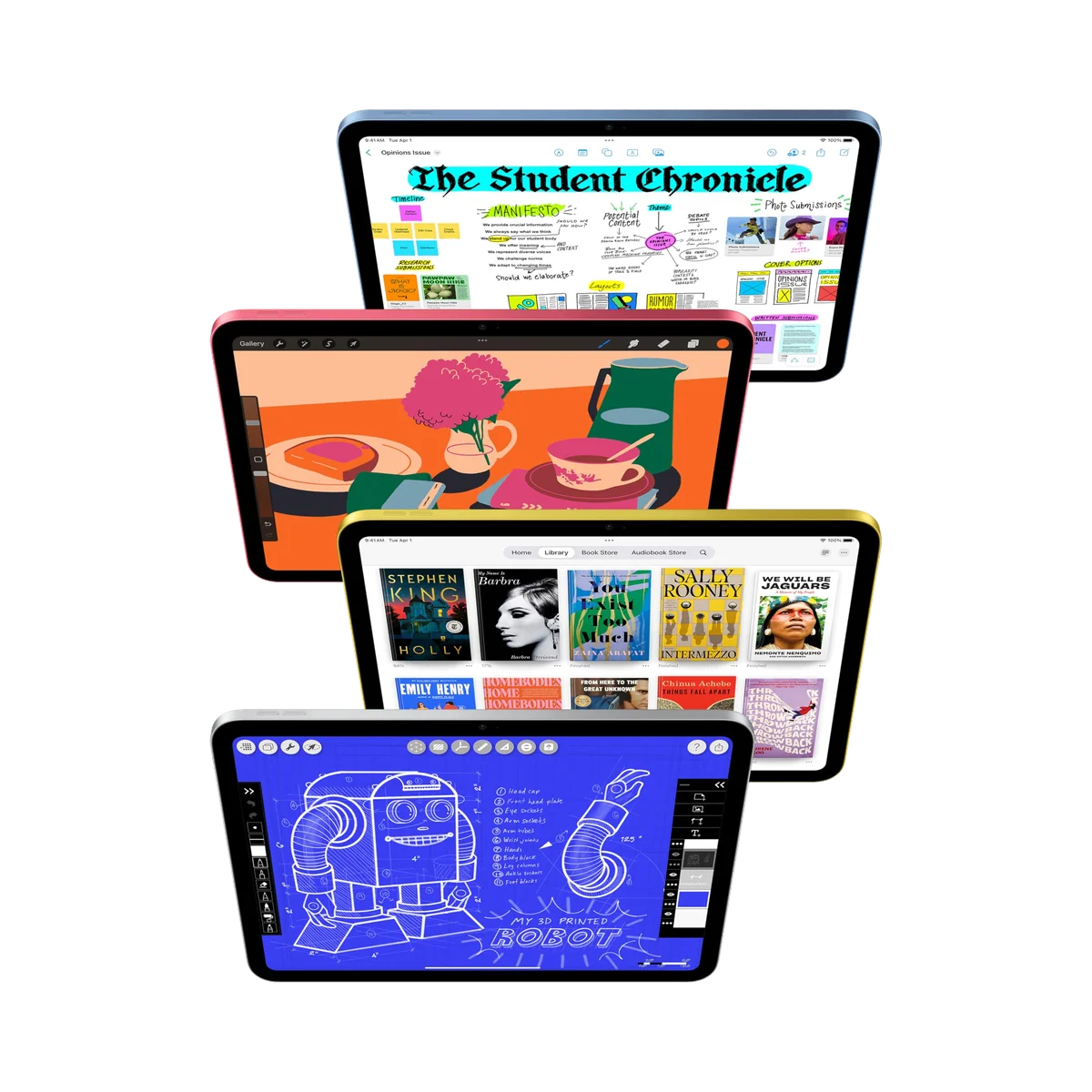
Based on our research, the IPad 11-inch a16 is our top pick — to replace a laptop.