The 13-inch MacBook Air M5 is the Mac most programmers should buy
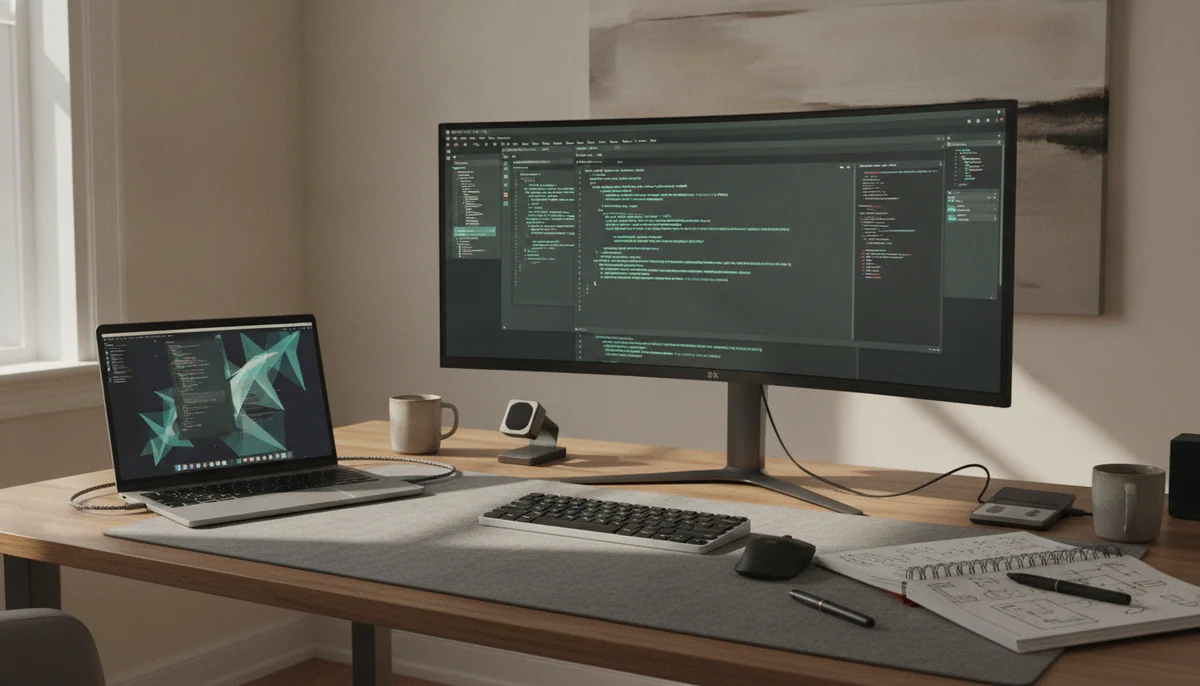
Programming does not automatically require a MacBook Pro. Most development time is spent editing text, reading documentation, running a browser, talking to a language server, executing tests and waiting through short bursts of compilation. The 13-inch MacBook Air M5 handles that pattern quickly, stays silent and weighs only 2.7 pounds. Its standard 16GB of unified memory and 512GB SSD are also credible starting capacities rather than obstacles that must be corrected before the first project opens.
Its strongest limitation is equally clear: the Air has no fan. A brief build can be extremely fast, but a long compile or repeated CPU-and-GPU workload eventually forces the machine to reduce performance as heat accumulates. Independent stress testing found a substantial decline during repeated rendering, which matters for large native projects, constant container builds and sustained local processing far more than it does for ordinary web, mobile or scripting work.
The other compromise appears every time the lid opens. The 13.6-inch panel is sharp and color-accurate, but it remains a 60Hz SDR display. It lacks the smoother motion, deeper contrast and HDR capability of the MacBook Pro’s 120Hz XDR panel. That is a genuine weakness in a premium laptop, although it does not make source code compile more slowly.
Choose the 13-inch Air for web development, app development, scripting, coursework, remote repositories and general software work.
Choose the 15-inch Air when the built-in screen must hold an editor, browser and terminal without an external monitor.
Choose a Pro when sustained compilation, virtual machines, large containers, local models or professional creative work regularly press against the Air’s cooling or memory.
Before choosing any Mac, verify the actual toolchain. Xcode and Apple-platform development make macOS the natural home, while Unix-oriented web stacks, editors, package managers and container tools are well supported. CUDA, some enterprise utilities, particular embedded toolchains and Windows-only applications may require a different platform or a remote machine. A beautiful laptop cannot repair a software mismatch.
Memory deserves more attention than the processor badge because neither memory nor internal storage can be upgraded later. Sixteen gigabytes is enough for a conventional editor, browser, terminal, database and modest container stack. Twenty-four gigabytes gives heavier multitasking more breathing room, but even that can be restrictive for several virtual machines, ambitious local AI models or large professional projects. Our guide to choosing MacBook memory capacity explains how to make that decision from a real workload rather than a vague fear of the future.
Buy for the bottleneck you can name
The right MacBook becomes easier to identify when “programming” is divided into actual workloads. The table below assumes the required software runs correctly on macOS; platform compatibility must be settled first.
| Programming pattern | Starting choice | Reason to move up |
|---|---|---|
| Web development and scripting | 13-inch MacBook Air M5 | Move up only when a large local service stack, several containers or screen-space needs create a measurable constraint. |
| iOS and macOS application work | 13-inch Air for ordinary projects; 14-inch Pro for heavier builds | Large projects, several simulators and repeated compilation benefit from cooling and more memory. |
| Programming without a desk monitor | 15-inch MacBook Air M5 | Move to the 16-inch Pro only when sustained performance and Pro connectivity matter as much as the larger canvas. |
| Containers and local databases | Air with enough memory for a modest stack | Choose a Pro when services run continuously under load or the combined memory demand regularly creates pressure. |
| Virtual machines and cross-platform testing | MacBook Pro with capacity chosen from measured use | Several simultaneous guests can make 24GB restrictive, so memory may matter more than the difference between M5 and M5 Pro. |
| Local AI experimentation | Depends on model size and framework support | Larger models compete for unified memory, while CUDA-dependent work may require remote Nvidia hardware instead of a more expensive Mac. |
| Large native builds and paid production work | 16-inch MacBook Pro M5 Pro | The actively cooled 18-core CPU is justified when sustained throughput repeatedly shortens a working day. |
Measure memory pressure before shopping
Open the heaviest representative project on the computer you already use, start the usual editor, browser, simulators, containers and communication tools, then inspect memory pressure and swap. A comfortable 16GB workload does not become invalid because a 24GB option exists. A workload already struggling at 16GB will not become safe merely because unified memory is efficient.
Separate burst speed from sustained speed
An Air can feel as fast as a Pro during editing, navigation and short builds because those jobs finish before heat becomes decisive. Active cooling matters when processors remain busy long enough for the fanless chassis to reduce power. If the largest normal compile lasts a few minutes, portability may save more time over a year than a faster benchmark; if builds run throughout the day, the Pro’s cooling can become the productivity feature.
Decide whether the laptop screen is primary or secondary
A developer who docks beside a large monitor gains little from carrying a 16-inch panel between locations. A developer who works from the built-in screen every day may recover the weight cost through fewer hidden windows and less context switching. The site’s guide to choosing among 13, 14, 15 and 16-inch MacBook screens helps resolve that physical trade.
Count the connections in the real desk setup
The Air provides MagSafe, two Thunderbolt 4 ports and a headphone jack, with both data ports on the left. The 14-inch Pro adds a third Thunderbolt port, HDMI and SDXC, while the 16-inch M5 Pro advances to Thunderbolt 5 and supports more displays. A dock can close much of the gap, but it adds cost, cable management and another item to carry.
Specs & Screens would return to the 13-inch Air unless one of those tests produced a concrete reason not to. The 15-inch Air solves workspace, the 14-inch Pro solves display and port limitations, and the 16-inch M5 Pro solves sustained throughput. Paying for all three solutions when only one problem exists is how a programming laptop turns into an expensive collection of idle capability.
Four good computers, four very different programming jobs
The ranking favors the machine that solves the widest range of development work with the least physical and financial overhead. It does not reward a larger processor merely for winning a benchmark. A compiler that runs for two minutes asks a different question from one that occupies every core for an hour, and a laptop used on trains should not be judged like a workstation that moves between two desks.
The 13-inch MacBook Air M5 is the best fit for most programmers.
Its fast M5 chip, usable 16GB and 512GB baseline, silent operation and 2.7-pound body make it the most balanced choice for mainstream development.
The fanless chassis slows during long sustained workloads, and the 60Hz display plus two left-side Thunderbolt ports feel stingy for a premium computer.
This is the sensible starting point for front-end and back-end web work, Python, Ruby, JavaScript, TypeScript, Swift projects of ordinary scale, university assignments and remote development against more powerful servers. Short CPU tasks are a strength, and the laptop supports two external displays, so the compact screen does not prevent it from becoming a capable desk setup. MagSafe also leaves both Thunderbolt ports available for data, monitors or a dock.
The base configuration should not be confused with every benchmarked Air. Some published tests used 1TB versions with more GPU cores, so their storage, graphics and export results do not describe this exact 512GB listing. That distinction matters less for editing code than it does for games, GPU computation or media work, but it is still a reason not to buy from benchmark tables alone.
Choose more memory before choosing cosmetic upgrades if Docker, Android Studio, multiple simulators, local databases or AI-assisted tools already make a current 16GB machine use substantial swap. Storage is easier to extend with an external SSD; unified memory is permanent.
The 15-inch MacBook Air M5 is the better Air when the laptop screen is the whole desk.
Its 15.3-inch workspace makes an editor, browser, terminal and documentation easier to arrange without giving up silent M5 performance.
The broad chassis is awkward on small tables and in crowded bags, while the same 60Hz IPS screen technology and two-port layout remain disappointing.
The larger Air is not meaningfully more “professional” than the 13-inch model. Its advantage is spatial. A wide IDE, a browser inspector and a terminal can coexist with less window shuffling, and the six-speaker system is stronger. That makes it persuasive for a programmer who works away from a monitor but not necessarily far from a desk.
Portability is the bill. The 15-inch Air is thin, yet its footprint takes more room on an airplane tray, lecture desk or café table, and its roughly 3.33-pound weight narrows the carrying advantage over a 14-inch Pro. Independent testing also confirms that sustained combined loads reduce performance because the chassis remains fanless.
The choice between the two Air sizes should therefore be made with the places you actually work in mind. Our 13-inch and 15-inch MacBook Air comparison treats the question as a trade between workspace and mobility, not as a contest between fast and slow computers.
The 14-inch MacBook Pro M5 is for developers who need Pro hardware but can prove that 16GB is enough.
Its active cooling, 120Hz XDR display, 1TB SSD, HDMI, SDXC slot and three Thunderbolt ports create a compact development machine with far fewer desk compromises than an Air.
The fixed 16GB memory leaves little margin for demanding virtualized or AI-heavy work, placing this configuration awkwardly between the cheaper Air and more capable Pro-tier chips.
The base 14-inch Pro earns its place through the computer around the chip. Its fan can preserve performance through longer jobs, the high-refresh mini-LED panel is markedly better for motion and HDR, and the built-in HDMI and SDXC connections can remove a dock from a mobile setup. The 1TB SSD is a useful capacity for several active repositories, SDKs, simulators and project assets.
The problem is not that 16GB suddenly becomes unusable inside a MacBook Pro. It remains adequate for mainstream coding and moderate creative work. The problem is that programmers who genuinely need the Pro’s sustained performance are also more likely to run multiple containers, virtual machines, local databases and memory-hungry development tools at once. Paying for the Pro chassis while stopping at a permanent 16GB can be false economy.
The standard M5 also should not be mistaken for an M5 Pro chip. It is highly responsive and strong in single-core work, but older or higher-tier Pro chips can win workloads spread across more CPU and GPU cores. The base M5 and M5 Pro MacBook comparison is the useful next step when build duration, rather than display or ports, is driving the upgrade.
The 16-inch MacBook Pro M5 Pro is the pick for sustained professional development.
Its 18-core CPU, 24GB of unified memory, active cooling and expansive 16.2-inch XDR display suit long builds, heavier containers and serious local processing that can convert saved minutes into saved money.
The 4.7-pound body is burdensome in daily travel, and the non-upgradeable 24GB memory still places a hard ceiling on large virtual machines and ambitious local models.
This is not the aspirational winner. It is the specialist. Independent testing of the full M5 Pro found strong sustained CPU performance in the roomy 16-inch chassis, and the machine retains full performance on battery when maximum speed is requested. Three Thunderbolt 5 ports, HDMI, SDXC and support for as many as three external displays also make it the least dependent on adapters.
Those advantages become rational for large codebases, recurring native builds, several active services, substantial photo or video work beside development, and portable work that would otherwise require a desktop. They do not make documents, browser tabs or small repositories proportionally better. The weight also follows the programmer everywhere, even when the extra cores are idle.
Twenty-four gigabytes is useful headroom, not an unlimited workstation pool. The operating system, editor, containers, virtual machines, local models and GPU all draw from unified memory. Buyers whose largest current project already approaches that boundary should choose a higher-memory configuration rather than rely on swap or assume the machine can be upgraded later.
Frequently Asked Questions
Is a MacBook Air powerful enough for programming?
Yes, the M5 Air is powerful enough for mainstream web, app, scripting and coursework projects, although long sustained builds and heavy local stacks can expose its fanless cooling and memory limits.
Should a programmer choose 16GB or 24GB of memory?
Choose 16GB for a conventional editor, browser and modest service stack, but choose at least 24GB when several containers, simulators, databases or local AI tools are already part of the normal workload.
Is the 13-inch screen too small for coding?
No, it works well for mobile development and docked use, but programmers who depend on the built-in display for several simultaneous panes may prefer the 15-inch Air or 16-inch Pro.
Does a MacBook Pro compile code faster than a MacBook Air?
It can finish long or repeated builds faster because active cooling preserves performance, while short builds may not expose enough thermal pressure to justify the heavier machine.
Is the 14-inch base M5 Pro model a good development laptop?
Yes, its display, cooling and ports are excellent for development, but the exact 16GB configuration is difficult to recommend for memory-heavy professional work.
Is the 16-inch M5 Pro excessive for web development?
Usually yes, because ordinary web work rarely exploits its sustained processor performance enough to offset the weight and fixed 24GB configuration.
Can these MacBooks run Docker and virtual machines?
Yes, provided the required images and guest operating systems support Apple silicon, but simultaneous containers and virtual machines can make memory capacity the binding constraint.
Is a MacBook the right choice for machine-learning development?
It is useful for supported on-device inference and Apple-focused tooling, but CUDA-dependent training and many Nvidia-optimized workflows are better handled by compatible remote or non-Mac hardware.
How much storage does a programmer need?
A 512GB SSD is a sensible starting point for ordinary repositories and tools, while large SDKs, simulators, container images, media assets and local models make 1TB easier to live with.
Can the memory or SSD be upgraded after purchase?
No, every model ranked here has integrated memory and storage, so the configuration must cover the expected workload before the order is placed.
Our Top Recommendation
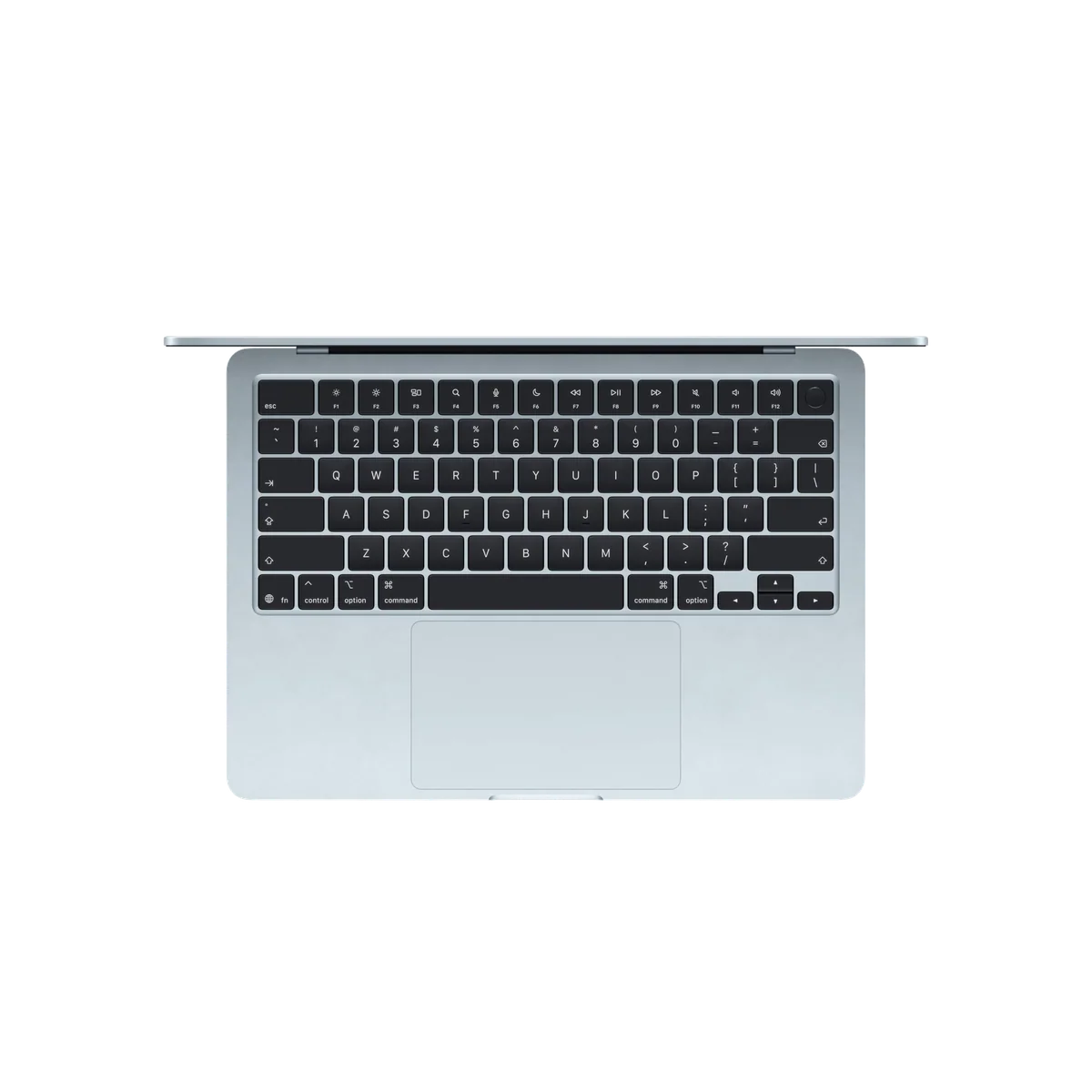
Based on our research, the Apple MacBook Air 13-inch M5 is our top pick — macbook for students.