Most buyers should stop at M5, because M5 Pro only pays off when waiting is part of the job.
Buy an M5 MacBook Air for most work, choose the 14-inch M5 MacBook Pro when its screen and ports solve a real problem, and pay for M5 Pro only when sustained professional workloads already cost you time.


Apple MacBook Air 13-inch M5
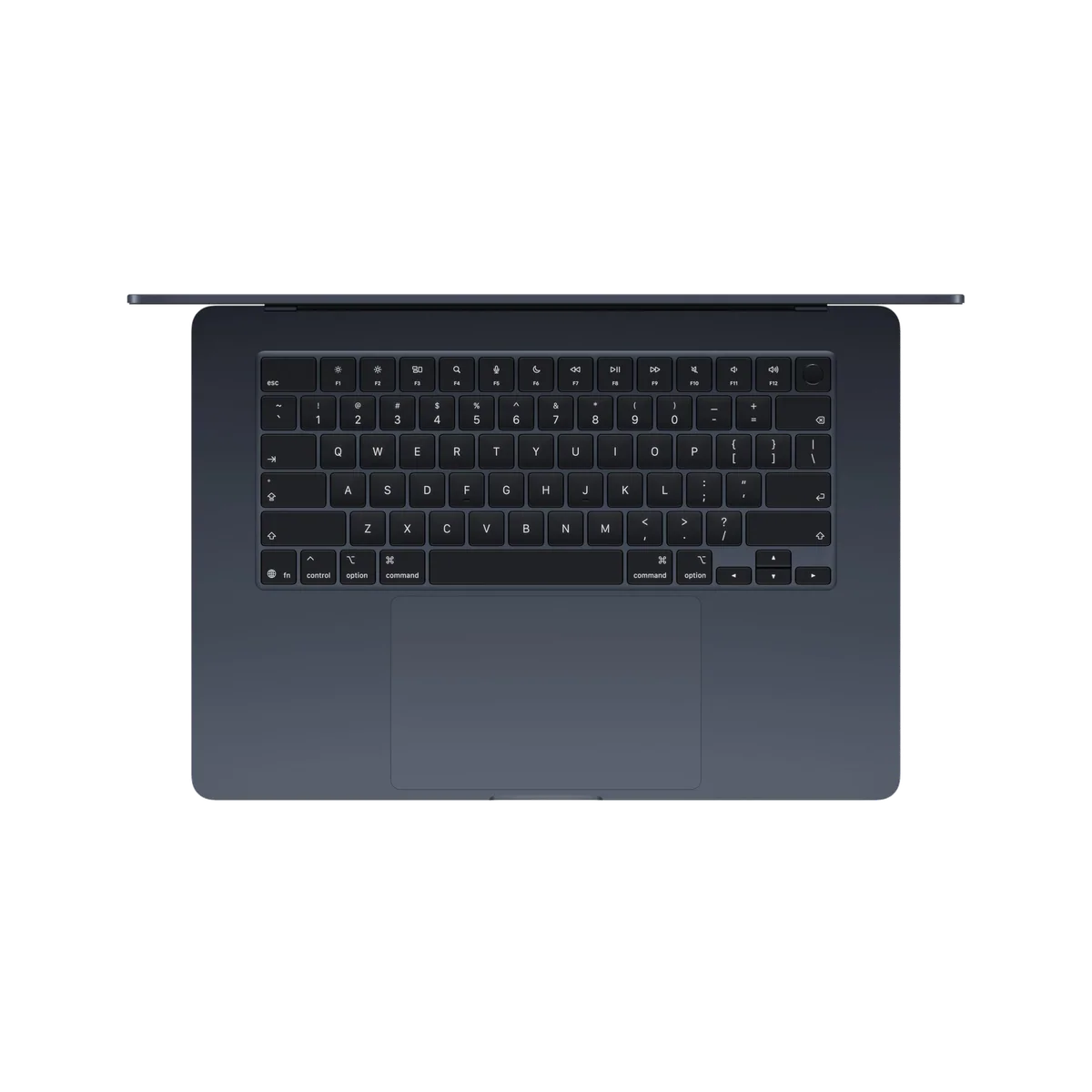
Apple MacBook Air 15-inch M5
The chip names suggest a simple ladder: M5 is ordinary, M5 Pro is serious, and a larger number must produce a proportionally better computer. That is the wrong way to buy these MacBooks. The standard M5 is already fast enough for research, writing, study, office work, coding, photo editing and occasional video production, while the M5 Pro’s advantage emerges when demanding jobs keep many processor or graphics cores occupied for minutes or hours.
For most readers, the 13-inch MacBook Air is the answer. It combines 16GB of memory and 512GB of storage with a silent 2.7-pound body, excellent battery endurance and enough performance to make routine work feel effortless. Its drawback is equally clear: the 60Hz IPS display looks conservative at this level, its two Thunderbolt ports are both on the left, and fanless cooling reduces performance during sustained heavy work.
The 15-inch Air makes the same basic argument with more workspace and better speakers. It is the stronger everyday choice when the laptop screen will serve as the main desk, but its broad footprint is less friendly on planes, cramped tables and daily commutes. It retains the Air family’s 60Hz display, sparse ports and fanless performance ceiling.
The 14-inch MacBook Pro with the standard M5 is the bridge between those machines and a true workstation. Its active cooling, 120Hz mini-LED XDR display, HDMI connection, SDXC reader and third Thunderbolt port improve the entire computer without changing the chip tier. That makes it attractive for photographers, designers, DJs and developers who value the Pro chassis but can prove that 16GB of fixed memory will remain enough.
M5 Pro is different in kind rather than merely degree. The 16-inch configuration covered here has an 18-core CPU, 20-core GPU, 24GB of unified memory, Thunderbolt 5 and support for as many as three external displays. It is built to sustain large code builds, exports, local processing and demanding creative work, but it weighs roughly 4.7 pounds before its charger joins the bag, and its memory still cannot be upgraded later.
Your work arrives in bursts, portability matters, and most days revolve around documents, browsers, calls, code, photos or occasional media jobs.
Your normal day includes sustained builds, renders, simulations, heavier GPU work or local processing that already leaves you waiting.

Apple MacBook Air 13-inch M5
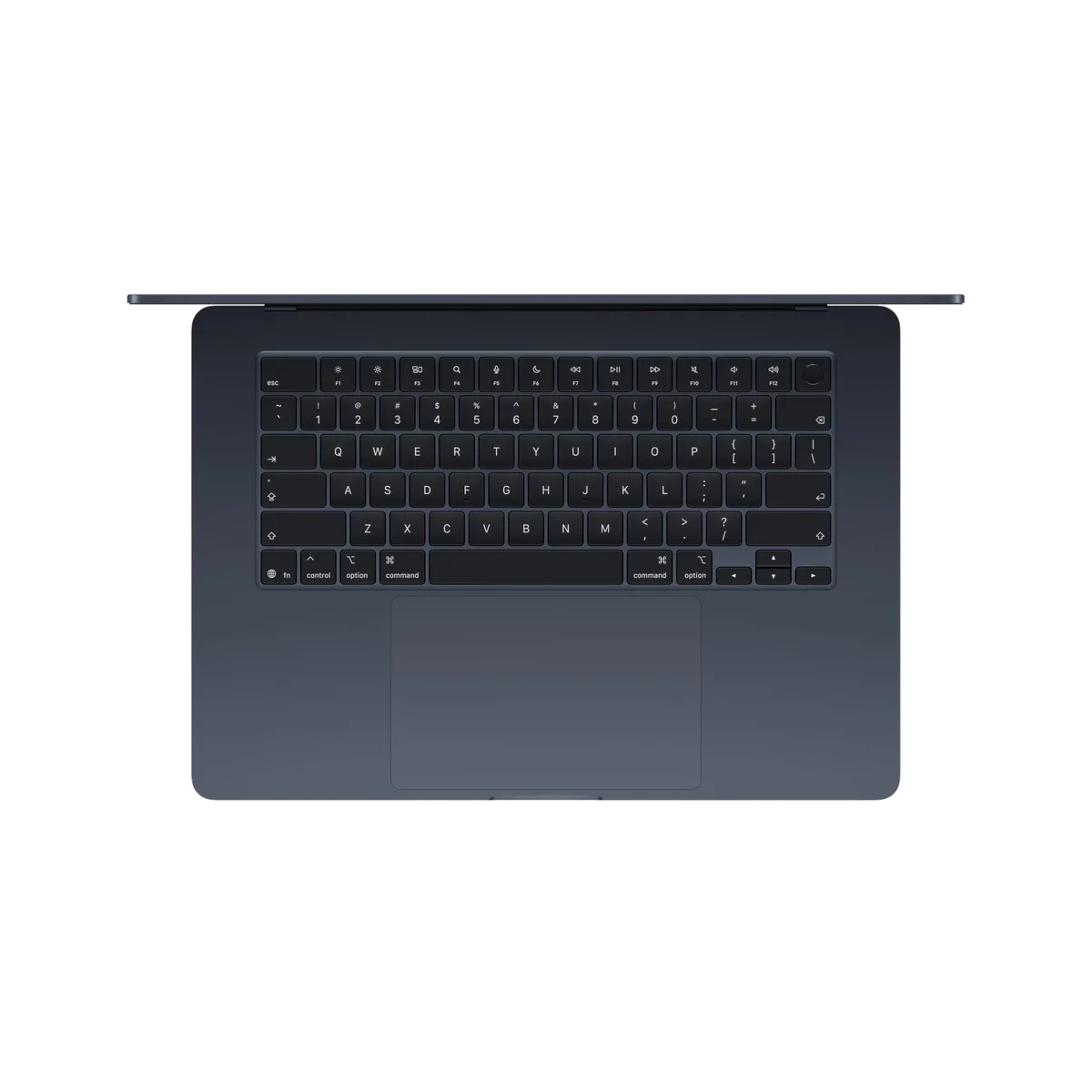
Apple MacBook Air 15-inch M5
At a Glance
| Feature | Apple MacBook Air 13-inch M5 | Editor's Pick Apple MacBook Air 15-inch M5 |
|---|---|---|
| Price Range | — | — |
| Finish | Sky Blue | Midnight |
| Screen size | 13" | 15" |
| Check Price on Amazon | Check Price on Amazon |
The chip is only half the comparison
An M5 MacBook Air, an M5 MacBook Pro and an M5 Pro MacBook Pro are three different buying decisions. The first prioritizes low weight and silence. The second keeps the standard chip but adds cooling, a much better display and useful creative ports. The third adds considerably more parallel performance and memory bandwidth inside the largest, heaviest chassis represented here.
| Model | Core configuration | Display and cooling | Best reason to buy | Reason to refuse it |
|---|---|---|---|---|
| 13-inch MacBook Air | M5, 16GB memory, 512GB SSD | 13.6-inch 60Hz IPS, fanless | The lightest practical Mac for serious everyday work | The display, ports and sustained speed do not match its premium positioning |
| 15-inch MacBook Air | M5, 16GB memory, 512GB SSD | 15.3-inch 60Hz IPS, fanless | A roomy main workspace without workstation weight | The footprint travels poorly and the fanless ceiling remains |
| 14-inch MacBook Pro | M5 with 10-core CPU and 10-core GPU, 16GB memory, 1TB SSD | 14.2-inch 120Hz mini-LED XDR, active cooling | The Pro display and ports matter more than a Pro-tier chip | Its fixed 16GB memory leaves little room for a growing professional workload |
| 16-inch MacBook Pro | M5 Pro with 18-core CPU and 20-core GPU, 24GB memory, 1TB SSD | 16.2-inch 120Hz mini-LED XDR, active cooling | Sustained professional throughput on a large built-in canvas | Its weight, expense and fixed 24GB capacity are excessive or restrictive for many buyers |
M5 already wins the work that happens one action at a time
Everyday speed is shaped heavily by single-core performance, storage responsiveness and whether the machine has enough memory for its open applications. The standard M5 is exceptionally strong in those areas. Opening software, loading a project, applying an edit, compiling a modest codebase and moving through a large browser session do not become twice as useful because the processor has a Pro suffix.
The two Airs add another advantage that benchmarks cannot capture cleanly: silence. With no fan, they remain acoustically invisible during calls, writing and short creative jobs. That silence has a ceiling, because accumulated heat forces the chip to reduce its pace under a prolonged load, but many ordinary workloads end before the penalty becomes important.
The base Pro buys a better laptop before it buys more speed
The 14-inch model is the choice for someone who wants M5 responsiveness but rejects the Air’s compromises. Its mini-LED panel supports adaptive refresh up to 120Hz, far stronger HDR and deeper contrast. HDMI, SDXC and three Thunderbolt ports reduce dependence on a dock, while active cooling preserves performance more effectively during recurring creative work.
The awkward part is its position. Ordinary users can save weight by choosing an Air, while heavier professional workflows can outgrow the fixed 16GB memory or benefit from the additional cores of an older or current Pro-tier chip. The standard M5 MacBook Pro is excellent when the display and ports are the purchase; it is harder to defend as a miniature workstation bought only for the word “Pro.”
M5 Pro earns its premium in the long middle of a task
The M5 Pro’s 18-core CPU and much higher memory bandwidth give it substantially more capacity for parallel work. That matters during repeated software builds, batch exports, effects-heavy timelines, CPU rendering and other jobs that can occupy many cores continuously. Independent testing of the full chip also found stable sustained CPU output in the 16-inch chassis, which is the behavior a production machine needs.
Graphics results require more care. The 20-core integrated GPU can perform very well in optimized creative applications and supported games, yet software decides whether those cores are used efficiently. Nvidia hardware remains the safer route for CUDA, OptiX, broad PC gaming and workflows tied to those ecosystems. M5 Pro is a formidable macOS workstation chip, not a universal replacement for every discrete GPU.
Memory can overrule the processor choice
The Air configurations and the base 14-inch Pro covered here include 16GB of unified memory, while the 16-inch M5 Pro includes 24GB. Both capacities are permanent. Sixteen gigabytes is a sound baseline for mainstream work and moderate projects, but several virtual machines, large sample libraries, complicated timelines, many containers or local AI models can push beyond it.
Twenty-four gigabytes offers more working room without becoming unlimited. Larger local models, complex 8K production and expanding professional data sets may still require a higher-memory configuration. Storage is easier to supplement with a fast external drive; unified memory has no external remedy. Readers uncertain about that boundary should resolve it with the site’s guide to choosing 16GB or 24GB of MacBook memory before choosing a chip.
Four MacBooks, four defensible jobs
The 13-inch Air is the default M5 MacBook for mobile work.
Its silent performance, 16GB memory, 512GB storage and 2.7-pound body make it the most sensible choice for most students, writers, developers and travelling professionals.
The 60Hz SDR display feels dated, the port selection is sparse and sustained heavy work exposes the limits of fanless cooling.
The 15-inch Air is the M5 MacBook for people who work directly on the laptop screen.
Its larger canvas and six-speaker system improve desk-based documents, spreadsheets, coding and moderate creative work without demanding a workstation chassis.
The broad body is awkward in tight spaces, while the 60Hz IPS panel and fanless performance ceiling remain unchanged in principle.
The 14-inch Pro is the standard M5 choice for buyers who need Pro hardware rather than Pro-tier silicon.
Its 120Hz XDR display, active cooling, HDMI, SDXC slot, three Thunderbolt ports and 1TB SSD justify it for moderate professional work that fits within 16GB.
The soldered 16GB memory creates an uncomfortable ceiling, and the model sits between a lighter Air and substantially faster Pro-tier configurations.
The 16-inch M5 Pro is the workstation for sustained macOS production.
Its 18-core CPU, 20-core GPU, 24GB memory, large XDR display and extensive connectivity can save real time in recurring builds, exports and local processing.
The 4.7-pound chassis is burdensome, the fixed 24GB memory can constrain ambitious workloads and the supplied adapter can briefly draw on the battery under simultaneous maximum CPU and GPU load.

Apple MacBook Air 13-inch M5
Apple MacBook Air 15-inch M5
Buy for the bottleneck you have, not the career you imagine
Students, writers and office workers
Start with the 13-inch Air unless a larger screen is essential. Its standard M5 already exceeds the demands of documents, research, presentations, calls and typical coursework, while the lighter body improves every day it has to cross a campus or commute. The site’s student MacBook guide covers the broader choice when course-specific software or budget changes the answer.
Programmers and technical professionals
Choose by build duration, memory pressure and portability. The Air suits web development, scripting, ordinary application projects and intermittent compilation; the 14-inch Pro adds cooling and ports; the M5 Pro becomes rational for large repeated builds, heavier local services or parallel workloads. Our guide to the best MacBooks for programming deals with those workload differences in more detail.
Photographers, designers and video editors
The Air can handle photo work and occasional video projects, but its 60Hz SDR display and limited ports weaken it as a mobile studio. The 14-inch Pro is the sharper balance when the XDR screen, SDXC slot and HDMI matter. Move to M5 Pro when exports, effects, multicamera media or batch work are frequent enough that sustained throughput changes deadlines; the video-editing MacBook guide helps separate occasional creation from production work.
Local AI, 3D and specialized GPU users
Treat software compatibility and memory capacity as the first filters. M5 Pro provides more GPU resources, bandwidth and headroom than the standard chip, but 24GB still limits model size and concurrent applications. CUDA-dependent AI, OptiX rendering and gaming-first workloads should not be forced onto a Mac simply because Apple emphasizes on-device AI.
Specs & Screens would buy the 13-inch Air for a life spent moving, the 15-inch Air for a desk without an external monitor, the 14-inch Pro for its display and ports, and the 16-inch M5 Pro only when waiting on sustained work has become a measurable cost.
Frequently Asked Questions
Is the standard M5 fast enough for most MacBook buyers?
Yes, it is more than fast enough for study, office work, browsing, coding, photo editing and occasional video production.
When does M5 Pro make a noticeable difference?
It matters most during sustained parallel workloads such as repeated large builds, long exports, rendering, heavier graphics work and local processing.
Does the 14-inch M5 MacBook Pro have the M5 Pro chip?
No, the configuration covered here uses the standard 10-core M5 inside the Pro chassis with active cooling, an XDR display and additional ports.
Should a photographer choose an Air or a Pro?
The Air is adequate for moderate photo work, while the Pro is better when accurate HDR presentation, SD-card access, more ports and sustained batch processing matter regularly.
Is 16GB enough with the standard M5?
Sixteen gigabytes is enough for mainstream use and moderate projects, but virtual machines, large creative files, many containers and local AI can justify more memory.
Is 24GB enough for the M5 Pro?
Twenty-four gigabytes suits many professional workflows, but large local models, complex 8K projects and several concurrent virtualized environments may require a higher-memory configuration.
Which model is easiest to travel with?
The 13-inch MacBook Air is the clear travel choice because its 2.7-pound body occupies less bag and table space than the other models covered here.
Which model has the best display?
Both MacBook Pro models use 120Hz mini-LED XDR displays, with the 16-inch version providing the larger workspace and the 14-inch version providing the more portable package.
Is M5 Pro automatically better for gaming?
It is faster in supported Mac games, but Windows remains the better gaming platform because of its broader library, stronger ray tracing options and wider hardware support.
Can memory or storage be upgraded later?
No, the memory and internal SSD are integrated, although external storage can expand file capacity after purchase.