Choose 16GB of MacBook memory unless your workload can prove it needs 24GB
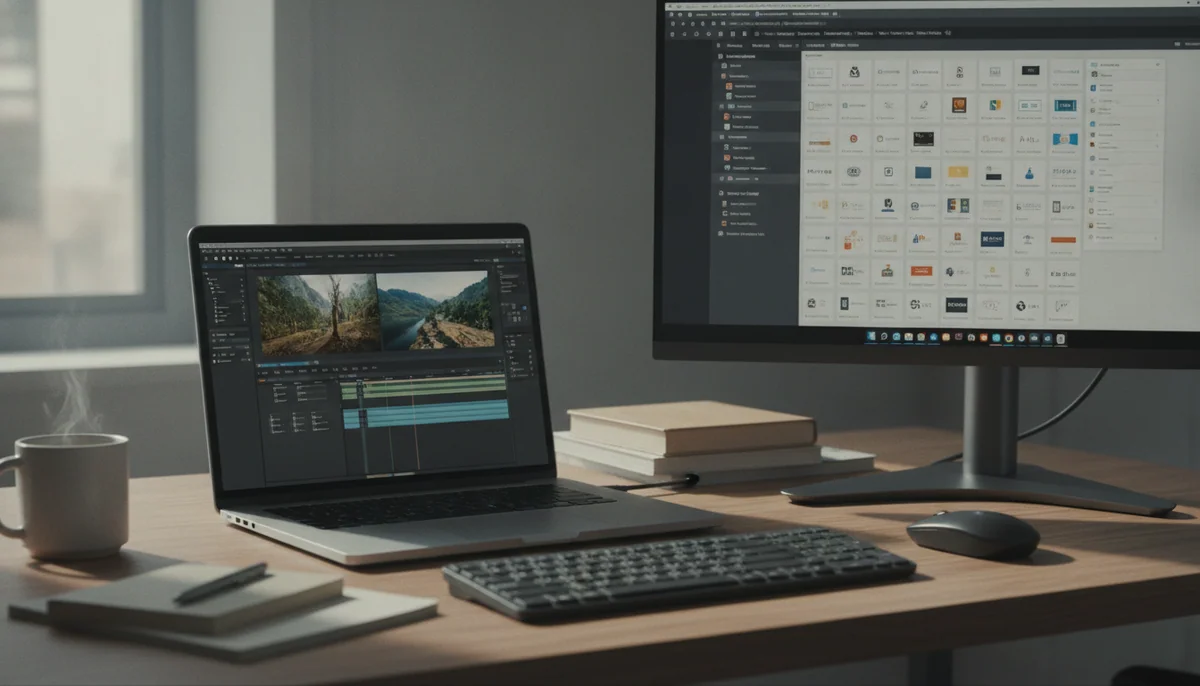
Sixteen gigabytes is the sensible MacBook default, not the compromise it once was. It gives macOS enough room for a busy browser, communication apps, office software and a substantial foreground task without making most buyers pay for capacity they will rarely touch. The extra 8GB becomes worthwhile when several demanding applications must stay active together, or when one application can consume a large memory pool by itself.
The decision matters because a MacBook cannot be upgraded later. Unified memory is integrated into Apple silicon, and the internal storage is fixed too. External drives can rescue a crowded SSD; no dock, cloud plan or repair shop can turn a 16GB MacBook into a 24GB one.
Start with 16GB
Choose it for essays, spreadsheets, research, web applications, calls, entertainment, mainstream programming, ordinary photo editing and occasional video work. This is also the better choice when the upgrade would be purchased only to soothe a vague fear about the future.
Move to 24GB
Choose it for several virtual machines, a substantial container stack, large Adobe projects, complex timelines, big sample libraries, 3D scenes or local AI models. These workloads can make the additional capacity useful today rather than hypothetically useful years from now.
The number matters less than what must remain open
Memory holds the applications, documents and working data the processor needs quickly. A light user may have Mail, a browser, Messages and a document editor open all day without approaching the practical limit of 16GB. A developer can consume much more before writing a line of code because an IDE, browser, Docker containers, local databases and test services all want space at once.
Creative work follows the same rule. Editing a set of ordinary photographs is not equivalent to keeping several large layered files open, and trimming a short video is not equivalent to grading a complex multicamera timeline while motion graphics render beside it. The application name does not determine the requirement; project scale and concurrency do.
Apple’s unified-memory design lets the CPU, GPU and other accelerators use the same pool. That avoids some duplicated data and can make 16GB perform more gracefully than a simple comparison with a conventional laptop suggests. It does not create imaginary capacity. Graphics work and local AI can be especially hungry because their data must share those same 16GB with macOS and every other open application.
| Typical working session | Recommendation | What could change the answer |
|---|---|---|
| Documents, email, calls and browser tabs | 16GB | Hundreds of active tabs or unusually heavy web applications |
| University work and general research | 16GB | Engineering software, virtual machines or a course built around large data sets |
| Programming with an IDE and local services | 16GB for mainstream projects | Several containers, emulators, databases or virtual machines running together |
| Photography and graphic design | 16GB for moderate projects | Large layered files, huge catalogs, batch processing or several creative apps at once |
| Video and music production | 24GB for regular professional work | Simple edits and compact sessions can remain comfortable in 16GB |
| Local AI and multiple virtual machines | 24GB minimum direction | Large models or ambitious virtualization may require more than either choice |
| Streaming, shopping and household administration | 16GB | Nothing in this workload justifies 24GB by itself |
Swap is a safety net, not another kind of memory
When physical memory fills, macOS can compress data and move less active material to the SSD. This swap process is one reason a 16GB Mac does not immediately fail when a working session briefly asks for more. Fast Apple storage can make the transition feel remarkably unobtrusive.
Swap is still slower than unified memory, and heavy reliance on it can introduce pauses when applications repeatedly pull data back into active use. It also occupies SSD capacity. A brief swap spike during an export is not a crisis; persistent swapping during the central task of every day is evidence that the configuration is undersized.
Do not use a heroic benchmark or a carefully staged demonstration to decide this. Open the applications that define your heaviest normal hour, load a real project, then inspect Memory Pressure in Activity Monitor. A graph that stays green with modest swap use supports 16GB. Repeated yellow pressure, rising swap and visible reloads support buying more.
“Future-proofing” needs a job description
Buying more memory can extend useful life when the workload is already growing in a predictable direction. A student beginning an engineering course, a photographer moving into larger commercial projects or a developer adopting more local services can make a defensible forecast. Paying for 24GB because software might become heavier someday is weaker reasoning, especially when the same money could fund storage, a better display, needed accessories or simply remain unspent.
Operating-system updates and ordinary applications will evolve, but that does not mean every 16GB MacBook is on a countdown to inadequacy. The 16GB Air configurations covered here are already credible long-term machines for mainstream work. The risk rises when a buyer expects one laptop to absorb a new professional specialty without knowing what that specialty demands.
There is also a ceiling to the 24GB recommendation. Large language models, complex 8K projects, several substantial virtual machines and professional 3D scenes can exceed it. If your real work already sits in that category, the decision is not between 16GB and 24GB; it is between a higher-memory MacBook configuration and a different workstation strategy.
Choose the MacBook after choosing the memory
Memory capacity does not correct a mismatch elsewhere. A 24GB MacBook Air remains fanless, so it cannot sustain peak performance like an actively cooled MacBook Pro. A 16GB MacBook Pro adds an excellent XDR display, professional ports and cooling, but its Pro badge does not make the fixed memory pool larger. Screen size is another separate decision, covered in our guide to choosing a 13, 14, 15 or 16-inch MacBook.
Start with the work, settle the capacity, then choose the chassis. The MacBook Air versus MacBook Pro comparison explains when cooling, ports and display quality justify the heavier machine, while the best MacBooks guide places those trade-offs across the wider range.
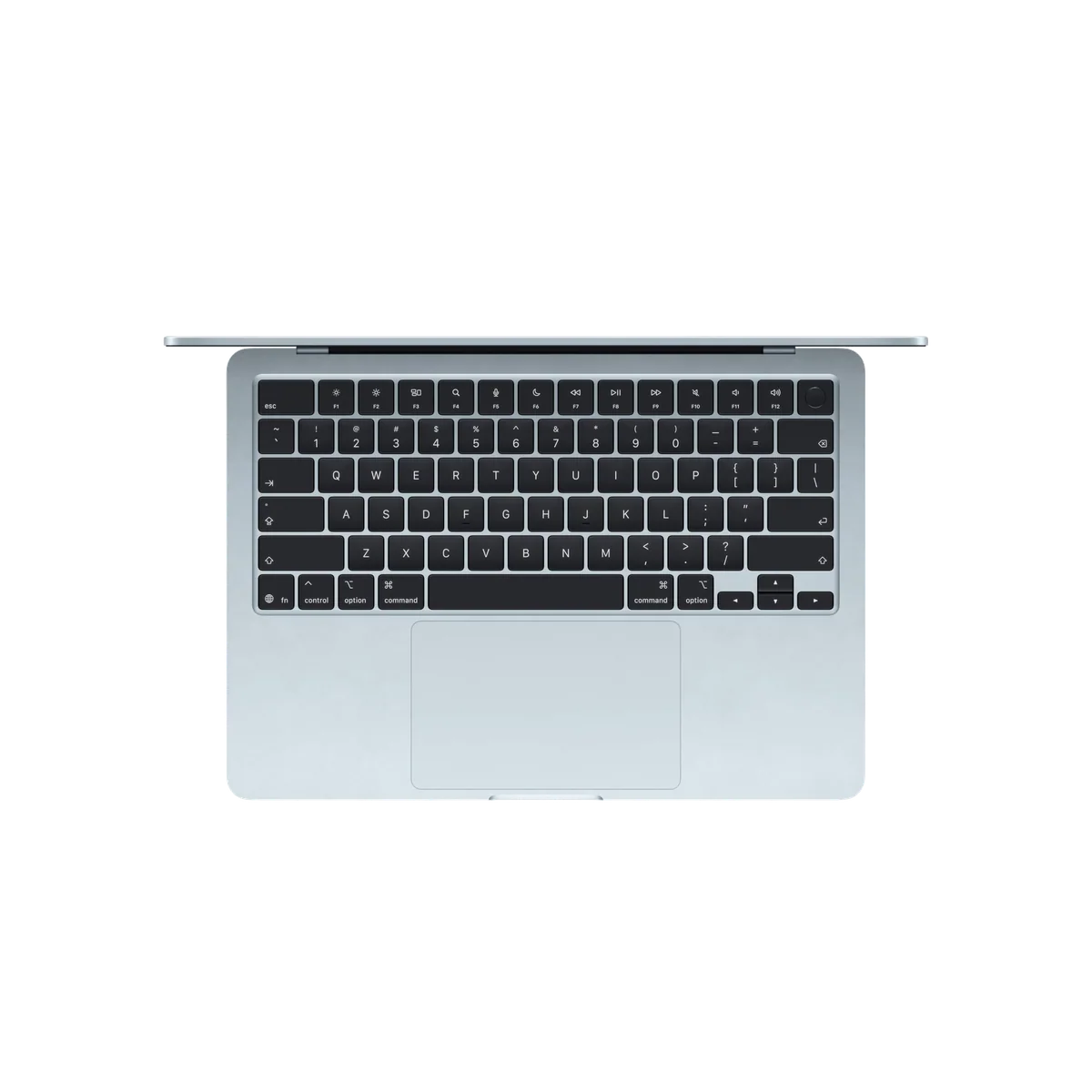
The 13-inch MacBook Air M5 with 16GB is the default choice for portable everyday work.
Choose it when documents, research, coding and moderate creative work need a fast, silent laptop that is easy to carry.
Its 60Hz display, two-port layout and fanless performance ceiling are more consequential drawbacks than its 16GB memory for mainstream users.
The 15-inch MacBook Air M5 with 16GB is the better everyday choice when the laptop screen is the main workspace.
Choose it for large spreadsheets, side-by-side documents and moderate creative work when a bigger canvas matters more than minimum carrying weight.
Its broad footprint is awkward in tight spaces, and the 60Hz IPS panel and fanless chassis remain real limits.
The 14-inch MacBook Pro M5 with 16GB suits buyers who need Pro hardware without a memory-heavy workload.
Choose it when the XDR display, HDMI, SDXC slot and active cooling solve specific workflow problems and 16GB has already proved sufficient.
The fixed 16GB configuration sits awkwardly between a lighter Air and higher-memory Pro models built for genuinely demanding work.
The 16-inch MacBook Pro M5 Pro with 24GB is the workstation choice for sustained professional work.
Choose it when long builds, exports, local processing and a large built-in display save enough working time to justify the size.
It is heavy and excessive for routine computing, while 24GB can still restrict large local models, extensive virtualization and complex 8K projects.
Specs & Screens would send most buyers toward one of the 16GB Air models. The 14-inch Pro makes sense only when its screen, cooling and ports have a job, while the 24GB 16-inch Pro belongs to people whose work can exploit both the memory and the workstation around it. Buying 24GB inside an unsuitable MacBook is not prudence; it is an expensive way to optimize the wrong machine.
The final decision
Choose 16GB if your demanding work is occasional, your normal day centers on browser and office applications, or you cannot name the process that will consume the extra capacity. Choose 24GB if heavy applications regularly overlap, Activity Monitor already shows sustained pressure, or local models and virtualized environments are part of the job rather than an experiment.
If the evidence is genuinely balanced, protect the memory because the decision is permanent. If the only argument for 24GB is that more must be better, keep the money. Most MacBook buyers need a well-chosen 16GB machine far more than they need an additional 8GB sitting idle.
Frequently Asked Questions
Is 16GB enough for a MacBook used for college?
Yes, 16GB is enough for most coursework, research, writing, calls and programming, although engineering software, virtual machines and large data projects can justify 24GB.
Is 16GB enough for programming?
Yes, 16GB handles mainstream development well, but several containers, device emulators, local databases and virtual machines can make 24GB worthwhile.
Should a video editor choose 24GB?
A regular video editor should favor 24GB for complex timelines and overlapping creative applications, while occasional compact projects can remain practical on 16GB.
Does unified memory make 16GB equivalent to 32GB of ordinary RAM?
No, unified memory can reduce duplication and improve efficiency, but it does not double physical capacity or remove the limits of a 16GB pool.
Can a MacBook’s memory be upgraded after purchase?
No, current MacBook memory is integrated and must be chosen before purchase.
Will using swap damage a MacBook’s SSD?
Normal swap use is expected and not a reason for alarm, but constant heavy swapping signals insufficient memory and adds avoidable storage writes.
Is 24GB enough for local AI?
Twenty-four gigabytes suits smaller and quantized local models, but larger models, long contexts and concurrent applications can require substantially more capacity.
Is more memory or more storage the better upgrade?
Choose memory first when the workload needs it because capacity cannot be added later, while external drives can expand storage.