Buy the 13-inch MacBook Air unless a larger screen solves a problem you already have
MacBook size is not a ladder on which every higher number is automatically better. It is a trade between visible workspace, display quality, portability and performance class. The 13-inch and 15-inch machines are MacBook Airs with sharp but conventional 60Hz screens, while the 14-inch and 16-inch machines are MacBook Pros with brighter 120Hz XDR displays, active cooling and more connections.
That distinction creates two separate decisions. First decide whether an Air or a Pro fits the work. Then choose the smaller or larger body within that family. Jumping directly from “I want more screen” to a 16-inch Pro can turn a sensible workspace preference into an expensive, heavy workstation purchase.
MacBook Air
Best default: the easiest MacBook to carry and the right choice for documents, browsing, study, coding and ordinary professional work.
Honest drawback: its 13.6-inch 60Hz display can feel cramped beside a larger workspace and dated beside a Pro panel.
MacBook Air
Best big-screen value: the most sensible choice when the laptop display will be the main place you work.
Honest drawback: its wide footprint travels less gracefully, and the larger panel does not improve the Air’s 60Hz refresh or limited contrast.
MacBook Pro
Best compact display: the portable choice for buyers who need 120Hz motion, HDR, active cooling, HDMI and an SD card slot.
Honest drawback: the standard M5 configuration sits awkwardly between a lighter Air and genuinely faster Pro-chip models, while its memory cannot be upgraded.
MacBook Pro
Best mobile workstation: the expansive choice for sustained video, development, photography and other demanding macOS work.
Honest drawback: the computer alone weighs about 4.7 pounds, and this 24GB configuration can still become a hard ceiling for large local models or virtualized workloads.
Start with the table, then argue with it
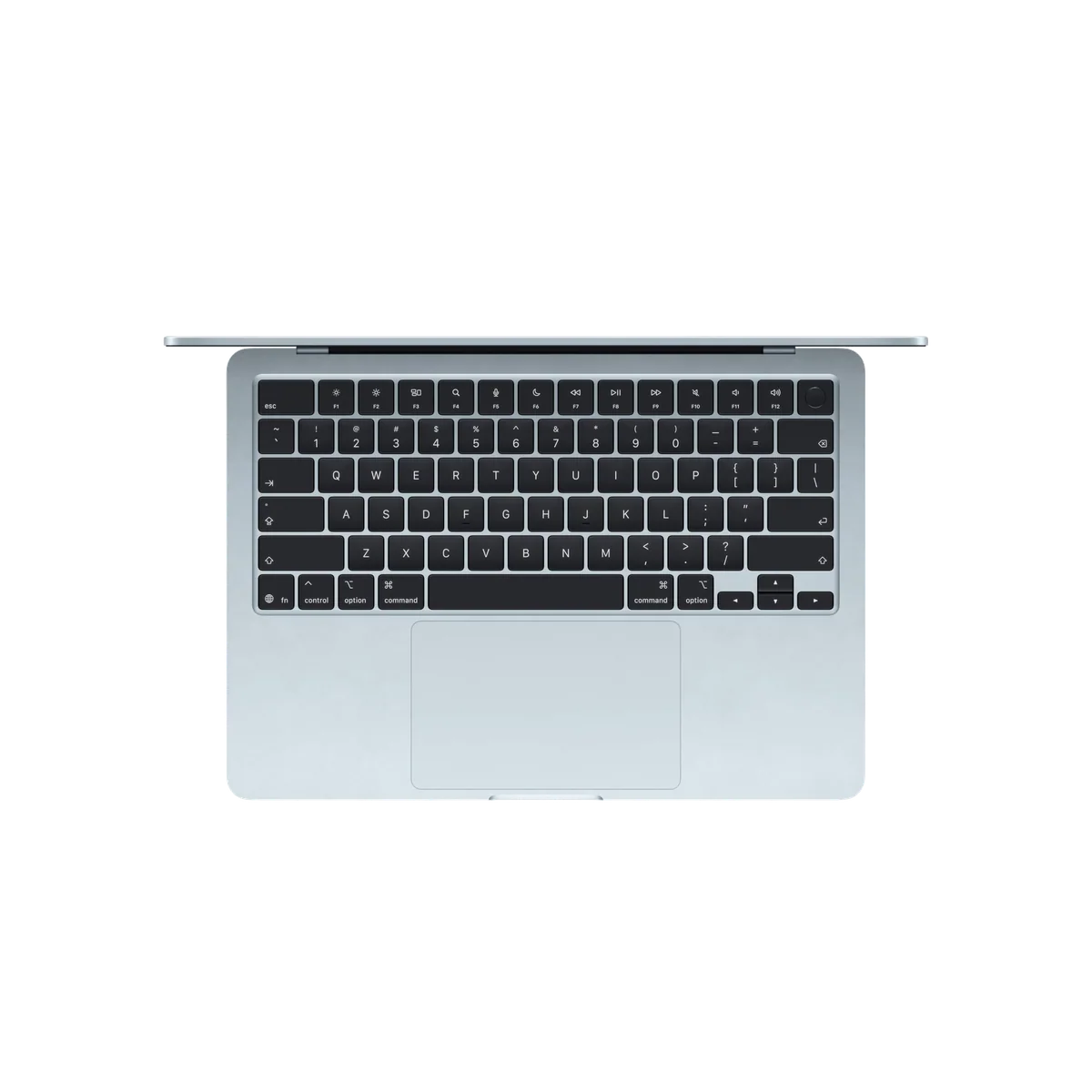
This is the shortest defensible answer. The table deliberately separates physical size from product tier because the 15-inch Air has more area than the 14-inch Pro, but the 14-inch Pro has the substantially better display and more capable chassis.
| MacBook | Screen character | Best setting | Main compromise |
|---|---|---|---|
| 13-inch Air | 13.6-inch Liquid Retina, 60Hz | Commutes, classes, travel and compact desks | Least room for split-screen layouts |
| 14-inch Pro | 14.2-inch Liquid Retina XDR, up to 120Hz | Portable creative and development work | More computer than routine work requires |
| 15-inch Air | 15.3-inch Liquid Retina, 60Hz | Desk work without a permanent monitor | Wide body, basic ports and no sustained-load cooling |
| 16-inch Pro | 16.2-inch Liquid Retina XDR, up to 120Hz | Professional work that moves between dependable locations | Heavy, large and excessive for mainstream use |
If none of the exceptions in the table describes your day, stop at the 13-inch Air. Its compact body is not a punishment model. It offers the same basic M5 responsiveness as the larger Air, starts with 16GB of memory and a 512GB SSD in the configuration covered here, and can support two external displays when a desk needs more room. Its size saves weight on every journey, whereas extra screen area helps only when the lid is open.
The 13-inch Air wins by being easy to live with
The smallest current MacBook is the most practical one for people who regularly move it. At 2.7 pounds, it is light enough to disappear into a daily bag and compact enough for lecture desks, trains, cafés and airplane trays. A larger laptop may still fit in those places, but fitting is not the same as working comfortably.
Its workspace is sufficient for one focused application, a browser beside notes, or an editor with a modest collection of panels. macOS can arrange two windows on it, but the text and controls become smaller than many people will enjoy. Buyers who spend long hours in wide spreadsheets, dense timelines or two documents side by side are not being precious when they want more room; they are identifying a recurring constraint.
The screen itself is the 13-inch Air’s largest weakness. It is crisp, color-capable and bright enough for normal indoor work, but 60Hz scrolling looks less fluid than the Pro’s adaptive 120Hz motion. It also lacks the Pro panel’s convincing HDR highlights and deep mini-LED blacks. The problem is not that the Air’s display is bad. The problem is that a premium laptop can look conservative beside high-refresh alternatives.
Choose it anyway when portability appears in your calendar several times a week. A laptop carried through airports, between classes or from client to client benefits from being smaller every minute it is closed. Owners in the retained feedback repeatedly described the 13-inch workspace as less restrictive than they had feared, including buyers who moved down from a 15-inch machine.
The full 13-inch MacBook Air M5 review examines its performance, battery behavior and fanless limits, while the site’s student MacBook recommendations address the configuration choices that matter beyond screen size.
The 15-inch Air is for people who work on the laptop itself
The 15-inch Air is not the more powerful answer to the 13-inch Air. It is the more spacious answer. Its 15.3-inch panel gives menus, sidebars, spreadsheets and timelines room to remain visible without making the useful content feel squeezed. Research can sit beside a draft, an IDE beside documentation, and a video preview beside editing controls with fewer compromises.
That makes it the best large MacBook for mainstream buyers. It preserves the Air’s silence, strong everyday speed and relatively thin construction without charging the body, cooling and port penalty of a Pro workstation. Its six-speaker system is also stronger than the four-speaker arrangement in the smaller Air, which matters if the laptop regularly handles films, music or presentations without external audio.
The extra area does not transform the panel technology. It remains a 60Hz IPS display, so buyers are enlarging the Air experience rather than upgrading to the Pro experience. Blacks cannot match mini-LED or OLED, HDR lacks the Pro’s impact, and motion remains visibly less fluid for anyone accustomed to a high-refresh phone, tablet or monitor.
The physical compromise arrives before any benchmark. A 15-inch machine needs a larger bag, more table depth and more lap room. Its approximately 3.33-pound weight is still reasonable, but the broad footprint can be awkward in cramped places. Thinness helps in a bag; it cannot shrink an airplane tray.
Buy the 15-inch Air when you do not expect to connect a large monitor at most working locations. If the MacBook spends every day docked, the 13-inch Air can drive the same external workspace while remaining easier to carry home. Our direct comparison of the 13-inch and 15-inch MacBook Air goes deeper into that one decision, and the 15-inch Air review covers the exact M5 configuration.
The 14-inch Pro is a display upgrade, not merely another inch
The jump from a 13.6-inch Air to a 14.2-inch Pro adds little diagonal space. What changes is the quality and capability surrounding that space. The Pro uses a high-resolution mini-LED XDR display with adaptive refresh up to 120Hz, stronger HDR, much higher peak brightness for appropriate content and deeper blacks. Scrolling looks smoother, HDR footage has genuine highlight intensity, and color-critical work receives a more capable built-in canvas.
The chassis also gains active cooling, three Thunderbolt ports, HDMI, an SDXC slot and a more substantial speaker system. Those features make the 14-inch Pro a compact production tool rather than an Air with a nicer panel. Photographers can ingest cards without a reader, presenters can connect HDMI without a hub, and sustained exports do not face the same fanless thermal ceiling.
None of that makes the standard M5 model the automatic middle choice. Its exact 16GB/1TB configuration cannot be upgraded later, and 16GB may be the wrong stopping point for large virtual-machine stacks, ambitious local AI, complex multicamera work or long ownership under growing professional demands. Meanwhile, routine documents, browsers, calls and moderate editing rarely justify the extra hardware over an Air.
That is why the 14-inch Pro should be chosen by a feature you can name. Buy it because the XDR display changes visual work, the ports remove daily friction, or active cooling protects sustained output. Do not buy it because 14 falls between 13 and 15. The 14-inch MacBook Pro M5 review explains why this otherwise excellent laptop occupies an awkward position, and the Air versus Pro comparison resolves the broader tier question.
The 16-inch Pro must repay its weight in work
The 16.2-inch Pro is the closest current MacBook comes to a transportable desktop. Its display can hold a substantial timeline, code editor or photograph without forcing every supporting panel into a narrow strip. The larger body also gives demanding hardware room to sustain performance, while the M5 Pro configuration covered here adds 24GB of unified memory, three Thunderbolt 5 ports and support for as many as three external displays.
This is the right size for an editor, photographer, developer or other professional who works away from a permanent monitor and regularly waits for long builds, exports or local processing. It can also suit somebody who moves between a home studio and an office but wants one complete workstation at both ends.
It is a poor status purchase. The laptop weighs about 4.7 pounds before its large power adapter, sleeve, drive or cables enter the bag. Its footprint is inconvenient on small tables, and routine applications gain little from the M5 Pro’s sustained throughput. A 15-inch Air provides nearly as much diagonal workspace for mainstream tasks in a substantially easier package.
The exact 24GB configuration also deserves skepticism from buyers attracted by its AI or virtualization credentials. Unified memory is fast, but every local model, cache, virtual machine and application draws from the same permanent pool. External storage can expand the 1TB SSD’s practical capacity; no accessory can turn 24GB into 48GB later.
Buy the 16-inch model when the built-in display will replace a monitor often enough to matter and the processor will save real working time. Choose a smaller Pro when most heavy work happens at a dock, or an Air when heavy work is only an occasional possibility. The 16-inch M5 Pro review covers the workstation in detail, while the M5 versus M5 Pro guide helps determine whether the processor tier is justified.
Choose for the smallest place you regularly work
A showroom table flatters large screens. It gives every laptop abundant depth, hides the charger and never asks the machine to share space with a drink, notebook or airplane meal. Your recurring workspace is a better test.
The five-minute decision audit
- List the three places where the MacBook will open most often.
- Mark whether each place has an external monitor or enough depth for a large chassis.
- Open your busiest real application and note whether it needs two visible documents, a wide timeline or several permanent panels.
- Decide whether 120Hz, HDR, HDMI, SDXC or active cooling solves a current problem rather than a hypothetical one.
- Choose the smallest model that passes those tests without forcing uncomfortable scaling or constant window shuffling.
Eyesight matters as much as application layout. A larger screen can make text more comfortable without reducing the amount of content visible, whereas increasing text size on the 13-inch display consumes workspace. Buyers who already enlarge interface text should give the 15-inch Air and 16-inch Pro more weight than a young, sharp-eyed reviewer might.
An external monitor changes the equation in the opposite direction. If demanding work happens mainly at a permanent desk, the smaller laptop is often the better complete system because it becomes portable when undocked and expansive when connected. Paying to carry a large internal display that stays closed during the hardest work is rarely efficient.
Do not confuse screen size with memory or speed
Screen area cannot rescue an underconfigured computer, and more memory cannot make a cramped screen larger. Treat the choices independently. The Air configurations covered here include 16GB of unified memory and 512GB of storage, the standard 14-inch Pro includes 16GB and 1TB, and the 16-inch M5 Pro includes 24GB and 1TB. All are fixed after purchase.
Sixteen gigabytes is a sound baseline for mainstream study, office work, browser-heavy research, coding and moderate creative jobs. Twenty-four gigabytes provides more room for demanding applications, but it is not limitless workstation memory. Readers whose decision is being driven by virtual machines, Adobe projects, containers or local models should settle capacity through the site’s guide to MacBook memory requirements rather than using a larger chassis as a proxy.
The same principle applies to refresh rate. A buyer who wants smoother motion and better HDR should not assume the 15-inch Air improves on the 13-inch Air merely because its screen is larger. Both remain 60Hz. The separate explanation of when a 60Hz display is good enough is the right next step if panel quality, rather than physical workspace, is holding up the purchase.
The final answer
Buy the 13-inch MacBook Air if you want a MacBook rather than a mobile workstation and cannot name a recurring layout that needs more room. It is the easiest model to carry, powerful enough for serious mainstream work and capable of becoming a large desktop setup through external displays.
Buy the 15-inch Air when the laptop’s own screen is your primary workspace and split-screen documents, spreadsheets or timelines are part of every week. Accept that you are getting a larger 60Hz Air display, not a Pro display.
Buy the 14-inch Pro when display quality, HDR, smoother motion, ports or sustained cooling matters more than maximum canvas size. Buy the 16-inch Pro only when demanding work needs both the Pro hardware and a large built-in workspace away from a monitor.
Everyone still uncertain should return to the default rather than spending upward through doubt. The 13-inch Air creates the least physical friction, and a future external display can add workspace in a way that no accessory can remove weight from an oversized laptop. Readers who want to compare the entire range can continue with the best MacBooks guide.
Frequently Asked Questions
Is a 13-inch MacBook too small for serious work?
No, it is comfortable for focused documents, browsing, coding and study, although frequent split-screen work and dense timelines favor a larger display.
Is the 15-inch MacBook Air more powerful than the 13-inch model?
Not in the way most buyers mean, because its defining advantage is the larger workspace rather than a different performance class.
Does the 14-inch MacBook Pro have a better screen than the 15-inch MacBook Air?
Yes, the 14-inch Pro offers mini-LED XDR, HDR capability and adaptive refresh up to 120Hz, while the larger Air uses a 60Hz IPS-class Liquid Retina panel.
Should I buy a 15-inch Air or a 14-inch Pro?
Choose the 15-inch Air for more workspace and lighter mainstream computing, or the 14-inch Pro for better display quality, ports and sustained performance.
Is the 16-inch MacBook Pro too heavy for travel?
It can travel, but its roughly 4.7-pound body and large charger make it a burdensome daily carry compared with the smaller MacBooks.
Which MacBook size is best for students?
The 13-inch Air is the best default for students because it balances usable workspace with the lowest carrying burden.
Which size is best for programming?
The 13-inch Air suits highly mobile coding, the 15-inch Air improves side-by-side documentation, and a Pro becomes worthwhile when large builds or demanding development environments require active cooling and more memory.
Which MacBook size is best for video editing?
The 14-inch Pro balances display quality and portability, while the 16-inch Pro is better when its larger timeline and sustained performance will be used away from an external monitor.
Should I buy a smaller MacBook if I already own a monitor?
Usually yes, because a smaller MacBook provides the same desk-sized external workspace while remaining easier to carry when undocked.
Does a larger MacBook last longer?
Not automatically, because useful life depends more on memory, storage, workload growth, battery wear and software support than on diagonal screen size.