MacBook Air 13 or 15: buy the 13-inch unless the larger screen is your daily workspace
Choose the 13-inch MacBook Air for most people because it preserves nearly all of the 15-inch model’s capability at 2.7 pounds, and choose the 15-inch only when a larger built-in workspace will improve your work more often than its broader, heavier body will inconvenience you.

Apple MacBook Air 13-inch M5
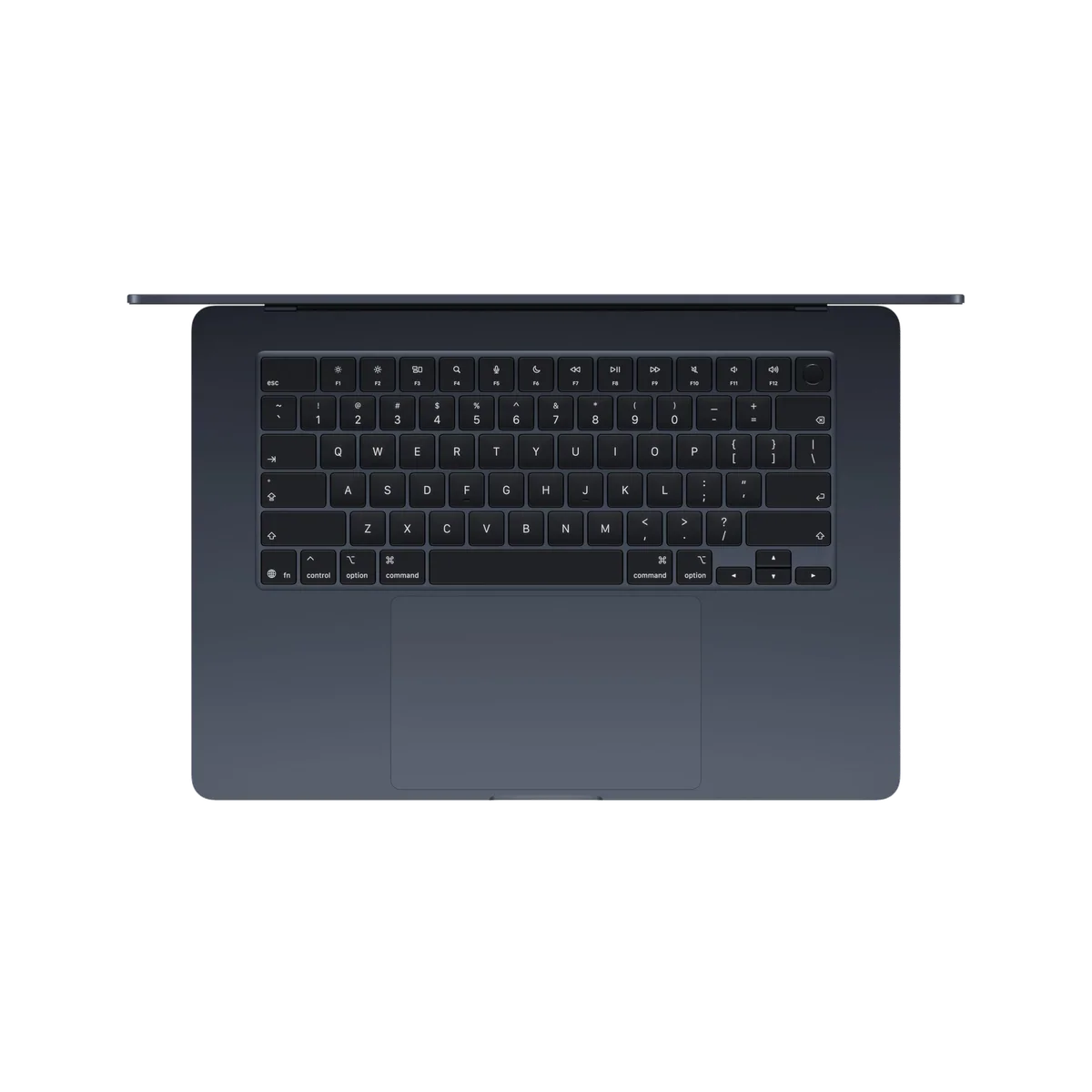
Apple MacBook Air 15-inch M5
This is not a contest between the weak MacBook Air and the powerful one. Both M5 models are fast, silent laptops with 16GB of unified memory, a 512GB SSD, MagSafe, two Thunderbolt 4 ports, Wi-Fi 7, Touch ID and support for two external displays. Both also carry the same awkward compromises: a 60Hz IPS screen, no HDMI or card reader, no memory or storage upgrades after purchase, and fanless cooling that gives up speed during long, punishing workloads.
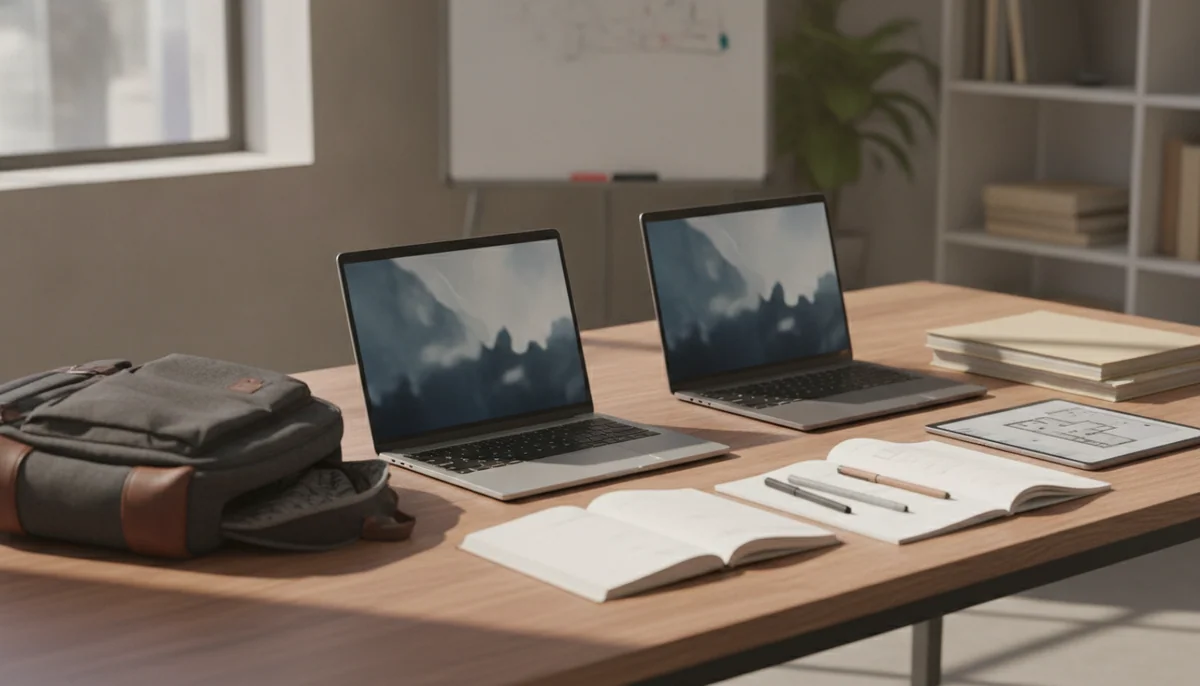
Size is the decision. The 13-inch Air is the better laptop to move between home, class, work, cafés and airport gates. The 15-inch Air is the better laptop to leave open on a desk when the built-in display must carry a spreadsheet, an editing timeline or two useful windows without help from a monitor.
Buy the 13-inch Air when the computer travels regularly, works on small surfaces or will connect to a larger monitor at a desk.
Buy the 15-inch Air when the laptop screen is your primary workspace and split-screen comfort matters every working day.
If neither description fits because your work involves recurring long renders, large code builds, complex 3D scenes or sustained local-AI jobs, screen size is not the problem to solve. A fan-cooled machine is the safer direction, and the site’s MacBook Air and MacBook Pro comparison explains where the Pro’s cooling, ports and display begin earning their weight.

Apple MacBook Air 13-inch M5
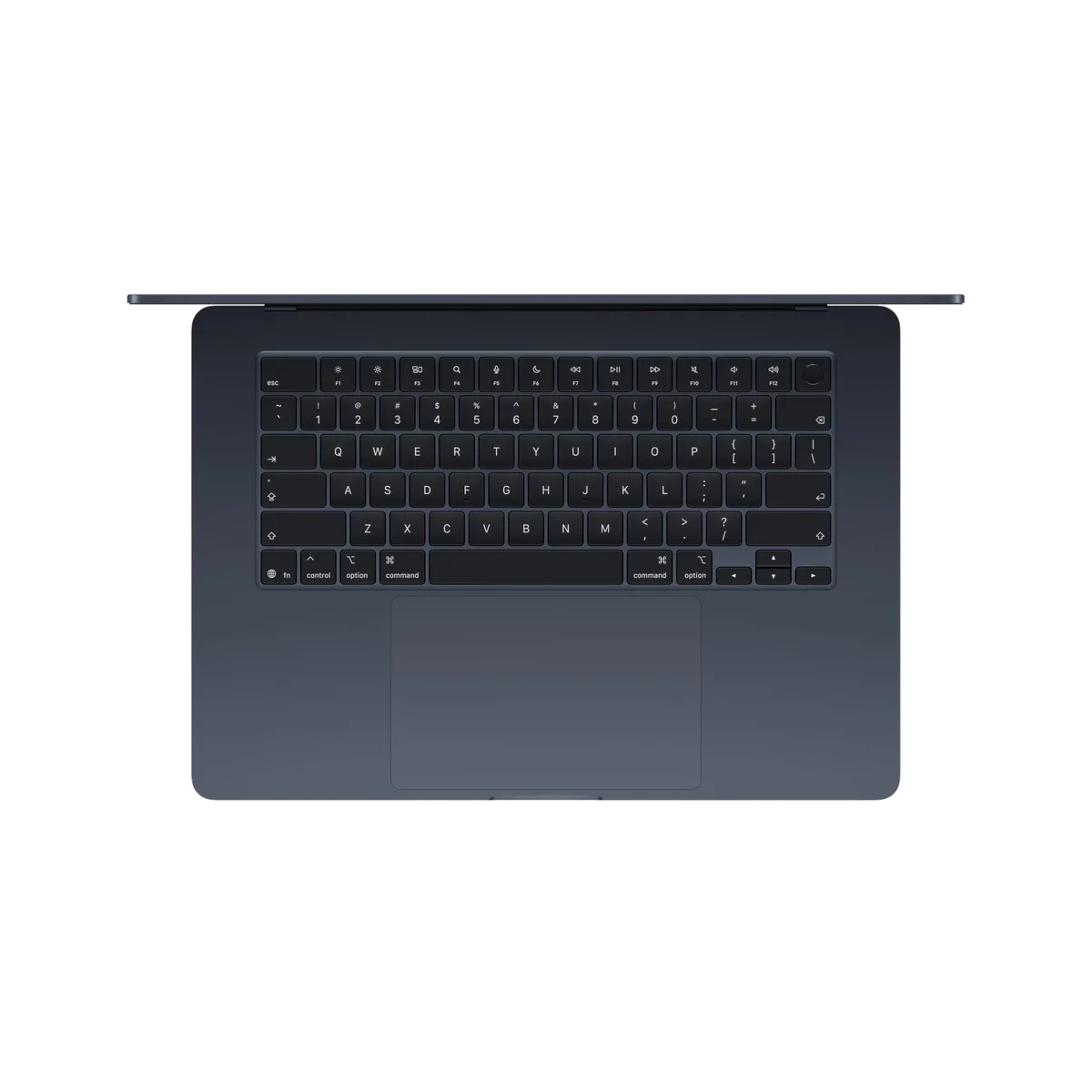
Apple MacBook Air 15-inch M5
At a Glance
| Feature | Apple MacBook Air 13-inch M5 | Apple MacBook Air 15-inch M5 |
|---|---|---|
| Price Range | — | — |
| Finish | Sky Blue | Midnight |
| Screen size | 13" | 15" |
| Check Price on Amazon | Check Price on Amazon |
Two inches change the workspace, not the job description
The 13-inch model uses a 13.6-inch display in a body that weighs 2.7 pounds. The 15-inch stretches the panel to 15.3 inches and the weight to about 3.33 pounds. An extra 0.63 pounds sounds minor on a specification sheet, but the larger machine also occupies more horizontal and vertical space. Bags, airplane trays and café tables notice area as readily as shoulders notice weight.
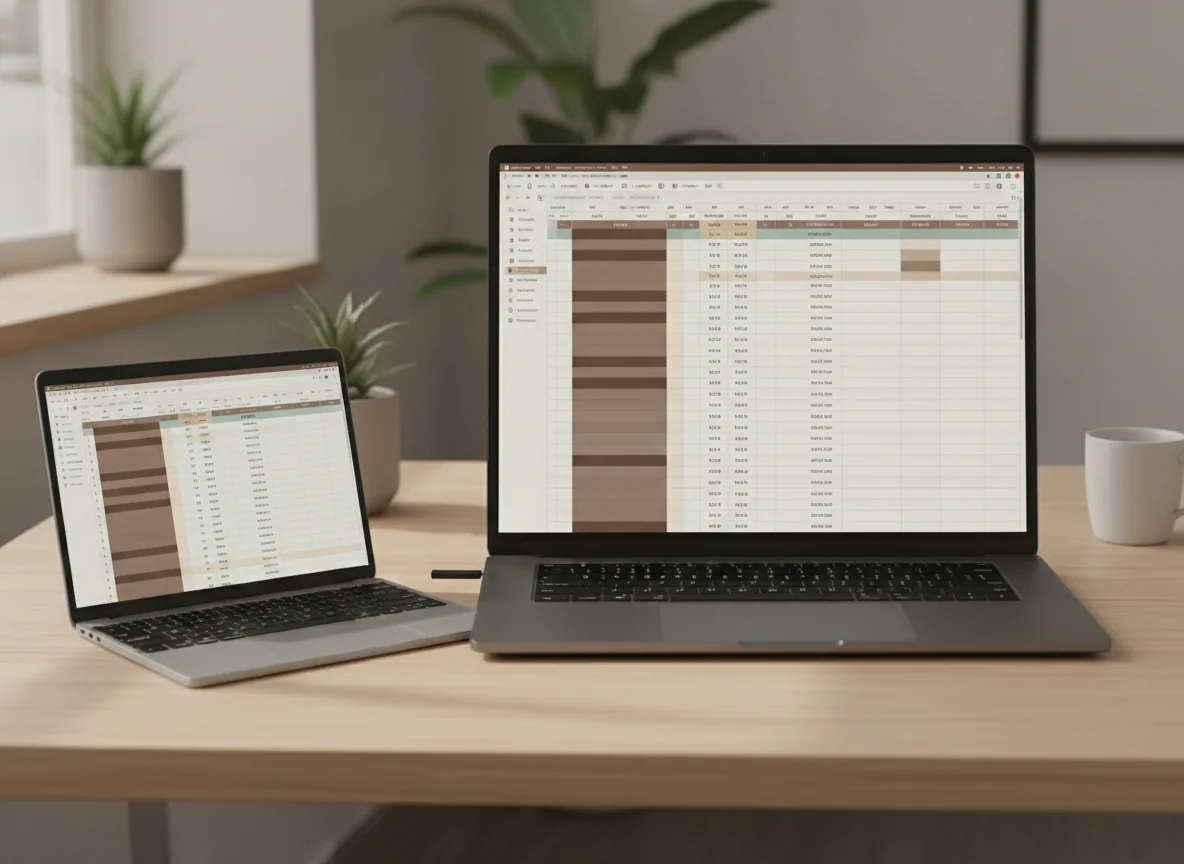
The 15-inch display is roughly 13 percent larger by diagonal measurement, but diagonal inches understate the practical gain because the extra area appears in both dimensions. Tool palettes can remain visible beside a document, spreadsheets reveal more columns, and two windows feel less like reluctant roommates. For a buyer who does not own an external monitor, that space can improve every work session.
The 13-inch screen is not cramped by default. It is large enough for writing, browsing, coding, calls and ordinary photo work, particularly when macOS spaces, full-screen apps and sensible window arrangements are already part of the routine. Retained owners who moved down from a 15-inch machine repeatedly described the smaller model as more usable than they had feared, while praising how little they noticed it in a bag.
| Decision point | 13-inch Air | 15-inch Air |
|---|---|---|
| Built-in workspace | Comfortable for one main window or compact split-screen layouts | Better for wide sheets, timelines and persistent side-by-side windows |
| Weight | 2.7 pounds | About 3.33 pounds |
| Small surfaces | Easier on trays, lecture desks, café tables and laps | Broad enough to become awkward outside a proper desk |
| Speakers | Capable four-speaker system | Fuller six-speaker system |
| Graphics configuration | Base listing ordinarily uses an 8-core GPU | Base listing uses a 10-core GPU |
| Best setting | Frequent movement or a desk with an external monitor | A fixed desk where the laptop display does most of the work |
The 15-inch screen is bigger, not better technology
Both Liquid Retina displays are sharp, bright and broadly color-capable, and either can look excellent during documents, web work, photographs and ordinary video. Neither is a modern showcase panel. Both refresh at 60Hz, use IPS rather than OLED or Mini-LED, and lack the deep blacks, fluid motion and meaningful HDR presentation available from a MacBook Pro or some competing laptops.
That matters because paying for the 15-inch model does not buy a display-quality upgrade. It buys more of the same display. Readers who dislike 60Hz scrolling or expect premium HDR should not assume the larger panel fixes the objection; the guide to whether 60Hz is good enough is the useful decision before choosing either size.
Buyers moving from an ordinary office laptop may find both panels crisp, bright and satisfying. Buyers accustomed to ProMotion, OLED or a recent high-refresh monitor are more likely to notice the limitation immediately. Personal history changes the annoyance, but it does not change the hardware.
Performance is close enough that portability should win the tie
The M5 gives both machines exceptional short-task speed for browsing, office work, study, software development, photo editing and intermittent creative jobs. The 15-inch listing includes two additional GPU cores, which can help graphics work, but that difference does not turn it into a workstation. Both models are fanless, so neither can preserve its peak processor and graphics output indefinitely under sustained heavy load.
In practice, documents do not open more meaningfully on the 15-inch machine, browser tabs do not become more legitimate, and ordinary code does not acquire professional status because the chassis is wider. The larger model’s performance advantage is a secondary benefit for moderate graphics work. Its screen remains the real reason to buy it.
The shared 16GB of memory and 512GB of storage form a sensible mainstream configuration. They suit substantial browser use, Office, university work, coding and moderate creative projects, but memory and storage are soldered. Buyers with virtual machines, large Adobe projects, extensive sample libraries or local AI models should settle the configuration before checkout, using the site’s guide to choosing MacBook memory rather than treating physical size as a performance upgrade.
Battery life does not rescue the larger model from its footprint
Both machines support excellent full-day endurance under moderate work, while Apple’s advertised ceiling depends on favorable conditions. Independent testing of the 13-inch model reached roughly 15.5 to 18 hours in controlled browsing or video workloads, and testing of the 15-inch model produced similarly strong results under restrained brightness. Calls, exports, games, high brightness and local AI reduce those figures.
The useful conclusion is not that one size wins battery life. It is that either can travel through a normal working day, so the smaller model keeps its portability advantage without demanding a major endurance sacrifice.
The 15-inch sounds better, but both share the same port problem
The 15-inch model’s six-speaker system is fuller and more convincing than the four-speaker arrangement in the 13-inch Air. That is a worthwhile improvement for films, music and presentations when headphones or external speakers are absent. It is still an accessory benefit rather than a reason to carry the larger chassis if the screen itself is unnecessary.
Port selection is identical where it hurts. Each Air has MagSafe, two Thunderbolt 4 connections on the left and a headphone jack on the right, with no built-in HDMI, SD-card reader, Ethernet or USB-A. Both can drive two external displays, but a desk with cameras, wired networking, removable storage or several peripherals will probably acquire a dock.
The two recommendations
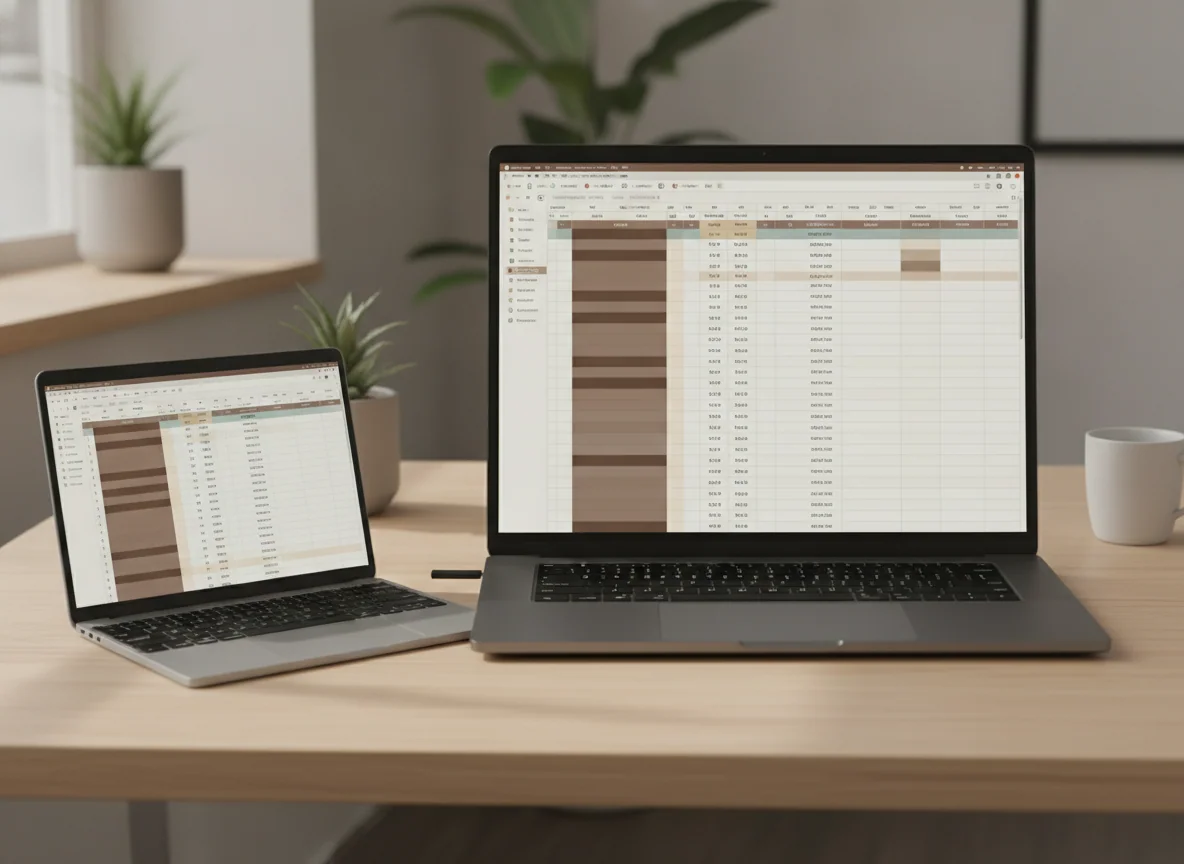
The 13-inch MacBook Air M5 is the better default for mobile work.
It preserves the M5 Air’s speed, silence, battery endurance and useful 16GB/512GB baseline in the 2.7-pound body that best fulfills the Air’s purpose.
Its 13.6-inch 60Hz screen feels constrained for persistent split-screen work, and its base graphics configuration is weaker than the 15-inch model’s.
The 15-inch MacBook Air M5 is the better monitor-free workstation.
Its wider canvas, 10-core GPU and six-speaker system justify the larger body for buyers who work primarily from the laptop display.
The broad 3.33-pound chassis is less comfortable on small tables and in daily travel, while the larger panel remains limited to the same dated 60Hz IPS technology.
Compare the actual configurations and totals when buying, because live offers can alter the value calculation. The recommendation itself remains stable: do not pay and carry more merely to own the larger number.

Apple MacBook Air 13-inch M5

Apple MacBook Air 15-inch M5
Choose according to where the lid opens
Students and commuters
The 13-inch model is the stronger choice for most students because it fits crowded desks, moves easily between rooms and leaves less dead weight in a bag. The 15-inch becomes worthwhile for design, data or media courses when its display will replace a dorm-room monitor. More course-specific options appear in the site’s guide to the best MacBooks for students.
Writers, researchers and office workers
Choose 13 inches when the job moves between locations or when a monitor waits at the main desk. Choose 15 inches when research, notes, messages and the working document must remain visible together on the laptop itself. The second arrangement benefits from area; the first benefits from carrying less computer between sessions.
Programmers
A developer who frequently works from the laptop screen will appreciate more room for an editor, terminal and browser, so the 15-inch model earns a real advantage. A developer who docks at home or the office should usually take the 13-inch model and enjoy the same external-display support in a smaller bag. Workload and memory matter more than screen size for compilation speed, as the site’s MacBook recommendations for programming explain.
Photographers, editors and musicians
The 15-inch workspace is more comfortable for palettes, timelines and arrangements, while its additional GPU cores offer modest extra headroom. Neither Air is ideal for continuous maximum-throughput work because both throttle under prolonged load and both omit professional ports. The best MacBooks for video editing include better directions for demanding production.
Frequent travelers
Buy the 13-inch model. The 15-inch Air is thin, but thinness cannot make its lid fit neatly on an airplane tray or reclaim the space it occupies beside a drink and a notebook. Travelers who want an even broader set of portable options can consult the site’s best MacBooks guide.
Desk-based buyers without a monitor
Buy the 15-inch model if the budget permits and the 60Hz display is acceptable. This is the clearest case for sizing up because the extra canvas remains useful for every hour the machine is open, while the portability penalty is paid less often.
Why the 13-inch wins
What the 13-inch gives up
Why the 15-inch wins
What the 15-inch makes you carry
The 13-inch MacBook Air M5 is the purchase Specs & Screens would make for the broadly defined buyer because an ultraportable should first be easy to take somewhere. The 15-inch model earns its place when the larger screen replaces other equipment or removes daily window-management friction. If the argument for 15 inches begins and ends with “bigger seems nicer,” buy the 13-inch; if you can name the windows that need the space, buy the 15-inch.
Frequently Asked Questions
Is the 13-inch MacBook Air too small for serious work?
No, it is comfortable for mainstream writing, research, coding and office work, although wide spreadsheets, editing timelines and persistent split-screen layouts benefit from the 15-inch display.
Is the 15-inch MacBook Air much heavier than the 13-inch?
It weighs about 0.63 pounds more, but its broader footprint can matter as much as the added weight on small desks, trays and laps.
Is the 15-inch MacBook Air faster?
Its base configuration has two additional GPU cores, but everyday processor performance is close enough that workspace and portability should decide between them.
Does the 15-inch model have a better display?
It has a larger display rather than a more advanced one, because both models use sharp but conventional 60Hz IPS panels without the MacBook Pro’s high-refresh XDR presentation.
Does the 15-inch MacBook Air have better speakers?
Yes, its six-speaker system sounds fuller than the four-speaker system in the 13-inch model.
Which MacBook Air is better for students?
The 13-inch model is better for most students because it is easier to carry and use on small desks, while the 15-inch suits courses that benefit from a larger monitor-free workspace.
Which size is better for programming?
The 15-inch is more comfortable when an editor, terminal and browser share the built-in display, while the 13-inch is the smarter choice for developers who regularly use an external monitor.
Do both MacBook Air sizes support two external monitors?
Yes, both M5 models support up to two external displays through their Thunderbolt 4 ports.
Can either MacBook Air be upgraded later?
No, the unified memory and internal storage are soldered, so the required capacity must be selected before purchase.
Which size should a frequent traveler buy?
The 13-inch model is the clear travel choice because it is lighter and substantially easier to open on constrained surfaces.